How we make this list: we compare pricing pages, product documentation and public user reviews. Ratings come from G2, Capterra or Trustpilot, with the date we checked them.
Key takeaways
- Google Slides is the best free PowerPoint alternative, with real-time co-editing and direct PowerPoint conversion.
- Keynote is the best free option for Apple users, with polished themes and browser collaboration through iCloud.
- Gamma, Pitch and Beautiful.ai are the best AI-first alternatives, generating decks from prompts and keeping them on brand.
- Prezi is the best choice for live audiences, with polls, quizzes and Q&A built into the presentation itself.
Quick comparison
| Tool | Best for | Starting price | Free plan |
|---|
 Google Slides Google Slides | Free collaboration | Free | Yes |
 Keynote Keynote | Apple users | Free | Yes |
 Canva Canva | Design-friendly decks | Free | Yes |
 Prezi Prezi | Live audience interaction | Free | Yes |
 Pitch Pitch | Sales and team decks | Free | Yes |
 Gamma Gamma | AI-generated decks | Free | Yes |
 Beautiful.ai Beautiful.ai | Auto-designed slides | See website | No |
 Visme Visme | Visual content and infographics | Free | Yes |
Is your product missing or out of date?
We review this list regularly. Vendors can request a listing, send updated pricing or ask about featured placement.
The best PowerPoint alternatives
Starting priceFree
Free planYes
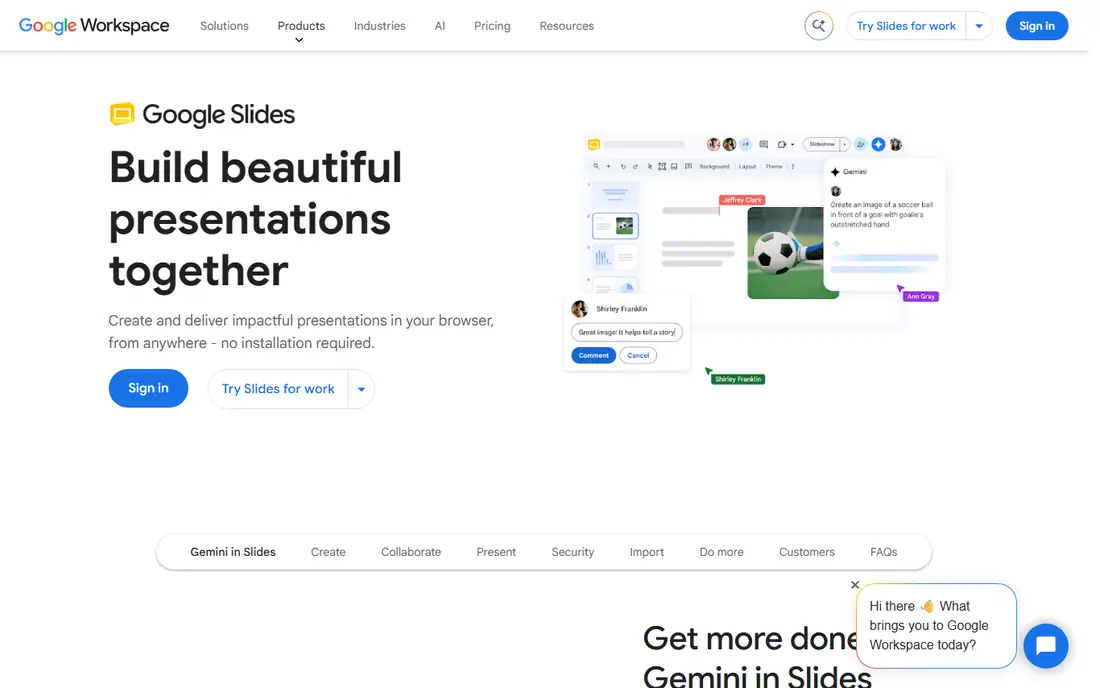
Google Slides is the presentation slideshow maker in Google Workspace, and anyone with a Google Account can create in Slides for free. Its core strength is co-editing: multiple people work on the same slide at the same time without sending versions back and forth, sharing settings control who can view and edit, and revision history lets users revert to earlier versions. PowerPoint presentations convert into Slides format, or users can edit PowerPoint files directly without making a copy, leaving the original intact.
Recording and speaker spotlight features require Google Workspace plans, and Gemini features like help me visualize are available as an add-on. For teams already in Google Workspace, or anyone who wants a free, collaborative PowerPoint replacement, Google Slides is the obvious first choice.
What we like- Free with any Google Account
- Real-time co-editing with revision history
- Converts PowerPoint files and edits them directly
- Gemini features for visualization
Watch out for- Fewer design templates than Canva
- Recording and speaker spotlight need Workspace plans
- Gemini features are a paid add-on
Starting priceFree
Free planYes
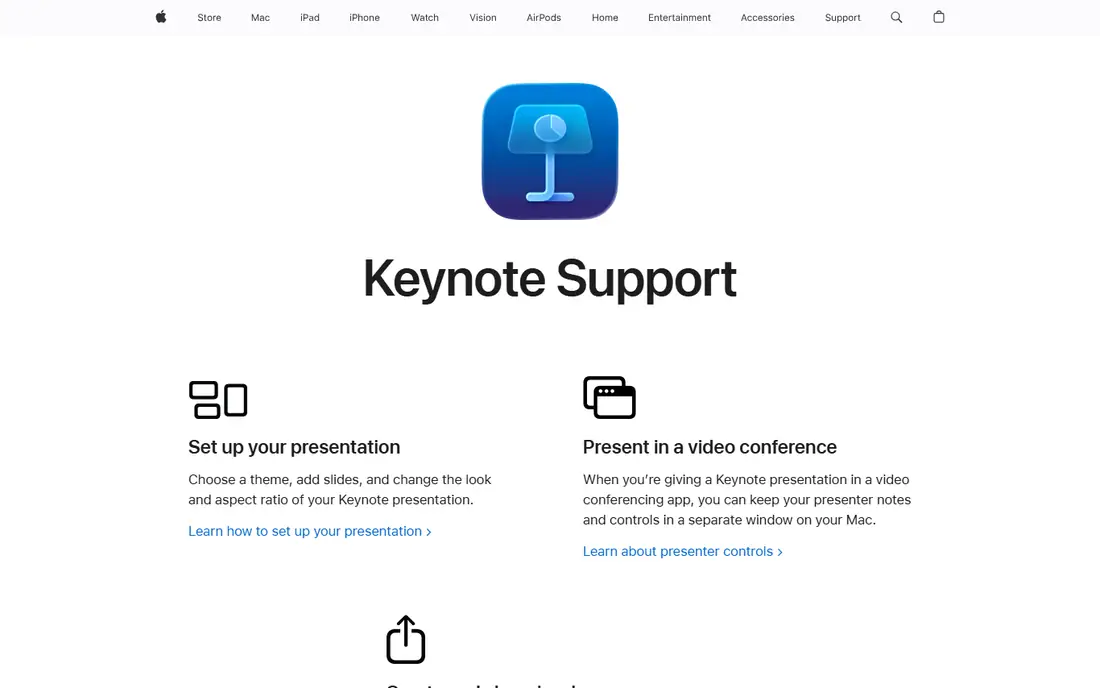
Keynote is Apple's presentation app, built around choosing a theme, adding slides, and changing the look and aspect ratio of a presentation. During video conferences, presenters can keep notes and controls in a separate window on a Mac, and Keynote for iCloud lets users create, edit and collaborate on shared presentations from a web browser on Mac or Windows. That browser access means Windows colleagues can join without installing anything.
Keynote's reputation rests on design: its themes and transitions consistently look more polished than default PowerPoint output, and it is free on Apple devices. For Apple users who present from a Mac or iPad, Keynote is the best PowerPoint alternative, and the iCloud version keeps it workable for mixed-device teams.
What we like- Free on Mac, iPad and iPhone
- Polished themes and cinematic transitions
- Presenter controls in a separate window during video calls
- Browser collaboration through Keynote for iCloud
Watch out for- Windows users limited to the browser version
- Fewer business templates than PowerPoint
- Sharing with PowerPoint users needs export
#3Canva
Best for: Design-friendly decks4.7/5 on
G2 (7,678 reviews, checked Oct 2026)
Visit canva.com
Starting priceFree
Free planYes
Canva is the design platform most non-designers already know, and its presentation maker brings the same drag-and-drop simplicity to decks. Thousands of templates cover pitches, reports, lessons and social content, and the free plan covers core design work with a Premium trial for the full library. Brand kits keep colors, fonts and logos consistent across a team's decks, and presentations export to PowerPoint and PDF for sharing with PowerPoint users.
The trade-off is precision: Canva is a design tool first, so complex slide layouts and data charts take more manual work than in Beautiful.ai or Pitch. Its homepage returned only an unsupported-browser notice in this check, a known quirk, but the product itself is well established. For teams that want beautiful decks without design skills, Canva is the best design-friendly alternative.
What we like- Huge template library
- Drag-and-drop design anyone can use
- Free plan plus 30-day Premium trial
- Brand kits and team collaboration
- Exports to PowerPoint and PDF
Watch out for- Less precise than a dedicated slide tool for complex layouts
- Some best templates need Premium
- Homepage returns only a browser notice in some checks
#4Prezi
Best for: Live audience interaction4.2/5 on
G2 (5,725 reviews, checked Oct 2026)
Visit prezi.com
Starting priceFree
Free planYes
Prezi is the presentation platform built for what happens after presenting, turning slides into experiences where people participate, apply ideas and show what they understand. Presenters bring slides from PowerPoint, Google Slides, Canva or a PDF, or describe a topic in a sentence and let Prezi build a draft, then run live polls, quizzes, Q&A and word clouds that the audience joins by scanning one QR code, with no app and no login. After the session, the same link keeps teaching through video, podcast, transcript, flashcards and self-tests.
More than 170 million people in 195 countries have used Prezi, and over 500 million presentations have been created with it. It is free to start with no credit card. For teachers, trainers and presenters who need the room involved, Prezi is the best interactive alternative.
What we like- Live polls, quizzes, Q&A and word clouds built in
- Imports PowerPoint, Google Slides, Canva and PDF intact
- AI deck from a single sentence
- Free to start with no credit card
- 170M+ users
Watch out for- Zoomable canvas style is not for every audience
- Advanced features need paid plans
- Export to PowerPoint available but the live features stay in Prezi
#5Pitch
Best for: Sales and team decks4.4/5 on
G2 (67 reviews, checked Oct 2026)
Visit pitch.com
Starting priceFree
Free planYes
Pitch is the AI presentation workspace for professional teams, built around multiplayer collaboration rather than solo prompting. Its AI agent generates on-brand slides, personalizes messaging and enhances visuals, while brand guardrails, custom fonts and a shared media library keep every deck consistent. Teams can set up agentic workflows through MCP and API, such as generating quarterly business review decks from call transcripts, and deliver through pitch rooms that track who opens presentations and downloads files.
The free plan lets users create unlimited presentations forever, and more than 4 million teams use Pitch, including teams at Perplexity, Synthesia and Legora. Users save over 5 hours every week on average, per the vendor. For sales and go-to-market teams that live in decks, Pitch is the best PowerPoint alternative.
What we like- Free plan with unlimited presentations forever
- AI agent generates on-brand slides
- Multiplayer collaboration
- Brand guardrails and media library
- Pitch rooms with viewer analytics
- MCP and API
Watch out for- Sales focus may be more than casual users need
- Some trials depend on customer needs
- PPTX import needed for Google Slides or Keynote decks
#6Gamma
Best for: AI-generated decks3.9/5 on
G2 (39 reviews, checked Oct 2026)
Visit gamma.app
Starting priceFree
Free planYes
Gamma is the visual communication platform for presentations, documents and more, with an expert AI agent that knows the user's goals. Its agent orchestrates the best models for each part of the job, starting with a conversation and an outline so users shape the story before design, then iterating in chat beside the deck. Users can describe a style, attach inspiration, or let Gamma choose a look matched to content, audience and brand, then refine with AI prompts, smart layouts or full freeform editing.
Import and export are strong: PowerPoint and PDF files arrive with formatting intact, content pulls from Slack, Notion, Dropbox and 25+ tools, and decks export to PowerPoint and PDF with high fidelity. More than 100 million users are in the Gamma community. For users who want an AI agent to draft a deck from a prompt or outline, Gamma is the best AI-first alternative.
What we like- AI agent that outlines first, then designs
- Free plan with AI credits
- Imports PowerPoint and PDF with formatting intact
- 25+ connectors including Slack and Notion
- Exports to PowerPoint and PDF
- 100M+ users
Watch out for- Free plan credits limit heavy use
- AI output needs review for accuracy
- Some advanced features need paid plans
#7Beautiful.ai
Best for: Auto-designed slides4.6/5 on
G2 (196 reviews, checked Oct 2026)
Visit beautiful.ai
Starting priceSee website
Free planNo
Beautiful.ai helps teams create polished presentations that reflect their brand, building faster with AI, professional templates and auto-aligning Smart Slides that get users to work-ready decks 10 times faster. Smart Slides are intelligent layouts that realign, resize and animate content automatically, so spacing, alignment and hierarchy stay perfect as users edit. The AI workflow starts with a prompt, outline or source material, refines a slide-by-slide outline first, then generates designer-quality slides that users can iterate layout by layout without losing copy.
The library holds over 300 Smart Slide layouts for data, comparisons, quotes, timelines and image grids, plus data-linked charts, animations, voice-overs and viewer analytics. Teams can present live, send recorded walkthroughs, or export to PDF and PPT. A 14-day free trial with unlimited access is offered, but there is no ongoing free plan. For users who hate formatting slides by hand, Beautiful.ai is the best auto-design alternative.
What we like- Smart Slides auto-align, resize and animate content
- 300+ layouts
- AI workflow that refines an outline before generating
- Data-linked charts
- Voice-overs and viewer analytics
- PPT and PDF export
Watch out for- No free plan beyond a 14-day trial
- Pricing must be checked on the pricing page
- Template-driven style may feel uniform
#8Visme
Best for: Visual content and infographics4.5/5 on
G2 (512 reviews, checked Oct 2026)
Visit visme.co
Starting priceFree
Free planYes
Visme is an AI-powered content platform for presentations, infographics, documents, reports, charts, social graphics, videos and forms, trusted by more than 35 million companies and creators. Its AI Designer turns a text prompt into a ready-to-use design, and the template library covers over 50 content types. A Brand Wizard adds brand fonts, colors and logos from a website URL, and interactive elements like hotspots, hover effects and clickable menus make presentations feel alive.
The free Basic plan includes unlimited projects, most templates, the drag-and-drop editor and basic charts, with a Visme watermark and downloads limited to JPG, PNG and PDF. Paid plans start at $12.25 per month per person billed annually and remove those limits, adding PPTX, HTML5, video and GIF export plus brand kits and analytics. For users who need presentations plus infographics, reports and social graphics in one tool, Visme is the best all-in-one visual content alternative.
What we like- Free Basic plan with unlimited projects
- AI Designer turns prompts into ready designs
- Thousands of templates across 50+ content types
- Brand wizard from a website URL
- Interactive elements and animations
- PPTX export on paid plans
Watch out for- Free plan adds a Visme watermark and limits downloads to JPG, PNG and PDF
- PPTX export needs a paid plan
- Broader than pure presentations
How we chose
We picked presentation tools covering the main reasons people leave PowerPoint: free collaboration, Apple polish, design ease, live interaction, sales workflows, AI generation, auto-design and visual content breadth. Each homepage was opened to confirm the product exists and matches its description, and pricing was taken from the vendor's own pages where shown. Where a homepage did not display pricing, we wrote "See website" rather than guessing. Canva's homepage returned only a browser notice in this check, a known quirk, and it is kept on domain evidence consistent with prior batches.
Choosing the right PowerPoint alternative
Match the tool to the job. For free teamwork, Google Slides wins. For Apple polish, Keynote wins. For design without skills, Canva wins. For live audiences, Prezi wins. For sales teams, Pitch wins. For AI drafting, Gamma wins. For hands-off formatting, Beautiful.ai wins. For presentations plus infographics, Visme wins. Most users need only one, and the free plans on this list make it easy to try two side by side before committing.
Frequently asked questions
What is the best free PowerPoint alternative?
Google Slides is the best free alternative, free with any Google Account, with real-time collaboration and PowerPoint conversion. Keynote is free on Apple devices, and Canva, Prezi, Pitch, Gamma and Visme all offer free plans.
Can I open PowerPoint files in these tools?
Yes. Google Slides converts or directly edits PowerPoint files, Prezi imports PowerPoint intact, Pitch imports PPTX files, Gamma imports PowerPoint with formatting intact, and Visme exports to PPTX on paid plans.
Which PowerPoint alternative has the best AI?
Gamma and Pitch lead on AI: Gamma's agent outlines, designs and iterates in chat, while Pitch's agent generates on-brand slides with multiplayer collaboration. Beautiful.ai's AI workflow is best for users who want outline-first control.
Is Keynote really free?
Yes, Keynote is free on Mac, iPad and iPhone, and Keynote for iCloud offers browser collaboration for Windows users too. It is the best free choice for Apple users.
Can I present interactively without extra tools?
Yes, with Prezi. Its polls, quizzes, Q&A and word clouds run inside the presentation, and the audience joins by scanning a QR code with no app or login.
Do these tools export back to PowerPoint?
Most do. Gamma, Beautiful.ai and Pitch export to PowerPoint or PPTX, Prezi exports to PPTX or PDF, and Visme exports to PPTX on paid plans. Google Slides can download decks in PowerPoint format.
Sources we checked (8)
- https://workspace.google.com/products/slides/
- https://www.apple.com/keynote/
- https://canva.com
- https://prezi.com
- https://pitch.com
- https://gamma.app
- https://www.beautiful.ai
- https://www.visme.co
Is your product missing or out of date?
We review this list regularly. Vendors can request a listing, send updated pricing or ask about featured placement.

Shihab Mia · Founder, Rankite
Shihab has 5+ years in B2B and SaaS SEO. He writes Rankite's software buying guides from pricing pages, documentation and public user reviews. More about Shihab.