How we make this list: we compare pricing pages, product documentation and public user reviews. Ratings come from G2, Capterra or Trustpilot, with the date we checked them.
Key takeaways
- Forest is the best pick when phone distraction is the main problem, because the growing tree gives quitting an immediate cost.
- Pomofocus is the fastest way to start, with no install needed and a clean browser timer tied to a task list.
- Focus To-Do and TickTick suit users who want tasks, calendar and timer in one app instead of three separate tools.
- Toggl Track is the right choice when focus sessions also need to become billable time records.
Quick comparison
| Tool | Best for | Starting price | Free plan |
|---|
 Forest Forest | Beating phone distraction | See website | Yes |
 Pomofocus Pomofocus | Simple browser timer | See website | Yes |
 Focus To-Do Focus To-Do | Tasks plus timer on every device | See website | Yes |
 Toggl Track Toggl Track | Billable focus time for freelancers | See website | Yes |
 TickTick TickTick | Tasks, calendar and pomodoro in one app | See website | Yes |
 Be Focused Be Focused | Simple Apple focused timer | See website | Yes |
 Session Session | Apple users who want blocking and analytics | See website | Yes |
 Focus Keeper Focus Keeper | Clean timer with charts on mobile | See website | Yes |
Is your product missing or out of date?
We review this list regularly. Vendors can request a listing, send updated pricing or ask about featured placement.
The best pomodoro apps
Starting priceSee website
Free planYes
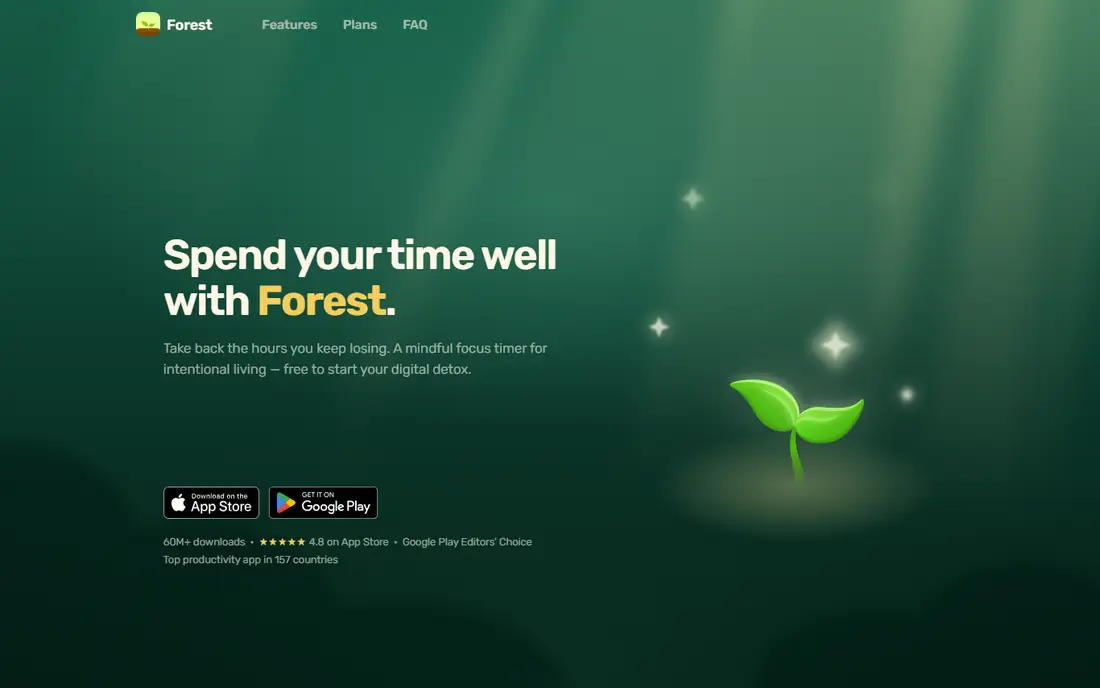
Forest turns a focus session into a tree that grows while attention stays put and dies if the user leaves to scroll. That small stake changes behavior for students and phone heavy workers in a way a plain countdown does not. App blocking, group focus and focus statistics are included, and earned coins fund real tree planting through a nonprofit partner.
Desktop first workers get less here. Forest is built around the phone, and while a browser version exists, it is not a full desktop app. There is also no billing or project reporting, so freelancers who need invoices should pair it with a time tracker or pick Toggl Track instead.
What we like- Tree mechanic makes quitting visible
- App blocking included free
- Group focus sessions
Watch out for- Phone led, with only a browser companion for desktop
- No deep billing reports
Starting priceSee website
Free planYes
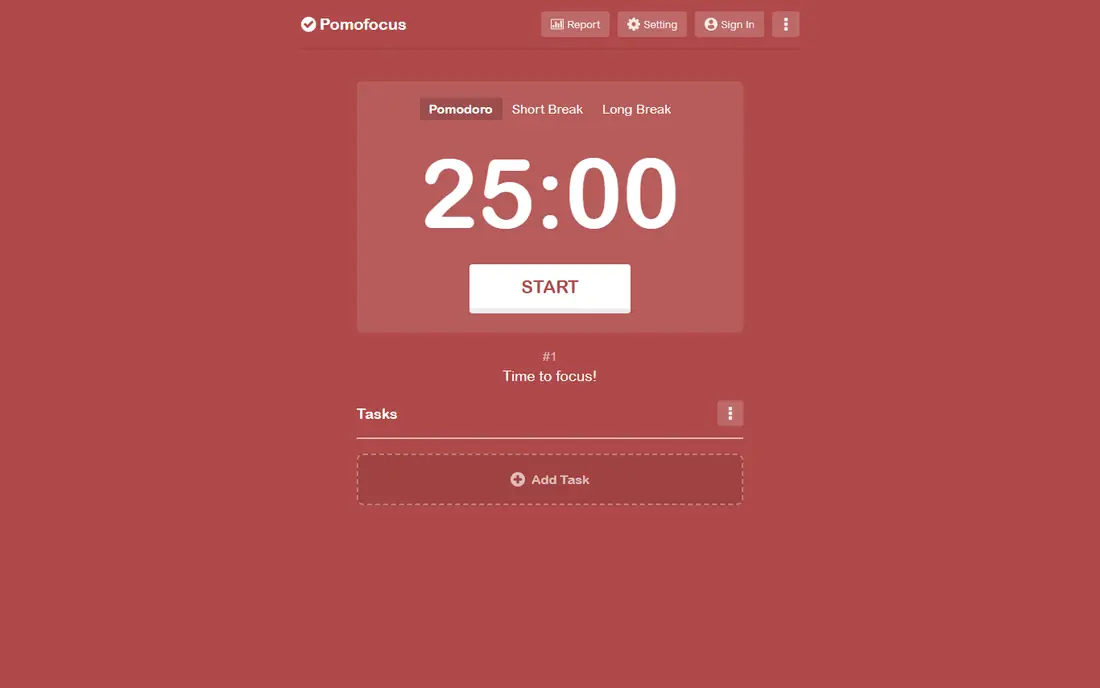
Pomofocus is the purest pomodoro tool in this list. Open the site, add tasks, set how many pomodoros each task should take, and start the timer. Custom intervals, alarm sounds and background sounds are built in, and reports show focus time by day, week and month. Desktop apps exist for Mac, Windows and Linux for users who want it off the browser tab.
The simplicity is also the limit. There is no app blocking, no team reporting and no habit system. A user whose main problem is picking up the phone will find Pomofocus easy to ignore, since the timer lives in a tab that can be closed. For disciplined desk workers, though, nothing gets in the way faster.
What we like- No install needed
- Task list with pomodoro estimates
- Visual reports and custom intervals
Watch out for- Browser based, so phone use needs discipline
- Premium features are limited to reports and integrations
Starting priceSee website
Free planYes
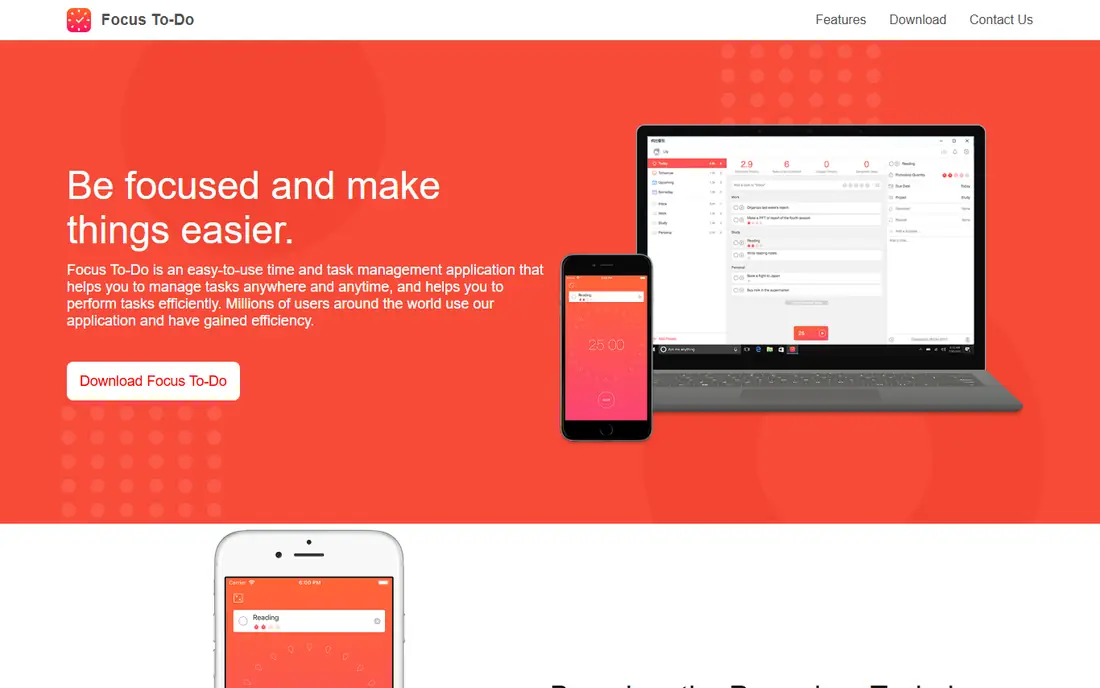
Focus To-Do combines a task manager with a pomodoro timer, so a day plan and its focus sessions live together. Tasks can carry due dates, reminders, subtasks and repeat rules, and statistics show time spent per day, week and month by project. Sync across mobile and desktop keeps the plan available wherever work happens.
Buyers who only want a timer may find the task system more than they need, and the settings take a little time to tune. Premium pricing also differs by platform, so check the price in the store used for purchase rather than assuming one global rate. For users replacing both a to do app and a timer, the combination is worth that setup time.
What we like- Tasks, reminders and timer in one app
- Sync across phone and desktop
- Detailed history statistics
Watch out for- Interface feels busy to minimalists
- Premium pricing varies by platform and store
#4Toggl Track
Best for: Billable focus time for freelancers4.6/5 on
G2 (1,589 reviews, checked Oct 2026)
Visit toggl.com
Starting priceSee website
Free planYes
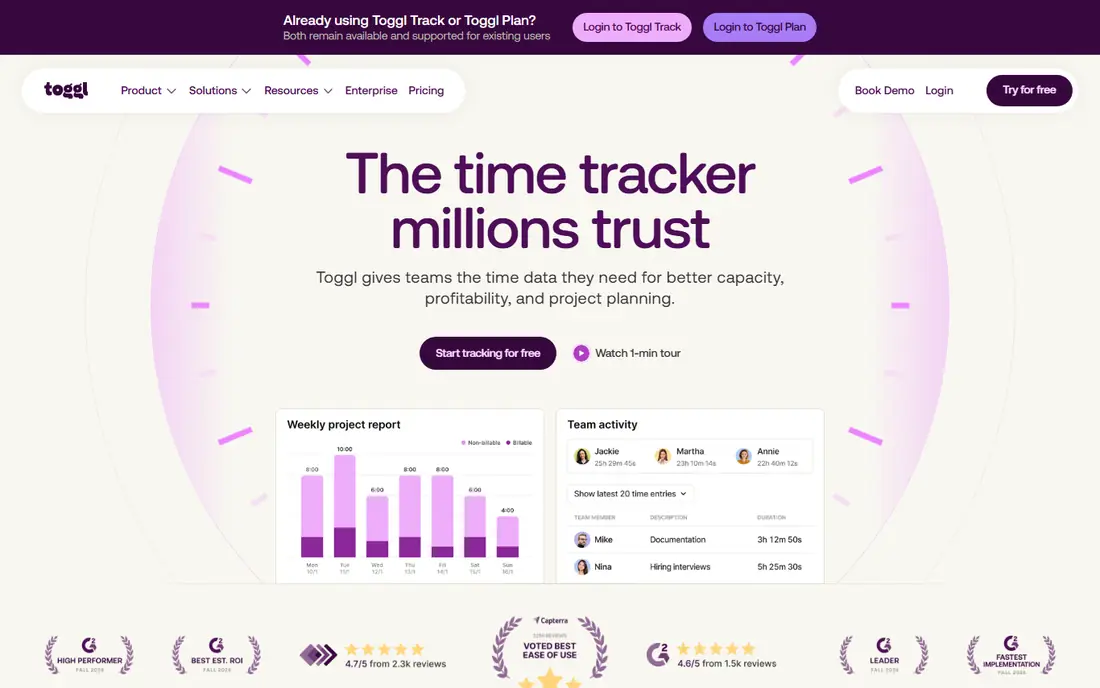
Toggl Track is a time tracker first, with a focus mode that adds countdown timers to its entries. That ordering matters. A freelancer can run a pomodoro, tag it to a client and project, and later turn the same entries into a report or invoice without retyping anything. The free plan covers small teams, and integrations reach project tools, calendars and communication apps.
Users who only want a pomodoro timer will find Toggl heavier than Pomofocus or Forest, and configuring pomodoro intervals is less central than in dedicated timers. Teams that need capacity planning and profitability reports pay more. For anyone whose focus time must also be accounted time, that weight is the point.
What we like- Strong project and client reporting
- Free plan for small teams
- Works on web, desktop and mobile
Watch out for- Pomodoro mode is secondary to time tracking
- Paid team features add cost quickly
#5TickTick
Best for: Tasks, calendar and pomodoro in one app4.5/5 on
G2 (113 reviews, checked Oct 2026)
Visit ticktick.com
Starting priceSee website
Free planYes
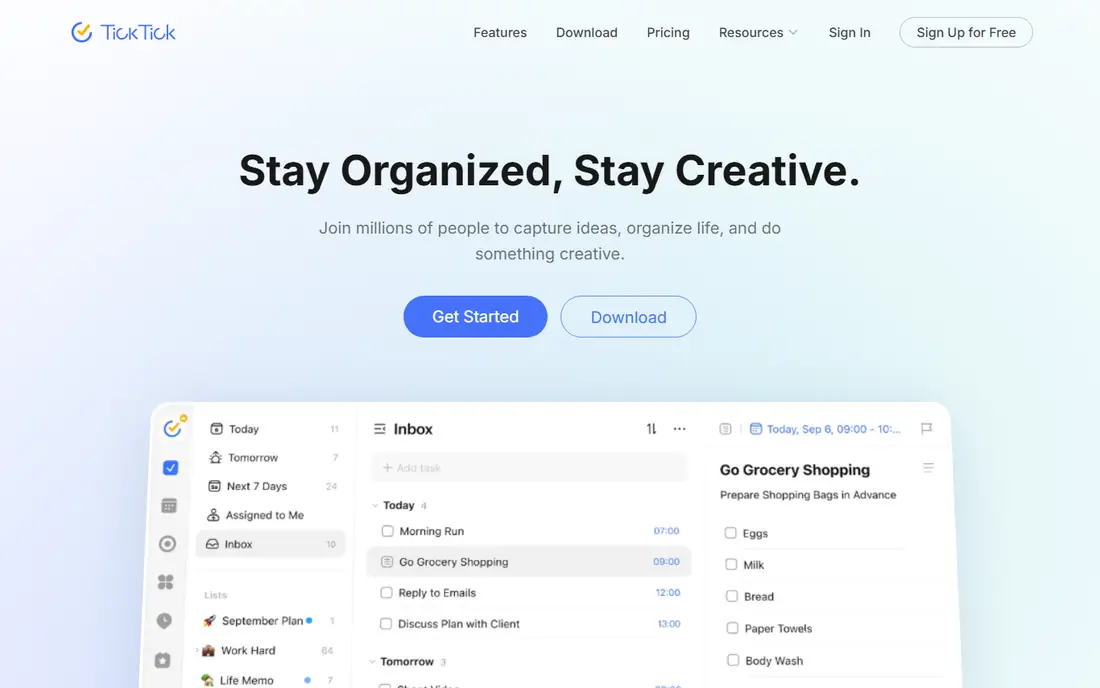
TickTick wraps a pomodoro timer inside a full planning app. Tasks, calendar views, habit tracking and countdowns sit beside the timer, so a focus session can start from a scheduled task without switching apps. Natural language entry makes capturing tasks fast, and collaboration features let shared lists carry assigned work.
The breadth means the timer itself is less specialized than Forest or Session. There is no gamified penalty for distraction and no app blocking built around sessions. Users who want one app for planning and focus will accept that trade. Users who want the strongest possible distraction control should look elsewhere.
What we like- Calendar views, habits and timer together
- Natural language task entry
- Broad platform support
Watch out for- Pomodoro is one feature among many
- Premium needed for full statistics and themes
Starting priceSee website
Free planYes
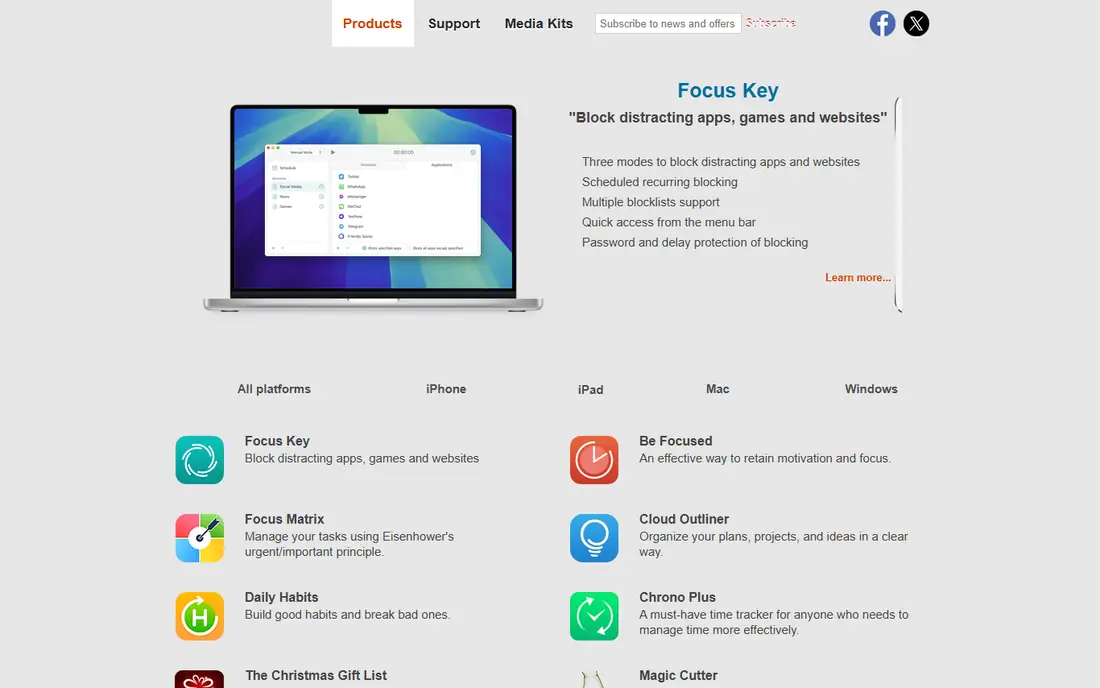
Be Focused is a straightforward pomodoro timer for Apple users who want no extra systems attached. Work intervals, short breaks and long breaks are customizable, tasks carry target session counts, and statistics show completed intervals over time. Sync across iPhone, iPad and Mac keeps the timer consistent across Apple hardware.
Windows and Android users are excluded entirely, and some advanced features appear only on Mac. There is no collaboration, no billing and no app blocking beyond what the operating system provides. For an Apple user who wants a quiet, reliable timer, that narrow focus is a strength rather than a gap.
What we like- Clean interval timer for Mac, iPhone and iPad
- Task lists with session counts
- Sync across Apple devices
Watch out for- Apple only
- Advanced features vary by device
- No team or billing tools
Starting priceSee website
Free planYes
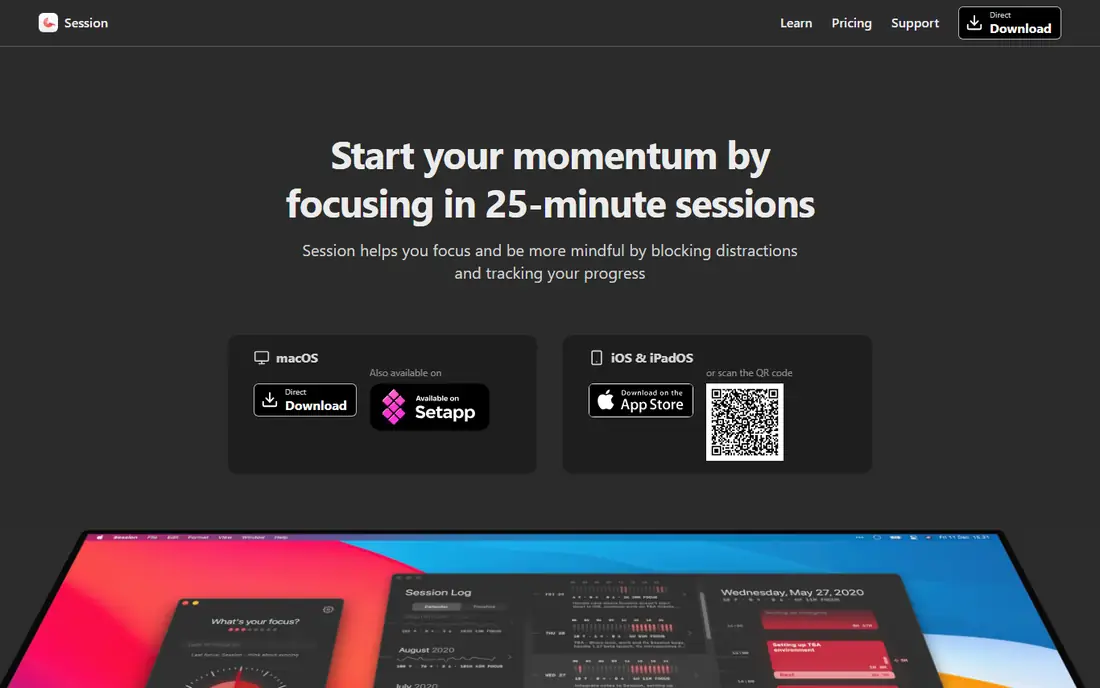
Session adds structure around the timer that simpler apps skip. Before a session, the user states a focus goal. During the session, chosen apps and websites are blocked. After the session, the app asks what was learned, which turns a day of timers into a short reviewable record. Sync across iPhone, iPad and Mac is built in, and Pro adds automatic Slack status updates.
The Apple only limit is firm, with no Windows or Android version planned in the near term according to the vendor FAQ. Pricing is subscription based, which some users dislike for a timer. For Apple users who want blocking plus reflection without a separate blocker app, Session justifies the subscription.
What we like- App and website blocking during sessions
- End of session reflection
- Slack status updates on Pro
Watch out for- Apple only
- No Windows or Android version
- Subscription rather than one time purchase
Starting priceSee website
Free planYes
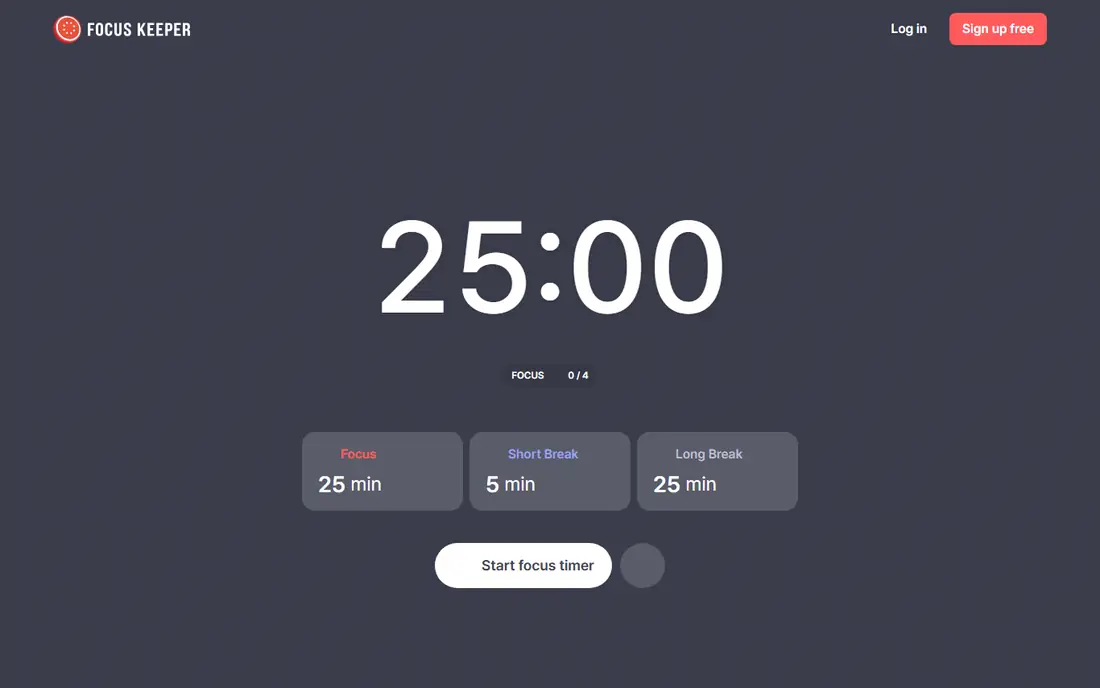
Focus Keeper keeps the pomodoro experience close to the original method. A timer, a task list and charts showing focus time and patterns are the core, without a large task management or billing system around them. That restraint makes it easy to start and easy to keep using, especially on a phone.
Power users may miss calendar integration, team features and deep customization. The app is mobile led, so desk workers who want a full desktop timer may prefer Pomofocus or Focus To-Do. For a clean daily timer with enough history to spot patterns, Focus Keeper covers the essentials well.
What we like- Simple timer with task tracking
- Charts show focus patterns
- Available on iOS and Android
Watch out for- Fewer integrations than larger apps
- Desktop experience is limited
How we chose
We compared vendor homepages, documentation and public reviews, focusing on timer quality, interval customization, task integration, blocking, reporting, platform coverage and pricing. Every homepage listed was opened and confirmed as belonging to that product. Prices were left as See website where app store pricing varies by region and platform, rather than quoting a figure that may not match a given reader store.
Using the pomodoro method well
The classic pattern is 25 minutes of work, a 5 minute break, and a longer break after four intervals, but the numbers are a starting point, not a rule. Creative work often suits 50 minute intervals with 10 minute breaks, while admin tasks may suit shorter sprints. Change one variable at a time, such as interval length, and watch completion over a week before changing another.
Breaks matter as much as work intervals. A break spent scrolling the same feed that distracts during work rarely restores attention. Stand up, move, get water or look away from the screen, and return when the timer sounds rather than extending the break indefinitely. If interruptions keep breaking sessions, shorten intervals until completion improves, then lengthen them gradually.
Picking by problem, not by feature list
Match the app to the actual obstacle. Phone distraction points to Forest or Session blocking. A scattered task list points to Focus To-Do or TickTick. Billable hours point to Toggl Track. A simple timer need points to Pomofocus or Focus Keeper. Buying the most featured app rarely helps when a simpler tool matches the real problem.
Frequently asked questions
What is the pomodoro technique?
It is a time management method that breaks work into intervals, traditionally 25 minutes, separated by short breaks, with a longer break after several intervals. Each work interval is called a pomodoro, named after the tomato shaped kitchen timer its creator used.
How long should a pomodoro be?
Twenty five minutes is the classic length, but 50 minute intervals suit deep work and shorter intervals suit admin or low energy days. Pick a length that can be completed without interruption most of the time, then adjust gradually.
Do I need a paid pomodoro app?
No, for most users. Free tiers from Forest, Pomofocus, Focus To-Do and others cover timing, tasks and basic reports. Pay when blocking, advanced statistics, sync or team features are genuinely needed.
Can a pomodoro app block distracting apps?
Some can. Forest and Session include app and website blocking during sessions, while Pomofocus and Focus Keeper rely on user discipline. Check blocking support for the exact platform before buying for that purpose.
Which pomodoro app is best for students?
Forest suits students whose phone is the main distraction, while Focus To-Do and TickTick suit students who also need task and deadline management. Pomofocus suits students who want a free browser timer with no install.
Does Toggl Track replace a pomodoro app?
It can, for freelancers and teams who need time records. Its focus mode adds pomodoro timing to project tracking, but dedicated timers offer stronger blocking and gamification for users who do not need billing.
Sources we checked (8)
- https://www.forestapp.cc/
- https://pomofocus.io/
- https://www.focustodo.cn/
- https://toggl.com/track/
- https://www.ticktick.com/
- https://xwavesoft.com/
- https://www.stayinsession.com/
- https://focuskeeper.co/
Is your product missing or out of date?
We review this list regularly. Vendors can request a listing, send updated pricing or ask about featured placement.

Shihab Mia · Founder, Rankite
Shihab has 5+ years in B2B and SaaS SEO. He writes Rankite's software buying guides from pricing pages, documentation and public user reviews. More about Shihab.