How we make this list: we compare pricing pages, product documentation and public user reviews. Ratings come from G2, Capterra or Trustpilot, with the date we checked them.
Key takeaways
- AdGuard Home is the best self-hosted pick, with a polished web interface and parental controls.
- NextDNS is the best cloud pick, with zero hardware, 60-plus blocklists, and mobile roaming support.
- Control D is the best power-user pick, with service-level blocking and traffic redirection.
- Blocky and Technitium are the best free DIY picks, with no license cost and full local control.
Quick comparison
Is your product missing or out of date?
We review this list regularly. Vendors can request a listing, send updated pricing or ask about featured placement.
The best Pi-hole alternatives
Starting priceFree
Free planYes
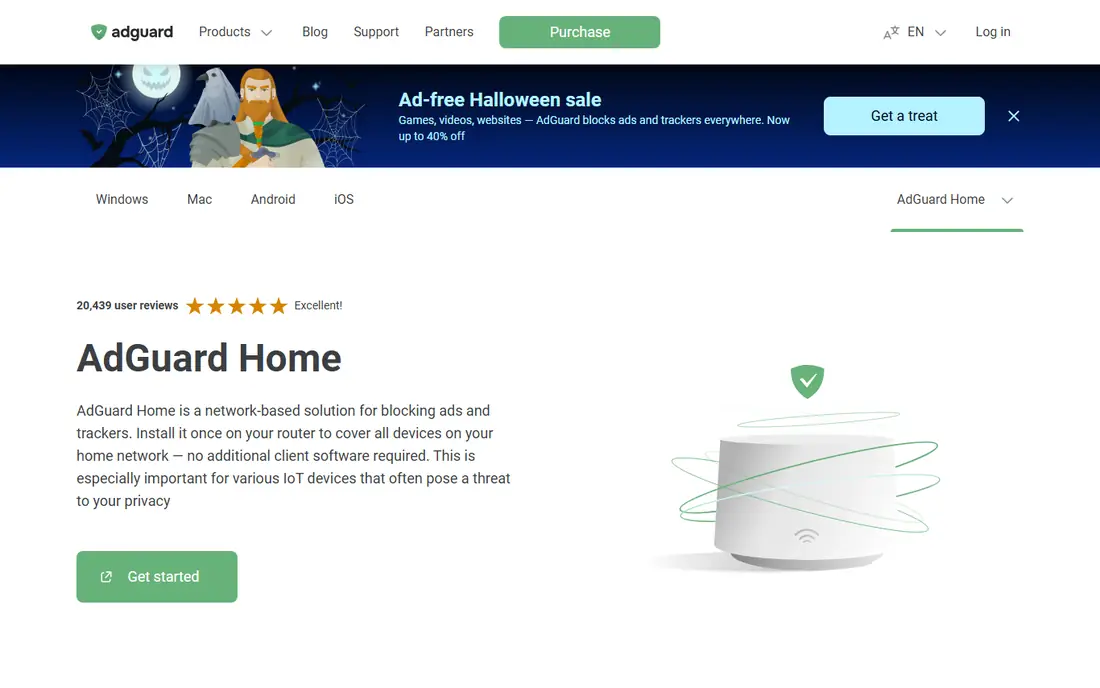
AdGuard Home is the best self-hosted pick. Its homepage presents a network-based solution for blocking ads and trackers, installed once on your router to cover all devices on your home network with no additional client software required, which matters most for IoT devices that often threaten privacy. It blocks ads at the network level across browsers and apps, protects privacy from trackers and analytics, shields kids with parental control and Safe Search, and acts as a DNS server that redirects tracking domains to a sinkhole.
AdGuard Home is free and open-source, with a v1.0 beta released in October 2026 bringing a modernized, faster interface. The trade-off versus Pi-hole is modest: AdGuard Home has a steeper learning curve than public cloud DNS, but it offers custom filtering rules and network monitoring that cloud resolvers do not. For Pi-hole users who want a fresher interface and parental controls, AdGuard Home is the best pick here.
What we like- Network-wide blocking with no client software
- Parental control and Safe Search
- Custom rules and stats
- Runs on routers and Raspberry Pi
Watch out for- Steeper learning curve than cloud DNS
- Needs always-on hardware
Starting priceFree
Free planYes
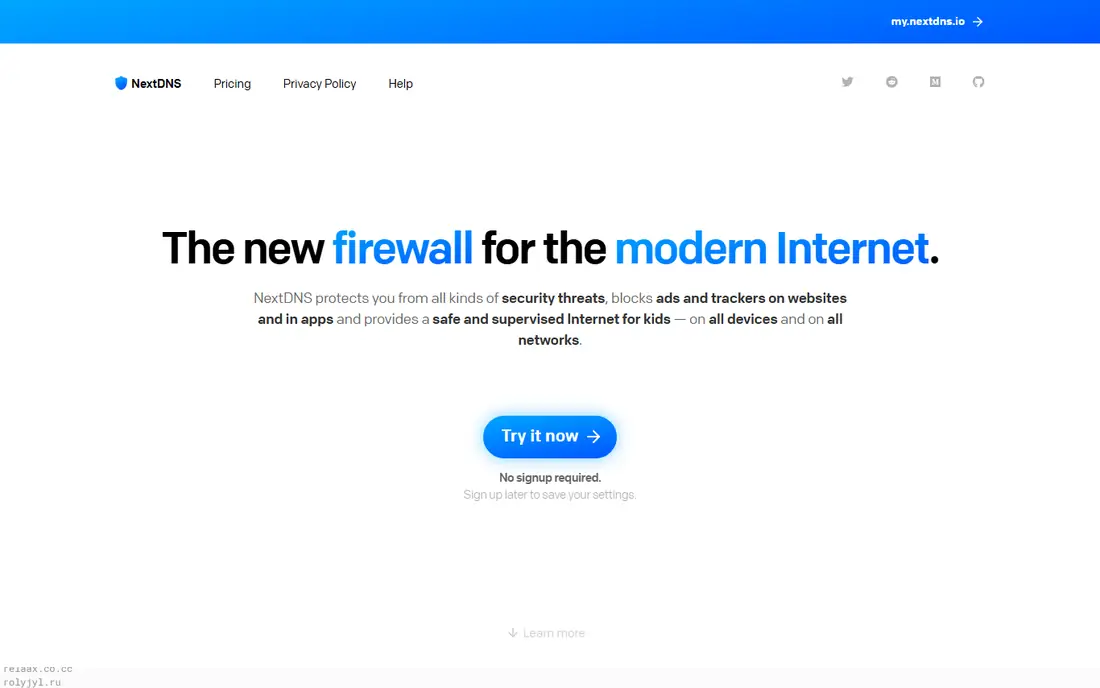
NextDNS is the best cloud pick. Its homepage presents a new firewall for the modern internet, with security against malware, phishing, cryptojacking, and more through 10-plus protection types and real-time threat intelligence, privacy blocking of ads and trackers including native tracking protection at the operating system level, parental controls with SafeSearch and YouTube Restricted Mode, analytics and logs with retention from one hour to two years or fully disabled, and setup in seconds on all major platforms with DNS-over-HTTPS and DNS-over-TLS.
Published comparisons list NextDNS free up to 300,000 queries a month, roughly one to two active devices, with Pro at $1.99 a month or $19.90 a year for unlimited queries across unlimited devices. The trade-off is custody: your DNS queries pass through NextDNS servers, though you can choose log storage jurisdiction and disable logging entirely. For users who want Pi-hole results without maintaining hardware, NextDNS is the best pick here.
What we like- No hardware needed
- 60-plus blocklists
- Native tracking protection
- Log control down to one hour or fully off
- Mobile profiles
Watch out for- Query logs pass through NextDNS servers
- Free tier caps at 300,000 queries a month
Starting priceFree
Free planYes
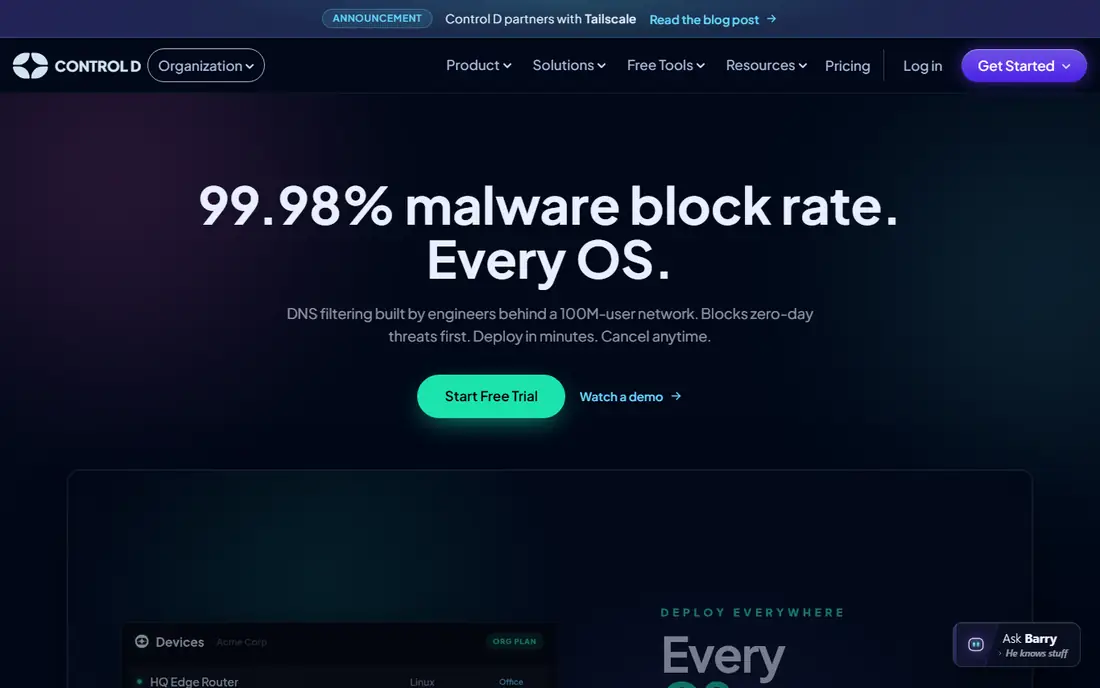
Control D is the power-user pick. Its homepage presents DNS filtering for every OS, with a 99.98 percent malware block rate, threat intelligence from a 100-million-user network, more than 1,000 blockable apps and services, 30-day query log retention on every plan, 6.65 millisecond resolution speed, native clients for Mac, Windows, Linux, iOS, and Android, per-endpoint pricing with no minimums, and DNS-over-HTTPS, DNS-over-TLS, DNS-over-QUIC, and legacy DNS support.
Published comparisons highlight its service-level filtering: block entire services rather than individual domains, plus region-based routing for traffic redirection. The trade-off is cost for fleets: per-endpoint pricing is simple but scales with device count. For power users and MSPs who want granular control without self-hosting, Control D is the best Pi-hole alternative here.
What we like- Blocks whole services like TikTok or Instagram
- Traffic redirection
- 99.98 percent malware block rate claimed
- Native clients for every OS
Watch out for- Pricing per endpoint adds up for fleets
- Advanced features need learning
Starting priceFree
Free planYes
AdGuard DNS is the set-and-forget cloud pick. Its homepage presents a privacy protection center that controls all web traffic on your devices, blocking ads, trackers, and malicious domains, with ad blocking, parental control, per-device stats, and customized filtering. It offers three modes: Default for ads, trackers, malware, and phishing; Family protection which also blocks adult content and enforces Safe Search; and Non-filtering for a secure connection with no blocking. It reports more than 15 locations, 100-plus servers, and 120 million-plus users.
Public AdGuard DNS servers are free with no catch, per its own FAQ, while paid personal servers add advanced functionality and customization. The trade-off is depth: custom rule granularity is lower than Control D, and full per-device control needs the paid tier. For users who want cloud blocking in five minutes with no account, AdGuard DNS is the best pick here.
What we like- Free public servers with no account
- Three modes including family protection
- 15-plus locations
- 120 million-plus users
Watch out for- Less custom rule depth than Control D
- Paid personal servers needed for full customization
Starting priceFree
Free planYes
Technitium DNS is the full-server pick. Its homepage presents Technitium DNS Server as an open-source authoritative and recursive DNS server for self-hosting DNS for privacy and security, working out of the box with no or minimal configuration and a user-friendly web console accessible from any modern browser. It supports DNS-over-TLS, DNS-over-HTTPS, and DNS-over-QUIC forwarders, keeping all DNS queries private and secure from spying or hijacking.
Technitium DNS is free and open-source, with no paid tier. The trade-off is scope: Technitium is a full DNS server, not a dedicated ad blocker, so blocking lists need manual setup and it lacks the polished blocking interface of AdGuard Home or Pi-hole. For homelab users who want a real DNS server with blocking on top, Technitium is the best Pi-hole alternative here.
What we like- Full authoritative and recursive DNS server
- Encrypted forwarders
- Friendly web console
- Open source
Watch out for- Windows-first heritage
- Blocking needs manual list setup
- No hosted option
Starting priceFree
Free planYes
Blocky is the lightweight DIY pick. Its project page presents a fast and lightweight DNS proxy as an ad-blocker for the local network, written in Go, with blocking via external lists and allowlisting, per-client-group rules, regex support, deep CNAME inspection, response IP blocking, custom DNS resolution, conditional forwarding, caching and prefetching, DNS-over-HTTPS, DNS-over-TLS, DNS-over-QUIC, and DNS-over-HTTPS/3, plus Prometheus metrics, Grafana dashboards, query logging to databases, a REST API, and a single binary that runs on x86-64, ARM, and MIPS, including Raspberry Pi and OpenWrt routers. It reports more than 7,000 stars and states it collects no user data or telemetry.
Blocky is free and open-source under the Apache 2.0 license. The trade-off is interface: Blocky is configured in YAML files and lacks Pi-hole's polished web dashboard, so it suits users comfortable with config files and Docker. For lightweight setups where Pi-hole feels heavy, Blocky is the best pick here.
What we like- Single binary with tiny footprint
- YAML config
- Deep CNAME inspection
- Prometheus metrics
- No telemetry
Watch out for- No web UI as polished as Pi-hole
- YAML-only configuration
- Smaller community
Starting priceFree
Free planYes
Cloudflare Gateway is the business pick. Its product page presents a cloud-native secure web gateway that protects employee web browsing, blocks breach-causing threats, and discovers shadow IT, with multi-layered threat protection fed by massive daily DNS and HTTP telemetry, unified visibility across users and devices, predefined categories with AI-assisted policy building, and DNS filtering that blocks employees from harmful and inappropriate domains. It is built on 1.1.1.1, one of the world's largest and fastest DNS resolvers.
Cloudflare offers a free Zero Trust tier for small teams, with paid plans for larger deployments, so list the starting price as free with a note that paid tiers apply at scale. The trade-off is fit: Gateway is built for teams and offices, and full HTTP filtering needs agent deployment, making it heavier than NextDNS for a single home. For small businesses and offices that want Pi-hole-style filtering without hardware, Cloudflare Gateway is the best pick here.
What we like- Built on 1.1.1.1, one of the fastest resolvers
- DNS and HTTP filtering
- Shadow IT discovery
- Free tier for small teams
Watch out for- Business-oriented
- Full web filtering needs agent deployment
- Overkill for a single home
Starting priceFree
Free planYes
Mullvad DNS is the no-account privacy pick. Published comparisons describe it as a free DNS resolver with no account, encrypted DNS support through DNS-over-HTTPS and DNS-over-TLS, and no query logging per its policy, making it the simplest privacy baseline here. Mullvad's own homepage confirms the vendor as a privacy-focused company fighting mass surveillance and data collection, with a no-logging VPN at 5 euros a month and a free open-source browser, though its homepage does not detail the DNS product itself, so this listing rests on published comparison evidence and is flagged as such.
The trade-off is control: Mullvad DNS offers fixed filter sets with no custom rules, dashboard, or per-device controls, unlike NextDNS or Control D. For users who want a private resolver with zero setup and zero account, Mullvad DNS is the best Pi-hole alternative here.
What we like- No account required
- No query logging per policy
- Encrypted DNS support
- Privacy-first vendor
Watch out for- No custom blocklists or dashboard
- Fixed filter sets
- Vendor homepage does not detail the DNS product
How we chose
We compared these tools on blocking quality, self-hosted versus cloud deployment, encrypted DNS support, parental controls, per-device rules, logging control, and price. We opened each vendor's homepage to confirm the product exists today and matches its description, except Mullvad DNS, whose vendor homepage confirms the company but not the DNS product, so that listing rests on published comparison evidence and is flagged above. We did not claim hands-on testing. DNS filtering cannot block ads served from the same domain as content, such as most YouTube ads, so pair any of these tools with a browser blocker for full coverage.
What to verify in a trial
Start by setting up one device before moving your router, so a bad filter does not take the whole network down. Next, test your most-used apps and streaming services, since aggressive blocklists break some apps and smart home devices. Finally, check whether your devices use hardcoded DNS, since some smart TVs and IoT devices bypass your resolver entirely and need firewall rules to redirect them.
Frequently asked questions
What is Pi-hole?
Pi-hole is a free open-source DNS sinkhole that blocks ads and trackers network-wide, originally built for Raspberry Pi but now running on any Linux system or Docker container. It protects every device on your network without installing software on each one, but it needs always-on hardware and maintenance.
Which Pi-hole alternative needs no hardware?
NextDNS, Control D, AdGuard DNS, Cloudflare Gateway, and Mullvad DNS are all cloud services that need no hardware. NextDNS is the closest cloud replacement, while AdGuard DNS is the simplest free option.
Which is best for families?
AdGuard Home and NextDNS both offer parental controls with SafeSearch and content categories. AdGuard DNS Family protection is the simplest free family option, blocking adult content and enforcing Safe Search with no account.
Can DNS blocking stop YouTube ads?
No. YouTube serves ads from the same domains as video content, so DNS filtering cannot separate them. Use a browser blocker like uBlock Origin or a dedicated YouTube client for video ads, and DNS filtering for everything else.
Does DNS filtering slow down my internet?
No, when the resolver is fast. Cloudflare Gateway reports low-latency resolution on its global network, Control D reports 6.65 millisecond resolution, and local tools like Blocky and AdGuard Home resolve on your own network. Test latency from your own connection before committing.
Should I self-host or use a cloud DNS service?
Self-hosting with AdGuard Home, Technitium, or Blocky keeps query data at home and costs nothing beyond hardware, but you maintain it. Cloud services like NextDNS and Control D need no maintenance but see your DNS queries, so check their logging policies before choosing.
Sources we checked (8)
- https://adguard.com/en/adguard-home/overview.html
- https://nextdns.io
- https://controld.com
- https://adguard-dns.io
- https://technitium.com
- https://github.com/0xERR0R/blocky
- https://www.cloudflare.com/zero-trust/products/gateway/
- https://mullvad.net
Is your product missing or out of date?
We review this list regularly. Vendors can request a listing, send updated pricing or ask about featured placement.

Shihab Mia · Founder, Rankite
Shihab has 5+ years in B2B and SaaS SEO. He writes Rankite's software buying guides from pricing pages, documentation and public user reviews. More about Shihab.
 AdGuard Home
 NextDNS
 Control D
 AdGuard DNS
 Technitium DNS
 Blocky
 Cloudflare Gateway
 Mullvad DNS