How we make this list: we compare pricing pages, product documentation and public user reviews. Rankite is independent; if a vendor ever pays for a featured spot, that listing is clearly labeled Partner.
Key takeaways
- Verkada is the simplest all-in-one pick when you want cameras, badge readers and sensors from a single vendor with one cloud dashboard.
- Milestone XProtect is the rare free option, with a genuinely free tier for up to 8 cameras, which makes it ideal if you already own camera hardware.
- Rhombus and Kisi are the only vendors here with published starting prices, which makes budgeting much easier than the usual quote-only sales process.
- Brivo, Genetec and Avigilon Alta suit larger or multi-site organizations, but expect partner-led installation and multi-year pricing conversations.
Quick comparison
| Tool | Best for | Starting price | Free plan |
|---|
 Verkada Verkada | firms that want one vendor for cameras, access and sensors | See website | Free trial (30 days) |
 Genetec Security Center Genetec Security Center | large campuses and enterprises unifying video, access and ALPR | See website | No |
 Milestone XProtect Milestone XProtect | teams with existing cameras that want an open platform | See website | Yes |
 Rhombus Rhombus | buyers who want published cloud-camera pricing | From $149 per camera (license) | No |
 Brivo Brivo | multi-site organizations standardizing on cloud access control | See website | No |
 Kisi Kisi | modern offices that want phone-based access | From $99/month | No |
 Eagle Eye Networks Eagle Eye Networks | camera fleets that need a camera-agnostic cloud VMS | See website | No |
 Avigilon Alta Avigilon Alta | organizations wanting a Motorola-backed cloud security suite | See website | No |
 OpenEye OpenEye | retail and multi-site firms wanting hybrid cloud video | See website | No |
 ProdataKey ProdataKey | installers and firms wanting mobile-first cloud access | See website | No |
Is your product missing or out of date?
We review this list regularly. Vendors can request a listing, send updated pricing or ask about featured placement.
The best physical security software
#1
Verkada
Best for: firms that want one vendor for cameras, access and sensors
Visit verkada.com
Starting priceSee website
Free planFree trial (30 days)
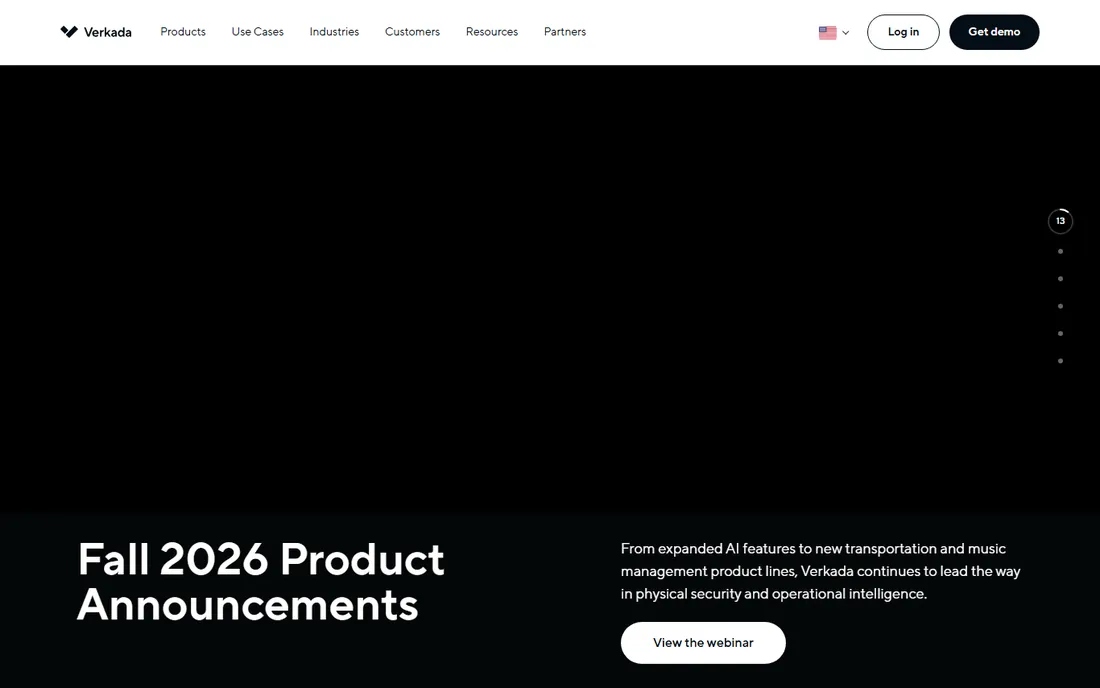
Few vendors let you buy cameras, badge readers, environmental sensors and alarms from one place and manage them in a single browser tab. Verkada does. Its Command platform ties everything together, so a small IT team can run security for several offices without touching on-premise servers. That simplicity is the whole pitch, and for lean teams it usually delivers.
The honest catch is that Verkada only works with Verkada hardware. If you already own cameras from other brands, they do not come along. Pricing is also quote-based, so you cannot plan a budget without talking to sales. The site advertises a 30-day trial with one device, which is a reasonable way to test image quality and the dashboard before committing to a fleet.
What we like- Single cloud platform for video, access control and sensors
- 10-year hardware warranty
- Fast, plug-and-play deployment
Watch out for- Proprietary hardware lock-in
- Quote-based pricing with no public rate card
#2
Genetec Security Center
Best for: large campuses and enterprises unifying video, access and ALPR
Visit genetec.com
Starting priceSee website
Free planNo
Genetec is the name that comes up when the project is an airport, a university system or a city-wide camera network. Security Center brings video management, access control and automatic license plate recognition into one interface, and it plays well with hardware from many manufacturers. If your security team is large and your sites are many, that breadth matters.
That breadth comes with real complexity. Most Genetec deployments run through certified partners, and scoping takes time. There is no public pricing and no free tier, so this is a considered purchase, not a quick signup. Smaller firms with one or two buildings will find simpler options cheaper and faster to run.
What we like- One platform unifying video, access control and license plate recognition
- Broad third-party device support
- Proven at very large scale
Watch out for- Complex deployments
- Usually requires certified integrators
- Quote-only pricing
Starting priceSee website
Free planYes
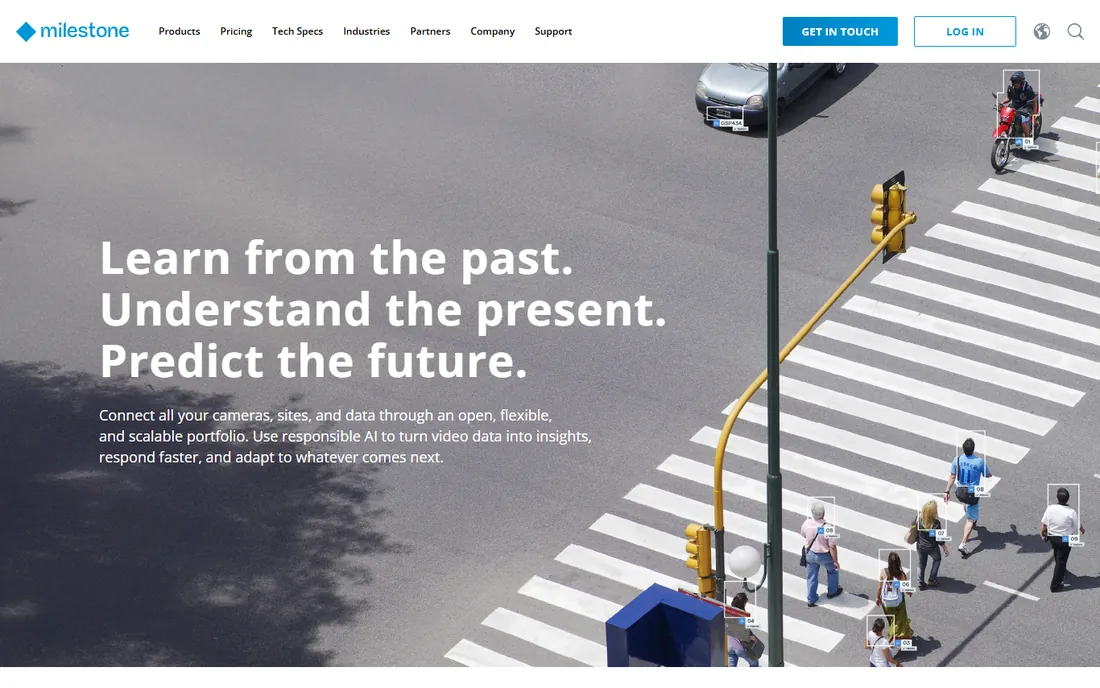
Milestone stands out in two ways. First, it is genuinely open: XProtect works with cameras and devices from thousands of manufacturers, so you keep the hardware you already bought. Second, it offers a free Essential+ tier covering up to 8 cameras, which is enough to secure a small office without spending anything on software.
Paid editions are quoted through resellers, which means prices differ by region and partner. Setup for larger systems usually involves an integrator. But for buyers who want to avoid being tied to one camera brand, Milestone is the most practical starting point, and the free tier lets you prove the concept before paying.
What we like- Open platform supporting 13,000+ devices
- Free Essential+ tier for up to 8 cameras
- Huge partner and integrator network
Watch out for- Paid tiers are sold through resellers, so pricing varies
- Can feel complex for small setups
Starting priceFrom $149 per camera (license)
Free planNo
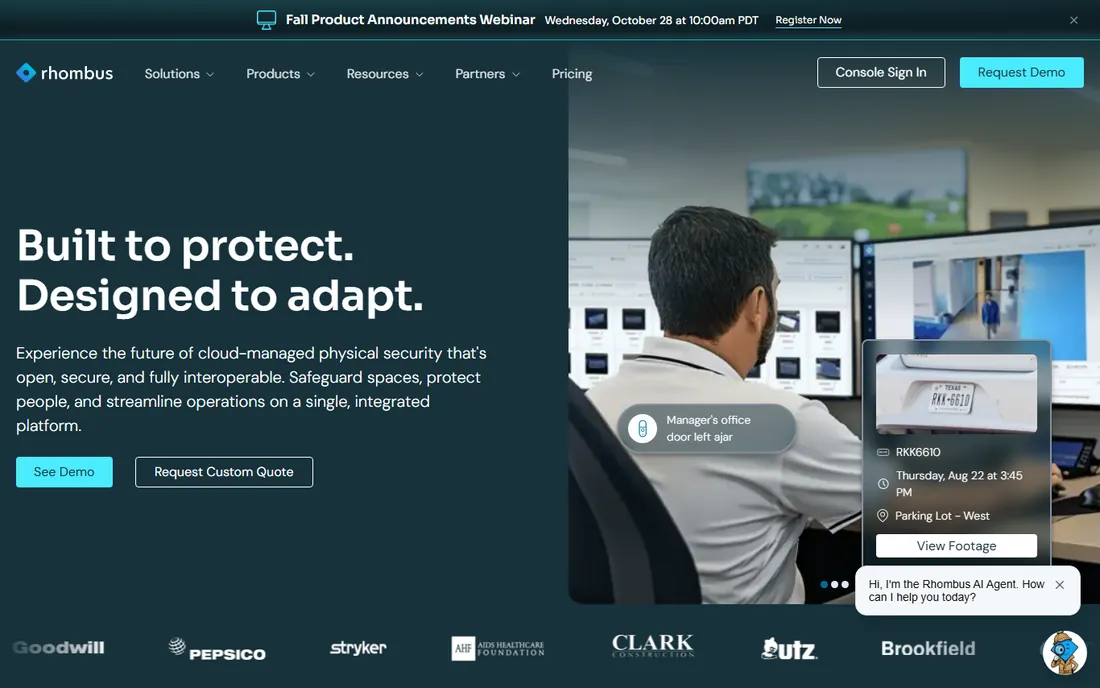
In a category where almost everyone hides pricing behind a sales call, Rhombus puts its license prices on its website. Entry licenses start from $149 per camera, with longer terms (1, 3, 5 or 10 years) and an Enterprise tier that runs higher. That transparency alone makes budgeting straightforward.
The platform itself is a straightforward cloud VMS with an open API, and its Relay hardware lets you reuse existing IP cameras instead of replacing them. The tradeoff is the license model: every camera carries a recurring fee, so a 200-camera deployment needs careful math. Still, for buyers tired of quote roulette, Rhombus is refreshing.
What we like- Pricing published on its own site, a rarity in this market
- Open API for integrations
- Relay adapter brings existing cameras onto the platform
Watch out for- Per-camera annual licenses add up fast across many sites
- No free plan
#5
Brivo
Best for: multi-site organizations standardizing on cloud access control
Visit brivo.com
Starting priceSee website
Free planNo
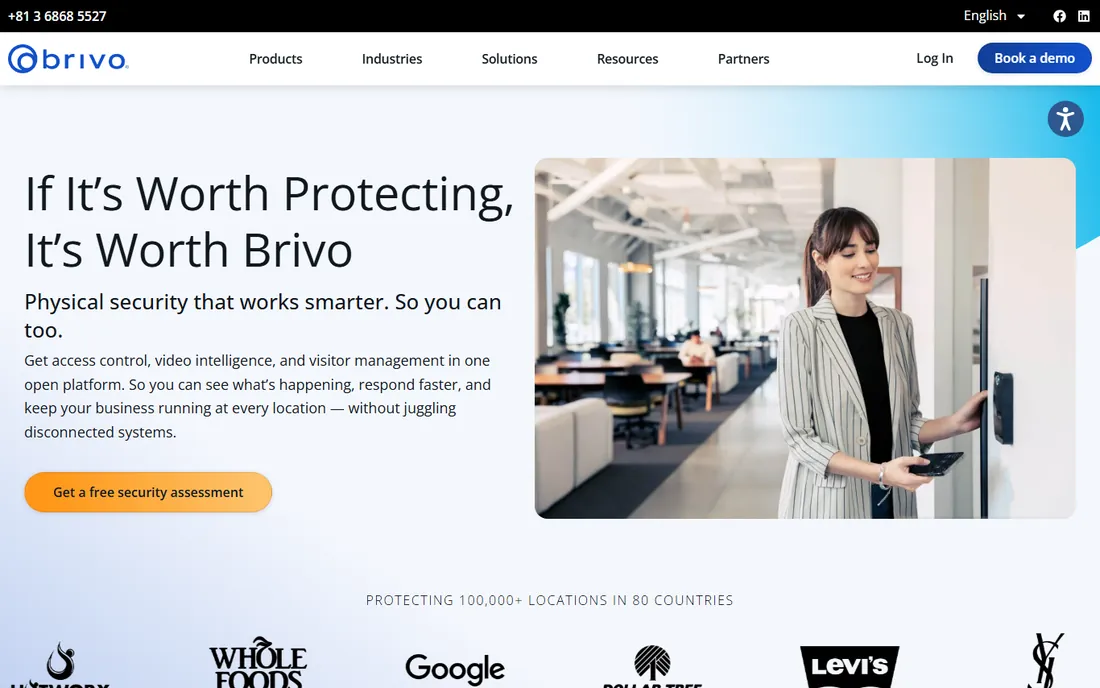
Brivo has been doing cloud access control longer than most of the field, and it shows in the integrations: more than 400 of them, covering everything from property management to identity providers. Visitor management and video tie into the same system, which helps when you manage dozens of doors across many locations.
Expect to work with a partner for hardware and installation, and expect per-door subscription pricing that you will only learn through a quote. Third-party estimates put it in the mid-teens per door per month, but Brivo does not publish that itself. The platform fits best when access control is the priority and video is secondary.
What we like- Cloud access control with visitor management and video
- 400+ integrations
- Well suited to distributed portfolios
Watch out for- No public pricing
- Installation typically goes through partners
Starting priceFrom $99/month
Free planNo
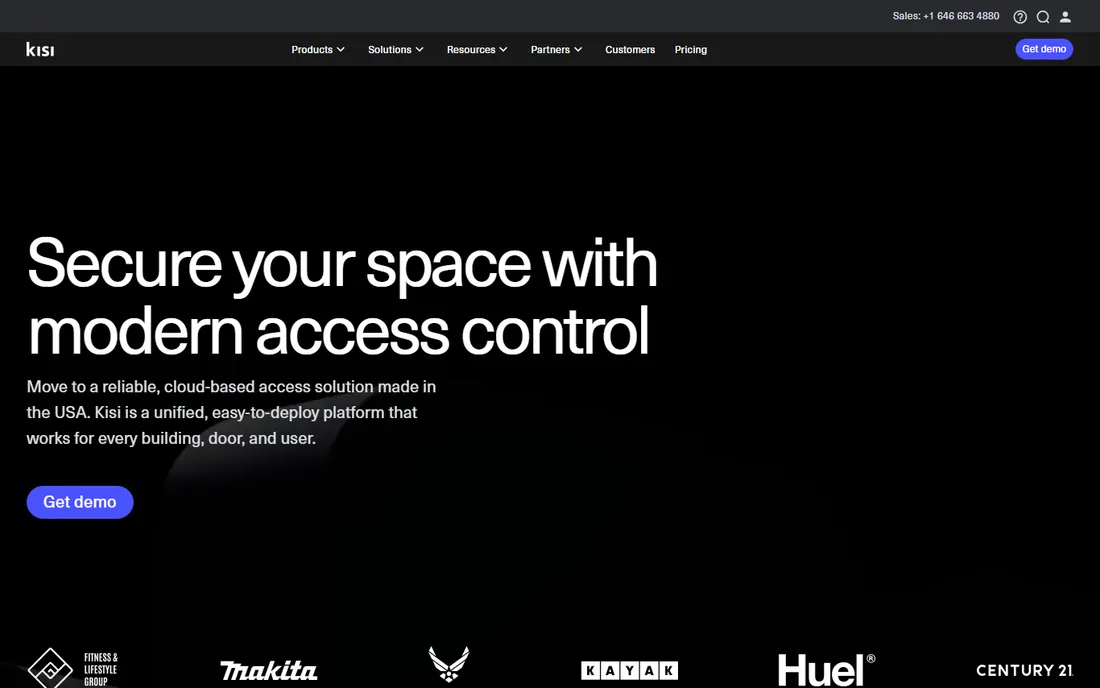
Kisi built its reputation on letting employees open doors with their phones, including Apple Wallet passes, and its One Security Platform starts at a published $99 per month. That is unusually transparent for access control, where per-door math usually hides behind quotes. More than 100 integrations connect it to the tools offices already use.
Hardware is sold separately and installation typically runs through partners, so the headline price is only part of the total. Enterprise deployments still end in a sales conversation. But for a single office or a small portfolio that wants modern, phone-first access without the mystery pricing, Kisi is one of the easiest to evaluate.
What we like- Published starting price of $99/month
- 100+ integrations
- Apple Wallet and mobile credentials built in
Watch out for- Hardware costs extra
- Installation usually handled by third parties
- No free plan
#7
Eagle Eye Networks
Best for: camera fleets that need a camera-agnostic cloud VMS
Visit een.com
Starting priceSee website
Free planNo
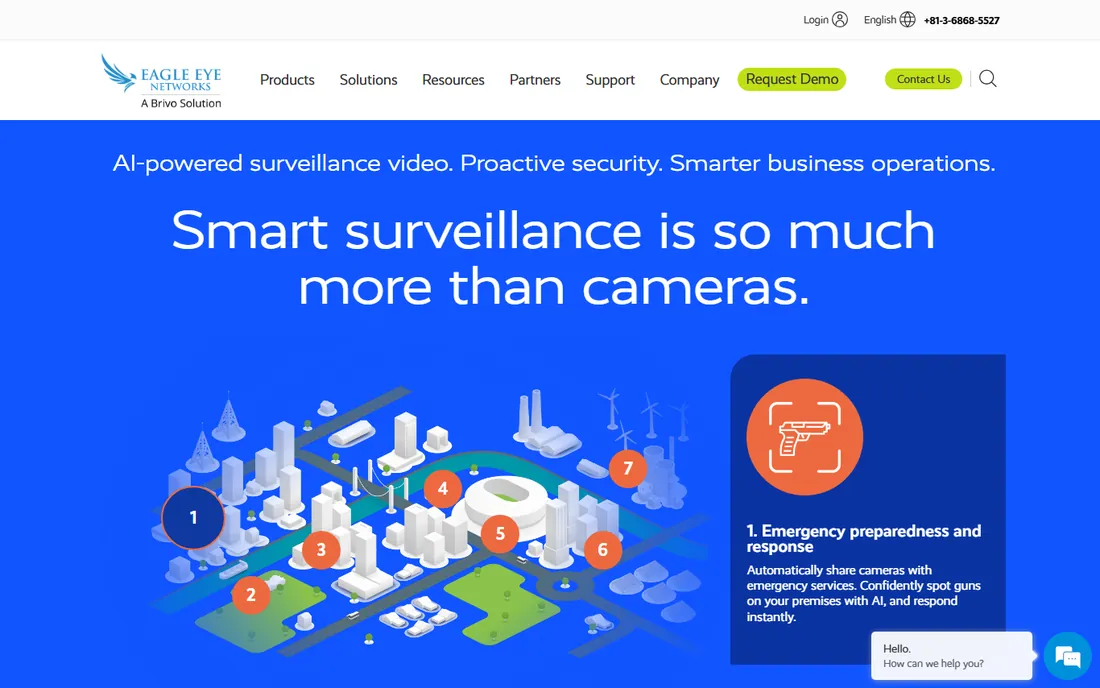
Eagle Eye Networks takes the opposite approach from Verkada: instead of selling you its cameras, it connects to the cameras you already have, more than 7,500 models. Everything records to the cloud, so there are no on-site servers to maintain, and the platform has built out a solid set of video analytics.
As usual in this category, pricing is not published and you will negotiate through sales or a reseller. The per-camera subscription model rewards careful capacity planning. For organizations with a large existing camera fleet and no appetite for rip-and-replace, Eagle Eye is one of the most compatible options available.
What we like- Works with 7,500+ camera models
- True cloud architecture with no local servers required
- Strong analytics options
Watch out for- No public pricing
- Recurring per-camera cloud subscription
#8
Avigilon Alta
Best for: organizations wanting a Motorola-backed cloud security suite
Visit avigilon.com
Starting priceSee website
Free planNo
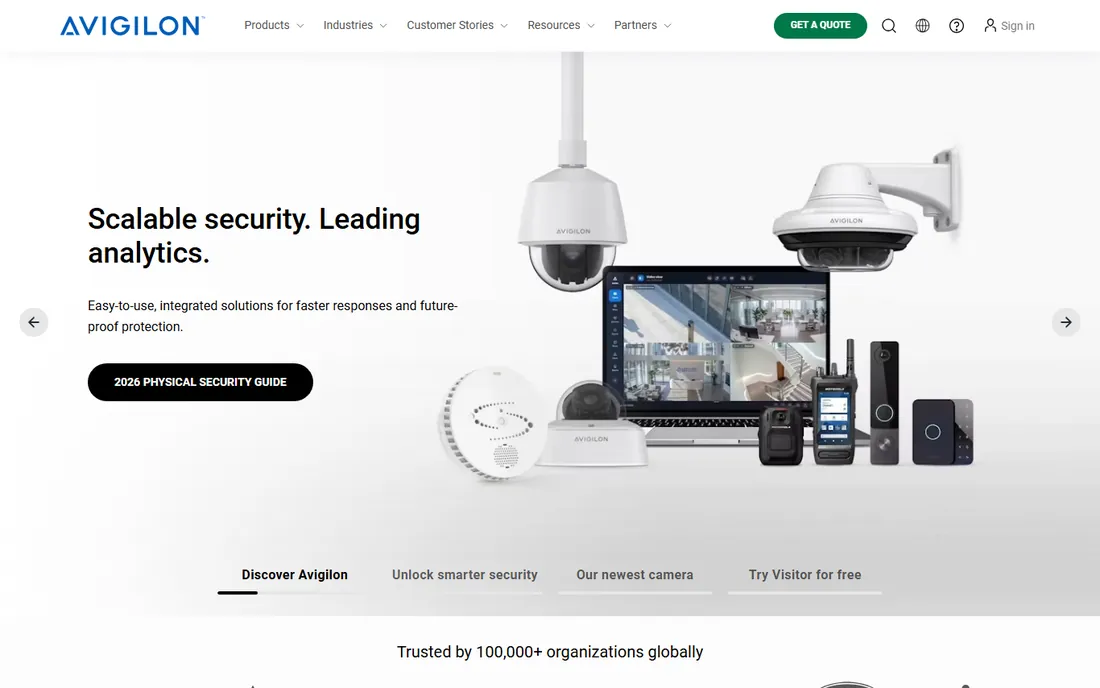
Avigilon Alta is the cloud-native side of Motorola Solutions' security portfolio (the former Openpath), covering video, access control and intercom in one system. For organizations that already run Motorola radios or other Avigilon gear, the ecosystem argument is strong. An on-premise Unity option exists for sites that need to keep footage local.
Pricing is quote-only and the platform is clearly aimed at mid-market and enterprise buyers rather than small offices. Implementation runs through partners. If you want a single big-vendor relationship covering your physical security, Alta deserves a demo; if you want transparent pricing, look elsewhere.
What we like- Cloud-native unified platform for video, access and intercom
- Backed by Motorola Solutions
- On-premise Unity option for mixed estates
Watch out for- Quote-based pricing
- Heaviest fit for buyers already in the Motorola ecosystem
#9
OpenEye
Best for: retail and multi-site firms wanting hybrid cloud video
Visit openeye.net
Starting priceSee website
Free planNo
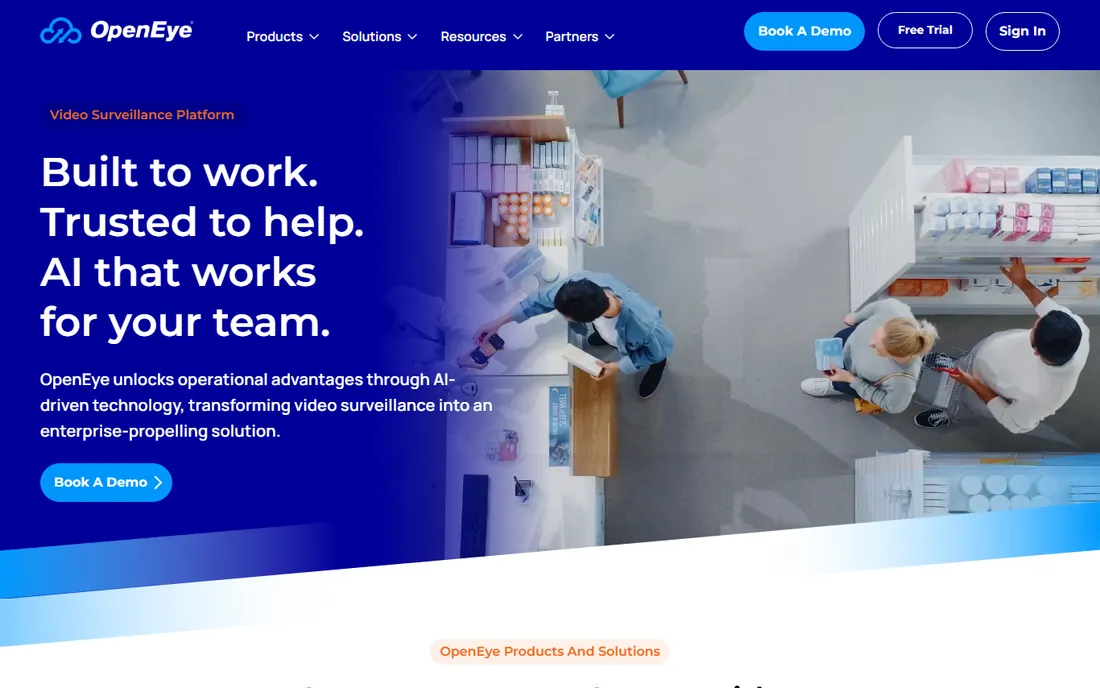
OpenEye, part of Alarm.com, built its name in retail and restaurant chains, where the hybrid model makes sense: footage records locally for reliability while management happens in the cloud. Point-of-sale integration lets loss prevention teams match transactions to video, and the OWS platform connects cameras to broader business systems.
There is no public pricing and no way to buy direct; everything flows through dealers. That is normal for the category but worth knowing before you start. For retail, grocery and restaurant groups that already think in terms of per-store rollouts, OpenEye's dealer network is actually a feature, not a bug.
What we like- Hybrid cloud VMS with local recording plus cloud management
- Point-of-sale integration for retail
- OWS platform ties video to business data
Watch out for- No public pricing
- Sold through dealers, so no direct self-serve path
Starting priceSee website
Free planNo
ProdataKey keeps the pitch simple: cloud access control designed around mobile credentials, with unlimited mobile users on the platform. For the security dealers who sell and install it, the system is deliberately easy to deploy and support, which tends to mean faster installs for end customers too.
The dealer-only model means you cannot price it yourself online, and final costs come through your local installer. That is standard in access control, but it makes comparison shopping harder. Buyers who want a clean, phone-centric access system and are comfortable working through a dealer will find ProdataKey a solid, no-drama option.
What we like- Mobile-first cloud access control
- Unlimited mobile credentials
- Straightforward system for dealers to install and support
Watch out for- No public pricing
- Dealer-only channel with no direct buying option
How we chose
We did not install or test any of these systems in person. Our research method was document-based: we read each vendor's own pricing pages (Rhombus and Kisi publish theirs; the rest are quote-based), product documentation and feature lists, and cross-checked buyer experiences on G2, Capterra and Reddit. We favored products that exist and are actively sold today, that publish enough detail to evaluate, and that cover the two main buying motions in this category: cloud video surveillance and cloud access control. When pricing could not be confirmed on the vendor's own site, we wrote "See website" rather than repeating third-party estimates.
How to buy physical security software without overpaying
Physical security is one of the few software categories where the wrong choice can strand you with useless hardware. A little planning before the first sales call saves real money.
Count doors and cameras first
Almost every vendor prices per camera, per door or per user per month. Before you talk to anyone, inventory what you have: camera count by site, door count, and how many people need credentials. That list turns vague quotes into comparable numbers, and it exposes when a vendor is padding the device count.
Ask who installs and supports it
Most platforms here sell through dealers or certified integrators. That is fine, but get the install and support terms in writing separately from the software quote. Ask who you call at 2 a.m. when a controller goes offline, and what the response time guarantee is. A cheap license with slow support is the most expensive option.
Do the license math at year five
Cloud cameras and cloud access control mean recurring licenses, often per device per year. A $149-per-camera license looks fine for 20 cameras and painful for 400. Multiply every quote out to five years, including any expected camera additions, and compare totals, not first-year prices.
Cloud, hybrid or on-premise: which architecture fits
Cloud-native platforms like Verkada and Rhombus need no local servers and update themselves, which suits lean IT teams. Hybrid systems like OpenEye record locally and manage from the cloud, which helps sites with unreliable internet. Traditional on-premise VMS, like larger Milestone or Genetec deployments, keeps everything inside your network for compliance or policy reasons but needs servers you maintain. Match the architecture to your IT capacity, not to the marketing.
Frequently asked questions
What is the difference between a VMS and access control software?
A video management system (VMS) handles cameras: recording, playback, search and analytics. Access control software handles doors: badges, mobile credentials, schedules and who can enter where. Many vendors now sell both in one platform, which is why Verkada, Genetec and Avigilon Alta appear in both conversations.
How much does physical security software cost?
It varies widely. The two vendors with published prices start around $99/month (Kisi) and $149 per camera (Rhombus license). Everything else here is quote-based, and total cost depends on camera and door counts, installation and license terms. Always compare five-year totals.
Can I use my existing cameras with cloud VMS?
Often, yes. Milestone XProtect and Eagle Eye Networks are built to work with thousands of third-party camera models, and Rhombus offers a Relay adapter for existing IP cameras. Verkada is the exception: it requires its own hardware.
Do I need an installer, or can I set it up myself?
Simple cloud systems with a few cameras can be self-installed. Larger access control deployments and enterprise VMS rollouts almost always go through dealers or certified integrators. Budget for installation separately from the software license.
Is there a free physical security software option?
Milestone XProtect Essential+ is free for up to 8 cameras, which covers small offices. Verkada offers a 30-day trial with one device. Most enterprise platforms have neither a free tier nor a trial and start with a sales demo.
Sources we checked (12)
- https://verkada.com/
- https://genetec.com/
- https://milestonesys.com/
- https://rhombus.com/
- https://www.rhombus.com/pricing/
- https://brivo.com/
- https://getkisi.com/
- https://getkisi.com/pricing
- https://www.een.com
- https://avigilon.com/
- https://openeye.net/
- https://www.prodatakey.com
Is your product missing or out of date?
We review this list regularly. Vendors can request a listing, send updated pricing or ask about featured placement.

Shihab Mia · Founder, Rankite
Shihab has spent more than a decade helping SaaS and e-commerce brands grow through search. He writes Rankite's software buying guides from pricing pages, documentation and public user reviews. More about Shihab.