How we make this list: we compare pricing pages, product documentation and public user reviews. Ratings come from G2, Capterra or Trustpilot, with the date we checked them.
Key takeaways
- Snyk and Semgrep are the most developer-friendly replacements, with fast scans and clear free tiers for small teams.
- SonarQube suits teams that want code quality and security gates in one platform, including a self-hosted free option.
- Checkmarx, Veracode, and Mend fit regulated enterprises that need deep analysis, compliance reporting, and audit trails.
- GitLab is worth a close look when the team already uses GitLab, because security scanning can sit inside the same pipeline.
- No single tool matches GitHub Advanced Security exactly, so most teams combine SAST, dependency scanning, and secret scanning.
Quick comparison
| Tool | Best for | Starting price | Free plan |
|---|
 Snyk Snyk | Developer-first security scanning | $25 per developer per month | Yes |
 SonarQube SonarQube | Quality gates plus security | See website | Yes |
 Semgrep Semgrep | Custom rules and fast CI scans | See website | Yes |
 Checkmarx Checkmarx | Enterprise AppSec programs | See website | No |
 Veracode Veracode | Audit-ready security programs | See website | No |
 Mend Mend | Open-source license and risk control | See website | No |
 GitLab GitLab | Teams already on GitLab | See website | Yes |
 JFrog Xray JFrog Xray | Artifact and container scanning | See website | No |
Is your product missing or out of date?
We review this list regularly. Vendors can request a listing, send updated pricing or ask about featured placement.
The best alternatives to GitHub Advanced Security
Starting price$25 per developer per month
Free planYes
Snyk is the easiest move for a team that wants security feedback where developers already work. Snyk Code scans code in the IDE and in pull requests, while Snyk Open Source, Container, and Infrastructure as Code cover the other layers that GitHub Advanced Security bundles together. Findings come with fix guidance, and many dependency issues can be fixed with an automated pull request. That developer focus is why small and midsize teams often pick Snyk first, even when they keep another tool for compliance reporting.
The limit is breadth at enterprise scale. Snyk is strong on developer experience, but a regulated company may still need deeper policy controls, custom compliance reports, or on-premises deployment options that sit on higher tiers. Pricing also needs care: the Team starting rate covers a defined scope, and adding products increases the bill. Teams should map which Snyk products they actually need, rather than buying the whole platform on day one, and check how contributor counting works for their repository mix.
What we like- Fast IDE and pull-request feedback
- Covers code, dependencies, containers, and infrastructure
- Clear Team pricing
Watch out for- Full platform cost rises with add-ons
- Enterprise reporting needs higher plans
Starting priceSee website
Free planYes
SonarQube appeals to teams that want one gate for both code quality and security. A pull request can be blocked when new bugs, vulnerabilities, or code smells cross a threshold, which keeps the main branch cleaner without a separate security review step. The Community Build is free and self-hosted, so a small team can start without a budget approval, and the cloud version removes the server work for teams that prefer a hosted service. Language coverage is broad, and the rule library is mature.
The honest catch is that the free tier is not a full GitHub Advanced Security replacement. Branch analysis, pull-request decoration, and advanced security rules such as taint analysis and secrets detection require paid editions. Self-hosting also means the team owns upgrades, database care, and scaling, which is a real cost even when the license is free. SonarQube fits best when the team values quality gates and steady, rule-based scanning, and pairs it with a dependency scanner for full coverage.
What we like- Self-hosted Community Build is free
- Quality gates block risky merges
- Broad language coverage
Watch out for- Advanced security rules need paid editions
- Self-hosting adds maintenance work
#3Semgrep
Best for: Custom rules and fast CI scans4.6/5 on
G2 (56 reviews, checked Oct 2026)
Visit semgrep.dev
Starting priceSee website
Free planYes
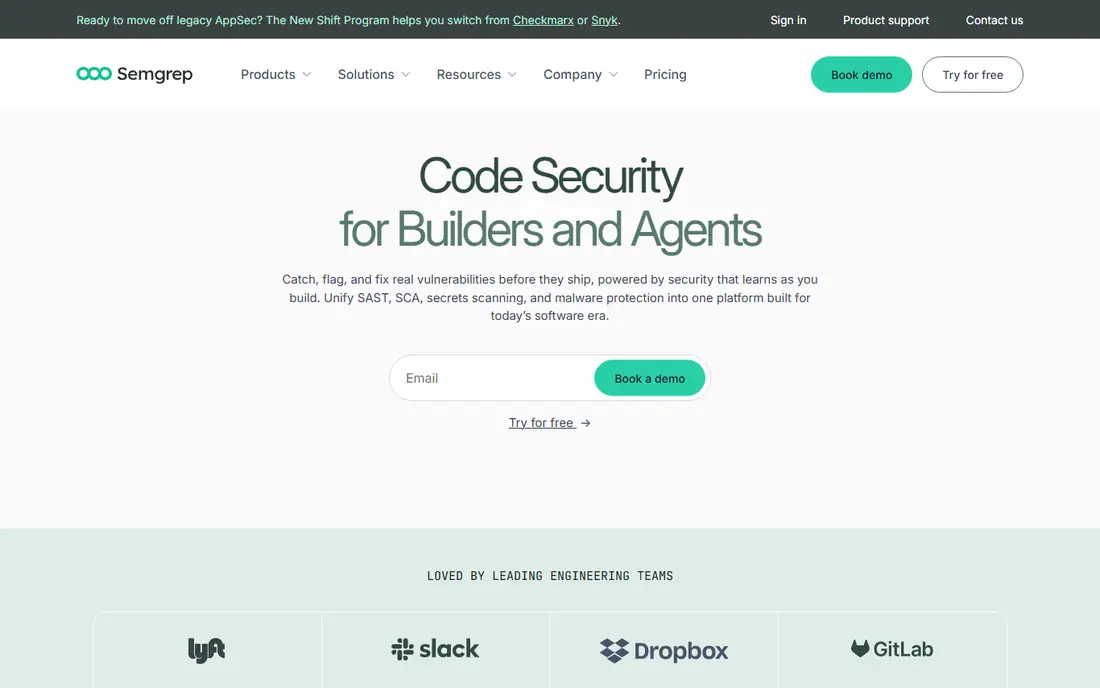
Semgrep stands out for teams that want to write their own security rules. The open-source engine and large community rule set cover common patterns, and a team can add a rule for an internal API misuse or a company-specific anti-pattern in minutes. Scans run quickly in continuous integration, which makes Semgrep a good fit for teams that run checks on every pull request and dislike long pipeline waits. For open-source projects and small teams, the free engine alone is genuinely useful.
Paid tiers matter for larger use. Cross-file taint analysis, supply-chain scanning, secrets detection, and the managed dashboard sit behind Team and Enterprise plans, so a buyer comparing Semgrep with GitHub Advanced Security should price the paid tier, not just the free engine. Rule management also needs ownership: someone must review new rules, tune false positives, and keep rules aligned with the codebase. Teams that invest that time get a scanner shaped to their code, while teams that want a fully managed rule set may prefer Snyk or SonarQube.
What we like- Open-source engine with community rules
- Custom rules are easy to write
- Fast scans in CI
Watch out for- Cross-file analysis needs paid tiers
- Dashboard and management features are paid
#4Checkmarx
Best for: Enterprise AppSec programs4.2/5 on
G2 (49 reviews, checked Oct 2026)
Visit checkmarx.com
Starting priceSee website
Free planNo
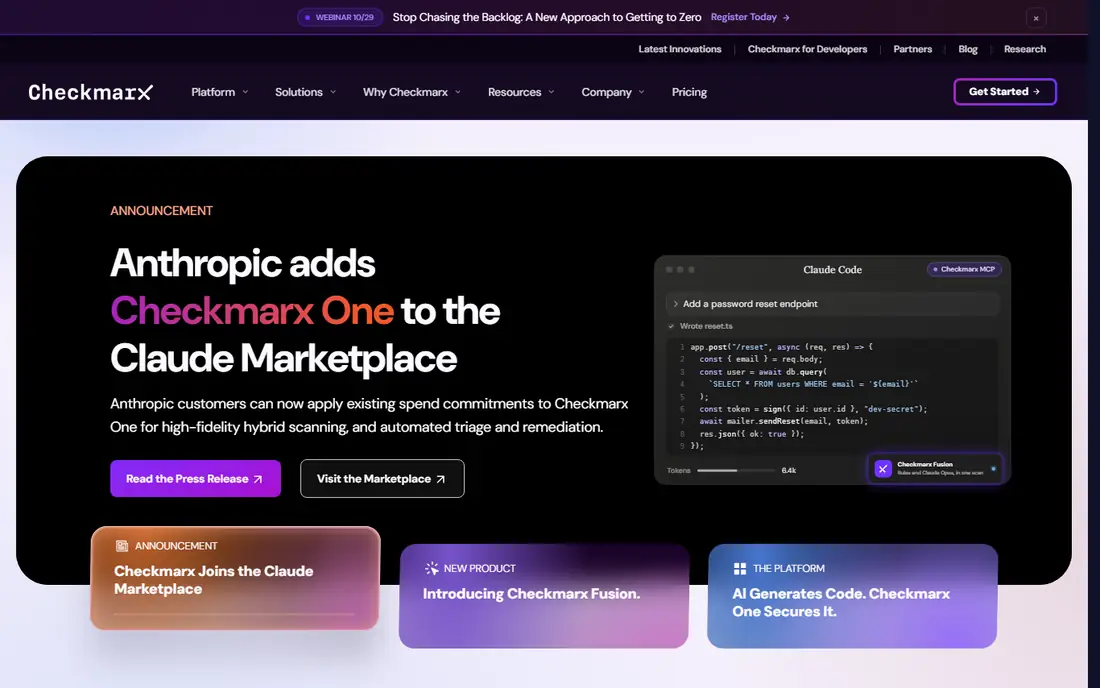
Checkmarx is built for organizations that run a formal application security program, not just a scan in a pipeline. Its static analysis covers many languages and frameworks, with query-based rules that security teams can tune for their stack. The wider platform adds software composition analysis, API security, infrastructure scanning, and container checks, which maps closely to the bundle GitHub Advanced Security offers at enterprise scale. Compliance reporting and policy management are also stronger than in developer-first tools, which helps in audits.
The trade-off is cost and effort. Checkmarx pricing is quoted, and enterprise deployments are typically five-figure annual contracts, with implementation and tuning time on top. Small teams will find it heavy, and even midsize teams should budget for a security engineer or champion to manage rules and triage. Checkmarx fits when the buyer is a security team with compliance deadlines, a large application portfolio, and a need for deep, auditable analysis rather than the fastest pull-request feedback.
What we like- Deep SAST with broad coverage
- SAST, SCA, API, and IaC in one platform
- Strong compliance reporting
Watch out for- Quote-only enterprise pricing
- Longer rollout and tuning period
Starting priceSee website
Free planNo
Veracode has served regulated enterprises for years, and that history shows in its reporting. Static analysis, software composition analysis, dynamic analysis, and manual penetration testing services can sit under one program, with reports designed for auditors and customers who ask for proof of testing. For a company that must show a formal security testing record to enterprise customers or regulators, Veracode's attestation workflow is a real advantage over a scan-only tool.
Developers sometimes find Veracode slower and less integrated into daily work than Snyk or Semgrep. Scans can take longer on large codebases, and the workflow feels more like a security gate than a developer assistant. Pricing is quoted, and the platform is priced for organizations with a real AppSec budget. Veracode is the right pick when audit evidence, policy enforcement, and vendor maturity matter more than the lightest possible developer experience.
What we like- Mature static and dynamic analysis
- Attestation and reporting for audits
- Broad language support
Watch out for- Quote-only pricing
- Developer experience is less lightweight than newer tools
#6Mend
Best for: Open-source license and risk control4.7/5 on
G2 (133 reviews, checked Oct 2026)
Visit mend.io
Starting priceSee website
Free planNo
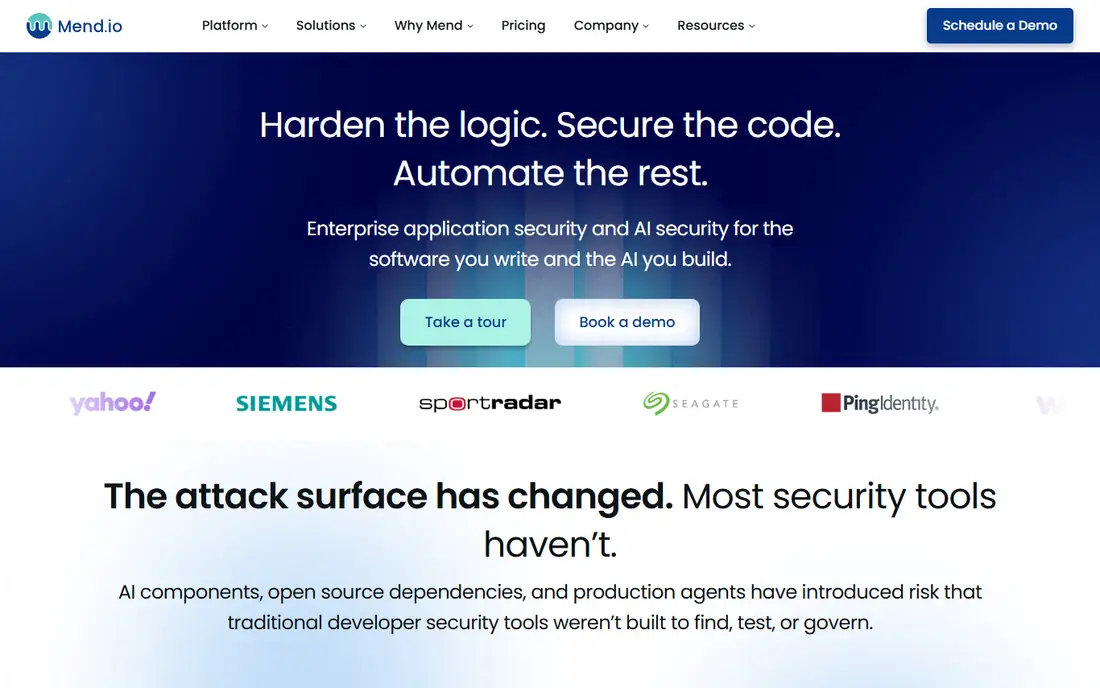
Mend, formerly WhiteSource, focuses on the open-source side of application security. It scans dependencies, flags known vulnerabilities, and tracks license obligations, which is critical for companies that ship software built on many open-source libraries. Automated remediation can open pull requests to update vulnerable packages, and policies can block builds that introduce a disallowed license or a critical vulnerability. For teams whose main risk is the dependency tree rather than custom code flaws, Mend covers the most important gap left by leaving GitHub Advanced Security.
Mend is less of a direct SAST replacement than Checkmarx or Semgrep. Teams that need deep custom code analysis will still need a SAST tool alongside it, so the total stack cost should be counted, not just the Mend contract. Pricing is quote-based, and the value depends on repository count and scan volume. Mend fits best as the dependency and license layer in a combined stack, paired with a SAST tool for first-party code.
What we like- Strong dependency and license analysis
- Automated remediation pull requests
- Policy controls
Watch out for- Less emphasis on custom SAST rules
- Pricing requires a sales conversation
Starting priceSee website
Free planYes
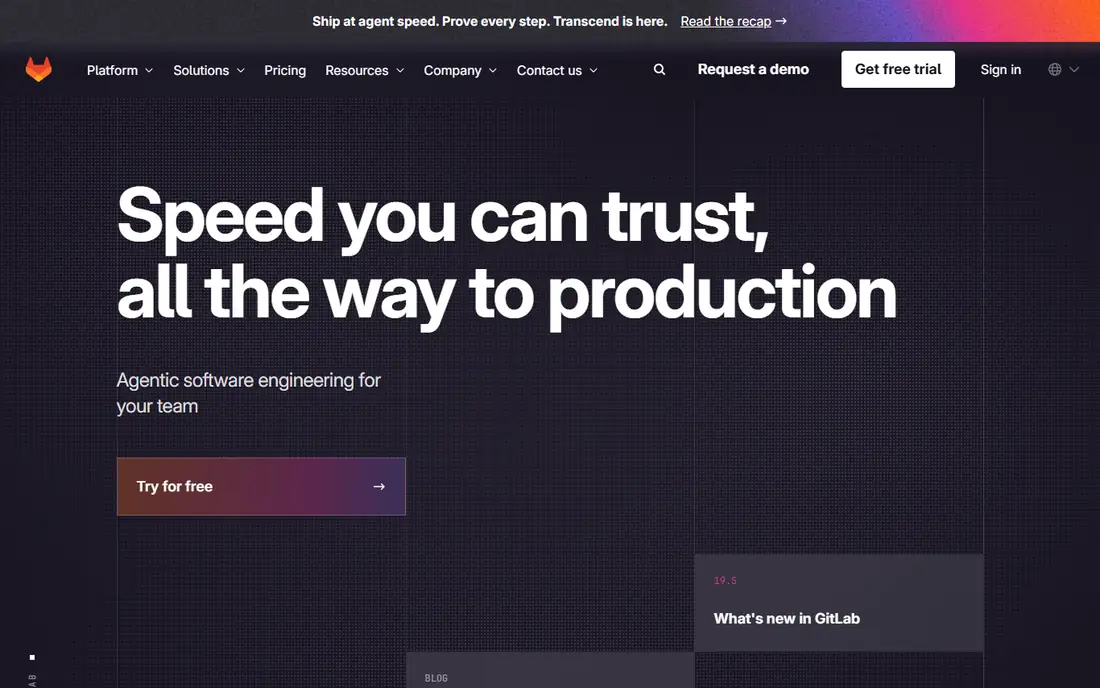
GitLab is a special case in this list, because it is a full DevOps platform rather than a scanning add-on. For a team already using GitLab for source control and pipelines, its built-in security scanning is the most natural GitHub Advanced Security alternative, with SAST, dependency scanning, container scanning, and secret detection feeding the same merge-request workflow. That integration removes a vendor connection and keeps security results next to the code and pipeline that produced them.
The catch is tiering and migration. The full security feature set sits on the Ultimate tier, so a team on a lower tier will not get the complete replacement, and pricing must be checked against the whole GitLab subscription, not a scanning add-on alone. A team on GitHub would need to migrate repositories, pipelines, and access controls to gain that integration, which is a larger project than adding a scanner. GitLab is the strongest pick for existing GitLab users, and a platform decision, not just a scanner swap, for everyone else.
What we like- Security scanning inside the DevOps platform
- SAST, dependency, container, and secret scanning
- One pipeline
Watch out for- Full security features need Ultimate tier
- Teams on GitHub face a platform migration
Starting priceSee website
Free planNo
JFrog Xray scans artifacts, packages, and container images for vulnerabilities and license issues, which covers a stage that source-only scanners miss. A team that builds and stores binaries in Artifactory can block a vulnerable artifact from promotion, trace which builds used a bad component, and apply policies across repositories. That binary-level view is valuable for release governance, because a vulnerability can enter through a built package even when source scanning looks clean.
Xray is not a full GitHub Advanced Security replacement on its own. It does not provide the same first-party SAST depth as Checkmarx or Semgrep, so teams need a SAST tool alongside it for custom code. It also works best inside a JFrog workflow, so a team without Artifactory gains less from the integration. Xray fits as the artifact security layer for teams that already use JFrog, or for release-heavy organizations that need to govern what actually ships, not just what is in source control.
What we like- Scans binaries and containers, not just source
- Integrates with Artifactory
- License and policy controls
Watch out for- Needs JFrog platform context to shine
- Not a standalone SAST replacement
How we chose
We compared pricing pages, product documentation, and public reviews on sites such as G2 and Capterra, focusing on coverage across SAST, dependency scanning, secret detection, and container scanning. We favored tools that exist today, integrate with common pipelines, and serve the team sizes that typically leave GitHub Advanced Security, from small developer teams to regulated enterprises. Where pricing is quoted rather than published, we wrote See website instead of repeating an estimate as a fact, and we noted where a free tier covers only part of the full feature set.
How to build a replacement stack
Start by listing what GitHub Advanced Security actually did for your team. Code scanning, secret scanning, and dependency alerts are separate jobs, and a single replacement may cover only one or two of them well. A common stack is Semgrep or Snyk for code, Snyk or Mend for dependencies, and a secret scanner for credentials, with SonarQube added when quality gates matter. Write down which checks must block a merge and which can warn, because blocking on every low-severity finding will slow developers and breed workarounds.
Next, test on a real repository, not a demo project. Run the scanner on your largest and messiest codebase, measure scan time in CI, and count false positives in the first week. Check how findings are triaged, whether fixes can be automated, and how the tool handles monorepos, private packages, and self-hosted runners. Finally, confirm the compliance story: export a sample report, check retention and audit logs, and ask how the vendor handles data residency if your code cannot leave a region. A scanner that passes a demo but fails an audit review will cost more later than a slower tool with solid reporting.
Frequently asked questions
Can one tool fully replace GitHub Advanced Security?
Sometimes, but often a stack works better. GitHub Advanced Security bundles code scanning, secret scanning, and dependency alerts, and few standalone tools match all three at the same depth. Snyk and Checkmarx come closest as platforms, while Semgrep plus Mend is a strong combination for teams that prefer best-of-breed tools.
What is the cheapest way to replace GitHub Advanced Security?
Start with free tiers: SonarQube Community Build for quality and basic security gates, Semgrep open source for custom rules, and Snyk free for limited projects. That combination covers a lot for a small team at no license cost, though it needs more setup and tuning than a paid platform. As the team grows, paid tiers buy management, deeper analysis, and support.
Is Semgrep a good SAST replacement?
Yes, for teams that value custom rules and fast CI scans. Semgrep's open-source engine is strong for pattern-based checks, and paid tiers add cross-file analysis and supply-chain coverage. Teams that need deep data-flow analysis across a large enterprise codebase may still prefer Checkmarx or Veracode.
Should a GitLab team buy a separate scanner?
Not always. GitLab Ultimate includes SAST, dependency, container, and secret scanning in the same pipeline, which may be enough. A separate scanner makes sense when the team needs deeper SAST rules, a specific compliance report, or coverage for repositories outside GitLab.
How do I handle secret scanning when leaving GitHub?
Keep a dedicated secret scanner in CI and in pre-commit hooks, and rotate any credentials that were ever committed. GitHub secret scanning stops covering a repository once it leaves GitHub, so the replacement must scan both history and new commits. Treat any found secret as compromised and rotate it, rather than only deleting it from the code.
Sources we checked (8)
- https://snyk.io
- https://www.sonarsource.com
- https://semgrep.dev
- https://checkmarx.com
- https://www.veracode.com
- https://www.mend.io
- https://about.gitlab.com
- https://jfrog.com
Is your product missing or out of date?
We review this list regularly. Vendors can request a listing, send updated pricing or ask about featured placement.

Shihab Mia · Founder, Rankite
Shihab has 5+ years in B2B and SaaS SEO. He writes Rankite's software buying guides from pricing pages, documentation and public user reviews. More about Shihab.