How we make this list: we compare pricing pages, product documentation and public user reviews. Ratings come from G2, Capterra or Trustpilot, with the date we checked them.
Key takeaways
- Affinity is the closest full Photoshop replacement on Mac and it is now free with a Canva account, with layers, masks, raw support, and strong PSD handling.
- Pixelmator Pro is the Mac native paid pick: 49.99 dollars once on the Mac App Store, built for Apple silicon, with no subscription ever.
- Photopea costs nothing and installs nothing: it opens and saves PSD files in any Mac browser, free with ads or about 5 dollars a month without.
- Photoshop itself is deliberately not in this list. The comparison point is its 22.99 dollars a month single app subscription, which these eight undercut or erase.
Quick comparison
| Tool | Best for | Starting price | Free plan |
|---|
 Affinity Affinity | Closest full replacement | Free | Yes |
 Pixelmator Pro Pixelmator Pro | Native Mac one time purchase | $49.99 one time | No |
 Photopea Photopea | PSD editing in the browser | Free | Yes |
 GIMP GIMP | Free open source depth | Free | Yes |
 Acorn Acorn | Lightweight local Mac editor | See website | No |
 Luminar Neo Luminar Neo | AI photo enhancement | $129 one time | No |
 Krita Krita | Digital painting and illustration | Free | Yes |
 Canva Canva | Quick branded graphics | Free | Yes |
Is your product missing or out of date?
We review this list regularly. Vendors can request a listing, send updated pricing or ask about featured placement.
The best Photoshop alternatives for Mac
Starting priceFree
Free planYes
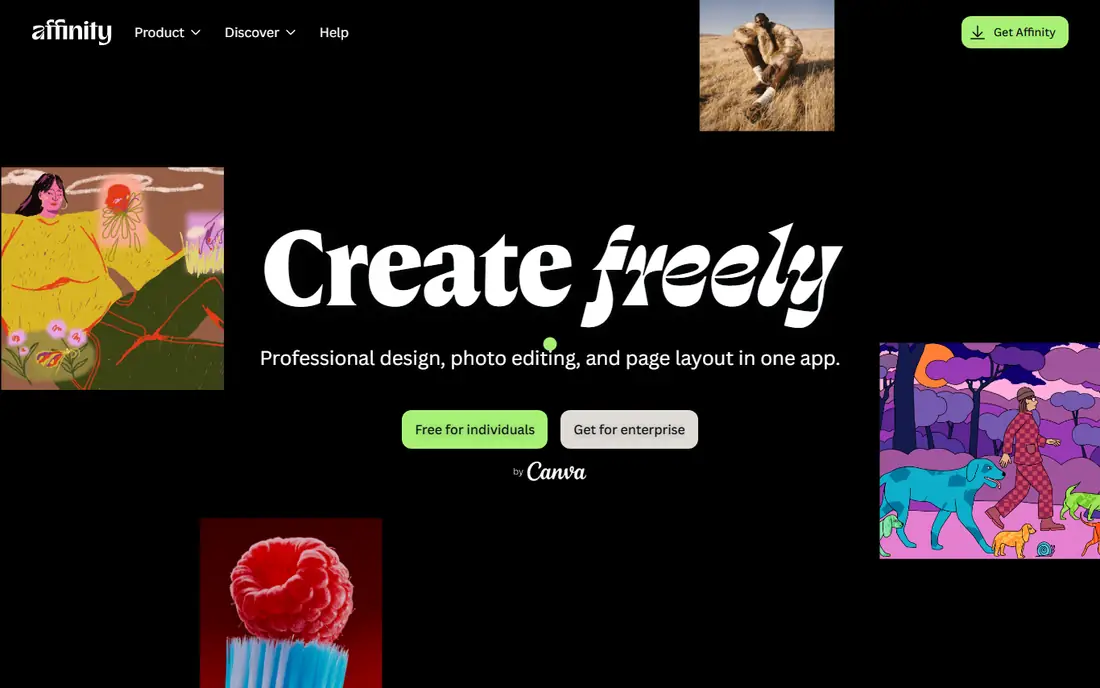
What we like- Affinity, the Canva owned successor to Affinity Photo, is the closest one to one Photoshop replacement most professionals will find: full layers and masks, non destructive editing, raw processing, and strong PSD import and export, now free with a free Canva account since late 2025. It runs natively on Apple silicon with the speed long time users praised when it cost 70 dollars. For a working professional, the switch cost is now measured in learning time, not money.
Watch out for- Affinity's AI features sit behind paid Canva plans, so the free tier is the classic editor rather than Adobe's generative toolkit. Complex PSD features can still translate imperfectly, so test heavy client files before committing a studio. Its plugin and action ecosystem is smaller than Photoshop's decades deep library.
#2Pixelmator Pro
Best for: Native Mac one time purchase4.4/5 on
G2 (91 reviews, checked Oct 2026)
Visit pixelmator.com
Starting price$49.99 one time
Free planNo
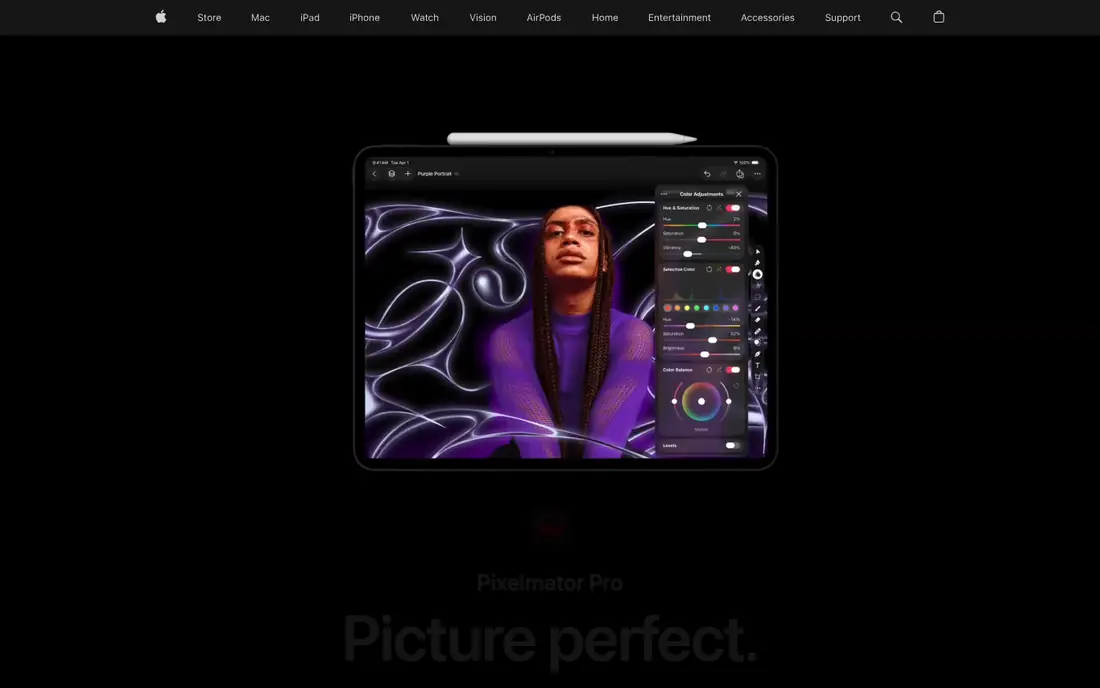
What we like- Pixelmator Pro is the editor that feels like it was always part of macOS: a clean native interface, Apple silicon performance, machine learning tools for upscaling, background removal, and repair, and solid PSD support for ordinary professional work. It costs 49.99 dollars once on the Mac App Store, so a Photoshop subscriber recovers the price in under three months of avoided fees. Designers who found Photoshop's interface heavy often describe it as the relief option.
Watch out for- It is Mac only by design, which breaks cross platform teams. Its raw workflow and batch depth trail dedicated photography tools, so high volume photographers pair it with a library app. Very complex PSD structures, smart objects and exotic blend modes, still deserve a fidelity test before studio adoption.
#3Photopea
Best for: PSD editing in the browser4.6/5 on
G2 (21 reviews, checked Oct 2026)
Visit photopea.com
Starting priceFree
Free planYes
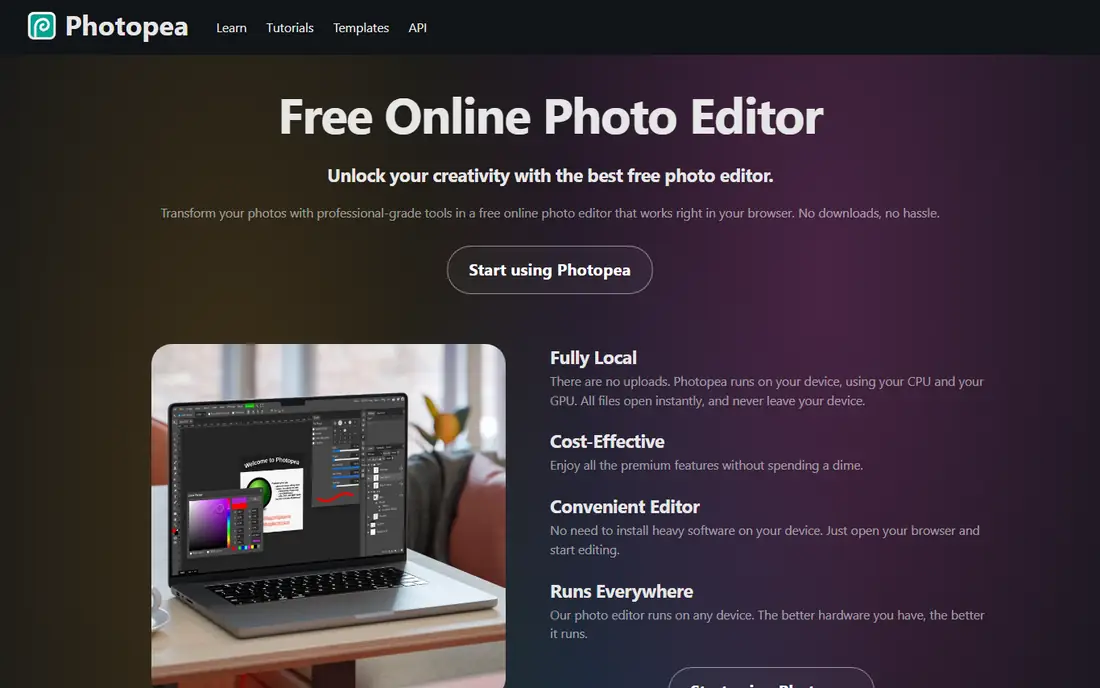
What we like- Photopea is the zero install answer: open the site on any Mac and edit PSD, XCF, Sketch, and XD files with a Photoshop style interface, layers, masks, and smart object support that reviewers rate the best outside Adobe itself. It is free with ads, and Premium at about 5 dollars a month removes them and adds storage and AI features. For occasional PSD work, client file checks, and travel editing, nothing else is this convenient.
Watch out for- A browser editor depends on your connection and your files pass through a web app, which some client contracts will not allow. Performance with very large files trails a native app on Apple silicon. Advanced colour management and print workflows are limited compared with Affinity or Photoshop.
#4GIMP
Best for: Free open source depth4.3/5 on
G2 (1,484 reviews, checked Oct 2026)
Visit gimp.org
Starting priceFree
Free planYes
What we like- GIMP is the deepest free editor here: full layers, masks, channels, and selection tools, a large plugin library, and scripting through Python and Script-Fu for automating repetitive work, all open source on macOS. It keeps improving under active development, and for technical users who value control and zero telemetry, it is the principled choice as well as the free one. PSD import and export cover most everyday files.
Watch out for- The interface is famously its own dialect, and Photoshop muscle memory transfers poorly at first. Some PSD features and adjustment layer behaviours do not survive the round trip, so client file fidelity needs testing. Non destructive editing has historically lagged the commercial rivals, though recent versions have closed part of that gap.
Starting priceSee website
Free planNo
What we like- Acorn, from indie developer Flying Meat, is the lightweight local option: a fast, friendly Mac editor with layers, filters, vector shapes, and text tools that opens instantly and stays out of the way for everyday image work. It is a one time purchase from a small independent developer with a long Mac pedigree, and it requires macOS 14 or later in its current version. Web designers and bloggers who need quick edits rather than a compositing suite rate it highly.
Watch out for- Its ceiling is lower than Affinity or GIMP: complex PSD files and advanced retouching workflows outgrow it, as its own positioning admits. There is no free tier, and current pricing should be confirmed on the developer's store page, hence see website here. It is Mac only, with no iPad or cross platform story.
#6Luminar Neo
Best for: AI photo enhancement4.4/5 on
G2 (115 reviews, checked Oct 2026)
Visit skylum.com
Starting price$129 one time
Free planNo
What we like- Luminar Neo answers the photo half of Photoshop's job with AI: sky replacement, portrait enhancement, relighting, and background work that takes seconds instead of masking sessions, in a perpetual licence from about 129 dollars or on subscription. It also runs as a plugin, so mixed workflows are possible during a transition. For photographers whose Photoshop use was mostly enhancement, it removes the subscription without removing the results.
Watch out for- It is not a compositing or design tool: layers based layout work, text design, and complex PSD hand offs belong elsewhere. Skylum's tiers and extension packs make pricing genuinely confusing, so confirm what a licence includes. Raw library management is light beside dedicated photography apps.
#7Krita
Best for: Digital painting and illustration4.4/5 on
G2 (65 reviews, checked Oct 2026)
Visit krita.org
Starting priceFree
Free planYes
What we like- Krita is the illustrator's free answer to Photoshop: brush engines that rival or beat Adobe's for painting, animation tools, and a resource manager built for artists, developed openly by the art community. Mac support is first class, and working illustrators and comic artists use it as their main tool, not a fallback. If your Photoshop use is primarily drawing, Krita may be an upgrade rather than a compromise.
Watch out for- Photo retouching and general image editing are secondary in Krita, so photographers should look at Affinity or Pixelmator instead. PSD support serves artwork exchange rather than pixel perfect client hand offs. Its interface is tuned for tablets and painting workflows, which general editors find specialised.
#8Canva
Best for: Quick branded graphics4.7/5 on
G2 (7,678 reviews, checked Oct 2026)
Visit canva.com
Starting priceFree
Free planYes
What we like- Canva covers the marketing slice of Photoshop work: social graphics, thumbnails, and presentations from templates, with a photo editor and AI tools inside the same app, on a free plan or Pro at 15 dollars a month. It imports PSDs for simple repurposing, and teams share brand kits and files without any file management. For non designers producing daily content, it is faster than every true editor here.
Watch out for- Canva is not a Photoshop replacement for complex work: layer control is limited, and detailed retouching or precise PSD hand offs are outside its design. Serious editing quickly hits its ceiling, which is why it sits last here despite its popularity. Pro pricing has risen over time, and template led design can make brands look alike.
How we chose
We compared the Mac alternatives that October 2026 guides from MacHow2, Setapp, Colorlib, and AlternativeTo rank most consistently, and verified prices against those surveys, including Affinity's move to free under Canva and Pixelmator Pro's 49.99 dollar App Store price. We required real macOS support on Apple silicon and layer based editing for the core list, and we separated genuine Photoshop class editors from the photo enhancement and template tools at the end rather than pretending they do the same job. Photoshop itself is excluded as the target product of this alternatives guide.
How to choose the right Photoshop alternative for Mac
Start with your heaviest real file, not your average one. If you retouch and composite professionally, trial Affinity first: it is free, closest in spirit, and its PSD handling decides the question within one project. If you want a native Mac app you own outright and your files are moderately complex, Pixelmator Pro at 49.99 dollars once is the cleanest purchase in this category. Painters should go straight to Krita, photographers leaning on enhancement should test Luminar Neo, and anyone whose Photoshop use is really social graphics should admit it and use Canva.
Then check the three switching costs people forget. File fidelity: run your most complex PSD through import, edit, and export in two finalists. Workflow fixtures: actions, plugins, and brushes you depend on may not exist elsewhere, and rebuilding them is the real migration price. And exit costs in reverse: Affinity, GIMP, and Krita keep your files in open or standard formats with no subscription hostage problem, which is part of what buyers are purchasing. With Affinity free, the rational order is to test the free tools on real work first and spend money only on a gap you can name.
Frequently asked questions
What is the closest free replacement for Photoshop on Mac?
Affinity. It matches Photoshop's core model, layers, masks, non destructive edits, raw support, and PSD files, and it became free with a Canva account in late 2025. GIMP is the open source alternative with deeper scripting, and Photopea is the closest match that runs in a browser.
Can these apps open my PSD files?
Yes, with fidelity limits that grow with file complexity. Affinity and Pixelmator Pro handle ordinary professional PSDs well, Photopea is rated best in browser, and GIMP imports most files. Smart objects, certain blend modes, and advanced text effects can shift in any of them, so test your most complex file before switching a studio.
Is Pixelmator Pro really a one time purchase?
Yes. It sells for 49.99 dollars once on the Mac App Store, and that version keeps working without further required payment. Major future versions and any bundle offers are separate decisions, but there is no subscription clock on the app you bought.
Which alternative is best for digital painting?
Krita, which was designed for painting and illustration and is free, with brush engines artists rate at or above Photoshop's. Affinity and Pixelmator Pro both paint well as secondary functions, but Krita is the specialist's tool.
Do I lose anything leaving Photoshop entirely?
Mainly three things: Firefly's generative tools and credit system, the deepest plugin and action ecosystem in the industry, and guaranteed file compatibility with clients who standardise on Adobe. If none of those three is load bearing in your work, the alternatives here cover professional editing fully.
Sources we checked (0)
Is your product missing or out of date?
We review this list regularly. Vendors can request a listing, send updated pricing or ask about featured placement.

Shihab Mia · Founder, Rankite
Shihab has 5+ years in B2B and SaaS SEO. He writes Rankite's software buying guides from pricing pages, documentation and public user reviews. More about Shihab.