How we make this list: we compare pricing pages, product documentation and public user reviews. Ratings come from G2, Capterra or Trustpilot, with the date we checked them.
What Is the Best Passbolt Alternative in 2026
The best Passbolt alternative for most teams is Bitwarden. It keeps the open-source spirit of Passbolt, adds a hosted option so you do not have to run a server, and starts at 4 dollars per user per month billed annually on the Teams plan. 1Password Business suits teams that want polished admin controls, and NordPass Teams or Proton Pass Essentials suit teams that want the lowest entry price. Passbolt itself is an open-source, self-hostable team password manager. Its Community Edition is free with unlimited users under the AGPLv3 licence, and its paid Pro plan is reported at 4.90 dollars per user per month billed annually with a 10-user minimum. That model suits technical teams with an admin who can run a server.
Key takeaways
- Bitwarden is the closest open-source match to Passbolt, with hosted and self-hosted options and a free plan for individuals.
- 1Password has the most polished admin controls in this list, but it has no free plan and Business costs 8.99 dollars per user per month billed annually.
- NordPass Teams is the cheapest team entry here at 1.79 dollars per user per month, but only on a two-year term and only as a 10-user pack.
- Proton Pass Essentials and Enpass Business both start at 1.99 dollars per user per month billed annually.
- LastPass still works well as a product, but buyers should weigh its December 2022 security incident before they commit.
- No alternative matches Passbolt exactly, so pick based on hosting, admin controls, and price.
Passbolt Alternatives Compared
| Tool |
Starting team price |
Free plan |
Self-hosting |
Best for |
| Bitwarden |
4 dollars per user per month, billed annually |
Yes |
Yes, on Enterprise |
Open-source teams that want choice |
| 1Password |
24.95 dollars per month for 10 users, billed annually |
No |
No |
Polished admin controls and reports |
| Dashlane |
2 dollars per user per month, billed annually |
No free business plan |
No |
Small teams that want bundled security |
| Keeper |
2 dollars per user per month, billed annually |
No |
No |
Compliance-minded teams on a budget |
| LastPass |
4.25 dollars per user per month, billed annually |
Yes, limited |
No |
Familiar shared folders and policies |
| NordPass |
1.79 dollars per user per month on a two-year term |
Yes |
No |
Lowest-cost team entry |
| Enpass |
1.99 dollars per user per month, billed annually |
Yes, limited to 25 items |
Vaults in your own storage |
Teams that keep vaults in Microsoft 365 or Google Workspace |
| Proton Pass |
1.99 dollars per user per month, billed annually |
Yes |
No |
Privacy-first teams in the Proton ecosystem |
Prices were checked against vendor pricing pages and November 2026 comparisons that cite those pages. Prices are in US dollars before tax unless the vendor lists euros. Confirm the price at checkout.
Why Teams Look for a Passbolt Alternative
Passbolt is built for teams, not for single users. Shared passwords are the core model, and every user has their own key. That design is a strength for technical teams. It becomes a burden when no one on the team wants to run the server, apply updates, manage backups, or handle key recovery. A hosted alternative moves that work to the vendor, and you trust its architecture, audits, and policies. Before you switch, list what you use today: shared folders, guest access, single sign-on, directory sync, audit logs, and mobile access. Then check each alternative against that list.
How to Choose a Passbolt Alternative
Start with hosting. If your team must keep vault data on its own servers, your shortlist is short. Bitwarden Enterprise supports self-hosting, and Enpass keeps vaults in storage you already control, such as Microsoft 365 or Google Workspace. Every other tool in this guide is hosted by the vendor. Next, check single sign-on and provisioning. Several vendors put SAML single sign-on and SCIM provisioning on a higher tier, so the cheapest plan may not include the login flow your IT team needs. Check the seat minimum too. Passbolt Pro needs 10 users, NordPass Business needs 5 users, and Proton Pass Essentials needs 3 users. Finally, count the real annual cost for your exact seat count, not the headline monthly rate.
How We Picked These 8 Password Managers
We picked tools that are real, currently available password managers with a team or business plan. We checked pricing on vendor pricing pages and on November 2026 pricing comparisons that cite those pages, and we noted where sources disagreed. We favoured team-friendly tools with shared vaults, admin controls, and audit logs, and kept open-source-leaning options so teams that care about control still have a path. We did not invent prices, ratings, user counts, or quotes. Last verified: 15 November 2026.
Quick comparison
| Tool | Best for | Starting price | Free plan |
|---|
 Bitwarden | Open-source teams that want hosted or self-hosted password management | 4 dollars per user per month, billed annually (Teams plan) | Yes, free plan for individuals with unlimited passwords and devices |
 1Password | Teams that want polished admin controls, custom policies, and clear reporting | 24.95 dollars per month for 10 users, billed annually (Teams Starter Pack, about 2.49 dollars per user) | No free plan; a 14-day free trial is offered |
 Dashlane | Small teams that want a password manager with dark web monitoring and a VPN bundled in | 2 dollars per user per month, billed annually (Starter plan, up to 10 seats) | No free business plan; the personal free tier is limited to one device, as reported in 2026 comparisons |
 Keeper | Compliance-minded teams that want a low per-seat price and a free family plan per user | 2 dollars per user per month, billed annually (Business Starter, 5 to 10 users) | No free plan; a free trial is offered |
 LastPass | Teams that want familiar shared folders, many security policies, and a low-cost entry tier | 4.25 dollars per user per month, billed annually (Teams plan, up to 50 users) | Yes, limited free plan for one device type |
 NordPass | Small teams that want the lowest-cost team entry and use Google Workspace | 1.79 dollars per user per month on a two-year term (Teams, sold as a 10-user pack) | Yes, free plan with limited features |
 Enpass | Teams that already use Microsoft 365 or Google Workspace and want vaults kept in their own storage | 1.99 dollars per user per month, billed annually (Business plan) | Yes, free plan limited to 25 items in one vault |
 Proton Pass | Privacy-first teams that already use Proton Mail, VPN, or Drive | 1.99 dollars per user per month, billed annually (Pass Essentials, 3-user minimum) | Yes, free plan with unlimited passwords and devices |
Is your product missing or out of date?
We review this list regularly. Vendors can request a listing, send updated pricing or ask about featured placement.
The 8 Best Passbolt Alternatives
Each tool below has a team plan and a starting price checked in November 2026.
#1Bitwarden
Best for: Open-source teams that want hosted or self-hosted password management4.6/5 on
G2 (1,475 reviews, checked Oct 2026)
Visit bitwarden.com
Starting price4 dollars per user per month, billed annually (Teams plan)
Free planYes, free plan for individuals with unlimited passwords and devices
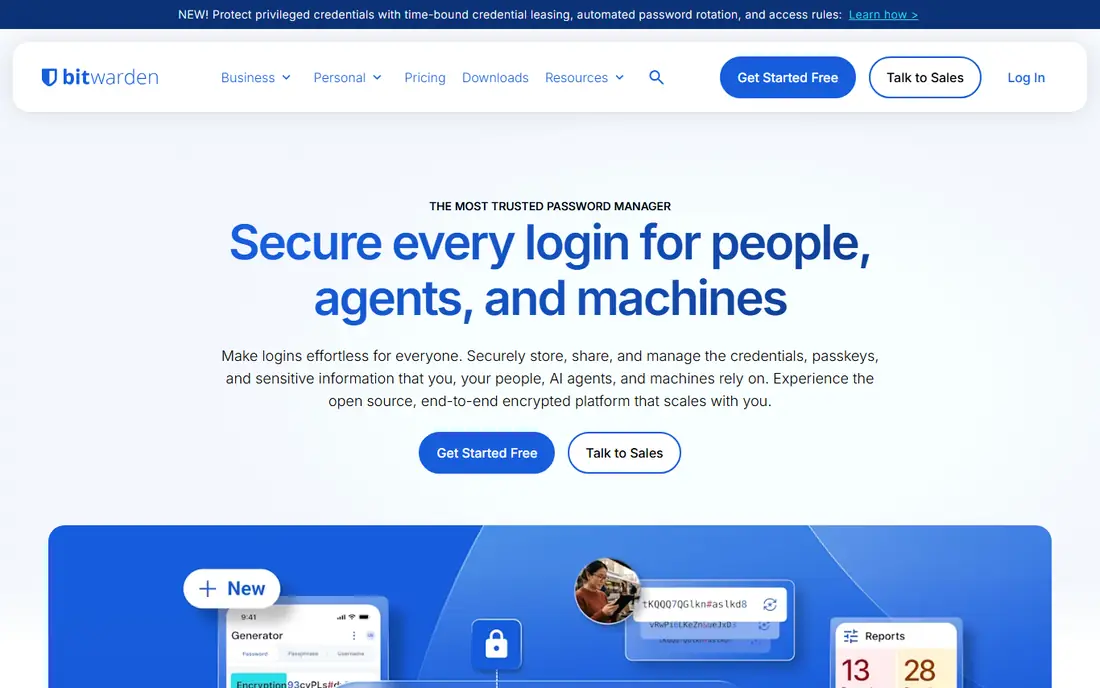
Bitwarden is the most natural move from Passbolt. It supports shared collections and offers hosted or self-hosted use. The Teams plan costs 4 dollars per user per month billed annually and includes event logs, directory sync, and SCIM provisioning. Enterprise costs 6 dollars per user per month billed annually and adds single sign-on, enterprise policies, and the self-host option. Bitwarden suits teams that liked Passbolt for its openness but want less server work, or want a hosted plan now with a self-hosted path later. The drawback is polish: the apps feel plain next to 1Password.
What we like- Open-source code, self-hosting on Enterprise, low team price, audit logs and SCIM on paid team plans
Watch out for- Less polished than 1Password, and self-hosting adds admin work
#21Password
Best for: Teams that want polished admin controls, custom policies, and clear reporting4.7/5 on
Capterra (2,132 reviews, checked Oct 2026)
Visit 1password.com
Starting price24.95 dollars per month for 10 users, billed annually (Teams Starter Pack, about 2.49 dollars per user)
Free planNo free plan; a 14-day free trial is offered
1Password is the most polished password manager in this guide, with consistent apps and an admin console for policies and activity. The Teams Starter Pack costs 24.95 dollars per month billed annually and covers 10 members, with extra seats at 4.99 dollars each for teams of 10 to 20. Business costs 8.99 dollars per user per month billed annually and adds single sign-on, SCIM provisioning, SIEM streaming, and custom policies. Check the cost at your exact headcount. 1Password has no free tier, so every user needs a paid seat or a guest slot. It has no self-hosted option, which rules it out for teams that must keep vault data on their own servers.
What we like- Polished apps and admin console, custom policies and reports, guest accounts, strong device and browser support
Watch out for- No free plan at all, and the price rises sharply once a team outgrows the Starter Pack and moves to Business
#3Dashlane
Best for: Small teams that want a password manager with dark web monitoring and a VPN bundled in4.5/5 on
G2 (628 reviews, checked Oct 2026)
Visit dashlane.com
Starting price2 dollars per user per month, billed annually (Starter plan, up to 10 seats)
Free planNo free business plan; the personal free tier is limited to one device, as reported in 2026 comparisons
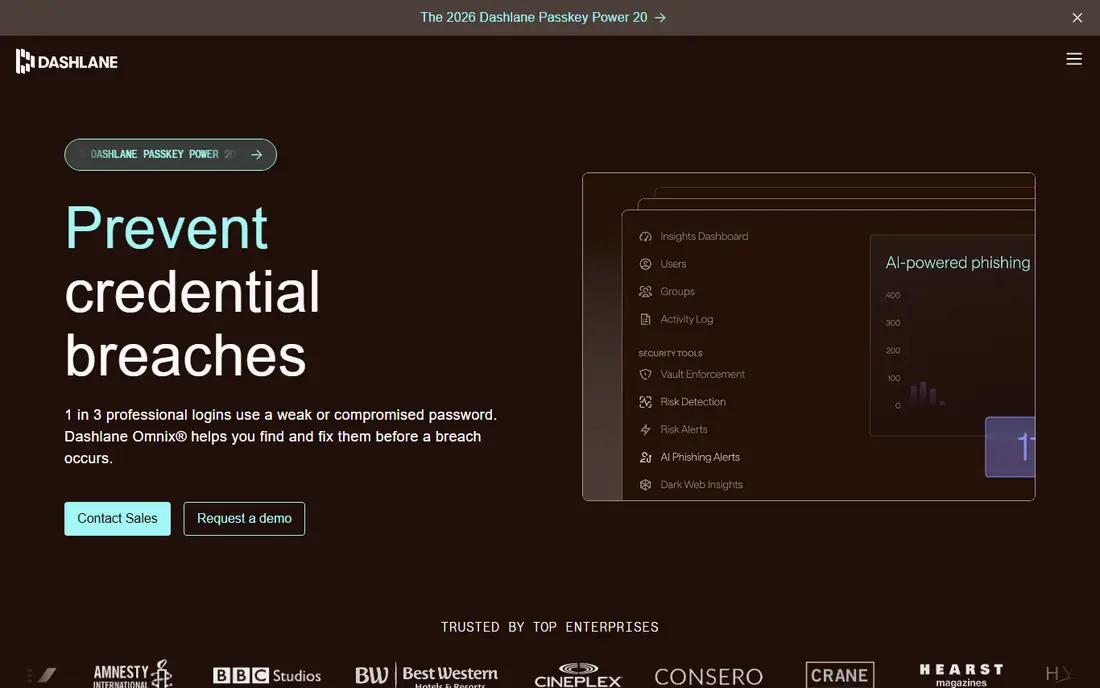
The Starter plan costs 2 dollars per user per month billed annually and covers up to 10 seats, with core vault sharing and dark web monitoring for one email address. Business costs 8 dollars per user per month billed annually and adds SAML single sign-on, SCIM provisioning, an admin dashboard with security health, shared collections with permission levels, and dark web monitoring for unlimited email addresses. Dashlane has no self-hosted option. Teams that already pay for a separate VPN should compare the bundled value against the higher per-seat price before they choose Dashlane.
What we like- Clean admin dashboard, dark web monitoring, bundled VPN on higher plans, SAML single sign-on on Business
Watch out for- Business costs 8 dollars per user per month billed annually, and single sign-on is not on the Starter plan
#4Keeper
Best for: Compliance-minded teams that want a low per-seat price and a free family plan per user4.6/5 on
G2 (1,234 reviews, checked Oct 2026)
Visit keepersecurity.com
Starting price2 dollars per user per month, billed annually (Business Starter, 5 to 10 users)
Free planNo free plan; a free trial is offered
Business Starter costs 2 dollars per user per month billed annually for 5 to 10 users and covers the core vault, admin console, sharing, and autofill. Business costs 4 dollars per user per month billed annually and adds shared team folders, delegated administration, and a free family plan for each user. Enterprise costs 6 dollars per user per month billed annually and adds single sign-on, SCIM and directory provisioning, advanced two-factor controls, and role-based access control. The catch is that single sign-on is an Enterprise feature, so teams that need it must budget 6 dollars per seat, not 4. Keeper uses zero-knowledge encryption, so the vendor cannot read vault contents.
What we like- Low business price, zero-knowledge encryption, compliance reporting, free family plan for each business user
Watch out for- Single sign-on and SCIM sit on the Enterprise plan at 6 dollars per user per month, not on Business
#5LastPass
Best for: Teams that want familiar shared folders, many security policies, and a low-cost entry tier4.5/5 on
G2 (2,096 reviews, checked Oct 2026)
Visit lastpass.com
Starting price4.25 dollars per user per month, billed annually (Teams plan, up to 50 users)
Free planYes, limited free plan for one device type
Teams costs 4.25 dollars per user per month billed annually for up to 50 users, with an admin console, shared folders, 25 security policies, and basic reporting. Business costs 7 dollars per user per month billed annually and adds unlimited users, more than 100 security policies, group management, advanced reporting, directory integration, and single sign-on for up to 3 apps, plus a free Families account for each employee. Business Max costs 11 dollars per user per month billed annually and adds unlimited single sign-on apps and monitoring features. The hard question is trust. If your team accepts the 2022 incident history and your single sign-on needs fit within 3 apps on Business, LastPass is workable. If not, Bitwarden or Keeper is a safer shortlist.
What we like- Familiar interface, shared folders, up to 100 security policies on Business, directory integration on Business
Watch out for- The December 2022 security incident still affects trust for some buyers
- Single sign-on is limited to 3 apps on Business
#6
NordPass
Best for: Small teams that want the lowest-cost team entry and use Google Workspace
Visit nordpass.com
Starting price1.79 dollars per user per month on a two-year term (Teams, sold as a 10-user pack)
Free planYes, free plan with limited features
NordPass comes from Nord Security, the company behind NordVPN. Teams costs 1.79 dollars per user per month on a two-year term, sold only as a 10-user pack, and includes Google Workspace single sign-on and activity monitoring. Business costs 3.99 dollars per user per month on a one-year term, or 3.59 dollars on a two-year term, with a 5-user minimum, and adds group and folder sharing, password health checks, and data breach monitoring. Monthly billing for Business is 5.99 dollars per user per month, so the headline rate depends on a one-year or two-year commitment. NordPass has no self-hosted option.
What we like- Lowest team entry price in this list, clean interface, XChaCha20 encryption, breach monitoring on Business
Watch out for- The lowest prices need a two-year term, and Entra ID or Okta single sign-on plus SCIM are only on Enterprise
#7Enpass
Best for: Teams that already use Microsoft 365 or Google Workspace and want vaults kept in their own storage4.6/5 on
G2 (27 reviews, checked Oct 2026)
Visit enpass.io
Starting price1.99 dollars per user per month, billed annually (Business plan)
Free planYes, free plan limited to 25 items in one vault
Enpass does not host your vaults. It stores them in your Microsoft 365, Google Workspace, Dropbox, or WebDAV storage, or on a local server. The Business plan costs 1.99 dollars per user per month billed annually and includes the admin console, shared vault permissions, and single sign-on and SCIM support as listed on the business plan. The free plan covers 25 items in one vault. If your storage fails or your sync breaks, Enpass cannot fix it for you, so teams that want a vendor to handle sync and backup should pick a hosted tool instead.
What we like- Vaults stay in storage you control, low per-seat price, offline access, one-time lifetime licence for individuals
Watch out for- No vendor-hosted sync, so your team must manage its own storage, and the admin console is less mature
#8Proton Pass
Best for: Privacy-first teams that already use Proton Mail, VPN, or Drive4.6/5 on
G2 (6 reviews, checked Oct 2026)
Visit proton.me
Starting price1.99 dollars per user per month, billed annually (Pass Essentials, 3-user minimum)
Free planYes, free plan with unlimited passwords and devices
Proton Pass comes from Proton AG in Switzerland, uses end-to-end encryption, and has open-source clients. Pass Essentials costs 1.99 dollars per user per month billed annually with a 3-user minimum and includes unlimited passwords and devices, hide-my-email aliases, a built-in two-factor authenticator, dark web monitoring, passkey support, and vault sharing. Pass Professional costs 4.99 dollars per user per month billed annually and adds single sign-on, SCIM provisioning, and activity logs. The drawback is admin depth: reporting and large-scale import tools are less mature than 1Password or Keeper. Proton Pass has no self-hosted option.
What we like- Open-source clients, Swiss jurisdiction, end-to-end encryption, built-in email aliases and two-factor authenticator
Watch out for- Admin features lag behind 1Password and Keeper, and single sign-on with SCIM is only on Professional
Which Passbolt Alternative Should You Pick
Pick Bitwarden for the closest open-source match to Passbolt, with hosted and self-hosted use. Pick 1Password if admin polish and reporting matter more than price. Pick Keeper if you want compliance reporting and a low per-seat price and you can pay for Enterprise when you need single sign-on. Pick NordPass or Proton Pass Essentials if your budget is tight and your team is small. Pick Enpass if your team already runs Microsoft 365 or Google Workspace and wants vaults in its own storage. Pick Dashlane if you want bundled monitoring and a VPN. Pick LastPass only after weighing the 2022 incident.
Frequently asked questions
Is Passbolt free
Yes. Passbolt Community Edition is free, self-hosted, open-source software under the AGPLv3 licence with unlimited users. The paid Pro plan is reported at 4.90 dollars per user per month billed annually with a 10-user minimum, and it adds single sign-on, LDAP provisioning, and vendor support. Teams on the free edition must run and maintain the server themselves.
What is the best open-source alternative to Passbolt
Bitwarden is the best open-source alternative for most teams. Its code is open source, it offers a free plan for individuals, and its Enterprise plan supports self-hosting. Proton Pass is also a strong open-source-leaning pick, with open-source clients and end-to-end encryption, but it has no self-hosted option. Enpass keeps vaults in storage you control.
Can I self-host a Passbolt alternative
Yes, but the choice is narrow. Bitwarden Enterprise supports self-hosting, and Enpass keeps vaults in your own Microsoft 365, Google Workspace, or WebDAV storage instead of a vendor cloud. The other tools in this guide are hosted by the vendor. If self-hosting is a hard requirement, check the Enterprise terms before you migrate.
How much does it cost to move a team from Passbolt to a hosted password manager
The cost depends on seat count and plan. For 10 users billed annually, Bitwarden Teams costs about 480 dollars per year, Keeper Business costs about 480 dollars per year, NordPass Business costs about 479 dollars per year on a one-year term, and Proton Pass Essentials costs about 239 dollars per year. 1Password Business costs about 1,079 dollars per year for 10 users, while its Teams Starter Pack costs about 299 dollars per year. Add time for migration and training to the licence cost.
Is it easy to migrate passwords from Passbolt to another password manager
Migration is usually straightforward but needs a plan. Export your Passbolt vaults, check that shared folders and permissions map to the new tool, and import into a test vault first. After import, check a sample of logins, passkeys, and secure notes, then revoke old shared access and turn on two-factor authentication for every admin account.
Sources we checked (11)
- https://bitwarden.com/pricing/
- https://1password.com/pricing/business
- https://dashlane.com/pricing
- https://keepersecurity.com/pricing
- https://www.lastpass.com/pricing
- https://nordpass.com/pricing
- https://www.enpass.io/pricing
- https://proton.me/pass/pricing
- https://www.vetteroo.com/reviews/passbolt-review
- https://toolsandthrive.com/best-password-manager-for-small-business/
- https://valydex.com/reviews/nordpass-business-review
Is your product missing or out of date?
We review this list regularly. Vendors can request a listing, send updated pricing or ask about featured placement.

Shihab Mia · Founder, Rankite
Shihab has 5+ years in B2B and SaaS SEO. He writes Rankite's software buying guides from pricing pages, documentation and public user reviews. More about Shihab.