How we make this list: we compare pricing pages, product documentation and public user reviews. Ratings come from G2, Capterra or Trustpilot, with the date we checked them.
Key takeaways
- Open Notebook is the closest open source match to NotebookLM, with notebooks, multi-model support, and podcast-style audio.
- AnythingLLM and RAGFlow suit teams that want a document chat workspace with more structure, roles, and pipeline control.
- Local models through Ollama keep documents on your own machine, but they need a capable computer and some setup patience.
- No open source tool copies every NotebookLM feature, so pick based on the one job that matters most: grounded chat, audio, or data control.
Quick comparison
| Tool | Best for | Starting price | Free plan |
|---|
 Open Notebook Open Notebook | Closest NotebookLM-style experience | Free (open source) | Yes |
 AnythingLLM AnythingLLM | Team document chat workspaces | Free (open source) | Yes |
 RAGFlow RAGFlow | Structured document pipelines | Free (open source) | Yes |
 Quivr Quivr | Personal knowledge chat | Free (open source) | Yes |
 Khoj Khoj | Personal AI assistant over notes and files | Free (open source) | Yes |
 SurfSense SurfSense | Research with agent access | Free (open source) | Yes |
 Notex Notex | Lightweight local notebook chat | Free (open source) | Yes |
 NotebookLM-Local NotebookLM-Local | Simple local NotebookLM-style clone | Free (open source) | Yes |
Is your product missing or out of date?
We review this list regularly. Vendors can request a listing, send updated pricing or ask about featured placement.
The best open source alternatives to NotebookLM
Starting priceFree (open source)
Free planYes
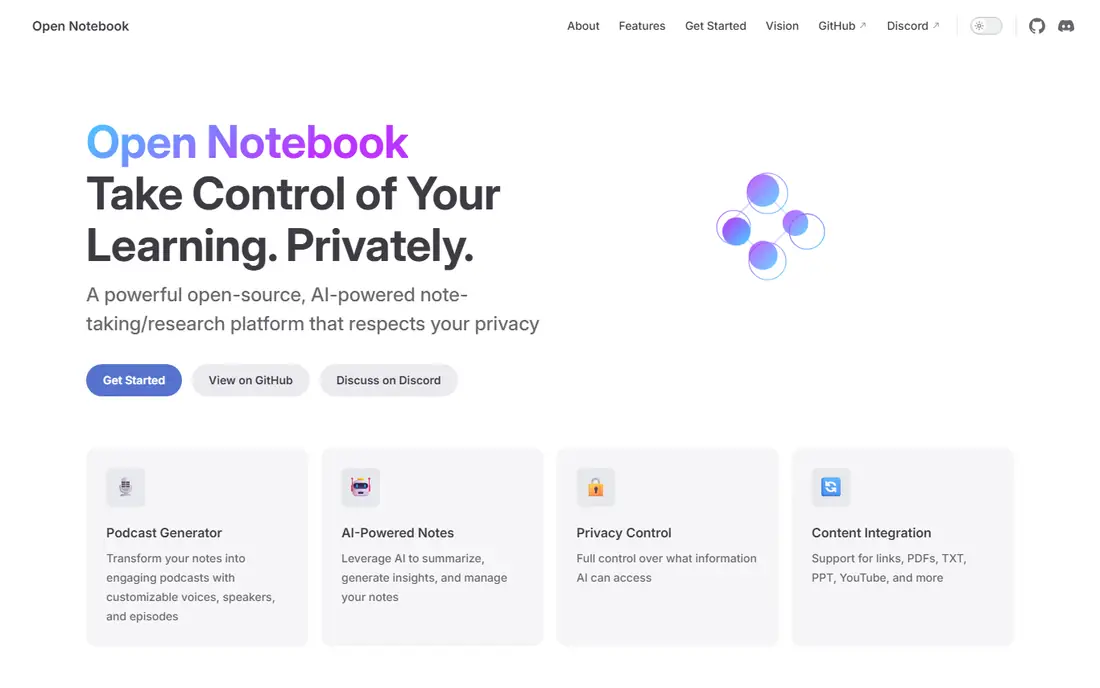
Open Notebook is the first tool most NotebookLM users should try. You create notebooks, upload PDFs and documents, chat with an AI that stays grounded in those sources, and generate summaries or podcast-style audio. It supports many model providers, including local models through Ollama, so you are not locked to one vendor.
Setup is the main barrier. The usual path uses Docker, and you must choose models for chat, embeddings, and audio. That takes more effort than signing up for a cloud service. Once running, though, Open Notebook gives you the closest mix of NotebookLM features with full control over where your files live.
What we like- Notebooks with source-grounded chat
- Many model providers
- Podcast generation
Watch out for- Self-hosting needs Docker
- Single-user focus in the base build
Starting priceFree (open source)
Free planYes
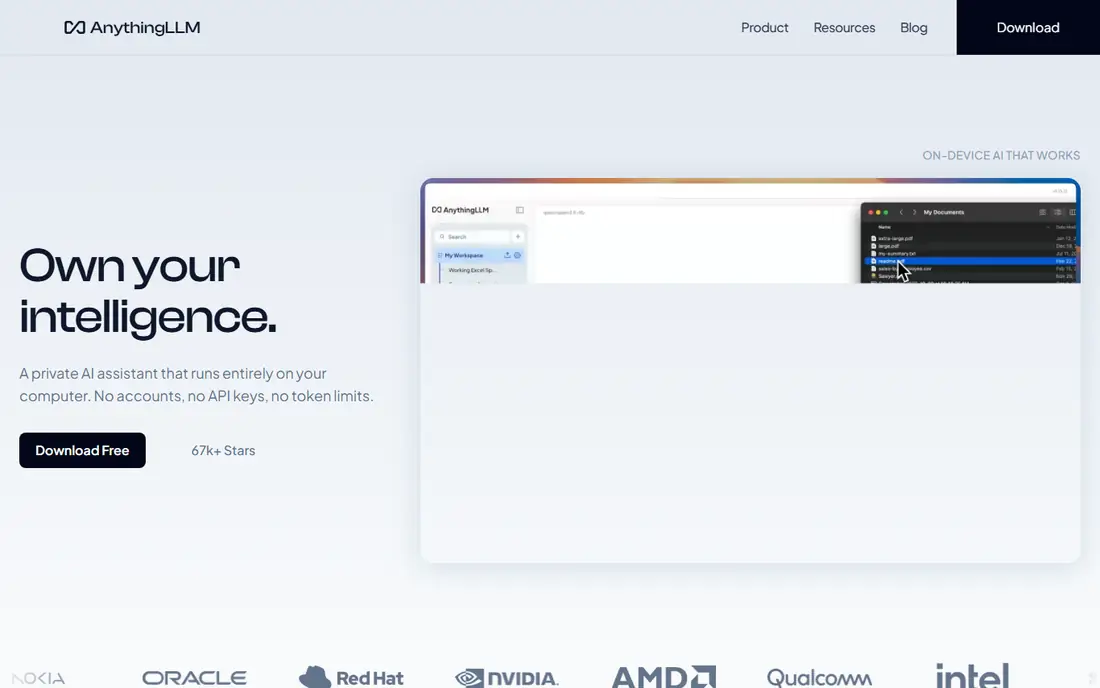
AnythingLLM is a document chat platform built around workspaces. You can upload files, split them into workspaces for different projects, and chat with each collection separately. It supports local and cloud models, several vector databases, and agent-style tools for searching documents.
The interface is more technical than NotebookLM, and it is best seen as a workspace tool rather than a polished research notebook. Teams like its roles and permissions, while solo users may find the settings menu larger than needed. If you want a stable, well-maintained document chat system you can run yourself, AnythingLLM is a strong choice.
What we like- Workspaces and roles
- Desktop and self-hosted options
- Many model and vector choices
Watch out for- Interface can feel technical
- Audio features are limited compared with NotebookLM
Starting priceFree (open source)
Free planYes
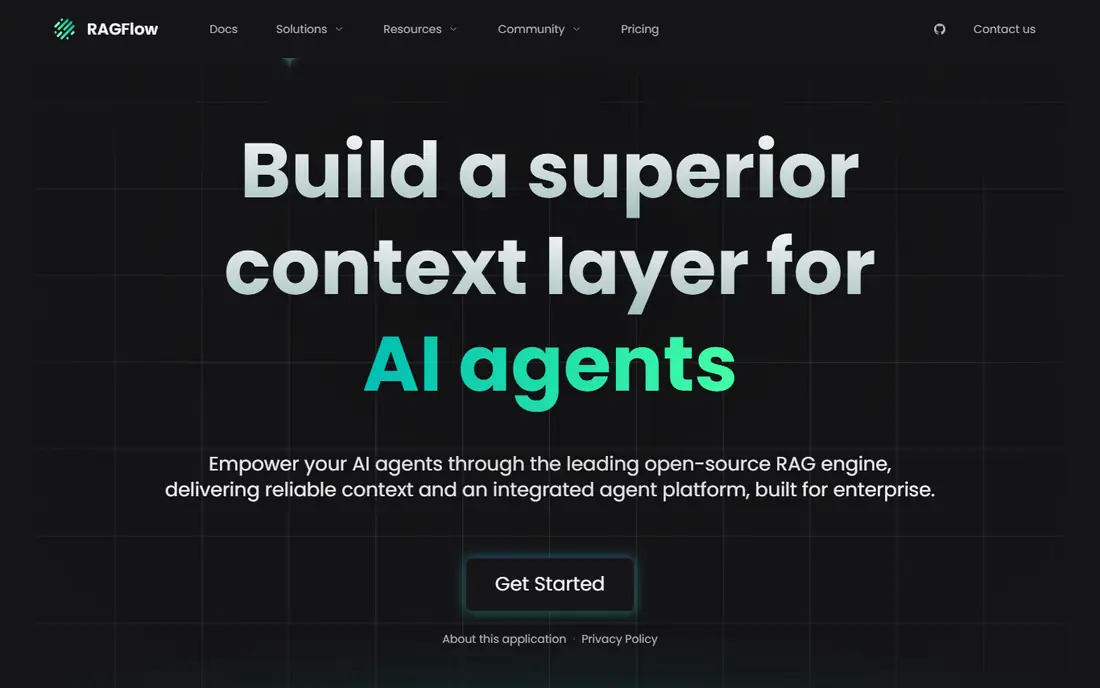
RAGFlow focuses on the retrieval pipeline behind document chat. It parses PDFs, tables, and scanned pages with care, lets you build retrieval workflows visually, and returns answers tied to source chunks. That precision suits research, legal, and technical teams that need to trace an answer back to a page.
The cost is complexity. RAGFlow needs more resources and setup time than Open Notebook or AnythingLLM, and it is more than a casual user needs for a few PDFs. Choose it when document quality, citations, and repeatable pipelines matter more than a quick start.
What we like- Strong document parsing
- Visual pipeline builder
- Citation-friendly answers
Watch out for- Heavier setup
- Overkill for simple note chatting
Starting priceFree (open source)
Free planYes
Quivr treats your files as a second brain you can chat with. You upload documents, organize them into knowledge bases, and ask questions that draw on that material. The concept is simple, which makes it easier to explain to a new user than a full retrieval pipeline.
Feature depth is the limit. Quivr does not match NotebookLM on audio, study guides, or polished notebook tools. It works best for a personal user who wants a straightforward way to ask questions about their own documents without a complex setup.
What we like- Simple brain-style knowledge bases
- File uploads
- Chat over your own files
Watch out for- Smaller feature set than AnythingLLM
- Project pace varies
#5
Khoj
Best for: Personal AI assistant over notes and files
Visit khoj.dev
Starting priceFree (open source)
Free planYes
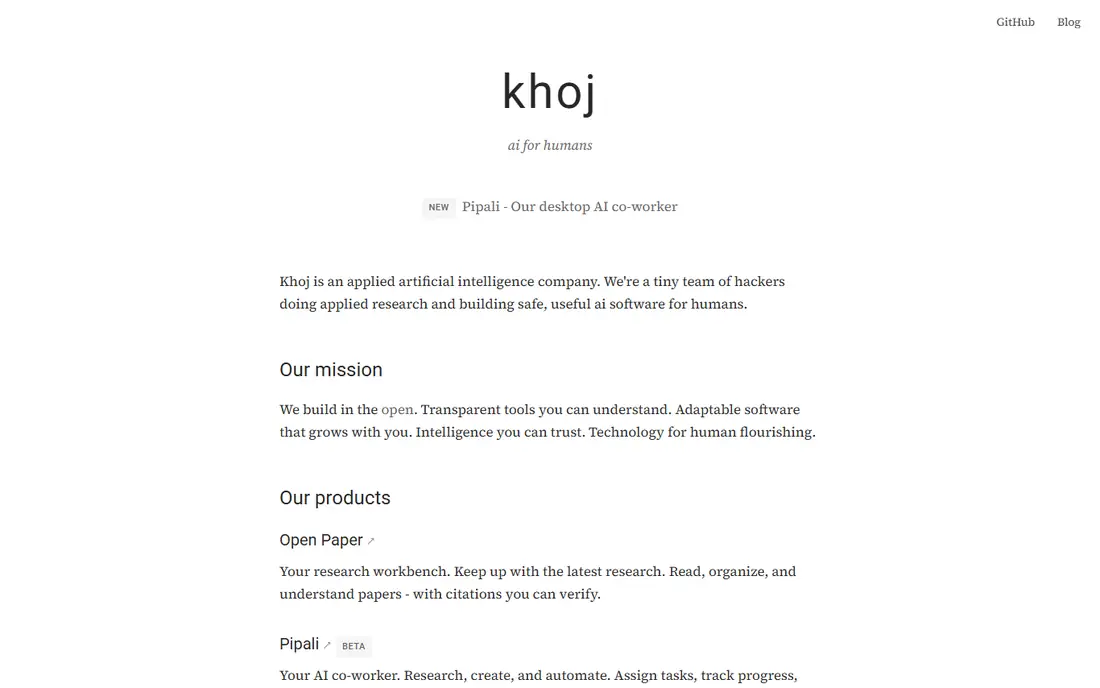
Khoj is a personal AI assistant that can search your notes, documents, and other local sources, then answer questions with context from that material. It also offers chat, automation, and research features that go beyond a single notebook. That breadth suits people whose knowledge lives in notes as much as in PDFs.
The trade-off is focus. Khoj is not a direct NotebookLM clone, and its notebook-style workflow is looser. Users who want strict source-grounded study tools may prefer Open Notebook. Users who want one assistant across notes, files, and tasks will like Khoj's wider reach.
What we like- Searches notes, files, and web
- Personal assistant features
- Local model support
Watch out for- Note-focused rather than notebook-focused
- Setup varies by install method
Starting priceFree (open source)
Free planYes
SurfSense is a self-hosted research tool that connects documents, web sources, and other material to AI agents. It suits users who want their research library to be searchable by agents and tools, not only through one chat window. That agent access is a clear difference from NotebookLM, which has no general API for outside tools.
It is newer and less polished than the leaders on this list, and setup assumes comfort with Docker and configuration files. For a technical researcher who wants agent-ready access to a personal library, SurfSense is worth testing. For a casual user, Open Notebook will feel smoother.
What we like- Connects research sources to AI agents
- Self-hosted
- Search and chat features
Watch out for- Newer and less polished
- Needs technical setup
Starting priceFree (open source)
Free planYes
Notex is a smaller open source project that aims for a fast local NotebookLM-style experience. It keeps the setup light, works with local models, and focuses on uploading documents and chatting about them. That simplicity is appealing when a larger platform feels like too much.
The risk is maturity. A smaller project may have fewer contributors, slower updates, and thinner documentation. Check recent commits and issues on the project page before relying on it for important work. For a quick local test on one machine, Notex is a low-cost way to start.
What we like- Lightweight and fast to start
- Local models
- Simple notebook flow
Watch out for- Smaller community
- Fewer features than Open Notebook
#8
NotebookLM-Local
Best for: Simple local NotebookLM-style clone
Visit github.com
Starting priceFree (open source)
Free planYes
NotebookLM-Local is a community project that tries to copy the core NotebookLM idea on your own machine: upload sources, chat about them, and generate study material. Its scope is deliberately narrow, which keeps the interface easier to follow than a full platform.
Polish and upkeep vary, as with many community clones. Audio overviews, sharing, and collaboration will not match Google's product. Use NotebookLM-Local when you want a simple local experiment, and use Open Notebook when you want a more complete and actively maintained system.
What we like- Direct NotebookLM-style concept
- Local model support
- Simple scope
Watch out for- Community project with uneven polish
- Audio features lag NotebookLM
How we chose
We compared project documentation, licenses, setup guides, and public reviews for open source tools that offer source-grounded document chat, notebook-style organization, or local model support. We favored projects with clear open source licenses and active maintenance, and we noted where a tool is a community project rather than a supported product. We did not claim hands-on testing.
Setting up a local document assistant
Start with your hardware. Local models need memory and, for faster answers, a capable graphics card. A small model can run on a modest laptop, but large documents and long chats will feel slow without enough resources. If your machine struggles, use a cloud model API for chat while keeping files in your self-hosted app, and review what data that API receives.
Next, choose one notebook and one document set for a pilot. Upload a report you know well, ask questions with known answers, and check whether the replies cite the right sections. That test reveals retrieval quality faster than any feature list. Also test how the tool handles tables, scanned pages, and long PDFs, since those are common weak points.
Finally, plan backups and updates. Self-hosted tools need regular updates, and your notebooks should be backed up like any other important files. Write down which models you use for chat and embeddings, because changing them later can change answers and require re-indexing documents.
One more decision deserves attention: how you will handle updates and model changes over time. Self-hosted tools improve quickly, and an update can change answers, require re-indexing, or need a new model version. Keep a short note of your setup, including model names, embedding settings, and document sources, so you can rebuild a notebook if an update breaks it. Test updates on a copy first when your notebooks hold important research. Also consider access control if more than one person will use the system, since some builds assume a single user. A shared server with no user separation can expose one person's documents to another, so check permissions before inviting colleagues. Planning for updates and access early avoids painful fixes later.
Before you finish, write down your top three requirements and rank the shortlist against them in plain language. That short list stops a demo or a discount from pulling the choice toward a feature you will rarely use. Share the ranking with the people who will use the tool daily, and ask them to flag any deal-breaker you missed, such as a missing integration, a device limit, or a workflow step that would take longer than it does today. Their answers often change the order. Once you have a winner, set a review date three months after launch to check cost, usage, and complaints, and be ready to switch if the tool is not earning its place. A planned review keeps the decision honest and prevents a poor fit from lingering for years.
Frequently asked questions
Is there a complete open source copy of NotebookLM?
No. Open Notebook comes closest on notebooks, multi-model support, and audio, but no open source tool matches every NotebookLM feature, including its polished Audio Overviews and sharing. Choose based on the feature you need most, not on a perfect match.
Can I run these tools fully offline?
Yes, with local models through tools such as Ollama, several of these projects can run without sending documents to a cloud provider. You still need to download models and updates, and some features that rely on cloud voices or search will be limited offline.
Do I need to know how to code?
Basic Docker and command-line comfort helps for most self-hosted options. Open Notebook and AnythingLLM offer guides that walk through setup, but troubleshooting still assumes some technical skill. Non-technical users may prefer a hosted document chat service instead.
Which tool is best for a team?
AnythingLLM and RAGFlow suit teams best, thanks to workspaces, roles, and pipeline controls. Open Notebook is stronger for solo researchers. Check user management carefully, since some self-hosted builds are single-user by design.
Are my documents used to train models?
That depends on the model provider you choose. Local models keep documents on your machine, while cloud model APIs follow that provider's terms. Read the terms for any cloud model you connect, and avoid uploading sensitive material to a provider you have not reviewed.
What hardware do I need for local models?
A modern computer with at least 16 GB of memory can run small models, while larger models benefit from a dedicated graphics card and more memory. Start with a small model, measure response speed, and scale up only if answers feel too slow or too shallow.
Sources we checked (8)
- https://open-notebook.ai
- https://anythingllm.com
- https://ragflow.io
- https://quivr.app
- https://khoj.dev
- https://github.com/MODSetter/SurfSense
- https://github.com/smallnest/notex
- https://github.com/nagaforcloud/NotebookLM-Local
Is your product missing or out of date?
We review this list regularly. Vendors can request a listing, send updated pricing or ask about featured placement.

Shihab Mia · Founder, Rankite
Shihab has 5+ years in B2B and SaaS SEO. He writes Rankite's software buying guides from pricing pages, documentation and public user reviews. More about Shihab.