How we make this list: we compare pricing pages, product documentation and public user reviews. Ratings come from G2, Capterra or Trustpilot, with the date we checked them.
Key takeaways
- NumberBarn sells phone numbers with call forwarding, but full business phone systems add team messaging, shared inboxes, and auto-attendants.
- Google Voice is the cheapest path for Google Workspace teams, while Quo (formerly OpenPhone) is the modern pick for text-heavy small teams.
- RingCentral and Nextiva are the safest all-round systems for growing teams, with broad features and reliable support.
- Grasshopper suits solos with flat monthly pricing, while Dialpad adds AI transcription and summaries on every plan.
- Check number porting, SMS limits, and per-number fees before switching, since those details decide the real monthly bill.
Quick comparison
| Tool | Best for | Starting price | Free plan |
|---|
 Google Voice Google Voice | Google Workspace teams | $10/user/month | No |
 Quo Quo | Text-heavy small teams | $15/user/month | No |
 RingCentral RingCentral | All-round growing teams | $20/user/month | No |
 Dialpad Dialpad | AI features on every plan | $15/user/month | No |
 Grasshopper Grasshopper | Flat-rate solo lines | $14/month | No |
 Nextiva Nextiva | Reliability and support | $15/user/month | No |
 Zoom Phone Zoom Phone | Teams already on Zoom | $10.50/user/month | No |
 Vonage Vonage | API-ready business phone | $13.99/line/month | No |
Is your product missing or out of date?
We review this list regularly. Vendors can request a listing, send updated pricing or ask about featured placement.
The best NumberBarn alternatives
Starting price$10/user/month
Free planNo
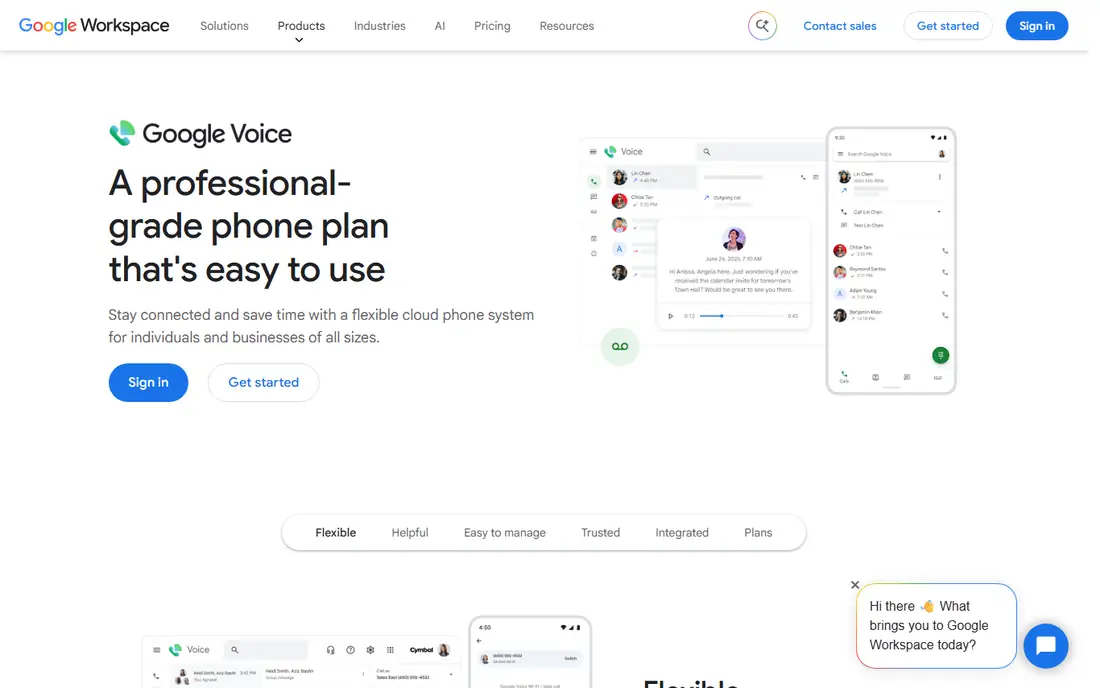
Google Voice is the simplest NumberBarn alternative for teams already on Google Workspace. The Starter business plan costs $10 a user a month and includes a US number, voicemail transcription, and call forwarding, all inside the Google apps your team already opens. Personal use is free, which makes it easy to test before committing a business to it.
The limits matter: business Voice requires a Workspace subscription, toll-free numbers are not available, and integrations outside Google are thin. Shared numbers and ring groups need higher tiers. For solos and small teams living in Gmail and Calendar who need a professional number fast, Google Voice is the cheapest and simplest path.
What we like- Simple setup for Workspace users
- Free for personal use
- Voicemail transcription
- Works on any device
Watch out for- Business tier requires Google Workspace
- No toll-free numbers
- Limited integrations outside Google
Starting price$15/user/month
Free planNo
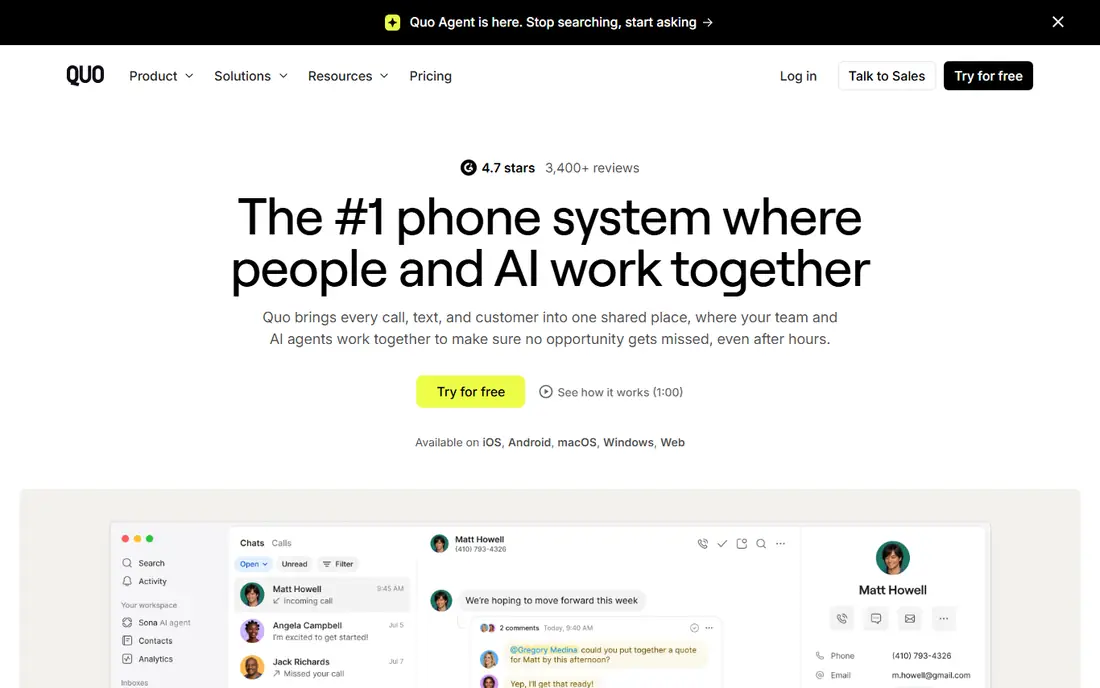
Quo, formerly OpenPhone, is the modern pick for small teams that live on text. The Starter plan costs $15 a user a month billed annually and includes one local or toll-free number per user, unlimited calling and texting to the US and Canada, voicemail transcription, and call recording. The standout feature is shared numbers: several team members can manage one number together in a unified inbox, with internal threads for collaboration.
OpenPhone rebranded to Quo in 2026 after a large funding round, so older guides still call it OpenPhone. Integrations with HubSpot, Salesforce, and thousands of apps through Zapier cover most small-team needs, and AI call summaries help with follow-up. The main gap is video conferencing, which needs a separate tool. For teams of two to ten handling customer communication collaboratively, Quo is the best fit.
What we like- Shared numbers with a team inbox
- Unlimited calling and texting to US and Canada
- Modern app experience
Watch out for- No video conferencing
- Rebrand from OpenPhone may confuse older guides
- Higher tiers needed for IVR
Starting price$20/user/month
Free planNo
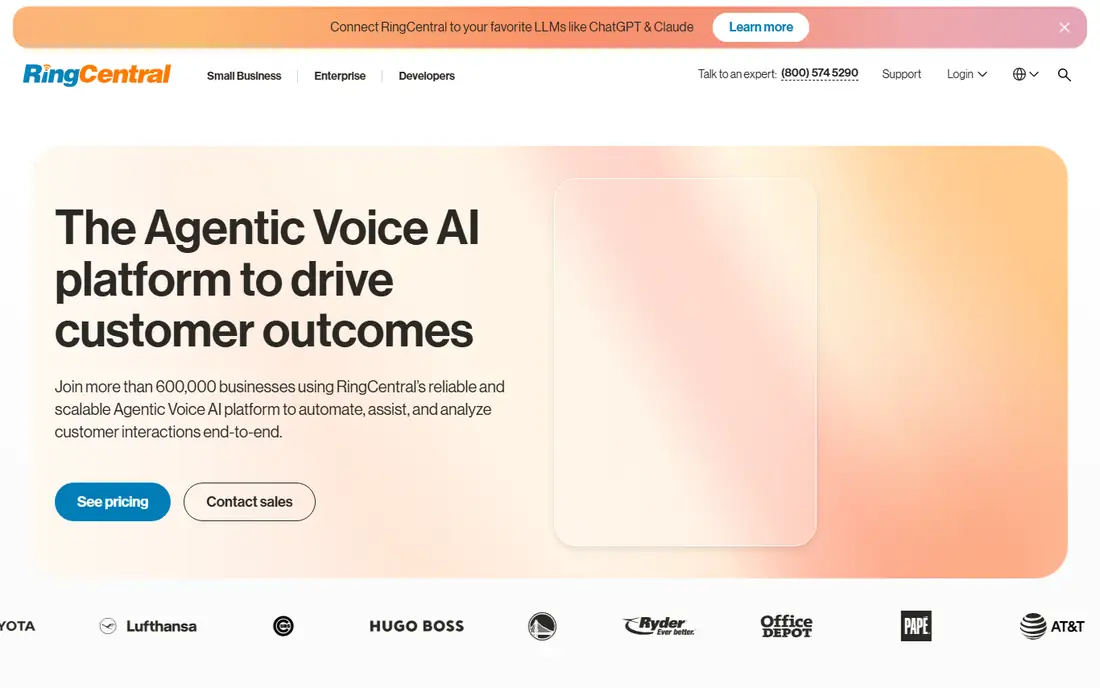
RingCentral is the safest all-round business phone system in this guide. The Core plan costs $20 a user a month billed annually and includes unlimited calling, SMS, auto-attendant, voicemail transcription, and CRM integrations. Hundreds of app integrations cover most stacks, and the platform scales from a handful of users to enterprise deployments without a migration.
Setup is more involved than Google Voice or Quo, and the base plan's SMS allowance is limited, with extra numbers at $4.99 a month. For businesses expecting to grow past five users and wanting one system for voice, video, and messaging, RingCentral is the most dependable choice.
What we like- Broadest feature set at small business pricing
- Unlimited calling
- Hundreds of integrations
- Reliable platform
Watch out for- Higher starting price than rivals
- Setup is more involved
- SMS allowance is limited on the base plan
#4Dialpad
Best for: AI features on every plan4.4/5 on
G2 (4,201 reviews, checked Oct 2026)
Visit dialpad.com
Starting price$15/user/month
Free planNo
Dialpad bakes AI into every plan: transcripts, summaries, and live coaching cards appear on calls without a premium add-on, which helps sales and support teams improve in real time. The Standard plan costs $15 a user a month billed annually and includes unlimited calling to the US and Canada, shared numbers, and team messaging.
SMS is limited to US and Canadian customers on some plans, and additional numbers require higher tiers. The integration ecosystem is smaller than RingCentral's, though major CRMs are covered. For mid-market teams that want AI on every call without paying extra, Dialpad is the best pick.
What we like- AI transcription and summaries on every plan
- Live coaching cards
- Clean modern interface
Watch out for- SMS limited to US and Canadian customers on some plans
- Additional numbers need higher tiers
- Smaller ecosystem than RingCentral
Starting price$14/month
Free planNo
Grasshopper is built for solopreneurs who want a professional number without per-user pricing. The Solo plan costs $14 a month flat and covers one number and three extensions, with a clean mobile app and simple setup. It runs on top of your existing cell number, so there is no new SIM to manage and no hardware to buy.
Team features are limited: shared inboxes and advanced routing belong to fuller systems like Quo or RingCentral, and MMS works for local numbers only. For a one-person operation that needs a professional greeting, voicemail, and call forwarding at a predictable flat price, Grasshopper is the simplest choice.
What we like- One flat monthly price
- Runs on your existing cell number
- Simple setup for solos
Watch out for- MMS only for local numbers
- Limited team features
- No video or advanced contact center tools
#6Nextiva
Best for: Reliability and support4.5/5 on
G2 (3,659 reviews, checked Oct 2026)
Visit nextiva.com
Starting price$15/user/month
Free planNo
Nextiva is the reliability pick. The Core plan costs $15 a user a month billed annually and combines voice, video, and chat in one app, with 24/7 human support on every plan. Businesses that value uptime and a support team that answers quickly tend to stay with Nextiva for years.
The base plan's SMS allowance is 100 texts per user a month, which text-heavy teams can exceed, and toll-free numbers require plan upgrades. Setup takes longer than Quo's. For brands that need dependable service and human support above all, Nextiva is a strong choice.
What we like- Strong reliability record
- 24/7 human support on every plan
- Voice, video, and chat in one app
Watch out for- SMS allowance is 100 per user on the base plan
- Toll-free numbers need plan upgrades
- Setup takes longer than Quo
#7Zoom Phone
Best for: Teams already on Zoom4.6/5 on
G2 (2,672 reviews, checked Oct 2026)
Visit zoom.us
Starting price$10.50/user/month
Free planNo
Zoom Phone is the obvious add-on for teams already living in Zoom. The metered plan costs $10.50 a user a month billed annually, and the unlimited US and Canada plan costs more, with phone built into the Zoom app your team already opens every day. Call quality is solid, and administration is simple for Zoom admins.
The metered plan charges for minutes beyond the allowance, so heavy callers need the unlimited plan. SMS is limited to US and Canadian customers. For Zoom shops that want voice without a second platform, Zoom Phone is the cheapest and simplest path.
What we like- Cheapest way to add voice to Zoom
- Phone inside the Zoom app
- Solid call quality
Watch out for- Metered plan limits minutes
- Unlimited plan costs more
- SMS limited to US and Canadian customers
#8Vonage
Best for: API-ready business phone4.3/5 on
G2 (503 reviews, checked Oct 2026)
Visit vonage.com
Starting price$13.99/line/month
Free planNo
Vonage suits businesses that may build on the API later. The Mobile plan costs $13.99 a line a month billed annually and includes a full business phone system with video meetings, desk phone support, and more than twenty app integrations. The same vendor's communications APIs let developers add voice, messaging, and verification to custom products later.
The platform has a higher learning curve than simpler tools, and pricing varies by configuration, so get a firm quote. For businesses that want a full system today and API options tomorrow, Vonage is a flexible choice.
What we like- Full business phone with video and desk phones
- API platform for custom builds
- Many integrations
Watch out for- Higher learning curve than Quo or Grasshopper
- Pricing varies by configuration
- Support quality varies by plan
How we chose
We compared business phone systems that replace NumberBarn's core job: giving a business a professional phone number with forwarding, voicemail, and messaging. We weighed price, number porting, SMS limits, shared inbox support, auto-attendant features, and integrations from vendor pages and 2026 VoIP comparisons. We left out pure call tracking tools and consumer apps. Prices quoted are starting rates from 2026 comparisons; per-number fees and SMS overages change the real bill.
How to pick a NumberBarn replacement
Start with your team shape. Solos should shortlist Grasshopper and Google Voice. Small text-heavy teams should shortlist Quo. Growing teams should shortlist RingCentral and Nextiva. Zoom shops should add Zoom Phone. Teams that want AI on every call should shortlist Dialpad. Then check the details that decide the bill: per-number fees, SMS allowances, and toll-free costs.
Confirm number porting before you cancel
Port your existing numbers before canceling NumberBarn, since canceling can release a number back into the pool. Ask the new provider for a porting timeline, keep the old account active until the port completes, and test inbound calls and SMS on the new system before telling customers about any change. Porting usually takes days, not minutes.
Count SMS, not just minutes
Many business phone plans advertise unlimited calling but cap SMS, and text-heavy teams hit those caps fast. Count your monthly SMS volume, including automated messages, and compare it against each plan's allowance. A plan that looks cheap on minutes can become expensive on SMS overages.
Frequently asked questions
Can I keep my NumberBarn phone number?
Yes, in most cases. US numbers are portable between providers, so your new provider can port the number from NumberBarn. Start the port with the new provider, keep the NumberBarn account active until the port completes, and test calls and texts before canceling. Allow several business days for the port.
Is Google Voice good enough for a small business?
For solos and very small teams on Google Workspace, yes. It covers a business number, voicemail transcription, and forwarding at $10 a user a month. It lacks toll-free numbers, shared inboxes on the base tier, and integrations outside Google, so teams that need those should look at Quo or RingCentral.
What is the cheapest business phone system here?
Zoom Phone's metered plan at $10.50 a user a month and Google Voice at $10 a user a month are the cheapest starting points, while Grasshopper at $14 a month flat is cheapest for a solo who needs one number. Compare the full bill, including per-number fees and SMS overages, since the starting price is not the whole cost.
Do these systems work with my CRM?
RingCentral, Dialpad, Quo, Nextiva, and Vonage all integrate with major CRMs like HubSpot and Salesforce, with varying depth. Google Voice's CRM integrations are limited. Confirm your specific CRM and the features you need, such as click-to-call and call logging, during the trial.
Can I use these tools for texting customers?
Yes, all eight support business SMS, but allowances differ. Quo and RingCentral include unlimited or generous SMS on their plans, while Nextiva's base plan allows 100 texts per user a month and Dialpad limits SMS to US and Canadian customers on some plans. Check the allowance against your actual text volume, and confirm compliance rules for business texting, including opt-in consent.
Sources we checked (8)
- https://voice.google.com
- https://www.quo.com
- https://www.ringcentral.com
- https://www.dialpad.com
- https://www.grasshopper.com
- https://www.nextiva.com
- https://zoom.us
- https://www.vonage.com
Is your product missing or out of date?
We review this list regularly. Vendors can request a listing, send updated pricing or ask about featured placement.

Shihab Mia · Founder, Rankite
Shihab has 5+ years in B2B and SaaS SEO. He writes Rankite's software buying guides from pricing pages, documentation and public user reviews. More about Shihab.