How we make this list: we compare pricing pages, product documentation and public user reviews. Ratings come from G2, Capterra or Trustpilot, with the date we checked them.
Key takeaways
- Fastfetch is the default replacement for most users, since it is actively maintained, fast, and runs on Linux, macOS, and Windows.
- Neofetch itself is no longer maintained, so staying on it means missing fixes for new hardware, new desktops, and new package managers.
- Hyfetch suits users who want the classic Neofetch look with extra color options, while Pfetch suits minimal setups that value a tiny script.
- Winfetch is the Windows-native pick, while Macchina and Archey4 suit users who want a small compiled binary or a Python-based tool.
Quick comparison
| Tool | Best for | Starting price | Free plan |
|---|
 Fastfetch Fastfetch | Most users replacing Neofetch | Free | Yes |
 Screenfetch Screenfetch | Classic ASCII screenshot tool | Free | Yes |
 Hyfetch Hyfetch | Neofetch look with color flags | Free | Yes |
 Macchina Macchina | Tiny fast binary | Free | Yes |
 Archey4 Archey4 | Python-based system display | Free | Yes |
 Pfetch Pfetch | Minimal shell script setups | Free | Yes |
 Winfetch Winfetch | Windows PowerShell users | Free | Yes |
 Onefetch Onefetch | Git repository summaries | Free | Yes |
Is your product missing or out of date?
We review this list regularly. Vendors can request a listing, send updated pricing or ask about featured placement.
The best Neofetch alternatives
Starting priceFree
Free planYes
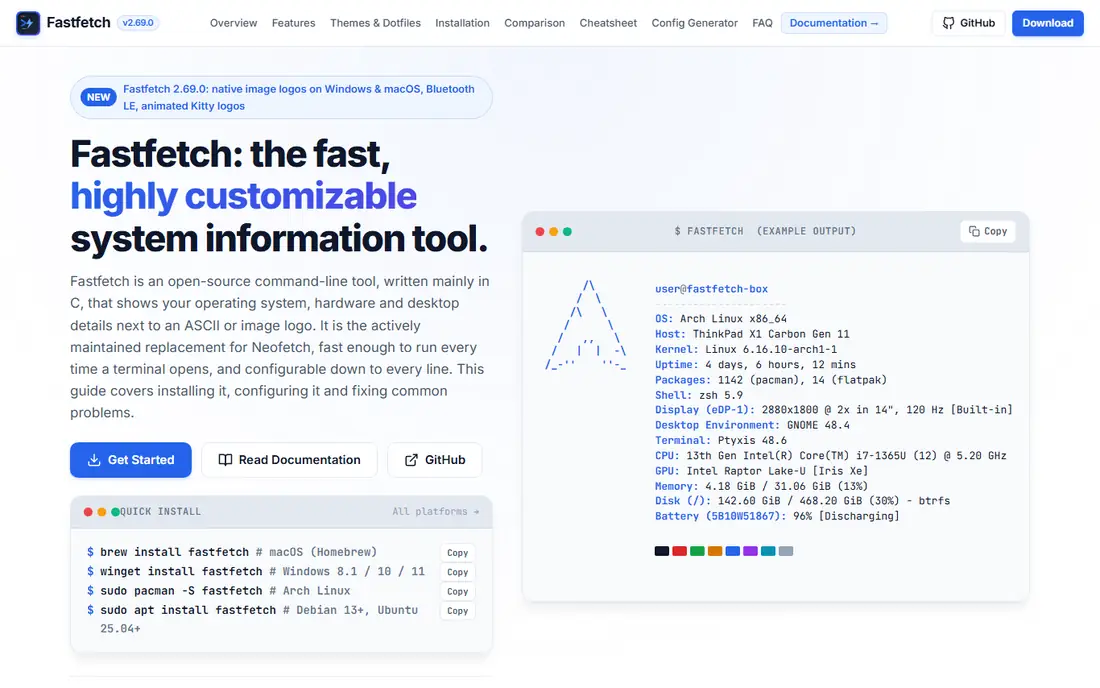
Fastfetch is where most former Neofetch users land, and for good reason. It is written in C, so it runs in milliseconds even on modest hardware, and it covers operating system, kernel, uptime, CPU, GPU, memory, disks, shell, and desktop details in one shot. It ships with hundreds of logos and a preset system based on JSONC files, so you can copy a community preset or build your own layout line by line.
The learning curve is the main cost. Fastfetch exposes far more modules and options than Neofetch did, and a first custom config takes longer than a first Neofetch config did. Most users solve that by starting from a preset and changing one module at a time. If you want one tool that works on Linux, macOS, and Windows with active maintenance, start here.
What we like- Very fast C implementation
- Hundreds of built-in logos
- JSONC presets
Watch out for- Configuration takes learning
- Output can overwhelm beginners
Starting priceFree
Free planYes
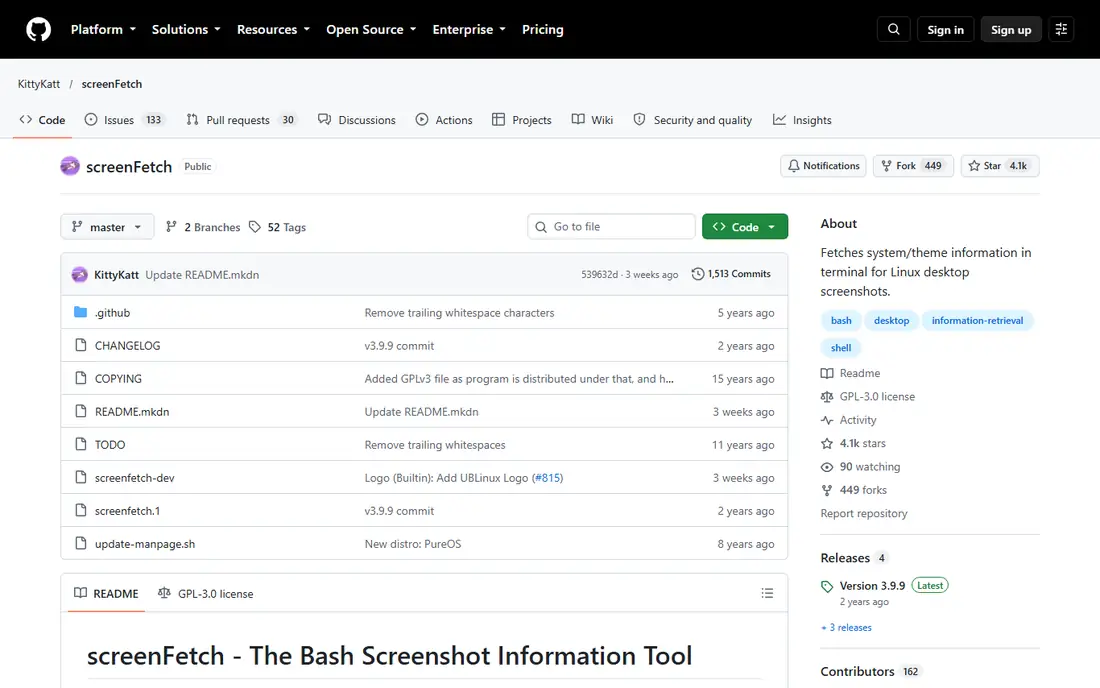
Screenfetch is the veteran of this list, and it still does its original job well. It prints an ASCII logo for your distribution next to system details, and it runs on Linux, macOS, and Windows through the usual package managers. Users who liked Neofetch for screenshots will find Screenfetch output familiar, since both tools share the same basic layout idea.
Speed is where it shows its age. As a Bash script, Screenfetch takes noticeably longer than Fastfetch or Macchina, and development has slowed compared with the newer tools. It remains a fine pick for a simple screenshot tool on a system where startup time does not matter, but it is not the best choice for a prompt that runs on every terminal open.
What we like- Long history and wide distro art
- Simple Bash script
- Easy to read output
Watch out for- Slower than compiled tools
- Less active development
Starting priceFree
Free planYes
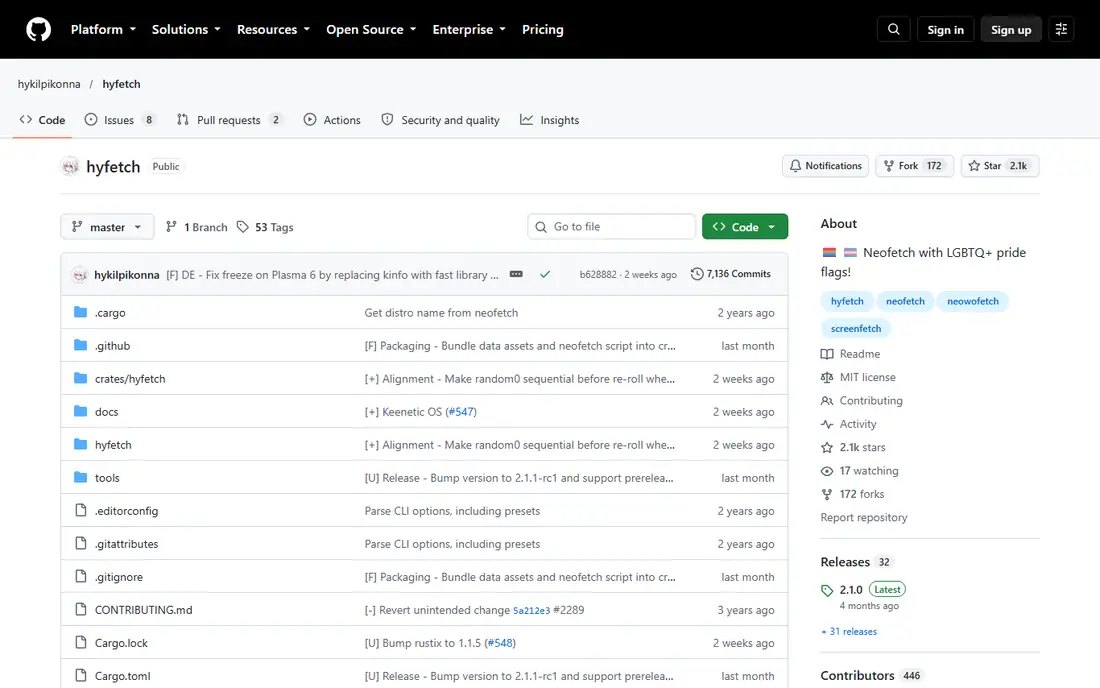
Hyfetch is Neofetch with a color twist, built for users who want the classic output plus pride flag color schemes. Under the hood it uses Neofetch itself, so the layout, logos, and system details match what long-time Neofetch users expect. Installation through pipx keeps it tidy, and it runs on Linux, macOS, and Windows.
The trade-off is speed and scope. Python startup adds a small delay compared with compiled tools, and the flag feature, while popular, is the main reason to pick Hyfetch over Fastfetch. If you want Neofetch output exactly as you remember it, with color choices added, Hyfetch is the closest living relative.
What we like- Neofetch backend with pride flag colors
- Active maintenance
- Pipx install
Watch out for- Python startup is slower than C tools
- Flag options confuse some users
Starting priceFree
Free planYes
Macchina suits users who want speed and simplicity in one small binary. Community benchmarks put it among the fastest fetch tools, with a tiny memory footprint, and its default output is clean enough to use without any configuration. It covers the core details most screenshots need: OS, kernel, host, CPU, GPU, memory, and uptime.
Depth is where Fastfetch pulls ahead. Macchina offers fewer modules and less customization, so users who want package counts, weather, or media playback details will hit its limits sooner. For a fast, tidy system summary that stays out of the way, Macchina is an excellent pick.
What we like- Very small and fast
- Clean default output
- Simple theming
Watch out for- Fewer modules than Fastfetch
- Smaller community
Starting priceFree
Free planYes
Archey4 continues the original Archey idea in maintained Python form, and it suits users comfortable reading and changing Python. It prints a distribution logo beside system facts, runs on Linux, macOS, and FreeBSD, and its configuration is straightforward for anyone who has edited a Python config before. Developers who like to hack their tools will find Archey4 easy to bend.
Performance and logo breadth are the limits. Python startup is slower than a C binary, and the logo set is smaller than Fastfetch's catalog. Archey4 is best for users who value hackability over raw speed, and for setups where a few hundred milliseconds do not matter.
What we like- Python code is easy to extend
- Cross-platform
- Clear configuration
Watch out for- Slower than compiled tools
- Fewer logos than Fastfetch
Starting priceFree
Free planYes
Pfetch is the minimalist of the group, and it wears that label proudly. It is a single POSIX shell script with no dependencies, which makes it ideal for containers, embedded systems, and stripped-down setups where installing a larger tool feels wasteful. It prints a compact logo and the essential facts, then gets out of the way.
Minimalism cuts both ways. Pfetch has fewer modules, simpler art, and less customization than its rivals, so users who want rich screenshots will outgrow it fast. For a tiny footprint and a script you can read in one sitting, nothing on this list beats it.
What we like- Single small POSIX shell script
- Zero dependencies
- Very fast for a script
Watch out for- Minimal features
- ASCII art is basic
Starting priceFree
Free planYes
Winfetch brings the Neofetch idea to Windows without WSL or a Linux layer. It runs in PowerShell, shows OS version, CPU, GPU, memory, disks, and uptime next to a Windows logo, and it can count packages from Scoop and Chocolatey. Installation through Winget, Scoop, or Chocolatey takes a minute, and it fits naturally into a Windows Terminal startup.
The limit is platform and pace. Winfetch only makes sense on Windows, and its release pace is slower than Fastfetch, which also runs natively on Windows now. Windows users who want a PowerShell-native tool with classic Neofetch styling should pick Winfetch, while cross-platform users should pick Fastfetch.
What we like- Native PowerShell design
- Windows logo art
- Package counts for Scoop and Chocolatey
Watch out for- Windows only
- Less active than Fastfetch
Starting priceFree
Free planYes
Onefetch answers a different question from the rest of this list, and that is its strength. Run it inside a Git repository and it prints language breakdowns, author counts, commit history, and project facts next to ASCII art for the dominant language. For developers who share repo screenshots or review project health at a glance, it is genuinely useful.
It is not a system info tool, so do not pick it as a Neofetch replacement for OS and hardware facts. Its value appears only inside repositories, where the other tools on this list show nothing about the code. Pair Onefetch with Fastfetch and you cover both the machine and the project.
What we like- Shows repo languages, authors, and history
- ASCII art per language
- Fast Rust binary
Watch out for- Only useful inside Git repos
- Not a system info tool
How we chose
We compared fetch tools on maintenance status, platform coverage, speed, and output quality, using project documentation and community benchmarks. Neofetch itself was excluded as a pick because it is unmaintained, which is the whole reason to switch. Tools that only work inside Git repos were kept only where their purpose was stated plainly, so readers do not mistake them for system monitors. Price played no role in the ranking, since every tool here is free and open source, so the real differences are speed, upkeep, and how much configuration a user wants to do.
Start with your platform
Windows-only users should weigh Winfetch against Fastfetch, while Linux and macOS users can pick from the full list. Cross-platform users save effort by standardizing on Fastfetch, since one config style works everywhere. That single-config benefit grows with every machine you manage, because you stop translating settings between tools.
Decide how much config you want
Preset users should start with Fastfetch presets or Macchina defaults, while tinkerers will enjoy Archey4 Python code or the Pfetch script. A tool you actually configure beats a powerful tool you never finish setting up.
Mind the startup cost
If the tool runs every time a terminal opens, milliseconds matter, and compiled tools win. Script-based tools are fine for occasional screenshots, but they can make a daily prompt feel sluggish. Test the tool in your real prompt for a week before judging it, since a delay you barely notice once can grow annoying after hundreds of terminal opens. Also check how the tool behaves on a slow machine or a remote session, where a heavy script can feel far worse than it does on a fast local desktop. A tool that feels instant on your own machine may still lag on shared servers, so test there too before settling. Also remember that terminal startup runs on every new tab, so a small delay multiplies across a full workday.
Frequently asked questions
Is Neofetch dead?
Neofetch is unmaintained, with no new releases for years, so new hardware, desktops, and package managers may show wrong or missing data. Fastfetch is the actively maintained successor most users switch to.
Which Neofetch alternative is fastest?
Fastfetch and Macchina are the fastest in community benchmarks, both running in tens of milliseconds. Script tools like Screenfetch and Pfetch are slower in absolute terms, though Pfetch stays quick for a shell script.
Can I use these tools on Windows?
Yes, Fastfetch runs natively on Windows, and Winfetch is built for PowerShell on Windows. Screenfetch and Hyfetch also run on Windows through package managers or Python.
Do I need to configure Fastfetch?
No, Fastfetch works out of the box with a sensible default layout. Presets let you change the look quickly, and full JSONC configuration is only needed for detailed custom layouts.
What is the difference between Onefetch and Neofetch?
Neofetch shows system and hardware facts, while Onefetch shows Git repository facts like languages, authors, and commits. They complement each other rather than replacing each other.
Can I run two fetch tools at once?
Yes, many users run Fastfetch for system facts and Onefetch inside repositories, since the two cover different subjects. Running two system tools at once adds little value, so pick one for the machine and add Onefetch only for code projects.
Sources we checked (8)
- https://fastfetch.dev
- https://github.com/KittyKatt/screenFetch
- https://github.com/hykilpikonna/hyfetch
- https://github.com/Macchina-CLI/macchina
- https://github.com/HorlogeSkynet/archey4
- https://github.com/dylanaraps/pfetch
- https://github.com/lptstr/winfetch
- https://github.com/o2sh/onefetch
Is your product missing or out of date?
We review this list regularly. Vendors can request a listing, send updated pricing or ask about featured placement.

Shihab Mia · Founder, Rankite
Shihab has 5+ years in B2B and SaaS SEO. He writes Rankite's software buying guides from pricing pages, documentation and public user reviews. More about Shihab.