How we make this list: we compare pricing pages, product documentation and public user reviews. Ratings come from G2, Capterra or Trustpilot, with the date we checked them.
Direct answer
Leonardo AI is the closest Midjourney alternative for most creators because it pairs strong image models with daily free tokens and paid plans from $12 a month. Ideogram suits buyers who need readable text in posters and ads. Recraft suits brand teams that need editable vector files and clear commercial rights on paid plans.
Key takeaways
- Creators who want a daily free allowance should start with Leonardo AI, which lists 150 fast tokens a day on its Free plan.
- Designers who need text inside images should shortlist Ideogram Plus at $20 a month, or $15 a month billed yearly, with 2,400 credits a month.
- Brand teams that need SVG files should look at Recraft Basic at $12 a month, with 1,000 credits and commercial rights on paid plans.
- Adobe users who need images inside existing Adobe work should check Firefly Standard at US$9.99 a month with 2,000 generative credits.
- Developers who want pay per image billing should price FLUX 3 Image at $0.048 per image at 1K, with no subscription seat fee.
Quick comparison
| Tool | Best for | Starting price | Free plan |
|---|
 Leonardo AI | Daily image work with free tokens | Essential $12/month billed monthly, $10/month billed yearly | Free plan with 150 fast tokens a day |
 Ideogram | Posters and images with readable text | Plus $20/month, $15/month billed yearly ($180 a year) | New accounts without a creator badge start with zero free credits; eligible older accounts keep 30 credits a week |
 Adobe Firefly | Images inside Adobe workflows | Firefly Standard US$9.99/month | Free plan with limited daily generations |
 Recraft | Vector graphics and brand assets | Basic $12/month billed monthly, $10/month billed annually | Free plan with 30 daily credits; free images are public and not licensed for commercial use |
 Krea | Many models in one workspace | Basic $9/month | Free plan with 100 units a day |
 Canva | Finished marketing layouts | Pro US$18/month for one person | Free plan at US$0 a month for one person |
 ChatGPT | Image edits inside a chat workflow | Plus $20/month billed monthly | Free plan available; exact image limit not stated on opened vendor page |
 Gemini | Free image generation and editing | Google AI Plus $4.99/month | Free at $0 a month with a Google Account; includes image generation and editing |
 FLUX | API image generation by volume | FLUX 3 Image $0.048 per image at 1K | None found on vendor page |
 NightCafe | Community art and model variety | AI Beginner $7.49/month | Free use with Relax Credits from daily streaks, badges and the Daily Challenge |
Is your product missing or out of date?
We review this list regularly. Vendors can request a listing, send updated pricing or ask about featured placement.
The best midjourney alternatives
Midjourney set the bar for stylized images, but it has no free plan. The tools below split into image studios, design platforms, and assistants or APIs. This list ranks them by job fit, vendor price, free access, commercial terms and editing controls. Prices were checked on vendor pages on 2026-11-28.
Starting priceEssential $12/month billed monthly, $10/month billed yearly
Free planFree plan with 150 fast tokens a day
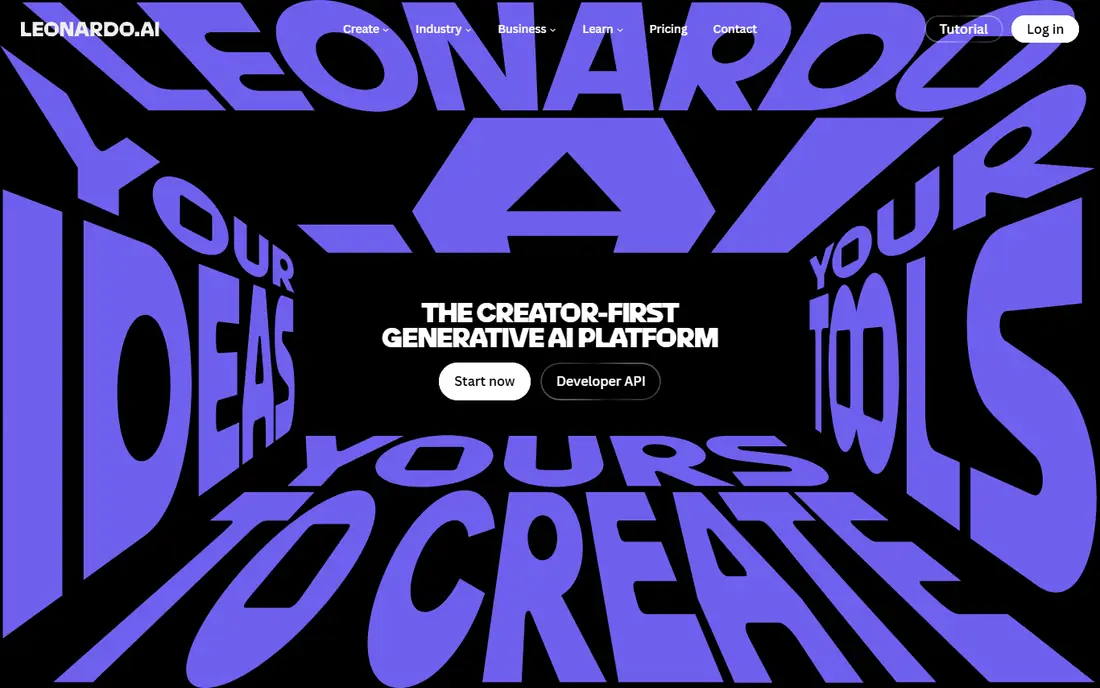
Leonardo AI is a full image studio with many models, personal model training, upscaling and video options in one account. It suits creators who liked Midjourney for concept art, game assets and social visuals but want a free daily allowance and more direct controls. Essential lists 8,500 fast tokens a month, while Premium lists 25,000 and Ultimate lists 60,000. Paid plans add private generations and full ownership of generated images. The free plan is useful for daily practice because tokens refresh every day. Teams can also use shared token pools on team plans. Model choice spans Lucid Origin, Phoenix and FLUX options on higher plans, with relaxed generation on selected models.
The catch is that tokens do not map to one fixed image price. A simple image and a video or upscale can cost very different amounts, so heavy users need to watch the token counter. Free tier users also get a royalty free licence while Leonardo holds rights to free images. Pick Leonardo AI if you want a Midjourney style studio with daily free use. Look elsewhere if you need fixed per image API pricing or editable vector files as the main output.
What we like- 150 daily fast tokens on Free
- 8,500 monthly fast tokens on Essential
- Paid subscribers retain full ownership rights
Watch out for- Token cost changes by model and settings
- Free creations are public and Leonardo holds rights to free tier images
Starting pricePlus $20/month, $15/month billed yearly ($180 a year)
Free planNew accounts without a creator badge start with zero free credits; eligible older accounts keep 30 credits a week
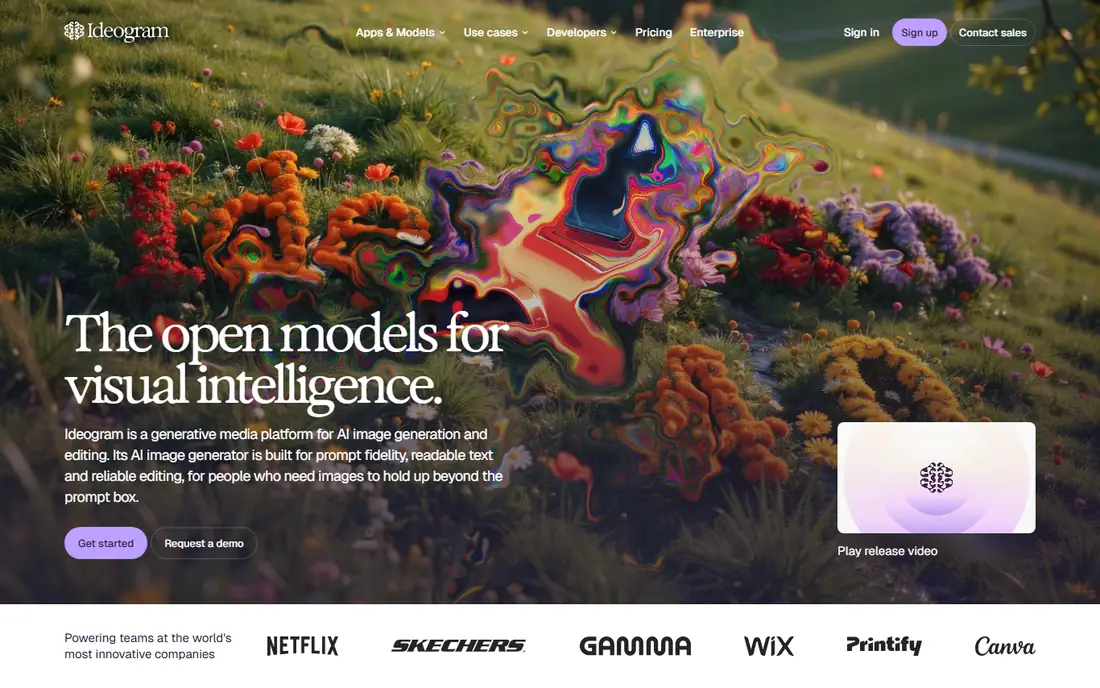
Ideogram focuses on images that carry words well, such as posters, thumbnails, ads and mockups with headlines. It suits marketers and creators who found Midjourney text hard to control. Plus lists 2,400 credits a month, Pro lists 7,500 and Team lists 3,600 credits per user. Ideogram states that one credit equals one US cent of list price, and common image actions cost 3, 6 or 10 credits by quality. Paid plans keep new images private until you publish them, which matters for client work. Batch generation and custom model training are open to accounts with enough credits, and Pro adds a larger generation queue.
The catch is the free entry point changed for new accounts. Ideogram says new accounts without a creator badge start with zero free credits, so most new buyers must buy credits or subscribe before generating. Monthly plan credits also reset and do not roll over. Pick Ideogram if readable text is the main reason you are leaving Midjourney. Look elsewhere if you want a generous free plan for daily testing or a broad design suite with templates.
What we like- Plus includes 2,400 credits a month
- Private generation on Plus, Pro and Team
- Pay as you go credits are available
Watch out for- New accounts get no free credits without a creator badge
- Monthly credits do not roll over
Starting priceFirefly Standard US$9.99/month
Free planFree plan with limited daily generations
Adobe Firefly is Adobe's generative media family for images, vectors, video and audio. It suits designers and marketing teams that already work in Adobe apps and want generation close to editing and layout tools. Firefly Standard lists US$9.99 a month with 2,000 generative credits, while Pro lists US$19.99 with 4,000 credits. Adobe states that paid plans include unlimited standard image and vector generations, with credits used for premium features and other media types. The free plan gives limited daily generations for trial use. Pro Plus lists 10,000 credits and Premium lists 50,000 credits for heavier video and partner model use.
The catch is credit planning across media types. Images, video, audio, translation and partner models can all draw from the same credit pool, so a month with video work costs more than image work alone. Adobe also runs time limited offers that can change the first months price. Pick Firefly if your team already pays for Adobe tools and wants one vendor for generation and editing. Look elsewhere if you want the widest model choice or a simple daily token allowance.
What we like- Standard lists 2,000 generative credits a month
- Paid plans include unlimited standard image and vector generations
- Fits Adobe app workflows
Watch out for- Credits also cover video, audio and partner models
- Free daily limits are not stated as a fixed number
Starting priceBasic $12/month billed monthly, $10/month billed annually
Free planFree plan with 30 daily credits; free images are public and not licensed for commercial use
Recraft is built for designers who need brand assets, illustrations, logos and vector files that stay editable after generation. It suits teams that liked Midjourney visuals but need SVG output, style control and clear ownership terms. Recraft states that paid plans grant full ownership and commercial rights for images generated while subscribed, and those rights remain after cancellation. Basic is listed at $12 a month billed monthly with 1,000 credits. The free plan gives 30 daily credits for testing styles and layouts. The API also covers image and vector generation, editing, background removal and batch jobs for production pipelines.
The catch is the free plan cannot be used for client or commercial work. Recraft owns free plan images, they are publicly visible, and they are not licensed for commercial use. Credit costs also vary by action and model, so vector and edit work needs budget checks. Pick Recraft if your output must become a logo, icon set or brand illustration in SVG. Look elsewhere if you mainly want painterly concept art with a free commercial licence.
What we like- Native vector output for logos and icons
- Paid plans grant full ownership and commercial rights
- 1,000 credits on Basic
Watch out for- Free plan images are owned by Recraft and public
- Subscription credits reset each cycle and do not roll over
Starting priceBasic $9/month
Free planFree plan with 100 units a day
Krea puts many image models, real time generation, upscaling, training and video tools in one workspace. It suits creators who want to compare models quickly instead of paying for several separate subscriptions. The vendor pricing cards list Free at $0 with 100 units a day and Basic at $9 a month with 5,000 units a month. Krea states that Basic, Pro, Max, Business and Enterprise include a commercial license. Business plans include up to 50 members under one compute pack, which can suit small creative teams. Top up packs add compute units that stay valid for 90 days, and Business workspaces share one unit pool.
The catch is compute unit math. Krea states that Basic, Pro and Max units are allocated monthly and do not roll over, so unused units expire at the end of the cycle. Selected video models sit on lower tiers, while all video models need a higher plan. Pick Krea if model choice and fast iteration matter more than one house style. Look elsewhere if you want a single model with simple per image pricing or a design tool built around templates.
What we like- Free plan lists 100 units a day
- Basic lists 5,000 units a month and a commercial license
- Many image models in one interface
Watch out for- Compute units do not roll over on Basic, Pro and Max
- Video access depends on plan tier
Starting pricePro US$18/month for one person
Free planFree plan at US$0 a month for one person
Canva is a design platform where AI image tools sit beside templates, stock media, brand kits and social scheduling. It suits small businesses and marketers who need a finished post, flyer or presentation more than a standalone art generator. Canva lists Free at US$0 a month and Pro at US$18 a month for one person, with a 50 percent off offer for the first 3 months on monthly plans. Pro lists 3.6M plus templates, 141M plus elements, 5 Brand Kits and 10x more AI than Free. Business lists US$25 a month per person for teams that need shared brand work and more AI access.
The catch is that Canva is not a direct Midjourney replacement for art direction. Pro is for one person, so teams need Business seats at US$25 a month per person. AI use is also capped by plan, with extra AI sold as an add-on. Pick Canva if the final job is a layout that ships today. Look elsewhere if you need deep prompt control, custom model training or vector generation as the core task.
What we like- Free plan at US$0
- Pro lists 5 Brand Kits and 10x more AI than Free
- Templates and stock sit beside AI tools
Watch out for- Pro covers one person only
- AI allowance is limited by plan and add-ons
Starting pricePlus $20/month billed monthly
Free planFree plan available; exact image limit not stated on opened vendor page
ChatGPT suits people who want to brief, revise and edit images inside a conversation instead of learning a separate image studio. OpenAI lists Plus at $20 a month billed monthly and names image generation, file uploads and analysis, voice conversations and Deep Research tools among expanded features. Plus also gives priority access during high traffic periods and faster response speeds than Free, according to OpenAI. File uploads let users start from a brief, spreadsheet or reference image and revise the result in the same thread and export it for review.
The catch is that ChatGPT is a general assistant, not a dedicated image production tool. OpenAI states that Plus subscriptions may include usage limits such as message caps, and limits can vary with system conditions. API usage is separate and billed independently, so app builders need a second budget. Pick ChatGPT if image work is one part of writing, research and file tasks. Look elsewhere if you need batch generation, style libraries or precise credit pricing for images alone.
What we like- Plus lists image generation among expanded features
- $20 a month billed monthly with no annual billing
- Chat and image work stay in one thread
Watch out for- Usage limits can apply and vary by system conditions
- API usage is billed separately
Starting priceGoogle AI Plus $4.99/month
Free planFree at $0 a month with a Google Account; includes image generation and editing
Gemini is Google's assistant for image generation, image editing, research and writing across Google apps. It suits users who want a free starting point and low cost paid access without a separate image subscription. Google lists Free at $0 a month with image generation and editing, Google AI Plus at $4.99 a month with 2x higher usage access than Free, and Google AI Pro at $19.99 a month with 4x higher usage access and 5 TB of storage. Google AI Pro also adds Gemini in Gmail and Docs, plus 1,000 Flow credits for video scenes.
The catch is that image work shares limits with the wider assistant. Google frames paid tiers by overall usage access, storage and app features, not by a simple image credit table. Ultra starts at $99.99 a month for the highest access, which is far above image only tools. Pick Gemini if you already use Google apps and want free image edits. Look elsewhere if you need a dedicated studio with model training, vector output or team brand controls.
What we like- Free plan lists image generation and editing
- Google AI Plus is $4.99 a month
- Pro lists $19.99 a month with 5 TB storage
Watch out for- Image limits are tied to broader Google AI usage limits
- Best access sits on higher priced Ultra plans
#9
FLUX
Best for: API image generation by volume
Visit bfl.ai
Starting priceFLUX 3 Image $0.048 per image at 1K
Free planNone found on vendor page
FLUX is Black Forest Labs' image model family, sold mainly through a pay as you go API and playground. It suits developers, catalog teams and product builders who want image generation inside an app or pipeline. Black Forest Labs states there are no subscriptions and no seat fees, only pay for what you generate. Its pricing calculator lists FLUX 3 Image at $0.048 per image at the default 1K tier. Charges follow the resolution tier selected, and rejected requests, failed generations and moderation withheld outputs are not charged. Reference images and prompts are included at no extra charge within the limits set out in the documentation.
The catch is that FLUX is not a ready made creative workspace for most marketers. Teams need API keys, credit purchases and their own interface or a third party tool on top. High resolution work also costs more, so volume budgets must use the right tier. Pick FLUX if you can build or already have a pipeline and want per image costs. Look elsewhere if you need templates, brand kits or a visual editor for non technical staff.
What we like- Pay as you go with no subscriptions or seat fees
- Per image pricing by resolution tier
- Failed generations are not charged
Watch out for- No free tier found on the vendor pricing page
- API and playground use needs developer setup
Starting priceAI Beginner $7.49/month
Free planFree use with Relax Credits from daily streaks, badges and the Daily Challenge
NightCafe is a community art platform with many image models, daily challenges, characters and video creation. It suits hobbyists and creators who want variety and a social feed beside generation tools. NightCafe lists AI Beginner at $7.49 a month with 100 Fast Credits, AI Hobbyist at $12.49 with 200, and AI Enthusiast at $24.99 with 500. Unused Fast Credits roll over. Free users can create with Relax Credits earned from streaks, badges and the Daily Challenge. PRO plans also remove ads, add private templates and let users create consistent characters by plan level.
The catch is plan gating for models and video. Beginner and Hobbyist include basic video models, while Enthusiast and above include all video models. Credit packs give only temporary Hobbyist level PRO status, which NightCafe itself says is usually worse value than a subscription. Pick NightCafe if community challenges and model variety keep you creating. Look elsewhere if you need team brand controls, API billing or client ready vector files.
What we like- AI Beginner lists 100 Fast Credits a month at $7.49
- Unused Fast Credits roll over and never expire
- Free Relax Credits stay available on PRO
Watch out for- Best video access starts at AI Enthusiast
- Credit pack PRO status is temporary and Hobbyist level
Which Midjourney alternative should you pick for commercial work?
Start with the rights and the file type, not the demo image. Recraft paid plans grant full ownership and commercial rights, and Leonardo paid subscribers retain full ownership of generated images. Ideogram keeps paid plan images private until published, which helps client work. Firefly fits teams that need Adobe app handoff. Check the free plan terms before any client use, because Recraft free images are public and not licensed for commercial use, and Leonardo free images carry a royalty free licence while Leonardo holds rights. For a 200 image month, Leonardo Essential at $12 and Recraft Basic at $12 look equal until file type and credits enter the math. Recraft suits SVG logos and brand assets, Leonardo suits high volume concept work, and Ideogram suits text led ads. Firefly suits Adobe handoff. Put the rights line, private generation rule and credit reset date in the buying note before a team standardizes on one tool.
How much do Midjourney alternatives cost per month?
Entry prices range from $4.99 a month for Google AI Plus to $20 a month for Ideogram Plus or ChatGPT Plus. Leonardo Essential and Recraft Basic list $12 a month. FLUX lists $0.048 per image, so 1,000 images at 1K cost $48. Compare credits and rollover rules, not headline price alone.
Which alternative is best for text in images?
Ideogram is the clearest pick when words must stay readable. Plus adds private generation and quality export for $20 a month. Recraft is stronger when text sits inside a logo or vector asset. Canva helps when words are layout text placed over a design. Test Ideogram first for posters and ads.
Can you replace Midjourney for free?
Yes, for testing and light use. Leonardo gives 150 fast tokens a day, Krea lists 100 units a day, Recraft gives 30 daily credits, and Gemini Free lists image generation at $0 a month. Ideogram gives new accounts zero free credits without a creator badge. Move client work to a paid plan with clear rights.
Frequently asked questions
What is the best Midjourney alternative for most people?
Leonardo AI is the safest first test. It gives 150 fast tokens a day for free, Essential costs $12 a month, and paid subscribers retain full ownership. Ideogram is better for posters with readable text. Recraft is better for SVG brand assets.
Which Midjourney alternative has the best free plan?
Leonardo AI and Gemini are strong free starting points. Leonardo lists 150 fast tokens a day. Gemini Free costs $0 a month and lists image generation and editing. Krea lists 100 units a day. Check commercial terms before client use, because free output can be public.
Is Ideogram better than Midjourney for posters?
Ideogram is better when the poster needs readable words. Plus costs $20 a month, or $15 billed yearly, with 2,400 credits a month and private generation. Common image actions cost 3, 6 or 10 credits by quality. Ideogram is the practical pick for headlines and thumbnails.
Which tool should a brand team choose instead of Midjourney?
Brand teams should start with Recraft or Adobe Firefly. Recraft Basic costs $12 a month, paid plans grant full ownership and commercial rights, and vector output supports logos. Firefly Standard costs US$9.99 a month with 2,000 credits. Choose Recraft for editable assets. Choose Firefly for Adobe workflows.
How much does FLUX cost compared with a subscription?
FLUX 3 Image lists $0.048 per image at 1K, with no subscriptions or seat fees. At that rate, 1,000 images cost $48 and 250 images cost $12. High resolution tiers cost more. FLUX suits API use. A subscription studio suits creators who need an editor.
What to look for before you buy
First, check commercial rights and whether free output is public or limited. Second, compare the credit or token allowance with your real monthly image count and quality settings. Third, confirm private generation if client work cannot appear in a public gallery. Fourth, test text, faces, hands and brand colors on your own briefs before paying for a year. Fifth, add editing costs such as upscaling, vector conversion, video and top up credits, because the entry plan price rarely covers a full production month.
How we chose
We compared vendor pricing pages and plan documents checked on 2026-11-28. Picks had to be live products with a working official site and clear job fit. Prices and free limits come from vendor pages. Where a vendor page did not state a limit, this guide says so. No hands-on testing claim is made.
Sources we checked (10)
- https://leonardo.ai/pricing
- https://docs.ideogram.ai/plans-and-billing/available-plans
- https://www.adobe.com/products/firefly/plans.html?sdid=599F8CTG&mv=social&mv2=paidsoc&gad_source=2&gad_campaignid=22675764466
- https://www.recraft.ai/pricing
- https://canvas.krea.ai/pricing?plan=creator_max&period=monthly&level=2
- https://www.canva.com/pricing/?clickId=&utm_medium=affiliate&utm_source=dodropshipping_2112581&irgwc=1&afsrc=1
- https://help.openai.com/en/articles/6950777-what-is-chatgpt-plus
- https://gemini.google/us/subscriptions/?Fdc=gemini_lp&Gdc=owned&Hdc=owned&hl=en
- https://bfl.ai/pricing
- https://help.nightcafe.studio/portal/en/kb/articles/nightcafe-pro-plans
Is your product missing or out of date?
We review this list regularly. Vendors can request a listing, send updated pricing or ask about featured placement.

Shihab Mia · Founder, Rankite
Shihab has 5+ years in B2B and SaaS SEO. He writes Rankite's software buying guides from pricing pages, documentation and public user reviews. More about Shihab.