How we make this list: we compare pricing pages, product documentation and public user reviews. Ratings come from G2, Capterra or Trustpilot, with the date we checked them.
Key takeaways
- Microsoft retired Project Online on 30 September 2026, and its official successor is Planner, with schedule features starting at 30 dollars per user a month on Plan 3.
- Asana is the default answer for cross functional teams that want clarity on who owns what, while monday.com suits non technical teams that need something running this week.
- ClickUp offers the most features per dollar with a free forever plan, and Smartsheet suits teams that think in spreadsheets but need real project controls.
- TeamGantt and GanttPRO are the purest Gantt replacements: drag and drop scheduling with critical path, baselines, and dependencies at a lower price than Project.
- Zoho Projects is the budget pick for small teams, with a free tier for 5 users and 3 projects and paid plans from around 4 dollars per user a month.
Quick comparison
| Tool | Best for | Starting price | Free plan |
|---|
 Asana Asana | Cross functional teams | $10.99/user/month | Yes |
 monday.com monday.com | Non technical teams | $12/seat/month | Yes |
 ClickUp ClickUp | Maximum features per dollar | $7/user/month | Yes |
 Smartsheet Smartsheet | Spreadsheet thinkers | $9/member/month | No |
 Wrike Wrike | Configurable workflows and proofing | $10/user/month | Yes |
 TeamGantt TeamGantt | Drag and drop Gantt scheduling | $24/month | Yes |
 GanttPRO GanttPRO | Full Gantt features on a budget | $7/user/month | No |
 Zoho Projects Zoho Projects | Budget small teams | $4/user/month | Yes |
Is your product missing or out of date?
We review this list regularly. Vendors can request a listing, send updated pricing or ask about featured placement.
The best Microsoft Project alternatives
#1Asana
Best for: Cross functional teams4.4/5 on
G2 (13,930 reviews, checked Oct 2026)
Visit asana.com
Starting price$10.99/user/month
Free planYes
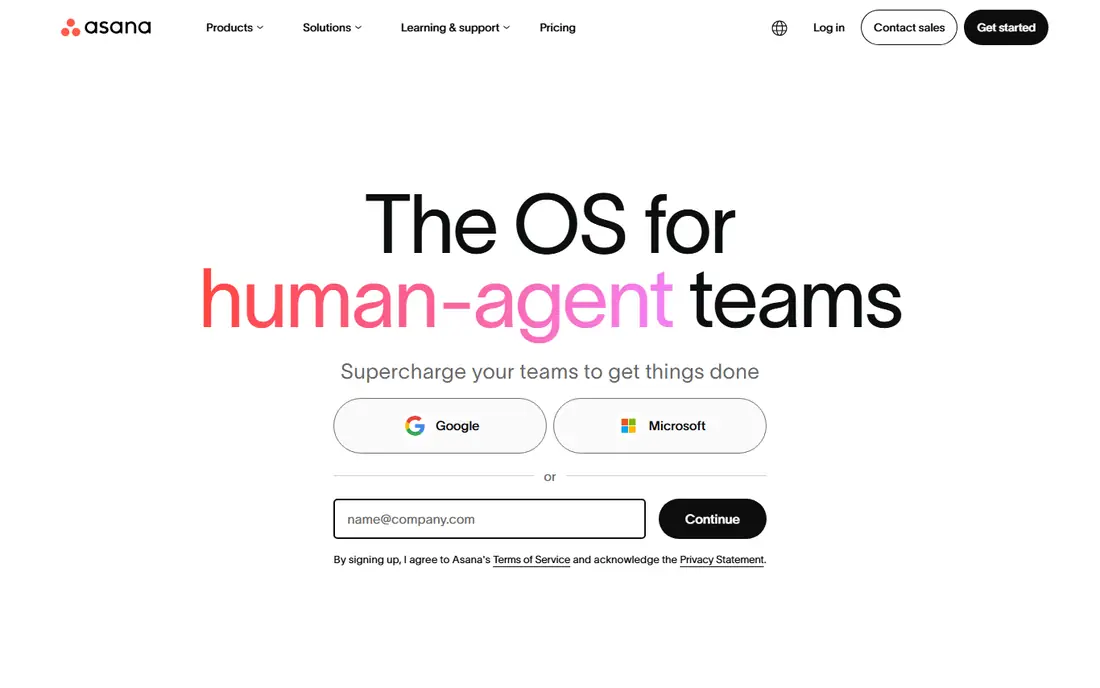
Asana is the default answer when non engineers say they want project management without learning issue types. Its work graph connects goals, portfolios, projects, tickets, and tasks so humans and agents always know who is doing what, by when, and toward which goal, and AI Teammates now surface what needs attention, route intake, and make portfolios visible.
The Starter plan at 10.99 dollars per user a month billed annually adds forms, templates, Gantt view, AI Studio, automations, custom fields, workflow builder, and project dashboards, with unlimited guests. Higher tiers add goals, proofing, approvals, time tracking, portfolio workload, and capacity planning.
Asana fits marketing, operations, and PMO light teams running repeatable processes. Engineering teams that need native sprints and issue history should look at Jira instead, and teams that want the cheapest full Gantt should look at GanttPRO.
What we like- Personal plan free for up to 2 users
- Starter adds Gantt view, automations, and workflow builder
- Portfolios and goals on higher tiers
- 85 percent of Fortune 100 companies use it
Watch out for- Advanced tier at 24.99 dollars per user a month for goals and proofing
- Not dev native for engineering teams
- AI features concentrate on higher tiers
#2monday.com
Best for: Non technical teams4.7/5 on
G2 (17,182 reviews, checked Oct 2026)
Visit monday.com
Starting price$12/seat/month
Free planYes
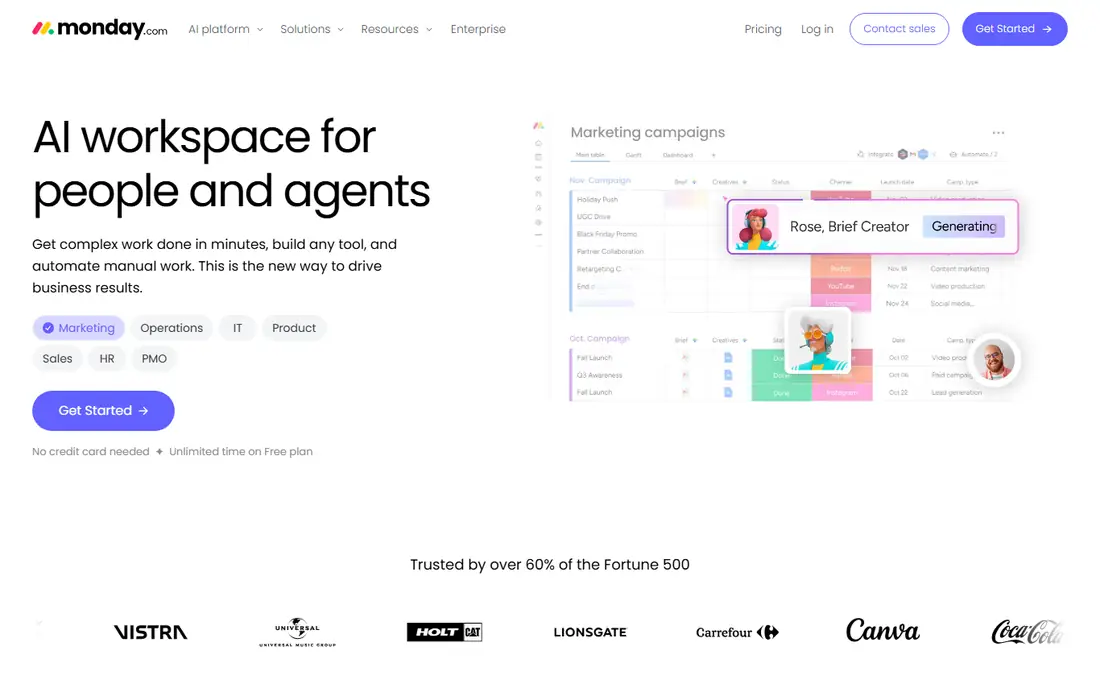
monday.com is the AI workspace for people and agents, where boards, automations, and agents drive business results together. PMO agents track tasks, flag blockers, and update stakeholders, while custom agents can be built for vendor research, ticket triage, roadmap building, and risk analysis.
The free plan covers up to 2 seats and 3 boards with unlimited time, and Standard at 12 dollars per seat a month billed annually adds Gantt views, timeline optimization, and deeper automations. The platform is trusted by more than 60 percent of the Fortune 500.
monday.com fits mixed departments that want fast rollout without technical setup. Teams that need strict scheduling controls like baselines and critical path should pair it with a Gantt specialist or choose Smartsheet or TeamGantt.
What we like- Free plan with unlimited time
- Standard at 12 dollars per seat a month billed annually with a 3 seat minimum
- Visual boards and no code automations
- PMO agents track tasks and flag risks
Watch out for- Seat blocks can raise the real bill
- Gantt view starts on Standard
- Advanced features concentrate on Pro at 19 dollars per seat
#3ClickUp
Best for: Maximum features per dollar4.6/5 on
G2 (14,878 reviews, checked Oct 2026)
Visit clickup.com
Starting price$7/user/month
Free planYes
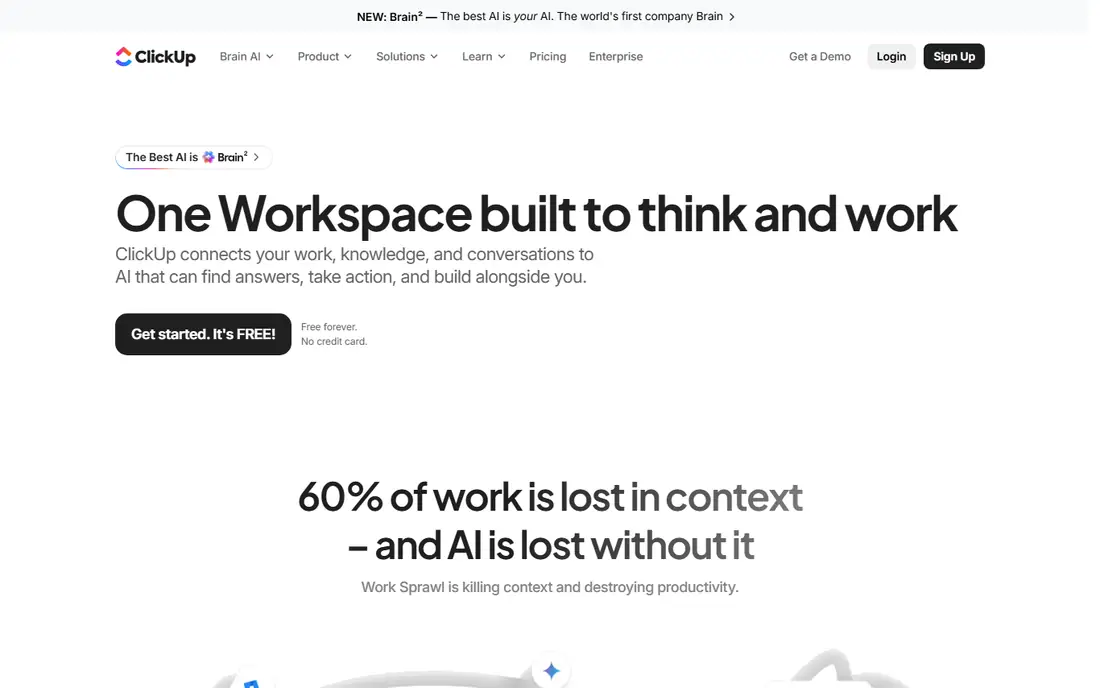
ClickUp is one workspace built to think and work, connecting tasks, docs, knowledge, and conversations to AI that finds answers, takes action, and builds alongside the team. Its Brain AI layer sees tasks, docs, and conversations, picks the best model for each job, and learns team tone and preferences over time.
The free plan covers unlimited members with 5 Spaces, and Unlimited at 7 dollars per user a month billed annually adds unlimited storage, integrations, and Gantt views. Business at 12 dollars per user a month adds advanced automation, workload views, and time tracking.
ClickUp fits teams that want one login for everything and the most features per dollar. Teams that want a focused Gantt tool without the breadth should choose TeamGantt or GanttPRO.
What we like- Free Forever plan with unlimited members
- Unlimited at 7 dollars per user a month billed annually
- Docs, whiteboards, chat, and AI in one workspace
- 4.7 out of 5 on G2
Watch out for- Breadth can feel overwhelming
- Brain AI add on costs 7 dollars per user a month extra
- Gantt views sit on paid plans
#4Smartsheet
Best for: Spreadsheet thinkers4.4/5 on
G2 (22,767 reviews, checked Oct 2026)
Visit smartsheet.com
Starting price$9/member/month
Free planNo
Smartsheet is the work management platform for teams that think in spreadsheets but need real project controls. Grid views carry formulas, dependencies, and automation, while Gantt, Kanban, and dashboard views give every stakeholder the right lens on the same data.
Portfolio features cover milestone and dependency tracking, workload balancing, capacity planning, centralized intake, and approval workflows, with AI that delivers project intelligence, portfolio visibility, and data enrichment at scale. Customer stories cite 30 percent more projects managed with the same number of project managers and 1 million dollars in annual savings.
Smartsheet fits PMO, finance, and operations heavy organizations that already plan in sheets. Small teams that need a free tier should choose ClickUp, Asana, or monday.com.
What we like- Pro at 9 dollars per member a month billed annually
- Grid plus Gantt, Kanban, and dashboards
- Portfolio reporting and resource management
- Trusted by 85 percent plus of Fortune 500
Watch out for- No free tier, only a 30 day trial
- Enterprise add ons like Control Center and Dynamic View cost extra
- Sheet interface can feel dated to board first teams
#5Wrike
Best for: Configurable workflows and proofing4.2/5 on
G2 (4,540 reviews, checked Oct 2026)
Visit wrike.com
Starting price$10/user/month
Free planYes
Wrike is the trusted work delivery platform for people and AI, with full control and clear accountability at every step, used by more than 20,000 organizations worldwide. Its workflow covers ideation, planning and resourcing, delivery, reporting, and learning, with AI analytics that predict risk and allocate resources.
The standout for creative and marketing operations is proofing: reviewers annotate files directly, approvals route automatically, and version history stays attached to the work. Resource views show who is overloaded and who has capacity, and 400 plus integrations connect Wrike to almost any app a business uses.
Wrike fits creative and marketing operations teams with review cycles and configurable workflows. Teams that want the cheapest Gantt should look at GanttPRO, and teams that want the simplest tool should look at TeamGantt.
What we like- Free plan for up to 5 users
- Team at 10 dollars per user a month billed annually
- Proofing, approvals, and resource views
- 400 plus integrations
- 4.5 out of 5 from 13,000 plus reviews
Watch out for- Business at 24.80 dollars per user a month for deeper features
- Proofing and security add ons cost extra
- Enterprise focus can feel heavy for small teams
#6TeamGantt
Best for: Drag and drop Gantt scheduling4.8/5 on
G2 (895 reviews, checked Oct 2026)
Visit teamgantt.com
Starting price$24/month
Free planYes
TeamGantt is built around one idea: schedule by dragging bars, not editing cells. Link tasks once, drag one date, and the rest of the schedule follows for the whole team, with real time updates shared through a single link that updates automatically every time.
The platform covers Gantt, Kanban, and calendar views, workload and capacity, baselines and tracking to goal, and sharing with unlimited viewers. It imports and exports Microsoft Project .mpp files, so existing plans move over in minutes instead of being rebuilt, and integrations cover Procore, Jira, Slack, Trello, and Dropbox.
TeamGantt fits teams that want to schedule visually without enterprise bloat, including construction, agency, and marketing teams. Teams that need full project management beyond scheduling should pair it with Asana or choose Smartsheet.
What we like- Free plan with 1 project and 1 manager
- Drag and drop dependencies that shift linked tasks automatically
- Baselines and workload views
- Imports and exports Microsoft Project files
Watch out for- Basic plan pricing has risen in some comparisons to 59 dollars a month flat
- Fewer all in one features than ClickUp or Asana
- Small company scale
#7GanttPRO
Best for: Full Gantt features on a budget4.8/5 on
G2 (588 reviews, checked Oct 2026)
Visit ganttpro.com
Starting price$7/user/month
Free planNo
GanttPRO is the online Gantt chart maker for project planning, used by more than 1 million project managers. Interactive Gantt charts show project duration and resource needs, work breakdown structures and dependencies set task order, and critical path highlights the tasks that can affect the completion date.
Auto scheduling recalculates dates and dependencies automatically when plans change, workload views show who is underperforming or overloaded, and time logs and reports track actual hours against plan. Export covers PDF, PNG, XLSX, and XML, and sharing works through secret public URLs with view rights.
GanttPRO fits solo planners and small teams that want full Gantt features cheaply. Teams that need a free tier should choose TeamGantt, ClickUp, or Asana, and teams that need enterprise portfolio control should look at Smartsheet or Wrike.
What we like- Core at 7 dollars per user a month billed annually
- Full Gantt features on every plan
- Critical path, baselines, and auto scheduling
- 1 million plus project managers use it
- 4.8 out of 5 from 650 reviews
Watch out for- No free tier, only a 14 day trial
- Narrower all in one feature set than ClickUp
- Portfolio features sit on higher tiers
#8Zoho Projects
Best for: Budget small teams4.4/5 on
G2 (570 reviews, checked Oct 2026)
Visit zoho.com
Starting price$4/user/month
Free planYes
Zoho Projects is the leading project management software in the Zoho suite, with Gantt charts that track task schedules, critical tasks, dependencies, and deviations between planned and actual progress. Timesheets log billable and non billable hours manually or with timers, and built in Zoho Invoice integration generates invoices from timesheets automatically.
Customization covers personalized fields, modules, statuses, and workflows, with drag and drop automation and an intelligent assistant that understands business context. The platform reports more than 4.5 million projects managed, over 50 marketplace integrations, and ISO 27001 enterprise grade security.
Zoho Projects fits budget small teams and companies already using Zoho apps. Teams that want the deepest Gantt controls should choose GanttPRO or TeamGantt, and teams that want the broadest integrations should choose Asana or monday.com.
What we like- Free tier for 5 users and 3 projects
- Paid plans from around 4 dollars per user a month
- Gantt charts, timesheets, and Zoho Invoice integration
- 4.5 million plus projects managed
Watch out for- Gantt charts from Premium and baselines only on Enterprise by some comparisons
- Smaller marketplace than Asana or monday.com
- Zoho ecosystem lock in for full value
How we chose
We compared Microsoft Project alternatives by Gantt and scheduling depth, free tier quality, entry price, collaboration features, integrations, and company size fit. We opened every vendor homepage to confirm it loads and belongs to the product described, and we note the Project Online retirement and Planner successor openly above. We weighted Gantt fidelity for planners migrating from Project alongside ease of use for teams that never used Project, and we excluded tools without a verifiable Gantt or timeline view and tools that only track personal tasks.
What to check before you switch from Microsoft Project
First, inventory what Project actually does for you today. If the answer is critical path, baselines, resource leveling, and .mpp files, choose a Gantt specialist like TeamGantt or GanttPRO. If the answer is task lists and status updates, a broader tool like Asana or monday.com will serve the team better.
Next, test migration with a real project, not a demo file. Import an .mpp file into TeamGantt, check dependency types, and confirm baselines survive the move. Microsoft has published no migration tool for Project Online, so the quality of import matters more than any feature list.
Finally, count the real seat cost, not the advertised price. monday.com sells seats in groups, Smartsheet Pro caps at 10 members, and Asana Advanced doubles the Starter price. Compare the least expensive plan that meets your requirements for your actual team size.
Frequently asked questions
What is the best Microsoft Project alternative?
Asana is the best general alternative for cross functional teams, monday.com for non technical teams, ClickUp for maximum features per dollar, and TeamGantt or GanttPRO for pure Gantt scheduling. The best choice depends on whether scheduling depth or ease of use matters more.
Is Microsoft Project Online still available?
No. Microsoft retired Project Online on 30 September 2026. The official successor is Planner, with basic boards in many Microsoft 365 plans and schedule features starting at 30 dollars per user a month on Plan 3.
Is there a free Microsoft Project alternative?
Yes. ClickUp, Asana, monday.com, Wrike, TeamGantt, and Zoho Projects all offer free tiers, though free plans limit users, projects, or features. GanttPRO and Smartsheet offer trials rather than free plans.
Can I import Microsoft Project files into an alternative?
TeamGantt imports and exports .mpp files directly, and several other tools import Project files or spreadsheets. Test import with a real project before committing, since dependency types and baselines do not always survive migration cleanly.
Should I stay with Microsoft Planner instead of switching?
Stay with Planner if your team lives inside Microsoft 365 and Teams and needs only basic boards plus premium scheduling. Switch to an alternative if you need deeper Gantt controls, broader integrations, or a free tier that Planner does not offer.
Sources we checked (10)
- https://asana.com
- https://www.monday.com
- https://clickup.com
- https://www.smartsheet.com
- https://www.wrike.com
- https://www.teamgantt.com
- https://ganttpro.com
- https://www.zoho.com/projects/
- https://rankite.com/blog/best-project-planning-software
- https://www.maddatech.com/project-online-alternatives-2026.html
Is your product missing or out of date?
We review this list regularly. Vendors can request a listing, send updated pricing or ask about featured placement.

Shihab Mia · Founder, Rankite
Shihab has 5+ years in B2B and SaaS SEO. He writes Rankite's software buying guides from pricing pages, documentation and public user reviews. More about Shihab.