How we make this list: we compare pricing pages, product documentation and public user reviews. Ratings come from G2, Capterra or Trustpilot, with the date we checked them.
Key takeaways
- GNU Octave is the closest free match for MATLAB syntax, and most existing scripts run with little or no change.
- Julia is the best pick for high performance numerical work, with speed close to compiled languages and a modern syntax.
- Python with NumPy and SciPy has the largest scientific ecosystem, but moving code from MATLAB means a rewrite.
- Scilab suits engineers who want a MATLAB like environment with toolboxes included at no cost.
- R and SageMath suit statistics and pure mathematics, while RunMat suits fast browser based MATLAB style work.
Quick comparison
| Tool | Best for | Starting price | Free plan |
|---|
 GNU Octave GNU Octave | MATLAB syntax compatibility | Free | Yes |
 Scilab Scilab | MATLAB like engineering work | Free | Yes |
 Julia Julia | High performance computing | Free | Yes |
 Python with NumPy and SciPy Python with NumPy and SciPy | Largest scientific ecosystem | Free | Yes |
 R R | Statistics and data analysis | Free | Yes |
 SageMath SageMath | Pure mathematics | Free | Yes |
 RunMat RunMat | Browser based MATLAB style work | Free | Yes |
 Maxima Maxima | Symbolic mathematics | Free | Yes |
Is your product missing or out of date?
We review this list regularly. Vendors can request a listing, send updated pricing or ask about featured placement.
The best MATLAB alternatives
Starting priceFree
Free planYes
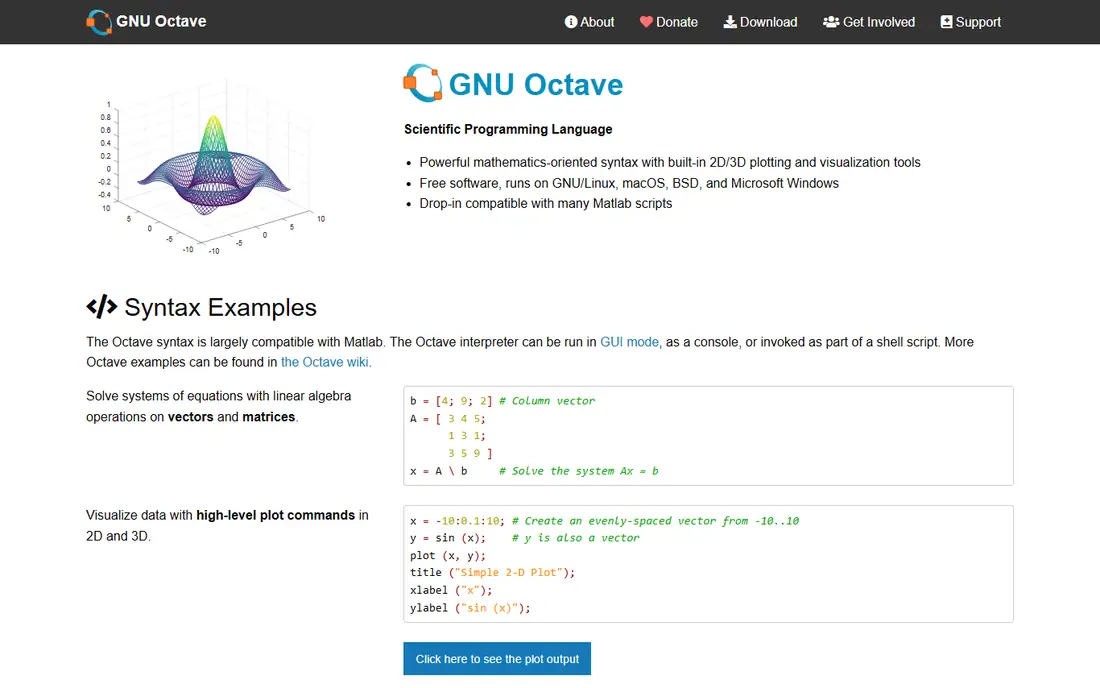
GNU Octave is the best known free alternative to MATLAB, in active development for almost three decades. It strives for exact language compatibility, so many projects written in MATLAB run in Octave with no modification. It covers matrix operations, algorithm development, differential equations, and 2D and 3D plotting, and it interfaces with C, C++, and Fortran code through compiled extensions. It is free and open source under the GPL, and it is packaged for most major Linux distributions as well as Windows and Mac.
The trade off is compatibility against commercial polish. Octave lacks Simulink, App Designer, and many specialized toolboxes, and its figure rendering is less refined than MATLAB. Octave fits students, researchers, and engineers who rely on MATLAB syntax and core numerical work and want to drop the license cost.
What we like- Near identical MATLAB syntax
- Runs most scripts with little change
- Strong linear algebra and plotting
- Runs on Windows, Mac, and Linux
- Open source
Watch out for- No Simulink equivalent
- Fewer specialized toolboxes
- Graphics are less polished
- Slower on very large optimized computations
Starting priceFree
Free planYes
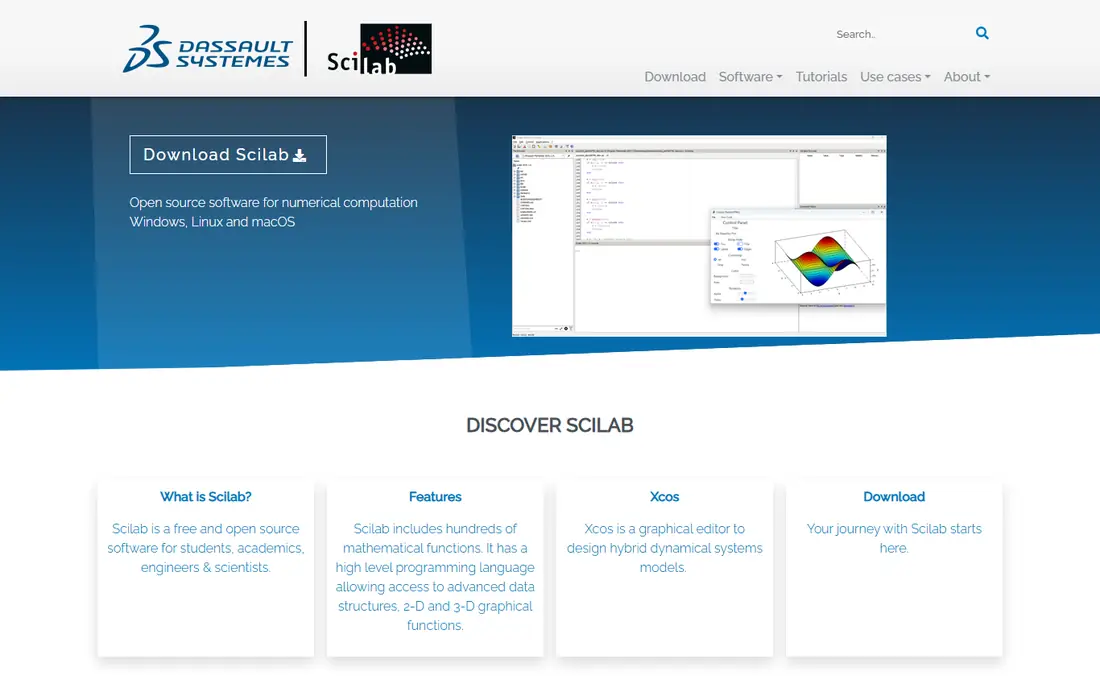
Scilab is a free, open source numerical computing environment built for engineers and scientists, with a MATLAB like console, editor, and plotting tools. It includes a wide range of toolboxes for signal processing, control systems, optimization, and statistics, which makes it useful for engineering coursework and prototyping without buying separate toolboxes. It runs on Windows, Mac, and Linux, and it is developed with support from industry and academic partners.
The trade off is completeness against community size. Scilab covers more out of the box than Octave in some engineering areas, but its community and third party package set are smaller than Python or Octave, so niche needs may need custom code. Scilab fits engineers who want a free MATLAB like environment with toolboxes included and a graphical interface.
What we like- MATLAB like environment
- Wide range of built in toolboxes
- Signal processing and control tools
- Graphical interface
- Open source
Watch out for- Smaller community than Python or Octave
- Some MATLAB code needs changes
- Fewer third party packages
- Documentation is thinner in places
Starting priceFree
Free planYes
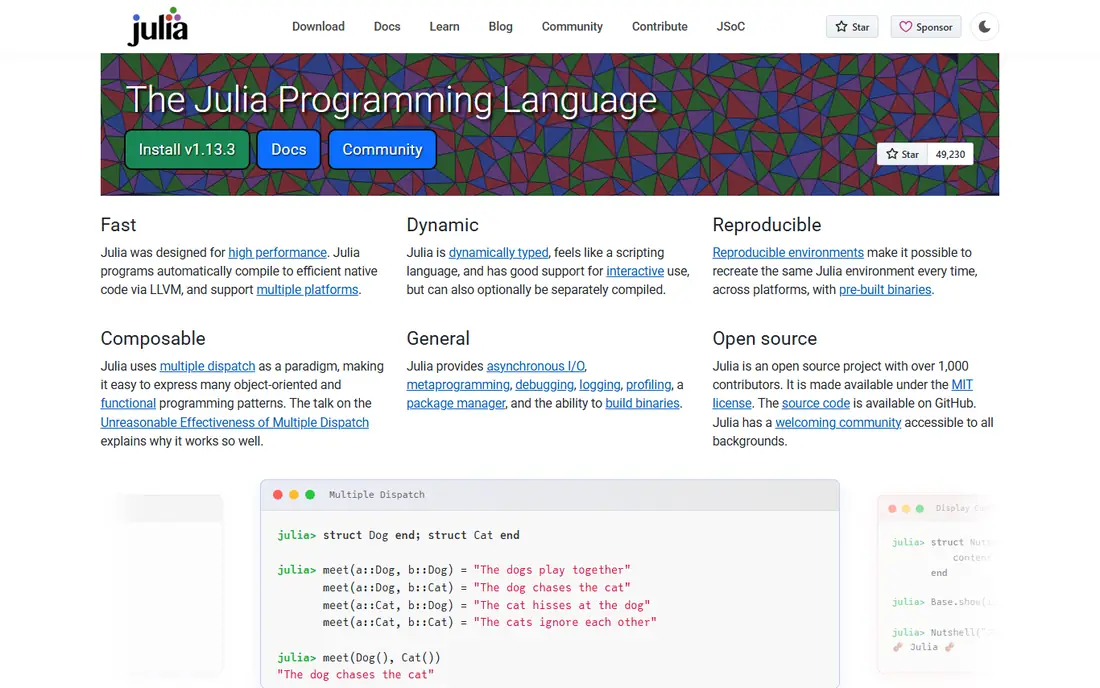
Julia is a high performance language designed for numerical and scientific computing, with speed close to C and Fortran for many workloads thanks to just in time compilation. It has strong built in linear algebra, a clean syntax for matrix work, and a growing set of scientific packages for differential equations, optimization, and machine learning. It is free and open source, and it runs on Windows, Mac, and Linux.
The trade off is speed against migration effort. Julia code runs fast, but MATLAB code must be rewritten in Julia syntax, and the package ecosystem is younger than Python. Julia fits researchers and teams who need high performance simulations and are willing to move to a new language to get it.
What we like- Speed close to compiled languages
- Clean modern syntax
- Strong linear algebra
- Good for large simulations
- Growing scientific package set
Watch out for- Syntax differs from MATLAB
- Package ecosystem is younger than Python
- Startup time can feel slow
- Fewer industry toolboxes
#4
Python with NumPy and SciPy
Best for: Largest scientific ecosystem
Visit python.org
Starting priceFree
Free planYes
Python with NumPy and SciPy is the most popular free route away from MATLAB, and the one with the deepest ecosystem. NumPy provides fast N dimensional arrays and linear algebra, SciPy adds solvers, optimization, signal processing, and statistics, and Matplotlib covers plotting. Python runs in any container at no license cost, which makes it easy to deploy models in products, pipelines, and cloud jobs. It is free and open source, with learning resources everywhere.
The trade off is ecosystem depth against migration cost. Python wins on libraries, hiring, and deployment, but MATLAB scripts must be rewritten, and the zero based indexing and library based workflow feel different at first. Python with NumPy and SciPy fits teams whose models feed products, pipelines, or larger teams, and who value ecosystem over syntax compatibility.
What we like- Largest scientific package set
- NumPy arrays and SciPy solvers
- Strong plotting with Matplotlib
- Runs anywhere
- Huge community and learning resources
Watch out for- Moving from MATLAB means a rewrite
- Indexing is zero based
- No single MATLAB like IDE
- Performance tuning needs extra tools
Starting priceFree
Free planYes
R is the leading free language for statistics and data analysis, with thousands of packages for modeling, visualization, and reporting. It handles data frames, statistical tests, regression, and publication quality plots, and it is widely used in academic research and data science. It is free and open source, and it runs on Windows, Mac, and Linux, with the RStudio environment as a popular front end.
The trade off is statistics strength against engineering fit. R beats MATLAB on statistical packages and visualization, but it is weaker for control systems, signal processing simulations, and general engineering workflows. R fits statisticians and data analysts who work heavily with data and visualization rather than engineering simulation.
What we like- Huge statistics package set
- Strong plotting and visualization
- Widely used in research
- Free and open source
- Large community
Watch out for- Weaker for general engineering simulation
- Syntax differs from MATLAB
- Performance tuning needs care
- Matrix workflows feel different
Starting priceFree
Free planYes
SageMath is a free, open source mathematics system that combines many open source packages, including Maxima, NumPy, and R, behind one interface. It covers algebra, calculus, number theory, combinatorics, and symbolic computation, with a notebook interface for teaching and research. It is free and open source, and it runs on Windows, Mac, and Linux, though the install is large.
The trade off is mathematical breadth against engineering focus. SageMath is stronger than MATLAB on pure and symbolic mathematics, but weaker for engineering simulation and control work. SageMath fits mathematicians, teachers, and students who need a free system for symbolic and algebraic work.
What we like- Combines many open source math packages
- Strong symbolic and algebraic tools
- Notebook interface
- Free and open source
- Good for teaching
Watch out for- Large install
- Interface feels academic
- Less suited to engineering simulation
- Smaller community than Python
Starting priceFree
Free planYes
RunMat is a newer free option for MATLAB style workloads, built for speed across browser, desktop, and command line use. It uses a high performance runtime with just in time compilation and automatic GPU acceleration across NVIDIA, AMD, Intel, and Apple hardware, and it includes an agent that can inspect variables, plots, and diagnostics. It is free to use in the browser, with an open source runtime, which makes it easy to try without installing anything.
The trade off is speed and convenience against maturity. RunMat is faster than Octave on many workloads and easier to start than Python, but its ecosystem and toolbox coverage are newer and less proven. RunMat fits engineers who want fast MATLAB syntax work in a browser and are comfortable with a younger tool.
What we like- Runs in the browser, on desktop, and from the CLI
- MATLAB style syntax
- Automatic GPU acceleration
- AI agent for inspecting variables and plots
- Open source runtime
Watch out for- Newer ecosystem than Octave or Python
- Fewer toolboxes
- Long term support is less proven
- Some MATLAB features are missing
Starting priceFree
Free planYes
Maxima is a free, open source computer algebra system for symbolic mathematics, covering algebra, calculus, differential equations, and matrix manipulation in exact form. It is light to install, has a long history, and is widely used in teaching. It runs on Windows, Mac, and Linux, with several graphical front ends available.
The trade off is symbolic depth against numeric workflow. Maxima handles exact symbolic work well, but it is not a numeric simulation environment, so it complements rather than replaces MATLAB for engineering work. Maxima fits users whose main need is symbolic computation and teaching rather than large numeric simulation.
What we like- Strong symbolic algebra and calculus
- Free and open source
- Light install
- Long history
- Good for teaching
Watch out for- No numeric simulation focus
- Interface is dated
- Plotting is basic
- Not a MATLAB workflow replacement
How we chose
We compared published feature lists and pricing from 2026, favoring tools with distinct strengths: the closest MATLAB syntax match, the best engineering toolbox set, the fastest language, the largest ecosystem, the best statistics set, the best pure mathematics system, the best browser option, and the best symbolic tool. All eight tools are free and open source, since cost is the main reason users leave MATLAB. We excluded MATLAB itself, since this guide covers replacements, and we favored tools with a current release and an active user base.
How to choose a MATLAB alternative
Start with your existing code: if you have many MATLAB scripts, shortlist GNU Octave first, since it runs most of them with little change. Next, consider your workload: large simulations point to Julia or Python, statistics points to R, and symbolic work points to SageMath or Maxima. Then check deployment: Python runs anywhere at no license cost, which matters when models feed products or pipelines. Finally, test your real scripts in two tools, since syntax compatibility and toolbox coverage differ more than feature lists suggest.
Frequently asked questions
What is the closest free alternative to MATLAB?
GNU Octave is the closest free alternative, with near identical syntax and broad source compatibility, so most MATLAB scripts run with little or no change.
Is Julia faster than MATLAB?
For many numerical workloads, Julia approaches compiled language speed and can beat MATLAB on large simulations, though results depend on the code and the libraries used.
Should I move from MATLAB to Python?
Move to Python when your simulation feeds a product, a pipeline, or a larger team, since Python runs anywhere at no license cost and has the largest scientific ecosystem. Stay with Octave when you need to keep existing MATLAB scripts running.
Does any free tool include Simulink?
No. None of the free tools here include a full Simulink equivalent, so model based design users should test Scilab Xcos or keep MATLAB for that workflow.
Is Scilab better than Octave?
Scilab includes more engineering toolboxes out of the box, while Octave offers closer MATLAB syntax compatibility, so pick Scilab for toolbox depth and Octave for script compatibility.
Can I run these tools on a Mac?
Yes. GNU Octave, Scilab, Julia, Python, R, SageMath, RunMat, and Maxima all run on Windows, Mac, and Linux, with RunMat also running in a browser.
Sources we checked (0)
Is your product missing or out of date?
We review this list regularly. Vendors can request a listing, send updated pricing or ask about featured placement.

Shihab Mia · Founder, Rankite
Shihab has 5+ years in B2B and SaaS SEO. He writes Rankite's software buying guides from pricing pages, documentation and public user reviews. More about Shihab.