How we make this list: we compare pricing pages, product documentation and public user reviews. Ratings come from G2, Capterra or Trustpilot, with the date we checked them.
Key takeaways
- Microsoft discontinued MapPoint: the final version was MapPoint 2013, sales ended in 2014 and support followed, so every MapPoint install is now running on unsupported software with ageing road data.
- Maptitude is the closest living relative: desktop mapping with bundled data, bought once rather than rented. Maptive is the spreadsheet to map successor most business users actually wanted.
- Badger Maps owns the field sales use case MapPoint often served, and eSpatial owns territory design. Mapbox and ArcGIS serve builders and analysts, not route planning reps.
- The right alternative depends on which MapPoint job you still have: visualising spreadsheet data, planning territories, routing visits, or building maps into your own software.
Quick comparison
| Tool | Best for | Starting price | Free plan |
|---|
 Maptive Maptive | Mapping spreadsheet data in the browser | $1,250 per year | No |
 Maptitude Maptitude | Desktop mapping with bundled data | $795 one time | No |
 Badger Maps Badger Maps | Field sales routes and visits | $58 per user per month | No |
 eSpatial eSpatial | Territory design and sales operations | $1,495 per year | No |
 BatchGeo BatchGeo | Quick maps from a spreadsheet | $99 per month | Yes |
 Mapbox Mapbox | Developers building maps into products | See website | Yes |
 Esri ArcGIS Esri ArcGIS | Professional GIS analysis | See website | No |
 Route4Me Route4Me | Multi stop route optimisation | See website | No |
Is your product missing or out of date?
We review this list regularly. Vendors can request a listing, send updated pricing or ask about featured placement.
The best MapPoint alternatives
#1Maptive
Best for: Mapping spreadsheet data in the browser4.7/5 on
G2 (35 reviews, checked Oct 2026)
Visit maptive.com
Starting price$1,250 per year
Free planNo
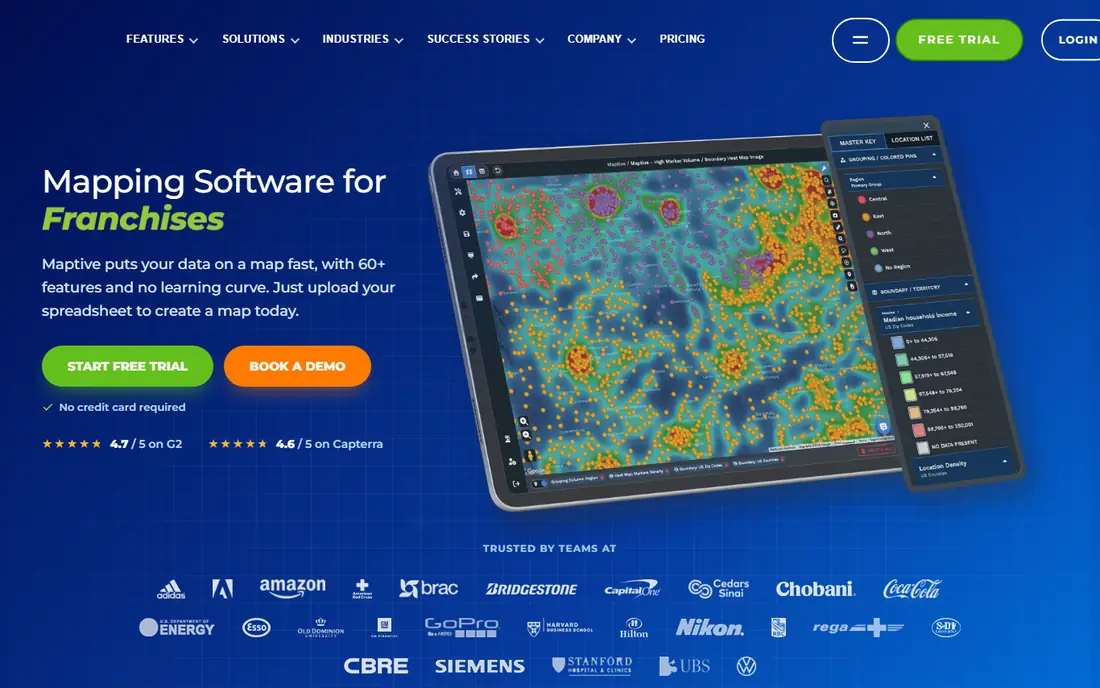
What we like- Maptive is where most MapPoint refugees land: upload a spreadsheet and get territories, heat maps, radius and drive time views, demographic overlays and shareable maps, in a browser, with no GIS training. Its annual pricing, 1,250 dollars for a single user in current comparisons, includes the full feature set rather than gating tools by tier, and it handles large files, with team plans geocoding hundreds of thousands of addresses. For the classic MapPoint job, plot the customers, draw the territories, print the picture for the meeting, it is the direct modern equivalent.
Watch out for- There is no real mobile field app, so reps working from phones get a viewer, not a workflow. Annual pricing with no monthly option is a commitment for a one off project. It is a mapping and analysis tool, not a CRM: visit logging, check ins and rep activity tracking live in the sales tools further down this list.
#2Maptitude
Best for: Desktop mapping with bundled data4.7/5 on
G2 (150 reviews, checked Oct 2026)
Visit caliper.com
Starting price$795 one time
Free planNo
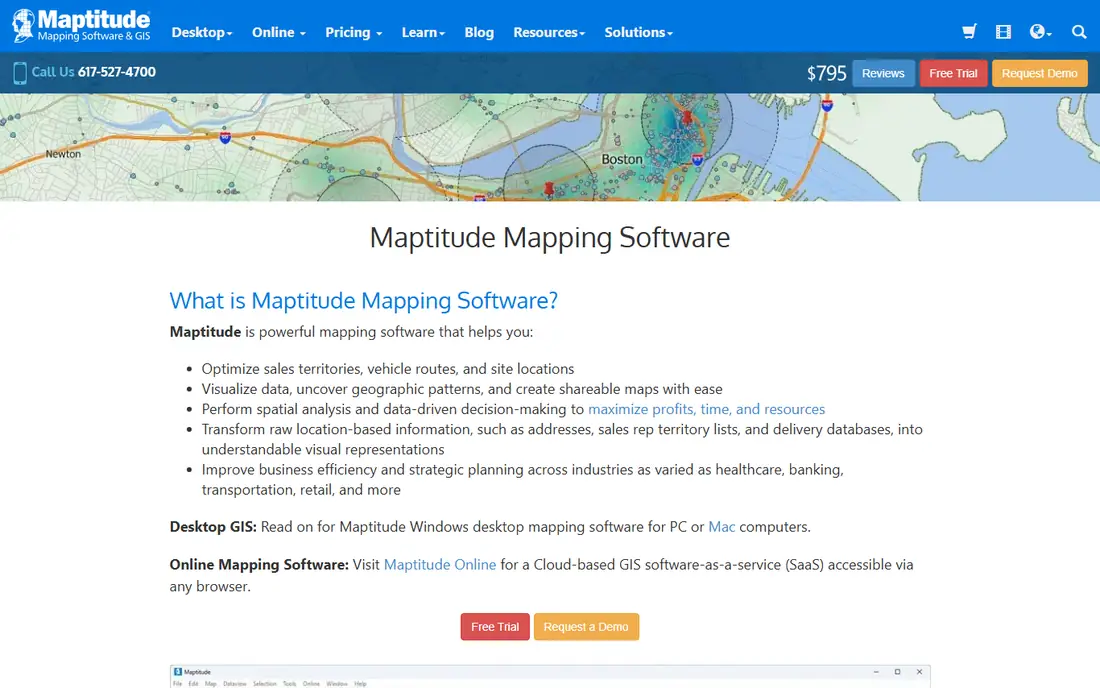
What we like- Maptitude, from Caliper, is the spiritual successor in form as well as function: Windows desktop software, bought once from 795 dollars in current comparisons, with extensive bundled data, US census demographics, streets, business listings, and unlimited geocoding without per lookup fees. Territory creation, routing and site selection analysis are built in. For an analyst who liked owning MapPoint outright and working offline, this is the only entry that preserves that model.
Watch out for- Desktop means desktop: no browser collaboration, no live sharing, and the interface serves analysts rather than casual users. Bundled data ages between releases in the same way MapPoint's did, though Caliper updates annually. Mac users are outside the model entirely, and the one time price, while honest, is a real cheque for a small business testing whether mapping matters to it.
Starting price$58 per user per month
Free planNo

What we like- Badger Maps is what MapPoint's sales users actually needed next: a mobile first field platform that maps accounts from your CRM, optimises multi stop routes with live traffic, generates leads around a rep's location and logs visits, at 58 dollars per user per month billed annually. CRM integrations run two ways with Salesforce, HubSpot, Dynamics, Zoho and others on all plans. It replaces not just the map but the rep's whole day planning, which is why it leads the field sales category in current comparisons.
Watch out for- It is a subscription per rep, forever, which MapPoint's owners never paid, and the economics only work when reps genuinely work routes daily. Territory design and deep demographic analysis are lighter than Maptive or eSpatial
- Badger has planning add ons, but its centre is execution. Occasional mapping users will pay for a platform they open twice a month.
#4eSpatial
Best for: Territory design and sales operations4.3/5 on
G2 (38 reviews, checked Oct 2026)
Visit espatial.com
Starting price$1,495 per year
Free planNo
What we like- ESpatial serves the sales operations end: territory creation and balancing, heat maps and hotspot analysis, route planning for teams, and reporting built for managers designing coverage rather than reps driving it. At 1,495 dollars a year in current comparisons, it positions below enterprise GIS and above casual mapping, with support that reviewers consistently praise. Companies restructuring territories after growth or acquisition are its home ground.
Watch out for- Like Maptive, it is analysis software, not a rep's daily mobile companion. Pricing sits above Maptive for overlapping jobs, so the territory design depth has to be the reason. Smaller teams drawing a handful of territories a year will not use enough of it to justify the step up from simpler tools.
#5BatchGeo
Best for: Quick maps from a spreadsheet4.7/5 on
G2 (1,047 reviews, checked Oct 2026)
Visit batchgeo.com
Starting price$99 per month
Free planYes
What we like- BatchGeo is the three step tool: paste spreadsheet rows, set the location column, get a shareable map, with grouping, filtering and store locator style embeds. A free plan covers small maps, and Pro at 99 dollars a month in current comparisons adds volume and privacy controls. For the occasional MapPoint user whose whole need was visualising a list, customers, sites, event locations, BatchGeo is frequently the entire answer at the lowest effort on this page.
Watch out for- Analysis depth is thin: no serious territory balancing, demographics or routing engine. Per map and per geocode limits on tiers need checking against bulk jobs. It is a presentation and light analysis tool, and teams that start here and grow analytical ambitions will migrate to Maptive or eSpatial within a year or two.
#6Mapbox
Best for: Developers building maps into products4.3/5 on
G2 (41 reviews, checked Oct 2026)
Visit mapbox.com
Starting priceSee website
Free planYes
What we like- Mapbox is not a MapPoint replacement for end users at all
- It is the platform for teams whose map lives inside their own product: custom styled vector maps, navigation, geocoding and search APIs and SDKs for web and mobile, with usage based pricing and a free tier for development. If your organisation's real trajectory is a customer facing locator or a logistics feature in your own app, Mapbox is where the MapPoint era ends and the platform era begins.
Watch out for- You need developers. There is no spreadsheet upload window, no territory wizard, nothing a sales manager can drive on day one. Usage pricing scales with your product's success, which is fair and still needs forecasting. Choosing Mapbox to solve an internal reporting need is the most expensive mistake on this list.
#7Esri ArcGIS
Best for: Professional GIS analysis4.5/5 on
G2 (540 reviews, checked Oct 2026)
Visit esri.com
Starting priceSee website
Free planNo
What we like- ArcGIS is the professional GIS standard: spatial analysis depth beyond everything else here combined, authoritative data layers, and the platform governments, utilities and large enterprises standardise on. ArcGIS Online brings much of it to the browser with business mapping and territory tools that cover MapPoint's jobs as a side effect. If your mapping questions are becoming analytical, flood plains, network analysis, spatial statistics, this is the ceiling.
Watch out for- Pricing is quote driven and enterprise shaped, and the capability demands trained users
- ArcGIS in untrained hands produces expensive shelfware. For plotting customers and drawing territories it is several weight classes too heavy. Licensing complexity across its product family is a standing complaint even among its fans.
#8Route4Me
Best for: Multi stop route optimisation4.7/5 on
G2 (132 reviews, checked Oct 2026)
Visit route4me.com
Starting priceSee website
Free planNo
What we like- Route4Me takes the one MapPoint feature many operations teams used daily, route sequencing, and does it as a dedicated discipline: multi stop optimisation for dozens of stops per driver, dynamic rerouting, team dispatch and scheduling logic that scales into field service and delivery work. Current comparisons put basic team costs well below the field sales platforms for pure routing. If your MapPoint maps were really route plans, this is the focused successor.
Watch out for- It routes
- It does not do territory design, demographic mapping or sales account management, so it complements rather than replaces a mapping platform for most former MapPoint users. Published pricing varies by plan generation and team size, hence see website. The interface serves dispatchers and drivers, and presentation quality for boardroom maps is not its aim.
How we chose
MapPoint itself is excluded, being discontinued and unavailable. We selected mapping tools in active sale in October 2026 that cover the jobs MapPoint was used for: spreadsheet visualisation, territory design, field routing and, for completeness, the developer and professional GIS paths buyers graduate to. Prices came from vendor pages and current comparisons; where sources conflicted or pricing is negotiated, we wrote see website. Claims about MapPoint's discontinuation date and final version are Microsoft's published record, checked October 2026.
How to choose your MapPoint replacement
Name the job in one sentence before opening any pricing page. Plotting spreadsheet data for meetings points to Maptive or BatchGeo, sized by how often you do it. Designing and rebalancing territories points to eSpatial or Maptive. Reps planning daily visits point to Badger Maps. Pure routing points to Route4Me. Your own product points to Mapbox; professional analysis points to ArcGIS; and the analyst who simply misses the old desktop workflow points to Maptitude.
One migration note applies to everyone: export your MapPoint data now, while a machine that runs it still exists in your building. Addresses, territories and custom pushpin sets trapped in a dead format on a dead PC are the real cost of waiting, and every tool here imports ordinary spreadsheets happily. The map was never the asset. The cleaned, geocoded list underneath it is.
Frequently asked questions
When did Microsoft discontinue MapPoint?
Microsoft announced the end of MapPoint in 2014. MapPoint 2013 was the final version, sales ended that year and Streets and Trips was discontinued alongside it. Support ended later in the decade, and the product has had no updates to maps, roads or demographic data since, which is the practical reason to move: the data is more than ten years old.
Can I still buy or reinstall MapPoint?
Old copies circulate second hand, but activation and compatibility on current Windows versions are unreliable, and running unsupported software with decade old road data is a poor foundation for business decisions. Every tool on this list exists because the supported path forward is migration, not resurrection.
Which alternative is most like MapPoint?
Maptitude in form: desktop software, bundled data, one time purchase, territory and routing tools included. Maptive in practice for most business users: the spreadsheet to map workflow in a browser with modern data. Which one feels like home depends on whether you valued owning the software or finishing the task.
Is there a free MapPoint alternative?
For light use, BatchGeo's free plan maps small spreadsheets, and Mapbox's free tier serves developers. Google My Maps, outside this list's scope, covers casual personal mapping. Sustained business use, territories, routing, large geocoding volumes, is paid territory in every serious tool.
How do I move my MapPoint data across?
Export or copy your underlying lists to spreadsheet form, addresses in their own columns, and keep the original files. Every tool here imports spreadsheets, and geocoding quality improves when addresses are clean and complete with postcodes. Draw territories fresh in the new tool from the imported points rather than trying to transfer drawn shapes between formats.
Sources we checked (0)
Is your product missing or out of date?
We review this list regularly. Vendors can request a listing, send updated pricing or ask about featured placement.

Shihab Mia · Founder, Rankite
Shihab has 5+ years in B2B and SaaS SEO. He writes Rankite's software buying guides from pricing pages, documentation and public user reviews. More about Shihab.