How we make this list: we compare pricing pages, product documentation and public user reviews. Ratings come from G2, Capterra or Trustpilot, with the date we checked them.
Why look for an Inkscape alternative at all
Inkscape is a capable vector editor, but it has known gaps that matter in paid work. Its colour workflow is built around RGB, and producing CMYK output for print usually means an extra conversion step through a tool such as Scribus or a manual handoff to the printer. It does not ship with Pantone swatch libraries, so brand work that depends on exact spot colours needs workarounds and careful communication with the print shop.
Compatibility is the second reason people switch. Clients and agencies often send Adobe Illustrator files, and while Inkscape can open many of them, complex effects, gradients and text handling do not always survive the round trip. Third, Inkscape is a single user desktop app, so teams that need shared libraries and live collaboration will find it limiting.
Which Inkscape alternative is best for print work
For print, look for native CMYK colour modes, Pantone or spot colour libraries, preflight checks and reliable PDF export. Adobe Illustrator is the industry default here, because printers, agencies and brand teams already work in its file formats and colour tools. CorelDRAW is the strongest alternative for print shops and sign makers, with a full suite that covers layout, photo editing and font management alongside vector drawing. Affinity, now free for individuals through Canva, also handles CMYK and PDF export well, and it is the cheapest way to get professional print tools without a subscription. Amadine is a smaller pick for Mac based logo work, with CMYK export for print ready files, though it lacks the deep prepress toolset of Illustrator or CorelDRAW.
Which Inkscape alternative is best for UI and web design
For interface and web work, the priorities change. You need artboards and components, fast SVG export, shared libraries, and a handoff view that developers can read without buying a licence. Figma is the clear leader for product teams, because design, prototyping and developer handoff live in one browser based workspace, and viewers are free. Sketch is the Mac native alternative, with symbols, libraries and a lower seat price than Figma, and it suits small teams that already work on Apple hardware. Boxy SVG is the specialist pick for web developers, because it edits SVG code and visuals side by side and exports clean markup. Linearity Curve sits between illustration and interface work, with a clean iPad and Mac workflow for marketing graphics and simple app screens.
How much should you pay for a vector editor
Prices in this category range from free to about 276 dollars a year for a single Illustrator subscription, and the right budget depends on how often you use the tool. If you design every day for paying clients, a subscription of 12 to 23 dollars a month is a normal business cost, and the time saved on file compatibility alone can pay for it. If you design a few times a month, a free tool such as Affinity or a one time purchase such as Amadine at 29.99 dollars will cover most logo and illustration work without a recurring bill.
Watch for the costs that do not appear on the pricing page. Figma charges per seat, so a team of five designers pays five times the headline price, while viewers stay free. Sketch charges per editor only, which keeps the bill lower when stakeholders only need to view and comment. Linearity Curve now prices around AI credits, so heavy use of its AI tools can cost more than the base plan suggests.
The 8 best Inkscape alternatives compared
| Tool |
Best for |
Starting price |
Free plan |
Platforms |
| Adobe Illustrator |
Print, logos and professional illustration |
22.99 dollars per month |
7 day trial only |
Windows, macOS, iPad |
| Affinity |
Professional vector work at no cost |
Free for individuals |
Yes, full app |
Windows, macOS, iPad |
| CorelDRAW |
Print shops and full design suites |
269 dollars per year |
15 day trial only |
Windows, macOS, web |
| Figma |
UI design and team collaboration |
16 dollars per full seat per month, billed annually |
Yes, Starter plan |
Web, macOS, Windows |
| Sketch |
Mac native UI design |
12 dollars per editor per month, billed annually |
Trial only |
macOS, web viewing |
| Linearity Curve |
Apple first illustration and marketing graphics |
8 dollars per editor per month, billed annually |
Yes, limited |
macOS, iPad, iPhone |
| Boxy SVG |
SVG editing for web developers |
9.99 dollars per year |
Yes, basic use |
Web, Windows, macOS, Linux |
| Amadine |
One time purchase logo work on Mac |
29.99 dollars one time |
Free version with export limits |
macOS, iPad, iPhone |
Prices in the table are the entry paid prices found on 16 November 2026, and regional prices may differ.
Quick comparison
| Tool | Best for | Starting price | Free plan |
|---|
 Adobe Illustrator | Professional print design, logos, icons and illustration where file compatibility with agencies and printers matters most | 22.99 dollars per month for the single app plan, billed annually | No free plan. A 7 day free trial is available. |
 Affinity | Designers who want professional vector, photo and layout tools without paying a subscription | Free for individuals | Yes. The full app is free for individuals with a free Canva account. Optional Canva AI tools need a paid Canva plan. |
 CorelDRAW | Print shops, sign makers and studios that want a full design suite with layout, illustration and photo editing in one purchase | 269 dollars per year for the annual subscription plan, with a first year offer of 185 dollars found on the CorelDRAW site | No free plan. A 15 day free trial is available, with no card required. |
 Figma | Product teams and UI designers who need shared components, prototyping and developer handoff in one place | 16 dollars per full seat per month, billed annually, or 20 dollars per month when billed monthly | Yes. The Starter plan is free, with limits on team files and version history. |
 Sketch | Mac based UI and product design teams that want a fast native app with a lower seat price than Figma | 12 dollars per editor per month, billed annually, or 14 dollars per month when billed monthly | No free plan. A trial is available, and viewers are free on paid workspaces. |
 Linearity Curve | Apple first designers who want a clean vector editor for marketing graphics, logos and illustrations across Mac, iPad and iPhone | 8 dollars per editor per month, billed annually, for the Pro plan | Yes. A free plan is available with limited credits, files and storage. |
 Boxy SVG | Web developers and designers who edit SVG files directly and need clean code output for websites and apps | 9.99 dollars per year for the Premium plan | Yes. Basic use is free, with Premium adding extra features. |
 Amadine | Mac and iPad designers who want a capable vector editor for logos and brand work with a one time purchase and no subscription | 29.99 dollars one time for a single user Mac licence | Yes. A free version is available, though it does not allow export of finished work. |
Is your product missing or out of date?
We review this list regularly. Vendors can request a listing, send updated pricing or ask about featured placement.
8 best Inkscape alternatives
#1Adobe Illustrator
Best for: Professional print design, logos, icons and illustration where file compatibility with agencies and printers matters most4.6/5 on
G2 (6,200 reviews, checked Oct 2026)
Visit adobe.com
Starting price22.99 dollars per month for the single app plan, billed annually
Free planNo free plan. A 7 day free trial is available.
Adobe Illustrator is the benchmark that every other vector editor is measured against. Its pen, shape builder, gradient mesh and typography tools handle almost any illustration or logo brief, and its colour handling covers CMYK, spot colours and Pantone libraries without workarounds. The 22.99 dollar monthly price is high for occasional use, but for full time designers the compatibility and print toolset justify the cost. Price checked on 16 November 2026 on the Adobe pricing page.
What we like- Industry standard file formats, native CMYK and Pantone support, deep type and path tools, large plugin and template ecosystem, regular feature updates
Watch out for- Subscription only, so access ends when you stop paying, and the interface carries a steep learning curve for beginners
#2Affinity
Best for: Designers who want professional vector, photo and layout tools without paying a subscription4.5/5 on
G2 (452 reviews, checked Oct 2026)
Visit affinity.studio
Starting priceFree for individuals
Free planYes. The full app is free for individuals with a free Canva account. Optional Canva AI tools need a paid Canva plan.
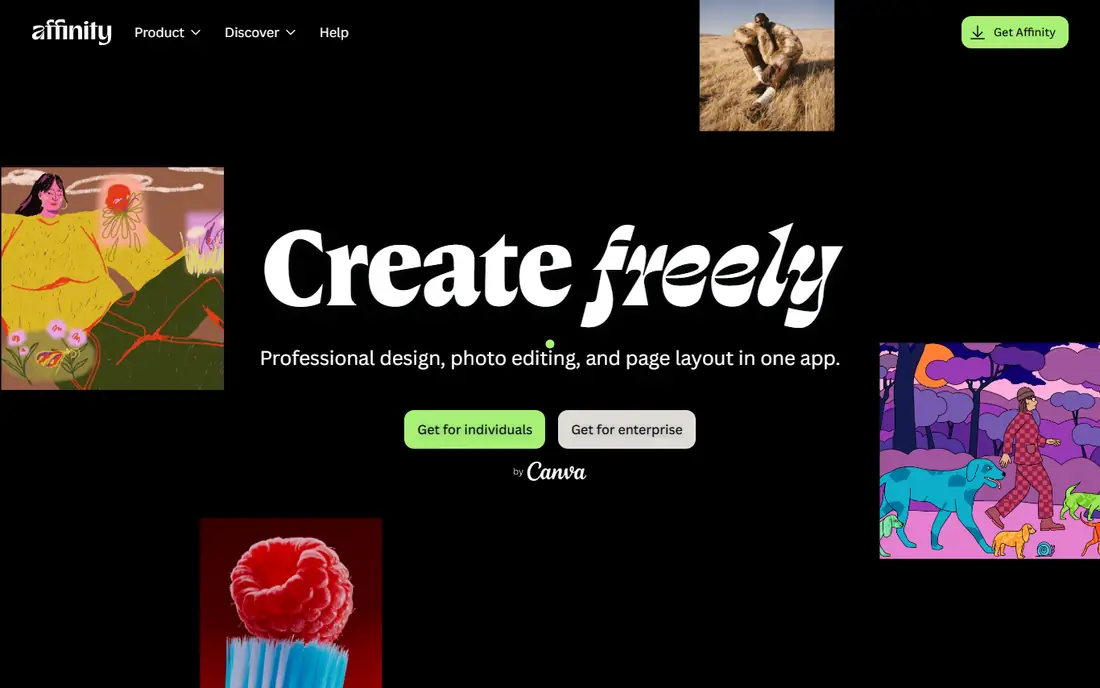
Affinity changed the value calculation for this whole category when Canva made it free for individuals. The old Affinity Designer, Photo and Publisher apps are now one application with three studios, and the vector studio covers the work most Inkscape users need, from logos and icons to print layouts. The trade off is the Canva account requirement, which ties a desktop tool to a cloud identity, and AI tools such as generative fill need a paid Canva plan. Price checked on 16 November 2026 on the Affinity website.
What we like- Full professional toolset at no cost, one app covering vector, pixel and layout work, CMYK and PDF export, fast performance on modest hardware
Watch out for- Requires a Canva account to activate, and the optional AI features sit behind a paid Canva plan, so the free price does not cover everything
#3CorelDRAW
Best for: Print shops, sign makers and studios that want a full design suite with layout, illustration and photo editing in one purchase4.3/5 on
G2 (556 reviews, checked Oct 2026)
Visit coreldraw.com
Starting price269 dollars per year for the annual subscription plan, with a first year offer of 185 dollars found on the CorelDRAW site
Free planNo free plan. A 15 day free trial is available, with no card required.
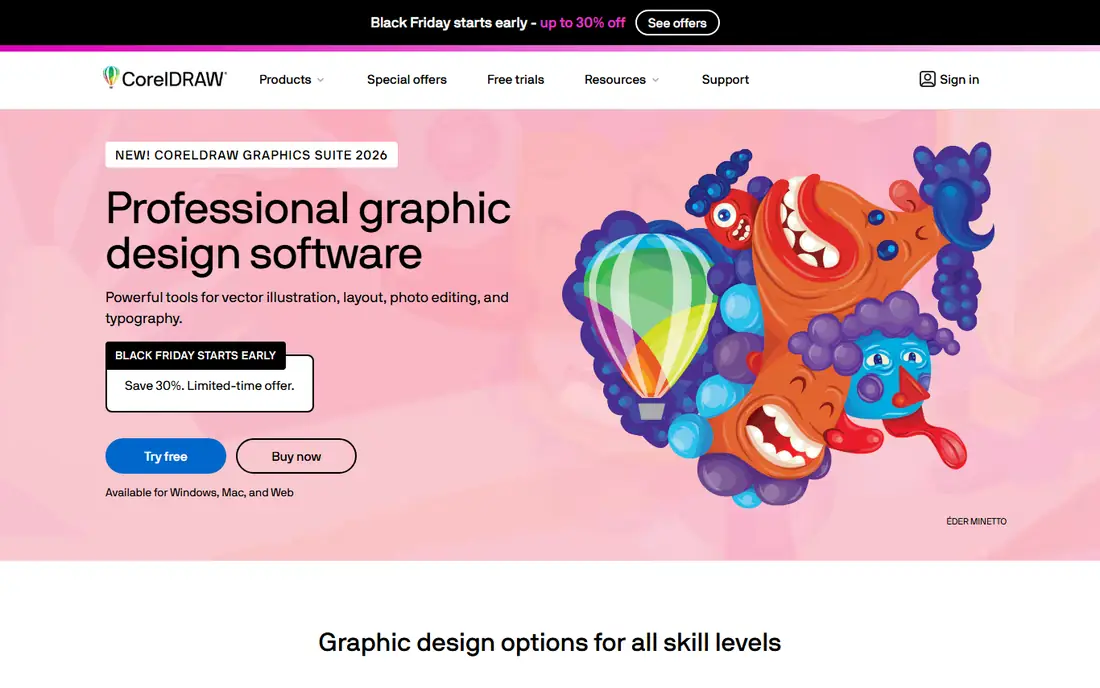
CorelDRAW Graphics Suite is the closest thing to a complete design department in one box. Alongside the vector editor you get PHOTO-PAINT for image work, a font manager, and CorelDRAW Web for browser based edits, which covers the full journey from logo sketch to print ready file. The 269 dollar annual price is lower than a year of Illustrator, and the one time purchase option suits buyers who want to pay once and keep the version they have, though that version gets no new features. Price checked on 16 November 2026 on the CorelDRAW website.
What we like- Full suite with CorelDRAW, PHOTO-PAINT and font management, one time purchase option available, strong print and sign making tools, web app included for subscribers
Watch out for- The Windows version is more complete than the Mac version, and the full suite is heavier and slower to learn than a focused vector editor
#4Figma
Best for: Product teams and UI designers who need shared components, prototyping and developer handoff in one place4.7/5 on
G2 (1,593 reviews, checked Oct 2026)
Visit figma.com
Starting price16 dollars per full seat per month, billed annually, or 20 dollars per month when billed monthly
Free planYes. The Starter plan is free, with limits on team files and version history.
Figma is the best Inkscape alternative for anyone whose work is screens rather than print. It is not the strongest pure illustration tool in this list, but for interface design it is hard to beat, because designers, developers and stakeholders can work in the same file at the same time. The seat based pricing is the main cost to watch, because every full seat costs 16 dollars a month on annual billing. Price checked on 16 November 2026 on the Figma pricing page.
What we like- Real time multiplayer editing, strong component and library system, built in prototyping and developer handoff, free viewer seats, runs in the browser on any system
Watch out for- Vector illustration tools are weaker than Illustrator or Affinity, and it needs an internet connection for full collaboration features
#5Sketch
Best for: Mac based UI and product design teams that want a fast native app with a lower seat price than Figma4.5/5 on
G2 (1,227 reviews, checked Oct 2026)
Visit sketch.com
Starting price12 dollars per editor per month, billed annually, or 14 dollars per month when billed monthly
Free planNo free plan. A trial is available, and viewers are free on paid workspaces.
Sketch pioneered the modern UI design workflow, and it remains a strong pick for teams that live on Mac hardware. Pricing is simpler than Figma, because only editors are billed and viewers are free, so a team with many stakeholders pays less. The 120 dollar one time Mac only licence is a useful option for a solo designer who wants to work offline and avoid subscriptions, though it includes only one year of updates and no collaboration features. Price checked on 16 November 2026 on the Sketch pricing page.
What we like- Fast native Mac app, symbols and libraries for design systems, only editors are billed, offline editing on Mac, one time Mac only licence still available at 120 dollars
Watch out for- Mac only for editing, so Windows and Linux teammates cannot edit files, and real time collaboration is weaker than Figma
#6Linearity Curve
Best for: Apple first designers who want a clean vector editor for marketing graphics, logos and illustrations across Mac, iPad and iPhone4.4/5 on
G2 (17 reviews, checked Oct 2026)
Visit linearity.io
Starting price8 dollars per editor per month, billed annually, for the Pro plan
Free planYes. A free plan is available with limited credits, files and storage.
Linearity Curve is the renamed continuation of Vectornator, and it is built for designers who work across Apple devices. The interface is lighter and easier to learn than Illustrator, and moving a file from iPad sketch to Mac refinement feels natural, with Apple Pencil support that suits illustrators. The credit model is the part to read carefully, because different AI actions use different amounts of credit, so the cost of a heavy AI month is harder to predict than a flat subscription. Price checked on 16 November 2026 on the Linearity website.
What we like- Clean modern interface, strong Apple Pencil support on iPad, Auto Trace and AI assisted tools, files sync across Mac, iPad and iPhone
Watch out for- AI features use a monthly credit allowance, so heavy AI use can run out before the month ends, and real time collaboration is limited
#7
Boxy SVG
Best for: Web developers and designers who edit SVG files directly and need clean code output for websites and apps
Visit boxy-svg.com
Starting price9.99 dollars per year for the Premium plan
Free planYes. Basic use is free, with Premium adding extra features.
Boxy SVG does one job well, and that focus is its strength. It is built around SVG as a native format rather than an export option, so web designers can draw shapes, edit paths and gradients, and then copy clean SVG code straight into a website or app. At 9.99 dollars a year for Premium it is the cheapest paid tool in this guide, and the free tier covers basic SVG editing. It is not a replacement for Illustrator on illustration or print work, but for icons, logos and web graphics it is fast, cheap and precise. Price checked on 16 November 2026 from vendor and directory pricing records.
What we like- Edits SVG code and visuals together, very low yearly price, runs in the browser and on desktop, clean interface with no clutter
Watch out for- Narrow feature set compared with full illustration tools, with limited typography, effects and print support
#8
Amadine
Best for: Mac and iPad designers who want a capable vector editor for logos and brand work with a one time purchase and no subscription
Visit amadine.com
Starting price29.99 dollars one time for a single user Mac licence
Free planYes. A free version is available, though it does not allow export of finished work.
Amadine replaces Corel Vector in this guide, because Corel Vector, formerly Gravit Designer, has been discontinued, and its old website now redirects to CorelDRAW Go. Amadine is a better live replacement for the same buyer, a solo designer who wants a light, affordable vector editor without a subscription. It covers Bezier drawing, multiple artboards, layers, blending modes and SVG, PDF and AI export, with CMYK support for print ready logo files. The Apple only limit is real, but for a Mac based freelancer it is one of the best value vector editors available. Price checked on 16 November 2026 from vendor pricing records.
What we like- One time purchase with no renewal fees, native Mac and iPad app with Apple Pencil support, CMYK export, clean interface for logo and lettering work
Watch out for- Apple only, with no Windows, Android or web version, and the iPad version does not match the Mac version feature for feature
Frequently asked questions
What is the best free Inkscape alternative
Affinity is the best free Inkscape alternative for most designers, because the full vector, pixel and layout app is free for individuals with a Canva account, and it covers CMYK print work, PDF export and professional illustration without a subscription.
Is Affinity really free in 2026
Yes, Affinity is free for individuals in 2026. Canva relaunched the suite as a single free app, and the vector, pixel and layout studios are all included at no cost, with a free Canva account needed to activate it. The only paid layer is the optional Canva AI toolset inside the app, which needs a paid Canva plan. Organisations that need single sign-on should contact Canva about enterprise access.
Which Inkscape alternative is best for print and CMYK work
Adobe Illustrator is the best choice for print and CMYK work, because it has native CMYK colour modes, Pantone libraries, preflight tools and file formats that printers already accept. CorelDRAW is the strongest alternative, especially for print shops and sign makers, and Affinity is the best free option for CMYK and PDF export.
Can I open Illustrator files in these Inkscape alternatives
Most of them can open or import Illustrator files, but the results vary. Affinity, CorelDRAW and Amadine all handle AI and PDF import for common artwork, while Figma and Sketch import vector files through SVG and PDF rather than native AI files. Complex effects, live text and gradients do not always survive the move, so test with a real client file before you migrate a whole archive.
Should I pay monthly or buy a vector editor outright
Pay monthly if you design every day for clients and need the latest features, file compatibility and support, because tools such as Illustrator and Figma earn their subscription through saved time. Buy outright if you design a few times a month and want costs to stop, because Amadine at 29.99 dollars once, or a CorelDRAW one time purchase, covers logo and illustration work without a recurring bill. Affinity removes the choice for many buyers, because the full app is free for individuals.
Sources we checked (10)
- https://www.adobe.com/products/illustrator.html
- https://affinity.studio
- https://www.coreldraw.com
- https://www.figma.com/pricing
- https://www.sketch.com/pricing
- https://www.linearity.io
- https://boxy-svg.com
- https://amadine.com
- https://inkscape.org
- https://wiki.inkscape.org/wiki/index.php?title=Color_management
Is your product missing or out of date?
We review this list regularly. Vendors can request a listing, send updated pricing or ask about featured placement.

Shihab Mia · Founder, Rankite
Shihab has 5+ years in B2B and SaaS SEO. He writes Rankite's software buying guides from pricing pages, documentation and public user reviews. More about Shihab.