How we make this list: we compare pricing pages, product documentation and public user reviews. Ratings come from G2, Capterra or Trustpilot, with the date we checked them.
Direct answer
BoldSign is the top pick for most solo senders because its Essential plan costs $0 and allows 25 envelopes per month for 1 user. Choose Zoho Sign instead if you already use Zoho apps and can stay within 5 envelopes per month. DocuSeal fits teams that can self-host or accept 10 cloud request emails per month.
Key takeaways
- Solo senders should start with BoldSign Essential at $0 for 25 envelopes per month.
- Zoho users can use Zoho Sign Free at $0 for 5 envelopes per month and 1 user.
- Small teams that need templates should check PandaDoc Free at $0 for 5 documents per month, 2 recipients per document, and 5 templates.
- Technical teams can use DocuSeal self-hosted for free, while DocuSeal cloud Basic allows 10 request emails per month.
- Occasional senders who send 3 documents per month can stay on SignWell Free at $0 with 1 sender and 1 template.
Quick comparison
| Tool | Best for | Starting price | Free plan |
|---|
 BoldSign | Solo senders with weekly signing volume | $0 Essential plan | 25 envelopes per month, 1 user, 2 templates |
 Zoho Sign | Single Zoho users with light volume | $0 Free plan | 5 envelopes per month, 1 user |
 SignWell | Occasional senders who need an audit trail | $0 Free plan | 3 documents per month, 1 sender, 1 template |
 PandaDoc | Small teams sending simple documents | $0 Free plan | 5 documents per month, 2 recipients per document, 5 templates |
 Dropbox Sign | Low-volume senders who value audit trails | $0 Free plan | 3 document transactions per month, templates not available |
 DocuSeal | Technical teams open to self-hosting | $0 Basic plan | 10 request emails per month on cloud Basic |
 Documenso | Casual signers who want open source | $0 Free plan | 5 documents per month, up to 10 recipients per document |
 Xodo Sign | Occasional senders who can pace sends | $0 Free plan | Up to 5 documents per month, 1 document every 7 days |
 Signaturely | Very light senders after a trial | $0 Free plan | 1 document per month after the 7-day trial |
 Smallpdf | PDF-first users with light signing needs | $0 Free plan | Free plan with daily download limits and limited Sign.com requests |
Is your product missing or out of date?
We review this list regularly. Vendors can request a listing, send updated pricing or ask about featured placement.
The best free docusign alternatives
Free e-signature plans differ in the limit that matters most: how many documents or envelopes you can send each month. Some plans count documents, some count envelopes, and some count request emails, so the headline number needs a close read. Templates, recipients per document, sender seats, and pacing rules change the value. A plan with 5 documents per month can work for a freelancer and fail for a small operations team quickly. The tools below keep the free tier in front, with paid upgrade prices stated only where the vendor publishes them.
Starting price$0 Essential plan
Free plan25 envelopes per month, 1 user, 2 templates
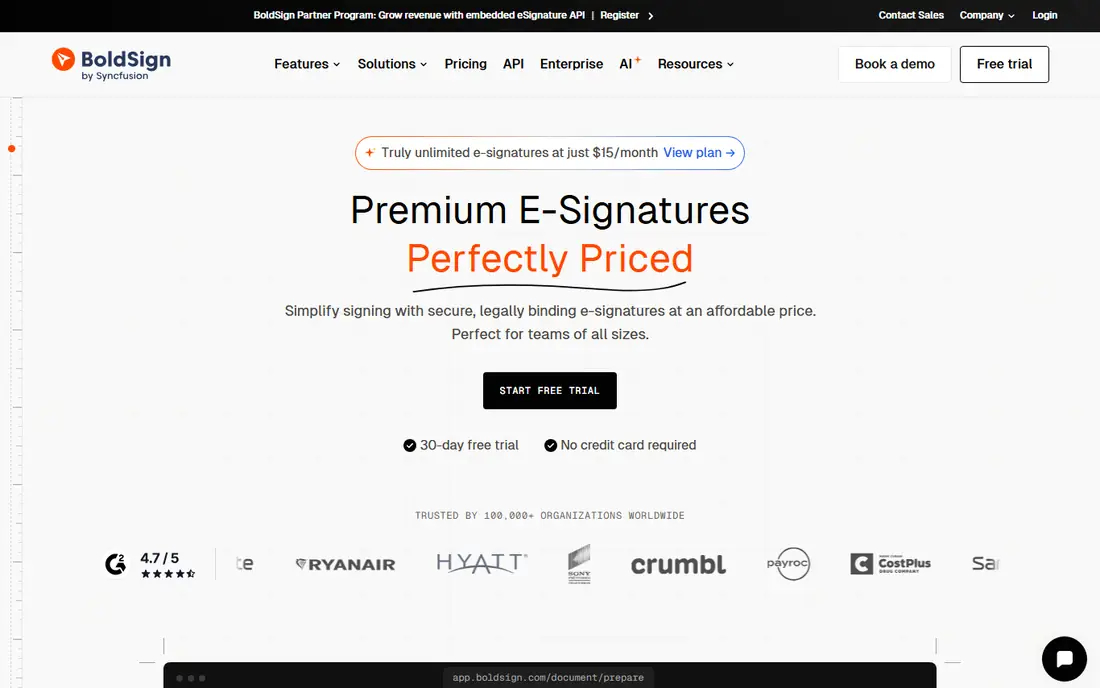
BoldSign fits a solo sender who needs more than a token free allowance. The Essential plan costs $0 and includes 25 envelopes per month, 1 user, and 2 templates. That envelope count is the highest hosted free allowance in this guide, so it suits freelancers, consultants, and micro-businesses that send contracts every week. The upgrade path is also clear. Growth costs $5 per user per month billed yearly and raises the allowance to 50 envelopes per user per month. Business costs $15 per user per month billed yearly and removes the envelope cap.
The catch is that Essential is built for one sender, not a shared team inbox. It includes only 1 user and 2 templates, so a second sender or a larger template library pushes you to a paid plan. Monthly billing also changes the math. Growth is $15 per user per month billed monthly, and Business is $25 per user per month billed monthly. Skip BoldSign free if several people must send under one account.
What we like- Highest hosted free envelope limit here at 25 per month
- Growth adds 50 envelopes per user per month at $5 per user per month billed yearly
- Business removes the envelope cap at $15 per user per month billed yearly
Watch out for- Essential includes only 1 user and 2 templates
- Monthly billing raises Growth to $15 and Business to $25 per user per month
#2
Zoho Sign
Best for: Single Zoho users with light volume
Visit zoho.com
Starting price$0 Free plan
Free plan5 envelopes per month, 1 user
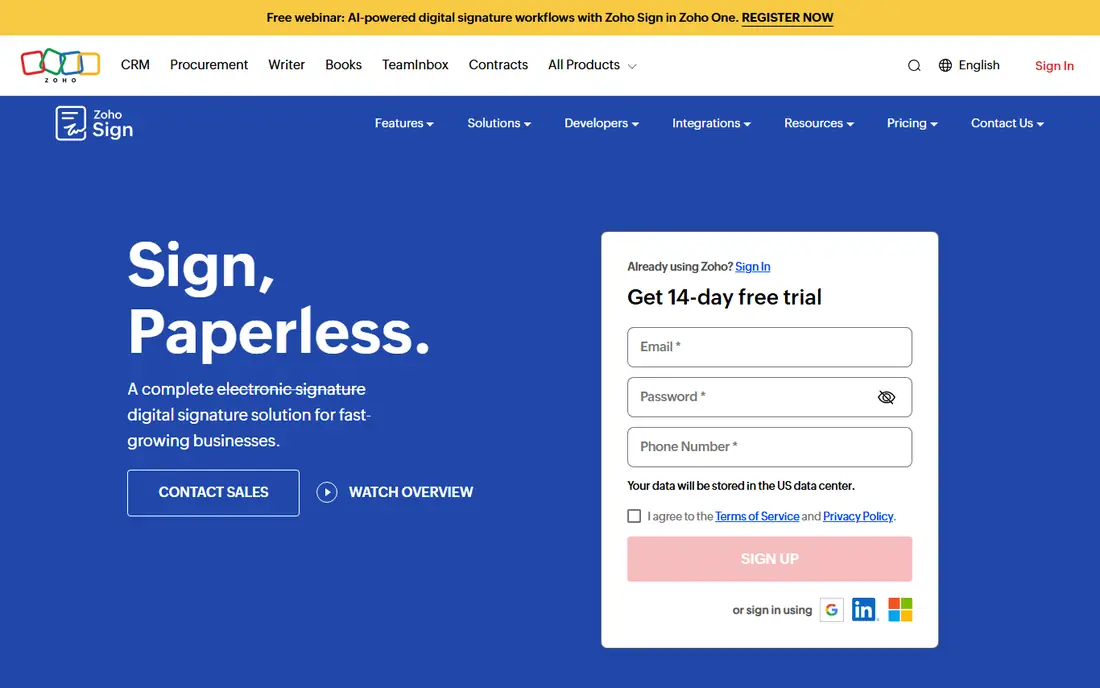
Zoho Sign fits a single user who already works in Zoho apps or wants a low-cost paid step after the free tier. The Free plan costs $0 for 1 user and includes 5 envelopes per month. Standard costs $10 per user per month billed annually and raises the limit to 25 envelopes per user per month. New accounts also get a 14-day Enterprise trial. During that trial, Zoho allows up to 10 users and 50 envelopes in total, with limits of 5 envelopes per day and 3 recipients per envelope.
The catch is that the free plan stops at one user, so it does not solve team sending. Standard still caps sending at 25 envelopes per user per month, which matters for a busy sales or operations user. The trial also has daily and recipient limits, so it is not a full month of Enterprise sending. Skip Zoho Sign free if two or more people need to send documents every week.
What we like- Free plan covers 5 envelopes per month for 1 user
- Standard raises the limit to 25 envelopes per user per month at $10 per user per month billed annually
- New accounts get a 14-day Enterprise trial
Watch out for- Free plan is limited to 1 user
- Standard still caps sending at 25 envelopes per user per month
Starting price$0 Free plan
Free plan3 documents per month, 1 sender, 1 template
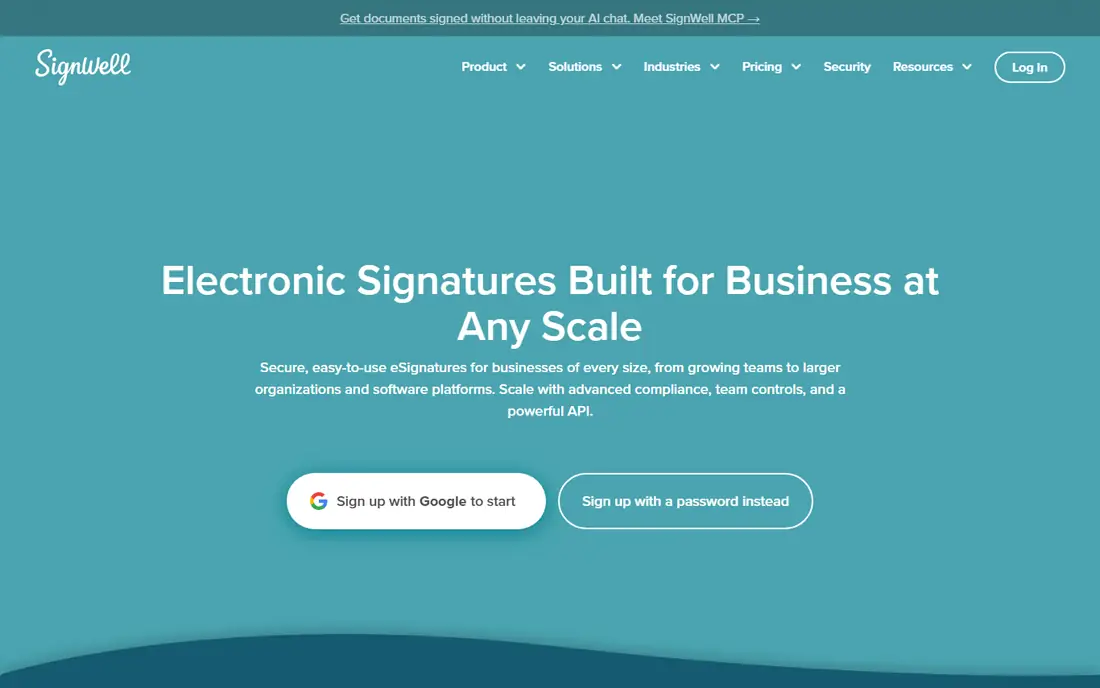
SignWell fits an occasional sender who wants a simple free plan with an audit trail. The Free plan costs $0 and includes 1 sender, 1 template, and 3 documents per month. The pricing page also lists API access and tamper-proof documents on the free tier. Light costs $10 per month billed annually, or $12 per month billed monthly, and includes unlimited documents with 5 templates per sender. Business costs $30 per month billed annually, or $36 per month billed monthly, with 3 senders included. That makes the first paid step easy to price.
The catch is that 3 documents per month is a hard stop for steady client work. The free plan also includes only 1 template, so repeated contracts need a paid plan or manual setup each time. API use has its own meter after the free monthly API documents. Skip SignWell free if you send more than 3 documents in a normal month or need several reusable templates.
What we like- Free plan includes 3 documents per month with 1 sender and 1 template
- Pricing page lists API access and audit trail features on Free
- Light removes the document cap at $10 per month billed annually
Watch out for- Free plan stops at 3 documents per month
- Free plan includes only 1 template
Starting price$0 Free plan
Free plan5 documents per month, 2 recipients per document, 5 templates
PandaDoc fits small teams that send a few documents and want reusable templates without paying for seats at the start. The Free plan costs $0 and allows 5 documents per month, up to 2 recipients per document, and 5 templates. PandaDoc also states that the Free plan does not require a credit card. Starter costs $19 per seat per month billed annually, or $35 per seat per month billed monthly. Paid plans remove the free sending cap and give fuller access to document creation tools. That helps when proposals need editing before sending.
The catch is the two-recipient limit. A contract with three signers or approvers will not fit the Free plan, even if the monthly document count looks fine. PandaDoc also limits document editor access on Free, so complex proposal work may feel cramped. The 5-document cap also arrives fast during onboarding weeks. Skip PandaDoc free if your documents often need three or more recipients or heavy editing before signing.
What we like- Free plan allows 5 documents per month with 5 templates
- PandaDoc states no credit card is required for Free eSign
- Starter removes the free sending cap at $19 per seat per month billed annually
Watch out for- Free plan allows only 2 recipients per document
- Document editor access is limited on Free
Starting price$0 Free plan
Free plan3 document transactions per month, templates not available
Dropbox Sign fits a person who sends a few signature requests and values a clear audit trail. The free version includes 3 document transactions per month. Dropbox defines a transaction as a self-signed document or a signature request, and self-signing does not count toward the 3 free signature requests. Templates are not available on free plans. Essentials starts at US$15 per month and includes unlimited signature requests and up to 5 reusable templates. That makes the paid step simple for one regular sender. The free plan renews every 30 days from signup.
The catch is that the free plan is narrow by design. Three requests per 30 days can cover a waiver or a simple agreement, but it will not cover weekly client onboarding. Templates stay locked on free plans, so repeated documents need paid access. Skip Dropbox Sign free if you reuse the same agreement often or send more than 3 requests in a 30-day cycle.
What we like- Free version includes 3 document transactions per month
- Self-signing does not count toward the 3 free signature requests
- Essentials includes unlimited signature requests and up to 5 templates
Watch out for- Templates are not available on free plans
- Free plan renews at 3 requests every 30 days
Starting price$0 Basic plan
Free plan10 request emails per month on cloud Basic
DocuSeal fits buyers who want a free cloud start and a self-hosted path later. The Basic cloud plan costs $0 per user per month and includes legally binding eSignature, indefinite document retention, user management, multiple signers, 10 field types, and 10 request emails per month. Pro costs $20 per user per month, or $200 per year, and adds unlimited signature requests, company branding, automated reminders, bulk send, SSO, SMS identity checks, and API access. The open source edition can be self-hosted for free. That split makes DocuSeal useful for technical teams.
The catch is that cloud Basic counts request emails, so 10 per month is the working limit for hosted sending. API and embedding work needs a Pro seat, then costs $0.20 per completed document. Self-hosting removes the vendor request cap, but your team owns server setup, email delivery, updates, and backups. Skip DocuSeal cloud free if you need hosted sending above 10 request emails per month.
What we like- Cloud Basic costs $0 per user per month with 10 request emails per month
- Pro adds unlimited signature requests at $20 per user per month
- Open source edition can be self-hosted for free
Watch out for- Cloud Basic stops at 10 request emails per month
- API and embedding need a Pro seat plus $0.20 per completed document
Starting price$0 Free plan
Free plan5 documents per month, up to 10 recipients per document
Documenso fits casual signers who want an open source option with a hosted free plan. The hosted Free plan costs $0 and includes 5 documents per month, up to 10 recipients per document, and no credit card requirement. Individual costs $25 per month billed yearly at $300 per year and includes unlimited documents for one person. Teams costs $40 per month billed yearly at $480 per year, includes 5 users, and charges $8 per month for each additional user. The Community Edition is free for self-hosting. The pricing page also points to a fair use policy for signing volume.
The catch is that hosted Free still stops at 5 documents per month. The recipient limit is generous, but document volume decides most upgrades. Self-hosting can remove the hosted cap, yet it puts hosting, updates, email delivery, and backups on your team. Skip Documenso hosted free if you send more than 5 documents per month and do not want to run your own signing server.
What we like- Hosted Free plan includes 5 documents per month and up to 10 recipients per document
- No credit card is required for the Free plan
- Community Edition is free for self-hosting
Watch out for- Hosted Free plan stops at 5 documents per month
- Self-hosting puts hosting and backups on your team
Starting price$0 Free plan
Free planUp to 5 documents per month, 1 document every 7 days
Xodo Sign fits occasional senders who can spread documents across the month. The Free plan costs $0 and allows up to 5 documents per month, with a limit of 1 document every 7 days. Basic costs $10 per user per month with yearly billing, or $20 per user per month billed monthly, and includes unlimited documents. Professional costs $16 per user per month with yearly billing, or $32 billed monthly. Xodo Sign also offers a 7-day Professional trial with no credit card required. Recipients do not need a paid seat to sign.
The catch is pacing. Five documents per month sounds workable, but the 1 document every 7 days rule can block a busy week. Monthly billing also doubles the Basic and Professional prices compared with yearly billing. Skip Xodo Sign free if you often need to send two or three documents in the same week or if your team will not use yearly billing.
What we like- Free plan allows up to 5 documents per month
- Basic and Professional include unlimited documents
- Professional trial runs 7 days with no credit card required
Watch out for- Free plan limits sending to 1 document every 7 days
- Monthly billing doubles Basic and Professional prices
Starting price$0 Free plan
Free plan1 document per month after the 7-day trial
Signaturely fits a very light sender who wants a short plan list and contract templates near the signing tool. The Free plan costs $0 and allows 1 document per month after a 7-day trial with unlimited documents. Personal costs $20 per month billed annually, or $25 billed monthly, and includes 5 signature requests per month and 1 template. Business costs $40 per user per month billed annually, or $50 billed monthly, with unlimited requests and templates, team management, and custom business branding. That makes Business the first uncapped Signaturely plan.
The catch is that the free plan is only 1 document per month after the trial ends. Personal still caps sending at 5 signature requests per month and includes only 1 template, so the first paid step remains limited. Skip Signaturely free if you send more than 1 document per month. Skip Personal too if you need unlimited requests without moving to Business.
What we like- Free plan allows 1 document per month after the trial
- Trial includes unlimited documents for 7 days
- Business includes unlimited requests and templates
Watch out for- Free plan allows only 1 document per month after the trial
- Personal still caps sending at 5 signature requests per month
Starting price$0 Free plan
Free planFree plan with daily download limits and limited Sign.com requests
Smallpdf fits people who sign PDFs and also compress, convert, merge, or edit files in the same account. The Free plan costs $0 and covers 30+ document tools with daily download limits. Smallpdf states that request-based signing uses Sign.com, and the pricing page marks Sign.com request features as limited on Free. Paid Smallpdf plans include unlimited Sign.com Premium access. That bundle helps when signing is one step in a wider PDF workflow, not the only job. The free plan is best for light, occasional PDF work. The pricing page lists daily download limits for Free PDF tools.
The catch is that Smallpdf free does not give a clear monthly request cap in the vendor page text checked for this guide. The pricing page shows daily download limits for PDF tools and limited Sign.com request features on Free. Skip Smallpdf free if you need a stated monthly envelope limit for client contracts or if signing requests are your main workflow.
What we like- Free plan covers 30+ document tools with limits
- Paid plans include unlimited Sign.com Premium access
- Signing sits beside PDF editing and conversion tools
Watch out for- Free plan has daily download limits
- Vendor page text does not state a clear monthly Sign.com request cap
How many envelopes do you send in a busy month?
Count your busiest month, not your average month. A consultant who sends 18 contracts in one month can stay free on BoldSign Essential, because the plan allows 25 envelopes per month. The same consultant would use all 5 Zoho Sign Free envelopes and still have 13 contracts left. SignWell Free would cover 3 documents and leave 15. DocuSeal cloud Basic would cover 10 request emails and leave 8, while self-hosted DocuSeal removes the vendor cap but adds server work. At 30 sends per month, BoldSign Growth at $5 per user per month billed yearly covers 50 envelopes per user. SignWell Light at $10 per month billed annually covers unlimited documents for 1 sender. At 12 sends, DocuSeal cloud Basic falls short by 2 request emails, while PandaDoc and Documenso fall short by 7 documents. Plan that gap before a deadline week. Use the busy-month count first, then check templates, recipients, and sender seats.
Do you need templates on the free plan?
Yes, if you send the same agreement often. PandaDoc Free includes 5 templates, and BoldSign Essential includes 2 templates. SignWell Free includes 1 template. Dropbox Sign does not make templates available on free plans, so repeated documents need a paid plan. Template count matters most for onboarding packets, NDAs, waivers, and service agreements.
Should you self-host to remove the monthly cap?
Self-hosting makes sense when document volume is steady and someone can maintain the server. DocuSeal and Documenso both offer free self-hosted paths. The license cost can stay at $0, but hosting, email delivery, updates, backups, and access control need an owner. Choose hosted free plans when you want the vendor to run the service and your volume fits the cap.
What happens when a free plan runs out mid-month?
You either wait for the reset, move the document to another tool, or upgrade. The reset rule matters. Dropbox Sign renews free requests every 30 days from signup. Xodo Sign also paces free sending at 1 document every 7 days. Check the reset and pacing rules early, because a monthly total can hide a weekly block.
Frequently asked questions
Can I really send contracts for free with these tools?
Yes, within each vendor limit. BoldSign Essential allows 25 envelopes per month, Zoho Sign Free allows 5 envelopes per month, and SignWell Free allows 3 documents per month. The free plan works when your monthly volume, recipient count, and template needs fit the stated cap.
Which free plan gives the most envelopes each month?
BoldSign Essential gives the highest hosted free allowance here at 25 envelopes per month. DocuSeal cloud Basic allows 10 request emails per month. Self-hosted DocuSeal and Documenso can remove the vendor cap, but your team must run the server and keep it updated.
Do free plans include audit trails?
Some do, and the plan page should be checked before you rely on one. SignWell lists audit trail and tamper-proof documents on Free. Dropbox Sign states that completed signature requests include an audit trail. Confirm the exact record your process needs before sending regulated or high-value documents.
When should I move to a paid plan?
Move when the free cap blocks normal work, not when a single unusual week spikes. Paid plans help when you need more senders, more templates, unlimited documents, branding, bulk send, or API access. Compare the first paid step with your busy-month volume before choosing annual billing.
Is self-hosting worth it for a small team?
Self-hosting is worth it when sending volume is steady and one person can own updates, backups, email delivery, and access control. It is a poor fit when the team wants a vendor-run account with no server work. Hosted free plans are simpler when the stated cap already fits.
What to look for before you buy
First, count documents or envelopes in your busiest month and compare that number with the free cap. Second, check sender seats, because several free plans allow only 1 user. Third, check templates and recipients per document before you send a multi-party contract. Fourth, read pacing and reset rules, such as 1 document every 7 days or renewal every 30 days. Fifth, price the first paid step with the billing term stated, because annual and monthly prices can differ by a wide margin.
How we chose
This guide uses vendor pricing pages, vendor help pages, and official product pages checked on 2026-11-29. Free limits and prices were copied only where the vendor stated the plan name, amount, unit, or limit. Tools stayed on the list only when the vendor stated a free plan, a free tier, or a free self-hosted edition. No hands-on testing claim is made.
Sources we checked (13)
- https://boldsign.com/electronic-signature-pricing/?plan=webapp
- https://www.zoho.com/sign/pricing.html?src=sign-header
- https://www.signwell.com/pricing/
- https://www.pandadoc.com/blog/pandadoc-pricing-value/
- https://support.pandadoc.com/en/articles/9715030-pandadoc-free-plan-guide
- https://help.dropbox.com/plans/dropbox-sign-free-plan
- https://www.dropbox.com/en_GB/hellosign-essentials
- https://www.docuseal.com/pricing
- https://documenso.com/pricing?ref=doolpa.com
- https://eversign.com/pricing
- https://signaturely.com/signaturely-vs-signwell/
- https://smallpdf.com/pricing?t=Sy0rcW8Dl
- https://smallpdf.com/blog/docusign-alternatives
Is your product missing or out of date?
We review this list regularly. Vendors can request a listing, send updated pricing or ask about featured placement.

Shihab Mia · Founder, Rankite
Shihab has 5+ years in B2B and SaaS SEO. He writes Rankite's software buying guides from pricing pages, documentation and public user reviews. More about Shihab.