How we make this list: we compare pricing pages, product documentation and public user reviews. Ratings come from G2, Capterra or Trustpilot, with the date we checked them.
Direct answer
OpenSign is the top pick for most solo senders because its free plan lists unlimited e-signatures and unlimited templates. BoldSign suits senders who want 25 envelopes a month with audit trails and branding. PandaDoc is the alternative for teams that also need document creation and payment collection in one account.
Key takeaways
- Solo senders with no monthly cap in mind should start with OpenSign, which lists unlimited e-signatures and 14 field types free.
- Freelancers sending up to 25 envelopes a month can use BoldSign Essential at $0 with 2 templates.
- Teams needing document creation can use PandaDoc Free for 5 documents a month.
- Technical teams can use DocuSeal Basic at $0 for 10 request emails a month.
- Occasional senders can use SignWell Free for 3 documents a month at $0.
Quick comparison
| Tool | Best for | Starting price | Free plan |
|---|
 OpenSign | Unlimited free sending for one sender | $9.99/month Professional | Free for life, unlimited digital signatures, unlimited templates, unlimited guest signers, 14 field types, completion certificates |
 BoldSign | Generous free plan with audit trails | $5/month/user Growth | Essential at $0, 1 user, 25 envelopes a month, 2 templates, audit trail, signer authentication, reminders, branding |
 DocuSeal | Hosted signing with a self-host path | $20/user/month Pro | Basic at $0/user/month, legally binding eSignature, indefinite retention, multiple signers, 10 field types, 10 request emails per month |
 PandaDoc | Creating, sending, and tracking documents | $19/seat/month Starter billed annually | Free at $0 for up to 5 documents a month, with e-signatures, audit trail, notifications, and storage on vendor pages |
 Zoho Sign | Teams already using Zoho apps | See website | Free for a single user, 5 envelopes per month, signature workflows, reminders, audit trail, cloud import and export, apps |
 Documenso | Open source signing with clear limits | $25/month Individual billed yearly | Free at $0, 5 documents per month, up to 10 recipients per document, no credit card required |
 SignWell | Simple sending for occasional contracts | $10/month Light billed annually | Free at $0, 1 sender, 1 template, 3 documents a month, API included, audit trail, tamper-proof documents |
 Dropbox Sign | Occasional signing with cloud storage | See website | Free plan, 3 signature requests per month renewing every 30 days, unlimited self-signing, audit trail on completed requests |
 BoloSign | Signatures collected through forms | $10/month Freelancer billed annually | Free Plan, 5 form submissions, 2 PDFs, 2 template responses, 5 signature forms, audit log, folders, signing order |
 Signaturely | One free document a month | $20/month Personal billed annually | Free at $0, 1 document per month after the 7-day trial |
Is your product missing or out of date?
We review this list regularly. Vendors can request a listing, send updated pricing or ask about featured placement.
The best free contract management software
Free contract tools differ most on send limits, templates, and storage. A plan allowing 3 documents a month works for a freelancer with two client agreements and one renewal. The same plan fails for a landlord sending 20 leases in one week. This list ranks tools by free allowance, template limit, audit records, and the price of the first paid step. Every tool below lists a free plan on vendor pages. Read the free limit first, then check templates and seats before moving contracts.
Starting price$9.99/month Professional
Free planFree for life, unlimited digital signatures, unlimited templates, unlimited guest signers, 14 field types, completion certificates
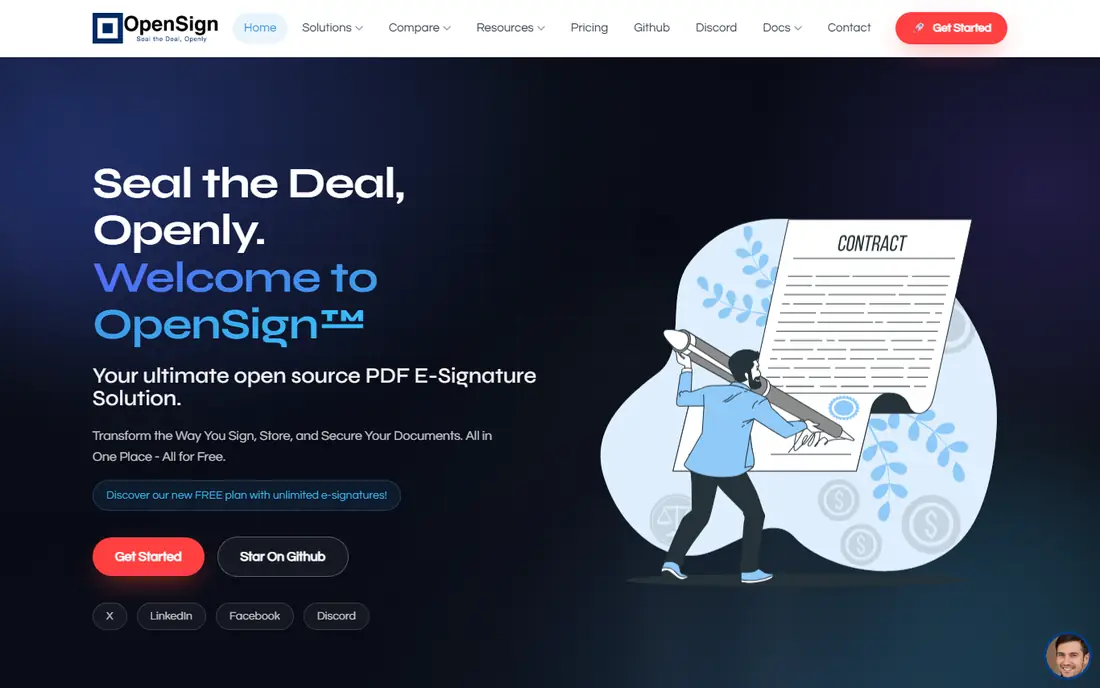
OpenSign is an open source e-signature tool from OpenSignLabs. The free plan lists unlimited digital signatures, unlimited templates, and unlimited guest signers. You can sign documents yourself, request signatures, send in order, and organize files in OpenSign Drive. It also lists 14 field types, completion certificates, document expiry support, and email notifications. That set fits a solo sender who sends the same service agreement, lease, or consent form many times. Templates matter because repeat contracts need the same fields each time, and OpenSign gives that reuse with no template cap.
The catch is that automation sits on paid plans. Professional at $9.99/month adds API access, webhooks, Zapier, bulk send, and 240 premium credits per year. Teams at $19.99/user/month adds team template sharing. Pick OpenSign if you send through the web app and want no send cap. Look elsewhere if you need live API sending or bulk send at no cost.
What we like- Unlimited e-signatures free
- Unlimited templates
- Completion certificates and signing order included
Watch out for- Live API use needs paid premium credits
- Team template sharing needs Teams at $19.99/user/month
Starting price$5/month/user Growth
Free planEssential at $0, 1 user, 25 envelopes a month, 2 templates, audit trail, signer authentication, reminders, branding
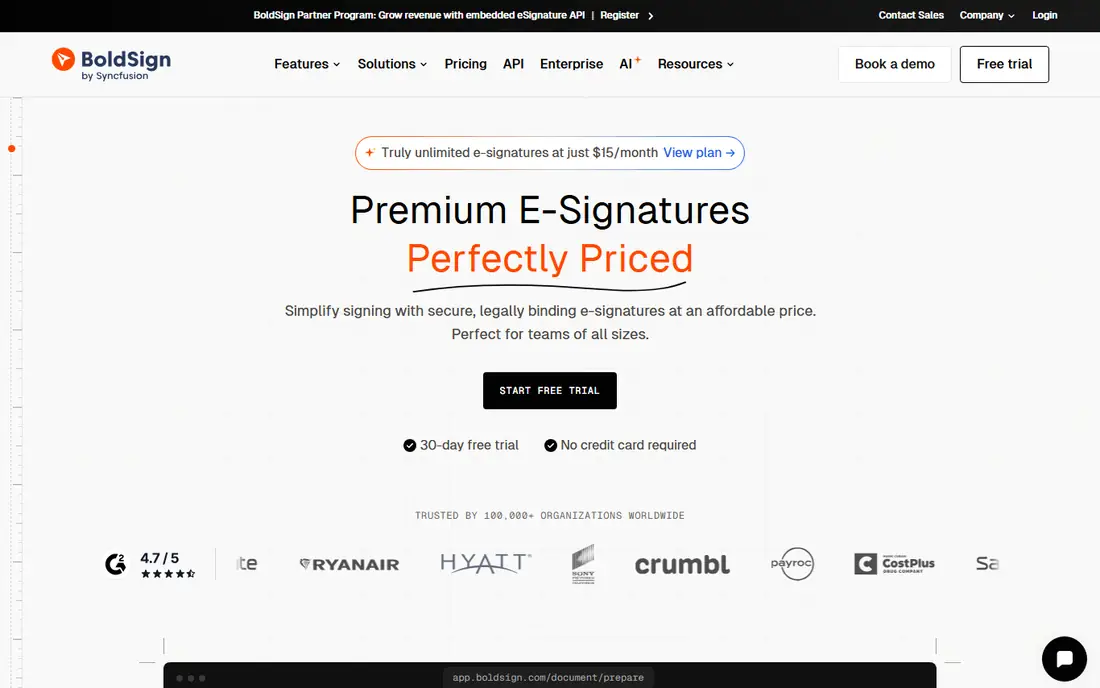
BoldSign is an e-signature product from Syncfusion. Essential costs $0 and includes 1 user, 25 envelopes a month, and 2 templates. The pricing page lists an audit trail, signer authentication, automated reminders, request attachments, custom branding, and mobile apps on Essential. That is a large free allowance for contract work. A freelancer can send client agreements, change orders, and renewal letters inside one monthly allowance. The audit trail records sender and signer actions for each completed document. Branding on the free plan helps small firms sending contracts under their own name.
The catch is the single user limit and the 2 template limit. A second sender needs a paid seat, and a firm with five contract types must reuse templates. Growth at $5/month/user raises the limit to 50 envelopes a month and 10 templates. Pick BoldSign if one person sends up to 25 contracts a month. Look elsewhere if several staff must send free.
What we like- 25 envelopes a month free
- Audit trail and authentication included
- Growth starts at $5/month/user
Watch out for- Only 1 user and 2 templates on Essential
- In-person signing needs Growth or higher
Starting price$20/user/month Pro
Free planBasic at $0/user/month, legally binding eSignature, indefinite retention, multiple signers, 10 field types, 10 request emails per month
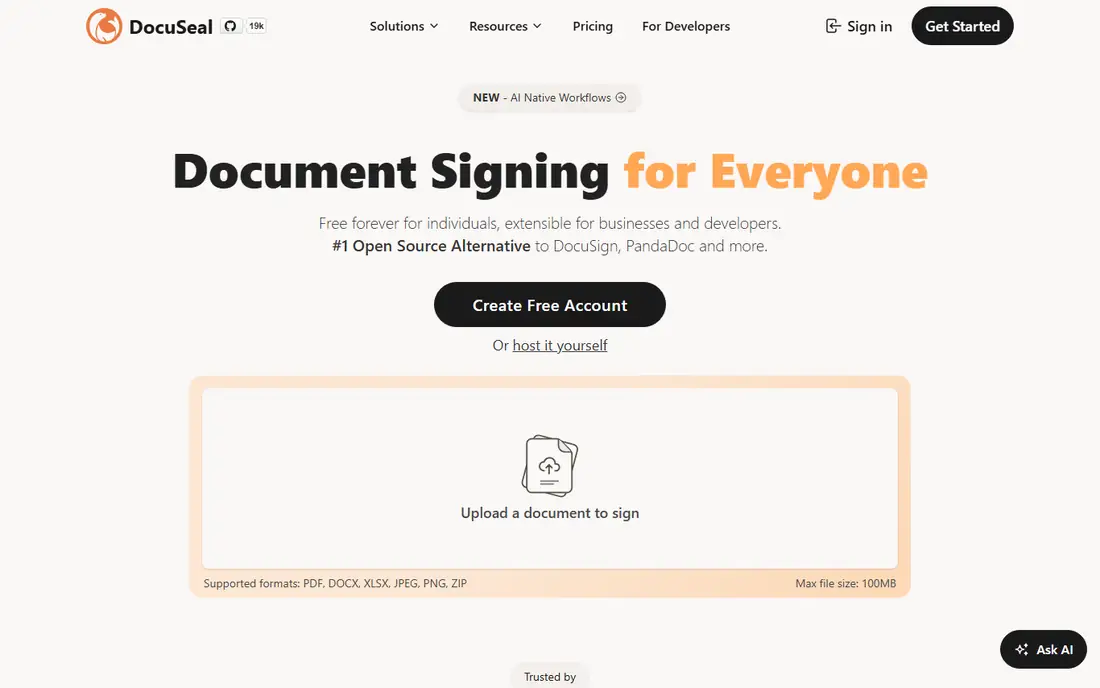
DocuSeal is a signing platform with hosted cloud and self-hosted options. Basic costs $0/user/month and lists legally binding eSignature, indefinite document retention, multiple signers, 10 field types, and 10 request emails per month. Support on Basic is email. Retention matters because signed agreements often stay on file for years. Ten request emails a month covers a small firm sending a few agreements each week. Teams that later need control over hosting can review the on-premises path on the vendor site. The free hosted plan is a plain starting point for low volume contract work.
The catch is that production API and embedding need Pro. Pro costs $20/user/month and adds unlimited signature requests, company logo, reminders, user roles, bulk send, and SSO. API documents then cost $0.20 each. Pick DocuSeal if 10 request emails a month fits your workload. Look elsewhere if you need production API signing at no cost today for client contract work.
What we like- 10 request emails a month free
- Indefinite document retention
- Pro adds unlimited requests at $20/user/month
Watch out for- Basic caps request emails at 10 a month
- Production API needs Pro plus $0.20 per signed document
Starting price$19/seat/month Starter billed annually
Free planFree at $0 for up to 5 documents a month, with e-signatures, audit trail, notifications, and storage on vendor pages
PandaDoc is a document workflow tool for creating, sending, signing, and tracking agreements. The pricing page states that Free is $0 for up to 5 documents a month. Starter costs $19 per seat per month billed annually and lists unlimited uploads and e-signatures, a drag and drop editor, tracking, and notifications. The editor matters because many teams draft proposals and agreements in one place. PandaDoc also lists unlimited storage, folders and tags, search, an audit trail, and a signature certificate. That storage helps teams find signed contracts later without searching email threads.
The catch is the low free send limit and the step to Business for sales workflows. Five documents a month suits a solo sender with a small pipeline. Business at $49 per seat per month billed annually adds CRM integrations, branding, deal rooms, and approvals. Pick PandaDoc if you create documents as well as sign them. Look elsewhere for more free sends.
What we like- Document creation and signing in one tool
- 5 documents a month free
- Starter removes the cap at $19/seat/month billed annually
Watch out for- Free plan stops at 5 documents a month
- CRM integrations need Business at $49/seat/month
Starting priceSee website
Free planFree for a single user, 5 envelopes per month, signature workflows, reminders, audit trail, cloud import and export, apps
Zoho Sign is the e-signature product from Zoho. The pricing page lists the free tier as single user only, with 5 envelopes per month. It also lists signature workflows, reminders and notifications, an audit trail, cloud storage import and export, and mobile and desktop apps. Storage support covers Zoho WorkDrive, OneDrive, Google Drive, Dropbox, and Box. That fits a solo user who stores contracts in cloud folders and sends a small number each month. Signers need no account, because each envelope arrives with a signing link by email for review.
The catch is the single user limit and credit based extras above the free tier. Approval workflows, SMS delivery, recipient authentication, and integrations sit on paid plans, and several consume credits. New accounts also get a 14-day Enterprise trial, then move to Free. Pick Zoho Sign if you use Zoho apps and send up to 5 envelopes a month. Look elsewhere if two staff need free seats.
What we like- 5 envelopes a month for one user
- Audit trail and reminders included
- Cloud storage import and export listed
Watch out for- Free plan is single user only
- Several paid features consume Zoho Sign credits
Starting price$25/month Individual billed yearly
Free planFree at $0, 5 documents per month, up to 10 recipients per document, no credit card required
Documenso is an open source e-signature platform. The pricing page lists Free at $0 with 5 documents per month, up to 10 recipients per document, and no credit card required. The recipient limit matters for contracts with several signers, such as a client, a witness, and an approver. Individual costs $25 per month billed yearly, or $300 billed yearly, and adds unlimited documents and API access for personal use. Teams costs $40 per month billed yearly for 5 users. That pricing is plain to read before you commit to a paid plan.
The catch is volume. Five documents a month works for a consultant signing one or two agreements a week. A firm sending daily contracts hits the cap in the first week. Paid plans list unlimited documents, and the vendor links a fair use policy, so high volume users should read it first. Pick Documenso if open source code matters. Look elsewhere for more free sends.
What we like- 5 documents a month with 10 recipients each
- No credit card on Free
- Individual adds unlimited documents at $25/month billed yearly
Watch out for- Free plan stops at 5 documents a month
- Teams costs $40/month billed yearly for 5 users
Starting price$10/month Light billed annually
Free planFree at $0, 1 sender, 1 template, 3 documents a month, API included, audit trail, tamper-proof documents
SignWell is an e-signature tool for sending, signing, and tracking documents. The pricing page lists Free with 1 sender, 1 template, and 3 documents a month. It also lists API included, an audit trail, tamper-proof documents, and advanced security. The page lists 25 free API documents a month, then pay per document. For a freelancer, 3 documents a month can cover a client agreement, a renewal, and a subcontractor form. The single template fits one repeat contract type. Pricing counts senders, so signers need no paid seats or accounts to sign.
The catch is the small template and document allowance. A second contract type means editing the one template or paying for Light. Light costs $10/month billed annually, adds unlimited documents and 5 templates per sender. Pick SignWell if you send 3 or fewer documents a month. Look elsewhere if you need several free templates for repeat contract work each month.
What we like- Audit trail on Free
- 25 free API documents a month listed
- Light adds unlimited documents at $10/month billed annually
Watch out for- Free plan allows 3 documents a month and 1 template
- Extra senders cost $10/month each on Light
Starting priceSee website
Free planFree plan, 3 signature requests per month renewing every 30 days, unlimited self-signing, audit trail on completed requests
Dropbox Sign is the e-signature product from Dropbox, formerly HelloSign. Dropbox help pages state that Free lets you send 3 signature requests per month, renewing every 30 days from sign up. Self-signing does not count toward the cap, and Free offers unlimited self-signing. A signature request can include one or more documents sent in a single bundle to one or more signers. Completed requests return a signed PDF plus an audit trail. That bundle rule helps when a contract packet has an agreement and an appendix to sign together online.
The catch is the low outbound limit. Three requests a month suits a person who sends one agreement and signs several forms alone. Bulk sends through a CSV file need Standard or Premium. The pricing page lists Essentials for 1 user with 5 templates and Standard for 2 or more users with 15 templates. Pick Dropbox Sign if self-signing plus 3 sends covers your work.
What we like- 3 signature requests a month free
- Unlimited self-signing outside the cap
- Audit trail on completed requests
Watch out for- Bulk send needs Standard or Premium
- No reusable template allowance listed for Free
Starting price$10/month Freelancer billed annually
Free planFree Plan, 5 form submissions, 2 PDFs, 2 template responses, 5 signature forms, audit log, folders, signing order
BoloSign is a signature tool from BoloForms that collects signatures in forms and PDFs. The pricing page lists a Free Plan with 5 form submissions, 2 PDFs, 2 template responses, and 5 signature forms. It also lists an audit log, structured folders, signing order, a certificate of completion, and form fields such as drop-down, radio, and checkbox fields. That set fits intake work, such as consent forms and service agreements where the signer also fills in details. Folders help keep completed contracts in order after signing and completion records are saved.
The catch is that free limits count forms, PDFs, and template responses in separate buckets. A user sending PDF contracts can reach the 2 PDF limit fast. Freelancer costs $10/month billed annually with 100 form submissions and 10 PDFs. Pick BoloSign if contracts start as forms. Look elsewhere if your work is mostly PDF packets sent for signature each week.
What we like- 5 signature forms free
- Audit log and signing order included
- Freelancer starts at $10/month billed annually
Watch out for- Free Plan allows 2 PDFs and 2 template responses
- Form limits differ from envelope based tools
Starting price$20/month Personal billed annually
Free planFree at $0, 1 document per month after the 7-day trial
Signaturely is an e-signature tool with contract templates beside the signing flow. Vendor pages state that after a 7-day trial with unlimited documents, the free plan allows 1 signed document a month. Personal costs $20/month billed annually, or $25 billed monthly, with 5 signature requests a month and 1 template. Business costs $40 per user a month billed annually and adds unlimited requests and templates, team management, and branding. For a person signing one agreement a month, the free account can cover that work after the trial ends each month.
The catch is the tight free allowance and the capped entry paid plan. One document a month leaves no room for a second client. Personal at $20/month billed annually still stops at 5 requests, while rivals remove caps at lower first paid prices. Pick Signaturely if its template library saves drafting time. Look elsewhere if you send 2 or more contracts monthly.
What we like- Free account stays after the trial
- Contract templates beside the signing tool
- Business adds unlimited requests
Watch out for- Free plan allows 1 document a month
- Personal caps requests at 5 a month for $20/month billed annually
How many contracts can you send each month for free?
The free send limit decides most choices. OpenSign lists unlimited e-signatures, so volume does not force an upgrade for web app sending. BoldSign allows 25 envelopes a month, about 300 a year for one sender. DocuSeal allows 10 request emails a month, or 120 a year. PandaDoc, Zoho Sign, and Documenso each allow 5 a month, or 60 a year. SignWell and Dropbox Sign allow 3 a month, or 36 a year. Signaturely allows 1 a month, or 12 a year. Count your last three months of sent contracts. If you sent 4, 6, and 5, a 5 per month plan fails in the middle month. Also check what counts as one send. Dropbox Sign counts a bundle sent at one time as one request. BoloSign counts forms and PDFs separately. Match the counting rule to your packet, signer count, and monthly send pattern before you choose a plan for repeat contract work.
Which free plan gives the most templates for repeat contracts?
OpenSign gives the most templates free because its pricing page lists unlimited templates. Repeat contracts need templates because the same fields and signer order return each time. BoldSign Essential includes 2 templates. SignWell Free includes 1 template. Dropbox Sign comparisons list no reusable template allowance on Free, with 5 templates on Essentials. If you send one agreement type, 1 template can work. If you send a service agreement, an NDA, a lease, and a renewal form, 1 or 2 templates will slow you down. Count contract types first, then pick a plan that covers them.
Can a small team share one free contract account?
A small team can share some free accounts, but sender limits differ. BoldSign Essential includes 1 user. Zoho Sign Free is single user only. SignWell Free includes 1 sender. Documenso Teams is paid at $40/month billed yearly for 5 users. Sharing one login creates audit problems, because the record may not show which person sent a contract. A team with 2 senders should price the first paid step. SignWell Light charges $10/month per additional sender. BoldSign Growth charges $5/month/user. Pick the tool where each sender gets a named seat.
When does a free plan stop being enough for contract work?
A free plan stops being enough when volume, templates, or controls pass free limits. A sender passing 5 documents a month outgrows PandaDoc Free, Zoho Sign Free, and Documenso Free. A sender passing 25 envelopes a month outgrows BoldSign Essential. A firm with 3 contract types outgrows SignWell Free at 1 template. Bulk send, API sending, branding, and approvals sit on paid plans at several vendors. Price the upgrade first. BoldSign Growth is $5/month/user. SignWell Light is $10/month billed annually.
Frequently asked questions
Which free contract tool lets me send the most contracts?
OpenSign lets you send the most contracts free because its pricing page lists unlimited e-signatures and unlimited templates. BoldSign allows 25 envelopes a month on Essential. DocuSeal allows 10 request emails a month. Check API and bulk needs, because OpenSign puts those actions on paid credits.
Is a free e-signature legally binding for contracts?
Vendor pages describe legally binding e-signatures with audit trails or completion certificates. SignWell lists ESIGN, UETA, and eIDAS. Dropbox Sign returns an audit trail with completed requests. Legal effect depends on country, contract type, and identity checks. Ask a qualified lawyer before relying on a free plan for high value contracts.
Do signers need an account or a paid seat?
Signers usually need no paid seat. Zoho Sign states that signers get a signing link by email and need no account. SignWell prices by sender. DocuSeal states that signers are not billed as users. Confirm signer rules for your contract type before sending.
What happens when I pass the free monthly limit?
You wait for the next cycle or upgrade. Dropbox Sign renews its 3 free requests every 30 days. BoldSign Growth raises the limit to 50 envelopes a month at $5/month/user. PandaDoc Starter removes the 5 document cap at $19/seat/month billed annually. Plan upgrades before a busy signing week.
Can I store signed contracts in a free account?
Storage rules differ by vendor. PandaDoc lists unlimited storage. DocuSeal Basic lists indefinite document retention. OpenSign lists OpenSign Drive. BoloSign lists structured folders. Download signed PDFs and audit records for your own files, because plan terms can change over time.
What to look for before you buy
First, count contracts sent in each of the last three months and compare that count with the free limit. Second, count repeat contract types and check the template limit. Third, check who must send, since single sender plans fail when two staff share work. Fourth, read audit trail, retention, and export terms. Fifth, price the first paid step that removes your exact limit.
How we chose
Tools were picked from vendor pricing pages and vendor help or documentation pages checked for this guide. Each pick lists a free plan with stated limits for signing, sending, templates, or storage. Prices and plan names were copied from vendor pages. Trial only tools were left out. No hands-on testing claim is made.
Sources we checked (11)
- https://www.opensignlabs.com/pricing-table.html
- https://boldsign.com/electronic-signature-pricing/?plan=webapp
- https://www.docuseal.com/pricing
- https://www.pandadoc.com/lp/pricing/
- https://www.zoho.com/sign/pricing.html?src=sign-header
- https://documenso.com/pricing
- https://www.signwell.com/pricing
- https://sign.dropbox.com/products/dropbox-sign/pricing
- https://help.dropbox.com/plans/dropbox-sign-free-plan
- https://www.boloforms.com/signature/pricing/
- https://signaturely.com/pricing/
Is your product missing or out of date?
We review this list regularly. Vendors can request a listing, send updated pricing or ask about featured placement.

Shihab Mia · Founder, Rankite
Shihab has 5+ years in B2B and SaaS SEO. He writes Rankite's software buying guides from pricing pages, documentation and public user reviews. More about Shihab.