How we make this list: we compare pricing pages, product documentation and public user reviews. Rankite is independent; if a vendor ever pays for a featured spot, that listing is clearly labeled Partner.
Key takeaways
- DocuSign remains the safe default, with the widest acceptance and integration ecosystem.
- Dropbox Sign and SignNow are the value picks for straightforward signing without enterprise cost.
- PandaDoc suits sales teams that want proposals and contracts in one flow, not just signatures.
- Adobe Acrobat Sign makes sense for organizations already paying for Adobe's document tools.
Quick comparison
| Tool | Best for | Starting price | Free plan |
|---|
 DocuSign DocuSign | The widely accepted standard | See website | Free trial |
 Dropbox Sign Dropbox Sign | Simple signing at a fair price | See website | Free trial |
 PandaDoc PandaDoc | Proposals and contracts for sales teams | Free | Yes |
 Adobe Acrobat Sign Adobe Acrobat Sign | Adobe-centric document workflows | See website | Free trial |
 SignNow SignNow | Affordable signing for SMBs | See website | Free trial |
 eversign eversign | Free tier for light signing needs | Free | Yes |
 SignRequest SignRequest | Simple, cheap signing | See website | Free trial |
 Jotform Sign Jotform Sign | Signing on top of online forms | Free | Yes |
 Concord Concord | Contracts plus signing in one platform | Free | Yes |
 Ironclad Ironclad | Contract lifecycle for legal teams | See website | No |
Is your product missing or out of date?
We review this list regularly. Vendors can request a listing, send updated pricing or ask about featured placement.
The best electronic signature software
Starting priceSee website
Free planFree trial
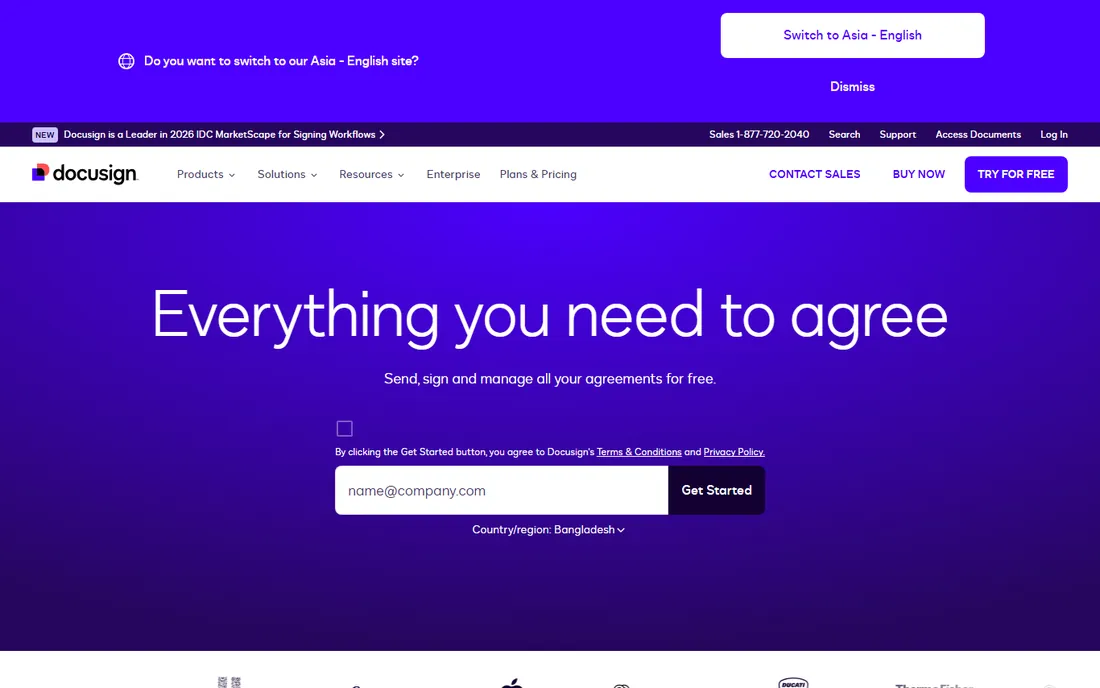
The contract is ready, the client is waiting, and nobody wants to explain a new signing tool. DocuSign wins by being the signature everyone recognizes. Recipients sign without creating accounts, the audit trail satisfies legal and compliance teams, and integrations cover Salesforce, Microsoft, Google and hundreds more. At scale it is boring in the best way: it just works.
The pricing reflects the market position. Per-seat plans with envelope limits mean costs grow with usage, and small businesses often pay for capacity they never use. The interface prioritizes enterprise completeness over simplicity. But when the requirement is a signature no counterparty will question, DocuSign is the default answer for a reason.
What we like- Accepted everywhere with the deepest integrations
- Strong compliance and audit trail
- Reliable at scale
Watch out for- Pricing climbs with envelopes and seats
- Interface feels enterprise
- Smaller needs overpay
Starting priceSee website
Free planFree trial
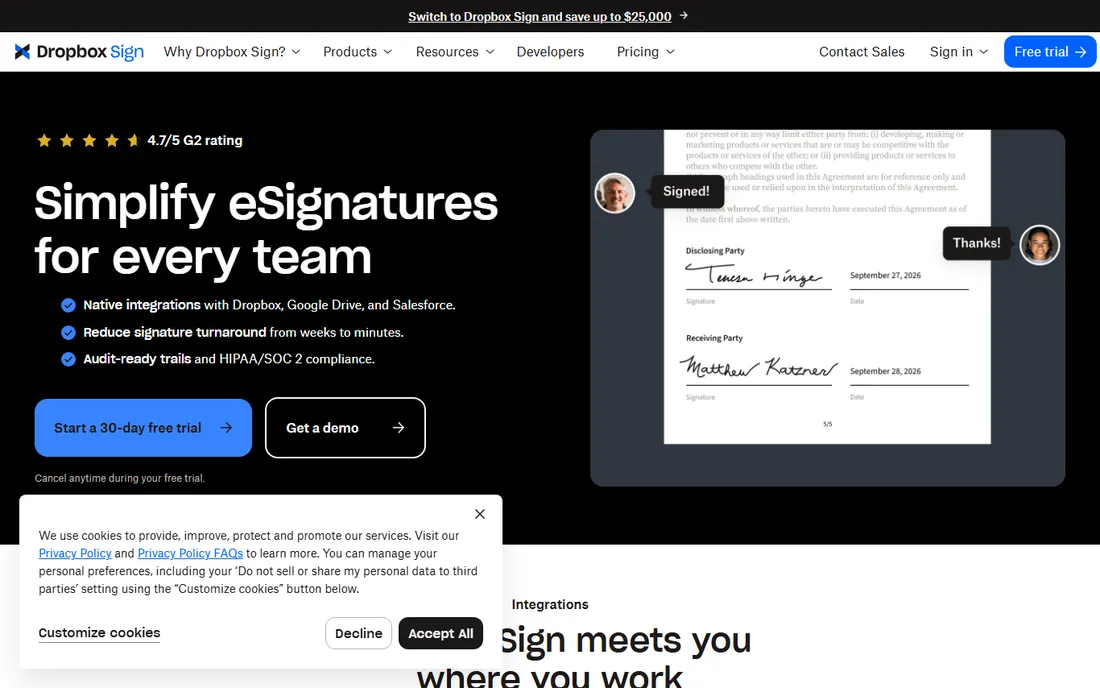
Dropbox Sign, formerly HelloSign, keeps electronic signature simple. Send a document, the recipient signs in a clean interface, the audit trail records everything. The API is genuinely developer-friendly, which made it popular with product teams embedding signing into their apps. Pricing undercuts DocuSign meaningfully for equivalent core functionality.
Advanced workflow features like complex routing and deep enterprise controls are thinner. The ecosystem of integrations is smaller. Some buyers find the Dropbox branding confusing after the rename. But for the core job, legally binding signatures without enterprise overhead, Dropbox Sign is the value leader.
What we like- Clean, simple signing experience
- Fair pricing
- API is developer-friendly
Watch out for- Fewer advanced workflow features
- Smaller ecosystem than DocuSign
- Dropbox branding confuses some
Starting priceFree
Free planYes
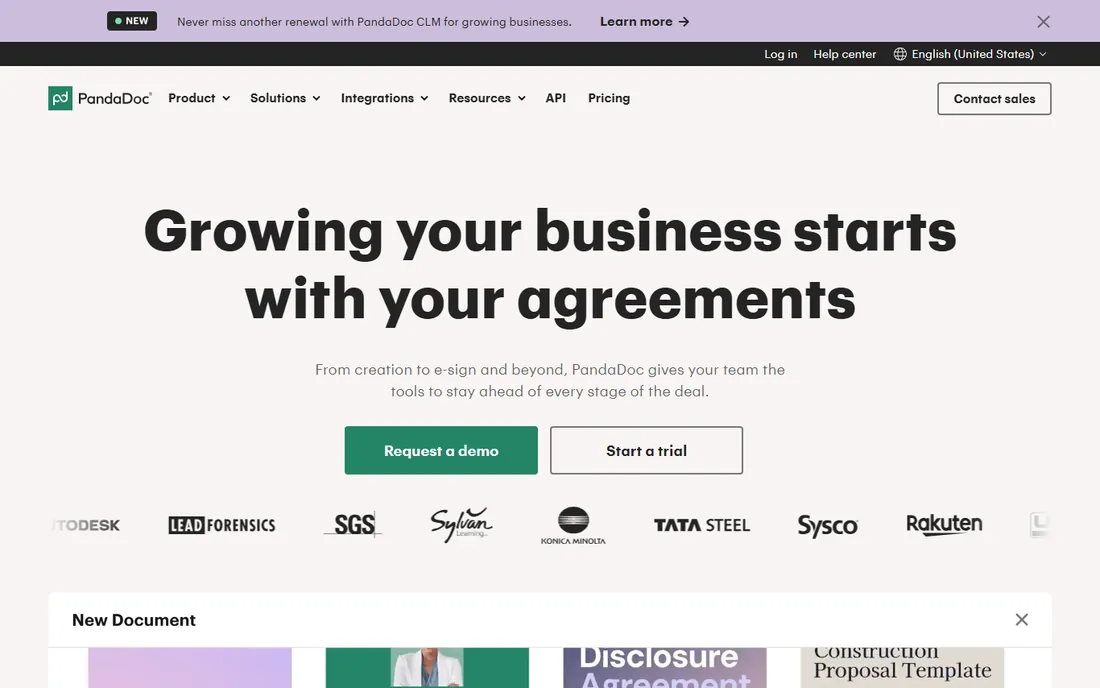
PandaDoc starts before the signature. Sales teams build proposals and quotes in its editor, track when recipients open them, then collect signatures in the same flow. Content libraries keep branding consistent, and analytics show which proposals get attention. For teams where the document and the signature are one workflow, that unity matters.
It is more product than pure signing requires, which means more cost and complexity for simple needs. Pricing scales per seat, and useful features sit in higher tiers. But sales organizations that live in proposals find PandaDoc replaces two or three tools, which reframes the price.
What we like- Proposals, quotes and contracts in one flow
- Content library and analytics
- Free tier to start
Watch out for- More than pure signing needs
- Pricing climbs with seats
- Some features need higher tiers
#4
Adobe Acrobat Sign
Best for: Adobe-centric document workflows
Visit adobe.com
Starting priceSee website
Free planFree trial
Organizations already paying for Adobe find Acrobat Sign the natural signature layer. It integrates deeply with Acrobat and PDF workflows, handles enterprise compliance requirements, and connects excellently with Microsoft 365 and SharePoint. For IT departments standardizing on Adobe and Microsoft, the fit is obvious.
Outside that ecosystem the value thins, and the interface shows its enterprise roots. Pricing connects to Adobe licensing structures. But document-heavy organizations that live in PDFs get signing where their documents already are, which removes workflow friction that standalone tools cannot.
What we like- Deep PDF and Acrobat integration
- Strong enterprise compliance
- Microsoft integrations are excellent
Watch out for- Best value inside Adobe licensing
- Interface reflects enterprise heritage
- Pricing by quote at scale
Starting priceSee website
Free planFree trial
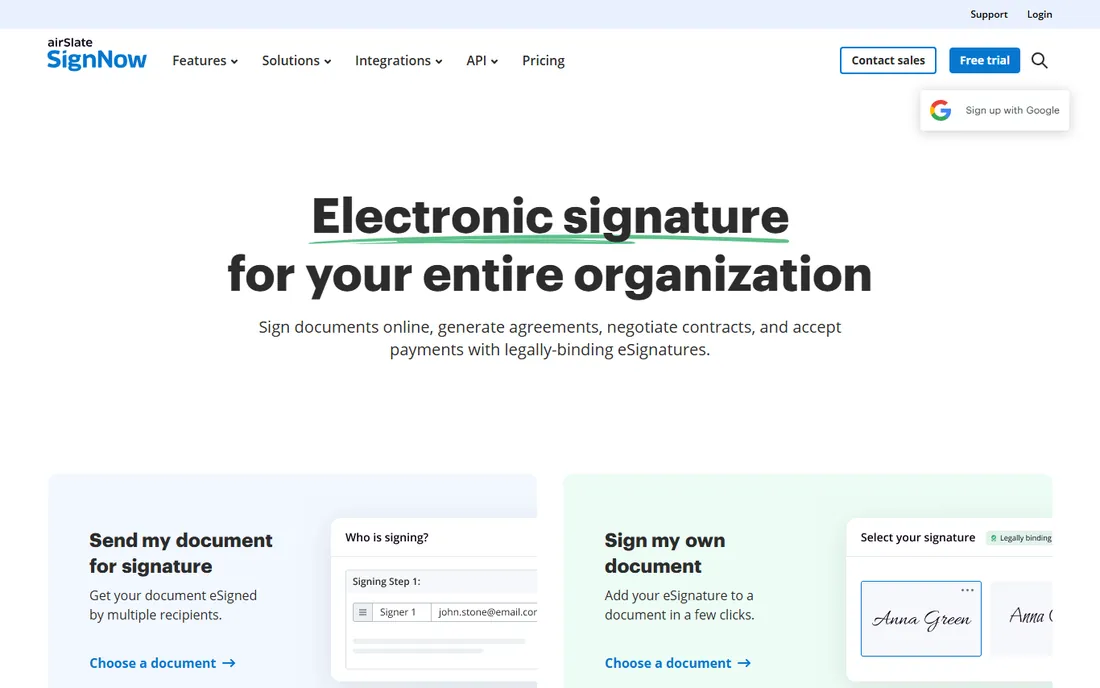
SignNow targets the small and mid-size businesses that find DocuSign expensive. The feature set covers templates, bulk sending, conditional fields and integrations at prices that undercut the market leader substantially. Mobile apps are solid, and unlimited templates remove a common paywall annoyance.
Counterparties sometimes ask what SignNow is, which is the cost of not being DocuSign. Enterprise workflow depth and compliance tooling are thinner. But for SMBs that send a steady volume of routine documents, SignNow delivers the core signing experience at a fraction of the price.
What we like- Strong features at SMB-friendly prices
- Unlimited templates
- Good mobile apps
Watch out for- Brand recognition trails DocuSign
- Advanced enterprise features are thinner
- Support tiers vary
Starting priceFree
Free planYes
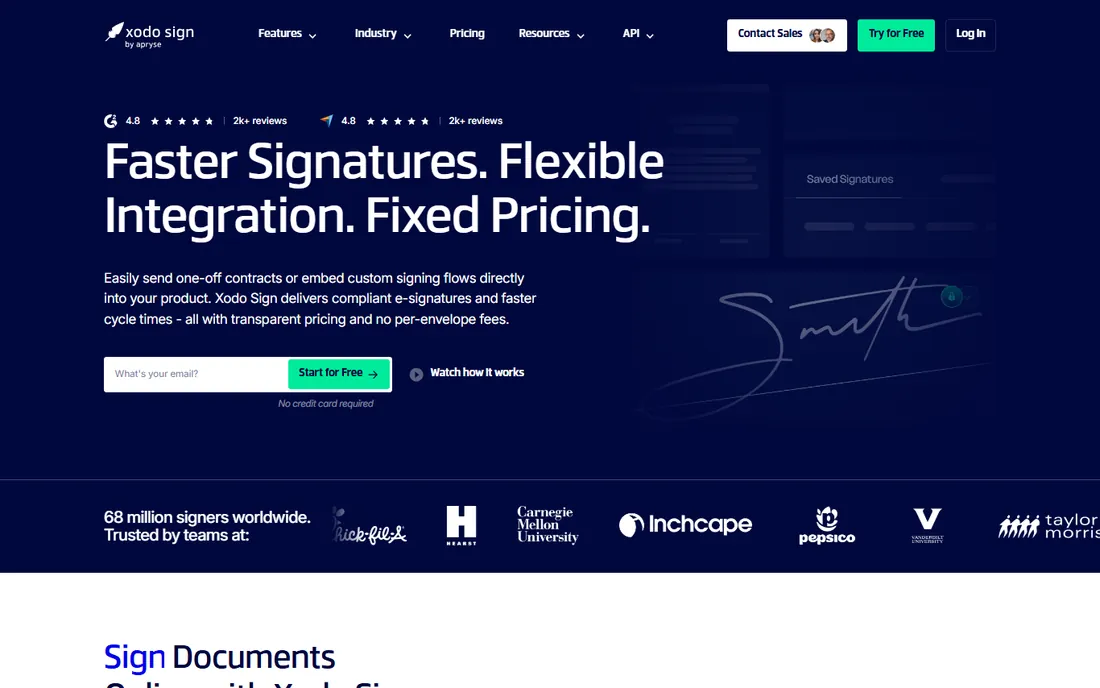
eversign's free tier is genuinely useful for light signing needs: a handful of documents a month, templates, audit trails, no credit card. The interface is simple, paid plans are affordable, and small businesses with modest volume may never need to upgrade.
The company is smaller with fewer integrations and thinner advanced features than the leaders. High-volume or complex workflows will outgrow it. But as a free starting point for occasional signing, eversign is the easiest recommendation on this list.
What we like- Generous free tier
- Simple interface
- Affordable paid plans
Watch out for- Smaller company
- Fewer integrations
- Limited advanced features
Starting priceSee website
Free planFree trial
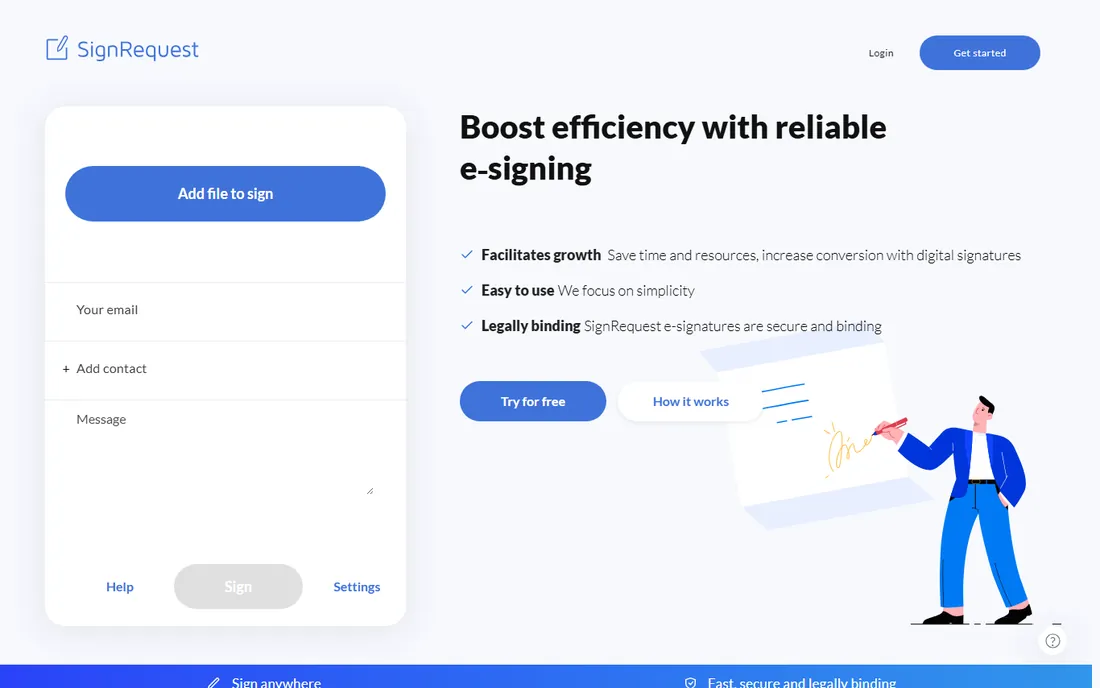
SignRequest competes on simplicity and price. The product does straightforward electronic signing well, with pay-per-document options that suit irregular volume. Now part of Box, it has corporate backing and a natural home for Box customers.
Features are basic compared to the platforms, and the integration ecosystem is small. But the price-to-simplicity ratio is excellent for the common case. Businesses that sign documents occasionally and resent subscriptions should look at the pay-per-document model seriously.
What we like- Very affordable
- Simple to use
- Pay-per-document options
Watch out for- Basic feature set
- Smaller ecosystem
- Now part of Box
Starting priceFree
Free planYes
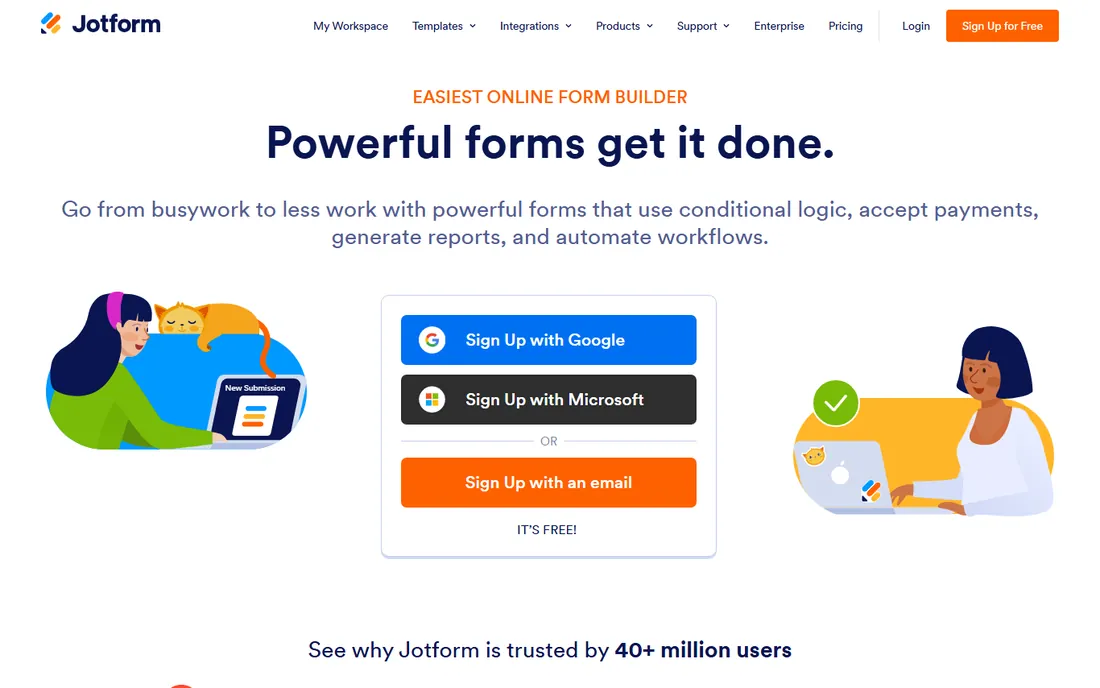
Jotform Sign makes sense in one situation: the organization already collects data with Jotform. Turning a submitted form into a signable document happens naturally, which suits intake processes, applications and agreements that start as forms. The free tier covers light use.
Outside the Jotform ecosystem there is little reason to choose it over dedicated signing tools. Signing depth and workflow features trail the specialists. But form-to-signature is a real and common workflow, and Jotform owns it end to end.
What we like- Natural extension of Jotform forms
- Free tier available
- Great for form-to-signature workflows
Watch out for- Best only for Jotform users
- Signing depth trails specialists
- Workflow features are basic
Starting priceFree
Free planYes
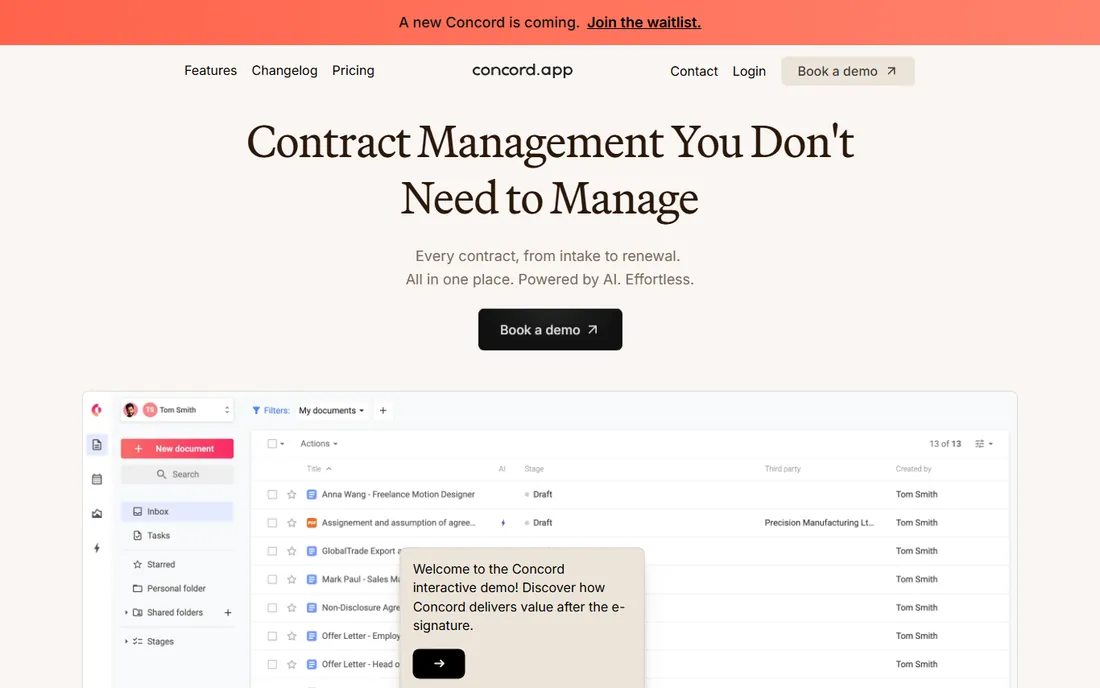
Concord treats the signature as the end of the contract lifecycle, not the whole product. Drafting, redlining, negotiation and signing happen in one place, with deadline and renewal tracking afterward. The free tier lets small teams manage real contract workflows without paying.
It is more than a signing tool, which means more to learn for simple needs. The brand is smaller than the leaders. But organizations that manage contracts rather than just sign documents get drafting-through-renewal in one system, which standalone e-signature tools do not offer.
What we like- Contract drafting, negotiation and signing together
- Free tier
- Deadline and renewal tracking
Watch out for- More than signing alone
- Smaller brand
- Advanced features need paid plans
Starting priceSee website
Free planNo
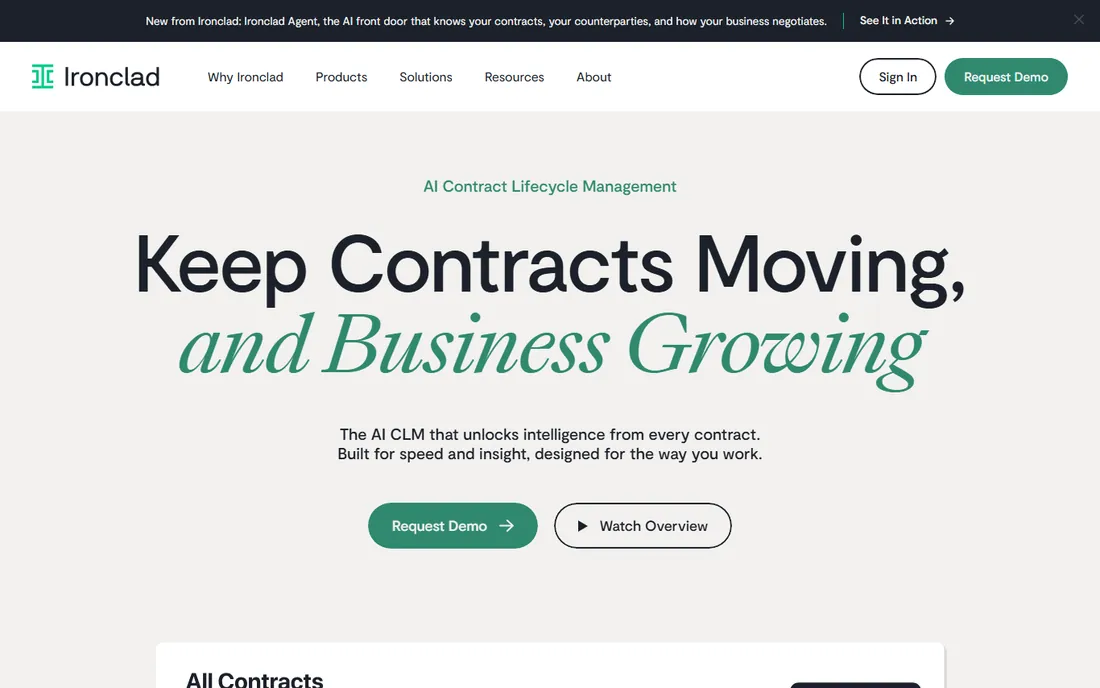
Ironclad serves legal teams managing contracts at scale. Workflow automation routes agreements for approval, clause libraries standardize language, and reporting gives legal ops visibility into the pipeline. E-signature is included but incidental; the product is contract lifecycle management.
Pricing and implementation are enterprise-grade, and simple signing needs should look elsewhere. But for legal departments drowning in contract volume, Ironclad's structured workflows replace email chaos with process. It is the specialist choice when contracts are the business.
What we like- Deep contract lifecycle management
- Workflow automation for legal
- Strong enterprise adoption
Watch out for- Enterprise pricing
- Overkill for simple signing
- Implementation needs legal ops
How we chose
We covered pure e-signature tools, sales document platforms and contract lifecycle products, since buyers search the category term for all three. Each product was verified as currently offered, noting Dropbox Sign's move to sign.dropbox.com. Pricing came from vendor pages where published and was marked honestly where it was not. We weighed signing experience, legal validity, integrations, workflow depth and value, drawing on vendor documentation and established market consensus. No vendor paid for placement and we claimed no hands-on testing.
What actually makes a signature legal
In the US, the ESIGN Act and state UETA laws give electronic signatures the same legal standing as handwritten ones, provided there is intent to sign and an associated record. All ten tools here produce compliant signatures with audit trails. The differences that matter are practical: authentication options for high-stakes documents, tamper-evident sealing, and retention policies.
For regulated industries and high-value agreements, check for standards like SOC 2, ISO 27001 and eIDAS qualified signatures for European use. Most buyers never need more than the standard audit trail. But knowing the compliance ceiling before signing a vendor contract avoids painful migrations later.
What to check before you buy
Count envelopes and seats honestly. Pricing typically combines per-user fees with envelope or document limits, and overage costs surprise buyers. Model a year at real volume, including seasonal spikes. The cheapest plan is rarely the cheapest year.
Test the recipient experience. Most signers never create accounts, so the signing flow they see determines completion rates. Send yourself a test document on mobile and desktop. Confusing signing flows cost deals.
Check the integrations that matter: CRM, HR, cloud storage and the tools where documents originate. Native integrations beat Zapier workarounds for reliability. And confirm template and bulk-send capabilities if the team sends repetitive documents; these features separate the platforms from the basic tools.
Frequently asked questions
What is the best electronic signature software?
DocuSign is the most widely accepted standard with the deepest integrations. Dropbox Sign and SignNow offer the best value for straightforward signing. PandaDoc suits sales teams wanting proposals and signatures together. The best choice depends on volume, workflow complexity and budget.
Is DocuSign or Dropbox Sign better?
DocuSign offers broader acceptance, deeper integrations and stronger enterprise features. Dropbox Sign offers a simpler experience at lower prices with a developer-friendly API. High-volume or enterprise buyers usually choose DocuSign; SMBs with straightforward needs often prefer Dropbox Sign's value.
Are electronic signatures legally binding?
Yes. In the US, the ESIGN Act and state UETA laws make electronic signatures legally binding when there is intent to sign and proper records. All major tools provide compliant audit trails. Certain documents like wills and some real estate transactions have special requirements worth checking.
How much does electronic signature software cost?
Plans typically start around $10 to $15 per user per month for basic signing, rising with envelope limits and features. Enterprise plans are quote-based. Free tiers from eversign, Jotform Sign and Concord cover light use. Always model envelope overages at real volume.
Can I try electronic signature software for free?
Yes. Most tools offer free trials, and several offer permanent free tiers: eversign, Jotform Sign, Concord and PandaDoc all have free plans with varying limits. Free tiers suit occasional use; regular volume needs a paid plan.
Sources we checked (10)
- https://www.docusign.com
- https://sign.dropbox.com
- https://www.pandadoc.com
- https://www.adobe.com
- https://www.signnow.com
- https://eversign.com
- https://signrequest.com
- https://www.jotform.com
- https://www.concord.app
- https://ironcladapp.com
Is your product missing or out of date?
We review this list regularly. Vendors can request a listing, send updated pricing or ask about featured placement.

Shihab Mia · Founder, Rankite
Shihab has spent more than a decade helping SaaS and e-commerce brands grow through search. He writes Rankite's software buying guides from pricing pages, documentation and public user reviews. More about Shihab.