How we make this list: we compare pricing pages, product documentation and public user reviews. Ratings come from G2, Capterra or Trustpilot, with the date we checked them.
Key takeaways
- Most teams leave DocuSign for price, not features. The alternatives here start between $8 and $19 per user per month, well below DocuSign business tiers.
- PandaDoc is the best pick when you create the document and collect the signature in one place, since proposals, quotes and contracts come from the same editor.
- signNow is the best value for large teams, because its plans include unlimited users instead of charging per seat.
- DocuSeal is the only open source option here. If you have a developer, you can self-host it free with unlimited documents.
Quick comparison
| Tool | Best for | Starting price | Free plan |
|---|
 PandaDoc PandaDoc | Sales documents plus signing in one tool | $19 per user/month | Yes |
 Adobe Acrobat Sign Adobe Acrobat Sign | Teams that already live in Acrobat and PDF workflows | See website | Free trial |
 Dropbox Sign Dropbox Sign | Simple signing for teams already using Dropbox | $15 per user/month (billed annually) | Yes |
 signNow signNow | Large teams that need many users on one budget | $8 per user/month | Free trial (7 days) |
 Zoho Sign Zoho Sign | Businesses already using Zoho CRM, Books or other Zoho apps | $10 per user/month | Yes |
 Signeasy Signeasy | Mobile signing and contract storage for field teams | $10 per user/month | Free trial |
 SignWell SignWell | Plain, affordable signing for freelancers and small teams | $10 per month | Yes |
 DocuSeal DocuSeal | Open source signing you can host yourself | Free | Yes |
Is your product missing or out of date?
We review this list regularly. Vendors can request a listing, send updated pricing or ask about featured placement.
The best DocuSign alternatives
#1PandaDoc
Best for: Sales documents plus signing in one tool4.7/5 on
G2 (3,621 reviews, checked Oct 2026)
Visit pandadoc.com
Starting price$19 per user/month
Free planYes
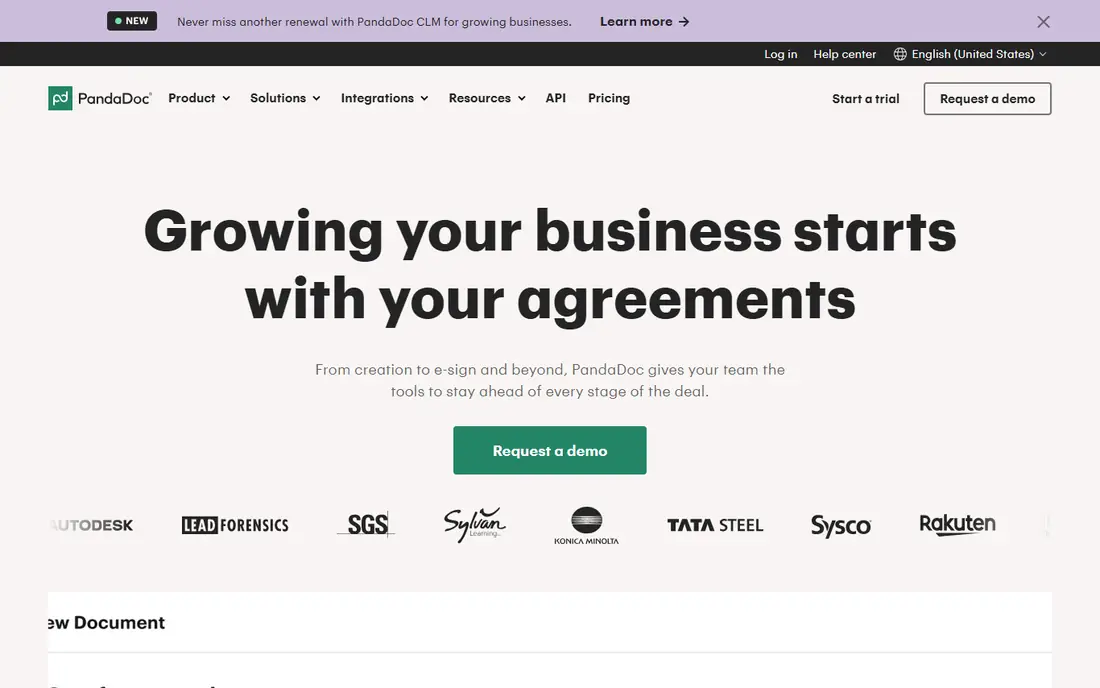
PandaDoc wins when the document itself is part of the sale. Instead of uploading a finished PDF, you build proposals, quotes and contracts in its editor, then send them for signature from the same place. That single flow removes the version chaos of editing in Word, exporting to PDF and uploading elsewhere.
The free tier covers 60 documents a year, which suits most small teams, and signing received documents is unlimited. Paid plans start at $19 per user per month with the same price monthly or annually, which is unusual and friendly. The catch is scope: if you only need signatures on finished PDFs, PandaDoc is more tool than you need, and its per-seat pricing punishes teams with many occasional senders.
What we like- Documents built inside the tool, not uploaded
- Generous free tier
- Strong HubSpot and Salesforce integrations
Watch out for- Free plan allows only 2 recipients per document
- Per-seat pricing adds up for large teams
#2Adobe Acrobat Sign
Best for: Teams that already live in Acrobat and PDF workflows4.4/5 on
G2 (1,072 reviews, checked Oct 2026)
Visit adobe.com
Starting priceSee website
Free planFree trial
Adobe Acrobat Sign suits companies whose documents already live as PDFs. Because signing sits inside Acrobat, you edit, redact, combine and sign without switching tools, and the compliance story covers global standards that legal teams ask about. For enterprises with Acrobat licenses already, adding Sign is a short step.
The price is the drawback. There is no free plan, and published comparisons put business pricing well above the budget tools here, with templates and reminders gated to higher tiers. One flag belongs here: during our check, the Adobe product page returned an access-denied page rather than the normal homepage, so this entry rests on search evidence and vendor documentation rather than a fresh homepage view. Confirm current pricing on the Adobe site before buying.
What we like- True PDF editing bundled with signatures
- Trusted enterprise compliance
- Works inside Acrobat
Watch out for- No free plan
- Templates and reminders sit on higher tiers
- Annual billing on business plans
#3Dropbox Sign
Best for: Simple signing for teams already using Dropbox4.7/5 on
G2 (2,283 reviews, checked Oct 2026)
Visit dropboxsign.com
Starting price$15 per user/month (billed annually)
Free planYes
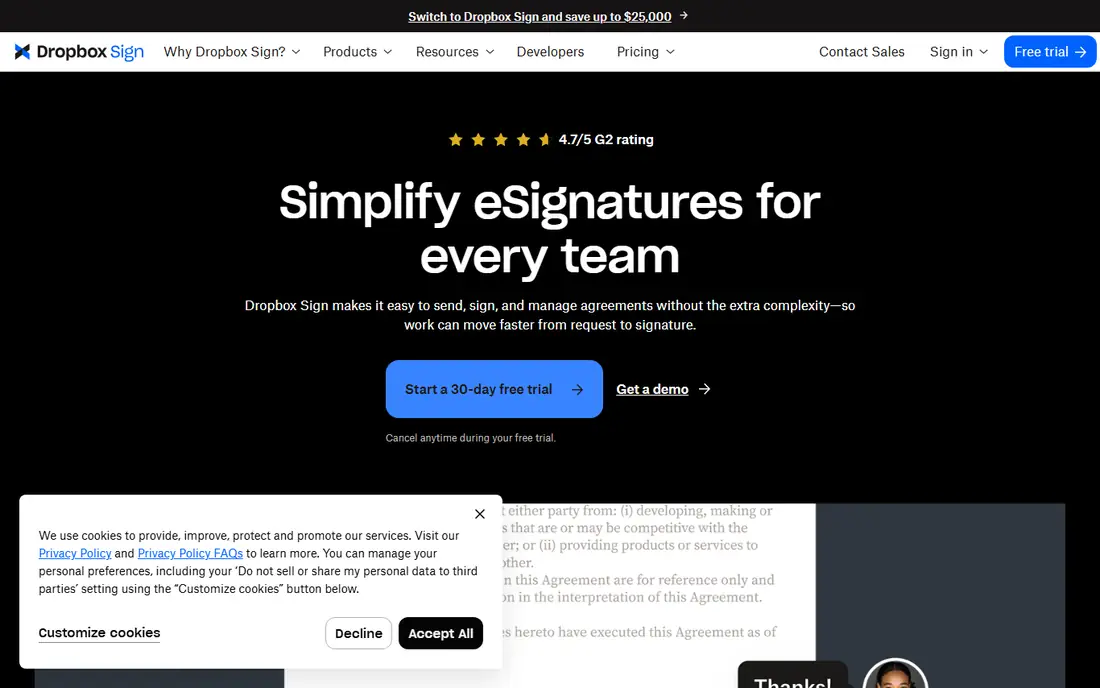
Dropbox Sign, formerly HelloSign, is the plain-English option. You upload a document, add signature fields, send it, and track completion, with completed copies saved back to Dropbox automatically. The homepage confirms paid plans start at $15 per user per month billed annually, with a trial you can cancel anytime.
The free plan allows a few sends per month, which covers occasional use. Paid plans remove the transaction limit, which matters for HR or sales teams with steady volume. What you do not get is document creation, contract management or payment collection in the same depth as PandaDoc or signNow. Buy Dropbox Sign when signing is a utility, not a workflow.
What we like- Starts at $15 per user per month
- Unlimited requests on paid plans
- Simple setup
Watch out for- Feature set is narrower than PandaDoc
- No document creation tools
#4signNow
Best for: Large teams that need many users on one budget4.6/5 on
G2 (1,772 reviews, checked Oct 2026)
Visit signnow.com
Starting price$8 per user/month
Free planFree trial (7 days)
signNow breaks the per-seat model that makes DocuSign expensive at scale. Every plan includes unlimited users, so a company with 50 occasional senders pays for invites rather than seats. Entry pricing starts at $8 per user per month, and the homepage confirms the unlimited-user promise across plans, plus a 7-day free trial.
The platform covers the full signing workflow: templates, conditional routing, teams, branding, payments on higher tiers and an API for embedding signing in your own product. Document generation is less developed than PandaDoc, so sales teams that draft proposals inside the tool may prefer that rival. For operations, HR and legal teams with many senders, signNow is the best value on this list.
What we like- Unlimited users on all plans
- Lowest entry price here
- Strong API and integrations
Watch out for- Document generation is thinner than PandaDoc
- Free trial lasts only 7 days
#5Zoho Sign
Best for: Businesses already using Zoho CRM, Books or other Zoho apps4.4/5 on
G2 (64 reviews, checked Oct 2026)
Visit zoho.com
Starting price$10 per user/month
Free planYes
Zoho Sign is the natural pick inside the Zoho ecosystem. Documents signed in Zoho CRM or Zoho Books flow through Sign without re-uploading, and the free plan covers 5 documents per month for individuals. Paid plans start at $10 per user per month, and the product distinguishes true digital signatures, backed by certificates, from simple electronic signatures.
Premium features include qualified electronic signatures for regulated transactions, SignForms for self-service signing through a shared link, and blockchain timestamping for extra verification. The homepage extract leaves the exact paid price partly unstated, so confirm it on the pricing page. Outside the Zoho world, the integration library is smaller than PandaDoc or signNow, which matters if your stack is built on Salesforce or HubSpot.
What we like- Free plan with 5 documents per month
- Certificate-based digital signatures
- Blockchain timestamping option
Watch out for- Paid price only partly shown on the homepage
- Smaller integration library than PandaDoc
#6Signeasy
Best for: Mobile signing and contract storage for field teams4.7/5 on
G2 (782 reviews, checked Oct 2026)
Visit signeasy.com
Starting price$10 per user/month
Free planFree trial
Signeasy pitches itself as the leading DocuSign alternative, and the product backs that up with a simple promise: unlimited envelopes, no hidden fees and human support. Its mobile apps suit field teams, sales reps and contractors who sign on phones, and the newer contract management layer adds a repository, renewal reminders and AI insights on top of signing.
The homepage lists pricing from $10 to $30, which is a range rather than a plan price, so check the pricing page for the tier that fits your team. The 48,000-plus business customer count and ESIGN, UETA, eIDAS, SOC 2 and HIPAA coverage give it credibility for regulated work. Teams that sign on the go and want contracts stored in the same place should trial it before PandaDoc.
What we like- Unlimited envelopes on paid plans
- Strong mobile apps
- Contract repository with renewal reminders
Watch out for- Homepage price range is broad at $10 to $30
- AI features sit on higher tiers
#7SignWell
Best for: Plain, affordable signing for freelancers and small teams4.8/5 on
G2 (532 reviews, checked Oct 2026)
Visit signwell.com
Starting price$10 per month
Free planYes
SignWell is the quiet, competent option. Every completed document carries a court-admissible audit trail with timestamps, IP addresses and signer records, compliant with ESIGN, UETA and eIDAS. The free plan covers 3 documents per month, and paid plans start at $10 per month, with workflows, conditional logic, templates and an API for embedding signing.
Support is a genuine selling point: the vendor promises real people on every plan, with no support tiers gated behind enterprise contracts. The trade-off is recognition. Some clients and legal departments default to DocuSign, and a smaller brand can add one round of explanation. For freelancers and small teams who send a handful of contracts a month, that trade is worth the savings.
What we like- Free plan with 3 documents per month
- Court-admissible audit trails
- Real human support on every plan
Watch out for- Smaller brand than DocuSign, which some clients notice
- Fewer enterprise features
Starting priceFree
Free planYes
DocuSeal is the only tool here you can own outright. The open source version runs on your own server free, with unlimited documents and templates, and the vendor reports more than 229,600 businesses and individuals have signed with it. The cloud free plan covers 10 requests a month, and Pro costs $20 per user per month.
The honest cost is maintenance. Self-hosting means updating, backing up and securing your own server, and features like reminders, bulk send and teams sit on the paid cloud tier. For a developer-led team, a privacy-sensitive organization or a startup watching every dollar, DocuSeal removes the per-envelope tax entirely. For a non-technical team, the paid cloud plan or signNow will cost less in time.
What we like- Free to self-host with unlimited documents
- Open source under AGPL
- Clean API and embeds
Watch out for- Self-hosting needs a developer to maintain
- Reminders and bulk send need the paid cloud plan
How we chose
We compared vendor homepages, pricing pages and independent e-signature roundups in October 2026, and opened each homepage to confirm it loads and belongs to the product named. One exception is flagged in the article: the Adobe Acrobat Sign page returned an access-denied page during our check, so that entry rests on search evidence rather than a fresh homepage view. We weighted entry price, free plan generosity, envelope limits, audit trail quality and whether the tool creates documents or only signs them, since that distinction drives most buying decisions.
What to check before you switch
Start with your sending volume and your sender count, because those two numbers decide the price. Per-seat tools like PandaDoc and Zoho Sign suit teams with few senders, while signNow suits teams with many occasional senders, and DocuSeal suits teams with a developer and high volume. Count envelopes per month honestly, including HR documents and renewals, not just sales contracts.
Then check the legal details your clients care about. Every tool here claims ESIGN and UETA compliance, but certificate-based digital signatures, qualified signatures and audit trail depth differ. Regulated teams should confirm qualified signature support and data residency before migrating, and test one real contract end to end with a client before moving the whole pipeline.
Finally, test recipient experience. The signer never pays and never creates an account on most of these tools, but mobile signing quality, reminder behavior and branding differ. Send yourself a contract on mobile and on desktop, watch the reminder timing, and check that completed copies land where your team expects them. A tool that confuses signers costs more in follow-up than it saves in subscription fees.
Frequently asked questions
What is the best DocuSign alternative overall?
For most teams, PandaDoc if you create documents before signing, and signNow if you have many senders on a budget. Freelancers should start with SignWell or Zoho Sign free plans, and developer teams should evaluate DocuSeal self-hosting.
Are electronic signatures legally binding?
Yes, in the US under the ESIGN Act and UETA, and in the EU under eIDAS, for most business documents. Exceptions exist for wills, some real estate documents and court filings in certain states, so check local rules for regulated paperwork.
Is there a free DocuSign alternative?
Yes. PandaDoc offers 60 free documents a year, Zoho Sign offers 5 per month, SignWell offers 3 per month, and DocuSeal is free to self-host with no document limit. Free plans cap recipients, templates or reminders, so check the limits against your volume.
How much do DocuSign alternatives cost?
Entry paid plans run from $8 per user per month for signNow to $19 for PandaDoc, with Dropbox Sign at $15, Zoho Sign and Signeasy at $10, and SignWell at $10 per month. DocuSign business tiers cost roughly double, which is why most teams switch.
Can I migrate my templates from DocuSign?
Mostly yes, with effort. PDF templates transfer by re-uploading and re-adding fields, while DocuSign-specific workflows, conditional logic and integrations need rebuilding. Budget an afternoon for a small template library and a week for a large one.
Do recipients need an account to sign?
No, on every tool listed here. Recipients sign through an email link without creating an account, on desktop or mobile. Senders need an account, but signers do not.
Sources we checked (8)
- https://www.pandadoc.com
- https://www.adobe.com/acrobat/sign.html
- https://www.dropboxsign.com
- https://www.signnow.com
- https://www.zoho.com/sign/
- https://www.signeasy.com
- https://www.signwell.com
- https://www.docuseal.com
Is your product missing or out of date?
We review this list regularly. Vendors can request a listing, send updated pricing or ask about featured placement.

Shihab Mia · Founder, Rankite
Shihab has 5+ years in B2B and SaaS SEO. He writes Rankite's software buying guides from pricing pages, documentation and public user reviews. More about Shihab.