How we make this list: we compare pricing pages, product documentation and public user reviews. Ratings come from G2, Capterra or Trustpilot, with the date we checked them.
Key takeaways
- Cakewalk by BandLab is the closest free match for a full Windows studio, with unlimited tracks, a 64-bit mix engine, and VST3 support at no cost.
- LMMS and Ardour are the best cross-platform choices, with LMMS free on Windows, Mac, and Linux, and Ardour available as a free download with paid binaries.
- GarageBand is the best free starting point for Mac and iOS users, with built-in instruments, loops, and a direct upgrade path to Logic Pro.
- Waveform Free gives modern producers unlimited tracks and plugin support without a subscription, while BandLab works entirely in a browser for collaboration.
- SoundBridge suits beginners who want a simple layout, touch support, and a short path from first beat to finished export.
Quick comparison
| Tool | Best for | Starting price | Free plan |
|---|
 Cakewalk by BandLab Cakewalk by BandLab | Full Windows production and mixing | Free | Yes |
 LMMS LMMS | Beatmaking on Windows, Mac, and Linux | Free | Yes |
 Waveform Free Waveform Free | Modern unlimited-track production | Free | Yes |
 GarageBand GarageBand | Mac and iOS beginners | Free | Yes |
 Ardour Ardour | Recording and mixing on Linux, Mac, and Windows | Free | Yes |
 BandLab BandLab | Browser-based collaboration | Free | Yes |
 SoundBridge SoundBridge | Simple beginner beatmaking | Free | Yes |
Is your product missing or out of date?
We review this list regularly. Vendors can request a listing, send updated pricing or ask about featured placement.
The best free FL Studio alternatives
Starting priceFree
Free planYes
Cakewalk by BandLab is the free DAW most likely to satisfy a producer who wants FL Studio depth without paying. It descends from SONAR, a long-running professional DAW, and it keeps that heritage in its mixing console, automation, and editing tools. Unlimited audio and MIDI tracks mean a large arrangement never hits a ceiling, and the 64-bit mix engine handles complex projects with headroom to spare. ProChannel adds EQ, compression, reverb, and tape-style processing directly on each channel strip.
The plugin story is equally strong. VST3 support opens the door to thousands of free and paid instruments and effects, and ARA support allows closer integration with pitch and time tools. A step sequencer, piano roll, Matrix view for clip launching, and AudioSnap tempo tools cover beatmaking, songwriting, and vocal editing in one program. The trade-off is platform and learning curve. Cakewalk runs on Windows only, and its deep feature set takes longer to learn than a beginner-focused DAW. For a Windows producer who plans to stick with music, that depth is worth the effort.
What we like- Unlimited audio and MIDI tracks
- 64-bit mix engine with ProChannel
- VST3 and ARA plugin support
Watch out for- Windows only
- Interface can feel dense for first-time producers
#2LMMS
Best for: Beatmaking on Windows, Mac, and Linux3.3/5 on
G2 (6 reviews, checked Oct 2026)
Visit lmms.io
Starting priceFree
Free planYes
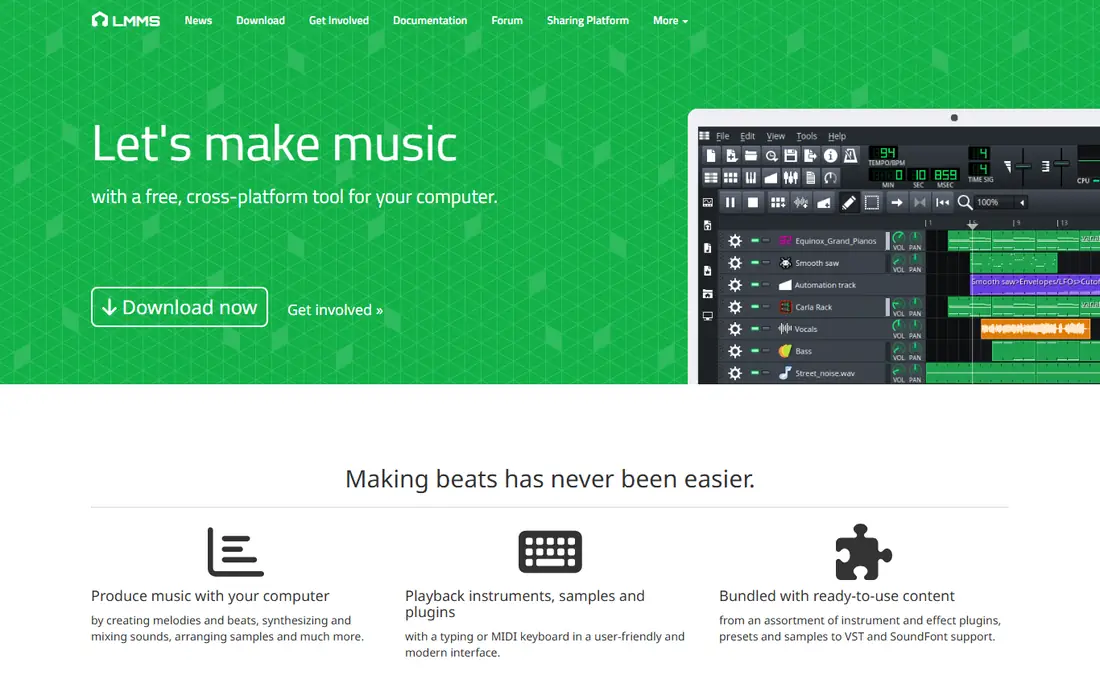
LMMS, short for Linux MultiMedia Studio, is the closest free equivalent to FL Studio's pattern workflow. Its beat and bassline editor lets a producer build drum patterns step by step, while the song editor arranges those patterns into a full track. A piano roll handles melodies, and built-in instruments cover drums, bass, pads, and leads without buying extra plugins. Because LMMS is open source, it runs on Windows, Mac, and Linux at no cost, with no account or subscription required.
The main limit is audio recording. LMMS is built around MIDI and samples rather than multi-track vocal recording, so singers and bands who record live instruments will need another tool for that job. The interface also shows its age, with a layout that feels less polished than Waveform Free or GarageBand. For beatmakers, electronic producers, and students on any system, those limits matter less than the price and the pattern workflow, which is genuinely close to the FL Studio way of working.
What we like- Free and open source on three systems
- Beat and bassline editor for pattern work
- Built-in instruments and effects included
Watch out for- No audio recording in the classic workflow
- Interface looks dated next to newer DAWs
Starting priceFree
Free planYes
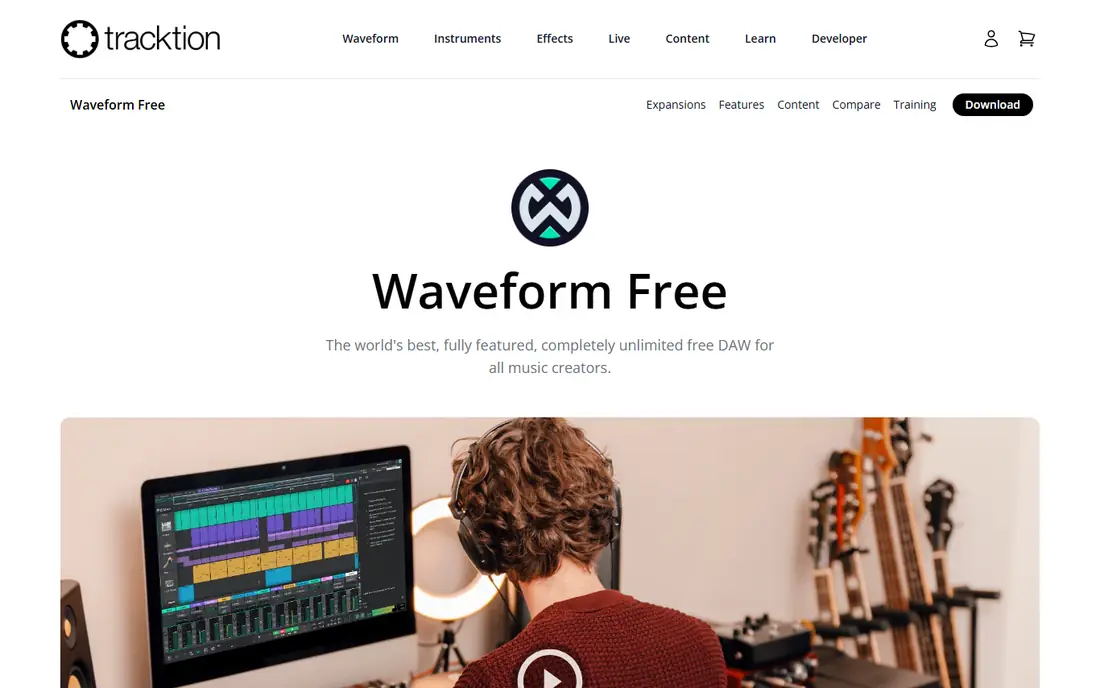
Waveform Free is the free edition of Tracktion's Waveform DAW, and it keeps the full modern interface of the paid version. There are no track limits and no export limits, which sets it apart from many free DAWs that cap a project to push an upgrade. The browser uses tags and smart lists to find samples, presets, and plugins quickly, and drag-and-drop editing makes arranging clips feel direct. Built-in effects include EQ, compression, delay, and reverb, plus MIDI effects and utilities for shaping a track.
Plugin support covers VST and VST3 on Windows and AU on Mac, so most free instruments and effects will load without trouble. Automation, comping for choosing the best take, and multi-track recording are all included. The catch is that Waveform Pro adds extra instruments, advanced editing, and premium content, so a producer who wants a large built-in sound library may still need third-party plugins. For a producer who values a clean, current interface and unlimited tracks, Waveform Free is one of the strongest choices on this list.
What we like- Unlimited tracks with no export limits
- Modern browser and drag-and-drop workflow
- VST, VST3, and AU plugin support
Watch out for- Some advanced features sit in the paid Pro version
- Included sound library is smaller than GarageBand
#4GarageBand
Best for: Mac and iOS beginners4.3/5 on
G2 (277 reviews, checked Oct 2026)
Visit apple.com
Starting priceFree
Free planYes
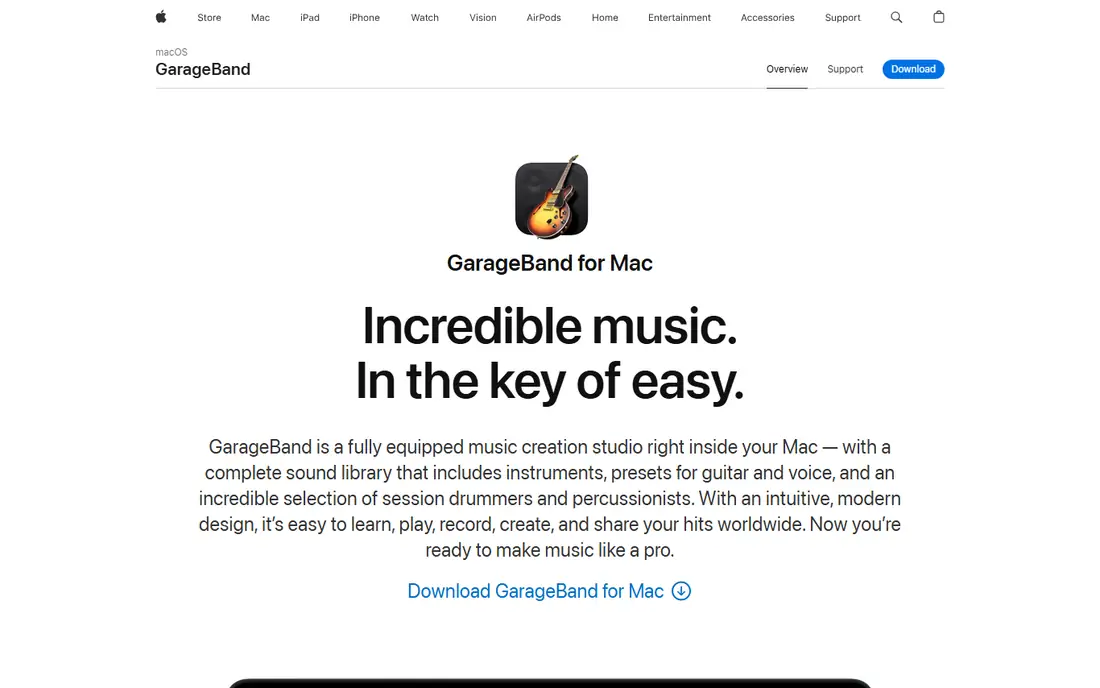
GarageBand is the easiest free DAW to start with, provided you own a Mac, iPhone, or iPad. It comes free with Apple devices and includes a wide library of loops, software instruments, and drummer tracks that can build a song quickly. A beginner can record guitar or vocals, add a virtual drummer, layer keyboards, and mix the result without buying anything or learning a complex mixer first. Lessons for guitar and piano are built in, which helps new musicians as well as new producers.
The workflow also scales. Projects can move to Logic Pro, Apple's professional DAW, when a producer outgrows GarageBand's limits, and many tracks, plugins, and settings carry over. That upgrade path is a real advantage over free DAWs with no paid sibling. The limits are platform and depth. GarageBand runs only on Apple devices, and its mixing, automation, and plugin routing are simpler than Cakewalk or Ardour. For a Mac owner making a first album, an EP, or a set of demos, it is the natural starting point.
What we like- Free with Apple devices
- Large loop and instrument library
- Direct upgrade path to Logic Pro
Watch out for- Mac and iOS only
- Fewer mixing and automation controls than a full pro DAW
#5Ardour
Best for: Recording and mixing on Linux, Mac, and Windows4.1/5 on
G2 (11 reviews, checked Oct 2026)
Visit ardour.org
Starting priceFree
Free planYes
Ardour is a professional-grade DAW built for recording, editing, and mixing real instruments and vocals. It handles multi-track sessions, non-destructive editing, automation, and plugin processing with the depth expected from paid studio software. Engineers use it for bands, podcasts, film sound, and live recording, and its routing flexibility suits complex sessions with many inputs and buses. Because the code is open source, there are no track limits and no subscription lock-in.
The pricing model needs a short explanation. The source code is free, and a free download is available, while ready-to-run binaries on the Ardour site are offered on a pay-what-you-want basis with a subscription option for ongoing builds. Linux users can also install Ardour through their distribution at no cost. That model confuses some first-time users, but it keeps the project funded without a traditional license fee. Ardour is less suited to pattern-based beatmaking than LMMS or FL Studio, and its interface rewards patience. For recording and mixing, it is the most capable free DAW on this list.
What we like- Full multi-track recording and mixing
- Open source code with no track limits
- Plugin support across major formats
Watch out for- Paid binaries can confuse new users
- Learning curve is steep for beginners
Starting priceFree
Free planYes
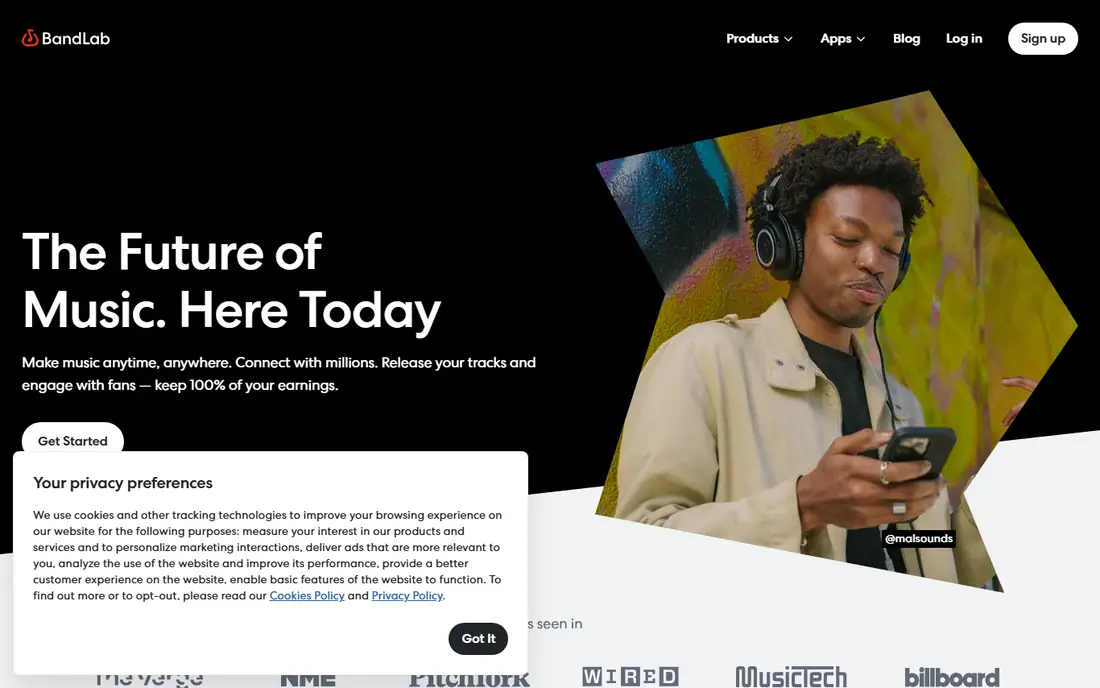
BandLab is a free, browser-based studio that also works as a social platform for musicians. A producer can start a project on a laptop, add loops and virtual instruments, record vocals, and invite another musician to add parts from a different device. Built-in mastering tools polish a finished track, and publishing to the BandLab community takes a few clicks. That combination makes BandLab ideal for collaborators, students on shared computers, and producers who want to sketch ideas anywhere.
The trade-off is depth and dependence on the web. A browser studio cannot match Cakewalk or Ardour for detailed mixing, advanced routing, or large plugin collections, and a weak connection can interrupt work. BandLab also connects to Cakewalk, so a project started in the browser can move to a full desktop DAW later. For a beginner who wants to make music today, share it, and work with friends, BandLab removes every barrier except the need to learn the basics of arrangement and mixing.
What we like- Runs in a browser with no install
- Built-in loops, instruments, and mastering
- Easy collaboration and sharing
Watch out for- Needs an internet connection for full use
- Less deep than a desktop DAW for complex mixing
#7SoundBridge
Best for: Simple beginner beatmaking4.0/5 on
G2 (3 reviews, checked Oct 2026)
Visit soundbridge.io
Starting priceFree
Free planYes
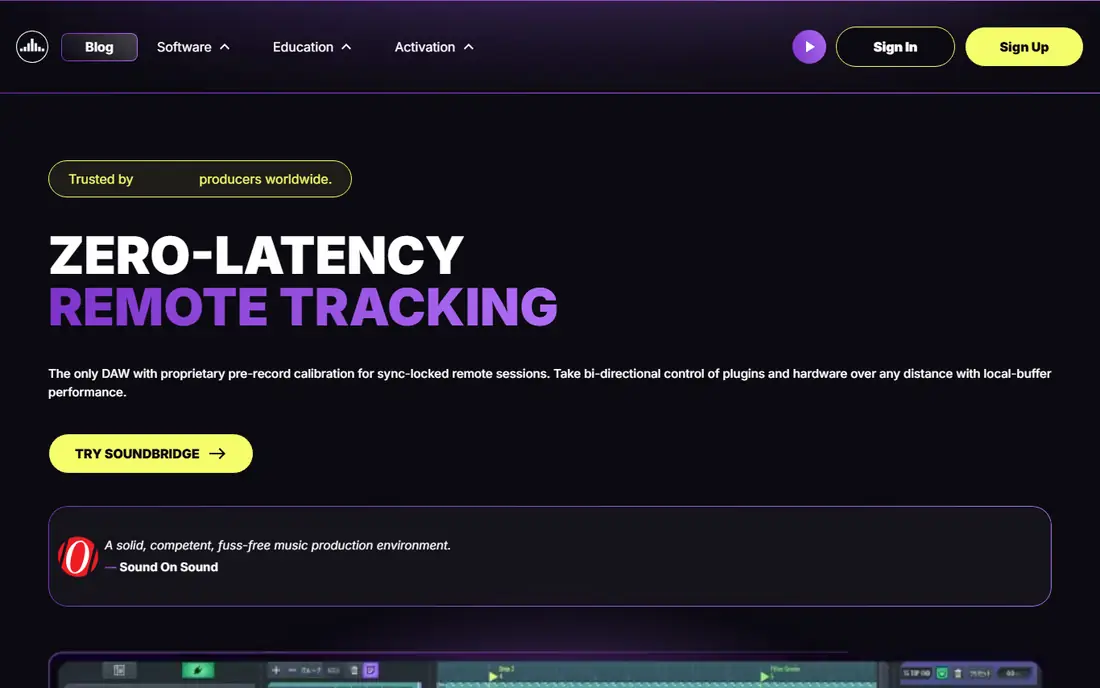
SoundBridge is built for producers who found other DAWs intimidating. The layout is clean, with a clear arrangement view, a mixer, and a piano roll that does not hide common actions behind menus. A built-in drum machine, sampler, and set of instruments let a beginner build a beat without hunting for plugins first. Touch support and MIDI controller support make it usable on tablets and laptops alike, and the free version covers the core workflow from idea to export.
The limits appear as projects grow. SoundBridge has a smaller ecosystem of third-party content and fewer deep editing tools than Cakewalk, Waveform Free, or Ardour, so advanced producers may outgrow it. Its strength is the first year of production, when a simple workflow and fast results matter more than a long feature list. A student or hobbyist who wants to finish songs, not study manuals, will likely make more music in SoundBridge than in a deeper DAW they never fully learn.
What we like- Clean, simple layout for beginners
- Touch support and MIDI controller support
- Built-in drum machine and instruments
Watch out for- Smaller plugin and sound ecosystem than rivals
- Fewer advanced editing tools for large projects
How we chose
We checked each DAW against the same definition: a free tier that records or sequences, edits, mixes, and exports a full song, with real plugin or instrument support. We read vendor pages, documentation, and public reviews on Reddit and music production forums, and we excluded audio editors that cannot sequence MIDI or host virtual instruments. We favored tools with no track or export caps where possible, and we noted platform limits plainly, because a Windows-only or Mac-only DAW is a poor recommendation for the wrong computer.
Picking the right free DAW for your music
Start with your computer, then your music. Windows producers who want full depth should start with Cakewalk. Mac owners should start with GarageBand. Linux producers should start with Ardour or LMMS. Beatmakers on any system should try LMMS first, while producers who want a modern interface should try Waveform Free. If collaboration or a shared computer matters most, BandLab is the practical answer.
Check plugins and sounds before you commit
A DAW is only as useful as the sounds it can load. Check VST3 support on Windows, AU support on Mac, and whether the included instruments cover your genre. Free plugin collections can fill most gaps, but a DAW that cannot load your favorite synth will frustrate you quickly. Also check export formats, because a DAW that exports only compressed audio will limit later mastering.
Plan for growth
Free does not have to mean temporary. Cakewalk, Ardour, and Waveform Free can handle serious projects, and GarageBand projects move to Logic Pro. LMMS and SoundBridge are better as learning tools that may lead to a paid DAW later. Choose a tool you can grow with for at least a year, so your project files and skills do not need rebuilding.
Learn one workflow well
Switching DAWs every month slows progress more than any missing feature. Pick one tool from this list, finish three complete songs in it, and learn its mixer, piano roll, and export settings. That finished work teaches more than comparing feature lists, and it shows which limits actually affect your music.
Frequently asked questions
Is there a completely free alternative to FL Studio?
Yes. Cakewalk by BandLab, LMMS, Waveform Free, GarageBand, Ardour, BandLab, and SoundBridge all offer genuinely free tiers that cover recording, sequencing, mixing, and export. None of them is an exact copy of FL Studio, but each covers the core production workflow. Cakewalk is closest for Windows depth, while LMMS is closest for pattern-based beatmaking.
Can I make professional music with a free DAW?
Yes, provided the DAW supports the recording, editing, and mixing your project needs. Free DAWs have been used for released music, demos, and soundtracks. The main limits are usually the included sound library, plugin collection, and mixing depth, not audio quality. Good songs, clean recordings, and careful mixing matter more than the price of the software.
Why is Audacity not on this list?
Audacity is a strong free audio editor for recording, cutting, and cleaning up audio, but it is not a DAW. It does not offer MIDI sequencing, virtual instruments, pattern arrangement, or a full mixer in the way FL Studio and the tools above do. A producer who only needs to edit voice or podcast audio should use Audacity, but a producer making beats needs a DAW from this list.
Which free DAW is best for beginners?
GarageBand is best for Mac and iOS beginners, because its loops and instruments make a first song fast. SoundBridge is best for Windows beginners who want a simple layout. BandLab is best for beginners who want to collaborate or work in a browser. Try the one that matches your device first, and judge it by how quickly you finish a song.
Do free DAWs support VST plugins?
Most do, with differences by system. Cakewalk, Waveform Free, LMMS, Ardour, and SoundBridge support VST plugins on Windows, and Waveform Free and Ardour also support AU plugins on Mac. GarageBand supports AU plugins on Mac. BandLab works mainly with its built-in sounds in the browser. Check the plugin format for your system before building a large collection.
Can I switch from a free DAW to FL Studio later?
Yes. Skills transfer well, because piano rolls, mixers, automation, and arrangement work in similar ways across DAWs. Project files usually do not transfer directly, so export audio stems and MIDI files from finished projects if you plan to move them. Many producers keep a free DAW for sketching even after buying FL Studio.
Sources we checked (7)
- https://www.bandlab.com/products/cakewalk
- https://lmms.io/download
- https://www.tracktion.com/products/waveform-free
- https://www.apple.com/mac/garageband
- https://ardour.org/download
- https://www.bandlab.com
- https://soundbridge.io/download
Is your product missing or out of date?
We review this list regularly. Vendors can request a listing, send updated pricing or ask about featured placement.

Shihab Mia · Founder, Rankite
Shihab has 5+ years in B2B and SaaS SEO. He writes Rankite's software buying guides from pricing pages, documentation and public user reviews. More about Shihab.