How we make this list: we compare pricing pages, product documentation and public user reviews. Ratings come from G2, Capterra or Trustpilot, with the date we checked them.
Key takeaways
- React Native is the closest Flutter rival for most product teams, especially those with JavaScript experience.
- Kotlin Multiplatform suits teams that want shared logic with fully native interfaces on each platform.
- .NET MAUI fits Microsoft shops that already use C# and Azure services.
- Ionic and Capacitor get web teams onto mobile fastest, with a trade-off in native feel for complex apps.
- Expo lowers the React Native learning curve, while NativeScript and Cordova serve narrower, well-defined needs.
Quick comparison
Is your product missing or out of date?
We review this list regularly. Vendors can request a listing, send updated pricing or ask about featured placement.
The best Flutter alternatives
Starting priceFree
Free planYes
React Native lets JavaScript and TypeScript teams build iOS and Android apps from one codebase using native components. That native rendering gives apps a familiar feel on each platform, and the npm ecosystem provides libraries for navigation, storage, maps, and payments. Hiring is also easier than for Dart, since JavaScript developers are widely available and many already know React. The new architecture improvements in recent years have closed much of the performance gap that older React Native versions showed.
The trade-off appears in highly custom animation and graphics work, where teams may still write native modules. Dependency management also needs attention, since React Native versions, libraries, and native toolchains must stay in step. For a typical consumer or business app, though, React Native is the most proven Flutter alternative, with a long production history at large companies.
What we like- Largest JavaScript mobile ecosystem
- Native components
- Huge hiring pool
Watch out for- Complex animations need native work
- Dependency updates require care
Starting priceFree
Free planYes
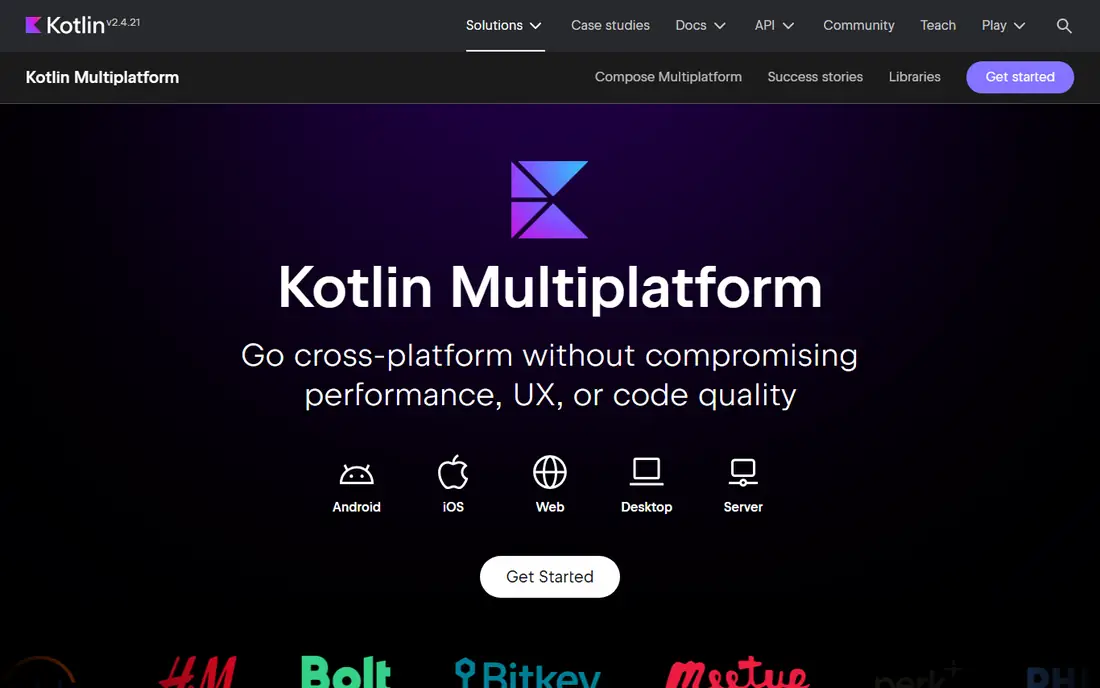
Kotlin Multiplatform takes a different view from Flutter. Instead of sharing the interface, it shares business logic, networking, and data code, while each platform keeps its own native interface. That approach suits teams that care deeply about platform conventions, such as iOS design patterns and Android Material patterns, and that want native performance without duplicating logic. Android teams already using Kotlin get a gentle start, since the language and tooling are familiar.
The cost is duplicate UI work. A team must still build and maintain two interfaces, even if the logic underneath is shared. iOS support has improved steadily, but the tooling and library coverage are not as mature as the Android side. Kotlin Multiplatform fits enterprise and fintech teams that prioritise native UX and already have native developers, rather than small teams that want one interface for everything.
What we like- Shares business logic across platforms
- Keeps fully native UI
- Strong for Android-first teams
Watch out for- Requires separate UI work per platform
- IOS tooling is less mature than Android tooling
Starting priceFree
Free planYes
.NET MAUI, the successor to Xamarin.Forms, lets C# developers build Android, iOS, macOS, and Windows apps from one codebase. Teams that already use .NET for back ends, Azure services, and Windows apps get a consistent stack and shared code across client and server. Visual Studio tooling, debugging, and deployment support are strong, which helps larger organisations standardise on Microsoft technology.
The mobile community is smaller than Flutter or React Native, so third-party libraries and community answers are thinner for unusual mobile features. Custom interface work can also take more effort than in Flutter, where the rendering engine gives pixel-level control. For a Microsoft-centric organisation, those limits are often outweighed by the shared language, tooling, and hiring pool. For a startup with no .NET history, a more mobile-focused framework is usually simpler.
What we like- Single C# codebase for mobile and desktop
- Strong Visual Studio tooling
- Azure integration
Watch out for- Smaller mobile community than Flutter or React Native
- UI customisation can be fiddly
Starting priceFree
Free planYes
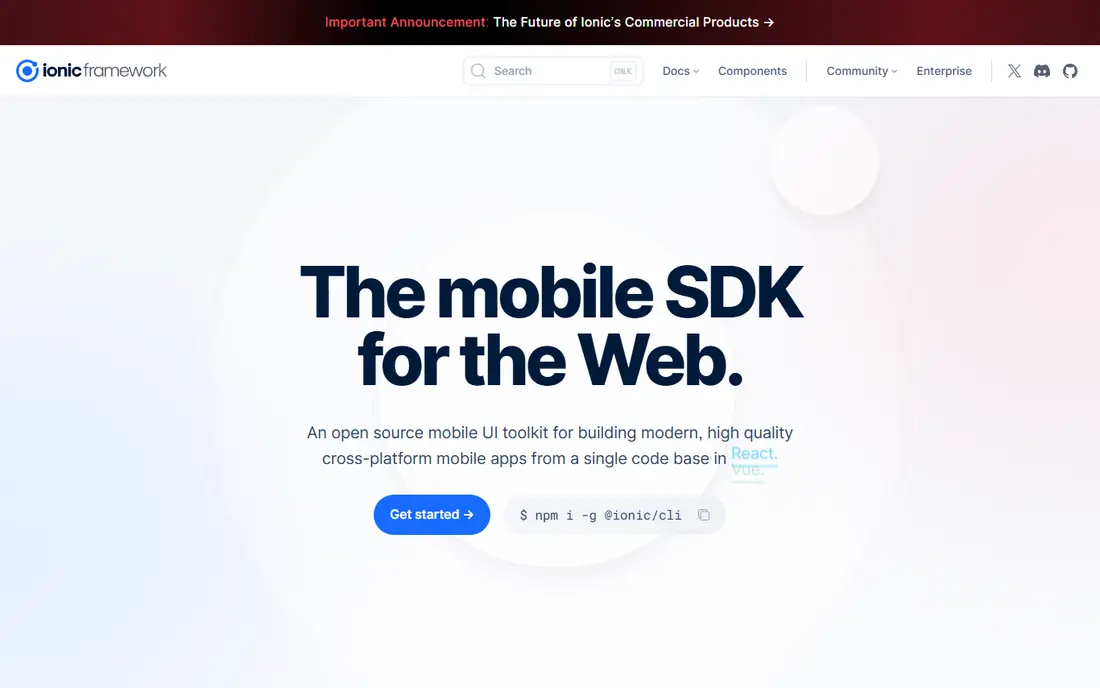
Ionic builds mobile apps from web technologies, using HTML, CSS, and JavaScript inside a native shell. A web team can move to mobile without learning Dart or native languages, and the same code can also ship as a web app. The component library covers common mobile patterns, and integration with Angular, React, or Vue means most web teams already know the surrounding framework. Prototyping is fast, which helps for internal tools, MVPs, and content apps.
Performance is the main limit. Apps that need heavy animation, complex gestures, or intensive graphics may feel less fluid than a Flutter or native app, because the interface runs in a WebView. Careful design and native plugins close much of the gap for ordinary business apps, but not for games or highly interactive products. Ionic fits teams that value speed and web skills over maximum native performance.
What we like- Uses web skills directly
- Works with Angular, React, and Vue
- Fast prototyping
Watch out for- WebView performance limits for heavy apps
- Native feel depends on careful design
Starting priceFree
Free planYes
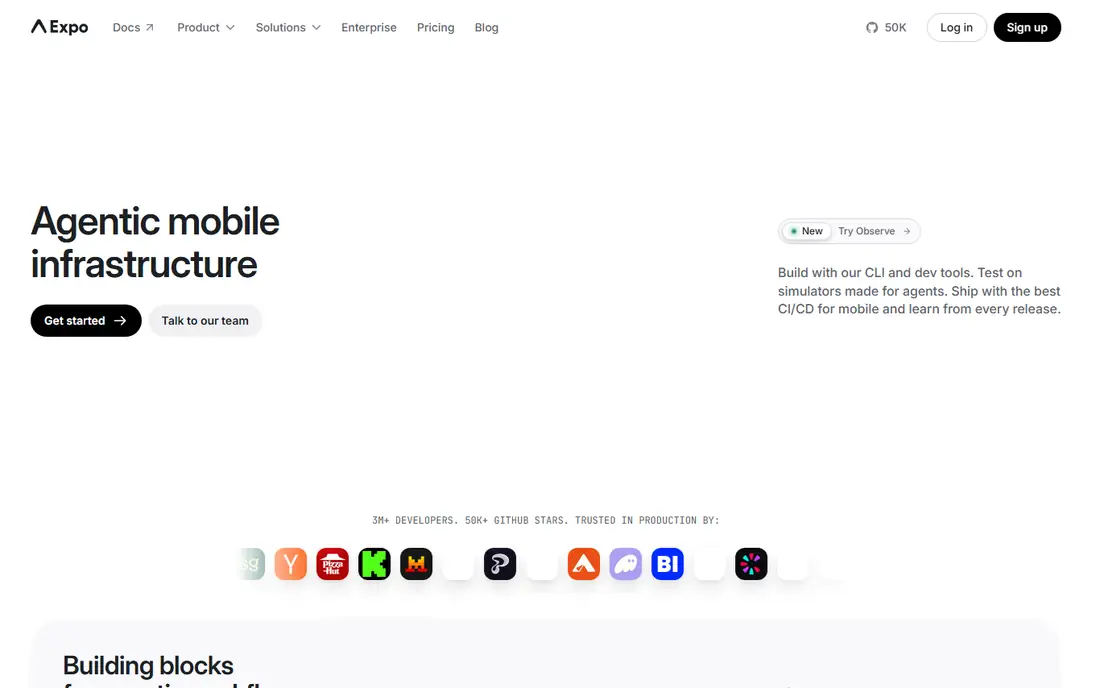
Expo is a set of tools and services built around React Native, rather than a separate framework. It handles app builds, updates, and common native features through a managed workflow, so a team can ship an app without setting up Xcode and Android Studio in depth. Over-the-air updates through its update service let teams fix JavaScript-side issues without a full store release, which speeds up iteration for many products.
The managed workflow has limits. Features that need custom native code may require moving to the bare workflow, where the team manages native projects directly. That step is well documented, but it adds the complexity Expo initially removed. Expo suits startups, MVPs, and small teams that want React Native speed with less native setup, and it remains useful for larger teams that stay within its supported feature set.
What we like- Managed workflow and over-the-air updates
- Easy builds
- Large React Native ecosystem
Watch out for- Some native modules need ejecting to bare workflow
- Advanced native work adds complexity
Starting priceFree
Free planYes
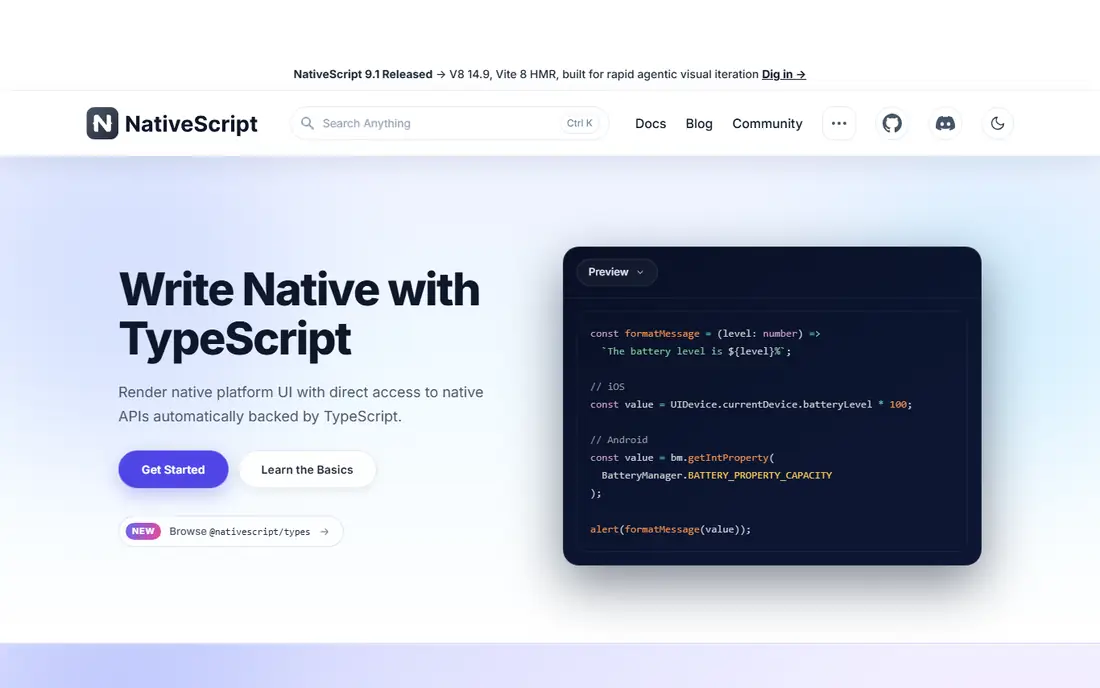
NativeScript lets JavaScript and TypeScript developers build native iOS and Android apps with direct access to device APIs, without a WebView. The interface uses native components, so apps feel at home on each platform, and developers can call native APIs from JavaScript when a plugin does not exist. Support for Angular and Vue gives web teams a familiar structure, while plain TypeScript suits teams that prefer a lighter setup.
The community is smaller than React Native, which means fewer plugins, fewer tutorials, and slower answers for edge cases. Teams may need to write more native bridges themselves for unusual hardware features. NativeScript fits teams that want native UI and direct API access from JavaScript, and that are comfortable with a smaller ecosystem in exchange for that control.
What we like- Direct access to native APIs from JavaScript
- Truly native UI
- Works with Angular, Vue, and plain TypeScript
Watch out for- Smaller community
- Fewer ready-made plugins than React Native
Starting priceFree
Free planYes
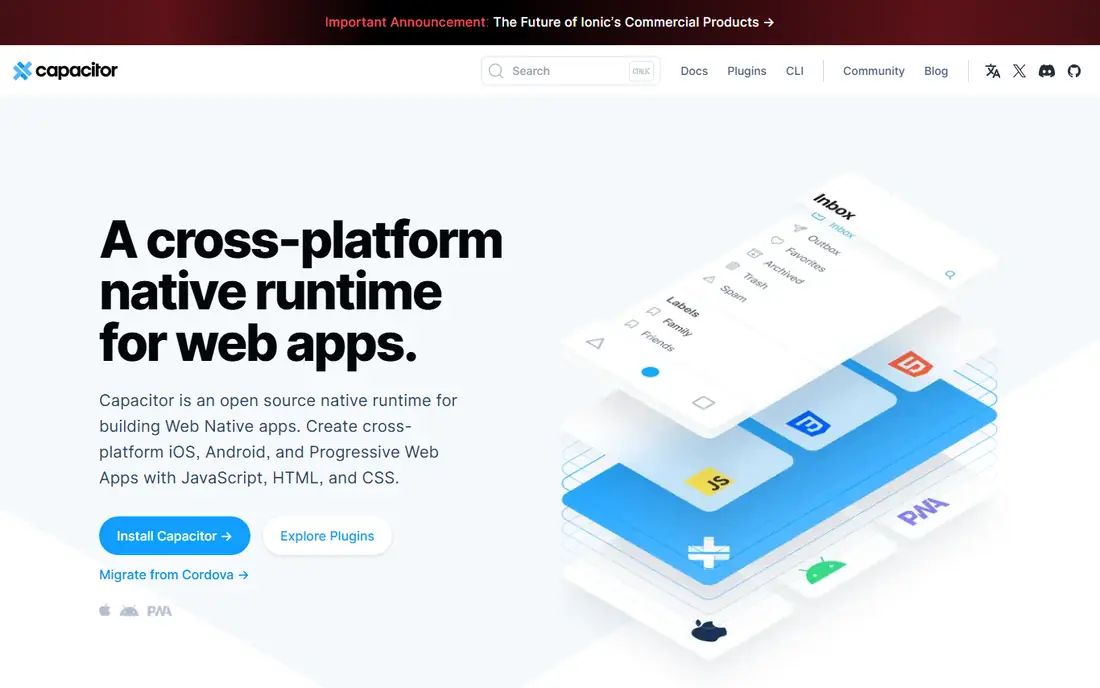
Capacitor, from the Ionic team, packages a web app as a native iOS, Android, or desktop app and exposes device features through plugins. A team with an existing web app can ship a mobile version with much of the same code, adding native features such as camera, push notifications, and file access where needed. The plugin system is modern and well documented, and Capacitor works with any web framework, not only Ionic.
As with Ionic, the interface runs in a WebView, so performance and native feel depend on how the web app is built. Heavy animation and complex gestures need care, and app store reviewers expect a mobile-quality experience, not a wrapped website. Capacitor fits teams that already have a strong web app and want a mobile presence without rebuilding the product, especially for content, commerce, and business tools.
What we like- Turns a web app into a native app
- Modern plugin system
- Works with any web framework
Watch out for- Interface runs in a WebView
- Native polish needs extra work
Starting priceFree
Free planYes
Apache Cordova is the older hybrid framework that Ionic and Capacitor grew out of. It wraps a web app in a native container and exposes device features through plugins, with a long history of community plugins for common needs. For a simple app, such as an internal tool or a content app with basic device features, Cordova still works and costs little to start. Its documentation and plugin registry cover many legacy use cases.
The architecture is older than Capacitor, and community attention has moved toward newer tools. Performance limits are similar to other WebView approaches, and new platform features may arrive later than in actively developed frameworks. Cordova fits maintenance of an existing Cordova app, or a very simple new app where the team already knows it. New projects usually benefit from Capacitor instead, unless a specific Cordova plugin is required.
What we like- Long history and wide plugin range
- Simple packaging for web apps
- Low cost to start
Watch out for- Older architecture
- Performance limits
- Community focus has shifted to Capacitor
How we chose
We compared frameworks on codebase sharing, language fit, native performance, ecosystem size, and hiring reality. We checked each vendor homepage and documentation, noted whether the tool shares UI, logic, or both, and weighed maturity and community support. We also considered desktop and web reach, since Flutter covers more than mobile alone. No hands-on testing is claimed here. All tools listed are free and open source at the core, with paid services optional for builds, updates, or support.
Picking a Flutter alternative for your team
Start with your team, not the feature list. A JavaScript team will move fastest with React Native or Expo, while a Kotlin team will feel at home with Kotlin Multiplatform. A C# team should weigh .NET MAUI before learning a new language, and a web team should test Ionic or Capacitor on a real prototype before committing. The fastest framework on paper is rarely the fastest for a team that must learn its language and tooling from scratch.
Test performance on a real screen
Build one demanding screen early, such as a long list with images, a map view, or a custom animation, and run it on a mid-range phone. Marketing demos often use flagship devices and simple screens, which hide WebView and rendering limits. A prototype that feels good on a modest device gives a far better signal than a feature table.
Plan for store releases and updates
Check how each tool handles app store builds, signing, and updates. Expo simplifies builds and over-the-air updates, while bare React Native, NativeScript, and .NET MAUI give more control at the cost of more setup. A team that ships weekly will feel that difference quickly, so factor release workflow into the choice, not only coding speed.
Think about hiring in two years
A framework choice is also a hiring choice. React Native and .NET MAUI draw on large language communities, while Dart and Kotlin Multiplatform pools are smaller but growing. Consider who will maintain the app after the first team moves on, and whether local hiring or remote hiring makes that pool realistic for your budget.
Frequently asked questions
What is the best alternative to Flutter?
React Native is the best general alternative for most teams, thanks to its ecosystem, hiring pool, and production history. Kotlin Multiplatform suits teams that want native UI with shared logic, while .NET MAUI suits Microsoft shops and Ionic suits web teams.
Is React Native faster than Flutter?
Performance depends on the app. Flutter often wins for custom animation and pixel-level UI control, while modern React Native is close for typical business and consumer apps. Test a demanding screen on a mid-range device before deciding on performance grounds alone.
Can I use Kotlin Multiplatform for the whole app?
Kotlin Multiplatform shares logic, data, and networking, but the interface is usually built separately for iOS and Android. That gives native UX at the cost of duplicate UI work. Teams that want one shared interface should look at Flutter, React Native, or .NET MAUI instead.
Do I need native developers for these alternatives?
Not always, but native knowledge helps. React Native, Expo, Ionic, and Capacitor let web and JavaScript developers ship apps, while Kotlin Multiplatform and .NET MAUI benefit from native or platform experience. Budget for native help when the app needs unusual hardware features or deep platform integration.
Is Expo the same as React Native?
Expo is built on React Native and adds tooling, builds, and update services around it. Apps built with Expo are React Native apps, with a managed workflow that simplifies setup. Teams can move to the bare React Native workflow when they need custom native code.
Which alternative is cheapest to start?
All eight tools are free and open source at the core, so the main cost is developer time. Expo and Ionic usually start fastest for small teams, while Kotlin Multiplatform and .NET MAUI may cost more upfront if the team must learn new tooling or build two interfaces.
Sources we checked (8)
- https://reactnative.dev
- https://kotlinlang.org/lp/multiplatform/
- https://dotnet.microsoft.com/en-us/apps/maui
- https://ionicframework.com
- https://expo.dev
- https://nativescript.org
- https://capacitorjs.com
- https://cordova.apache.org
Is your product missing or out of date?
We review this list regularly. Vendors can request a listing, send updated pricing or ask about featured placement.

Shihab Mia · Founder, Rankite
Shihab has 5+ years in B2B and SaaS SEO. He writes Rankite's software buying guides from pricing pages, documentation and public user reviews. More about Shihab.
 React Native
 Kotlin Multiplatform
 .NET MAUI
 Ionic
Ionic Expo
Expo NativeScript
 Capacitor
 Apache Cordova