How we make this list: we compare pricing pages, product documentation and public user reviews. Ratings come from G2, Capterra or Trustpilot, with the date we checked them.
Key takeaways
- Firecrawl charges $16 per month billed annually for 5,000 credits at one credit per page, with JSON output costing 4 extra credits per page.
- Credit math hides the real price: JavaScript rendering costs 5 to 10 times more on some APIs, and protected sites add per-request surcharges.
- Crawl4AI is free and open source for self-hosted crawling, while Apify offers the largest marketplace of ready-made scrapers.
- Bright Data and Oxylabs lead for protected sites at enterprise scale, where unblocking matters more than headline price.
Quick comparison
| Tool | Best for | Starting price | Free plan |
|---|
 Apify Apify | Ready-made scrapers and automation | $29 per month | Yes |
 Bright Data Bright Data | Protected sites at enterprise scale | See website | Yes |
 Oxylabs Oxylabs | E-commerce and SERP data | $30 per month | Yes |
 Zyte Zyte | Pay-as-you-go at scale | $0 | Yes |
 ScrapingBee ScrapingBee | Beginners and Python users | $19 per month | Yes |
 ScraperAPI ScraperAPI | Budget general scraping | $49 per month | Yes |
 Crawl4AI Crawl4AI | Free self-hosted crawling | $0 | Yes |
 Jina AI Reader Jina AI Reader | Free URL-to-text for AI apps | $0 | Yes |
Is your product missing or out of date?
We review this list regularly. Vendors can request a listing, send updated pricing or ask about featured placement.
The best firecrawl alternatives
#1Apify
Best for: Ready-made scrapers and automation4.7/5 on
G2 (669 reviews, checked Oct 2026)
Visit apify.com
Starting price$29 per month
Free planYes
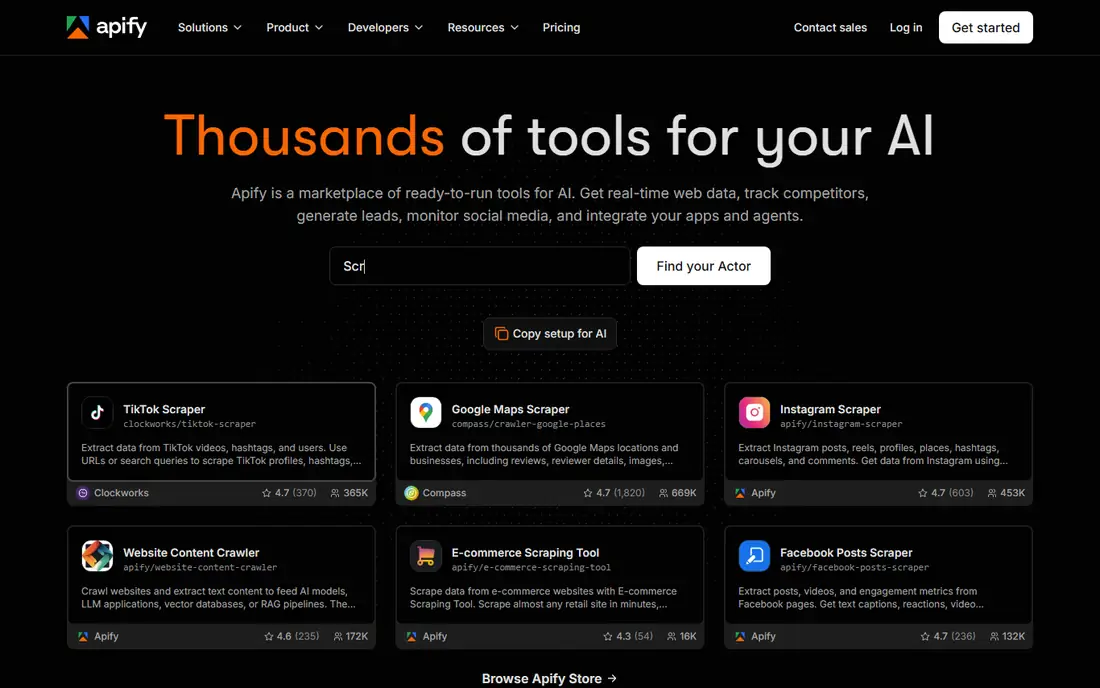
Apify is the marketplace pick. Thousands of prebuilt actors cover Amazon, Google Maps, Instagram, TikTok, and hundreds of other targets, so many teams never write a scraper at all. JavaScript rendering comes included, scheduling and automation run natively, and outputs export to JSON, CSV, and Excel. Paid plans start at $29 per month, with a $5 monthly usage credit on the free tier.
Cost varies by actor and compute units, so budgeting needs a test run against your actual targets, and custom actors take learning. For teams that want ready-made scrapers plus automation in one platform, Apify is the most complete Firecrawl alternative.
What we like- Thousands of prebuilt actors
- JavaScript rendering included
- Scheduling and automation built in
Watch out for- Cost varies by actor and compute units
- Learning curve for custom actors
- $29 entry is mid-range
#2Bright Data
Best for: Protected sites at enterprise scale4.6/5 on
G2 (272 reviews, checked Oct 2026)
Visit brightdata.com
Starting priceSee website
Free planYes
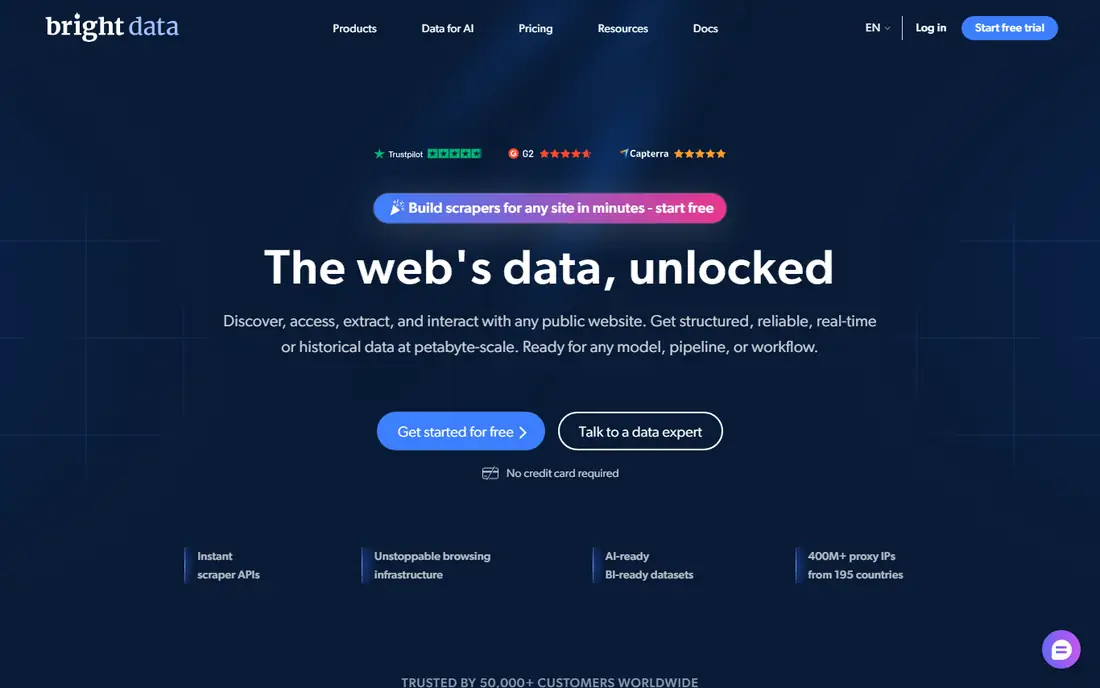
Bright Data leads for protected sites at enterprise scale, with a residential IP network in the hundreds of millions and infrastructure built for blocks and anti-bot systems. Pay-as-you-go starts at $1.50 per 1,000 requests, with a free trial, and JavaScript rendering comes included. For teams scraping heavily protected targets at volume, nothing else in this group matches its unblocking depth.
The $499 per month Growth minimum applies per product, so using two products means two minimums, and enterprise pricing complexity needs a sales conversation. For simple public pages, Bright Data is overkill. For protected enterprise scraping, it is the standard.
What we like- Huge residential IP network
- Built for blocks and anti-bot systems
- Pay-as-you-go from $1.50 per 1,000 requests
Watch out for- $499 per month Growth minimum per product
- Enterprise pricing complexity
- Overkill for simple scraping
#3Oxylabs
Best for: E-commerce and SERP data4.5/5 on
G2 (420 reviews, checked Oct 2026)
Visit oxylabs.io
Starting price$30 per month
Free planYes
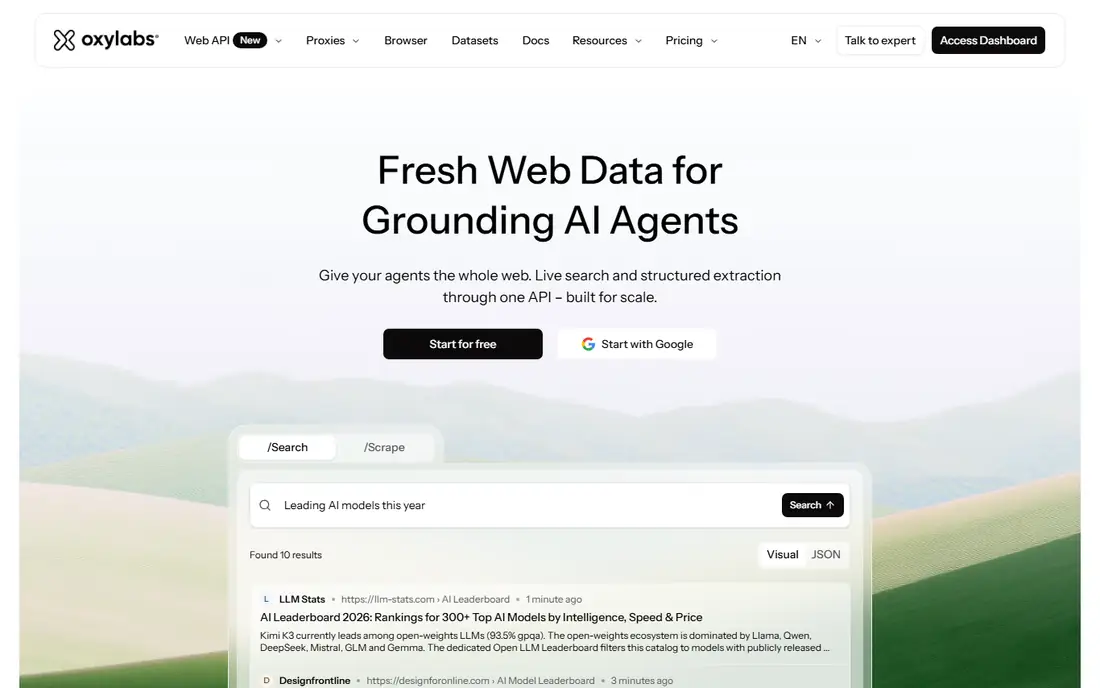
Oxylabs suits e-commerce and search data teams with target-specific endpoints and an AI unblocker backed by a large IP network. Starter plans start at $30 per month with a $5 welcome credit, and dedicated SERP endpoints return structured search results without building a parser. For price tracking, product data, and search monitoring, Oxylabs is a strong specialist pick.
JavaScript rendering costs 1.5 times on custom domains, and pricing varies by target, so test your actual domains before budgeting. For e-commerce and SERP workloads, Oxylabs balances price and unblocking well.
What we like- Large IP network with AI unblocker
- Target-specific endpoints for e-commerce and SERP
- $5 welcome credit
Watch out for- JavaScript costs 1.5 times on custom domains
- Pricing varies by target
- Enterprise features gated
#4Zyte
Best for: Pay-as-you-go at scale4.4/5 on
G2 (122 reviews, checked Oct 2026)
Visit zyte.com
Starting price$0
Free planYes
Zyte offers pay-as-you-go scraping with no minimum spend and a $5 trial credit lasting 30 days, which suits teams that scrape irregularly or at variable volume. Plain HTTP requests start from $0.13 per 1,000, and you pay per success rather than per attempt. For large-scale jobs with uneven schedules, the lack of a monthly minimum is a real advantage.
JavaScript rates run about 8 to 13 times plain rates by tier, so rendered pages cost far more than the headline suggests, and enterprise features sit behind higher tiers. For pay-as-you-go scale on mostly plain pages, Zyte is the most flexible option here.
What we like- No minimum spend
- Pay per success
- Separate rates for plain and rendered pages
Watch out for- JavaScript rates run 8 to 13 times plain rates by tier
- $5 trial credit lasts 30 days
- Enterprise features gated
Starting price$19 per month
Free planYes
ScrapingBee is the beginner pick, with simple parameters, many tutorials, and JavaScript rendering on by default. The cheapest plan now runs $19 per month for 75,000 credits, down from $49 historically, with 1,000 free trial credits and no card required. Outputs cover HTML, JSON, and CSV, and Python users find the most examples for this API.
JavaScript costs 5 times base credits, so rendered pages burn credits fast, and stealth proxy use pushes effective cost to about $14.70 per 1,000 pages in benchmarks. For first scrapers and simple jobs, ScrapingBee is the easiest start. For heavy JavaScript work, compare Decodo or Zyte first.
What we like- Simple parameters and many tutorials
- JavaScript on by default
- 1,000 free trial credits
Watch out for- JavaScript costs 5 times base credits
- Cheapest plan now $19 for 75,000 credits
- Stealth proxy costs far more
Starting price$49 per month
Free planYes
ScraperAPI offers the lowest simple headline rate in this group, with Hobby at $49 per month for 100,000 credits, or $0.49 per 1,000 standard requests. Benchmark latency ranked third fastest among sixteen APIs tested, with an 84% success rate, and the credit table is clear. A free plan carries 1,000 credits, and a 7-day trial adds 5,000.
The real cost depends on targets: a standard page costs 1 credit, Amazon 5, Google and Bing 25, LinkedIn 30, and JavaScript rendering adds 10, while Cloudflare-protected pages add 10 more. ScraperAPI also charges for 200 and 404 responses. For easy public targets at volume, ScraperAPI is the budget winner. For protected targets, the surcharges erase the advantage.
What we like- Lowest simple headline rate here
- Fast benchmark latency
- Clear credit table
Watch out for- JavaScript adds 10 credits
- Protected sites add 10 to 30 credits
- Charges for 200 and 404 responses
Starting price$0
Free planYes
Crawl4AI is the free open-source pick for teams that self-host. It runs locally with no API cost, outputs clean markdown for AI pipelines, and includes AI extraction for structured data. For teams with infrastructure skills and privacy requirements that rule out third-party APIs, Crawl4AI removes vendor lock-in entirely.
Production total cost runs near $4.85 per 1,000 pages once compute and proxy costs are included, and self-hosting adds maintenance for browsers, proxies, and anti-bot handling. For controlled, private, or budget-sensitive crawling, Crawl4AI is the best free option.
What we like- Free and open source
- Local-first, no API cost
- AI extraction and markdown output
Watch out for- You pay infrastructure and proxy costs
- Production total cost near $4.85 per 1,000 pages
- Self-hosting maintenance
#8
Jina AI Reader
Best for: Free URL-to-text for AI apps
Visit jina.ai
Starting price$0
Free planYes
Jina AI Reader is the simplest tool here: send a URL and get clean text back, ready for AI apps and retrieval pipelines. The free tier is rate-limited but genuinely free, and paid plans are token-metered. For prototypes, single-page fetches, and AI apps that need text from a handful of pages, Jina Reader needs no setup at all.
Rate limits rule out large-scale crawling, and there are no crawl, scheduling, or marketplace features. For bulk jobs, pick Apify or Crawl4AI instead. For quick URL-to-text, Jina Reader is unbeatable on simplicity.
What we like- Free rate-limited tier
- Simplest possible API
- Clean text output for AI apps
Watch out for- Rate limits on free tier
- Token-metered paid plans
- No crawling or large-scale features
How we chose
We compared credit models, JavaScript multipliers, free tiers, output formats, and unblocking strength for each tool, then checked them against recent scraping API benchmarks with prices read from vendor pages in October 2026. Tools made the list only if developers can scrape or crawl today with a published free tier or entry price. Where published figures conflicted across sources, we used the most recent verified figure and flagged the range. We also weighed effective cost per 1,000 successful pages rather than headline credits, since retries, rendering multipliers, and add-on costs decide the real bill.
Model your real pages before choosing
Credit-based pricing rarely matches headline numbers. One credit per page hides retries, rendering multipliers, and add-on costs, so model your actual workload before committing. Count how many of your pages need JavaScript rendering, how many sit behind bot protection, and how many retries your targets typically need, then price each API at those multipliers. A tool that looks cheap at 1 credit per plain page can cost 10 times more on rendered, protected pages.
Also separate scraping from crawling. Firecrawl bundles scrape, crawl, and search in one SDK, while some rivals excel at single-page scraping but lack crawl depth. If your job is a recurring crawl of dozens of sites on a schedule, with some behind logins, an extraction-first tool strains, and a platform like Apify or a self-hosted Crawl4AI setup fits better. Match the tool to the job shape, not just the price list.
Frequently asked questions
How does Firecrawl itself price scraping?
Firecrawl charges $16 per month billed annually, or $19 monthly, for 5,000 credits at one credit per page, with a free tier of 1,000 pages per month and no card required. JSON output costs 4 extra credits per page, so structured extraction costs five times the base rate. Firecrawl bundles scrape, crawl, and search in one SDK with a large ecosystem.
Which Firecrawl alternative is cheapest?
Crawl4AI is free as software for self-hosted crawling, though infrastructure and proxy costs run near $4.85 per 1,000 pages in production. For hosted APIs, ScraperAPI offers the lowest simple headline rate at $0.49 per 1,000 standard requests, while Decodo and Zyte win for JavaScript-heavy and pay-as-you-go workloads respectively. Model your real pages before deciding.
Do I need to worry about scraping legality?
Yes. Scrape only public data, respect robots.txt and terms of service, and avoid personal data, copyrighted content behind paywalls, and login-protected areas without permission. Enterprise tools like Bright Data and Oxylabs build compliance features in, but legal responsibility stays with you. When in doubt, get legal advice before scraping a target at scale.
What is the best Firecrawl alternative for AI pipelines?
Crawl4AI and Jina AI Reader both output clean markdown for AI and retrieval pipelines, with Crawl4AI offering self-hosted control and Jina Reader offering zero-setup simplicity. Apify adds scheduling and automation for recurring AI data jobs. Choose Crawl4AI for private pipelines, Jina Reader for prototypes, and Apify for production schedules.
How do I handle sites behind bot protection?
Use an API with unblocking built in, like Bright Data or Oxylabs, rather than fighting bot checks yourself. Expect higher costs: protected pages add 10 to 30 credits on ScraperAPI and similar surcharges elsewhere. For a few protected targets, a specialist unblocker beats a general scraper, while for mostly public targets, a budget API wins.
Sources we checked (8)
- https://www.apify.com
- https://www.brightdata.com
- https://www.oxylabs.io
- https://www.zyte.com
- https://www.scrapingbee.com
- https://www.scraperapi.com
- https://www.crawl4ai.com
- https://www.jina.ai
Is your product missing or out of date?
We review this list regularly. Vendors can request a listing, send updated pricing or ask about featured placement.

Shihab Mia · Founder, Rankite
Shihab has 5+ years in B2B and SaaS SEO. He writes Rankite's software buying guides from pricing pages, documentation and public user reviews. More about Shihab.