How we make this list: we compare pricing pages, product documentation and public user reviews. Ratings come from G2, Capterra or Trustpilot, with the date we checked them.
Key takeaways
- Airtable is the easiest switch for teams that think in spreadsheets and want a modern web interface fast.
- Zoho Creator and Knack suit business users who need portals, workflows, and mobile apps without hiring developers.
- Caspio is the pick for regulated industries, with certified HIPAA, SOC 2 Type II, and GDPR compliance plus unlimited users.
- Microsoft Power Apps wins for companies already on Microsoft 365, with Dataverse and a $20 per user per month Premium plan.
- Budibase is the open-source option for teams that want to self-host and keep full control of their data.
Quick comparison
| Tool | Best for | Starting price | Free plan |
|---|
 Airtable Airtable | Spreadsheet-style databases | See website | Yes |
 Zoho Creator Zoho Creator | Business apps and portals | See website | Yes |
 Caspio Caspio | Regulated industries | $300/month | Free trial (14 days) |
 Knack Knack | No-code web apps | See website | Free trial |
 Ninox Ninox | Custom relational databases | See website | Free trial |
 Microsoft Power Apps Microsoft Power Apps | Microsoft 365 shops | $20 per user/month | Yes |
 AppSheet AppSheet | Spreadsheet-to-app building | See website | Free trial |
 Budibase Budibase | Self-hosted internal tools | See website | Yes |
Is your product missing or out of date?
We review this list regularly. Vendors can request a listing, send updated pricing or ask about featured placement.
The best low-code database app builders
#1Airtable
Best for: Spreadsheet-style databases4.6/5 on
G2 (3,300 reviews, checked Oct 2026)
Visit airtable.com
Starting priceSee website
Free planYes
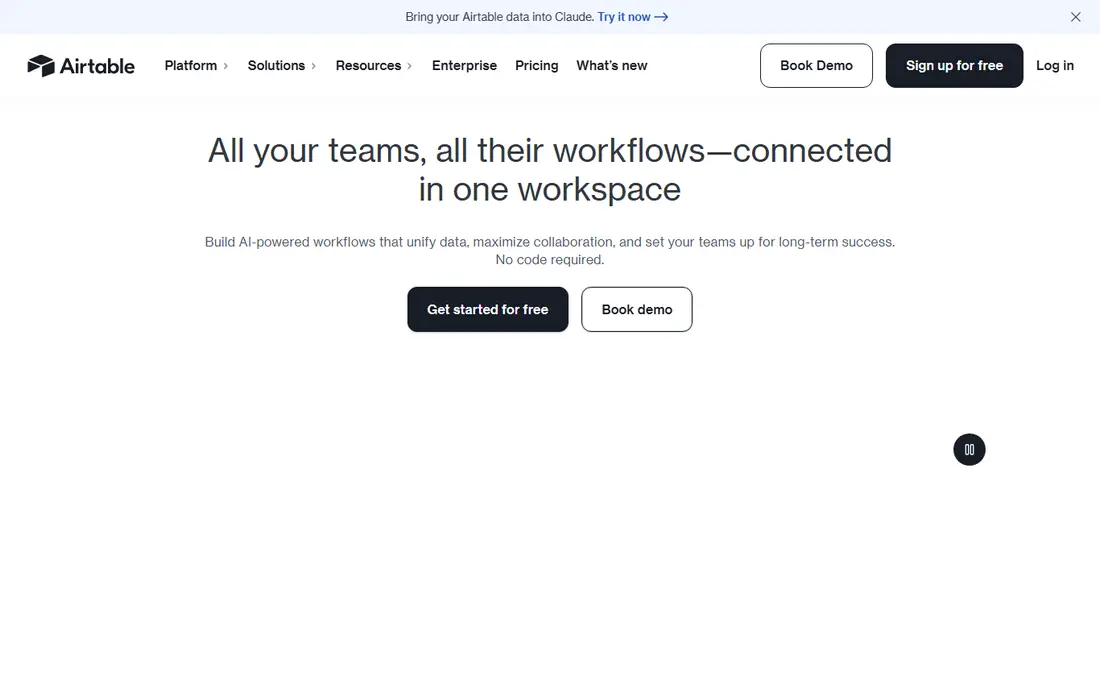
Airtable is the first tool most FileMaker users try, and for good reason. It looks like a spreadsheet but behaves like a database, with linked records, filtered views, Kanban boards, calendars, and galleries. Teams can start from a template for a CRM, a project tracker, or a content calendar and have something usable the same day.
The newer AI features push it further. Airtable now offers agents that work across records and orchestrate actions, plus an Omni builder for generating apps from conversation. The honest catch is depth. FileMaker's scripting and layout control go further for complex desktop apps, and Airtable's per-user pricing adds up once a whole company adopts it. For collaborative, web-first tracking, though, it is the smoothest switch.
What we like- Familiar grid interface with powerful views
- Templates for CRM, projects, and content
- AI workflows and agents built in
Watch out for- Complex logic is weaker than FileMaker scripting
- Costs rise with larger teams
#2Zoho Creator
Best for: Business apps and portals4.3/5 on
Capterra (170 reviews, checked Oct 2026)
Visit zoho.com
Starting priceSee website
Free planYes
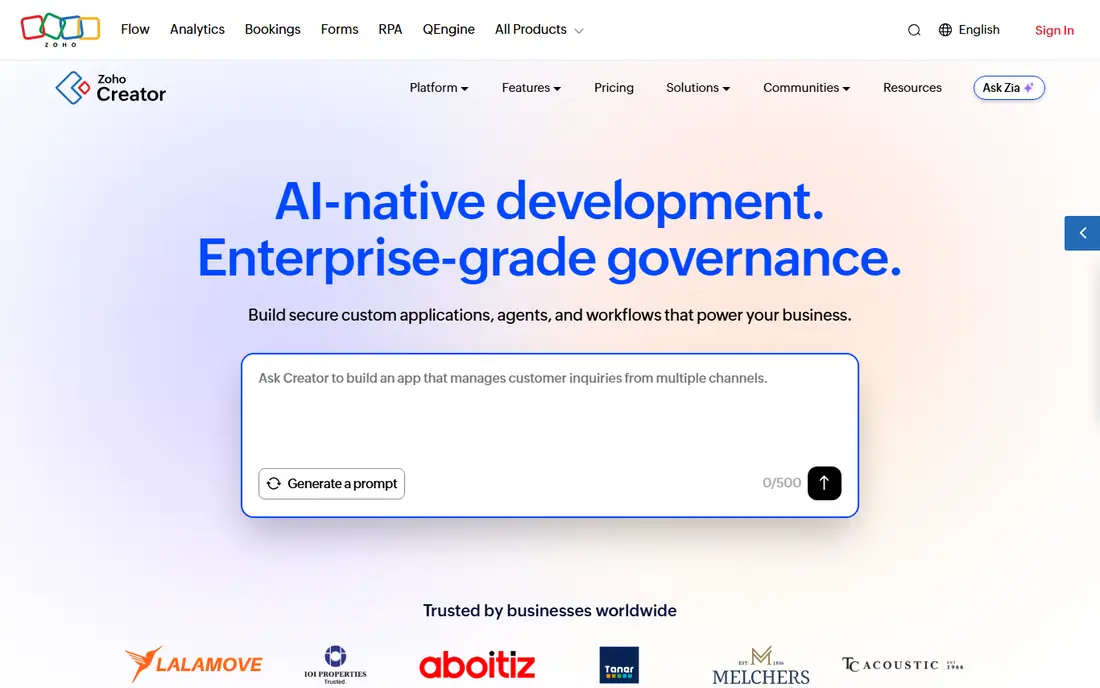
Zoho Creator is a low-code platform for building internal tools, customer portals, and core business systems. Builders can prompt its AI assistant in plain language, assemble ready-made components, or write logic in Deluge, Zoho's scripting language. Every app ships with native iOS and Android access, plus a dedicated portal for external users such as customers, vendors, and partners.
The free plan is genuinely useful for testing: one user, one application, 250MB of storage, and 1,000 records. Paid plans add users, records, and deployment options including Zoho Cloud, AWS, Azure, GCP, or on-premise hosting. The trade-off is density. Creator packs a lot into its builder, so first-time users should expect a learning curve, and teams outside the Zoho ecosystem get less of the native integration benefit.
What we like- Free plan for one user and one app
- Native mobile apps
- Portals for customers and vendors
Watch out for- Interface feels dense at first
- Best value inside the Zoho ecosystem
#3Caspio
Best for: Regulated industries4.5/5 on
G2 (175 reviews, checked Oct 2026)
Visit caspio.com
Starting price$300/month
Free planFree trial (14 days)
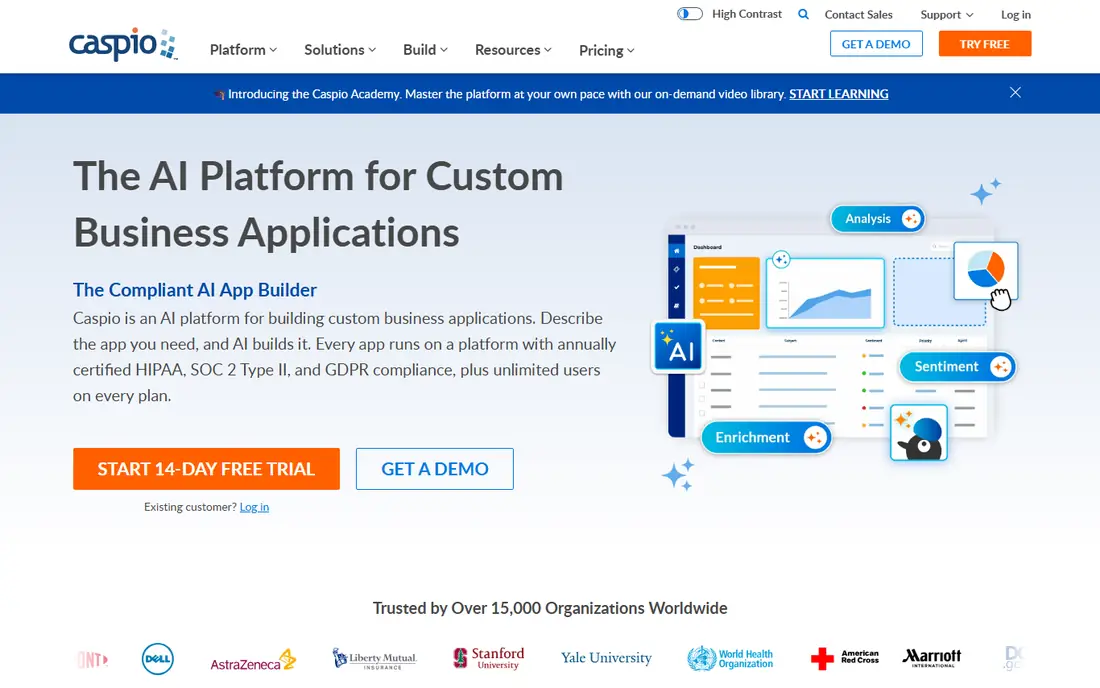
Caspio is an AI platform for building custom business applications, now led by its Caspi builder: describe the app you need and it generates the data model, interface, and roles. Every app runs on a platform with annually certified HIPAA, SOC 2 Type II, and GDPR compliance, which is why healthcare, government, and education teams choose it for patient portals, case management, and student systems.
Pricing is refreshingly simple. Plans start at $300 per month with unlimited users, 24/7 human support, and AI capabilities on every tier, so a 500-person rollout costs the same as a 10-person one in license terms. The catch is the entry point. There is no free plan, only a 14-day trial, and $300 per month is steep for a solo builder. For compliance-heavy work, the certification and unlimited users justify it.
What we like- Unlimited users on every plan
- HIPAA, SOC 2 Type II, and GDPR certified
- AI app generation
Watch out for- No free plan
- Entry price is higher than most rivals
#4Knack
Best for: No-code web apps4.3/5 on
G2 (115 reviews, checked Oct 2026)
Visit knack.com
Starting priceSee website
Free planFree trial
Knack lets business users build secure web apps and online databases without code, using pre-built components instead of generated code. Its builder covers databases, workflows, reports, scheduling, e-commerce, and user access with roles and permissions, and an AI builder can create a working app from a plain-language description in minutes.
Templates speed things further, including patient portals and telemedicine apps for healthcare teams. Knack connects to more than 700 apps for cross-platform automation, and its enterprise-grade components mean apps rarely need rebuilding as they grow. The limitation is design freedom. Knack apps look clean but follow its component system, so teams wanting a fully custom product-like interface may outgrow it.
What we like- AI-powered app creation
- Roles and permissions built in
- 700-plus integrations
Watch out for- Design flexibility trails developer tools
- Pricing is quote-based on higher tiers
#5Ninox
Best for: Custom relational databases4.7/5 on
G2 (362 reviews, checked Oct 2026)
Visit ninox.com
Starting priceSee website
Free planFree trial
Ninox is a low-code relational database platform that will feel familiar to FileMaker users: tables, relations, forms, and a built-in formula language for custom logic. It runs on the web, iOS, and macOS, and adds AI assistance across the build lifecycle, plus email integration with Gmail and Outlook and document generation for contracts, invoices, and reports.
Its hosting story is a differentiator. Business data stays in Germany in certified data centers, with encryption at rest and in transit, role-based access, and ISO 27001 and GDPR compliance. That suits European teams and privacy-conscious buyers. The catch is ecosystem size. Ninox has fewer templates and third-party integrations than Airtable or Zoho, so niche use cases may need more manual setup.
What we like- Relational database with a formula language
- Web, iOS, and macOS apps
- Data hosted in Germany
Watch out for- Smaller template library than Airtable
- AI features are newer
Starting price$20 per user/month
Free planYes
Microsoft Power Apps is the low-code builder inside the Microsoft Power Platform. It stores data in Dataverse, with built-in security and governance from Microsoft, and connects natively to Office 365, Azure, and Dynamics 365. Teams can build canvas apps, model-driven apps, and portals, and the free Developer plan lets individuals build and test without paying.
The Premium license costs $20 per user per month and enables unlimited app deployment. For organizations already paying for Microsoft 365, Power Apps often becomes the default choice because identity, security, and data already live in the same tenant. The downside is dependence. Teams outside the Microsoft stack get less value, and Dataverse modeling takes study before complex apps feel natural.
What we like- Deep Microsoft 365 and Dataverse integration
- Free Developer plan
- Enterprise governance built in
Watch out for- Full value needs Microsoft licensing
- Learning curve for Dataverse modeling
#7AppSheet
Best for: Spreadsheet-to-app building4.8/5 on
G2 (405 reviews, checked Oct 2026)
Visit appsheet.com
Starting priceSee website
Free planFree trial
Google AppSheet builds no-code apps from spreadsheets and databases. Connect a Google Sheet, an Excel file, Cloud SQL, Salesforce, or Smartsheet, and AppSheet generates an app prototype with smart suggestions for customization. Spreadsheet-style expressions handle filtering, dynamic UI, and workflow automation, which makes it comfortable for anyone who already lives in Sheets.
Offline mobile access is a real strength for field teams, and basic apps can be shared with small teams inside a Workspace account. Larger rollouts need an AppSheet subscription, with Core licenses included in some Workspace Enterprise editions. The limitation is polish. AppSheet apps are functional rather than beautiful, and pricing requires a Workspace sales conversation for larger teams.
What we like- Turns Google Sheets and Excel into apps
- Offline mobile access
- Spreadsheet-style expressions
Watch out for- Pricing sits inside Google Workspace sales
- UI customization is limited
#8Budibase
Best for: Self-hosted internal tools4.5/5 on
G2 (66 reviews, checked Oct 2026)
Visit budibase.com
Starting priceSee website
Free planYes
Budibase is an open-source low-code platform for agents, workflows, and internal tools. Teams build apps from tables connected to databases, spreadsheets, and business systems, add automations for approvals and notifications, and now deploy AI agents that answer employee questions and run workflows. It is ISO 27001 certified, with custom roles, SSO, SAML, backups, audit logs, and a public API.
The self-hosting option is the main reason to pick Budibase. Organizations that must keep data inside their own infrastructure can run it themselves, while others use Budibase Cloud. A free tier exists for getting started. The catch is effort. Self-hosting needs someone comfortable running infrastructure, and Budibase's template catalog is smaller than Airtable's, so more builds start from scratch.
What we like- Open-source with self-hosting
- Internal apps, workflows, and AI agents
- SSO and audit logs
Watch out for- Needs technical setup for self-hosting
- Smaller template catalog than Airtable
How we chose
We compared tools on the job FileMaker does: a relational database, custom forms and layouts, scripting or automation, multi-user access, and mobile deployment. Vendor homepages were opened for every tool listed, and prices are taken from those homepages where shown; elsewhere the article says so rather than guessing. Tools were kept only when their homepage loaded and belonged to the listed product.
What to check before you migrate from FileMaker
Start with your data model. Export a sample of your FileMaker tables and test how each alternative handles relations, calculated fields, and scripts. Airtable and Ninox map most cleanly to relational thinking, while AppSheet works best when a spreadsheet already holds the data.
Next, test the mobile experience your field staff actually uses. FileMaker Go set a high bar for offline mobile work, and not every web tool matches it. AppSheet and Ninox offer strong mobile apps, while browser-first tools may struggle without connectivity.
Finally, count total users, not builders. FileMaker licensing is per user, and so are most alternatives, except Caspio's unlimited-user model. A tool that looks cheap for five builders can become expensive when 200 staff need access, so model the full user count before committing.
Frequently asked questions
Is Airtable a full FileMaker replacement?
For collaborative tracking, reporting, and lightweight apps, yes. For complex desktop apps with deep scripting, custom layouts, and offline desktop deployment, FileMaker still goes further, and tools like Ninox or Caspio may fit better.
Can I migrate my FileMaker data to these tools?
Yes, in most cases through CSV export and import, and several vendors offer migration help or partners. Relations, scripts, and layouts do not transfer automatically, so plan to rebuild logic in the new tool rather than expecting a one-click conversion.
Which FileMaker alternative is free?
Zoho Creator has a free plan for one user and one app, Airtable has a free plan, Budibase is open-source with a free tier, and Power Apps has a free Developer plan. Caspio and Knack offer trials rather than free plans.
Do these tools work offline?
AppSheet and Ninox offer offline mobile access, and Airtable's mobile app supports offline work for some plans. Browser-first builders generally need connectivity, so confirm offline behavior for your field use case before choosing.
Which alternative is best for healthcare or regulated work?
Caspio leads here, with annually certified HIPAA, SOC 2 Type II, and GDPR compliance and signed business associate agreements. Zoho Creator also lists HIPAA and SOC 2 compliance, and Knack offers healthcare templates with role-based access.
Should I self-host or use the cloud?
Cloud hosting is simpler and covers most teams, with backups and updates handled by the vendor. Self-hosting with Budibase or Ninox on-premise options suits organizations with strict data residency or security rules, but it needs in-house infrastructure skills.
Sources we checked (10)
- https://www.airtable.com
- https://www.zoho.com/creator/
- https://www.caspio.com
- https://www.knack.com
- https://www.ninox.com
- https://powerapps.microsoft.com
- https://www.appsheet.com
- https://www.budibase.com
- https://www.superblocks.com/blog/filemaker-alternatives
- https://thedigitalprojectmanager.com/tools/best-filemaker-alternatives/
Is your product missing or out of date?
We review this list regularly. Vendors can request a listing, send updated pricing or ask about featured placement.

Shihab Mia · Founder, Rankite
Shihab has 5+ years in B2B and SaaS SEO. He writes Rankite's software buying guides from pricing pages, documentation and public user reviews. More about Shihab.