How we make this list: we compare pricing pages, product documentation and public user reviews. Ratings come from G2, Capterra or Trustpilot, with the date we checked them.
Key takeaways
- UpKeep starts at $24 per user per month, while eMaint starts at $69 per user per month, so the per-seat gap matters a lot for teams with many technicians.
- MaintainX and Fiix both offer a free starting tier, which makes them practical first steps for a team moving off paper or spreadsheets.
- eWorkOrders charges a flat subscription rather than per-user fees, which can suit a larger team that would otherwise pay for every technician seat.
- MicroMain is the plainest option in this list, and that simplicity is a real advantage for a small team without dedicated IT support.
- Fracttal and Hippo CMMS (now Eptura Asset) suit multi-site work, but buyers should confirm current pricing and migration terms before signing.
Quick comparison
| Tool | Best for | Starting price | Free plan |
|---|
 MaintainX MaintainX | Small teams moving off paper | See website | Yes |
 UpKeep UpKeep | Mobile-first maintenance teams | $24 per user/month | Free trial |
 Fiix Fiix | Plants that want a free starting tier | See website | Yes |
 Limble Limble | Teams that prize ease of use | See website | Free trial |
 Hippo CMMS Hippo CMMS | Facilities that want simple work orders | See website | Free trial |
 Fracttal Fracttal | Multi-site and IoT-linked maintenance | See website | Free trial |
 MicroMain MicroMain | Smaller teams that want a plain CMMS | $45 per user/month | Free trial |
 eWorkOrders eWorkOrders | Teams that prefer flat, unlimited-user pricing | See website | Free trial |
Is your product missing or out of date?
We review this list regularly. Vendors can request a listing, send updated pricing or ask about featured placement.
The best eMaint alternatives
#1MaintainX
Best for: Small teams moving off paper4.8/5 on
G2 (1,553 reviews, checked Oct 2026)
Visit maintainx.com
Starting priceSee website
Free planYes
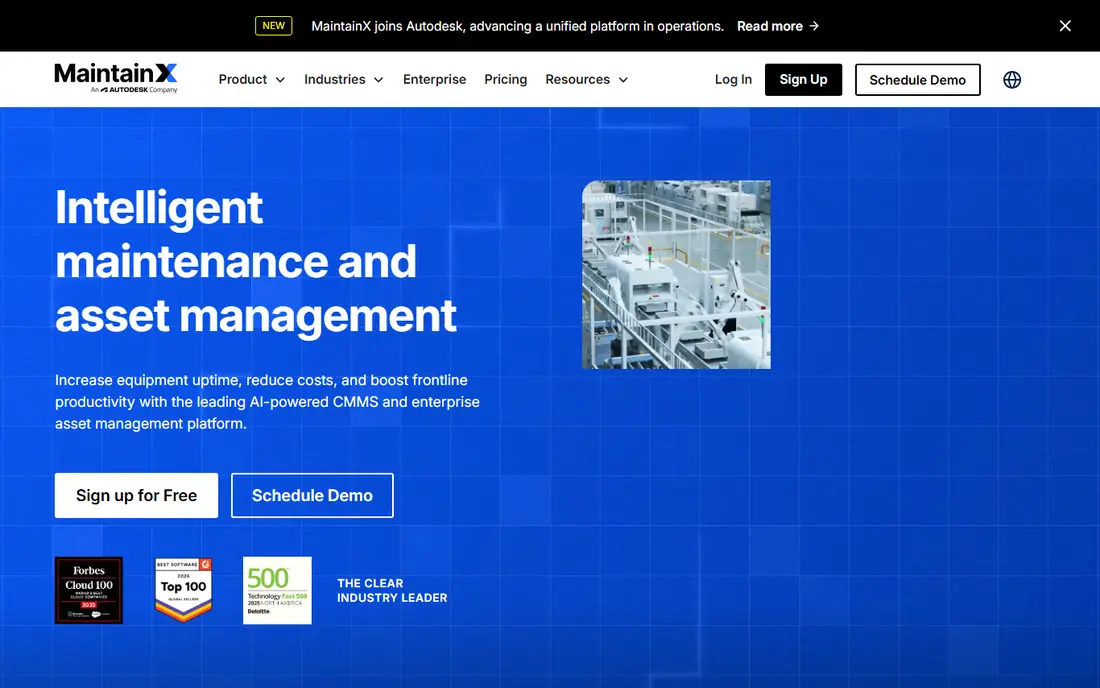
MaintainX is the easiest first move for a plant or facility still running on paper forms and shared spreadsheets. Technicians can open a work order on a phone, attach a photo, tick off a checklist, and close the job without returning to an office computer. Managers see open work, overdue preventive tasks, and asset history from one dashboard, which removes the daily hunt for status updates.
The free plan is the main reason to start here. It lets a small team digitize work orders without a budget approval, then add paid features only when the volume or reporting needs justify them. Paid plans add deeper analytics, inventory controls, and integrations, so the tool can grow with a team that adds sites or shifts. The honest catch is that the free tier is basic by design. Teams that need detailed cost reporting, advanced permissions, or long audit trails will need to move up, and should price that move before they build their whole process around the free version.
What we like- Genuinely free plan
- Strong mobile app for technicians
- Preventive maintenance and parts tracking in one place
Watch out for- Advanced reporting sits on higher plans
- Larger enterprise controls cost extra
#2UpKeep
Best for: Mobile-first maintenance teams4.5/5 on
G2 (1,106 reviews, checked Oct 2026)
Visit upkeep.com
Starting price$24 per user/month
Free planFree trial
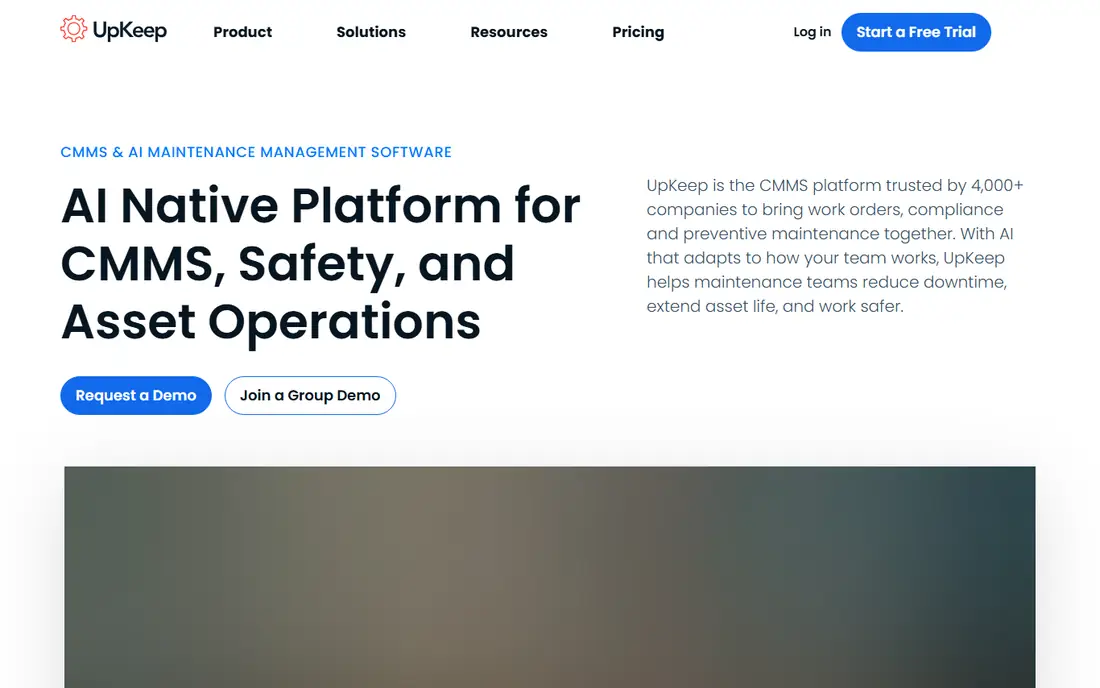
UpKeep builds its whole pitch around the technician in the field, and that focus shows in the mobile experience. Work orders, preventive schedules, parts, and asset history live in one app, so a technician can start a job, record time, and update status on site. The Essential plan at $24 per user per month covers the core work, which makes the entry cost easy to compare against eMaint.
The wider platform adds safety reporting, fleet maintenance, sensor monitoring, and training tools, which suits a company that wants maintenance, safety, and learning on shared asset records. That breadth can also be a distraction for a buyer who only needs a CMMS, since some features sit in separate products or higher tiers. Premium at $55 per user per month adds parts costing, time tracking, and PM scheduling, while Professional and Enterprise are quote-based. Count every user who needs a paid seat before comparing totals, and check how much analytics history each plan keeps.
What we like- Clear published starting price
- Mobile work orders with photos and checklists
- Safety and sensor options on the wider platform
Watch out for- Higher tiers are quote-based
- Analytics history is limited on lower plans
#3Fiix
Best for: Plants that want a free starting tier4.6/5 on
G2 (484 reviews, checked Oct 2026)
Visit fiixsoftware.com
Starting priceSee website
Free planYes
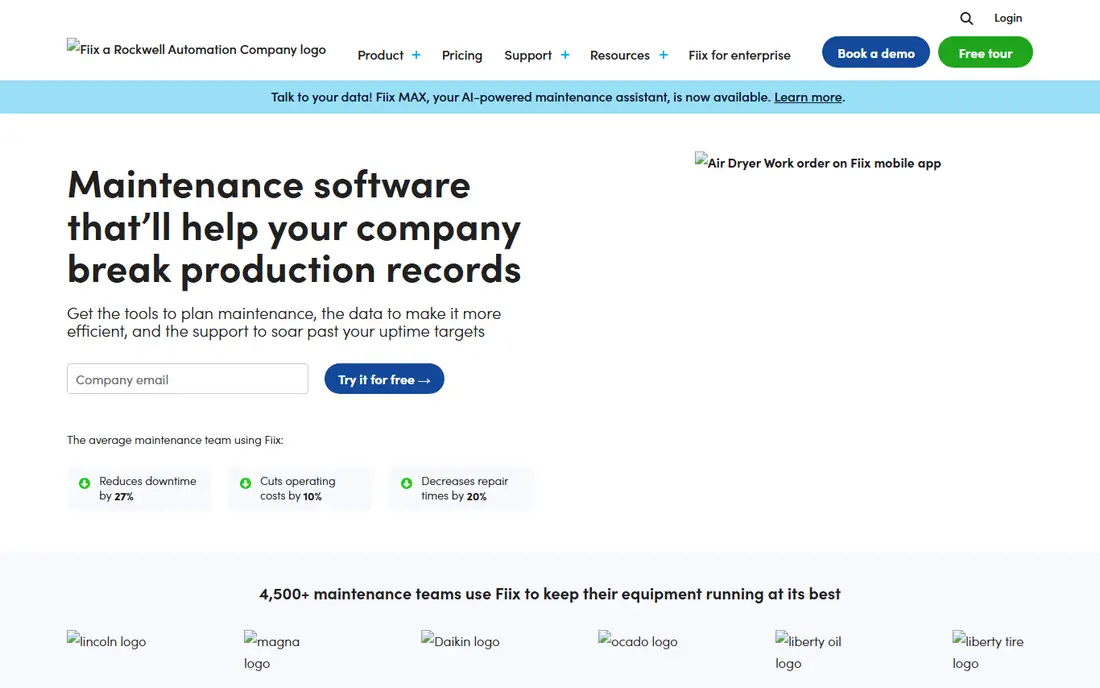
Fiix suits a maintenance team that wants a structured system without an immediate subscription. The free tier covers core work order and asset work, so a team can learn the product with real jobs before committing budget. Asset insights add a useful layer on top, flagging assets that consume unusual time or money so managers can investigate before a failure becomes a shutdown.
Being part of Rockwell Automation is a practical point for manufacturing buyers who already use Rockwell equipment or integrators. It does not make Fiix the right choice for every plant, and the lack of a published starting price on the homepage means the total cost stays unclear until a quote arrives. Teams should ask what the free tier excludes, how many assets and users it covers, and what the first paid tier costs at their actual headcount. A free start is only a bargain if the paid step fits the budget when it arrives.
What we like- Free CMMS tier to start
- Asset insights that flag costly assets
- Part of the Rockwell Automation ecosystem
Watch out for- Published pricing is not shown on the homepage
- Advanced features require a sales conversation
#4Limble
Best for: Teams that prize ease of use4.8/5 on
G2 (696 reviews, checked Oct 2026)
Visit limblecmms.com
Starting priceSee website
Free planFree trial
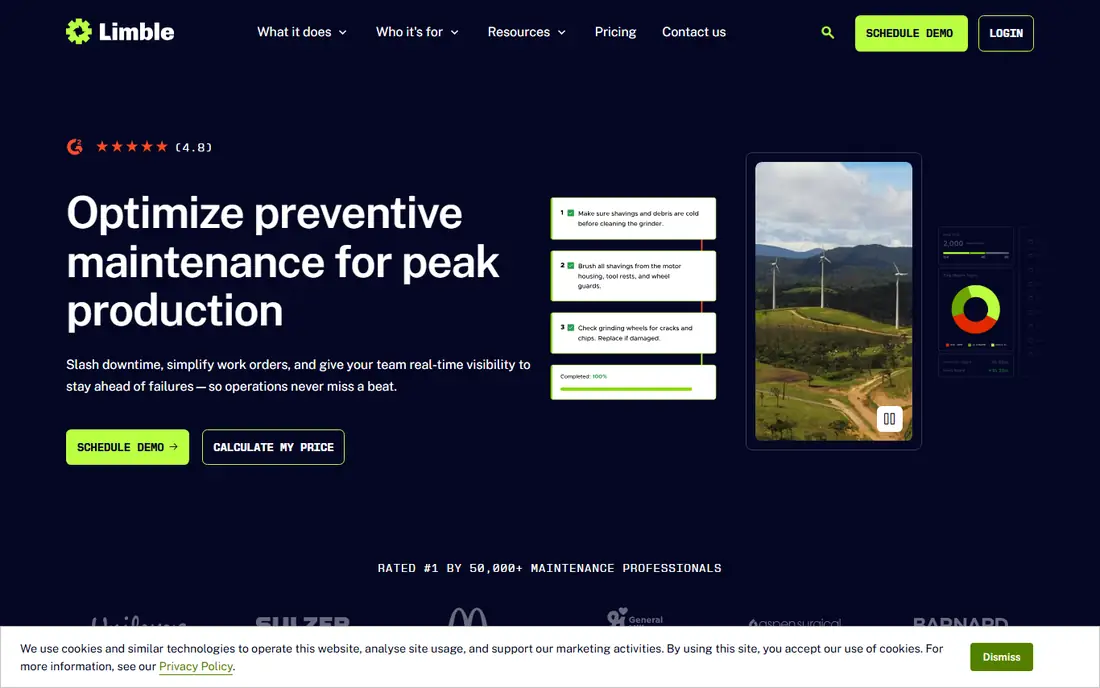
Limble earns its place on this list for adoption. A new technician can scan a QR code on a machine, submit a request, and follow a checklist without a long training session, which matters when a plant hires often or uses contractors. Work orders, preventive schedules, parts, and dashboards follow the same plain pattern, so managers spend less time explaining the software and more time on the work itself.
Downtime tracking is a second strength. When a line stops, the team can log the reason and duration, then review which assets and failure types cost the most time. That data helps justify preventive work and spare parts spending in a way a simple ticket list cannot. The drawback is pricing transparency. Limble does not publish a starting price, so buyers need a quote tied to user count and features. Ask whether requesters count as paid users, what reporting is included, and how support and onboarding are charged.
What we like- Very easy setup for technicians
- QR code work requests
- Downtime tracking and dashboards
Watch out for- Pricing requires a quote
- Heavier enterprise asset planning is not its main strength
Starting priceSee website
Free planFree trial
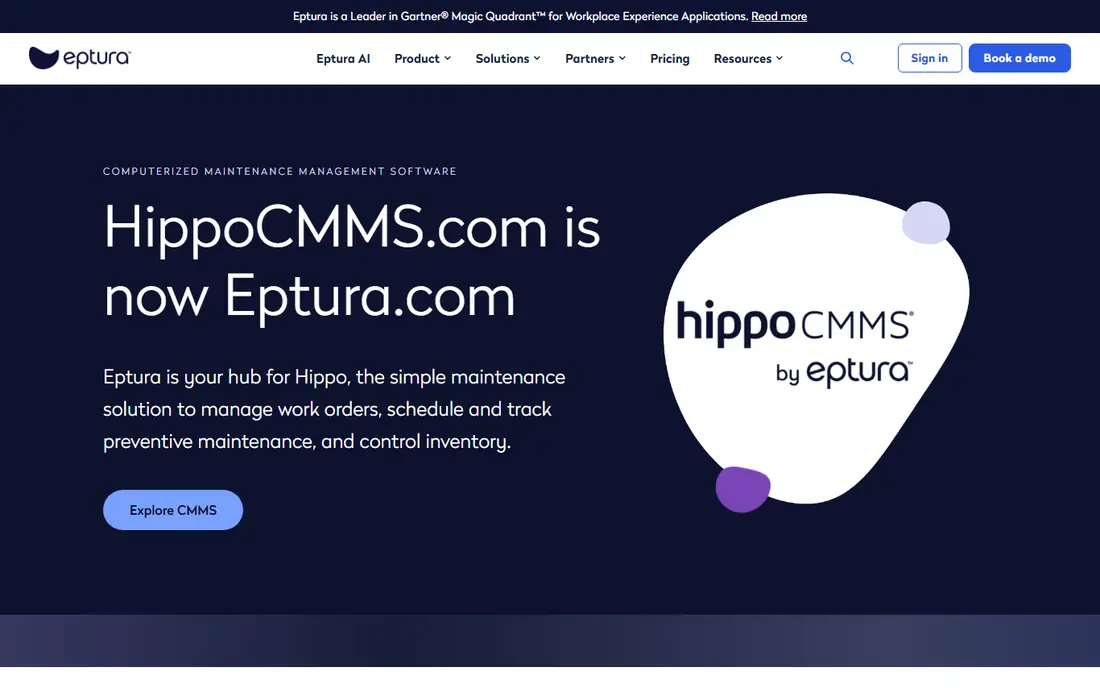
Hippo CMMS has long appealed to facilities teams that want tickets, preventive tasks, parts, and inspections without a complex system. A requester can raise a job, a technician can update it, and a manager can see completion and history without digging through email. Parts records can hold images, manuals, and warranty details, which helps when a technician meets an unfamiliar asset.
Buyers should note one change before committing. Hippo CMMS is evolving into Eptura Asset, and its homepage now points current users to Eptura resources, login, and support pages. That does not make the product a bad choice, but it does mean the name, plan structure, and migration path deserve a direct question during a demo. Confirm whether new buyers join Hippo or Eptura Asset, what happens to existing data, and how pricing is set. A simple tool is only simple if its future is clear.
What we like- Plain work order and parts workflow
- Inspection logs and vendor records in one place
- Familiar to many facilities teams
Watch out for- Product is evolving into Eptura Asset
- Pricing and future plan names need confirmation
Starting priceSee website
Free planFree trial
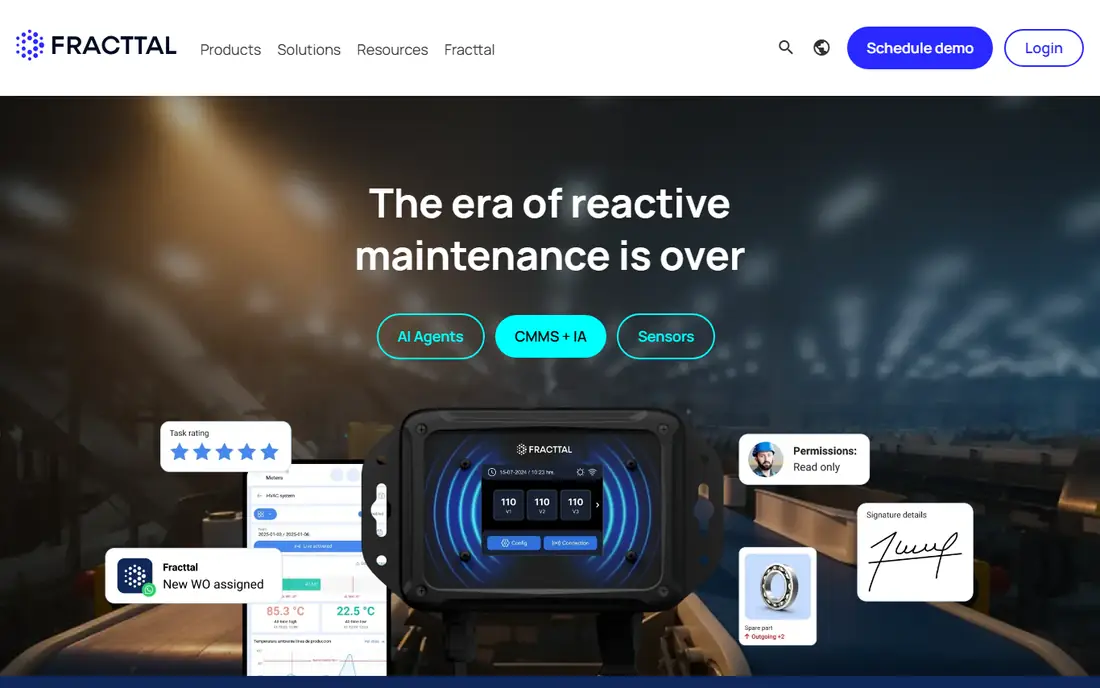
Fracttal is a cloud CMMS aimed at companies that run maintenance across many sites and want sensor data to feed the work queue. Work orders, assets, suppliers, and key performance indicators sit in one system, and connected equipment can trigger tasks when readings move out of range. For a company with plants in several countries, that shared structure and multilingual footprint can matter more than a small price difference.
The mobile-first design suits technicians who move between sites, and the reporting tools help managers compare downtime and costs across locations. The main friction is buying clarity. Pricing is quote-based, and the homepage may present in Spanish depending on location, so an English-speaking US buyer should use the language selector or ask sales for English documentation and a written quote. Also confirm data hosting, integrations with existing ERP tools, and how sensor connections are priced, since those items can change the total more than the base subscription.
What we like- Cloud CMMS with mobile access
- IoT and sensor-linked work
- Strong presence across many countries
Watch out for- Homepage may load in Spanish for some visitors
- Pricing requires a quote
#7MicroMain
Best for: Smaller teams that want a plain CMMS4.0/5 on
G2 (22 reviews, checked Oct 2026)
Visit micromain.com
Starting price$45 per user/month
Free planFree trial
MicroMain is the unglamorous option, and for many small teams that is exactly the point. It covers work orders, preventive maintenance, asset records, parts inventory, and QR or barcode tracking without asking the team to learn a new platform language. A maintenance lead can set up assets and schedules, assign work, and pull reports with a short learning curve, which is valuable when no one on staff manages software full time.
Pricing starts at $45 per user per month, with separate technician licenses reported at $39 per user per month, which can lower the bill when most staff only need basic access. That is still a real saving against eMaint at $69 per user per month for a team of ten or more. The trade-off is polish and depth. The interface feels older than MaintainX or UpKeep, and teams that need strong offline mobile work or advanced sensor automation may find it thin. If the priority is a system the whole team will actually use this month, MicroMain deserves a trial.
What we like- Straightforward interface
- Preventive maintenance and parts control
- Cheaper technician licenses reported at $39 per user per month
Watch out for- Less modern feel than newer rivals
- Mobile and offline depth is thinner
#8eWorkOrders
Best for: Teams that prefer flat, unlimited-user pricing4.9/5 on
G2 (31 reviews, checked Oct 2026)
Visit eworkorders.com
Starting priceSee website
Free planFree trial
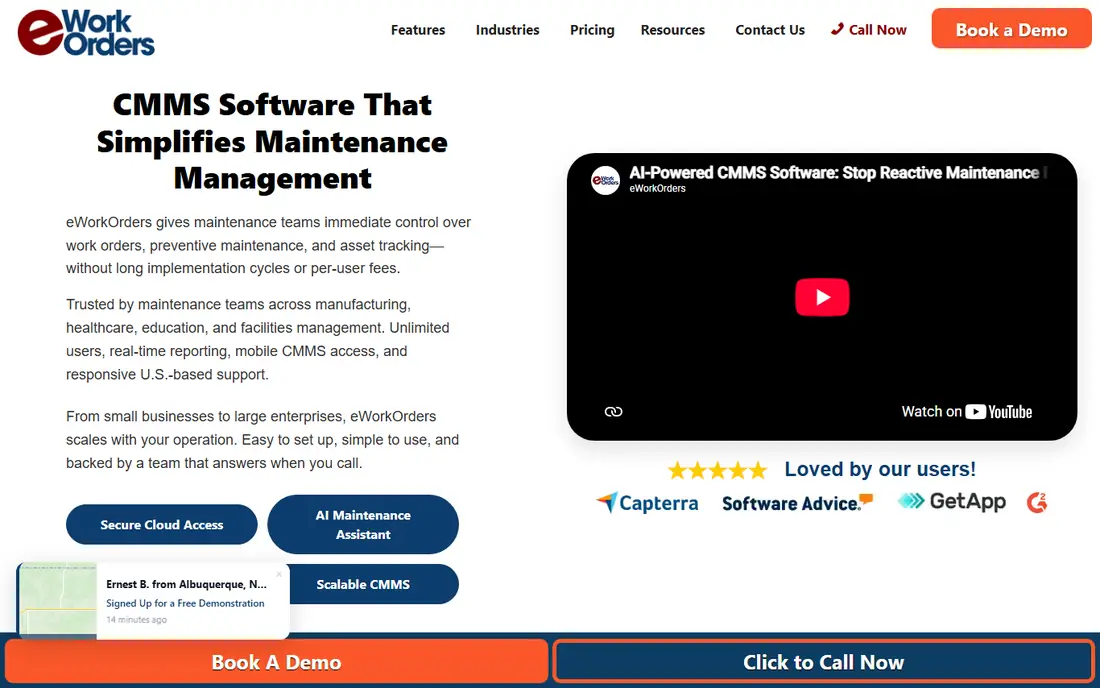
eWorkOrders takes a different pricing shape from most of this list. Instead of charging for every technician, it offers unlimited users on a flat subscription, which changes the math for a large or seasonal workforce. A facility with many requesters, contractors, or part-time technicians can give everyone access without watching the seat count, and that alone can justify a closer look for multi-site operations.
The product covers work orders, service requests, preventive maintenance, asset lifecycle tracking, inventory control, and KPI reporting, with meter-based triggers and predictive options for teams ready for them. The vendor also stresses fast setup, with teams able to start tracking work within days. The catch is price clarity. The homepage does not present a simple plan table, so buyers must request a quote for their asset count and feature needs. Ask what the flat fee includes, whether integrations and single sign-on cost extra, and how data export works if the team later changes systems.
What we like- Unlimited users with no per-seat fees
- Fast setup claims of days, not months
- Meter-based and predictive maintenance options
Watch out for- Published plan prices are not clear from the homepage
- Enterprise features add complexity
How we chose
We compared vendor homepages, pricing pages, product documentation, and public reviews on G2 and Capterra, then kept only CMMS products that exist today and cover work orders, preventive maintenance, and asset tracking. Price figures in this guide come from vendor pages or recent published comparisons, and any price we could not verify is marked as See website rather than estimated. No hands-on testing is claimed here, and the ranking favors fit for common eMaint buyers: small to mid-size maintenance teams, multi-site facilities, and plants that need compliance records.
What to check before you switch from eMaint
Start with user count, because per-seat pricing punishes a large technician roster while flat pricing rewards it. List every person who needs to create, update, or approve work, then separate full users from request-only users, since some vendors charge differently for each group. Next, list the eMaint features your team actually uses each week, such as calibration records, sensor triggers, or compliance reports, and test those exact workflows in a trial rather than trusting a feature grid.
Data migration deserves its own line in the plan. Ask each vendor how asset records, work history, parts lists, and documents move over, who does the import, and how long it takes. A tool that looks cheap can become expensive if migration needs paid services or weeks of manual cleanup. Also check integrations with your ERP, parts suppliers, and any sensor platform, plus mobile offline behavior for technicians in basements, plants, or areas with weak signal. Finally, confirm contract length, renewal terms, and export options, so leaving later is a business decision, not a data hostage situation.
A short trial checklist
Run one real preventive schedule, one emergency work order, and one parts reorder during the trial. Invite the least technical technician to complete a job unaided, and ask a manager to build one report without vendor help. If any of those three tasks feels awkward, that friction will repeat every day after purchase, no matter how good the demo looked.
Frequently asked questions
Is eMaint still a good CMMS?
eMaint remains a capable CMMS for plants with calibration and compliance needs, and its published tiers start at $69 per user per month. Teams leave mainly for lower per-seat costs, a simpler interface, a free starting tier, or flat pricing that fits a larger workforce. The right move depends on which of those reasons applies to your team, not on eMaint being weak in general.
Which eMaint alternative is cheapest?
MaintainX and Fiix offer free tiers, which makes them cheapest to start, while UpKeep at $24 per user per month is the cheapest published paid entry in this list. MicroMain at $45 per user per month is cheaper than eMaint for a per-seat buyer, and eWorkOrders can be cheapest for a very large team because it does not charge per user. Compare the total at your real user count, not just the headline price.
Do I need to migrate all my history from eMaint?
You should migrate asset records, open work, preventive schedules, and parts data, but old closed history can often be archived as a report or export instead of a full import. Ask each vendor what it imports, what it charges for migration help, and how you can still search old records after the switch. A clean partial migration beats a rushed full migration that corrupts asset history.
Can a small team run a CMMS without IT support?
Yes, if the tool is chosen for simplicity. MaintainX, Limble, and MicroMain are all used by small teams without dedicated IT staff, and their mobile apps reduce training time. Still, someone should own user setup, preventive schedules, and parts data, even if that person also runs maintenance. Without an owner, any CMMS slowly fills with stale assets and missed tasks.
How long does a CMMS switch usually take?
A small team can often go live in days to a few weeks, while a multi-site plant with integrations and sensor data may need one to three months. The main drivers are data cleanup, preventive schedule setup, technician training, and integration work, not software installation. A vendor that promises a single-day switch for a complex plant should be asked exactly what it leaves out.
Should I choose a free CMMS tier or pay from the start?
Start free when your needs are basic and your team is still learning digital work orders, then pay when reporting, inventory, or permission limits start to block real work. Pay from the start when you need audit trails, advanced reporting, or integrations on day one, since rebuilding those processes later costs time. Either way, confirm the first paid price before you build critical workflows on a free tier.
Sources we checked (8)
- https://www.maintainx.com
- https://www.upkeep.com
- https://www.fiixsoftware.com
- https://www.limblecmms.com
- https://www.hippocmms.com
- https://www.fracttal.com
- https://www.micromain.com
- https://www.eworkorders.com
Is your product missing or out of date?
We review this list regularly. Vendors can request a listing, send updated pricing or ask about featured placement.

Shihab Mia · Founder, Rankite
Shihab has 5+ years in B2B and SaaS SEO. He writes Rankite's software buying guides from pricing pages, documentation and public user reviews. More about Shihab.