How we make this list: we compare pricing pages, product documentation and public user reviews. Ratings come from G2, Capterra or Trustpilot, with the date we checked them.
Key takeaways
- Podman suits developers who want a daemonless, Docker-compatible container engine, while containerd and CRI-O suit Kubernetes runtimes.
- Rancher Desktop and Colima suit Mac and Windows developers who want a simple Docker Desktop replacement, while LXC suits Linux system containers.
- Buildah suits teams that build container images without a daemon, while nerdctl suits containerd users who want a Docker-like command line.
- Container tools differ in scope, so match the tool to your job: engine, runtime, desktop or image builder, rather than expecting one tool to do everything.
Quick comparison
| Tool | Best for | Starting price | Free plan |
|---|
 Podman Podman | Daemonless Docker-compatible engine | Free | Yes |
 containerd containerd | Kubernetes container runtime | Free | Yes |
 CRI-O CRI-O | Kubernetes runtime | Free | Yes |
 Rancher Desktop Rancher Desktop | Desktop Docker replacement | Free | Yes |
 Colima Colima | Mac container runtime | Free | Yes |
 LXC LXC | Linux system containers | Free | Yes |
 Buildah Buildah | Daemonless image building | Free | Yes |
 nerdctl nerdctl | Docker-like containerd CLI | Free | Yes |
Is your product missing or out of date?
We review this list regularly. Vendors can request a listing, send updated pricing or ask about featured placement.
The best Docker alternatives
Starting priceFree
Free planYes
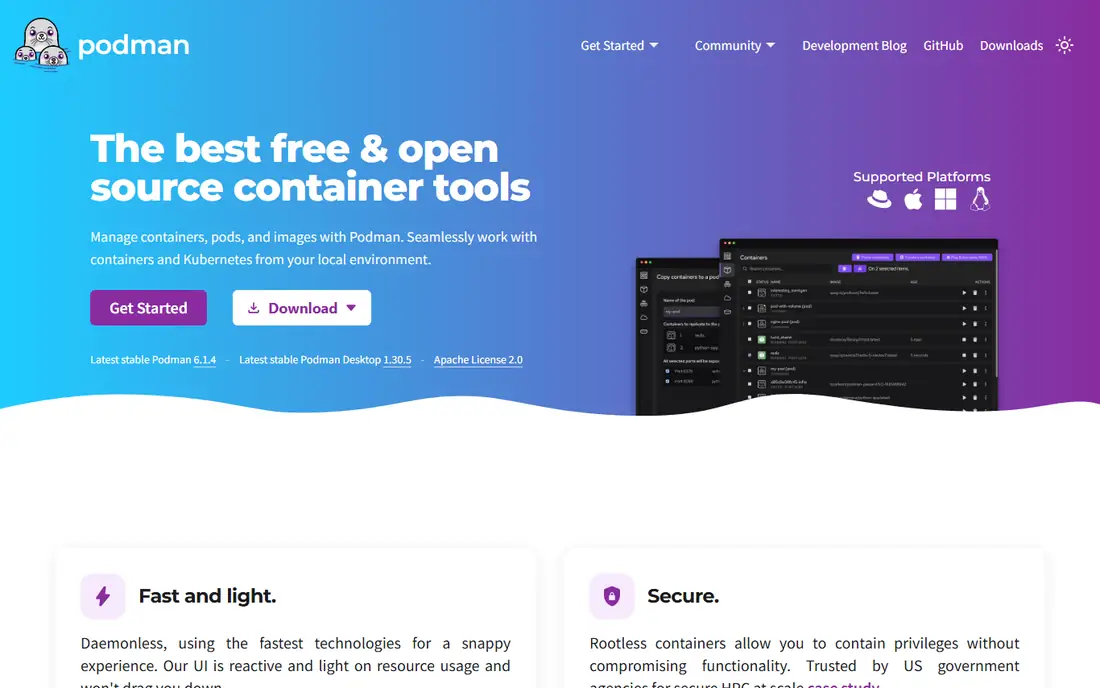
Podman suits a developer who wants Docker-compatible containers without a background daemon. Commands mirror Docker closely, so a developer can often alias docker to podman and keep existing workflows, while rootless operation improves security by running containers without root privileges. Pods group related containers together, which mirrors Kubernetes concepts for local development. For a Linux developer who wants a secure, daemonless engine, Podman is the leading Docker alternative.
The desktop experience differs from Docker Desktop, especially on Mac and Windows, where extra setup may be needed for virtual machines and file sharing. Some Docker Desktop features, such as extensions, have no direct Podman equivalent. For a developer who values daemonless security and Docker compatibility, Podman is an excellent choice.
What we like- Daemonless and rootless by design
- Docker-compatible commands
- Pods for grouped containers
Watch out for- Desktop experience differs from Docker Desktop
- Some Docker Desktop features need extra setup
#2containerd
Best for: Kubernetes container runtime4.7/5 on
G2 (11 reviews, checked Oct 2026)
Visit containerd.io
Starting priceFree
Free planYes
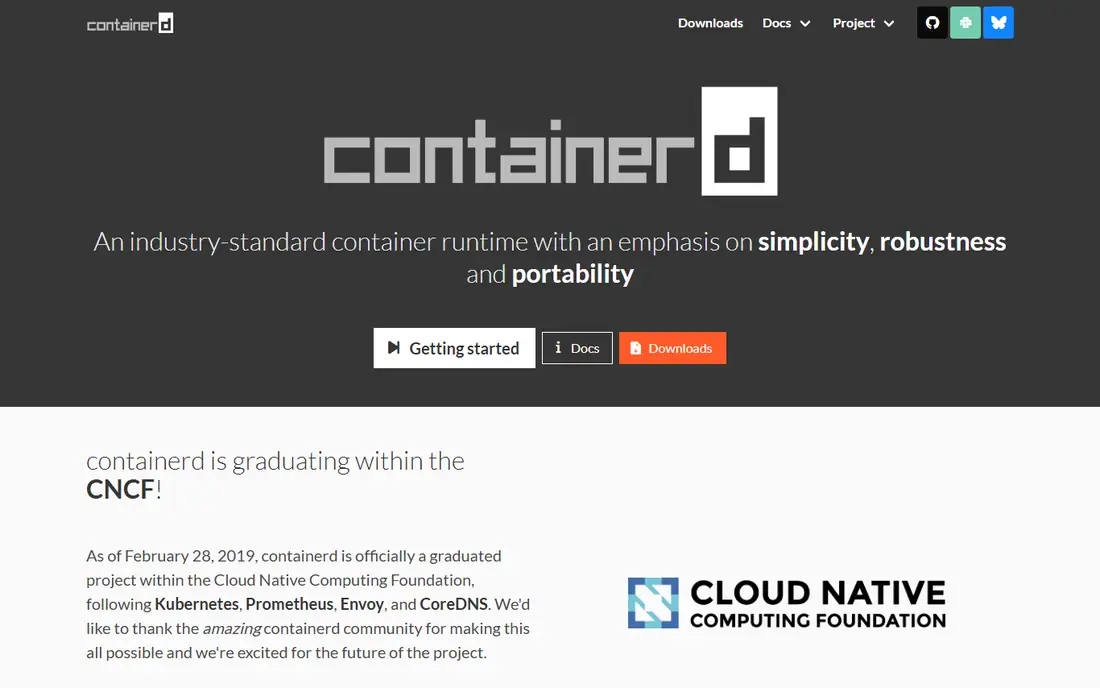
containerd suits a Kubernetes operator who needs a stable, lightweight container runtime. It handles image transfer, container execution and storage for Kubernetes, powering most managed Kubernetes services today. That focus makes containerd reliable and efficient at scale, with a smaller attack surface than a full Docker engine. For a production Kubernetes cluster, containerd is the standard runtime choice.
The command line is minimal, since containerd is a runtime, not a developer tool, and it lacks Docker conveniences such as Compose-style workflows. Developers usually pair containerd with nerdctl or a desktop tool for daily work. For Kubernetes runtime infrastructure, containerd is the default.
What we like- Industry-standard Kubernetes runtime
- Lightweight and stable
- Backed by Cloud Native Computing Foundation
Watch out for- Command line is minimal
- Lacks Docker developer conveniences
Starting priceFree
Free planYes
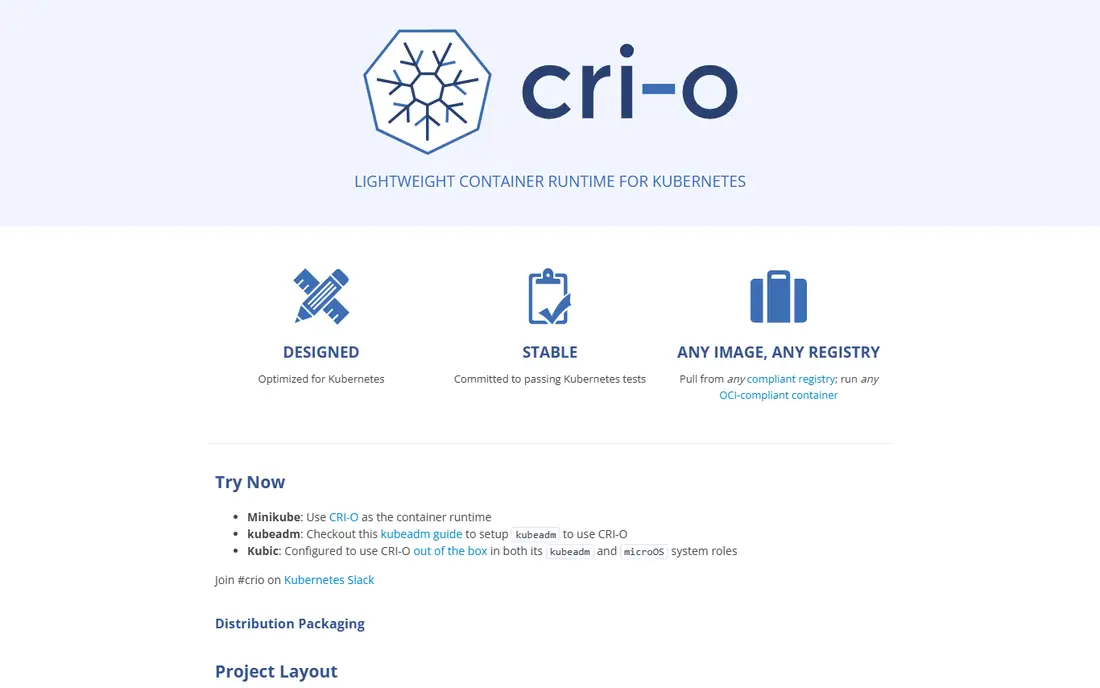
CRI-O suits a Kubernetes operator who wants a runtime built only for Kubernetes. It implements the Kubernetes Container Runtime Interface with minimal scope, which keeps it lightweight and focused compared with broader engines. OpenShift uses CRI-O as its default runtime, which makes CRI-O a strong choice for Red Hat shops. For a Kubernetes-only runtime with a small footprint, CRI-O offers clarity and stability.
Scope is Kubernetes-only, so CRI-O offers no standalone developer workflow, image building or desktop experience. A developer should use Podman or Rancher Desktop for local work and CRI-O for cluster runtime. For a minimal Kubernetes runtime, CRI-O is a strong choice.
What we like- Lightweight Kubernetes-only runtime
- Strong OpenShift integration
- OCI-compliant
Watch out for- Kubernetes-only scope
- No standalone developer workflow
Starting priceFree
Free planYes
Rancher Desktop suits a developer who wants a free Docker Desktop replacement with Kubernetes built in. The desktop app runs containers on Mac, Windows and Linux, with a choice of containerd or dockerd engines and an optional local Kubernetes cluster. That combination helps a developer who builds containers and tests Kubernetes locally without paying for Docker Desktop. For a free desktop container tool with Kubernetes, Rancher Desktop is a leading choice.
Rancher Desktop feels heavier than Colima, and Kubernetes features add complexity for a developer who only needs simple containers. A Mac developer who wants the lightest tool may prefer Colima instead. For a free desktop Docker replacement with Kubernetes, Rancher Desktop is excellent.
What we like- Free desktop app for Mac, Windows and Linux
- Kubernetes built in
- Containerd or dockerd engines
Watch out for- Heavier than Colima
- Kubernetes features add complexity for simple container use
Starting priceFree
Free planYes
Colima suits a Mac developer who wants a lightweight, command-line container runtime. It runs containers in a virtual machine with minimal overhead, offers Docker-compatible commands, and starts quickly from a terminal. That simplicity appeals to a developer who works in a terminal and does not need a desktop dashboard or built-in Kubernetes. For a Mac developer who wants Docker without Docker Desktop, Colima is a popular free choice.
Colima is Mac-focused, with Linux support but less emphasis on Windows, and it offers fewer graphical features than Rancher Desktop. A developer who wants a dashboard or built-in Kubernetes should pick Rancher Desktop instead. For lightweight Mac container development, Colima is an excellent tool.
What we like- Lightweight Mac container runtime
- Docker-compatible
- Simple command line setup
Watch out for- Mac-focused
- Fewer graphical features than Rancher Desktop
Starting priceFree
Free planYes
LXC suits a Linux user who wants system containers that behave like lightweight virtual machines. Each container runs a full Linux user space, which helps hosting, testing and isolation use cases where a full OS environment matters. Performance sits near bare metal, since containers share the host kernel without virtualization overhead. For a Linux administrator who wants OS-level containers, LXC offers control and efficiency that Docker application containers do not.
LXC is Linux-only, and its application container workflow differs from Docker, with less emphasis on images, registries and Compose files. A developer who ships application containers should use Podman or Docker instead. For Linux system containers, LXC is a mature and powerful choice.
What we like- Lightweight Linux system containers
- Near bare-metal performance
- Good for full OS environments
Watch out for- Linux-only
- Application container workflow differs from Docker
Starting priceFree
Free planYes
Buildah suits a team that builds container images without a daemon. Scripts and commands control each image layer precisely, which helps automated builds, security scanning and reproducible pipelines. Buildah pairs naturally with Podman, which runs the images Buildah creates, and both tools share a daemonless, rootless design. For a CI pipeline that builds images securely, Buildah offers control that Docker builds lack.
Scope is build-only, so Buildah does not run containers, manage networks or orchestrate services. A developer needs Podman or another engine alongside Buildah for running containers. For daemonless, scriptable image building, Buildah is a strong specialist tool.
What we like- Daemonless image building
- Fine-grained control over layers
- Works with Podman
Watch out for- Build-only scope
- No container running or orchestration
Starting priceFree
Free planYes
nerdctl suits a containerd user who wants a Docker-like command line. Commands mirror Docker for running, listing and managing containers, with Compose support for multi-container applications, all backed by containerd. That combination helps a developer or operator who runs containerd in production but wants familiar developer commands locally. For a containerd shop that misses Docker commands, nerdctl bridges the gap well.
nerdctl is containerd-focused, so it lacks some full Docker engine features and desktop conveniences, and it pairs best with containerd rather than replacing a full platform. A developer who wants a complete engine should pick Podman instead. For a Docker-like CLI on containerd, nerdctl is an excellent tool.
What we like- Docker-compatible commands for containerd
- Compose support
- Lightweight and focused
Watch out for- Containerd-focused
- Fewer features than full Docker engine
How we chose
We compared vendor and project pages, feature lists and public reviews for container tools serving developers and operators. We looked for Docker compatibility, runtime stability, desktop experience, image building and honest open-source licensing. We did not claim hands-on testing, and we noted where tools cover only part of the Docker scope, since no single alternative replaces every Docker feature.
How to pick the right Docker alternative
Start with your job. A developer who runs containers locally should trial Podman, Rancher Desktop or Colima, while a Kubernetes operator should standardize on containerd or CRI-O. A team that builds images in CI should trial Buildah, while a Linux administrator who needs system containers should trial LXC. Matching scope to the job avoids forcing one tool into a role it was not built for.
Next, test your existing workflows. Run your Dockerfiles, Compose files and registry pushes with the new tool, and check for command differences, networking quirks and volume handling. Finally, check support and community health for the tool, since container infrastructure changes fast and a maintained project matters more than a feature list. A trial with real workloads reveals gaps that documentation hides.
Security scanning deserves attention in any container switch. Scan images for known vulnerabilities before pushing them to a registry, pin base images to specific versions, and avoid running containers as root where the tool supports rootless operation. Podman rootless mode and Buildah daemonless builds both reduce risk in CI pipelines, while registry scanning tools catch vulnerable layers before deployment.
Registries also matter, since every tool in this list pulls and pushes images through registries such as Docker Hub, GitHub Container Registry or a private registry. Confirm authentication, rate limits and image retention policies for your registry, especially for free tiers that limit pulls. A private registry suits teams that ship proprietary images, while public registries suit open-source projects.
Podman Desktop deserves a mention for developers who want a graphical Podman experience. It offers a dashboard, container management and Kubernetes integration for Podman users, similar to Docker Desktop for Docker users. A developer who likes dashboards but wants Podman underneath should trial Podman Desktop alongside Rancher Desktop before choosing a desktop tool. Keep a rollback plan for the first month, so a failed switch does not block releases.
Frequently asked questions
Is Podman a drop-in Docker replacement?
Mostly, for command-line use. Podman commands mirror Docker closely, and many developers alias docker to podman, although Docker Desktop features, extensions and some networking details differ. Test your workflows before switching fully.
Do I still need Docker for Kubernetes?
No. Modern Kubernetes uses containerd or CRI-O as the runtime, not Docker Engine. Docker images still work, since they follow the OCI image format that containerd and CRI-O support.
What is the best free Docker Desktop alternative?
Rancher Desktop suits developers who want a free desktop app with Kubernetes, while Colima suits Mac developers who want a lightweight command-line runtime. Podman Desktop also offers a free desktop option for Podman users.
Can I use Docker Compose with alternatives?
Yes, in many cases. Podman supports Compose through podman-compose or Docker Compose with Podman, nerdctl supports Compose, and Rancher Desktop supports Compose workflows. Test your specific Compose files, since feature coverage varies.
Is containerd the same as Docker?
No. containerd is the container runtime that Docker originally donated to the Cloud Native Computing Foundation, while Docker Engine adds developer tools, networking and desktop features on top of a runtime. Kubernetes uses containerd directly, without Docker Engine.
Sources we checked (8)
- https://podman.io
- https://containerd.io
- https://cri-o.io
- https://rancherdesktop.io
- https://github.com
- https://linuxcontainers.org
- https://buildah.io
- https://github.com
Is your product missing or out of date?
We review this list regularly. Vendors can request a listing, send updated pricing or ask about featured placement.

Shihab Mia · Founder, Rankite
Shihab has 5+ years in B2B and SaaS SEO. He writes Rankite's software buying guides from pricing pages, documentation and public user reviews. More about Shihab.