How we make this list: we compare pricing pages, product documentation and public user reviews. Ratings come from G2, Capterra or Trustpilot, with the date we checked them.
Key takeaways
- DataGrip is strong on SQL intelligence, but many developers only need fast browsing, editing, and query history, which free tools cover well.
- DBeaver is the best free starting point for teams that work with many database types, while TablePlus wins on speed and simplicity.
- Native apps use less memory and launch faster than Java-based clients, which matters if you open and close the client all day.
- Check database support before price. A cheap client that lacks your database, or handles it poorly, will cost time every day.
- Export, ER diagrams, and SSH tunneling are not universal. Confirm those features for the databases you actually use.
Quick comparison
| Tool | Best for | Starting price | Free plan |
|---|
 DBeaver DBeaver | developers who work with many database types for free | Free | Yes |
 TablePlus TablePlus | developers who value speed and a clean interface | $99 one-time | Free trial |
 Beekeeper Studio Beekeeper Studio | developers who want a modern open-source client | Free | Yes |
 pgAdmin pgAdmin | PostgreSQL administration and management | Free | Yes |
 HeidiSQL HeidiSQL | Windows users who need a light MySQL and MariaDB client | Free | Yes |
 Navicat Premium Navicat Premium | professionals who need premium multi-database management | See website | Free trial (14 days) |
 DbGate DbGate | a lightweight free client for several databases | Free | Yes |
 DbSchema DbSchema | visual schema design and documentation | See website | Free trial |
 MySQL Workbench MySQL Workbench | free MySQL and MariaDB design and administration | Free | Yes |
 Postico Postico | Mac users who want a simple PostgreSQL client | See website | Free trial |
Is your product missing or out of date?
We review this list regularly. Vendors can request a listing, send updated pricing or ask about featured placement.
The best DataGrip alternatives
#1DBeaver
Best for: developers who work with many database types for free4.4/5 on
G2 (172 reviews, checked Oct 2026)
Visit dbeaver.io
Starting priceFree
Free planYes
DBeaver Community is the default free answer for a reason. It connects to PostgreSQL, MySQL, MariaDB, SQL Server, Oracle, SQLite, MongoDB, and dozens of other engines, so a developer who touches several systems can use one client all day. ER diagrams, a visual query builder, data export, and SSH tunneling cover most daily database work without a paid license. The Pro edition adds AI-assisted queries and more enterprise features, but the free edition is already a full client.
The cost is performance and polish. As a Java app, DBeaver starts slower and uses more memory than TablePlus or Beekeeper, and the interface packs many panels and options into one window. New users may need a day to arrange it to their liking. For breadth and price, though, no other tool here matches DBeaver, and it is the safest first alternative to try.
What we like- Supports a very wide range of databases
- ER diagrams, visual query builder, and data export
- Open-source Community edition
Watch out for- Java-based, so startup and memory use are heavier than native apps
- Interface can feel busy for simple browsing
#2TablePlus
Best for: developers who value speed and a clean interface4.3/5 on
G2 (31 reviews, checked Oct 2026)
Visit tableplus.com
Starting price$99 one-time
Free planFree trial
TablePlus feels different the moment it opens. As a native app, it launches quickly, uses far less memory than Java clients, and keeps data browsing simple: filter a table, edit a row inline, run a query, and move on. It supports major SQL databases plus Redis and MongoDB, and SSH tunneling is built in for remote servers. The one-time license appeals to developers who dislike subscriptions, and the app keeps working after the update period ends.
Limits are clear. There are no ER diagrams, no visual query builder, and SQL completion is basic compared with DataGrip. Developers who write complex queries and rely on context-aware assistance will miss that help. TablePlus fits developers who already write SQL comfortably and want the fastest, simplest client for daily browsing and editing.
What we like- Very fast native app with low memory use
- Clean data browsing and inline editing
- One-time license with a year of updates
Watch out for- No ER diagrams
- SQL assistance is basic
- Limited free version caps tabs and windows
#3Beekeeper Studio
Best for: developers who want a modern open-source client4.4/5 on
G2 (15 reviews, checked Oct 2026)
Visit beekeeperstudio.io
Starting priceFree
Free planYes
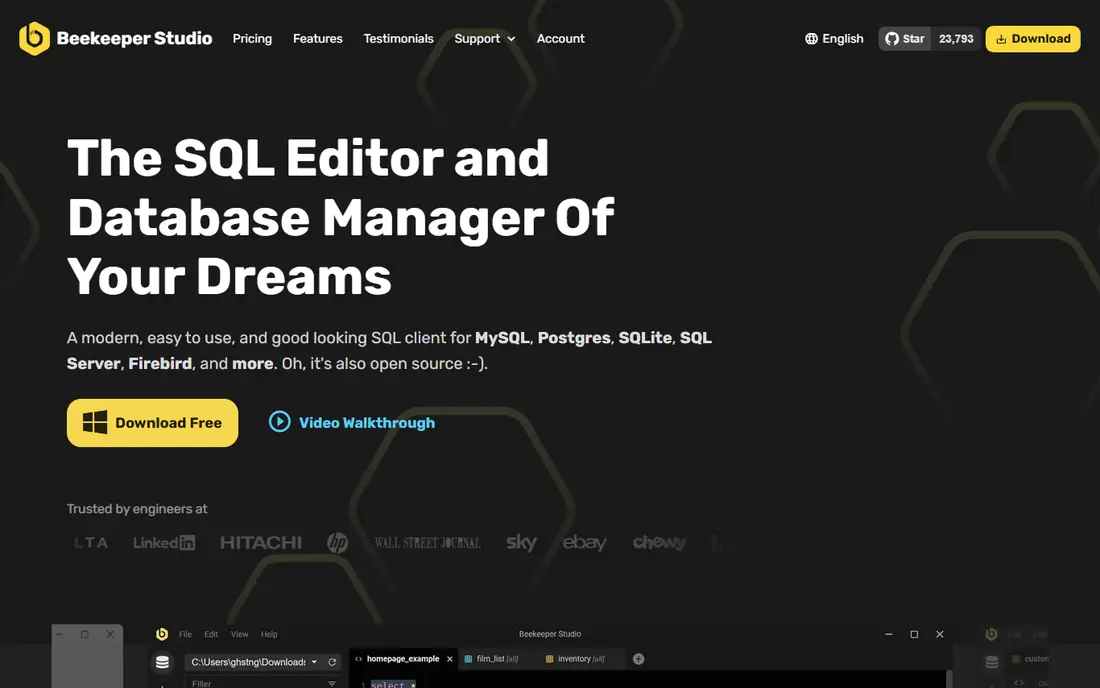
Beekeeper Studio sits between DBeaver and TablePlus. It is open source, looks modern, and opens quickly with a tabbed query editor that feels familiar to anyone used to a code editor. It covers the main SQL databases, including PostgreSQL, MySQL, MariaDB, SQL Server, and SQLite, with SSH support and data export. The Community edition is free and covers most individual developer needs.
Coverage and admin depth are the limits. Exotic databases are less well supported than in DBeaver, and server administration tools are thinner than pgAdmin for PostgreSQL. Ultimate adds AI help and team features for a monthly fee. Beekeeper suits developers who want a clean, free, local-first client for common databases, without the weight of a full IDE.
What we like- Clean modern interface
- Open-source Community edition
- Fast tabbed queries with auto-complete
Watch out for- Database coverage is narrower than DBeaver
- Some team and AI features need Ultimate
- Fewer admin tools than pgAdmin
#4pgAdmin
Best for: PostgreSQL administration and management4.1/5 on
G2 (73 reviews, checked Oct 2026)
Visit pgadmin.org
Starting priceFree
Free planYes
pgAdmin is the official administration tool for PostgreSQL, and for PostgreSQL-only work it is hard to beat on depth. It handles server management, roles and permissions, backups, monitoring, and query work in one free tool, and it runs on Windows, Mac, and Linux. Database administrators who manage PostgreSQL servers will find controls here that general clients omit.
It is not a multi-database client, and its interface, which runs as a web app, can feel slower than a native editor. Developers who switch between PostgreSQL and MySQL will need a second tool. For a team standardized on PostgreSQL, pgAdmin is the free, complete choice, and it pairs well with a faster query client for daily editing.
What we like- Official free tool for PostgreSQL
- Full server, role, backup, and monitoring tools
- Works on all major platforms
Watch out for- PostgreSQL only
- Web-style interface can feel slow
- Query editing is less polished than dedicated clients
#5HeidiSQL
Best for: Windows users who need a light MySQL and MariaDB client4.7/5 on
G2 (3 reviews, checked Oct 2026)
Visit heidisql.com
Starting priceFree
Free planYes
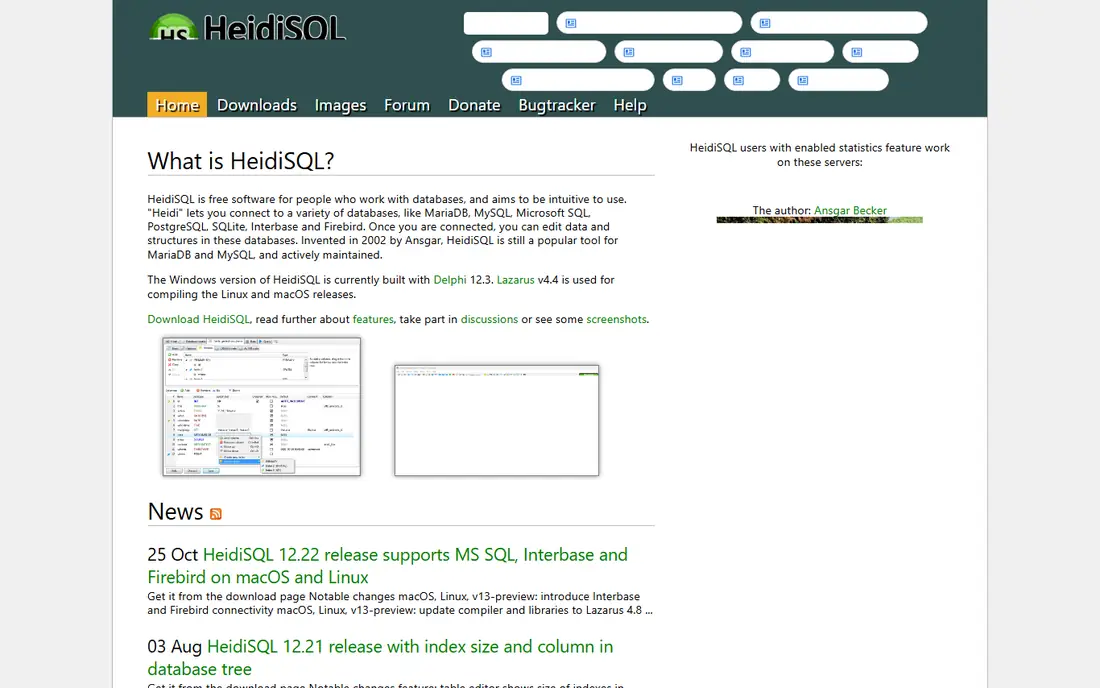
HeidiSQL has been a favorite Windows database client for years because it stays light and fast. It connects to MySQL, MariaDB, PostgreSQL, and SQL Server, with a straightforward session manager, table browsing, and query editing. There is no license cost, no subscription, and no heavy setup, which makes it easy to install on any Windows workstation.
The limits are platform and scope. HeidiSQL is built for Windows first, so Mac and Linux users will find other tools smoother, and its database coverage is narrower than DBeaver. The interface is functional rather than modern. For a Windows developer working mainly with MySQL or MariaDB, HeidiSQL is a fast, free alternative that does the job without fuss.
What we like- Completely free and very lightweight
- Fast for MySQL and MariaDB
- Simple session and query management
Watch out for- Windows-focused, with other platforms less polished
- Database coverage is narrower
- Interface looks dated
#6Navicat Premium
Best for: professionals who need premium multi-database management4.5/5 on
G2 (60 reviews, checked Oct 2026)
Visit navicat.com
Starting priceSee website
Free planFree trial (14 days)
Navicat Premium is the premium option for developers and DBAs who manage several database types professionally. It covers MySQL, MariaDB, PostgreSQL, SQL Server, Oracle, SQLite, and MongoDB in one interface, with visual query building, data modeling, synchronization, backup, and migration tools. The interface is polished, and the toolset goes well beyond browsing and editing into full database administration.
Price is the barrier. Navicat uses perpetual licenses that cost far more than a free client, and buying the right edition for your database mix needs care. A solo developer who only runs queries will not use most of the toolkit. Navicat fits teams and professionals who manage production databases across engines and can justify a premium client for modeling, sync, and migration work.
What we like- Connects to many databases in one app
- Strong data modeling, sync, and migration tools
- Polished interface
Watch out for- Perpetual pricing is high for individuals
- Separate licenses per database family can add up
- Overkill for simple querying
#7
DbGate
Best for: a lightweight free client for several databases
Visit dbgate.org
Starting priceFree
Free planYes
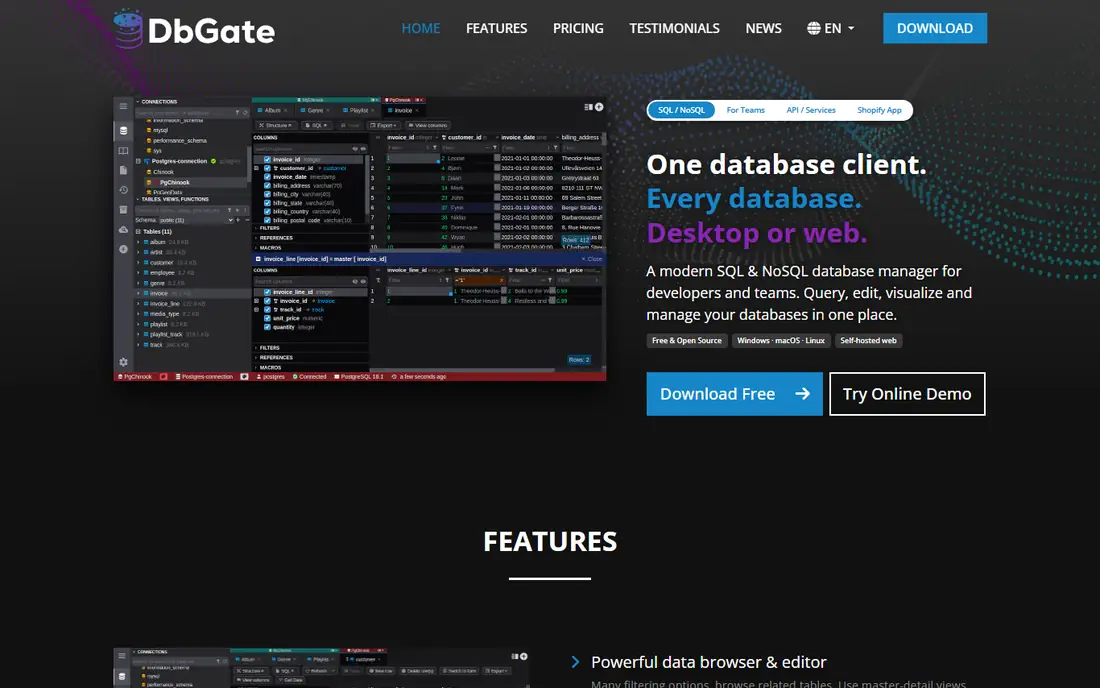
DbGate is a free, lightweight client that covers SQL Server, PostgreSQL, MySQL, MariaDB, SQLite, and MongoDB without the weight of a Java IDE. It can run as a desktop app or in a browser, which helps teams that want a shared web client for quick queries. Table browsing, query editing, and data export cover the daily work, and the interface stays simple.
Advanced features are thinner than DBeaver. Visual modeling, deep admin tools, and AI assistance are limited or missing, and the community is smaller, so niche problems may take longer to solve. DbGate suits developers who want a fast, free, multi-database client for routine work, and who do not need the full feature set of DataGrip or DBeaver Pro.
What we like- Free and lightweight
- Supports SQL databases plus MongoDB
- Runs as a desktop app or web app
Watch out for- Fewer advanced features than DBeaver
- Smaller community
- Some admin tools are basic
#8DbSchema
Best for: visual schema design and documentation4.5/5 on
G2 (2 reviews, checked Oct 2026)
Visit dbschema.com
Starting priceSee website
Free planFree trial
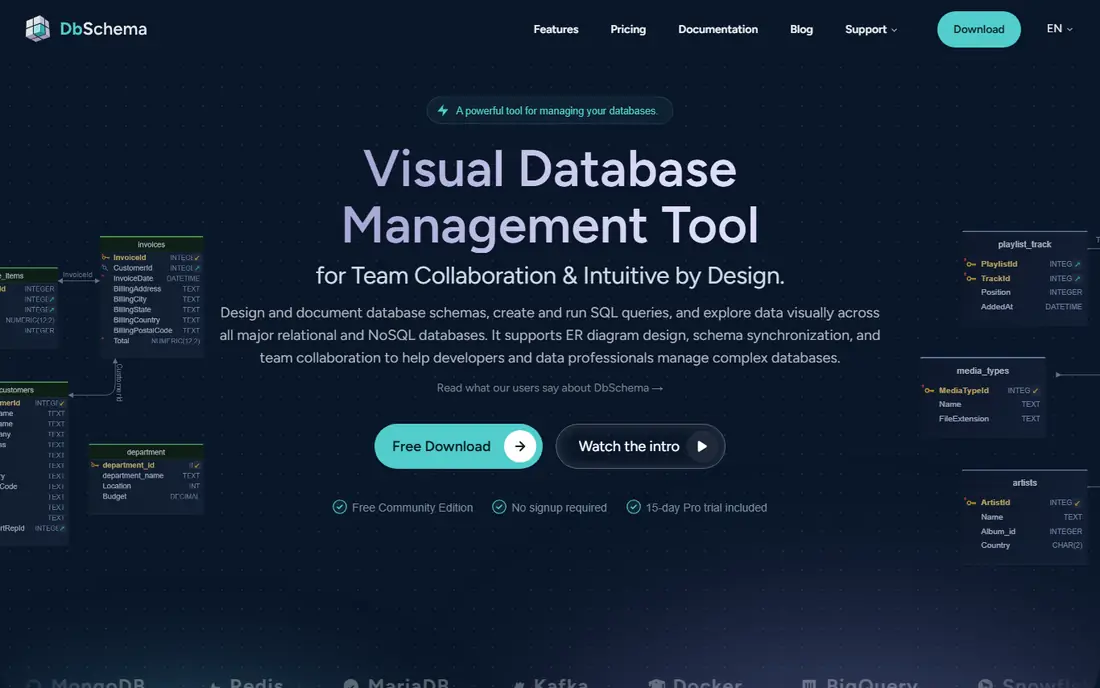
DbSchema approaches databases from the design side. You build and edit a visual diagram of tables and relationships, sync it with a live database, generate documentation, and create migration scripts. That workflow helps teams that design schemas together, document a legacy database, or plan a migration, and it works across major SQL databases.
It is not the best tool for writing queries all day. The query editor is serviceable, but developers who spend hours in SQL will prefer DBeaver, TablePlus, or Beekeeper for editing speed and assistance. DbSchema earns its place when schema design, documentation, and team review matter more than query speed, and it pairs well with a lighter client for daily queries.
What we like- Strong visual schema designer
- Syncs diagrams with the live database
- Good documentation and migration tools
Watch out for- Not a full daily query client
- Pricing is per user
- Less suited to quick ad-hoc queries
#9MySQL Workbench
Best for: free MySQL and MariaDB design and administration4.5/5 on
G2 (49 reviews, checked Oct 2026)
Visit mysql.com
Starting priceFree
Free planYes
MySQL Workbench is the official free client for MySQL and MariaDB, and it covers modeling, administration, and querying in one package. Visual schema design, server status, user management, and backup tools make it useful for DBAs, while the query editor handles daily SQL work. For a team standardized on MySQL, it is a complete free option from the database vendor itself.
Performance and scope are the drawbacks. Workbench can feel slow, especially on newer Mac systems, and it only covers MySQL-family databases, so polyglot developers need another client. The interface also looks dated compared with TablePlus or Beekeeper. Still, for MySQL-only work with modeling and admin needs, Workbench remains a solid free alternative.
What we like- Free official tool for MySQL
- Visual modeling and server administration
- Forward engineering and migration tools
Watch out for- MySQL and MariaDB only
- Can feel slow on newer systems
- Interface has changed little in years
Starting priceSee website
Free planFree trial
Postico is a Mac-native PostgreSQL client built for simplicity. It opens quickly, presents tables and data clearly, and lets you filter, sort, and edit rows without learning a complex interface. For a Mac developer who works only with PostgreSQL and wants a pleasant daily client, Postico is one of the easiest tools to live with.
Scope is narrow by design. There is no Windows or Linux version, no MySQL or SQL Server support, and advanced administration is thinner than pgAdmin. Developers who need multi-database support should choose DBeaver or Beekeeper instead. Postico fits a Mac-based PostgreSQL workflow where speed and clarity matter more than breadth.
What we like- Clean Mac-native interface
- Fast table browsing and editing
- Simple connection and query workflow
Watch out for- Mac only
- PostgreSQL only
- Fewer advanced features than DBeaver or pgAdmin
How we chose
We compared vendor pricing pages, documentation, and public reviews on G2, Capterra, and Reddit, and we weighted database support, query experience, data editing, performance, and price. We included free, one-time, and premium tools so readers can match budget to need, and we noted where a tool is limited to one database or one platform. Where pricing varies by edition or region, we used the vendor page as the source and marked unclear prices as See website.
Choosing by database and workflow
Start with the databases you use every week, not the full list a vendor advertises. A tool can list a database yet handle it poorly for editing, export, or admin work. Test your real tasks: connect over SSH, browse a large table, edit rows, run a join, export results, and view a query plan. Those five tasks reveal more than a feature page.
Performance, export, and team use
If you open the client many times a day, a native app will save noticeable time over a Java client. Check data export formats too, since CSV, JSON, and SQL dumps are used differently across teams. For shared work, check how connections, queries, and credentials are stored and shared, and whether the tool supports read-only connections for production. A read-only default and clear connection coloring can prevent costly mistakes.
Frequently asked questions
Is DataGrip free?
DataGrip is a paid JetBrains IDE, with a free trial and free use for non-commercial purposes in some cases. Developers who already pay for the JetBrains All Products Pack get DataGrip included, which changes the value calculation for JetBrains shops.
What is the best free DataGrip alternative?
DBeaver Community is the best free general alternative, thanks to its wide database support and full feature set. For PostgreSQL only, pgAdmin is the best free admin tool, and Beekeeper Studio is the best free modern client for common SQL databases.
Which alternative is fastest?
TablePlus is fastest for daily browsing, thanks to its native design and low memory use. Postico is similarly fast on Mac for PostgreSQL, while DBeaver and DataGrip trade speed for broader features and deeper SQL assistance.
Do these tools work with cloud databases?
Yes, in most cases. Clients here connect to databases on AWS, Google Cloud, Azure, and other hosts over standard connections, with SSH tunneling for private servers. Confirm the exact connection method and any SSL requirements for your cloud provider before migrating.
Can I use these tools for NoSQL databases?
Some can. DBeaver, TablePlus, DbGate, and Navicat support MongoDB and sometimes Redis, but SQL-focused clients handle NoSQL less deeply than a dedicated NoSQL tool. Check document browsing and query support for your NoSQL engine before buying.
Should I keep DataGrip if I already have a JetBrains subscription?
Often, yes. If DataGrip is already included in your JetBrains pack, its SQL intelligence and IDE integration are hard to beat for the same price. A free or native client still makes sense as a second tool for fast browsing, or for databases DataGrip handles less well.
Sources we checked (10)
- https://www.dbeaver.io/pricing
- https://www.tableplus.com/pricing
- https://www.beekeeperstudio.io/pricing
- https://www.pgadmin.org
- https://www.heidisql.com
- https://www.navicat.com/pricing
- https://www.dbgate.org/pricing
- https://www.dbschema.com/pricing
- https://www.mysql.com/products/workbench
- https://eggerapps.at/postico/
Is your product missing or out of date?
We review this list regularly. Vendors can request a listing, send updated pricing or ask about featured placement.

Shihab Mia · Founder, Rankite
Shihab has 5+ years in B2B and SaaS SEO. He writes Rankite's software buying guides from pricing pages, documentation and public user reviews. More about Shihab.