How we make this list: we compare pricing pages, product documentation and public user reviews. Ratings come from G2, Capterra or Trustpilot, with the date we checked them.
Key takeaways
- Open source pipelines such as Vector, Fluent Bit, and the OpenTelemetry Collector give you full control and no per-gigabyte pipeline fee, but you own deployment, scaling, and upgrades.
- Managed pipelines like Mezmo, Edge Delta, and Chronosphere reduce operational work, yet you must model destination costs on top of the pipeline bill.
- Datadog Observability Pipelines and Splunk Edge Processor fit best when you already pay for those backends and want processing close to them.
- Logstash remains a practical choice for Elastic shops, even though it needs more tuning than newer agents.
- The cheapest pipeline on paper can become expensive if it duplicates data, drops fields you need later, or forces a painful re-instrumentation.
Quick comparison
Is your product missing or out of date?
We review this list regularly. Vendors can request a listing, send updated pricing or ask about featured placement.
The best Cribl alternatives
Starting priceSee website
Free planYes
Vector is a strong first look when you want Cribl-style routing without a pipeline vendor bill. It collects, transforms, and routes logs, metrics, and traces, and it handles high throughput with modest resource use. Teams that already run infrastructure as code often like that Vector configs live in files, can be reviewed, and can be deployed like any other service.
The trade-off is ownership. You run the agents, watch for backpressure, and test config changes before they reach production. That is fine for a platform team with time to operate it, and less appealing for a small team that wants a managed console and support on call.
What we like- Fast and memory efficient
- Many sources and sinks
- Configuration as code with clear transforms
Watch out for- No hosted control plane in the open source project
- Learning curve for complex transforms
- You own upgrades and monitoring
Starting priceSee website
Free planYes
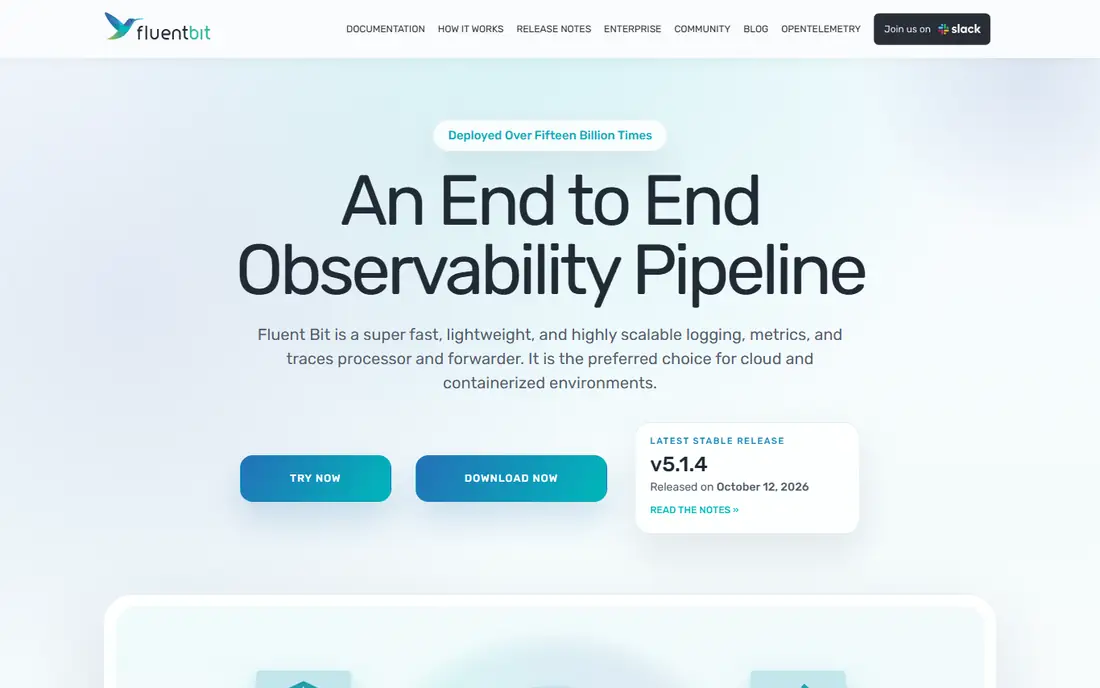
Fluent Bit fits hosts and containers where resources are tight. It is widely used as a Kubernetes log collector, it starts fast, and it sends data to many backends, including object storage, search platforms, and observability tools. For edge collection, that combination is hard to beat on cost.
It is not a drop-in visual replacement for Cribl Stream. Pipeline logic lives in config files, and heavy parsing or enrichment is better done in a central layer or in Fluentd. Use Fluent Bit at the edge, and pair it with a central pipeline when transforms get complex.
What we like- Very small footprint
- Wide output support
- Proven in Kubernetes environments
Watch out for- Less visual pipeline building than Cribl
- Complex parsing needs care
- Scaling central aggregation still needs planning
Starting priceSee website
Free planYes
Logstash remains relevant because so many teams already store logs in Elasticsearch. Its plugin library covers inputs, filters, and outputs that newer tools still lack, and it handles messy, multiline, and legacy formats well. If your destination is Elastic, Logstash keeps the whole path inside one ecosystem.
Resource use is the honest catch. Logstash uses more memory than lightweight agents, and throughput depends on JVM tuning, queue settings, and pipeline worker counts. Plan a load test with your real log shapes before you commit, and keep parsing rules under version control.
What we like- Deep plugin library
- Strong parsing and enrichment
- Natural fit with Elasticsearch
Watch out for- Heavier than Vector or Fluent Bit
- Tuning JVM and queues takes time
- Scaling needs careful design
Starting priceSee website
Free planYes
The OpenTelemetry Collector is the neutral choice. It receives telemetry in open formats, processes it with processors for filtering, sampling, redaction, and enrichment, and exports it to almost any backend. That portability matters when you change backends later, since you do not need to re-instrument every service.
What you give up is a polished commercial console. The Collector itself is infrastructure, not an analytics product, so dashboards, alerting, and long-term storage come from the backend you choose. Many teams run the upstream Collector or a vendor distribution, and the difference is mainly support and prebuilt components.
What we like- Open standard for logs, metrics, and traces
- No vendor lock in for instrumentation
- Large processor and exporter set
Watch out for- Configuration is YAML heavy
- No built-in hosted analytics backend
- Support depends on your distribution
Starting priceSee website
Free planFree trial
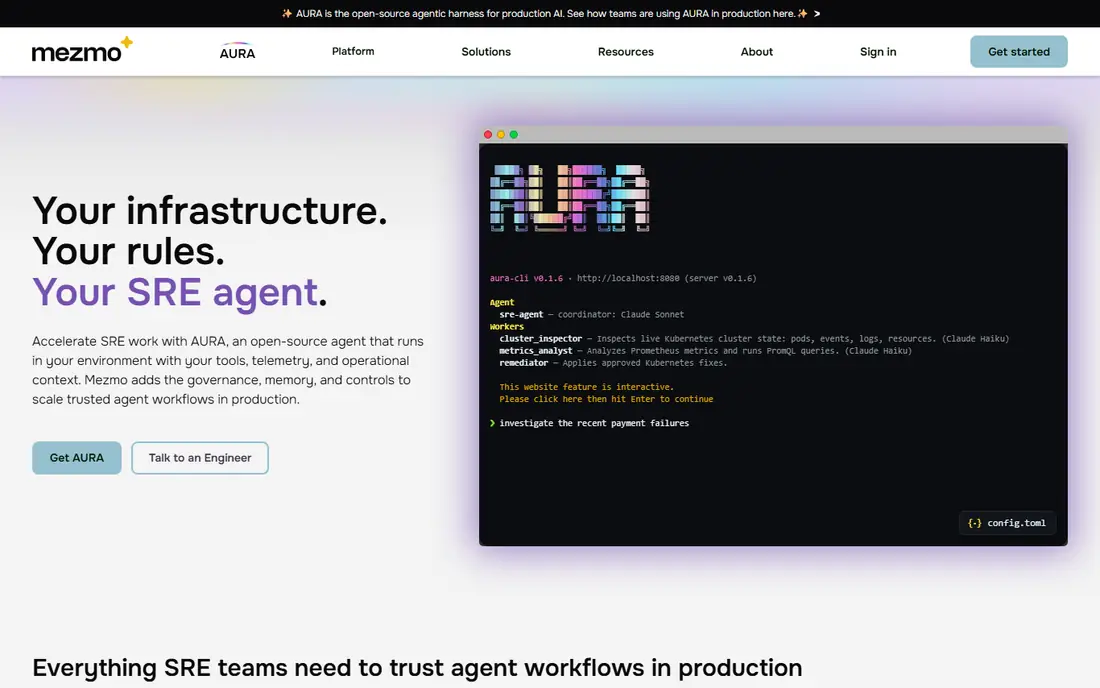
Mezmo, formerly LogDNA, combines a managed pipeline with log search and analysis. That pairing helps teams that want to cut noisy logs before storage and still search what remains without building a separate backend. Its profiling features help you see which sources drive volume, which is the first step to a lower bill.
The limit is scope. Mezmo is strongest as a log platform, not as a universal router feeding five unrelated backends with equal depth. Check volume pricing, retention limits, and export options before you move high-volume sources, and keep a copy of raw logs in object storage if compliance requires it.
What we like- Managed pipeline plus log analytics
- Useful data profiling and reduction controls
- Faster setup than self-hosted stacks
Watch out for- Pricing depends on volume and retention
- Less neutral than open source routers
- Migration needs a data mapping plan
Starting priceSee website
Free planFree trial
Edge Delta pushes processing to where data is created, so noisy or low-value logs can be filtered, aggregated, or summarized before they cross the network. That early reduction can cut backend ingest costs in a visible way, especially for chatty services and Kubernetes clusters. It also routes to external destinations, so you are not forced to store everything in one place.
Edge deployment is still work. You manage agents across hosts, test pipeline changes safely, and watch for parsing errors at the edge. Public listings have shown usage pricing around $0.20 per GB in some directories, but confirm the current rate on the vendor pricing page, since volume tiers and retention change the total.
What we like- Processing at the source reduces volume early
- Routing to multiple destinations
- Built-in backend for analysis
Watch out for- Newer than Splunk or Elastic ecosystems
- Edge deployment adds agent management
- Pricing is usage based, so model it carefully
Starting priceSee website
Free planFree trial

Chronosphere Telemetry Pipeline is built for teams that want one control point for logs, metrics, and traces before data lands in storage. You can shape, drop, and route telemetry centrally, which helps platform teams enforce standards across many services and clusters. That control is valuable when dozens of teams send data with different formats and levels of care.
The catch is ecosystem fit. It works most smoothly alongside Chronosphere itself, so teams that want a neutral router feeding many unrelated backends may prefer Vector or the OpenTelemetry Collector. Ask for a trial with your highest-volume sources, and measure both pipeline cost and backend savings together.
What we like- Central control over telemetry before storage
- Built for large cloud native estates
- Pairs with Chronosphere observability platform
Watch out for- Best value inside Chronosphere ecosystem
- Enterprise sales process for larger deals
- Smaller community than open source tools
Starting priceSee website
Free planFree trial
Datadog Observability Pipelines runs workers in your infrastructure to collect, process, and route logs and metrics, while pipelines are built in Datadog. That is convenient if Datadog is already your main observability platform, because teams do not need a separate pipeline console or skill set. It can also send data to external destinations such as Splunk, Microsoft Sentinel, and Amazon S3.
Pricing is usage based, with public summaries listing around $0.095 per GB of uncompressed data ingested per month on annual billing, plus separate destination costs. Confirm the current rate and the higher per-vCPU tier for very large volumes on the Datadog pricing page. The total bill only makes sense when pipeline savings are compared with backend ingest costs.
What we like- Managed in Datadog console
- Routes to Datadog and external destinations
- Workers run in your infrastructure
Watch out for- Destination costs are billed separately
- Usage pricing needs volume modeling
- Less neutral than open source options

#9
Splunk Edge Processor
Best for: Splunk centered edge filtering
Visit splunk.com
Starting priceSee website
Free planFree trial
Splunk Edge Processor addresses the most common Cribl use case for Splunk shops: cut volume before it hits the index. You can filter, mask, and route data at the edge, which lowers license use and keeps high-value events searchable. For teams already committed to Splunk, that native fit reduces integration risk.
It is not the best pick if your goal is to leave Splunk or to feed many backends equally. Edge Processor is designed around Splunk destinations and workflows, so a neutral pipeline remains a better choice for a multi-backend strategy. Test it on your noisiest sources first, and track both ingest reduction and any loss of fields analysts need later.
What we like- Filters and routes before Splunk ingest
- Reduces costly index volume
- Native fit for Splunk Cloud and Enterprise
Watch out for- Most value stays inside Splunk
- Needs Splunk expertise to tune
- Not a general purpose multi-backend router
How we chose
We compared pipeline documentation, pricing pages, and public reviews on G2, Capterra, and Reddit, focusing on the core Cribl job: collect, reduce, enrich, and route telemetry before storage. A tool made the list only if it can actually perform pipeline work today, not merely store or visualize logs. Where pricing is volume based or quote based, we wrote See website in the structured fields and noted verified usage rates in the text only where a recent vendor or pricing summary supported them.
Questions to answer before you migrate
A pipeline change touches every team that sends logs, so a short pilot beats a broad rollout. Pick two or three noisy sources, run the new pipeline in parallel, and compare volume, field completeness, and search results before you cut over.
What must be kept, and what can be dropped
List required fields for security, compliance, and debugging, and confirm that redaction or sampling does not remove them. Dropping data is easy. Explaining a missing field during an incident is not.
How will you handle backpressure and failure
Check what happens when a destination is slow or down. Look for disk buffering, queue limits, retry behavior, and alerts. A pipeline that silently drops logs during an outage creates a second incident.
Who owns pipeline changes
Decide whether central platform teams own all pipelines or product teams can ship their own transforms. Central control improves consistency, while team ownership speeds up fixes. Either model needs version control, staging, and a rollback path.
What is the full cost, not just the pipeline fee
Add pipeline charges, backend ingest, storage, retention, and engineering time. A free open source pipeline can still be expensive if it needs a dedicated engineer, just as a managed pipeline can be cheap if it cuts backend volume by half.
Frequently asked questions
Is Cribl Stream the same as a log storage platform?
No. Cribl Stream is a pipeline that routes and shapes data before storage, while Splunk, Elastic, and Datadog store and analyze it. Many teams use a pipeline plus a backend together, and the alternatives above include both pure pipelines and combined platforms.
Which Cribl alternative is free?
Vector, Fluent Bit, Logstash, and the OpenTelemetry Collector are open source and free to run, although you pay for infrastructure and engineering time. Managed options generally offer trials, not permanent free tiers for production volume.
Can I replace Cribl without re-instrumenting my apps?
Often yes, if you keep the same collection agents and change only the pipeline layer. The OpenTelemetry Collector and Vector both support common inputs, but test parsing, field names, and timestamps in parallel before you switch destinations.
How much can a pipeline reduce log costs?
Reduction depends on how much noise, duplication, and debug logging you send today. Teams often see large cuts from dropping debug logs, sampling health checks, and aggregating repetitive events, but the only reliable number comes from a pilot on your own data.
Do I still need a pipeline if I use object storage?
You may need a lighter one. Object storage is cheap for archives, but search, alerting, and incident work still need structured, filtered data in an analytics backend. A pipeline helps you decide what goes to hot search, what goes to archive, and what is dropped.
What is the biggest migration risk?
Losing fields, timestamps, or source context that analysts and security teams rely on. Run old and new pipelines side by side, compare a sample of events field by field, and keep the old path until the new one passes that check.
Sources we checked (9)
- https://www.vector.dev/pricing
- https://fluentbit.io
- https://www.elastic.co/pricing
- https://www.opentelemetry.io/pricing
- https://www.mezmo.com/pricing
- https://www.edgedelta.com/pricing
- https://www.chronosphere.io/pricing
- https://www.datadoghq.com/pricing
- https://www.splunk.com/pricing
Is your product missing or out of date?
We review this list regularly. Vendors can request a listing, send updated pricing or ask about featured placement.

Shihab Mia · Founder, Rankite
Shihab has 5+ years in B2B and SaaS SEO. He writes Rankite's software buying guides from pricing pages, documentation and public user reviews. More about Shihab.
 Vector
 Fluent Bit
 Logstash
 OpenTelemetry Collector
 Mezmo
Mezmo Edge Delta
 Chronosphere Telemetry Pipeline
 Datadog Observability Pipelines