How we make this list: we compare pricing pages, product documentation and public user reviews. Ratings come from G2, Capterra or Trustpilot, with the date we checked them.
Key takeaways
- Leaving Cloudways is usually about one of three things: higher costs, less control, or wanting fully managed hosting instead of a server panel.
- Kinsta, WP Engine, and Rocket.net are the premium managed options, with support and performance bundled into a higher monthly price.
- RunCloud, GridPane, xCloud, and FlyWP keep the server panel model, so you pay for the panel plus your own cloud server.
- InstaWP suits agencies whose site count changes often, with per site daily billing and a $2 sandbox starting point.
- Compare billing units before prices: per site, per server, and per visit plans are not directly comparable.
Quick comparison
| Tool | Best for | Starting price | Free plan |
|---|
 Kinsta Kinsta | Premium managed hosting | $35/month | No |
 WP Engine WP Engine | Agencies and enterprises | See website | No |
 Rocket.net Rocket.net | Speed focused WordPress sites | $30/month | No |
 xCloud xCloud | Low cost managed or self managed | $5/month | Yes |
 GridPane GridPane | Agencies on their own servers | Free | Yes |
 RunCloud RunCloud | Lightweight server panel | $9/month | Free trial |
 FlyWP FlyWP | Managed or own server flexibility | $7/month | No |
 InstaWP InstaWP | Agencies with changing site counts | $5/month | No |
Is your product missing or out of date?
We review this list regularly. Vendors can request a listing, send updated pricing or ask about featured placement.
The best Cloudways alternatives
#1Kinsta
Best for: Premium managed hosting4.8/5 on
G2 (1,638 reviews, checked Oct 2026)
Visit kinsta.com
Starting price$35/month
Free planNo

Kinsta is the premium managed WordPress host most Cloudways users compare against first. It runs on Google Cloud infrastructure with 30 data centers, a Cloudflare CDN, enterprise DDoS protection, and an uptime SLA up to 99.99 percent. Support comes from engineers, not a script queue, and the vendor reports 98 percent customer satisfaction.
The tradeoff for that polish is price and limits. Entry plans start at $35 per month, or $30 billed annually, for a single site with a visit allowance, and overage charges apply if you exceed it. You also get no server level access, so developers who want root control will feel boxed in.
Kinsta makes sense when one or a few important sites justify the premium and you would rather pay for support and performance than manage a server yourself. It is the wrong move if you run dozens of low traffic client sites and need per server pricing.
What we like- 30 data centers with Cloudflare CDN
- Free malware removal
- 24/7 human expert support
Watch out for- Higher entry price
- Visit limits on entry plans
- No server level access
#2WP Engine
Best for: Agencies and enterprises4.6/5 on
G2 (362 reviews, checked Oct 2026)
Visit wpengine.com
Starting priceSee website
Free planNo
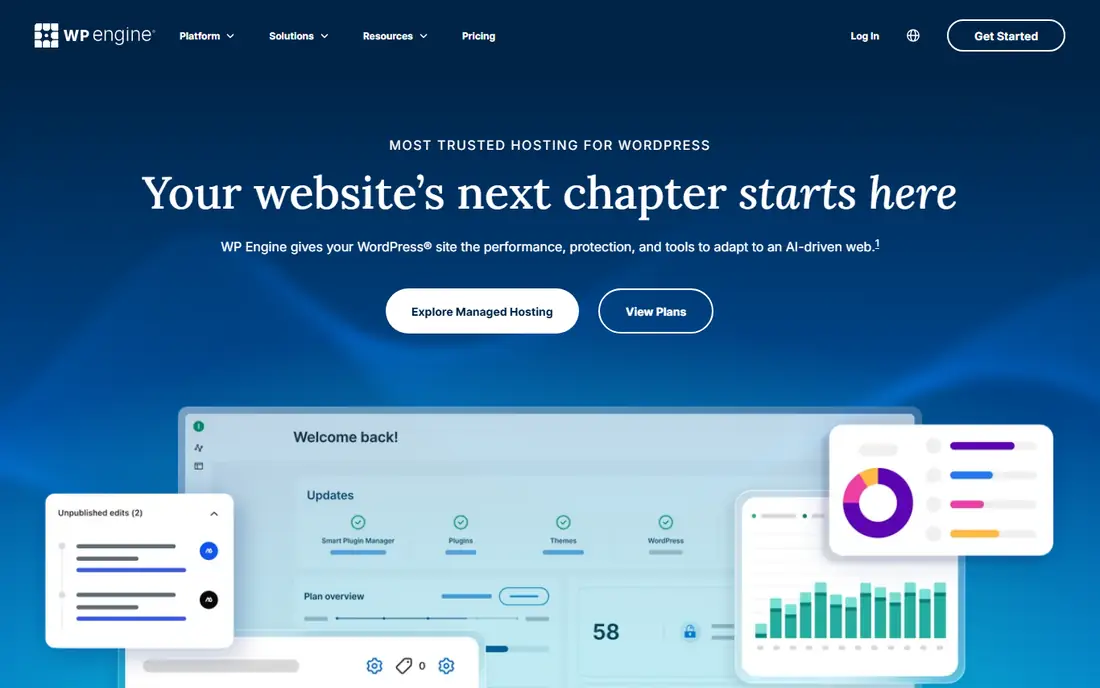
WP Engine is the biggest name in managed WordPress hosting, powering more than 1.5 million sites. Its platform combines performance tooling, managed security that blocks over 10 billion malicious requests a month, and agency features such as one click staging and daily backups. The enhanced uptime guarantee of 99.99 percent suits publishers and stores that cannot afford downtime.
Pricing is where comparison articles disagree, with recent figures ranging from $20 to $28 per month for entry plans depending on billing and promotion, so check the current pricing page before deciding. What is consistent is the positioning: WP Engine is for teams that want a large, stable managed platform and an agency partner program, not for developers who want to run their own servers.
If you are leaving Cloudways because you want less server responsibility, WP Engine is a natural landing spot. If you are leaving because you want more control or lower costs, the panel options below fit better.
What we like- Powers 1.5 million plus WordPress sites
- 99.99 percent enhanced uptime guarantee
- Strong agency partner program
Watch out for- WordPress only
- Pricing varies by plan and promotion
- No multi cloud choice
Starting price$30/month
Free planNo
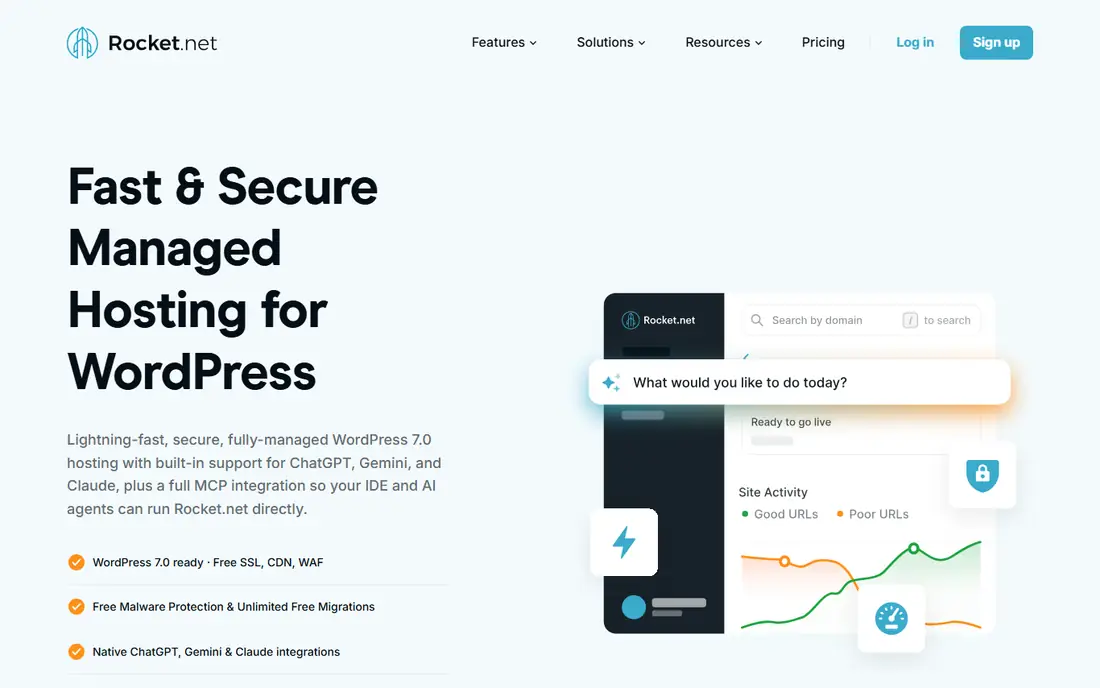
Rocket.net builds its pitch around speed and simplicity. Every plan includes an enterprise CDN, website firewall, free SSL, Redis object caching, and unlimited free migrations, with a 30 day money back guarantee and $1 first month introductory pricing. Entry plans run $30 per month, or $25 billed annually, according to October 2026 comparison pricing.
The vendor publishes its own time to first byte comparisons showing roughly 83 milliseconds against much higher figures for Kinsta, WP Engine, and Cloudways, though those are vendor measurements and should be read as marketing. Independent reviews consistently rate Rocket.net fast, and the support team gets strong marks for handling migrations.
Rocket.net is a strong choice for WooCommerce stores and content sites where speed directly affects revenue. It is less flexible than a panel if you run non WordPress apps or want to choose your own cloud provider.
What we like- Enterprise CDN and firewall included
- Unlimited free migrations
- 30 day money back guarantee
Watch out for- Higher entry price than panels
- WordPress only
- $1 intro pricing is promotional
Starting price$5/month
Free planYes
xCloud is one of the newer Cloudways alternatives and one of the cheapest. Managed servers start from $5 a month, while the self managed tier lets you connect your own server and manage 1 server with 10 sites for free, with unlimited apps and databases. It supports WordPress, WooCommerce, Laravel, Node.js, n8n, and other stacks, plus Git based deployments and an MCP server for AI agent access.
The breadth is unusual for a panel at this price, and the vendor claims more than 100,000 businesses and 162,000 sites. Testimonials on its homepage come largely from Cloudways and RunCloud switchers praising the interface and price. The risk is youth: xCloud has less history than RunCloud or GridPane, and its documentation and support are still catching up.
For developers and small agencies that want Cloudways style control at a lower price, xCloud is the value pick. Enterprises that need proven support at scale should shortlist Kinsta or WP Engine instead.
What we like- Managed servers from $5 a month
- Free self managed tier for 1 server and 10 sites
- Deploys WordPress, Laravel, Node.js, and n8n
Watch out for- Younger platform with a smaller track record
- Interface and docs still maturing
- Support quality varies by plan
Starting priceFree
Free planYes
GridPane is a self managed hosting platform aimed at serious WordPress agencies and eCommerce brands. Its core promise is transparency: full, unrestricted access to logs, transparent server specs, and no arbitrary restrictions like page view limitations. You bring your own server, typically on Vultr, and GridPane provides the panel, caching stack, security, and backups.
The free Core plan covers up to 25 sites, which makes GridPane unusually generous for testing, while paid plans start from $19 a month according to comparison sources. The audience is clear: agencies that run their own hosting as a service and want to keep the economies of scale instead of handing them to a managed host.
GridPane demands more skill than Kinsta or Rocket.net. You manage the server relationship and the panel together, and support is geared toward professionals. For agencies with that skill, it is one of the most cost effective ways to run many sites at high performance.
What we like- Full access to logs and server specs
- No page view limits
- Built for high concurrency WordPress sites
Watch out for- Requires your own Vultr or similar server
- Paid plans from $19 a month
- Less hand holding than managed hosts
#6RunCloud
Best for: Lightweight server panel4.0/5 on
G2 (18 reviews, checked Oct 2026)
Visit runcloud.io
Starting price$9/month
Free planFree trial
RunCloud is the lightweight panel that many Cloudways users already know. It connects to Vultr, Linode, UpCloud, Hetzner, AWS, Google Cloud, or DigitalOcean and provides a graphical interface for deploying and managing PHP applications without deep Linux expertise. Plans start at $9 a month for one server, with a 7 day free trial.
The appeal is simplicity and price. RunCloud does less than GridPane or xCloud in some areas, but it does the core panel job well: server provisioning, app deployment, SSL, backups, and team access. Long time users praise the clean interface, though some recent reviews note that support responsiveness has slipped since its early years.
RunCloud fits developers who want a dependable, affordable panel and are comfortable handling the rest themselves. Teams that want managed hosting with bundled support should look at FlyWP managed or Kinsta instead.
What we like- Simple panel for major cloud providers
- 7 day free trial
- Affordable per server pricing
Watch out for- Support quality has drawn mixed recent reviews
- Fewer managed features than xCloud
- PHP focused
Starting price$7/month
Free planNo
FlyWP offers two models in one platform: fully managed hosting from $7 a month, where server and panel are billed together, and bring your own server, where you pay per server with no tier limits and get automatic volume discounts as you scale. The stack is Docker powered, supports Nginx or OpenLiteSpeed, and includes staging, backups, team collaboration, and security tools with no feature restrictions except add ons.
FlyWP is a product of weDevs, a WordPress company with more than 600,000 websites on its products, which gives it more backing than most young panels. Its homepage emphasizes unlimited test sites, one click staging, and 20 plus plugins replaced by built in features.
The limitation is focus: FlyWP is designed specifically for WordPress, and support for other PHP apps may come later but is not the priority. For WordPress agencies that want both managed and own server options under one dashboard, FlyWP is the most flexible panel on this list.
What we like- Managed hosting from $7 a month
- Docker powered WordPress stack
- Unlimited sites per server capacity
Watch out for- WordPress focused, limited non WordPress support
- Younger than RunCloud
- No free plan
Starting price$5/month
Free planNo
InstaWP takes a different billing approach that solves a specific agency problem. Instead of paying for server capacity while your site count moves, you pay per site, billed daily, from $5 a month per site, with sandbox sites from $2. Spin up a real WordPress site in seconds, build it out, then promote it to production on InstaWP infrastructure, with global CDN, managed WAF, and off server backups included rather than sold as add ons.
The platform also includes white label reselling, domain buying, migration with an AI page check, and MCP servers so AI agents can manage sites. The vendor reports more than 140,000 users and 10,000 agencies and teams, with a 4.7 star Trustpilot rating.
Per site billing cuts both ways: it is cheap when your site count is low or variable, and expensive when you run many sites on one server. Agencies with fluctuating portfolios, demo sites, and client builds will get the most from InstaWP, while high volume agencies should compare GridPane or xCloud per server pricing first.
What we like- Per site daily billing
- $2 sandbox sites
- Global CDN, WAF, and backups included on production plans
Watch out for- Per site pricing gets expensive at scale
- Newer managed host
- Reselling features may exceed small site needs
How we chose
We compared Cloudways alternatives across the three reasons people leave: cost, control, and management level. We opened each vendor homepage to confirm it loads and belongs to the product described, and we weighed entry price, billing unit, WordPress focus, server access, and support reputation. Prices come from October 2026 comparison sources that checked vendor pricing pages, and we marked WP Engine as "See website" where those sources disagreed. We excluded shared hosts that cannot match cloud performance and raw VPS providers that offer no panel or management layer.
What to check before you switch hosts
First, name the reason you are leaving Cloudways, because it determines the category. If cost is the issue, compare per server panel pricing against your current bill, not entry plan prices. If control is the issue, confirm root access, stack choice, and server provider options. If management burden is the issue, compare what support actually covers, including migrations, malware cleanup, and performance help.
Next, test migration before you commit. Move one real site, ideally your slowest or most complex one, and measure load time, admin speed, and support response. Free migrations are common, but quality varies, and a host that migrates cleanly once is more likely to do it well at scale.
Finally, check the billing unit that will govern your costs in a year. Per visit plans punish traffic growth, per site plans punish site count growth, and per server plans punish nothing except the server size you choose. Match the billing unit to the metric that grows slowest in your business, and read the renewal terms, since introductory pricing often ends after the first term.
Frequently asked questions
Is Cloudways still a good host?
Yes for many users, especially those who want multi cloud choice with a managed panel. People usually leave over rising costs, limited server control, or a preference for fully managed hosting, not because Cloudways stopped working.
What is the cheapest Cloudways alternative?
For self managed use, xCloud offers a free tier for one server and 10 sites, and GridPane offers a free Core plan for up to 25 sites. For managed hosting, FlyWP starts at $7 a month and InstaWP at $5 a month per site, plus your server costs where applicable.
Should I choose managed hosting or a server panel?
Choose managed hosting if you want the vendor to handle servers, security, and support, and choose a panel if you want control over your cloud provider and server configuration. Panels are cheaper per site at scale but demand more skill.
Can I migrate from Cloudways without downtime?
Most hosts on this list offer free migrations and let you test the migrated site before switching DNS, which keeps downtime near zero. Ask the new host to confirm the process for your specific stack, especially for WooCommerce stores.
Does switching hosts improve site speed?
It can, if the new host offers a faster stack, better caching, or a closer data center. Measure before and after with the same tool, since speed claims on vendor homepages are marketing measurements, not guarantees.
Sources we checked (10)
- https://kinsta.com
- https://wpengine.com
- https://rocket.net
- https://xcloud.host
- https://gridpane.com
- https://runcloud.io
- https://flywp.com
- https://instawp.com
- https://instawp.com/best-cloudways-alternative-instawp-live/
- https://flywp.com/blog/20246/best-cloudways-alternative/
Is your product missing or out of date?
We review this list regularly. Vendors can request a listing, send updated pricing or ask about featured placement.

Shihab Mia · Founder, Rankite
Shihab has 5+ years in B2B and SaaS SEO. He writes Rankite's software buying guides from pricing pages, documentation and public user reviews. More about Shihab.