How we make this list: we compare pricing pages, product documentation and public user reviews. Ratings come from G2, Capterra or Trustpilot, with the date we checked them.
Key takeaways
- Browserless is the closest like-for-like swap, offering hosted headless browsers with simple scaling.
- Bright Data and Oxylabs suit teams that need browsers plus large proxy networks for hard-to-reach sites.
- Apify covers scraping plus automation, with ready-made actors for common tasks.
- ScrapingBee and ZenRows are best for developers who want a simple API rather than managing browsers.
- Anchor Browser and Steel.dev offer newer, developer-focused browser infrastructure with strong session handling.
Quick comparison
| Tool | Best for | Starting price | Free plan |
|---|
 Browserless Browserless | hosted headless browsers without infrastructure work | See website | Free trial |
 Bright Data Bright Data | browser automation backed by a large proxy network | See website | Free trial |
 Apify Apify | ready-made scrapers plus custom automation | See website | Yes |
 ScrapingBee ScrapingBee | developers who want a simple scraping API | See website | Free trial |
 Oxylabs Oxylabs | enterprise scraping with strong proxy infrastructure | See website | Free trial |
 ZenRows ZenRows | anti-bot scraping through a simple API | See website | Free trial |
 Anchor Browser Anchor Browser | developer-focused browser sessions with profiles | See website | Free trial |
 Steel.dev Steel.dev | modern browser infrastructure for agents and automation | See website | Free trial |
Is your product missing or out of date?
We review this list regularly. Vendors can request a listing, send updated pricing or ask about featured placement.
The best browserbase alternatives
Starting priceSee website
Free planFree trial
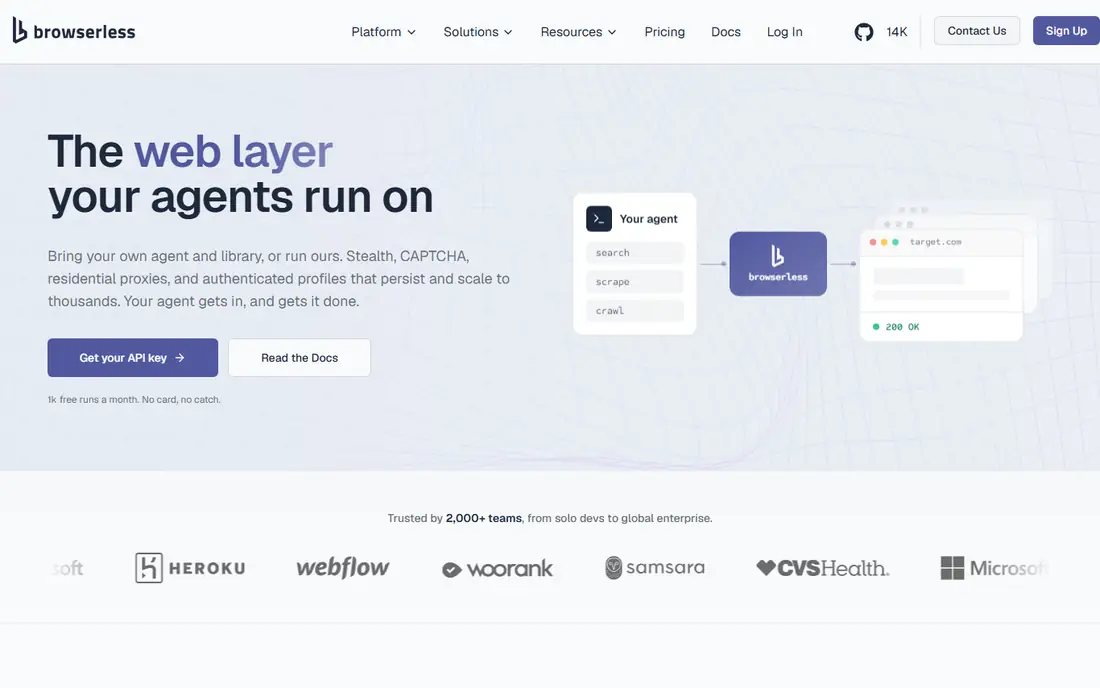
Browserless is the most direct Browserbase replacement. It hosts headless Chrome browsers that you drive with Puppeteer or Playwright, so existing automation code usually needs only an endpoint change. Sessions scale on demand, and the service handles browser updates, crashes, and resource limits that would otherwise eat developer time.
The platform also offers debugging tools, screenshots, and PDF generation from browser sessions. Pricing is usage-based, so heavy workloads can grow expensive, and built-in anti-bot features are lighter than proxy-first rivals. For a team that wants managed browsers with minimal changes to existing code, Browserless is the safest pick here.
What we like- Simple setup
- Scales on demand
- Supports Puppeteer and Playwright
Watch out for- Costs rise with heavy use
- Fewer built-in anti-bot extras than some rivals
#2Bright Data
Best for: browser automation backed by a large proxy network4.6/5 on
G2 (272 reviews, checked Oct 2026)
Visit brightdata.com
Starting priceSee website
Free planFree trial
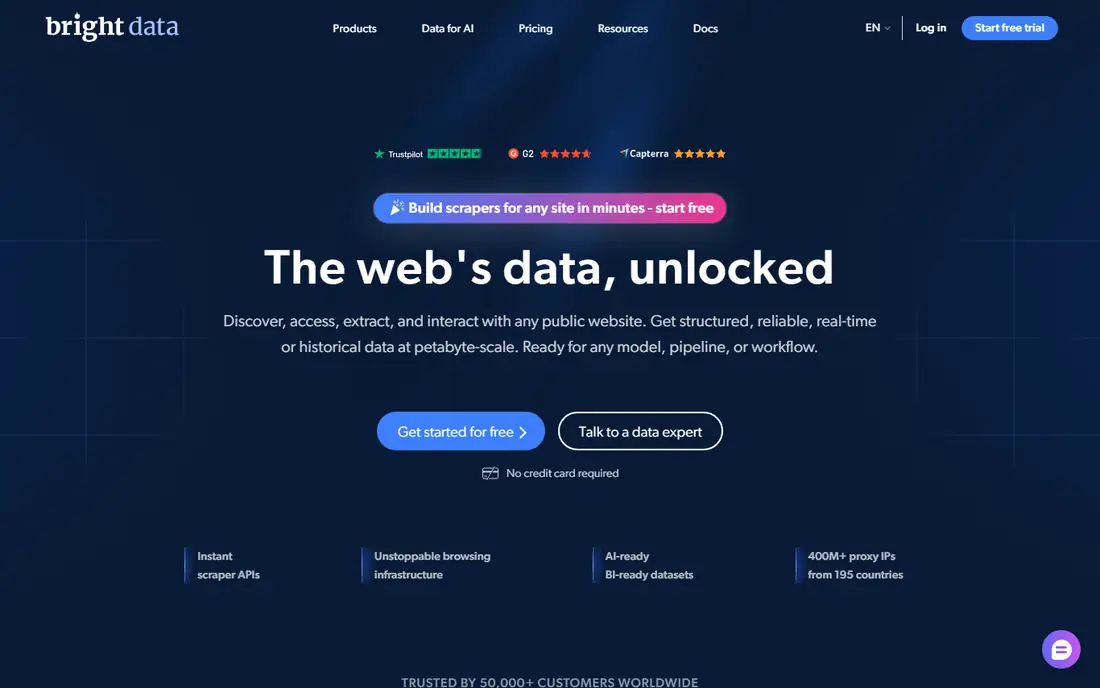
Bright Data pairs browser infrastructure with one of the largest proxy networks available, which helps when target sites block data center traffic. Its scraping browser handles fingerprints, cookies, and session rotation, so automation that fails on plain browsers often succeeds here. Enterprise support and compliance tooling suit companies with strict requirements.
The product range is broad, which can confuse new users, and pricing sits at enterprise levels for high volumes. A free trial lets you test unblocking on your actual targets before committing. For a team whose main problem is blocks and bans rather than browser management, Bright Data is the strongest option here.
What we like- Huge proxy network
- Strong unblocking
- Enterprise support
Watch out for- Enterprise pricing
- Complex product range for new users
#3Apify
Best for: ready-made scrapers plus custom automation4.7/5 on
G2 (669 reviews, checked Oct 2026)
Visit apify.com
Starting priceSee website
Free planYes
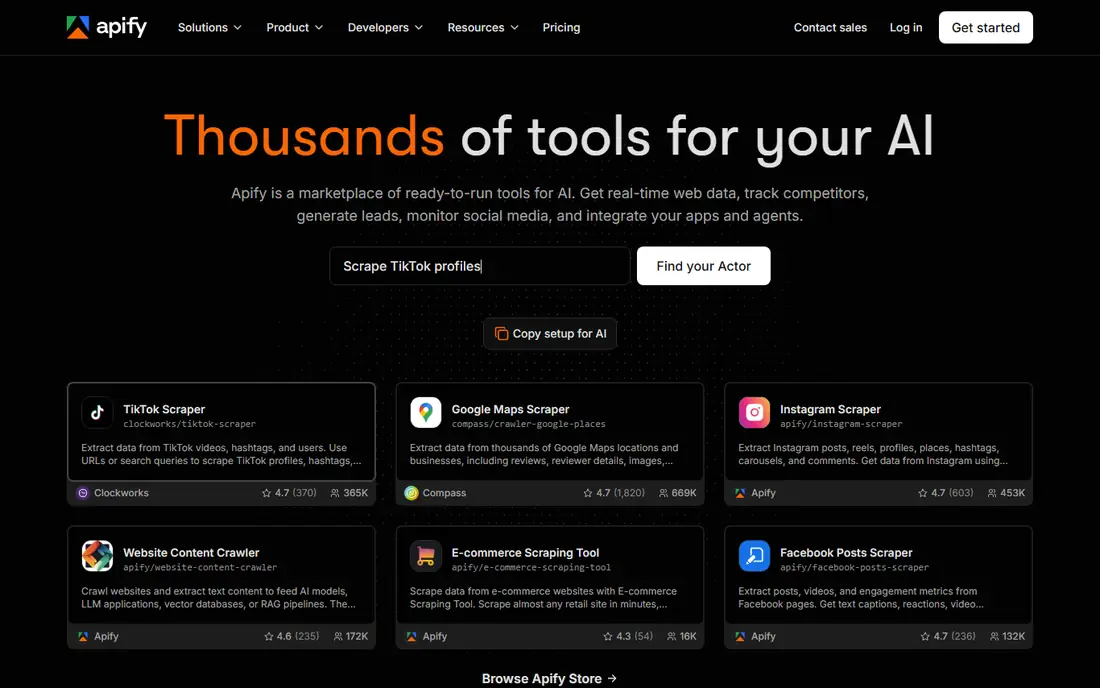
Apify is a platform for web scraping and automation, built around actors: reusable programs that scrape a site or automate a task. The actor store covers common targets, from search results to social profiles, so many jobs need no custom code. Custom actors run in the cloud with scheduling, proxies, and storage built in.
The free plan covers testing and small jobs, while paid plans scale by usage. Building custom actors takes learning, and costs vary with workload complexity. For a team that wants ready-made scrapers plus the option to build custom automation, Apify offers the broadest catalog here. It also suits non-developers better than raw browser infrastructure.
What we like- Large actor store
- Good scheduling
- Free plan for testing
Watch out for- Learning curve for custom actors
- Costs vary by workload
#4ScrapingBee
Best for: developers who want a simple scraping API4.8/5 on
G2 (25 reviews, checked Oct 2026)
Visit scrapingbee.com
Starting priceSee website
Free planFree trial
ScrapingBee offers a simple API: send a URL, get back rendered HTML, with JavaScript rendering, proxies, and anti-bot handling included. That simplicity suits developers who need page content rather than full browser control. Documentation is clear, and integration takes minutes in most languages.
The trade-off is control. ScrapingBee does not offer persistent browser sessions with a visible UI, so multi-step flows that need a live session fit Browserless or Browserbase better. For scraping and data extraction jobs, though, the API model is faster to build and easier to maintain. A free trial covers testing on your targets.
What we like- Simple API
- Handles JavaScript rendering
- Good documentation
Watch out for- Less control than full browser sessions
- No persistent session UI
#5Oxylabs
Best for: enterprise scraping with strong proxy infrastructure4.5/5 on
G2 (420 reviews, checked Oct 2026)
Visit oxylabs.io
Starting priceSee website
Free planFree trial
Oxylabs combines proxy networks with scraping tools, including a web unblocker that handles JavaScript rendering and anti-bot measures. Its proxy pools cover residential, mobile, and data center IPs across many countries, which helps teams that need geographic targeting. Compliance and ethical sourcing are emphasized, which matters for enterprise buyers.
Pricing is enterprise-oriented, and large plans usually need a sales conversation. A free trial lets you test the unblocker on real targets. For a company that needs reliable, compliant scraping at scale, Oxylabs is a strong enterprise pick. Smaller teams may find ScrapingBee or ZenRows simpler and cheaper.
What we like- Large proxy pools
- Web unblocker
- Strong compliance focus
Watch out for- Enterprise pricing
- Setup needs sales contact for large plans
Starting priceSee website
Free planFree trial
ZenRows offers a scraping API with strong anti-bot handling, including automatic retries, proxy rotation, and JavaScript rendering. Autoparse features extract structured data from common page types, which saves parsing work. The API is simple to use, and documentation covers the common cases well.
The proxy network is smaller than the enterprise rivals, and persistent session features are fewer than Browserbase. For a developer who wants a straightforward API that handles blocks well, ZenRows is an excellent mid-priced option. Test it on your hardest targets during the trial, since anti-bot success varies by site.
What we like- Strong anti-bot handling
- Simple API
- Good autoparse features
Watch out for- Smaller network than Bright Data or Oxylabs
- Fewer session features
Starting priceSee website
Free planFree trial
Anchor Browser is a newer browser infrastructure platform focused on persistent profiles and session handling. Profiles keep cookies, logins, and fingerprints across sessions, which suits automation that needs to stay logged in, such as testing or monitoring logged-in flows. The API is modern and developer-friendly.
As a newer platform, the community and third-party guides are smaller than Browserless, so expect to lean on official docs. A free trial lets you test profile persistence on your flows. For a team whose main need is long-lived, logged-in browser sessions, Anchor Browser is a promising modern pick.
What we like- Persistent profiles
- Good session handling
- Modern API
Watch out for- Newer platform
- Smaller community than Browserless
#8
Steel.dev
Best for: modern browser infrastructure for agents and automation
Visit steel.dev
Starting priceSee website
Free planFree trial
Steel.dev offers browser infrastructure built for AI agents and automation, with session APIs that make it easy to launch, control, and reuse browser sessions. The platform suits teams building agents that browse the web, fill forms, or test flows, as well as traditional automation. Setup is fast, and the API is clean.
Steel.dev is newer than Browserless, so the ecosystem is smaller, and pricing scales with session volume, which needs watching for always-on agents. A free trial covers testing. For a team building browser agents or modern automation, Steel.dev is the most forward-looking option here.
What we like- Built for AI agents
- Good session APIs
- Fast setup
Watch out for- Newer platform
- Pricing scales with session volume
How we chose
We compared these tools on browser control, anti-bot ability, proxy networks, session handling, pricing, and free plans. We checked vendor pages and public comparison guides, and where pricing was not published we wrote See website instead of guessing. We kept the list to tools a real developer can sign up for today, and we left out tools that only offer proxies without browser support. We also weighed documentation quality and SDK coverage, since a browser tool with poor docs costs more in developer time than a slightly higher usage price.
Start with the job type. If you need full browser control for testing or multi-step flows, Browserless, Anchor Browser, or Steel.dev fit best. If you need page content from hard sites, a scraping API like ScrapingBee or ZenRows is simpler. If blocks are your main problem, a proxy-first vendor like Bright Data or Oxylabs will help most.
Next, test on your hardest targets during trials. Anti-bot success varies by site, and no vendor wins everywhere, so run your real flows, not demo pages, before committing. Check how sessions, cookies, and logins persist, since that decides whether multi-step flows work at all.
Finally, model costs at your real volume. Usage-based pricing looks cheap at small scale and grows fast with always-on sessions or high page counts. Compare the cost per thousand pages or per session hour across vendors, including proxy and unblocker fees, before choosing.
Also think about fingerprinting and stealth. Sites detect automation through browser fingerprints, timing patterns, and IP reputation, so ask each vendor how it handles fingerprints, whether it rotates user agents and viewports, and how it manages cookies across sessions. A vendor that offers realistic fingerprints and residential IPs will succeed on more sites than one that only offers raw browsers. Test detection on a site that blocks bots, and check whether the vendor logs or inspects your session traffic, since automation often touches sensitive accounts and data.
Frequently asked questions
What is Browserbase used for?
Browserbase provides hosted headless browsers that developers control with Puppeteer or Playwright, with session handling and scaling built in. Teams use it for web automation, testing, scraping, and browser agents without managing browser servers themselves.
Which alternative is closest to Browserbase?
Browserless is the closest like-for-like swap, since it also hosts headless browsers driven by Puppeteer or Playwright. Anchor Browser and Steel.dev are close modern options with stronger session features, while scraping APIs like ScrapingBee suit content extraction jobs better.
Do I need proxies with a browser tool?
Not always. Simple automation on cooperative sites works without proxies. Sites that block data center traffic, rate limit, or show different content by region need proxies or an unblocker, which is where Bright Data, Oxylabs, and ZenRows add value.
Is web scraping legal?
Scraping public data is often allowed, but rules vary by site terms, jurisdiction, and data type. Respect robots directives where applicable, avoid personal data, and get legal advice before scraping at scale or for commercial use. Never use scraped data to bypass paywalls or access controls.
How do I handle logins in automated browsers?
Use persistent profiles or session storage so logins survive across runs, and store credentials securely, never in code. Anchor Browser and Browserbase-style session handling help here. For sensitive accounts, use dedicated test accounts rather than personal ones.
Which tool is best for AI browser agents?
Steel.dev is built for agents, with session APIs designed for agent workflows. Browserless and Anchor Browser also work well for agents, especially when combined with your own agent framework. Test agent reliability on your target sites before committing. Run the same agent flow ten times in a row and count failures, since a tool that works once in a demo but fails every third run will waste more time than it saves.
Sources we checked (8)
- https://www.browserless.io
- https://brightdata.com
- https://apify.com
- https://www.scrapingbee.com
- https://oxylabs.io
- https://www.zenrows.com
- https://anchorbrowser.io
- https://steel.dev
Is your product missing or out of date?
We review this list regularly. Vendors can request a listing, send updated pricing or ask about featured placement.

Shihab Mia · Founder, Rankite
Shihab has 5+ years in B2B and SaaS SEO. He writes Rankite's software buying guides from pricing pages, documentation and public user reviews. More about Shihab.