How we make this list: we compare pricing pages, product documentation and public user reviews. Ratings come from G2, Capterra or Trustpilot, with the date we checked them.
Key takeaways
- The best YouTube to MP3 converter app in 2026 is led by 4K YouTube to MP3, MediaHuman YouTube to MP3 Converter, and ClipGrab for lawful audio downloads.
- Converting is lawful only for your own content, public domain material, or Creative Commons licensed work with clear permission, and this guide lists tools for those uses only.
- Downloading copyrighted music from YouTube violates YouTube terms and copyright law, and no tool in this guide is presented as a way around that.
- The best converter depends on your platform and skill, since desktop apps suit batch work and command line tools suit power users.
- Always check the license of a video before you download its audio, and keep a clear record of permission for Creative Commons work.
Quick comparison
Is your product missing or out of date?
We review this list regularly. Vendors can request a listing, send updated pricing or ask about featured placement.
The best YouTube to MP3 converter app
Starting priceFree
Free planYes
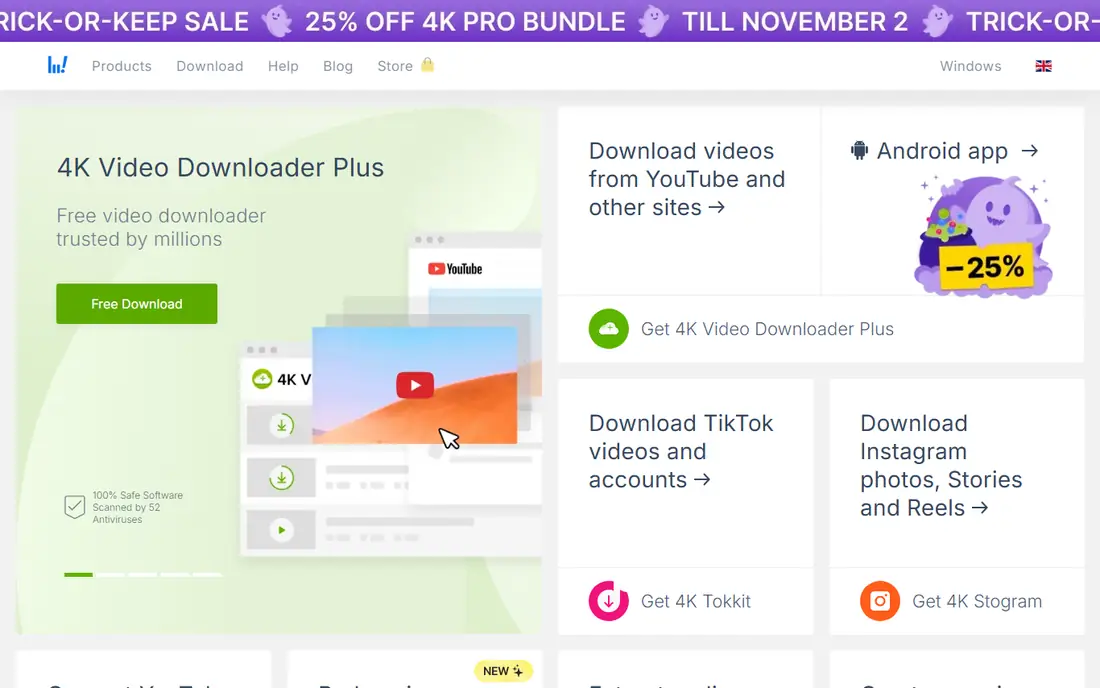
4K YouTube to MP3 is the best fit for simple batch downloads, letting you paste a video or playlist link and download audio in MP3 at a quality you choose. Its playlist support suits creators who want audio from their own full series, and its quality settings cover standard MP3 bitrates for phones and players. The app runs on Windows, Mac, and Linux, which covers most desktop users.
The limits are free tier caps and installer extras. The free version limits playlist length, some features need a paid license, and the installer may offer extra software you should decline. For lawful batch downloads of your own or licensed content, 4K YouTube to MP3 is the best choice.
What we like- Simple interface
- Playlist downloads
- Quality choice
Watch out for- Free tier limits playlists
- Some features paid
- Installer offers extras
Starting priceFree
Free planYes
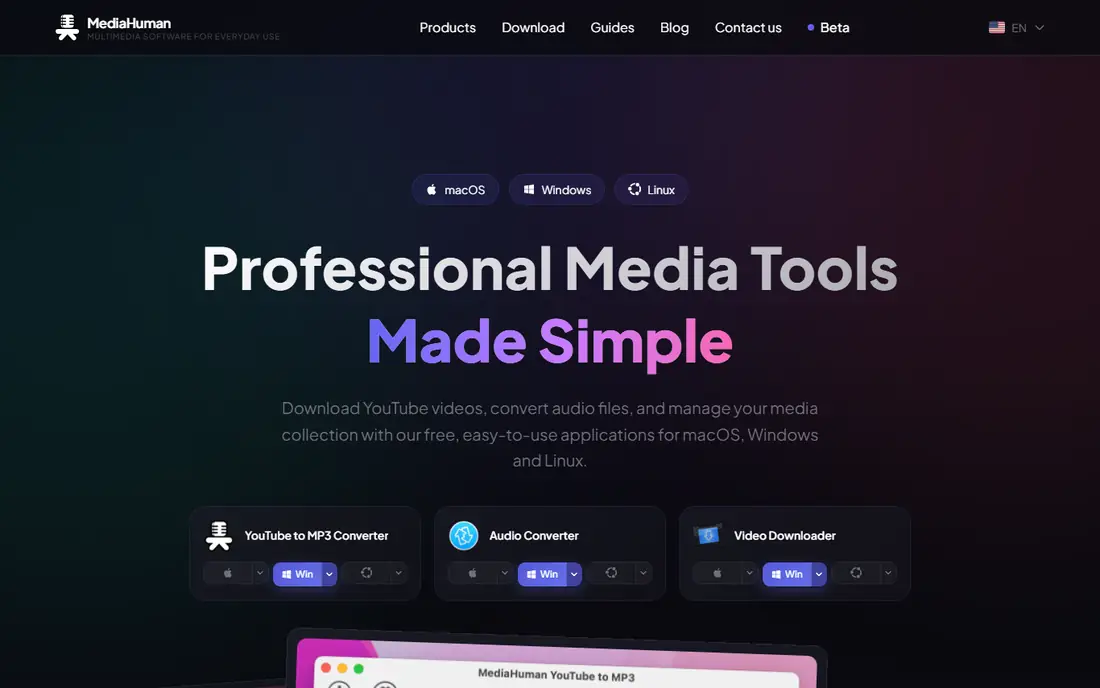
MediaHuman YouTube to MP3 Converter suits a clean interface, with drag and drop links, playlist support, and iTunes integration for Apple users. Its simple layout makes it easy for beginners, and its quality settings cover MP3 bitrates up to 320 kbps. The app also downloads original audio quality where the source allows it.
The limits are platform and free caps. It runs on Mac and Windows only, with no Linux version, and the free tier limits concurrent downloads. For a beginner who wants a clean lawful converter on Mac or Windows, MediaHuman is a strong choice.
What we like- Clean drag and drop
- Playlist support
- ITunes integration
Watch out for- Free tier limits
- Mac and Windows only
- No Linux version
Starting priceFree
Free planYes
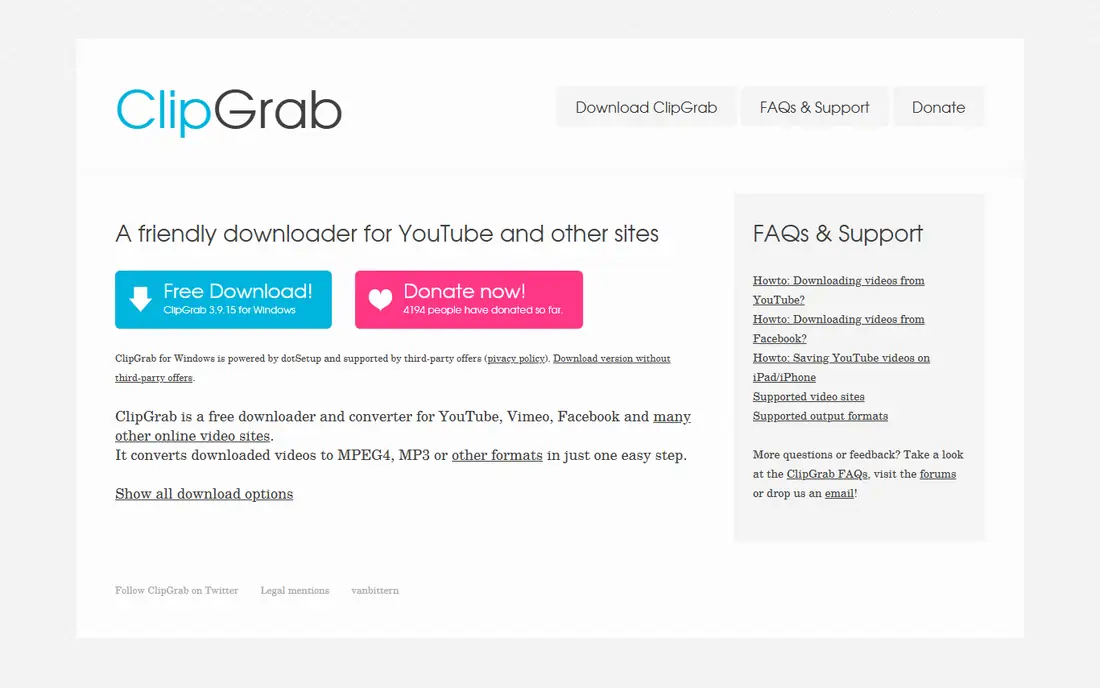
ClipGrab is the best fit for free open source converting, offering video and audio downloads with a simple interface, no ads, and no paid tier. Its open source code lets anyone inspect how it works, which suits privacy conscious users. ClipGrab also includes a built in search, so you can find your own videos without opening a browser.
The limits are updates and features. Its updates are slower than commercial tools, its feature set is basic, and its interface feels plain. For a user who wants a free, ad free, open source converter for lawful content, ClipGrab is a strong choice.
What we like- Free and open source
- Simple interface
- No ads
Watch out for- Slower updates
- Fewer features
- Interface basic
Starting priceFree
Free planYes
yt-dlp suits power user control, with command line options for format, quality, subtitles, playlists, and metadata that no graphical tool matches. Its active development keeps it working with site changes, and its format selection lets you pick exact audio quality. Power users script yt-dlp for batch jobs across their own channel archives.
The limits are interface and learning. It is command line only, which scares beginners, and its many options take time to learn. For a technical user who wants full control over lawful downloads, yt-dlp is the best choice.
What we like- Deep control
- Format choice
- Batch and playlist power
Watch out for- Command line only
- Learning curve
- No graphical interface
Starting priceFree
Free planYes
Any Video Converter is the best fit for format flexibility, converting video and audio between many formats, including MP3, AAC, and WAV, with basic editing tools. Its download feature covers your own videos, and its conversion tools suit creators who need audio in several formats for different players.
The limits are free caps and installer extras. The free version limits some features, the installer may offer extra software, and its interface feels busy. For a creator who wants one tool for downloads plus format conversion, Any Video Converter is a strong choice.
What we like- Many formats
- Video plus audio
- Basic editing
Watch out for- Free version has limits
- Installer offers extras
- Interface busy
Starting priceFree
Free planYes
YTD Downloader suits simple Windows downloads, with playlist support, quality choice, and a straightforward interface for Windows users. Its batch queue handles several of your own videos at once, and its conversion covers MP3 and other audio formats.
The limits are platform and ads. It focuses on Windows, the free tier limits features, and the free version shows ads. For a Windows user who wants a simple lawful converter, YTD Downloader is a strong choice.
What we like- Simple Windows app
- Playlist support
- Quality choice
Watch out for- Windows focus
- Free tier limits
- Ads in free version
Starting priceFree
Free planYes
Freemake Audio Converter is the best fit for audio format conversion, turning downloaded audio or your own recordings between MP3, WAV, FLAC, and other formats in batches. Its simple interface suits users who need format changes more than downloads, and its batch queue handles whole folders at once.
The limits are branding and platform. The free version may add branding to output, its updates are slower, and it runs on Windows only. For a Windows user who needs batch audio conversion for lawful content, Freemake is a strong choice.
What we like- Many audio formats
- Batch conversion
- Simple interface
Watch out for- Free version adds branding
- Slower updates
- Windows only
Starting priceFree
Free planYes
Audacity suits recording your own audio, letting you record system audio, voice, and instruments, then edit and export MP3 files. It does not download from YouTube directly, but it is the lawful path for capturing your own streams, lectures, and performances with full editing control. Its effects, noise reduction, and multi track editing suit creators who produce audio.
The limits are download and learning. It offers no direct YouTube download, its depth takes time to learn, and its interface feels dated. For a creator who records and edits their own audio for MP3 export, Audacity is the best choice.
What we like- Free and open source
- Recording and editing
- Many effects
Watch out for- No direct YouTube download
- Learning curve
- Interface dated
How we chose
We ranked tools by lawful use fit, ease of use, audio quality, batch support, and platform support, favoring tools that serve creators and educators over tools marketed for piracy. We gave extra weight to audio quality and batch support, since a converter that produces poor audio or handles one file at a time wastes creator time. We also weighed openness, since free and open source tools like ClipGrab, yt-dlp, and Audacity carry no ads or installer extras.
Buying guide
Start by naming your content and your rights to it. If the video is yours, you can download its audio freely. If it is public domain or Creative Commons licensed, check the exact license terms, since some Creative Commons licenses forbid commercial use or require attribution. If it is copyrighted music you do not own, do not download it, and use a streaming service instead.
Next, pick your platform and skill level. Beginners suit 4K YouTube to MP3 or MediaHuman, open source fans suit ClipGrab, power users suit yt-dlp, and creators who edit audio suit Audacity. One skill match beats a tool chosen for features alone.
Finally, check audio quality settings before you download in bulk. A 128 kbps MP3 suits spoken word and casual listening, while 256 or 320 kbps suits music you will keep. Downloading at a higher bitrate than the source offers adds file size without quality, so match the source.
Also keep records of permission for licensed work. Save the license page, the creator permission message, or the Creative Commons deed for any audio you download and reuse. A record protects you if a platform or rights holder questions your use later, and it costs nothing to keep.
Frequently asked questions
Is it legal to convert YouTube videos to MP3?
It depends on the content and your rights. Converting your own videos, public domain material, or Creative Commons licensed work with permission is lawful, while downloading copyrighted music without permission violates YouTube terms and copyright law.
What is the best YouTube to MP3 converter for beginners?
4K YouTube to MP3 is the best beginner choice, with a simple paste and download flow plus playlist support. MediaHuman is a strong second for Mac and Windows users who want a clean interface.
Can I download copyrighted music if I already own the CD?
No, owning a CD does not give you a right to download that music from YouTube, since YouTube terms forbid downloading except where a download button is provided. Rip your own CD or use a licensed streaming service instead.
What audio quality should I choose?
Choose 128 kbps for spoken word, 192 kbps for casual music listening, and 256 or 320 kbps for music you will keep and play on good speakers. Higher than the source quality adds size without benefit.
Is yt-dlp hard to use?
yt-dlp is command line only, so it suits technical users, though its basic download command is short. Beginners should start with 4K YouTube to MP3 or ClipGrab and move to yt-dlp only if they need batch scripting.
Can Audacity download from YouTube?
No, Audacity does not download from YouTube. It records audio playing on your computer and edits it, which suits your own streams, lectures, and performances, but it is not a YouTube downloader.
Sources we checked (0)
Is your product missing or out of date?
We review this list regularly. Vendors can request a listing, send updated pricing or ask about featured placement.

Shihab Mia · Founder, Rankite
Shihab has 5+ years in B2B and SaaS SEO. He writes Rankite's software buying guides from pricing pages, documentation and public user reviews. More about Shihab.
 4K YouTube to MP3
 MediaHuman YouTube to MP3 Converter
 ClipGrab
 yt-dlp
 Any Video Converter
 YTD Downloader
 Freemake Audio Converter
 Audacity