How we make this list: we compare pricing pages, product documentation and public user reviews. Ratings come from G2, Capterra or Trustpilot, with the date we checked them.
Key takeaways
- Only download videos you own, public domain videos, Creative Commons licensed content, or videos you have explicit permission to download. Downloading copyrighted material without permission violates YouTube's terms and can carry legal penalties.
- YouTube Premium is the only fully official offline option, and it is the safest choice for everyday offline watching inside the YouTube app.
- 4K Video Downloader Plus is the best desktop downloader for playlists and 8K quality, while yt-dlp is the best free open-source option for technical users.
- Avoid ad-heavy online converter sites: free software from official sites is safer, and bundled add-ons during installation should always be declined.
Quick comparison
Is your product missing or out of date?
We review this list regularly. Vendors can request a listing, send updated pricing or ask about featured placement.
The best youtube downloader app
Starting priceSee website
Free planNo
YouTube Premium is the only fully official offline option, and it is the safest choice for everyday offline watching. Tap download in the YouTube app, pick a quality, and watch in the Downloads section without ads, with YouTube Music included. One safety comparison scores it 100 out of 100, the highest of any tool here.
The limits are ownership: downloads stay inside the YouTube app and do not export as files, and offline access ends if the subscription ends. Subscription pricing needs a website check, since it varies by plan and region. For legal offline watching without any copyright risk, YouTube Premium is the only option that needs no legal caveats at all.
What we like- Only fully official and legal offline option
- Downloads stay inside the YouTube app
- No ads
- Includes YouTube Music
- Safety score 100 out of 100 in one comparison
Watch out for- Downloads do not export as files
- Subscription price needs a website check
- Offline access ends if the subscription ends
Starting priceFree
Free planYes
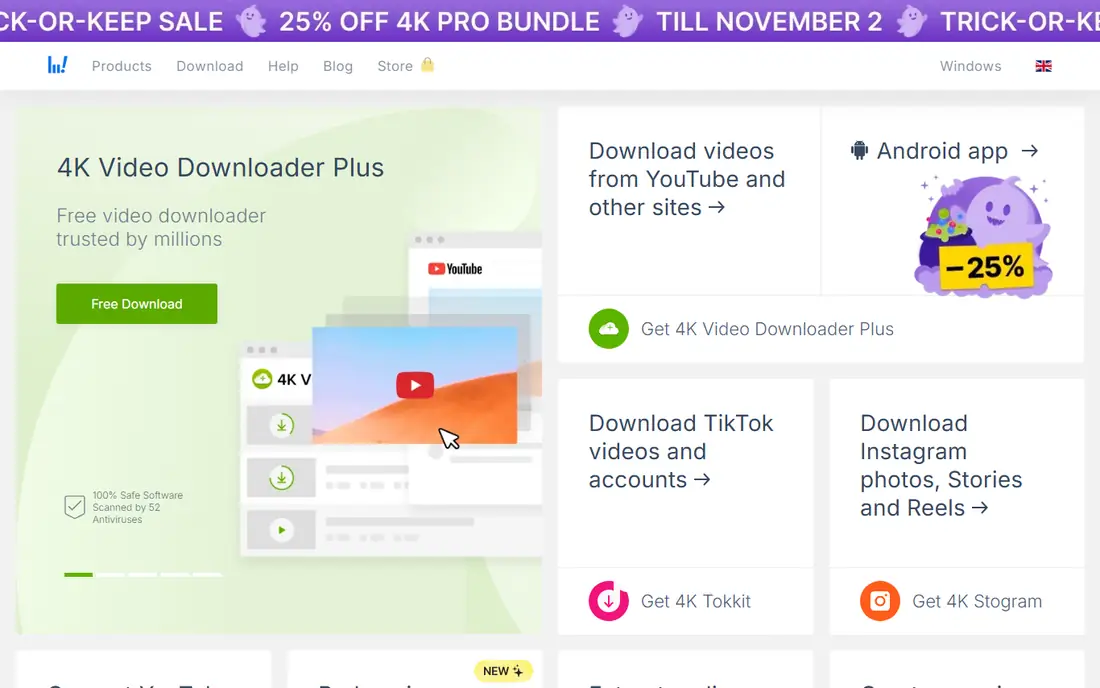
4K Video Downloader Plus is the best desktop downloader for playlists and 8K quality, with one-click playlist and channel downloads, subtitles in 50-plus languages, and support across Windows, macOS, Linux and Android. The free Starter plan covers basic use, with Personal at $25 and Pro at $45 as lifetime licenses.
Note the version change: the vendor says the original 4K Video Downloader was discontinued on February 1, 2026 and replaced by Plus, and licenses for the original do not transfer automatically, though Plus has its own free plan. The free Starter plan has a daily download cap the vendor does not publish. For creators backing up their own channel or students archiving licensed lectures, Plus is the best desktop tool.
What we like- One-click playlist and channel downloads
- Up to 8K HDR support
- Windows, macOS, Linux and Android
- Free Starter plan
- Personal $25 and Pro $45 lifetime licenses
Watch out for- Original 4K Video Downloader was discontinued on February 1, 2026, and old licenses do not transfer automatically
- Free Starter plan has an unpublished daily cap
- Ads in the old free version
Starting price$19.99 lifetime
Free planNo
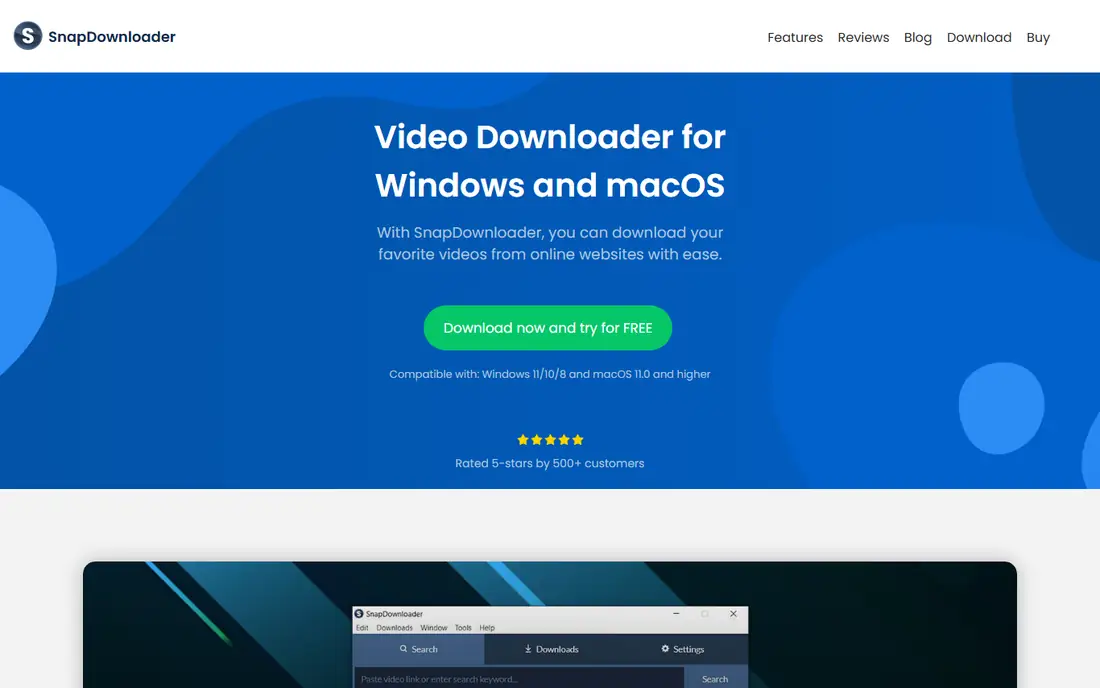
SnapDownloader wins for speed and versatility among desktop downloaders, supporting more than 900 websites including TikTok, Instagram, Facebook and Vimeo, with 8K, 4K and 1080p downloads and MP3 and MP4 conversion. The built-in video trimmer lets you download only the portion of a video you need, and multiple videos can be queued and scheduled.
There is no mobile version, only Windows and macOS, and the free offer is a 24-hour trial, with a lifetime license at $19.99 in several guides and a monthly plan at $3.99 in another. For desktop users who download from many sites, SnapDownloader is the fastest premium pick.
What we like- Downloads from more than 900 websites
- 8K, 4K and 1080p support
- Built-in video trimmer
- MP3 and MP4 conversion
- Fast downloads
- Lifetime license at $19.99
Watch out for- No mobile version, Windows and macOS only
- Only a free 24-hour trial
- Monthly plan listed at $3.99 in one guide
Starting priceFree
Free planYes
yt-dlp is the best free option for technical users, with no usage limits of its own, thousands of supported sites, and the best bulk download capability alongside 4K Video Downloader Plus and SnapDownloader. It downloads the best format a site offers, runs without ads or bundled software, and is the tool other downloaders often build on.
It is a command-line tool, so beginners face a learning curve, and there is no graphical interface by default. You must also respect copyright and platform terms yourself, since the tool will download whatever you point it at. For technical users archiving their own uploads or licensed content, yt-dlp is the most powerful free tool available.
What we like- Free and open source with no usage limits of its own
- Thousands of supported sites
- Downloads the best format a site offers
- Best bulk download capability
- No ads or bundled software
Watch out for- Command-line tool, so beginners face a learning curve
- No graphical interface by default
- You must respect copyright and terms yourself
Starting priceFree
Free planYes
JDownloader 2 is the advanced free pick, open source with no limits, a safety score of 95 out of 100 in one comparison, and strong batch handling across many sites. For users who download whole playlists or channels regularly and want a free tool without caps, it is the most capable open-source manager after yt-dlp.
The interface is technical and dated, setup takes longer than simpler tools, and it is overkill for single video downloads. For advanced users who want a free graphical download manager, JDownloader 2 is the best choice.
What we like- Free and open source
- Advanced users with no limits
- Safety score 95 out of 100 in one comparison
- Handles many sites and batch downloads
Watch out for- Interface is technical and dated
- Setup takes longer than simpler tools
- Overkill for single video downloads
Starting priceFree
Free planYes
ClipGrab is the simple free pick, open source and easy to use, with published guidance rating it among the most secure free choices with hardly any malware risk. For a quick single download of your own video or a licensed clip, it is faster to learn than yt-dlp and simpler than JDownloader.
Features are fewer, the update pace is slower, and site coverage is narrower than SnapDownloader's 900-plus sites. For casual free downloading with a simple interface, ClipGrab is the easiest safe option.
What we like- Free and open source
- Simple interface
- Secure with hardly any malware risk in published guidance
- Good for quick single downloads
Watch out for- Fewer features than yt-dlp or JDownloader
- Update pace is slower
- Limited site coverage compared with SnapDownloader
Starting priceFree
Free planYes
NewPipe is the Android pick, a free open-source app that offers downloading plus background play without a subscription and without needing a Google account. For Android users who want a privacy-respecting YouTube viewer with offline downloads, it is the best mobile option that is not YouTube Premium.
It is Android only and installed outside the Play Store via APK, which requires enabling unknown sources, and there is no iOS version. Updates depend on the open-source project keeping pace with YouTube changes. For Android users comfortable with sideloading, NewPipe is the best free mobile downloader.
What we like- Free and open source for Android
- Download plus background play without a subscription
- Privacy-respecting
- No Google account needed
Watch out for- Android only, installed outside the Play Store via APK
- No iOS version
- Updates depend on the open-source project

#8
HitPaw Video Downloader
Best for: Beginners and quick editing
Visit hitpaw.com
Starting price$19.95 per year
Free planNo
HitPaw Video Downloader is the beginner pick, with a simple interface, quick editing, GIF, MP4 and audio conversion, and support for 10,000-plus sites. A free trial lets beginners test it before paying $19.95 per year, and the editing tools suit users who want to trim a clip before saving it.
It runs on Windows and macOS only, costs $19.95 per year, and rates 3.9 out of 5 in one comparison, below SnapDownloader and 4K Video Downloader Plus. For beginners who want a simple desktop downloader with editing, HitPaw is the easiest paid start.
What we like- Beginner-friendly with quick editing
- 10,000-plus sites
- GIF, MP4 and audio conversion
- Free trial available
- Simple interface
Watch out for- Windows and macOS only
- $19.95 per year
- Rated 3.9 out of 5 in one comparison, below SnapDownloader and 4K Video Downloader Plus
How we chose
We ranked tools by safety and legal use first, then by quality, platform coverage and price, using 2026 downloader comparisons that scored YouTube Premium 100 out of 100, 4K Video Downloader Plus 98, SnapDownloader 96 and JDownloader 2 at 95 for safety. Desktop tools lead on quality and playlists, yt-dlp leads on free power, and YouTube Premium leads on legal certainty.
We also weighed the copyright line carefully. Downloading copyrighted material without explicit permission violates YouTube's terms and carries legal penalties, so this guide is framed for downloading your own videos, public domain files, Creative Commons licensed content, or content you have permission to download. No tool here was used hands-on to download copyrighted material for this guide.
What to check before you download
Confirm you have the right to download the video. Your own channel uploads, public domain works, Creative Commons licensed content and videos with explicit permission are safe ground. Movies, music videos and other creators' work without permission are not, even if a tool technically downloads them.
Then download only from official sites. Free software tools may bundle add-ons, so choose custom installation and decline anything extra, and avoid ad-heavy online converter sites that carry malware risk. For everyday offline watching with zero legal risk, YouTube Premium is the simplest answer, while creators backing up their own work should use 4K Video Downloader Plus or yt-dlp.
Frequently asked questions
Is it legal to download YouTube videos?
It depends on the video. Downloading your own uploads, public domain videos, Creative Commons licensed content, or videos you have explicit permission to download is legal ground. Downloading copyrighted material without permission violates YouTube's terms and can carry legal penalties.
What is the best YouTube downloader app overall?
YouTube Premium is the best official option for offline watching inside the app. For desktop file downloads, 4K Video Downloader Plus leads on playlists and 8K quality, SnapDownloader leads on speed and site coverage, and yt-dlp leads as the free open-source option.
Is there a free YouTube downloader without limits?
yt-dlp is free and open source with no usage limits of its own, though it is a command-line tool. JDownloader 2 and ClipGrab are also free, while 4K Video Downloader Plus has a free Starter plan with an unpublished daily cap.
Can I download YouTube videos on my phone?
Yes. YouTube Premium offers official downloads inside the YouTube app on iOS and Android. NewPipe offers free open-source downloads on Android via APK install, while 4K Video Downloader Plus supports Android as well as desktop.
What happened to the original 4K Video Downloader?
The vendor says the original 4K Video Downloader was discontinued on February 1, 2026 and replaced by 4K Video Downloader Plus. Licenses for the original do not transfer automatically to Plus, though Plus has its own free plan.
Are online YouTube converter sites safe?
Many are not. Ad-heavy converter sites carry malware risk and variable quality, with some scoring as low as 65 out of 100 for safety in published comparisons. Desktop software from official sites, or YouTube Premium, is safer than random converter pages.
Sources we checked (0)
Is your product missing or out of date?
We review this list regularly. Vendors can request a listing, send updated pricing or ask about featured placement.

Shihab Mia · Founder, Rankite
Shihab has 5+ years in B2B and SaaS SEO. He writes Rankite's software buying guides from pricing pages, documentation and public user reviews. More about Shihab.
 YouTube Premium
 4K Video Downloader Plus
 SnapDownloader
 yt-dlp
 JDownloader 2
 ClipGrab
 NewPipe