How we make this list: we compare pricing pages, product documentation and public user reviews. Rankite is independent; if a vendor ever pays for a featured spot, that listing is clearly labeled Partner.
Key takeaways
- Kinsta and WP Engine are the premium managed picks; choose Kinsta for raw speed and WP Engine for agency workflows with free premium themes.
- SiteGround and DreamHost give you the strongest support and honest pricing in the mid range; SiteGround is better on performance, DreamHost on the money-back guarantee.
- Hostinger and Bluehost are the cheapest entry points, but budget for the renewal price, not the intro price.
- Cloudways is the best value for anyone comfortable with a bit more control; you get dedicated cloud resources with no renewal-price jump.
- Pressable, Flywheel and Nexcess suit agencies and freelancers who manage client sites and need billing transfer or staging workflows.
Quick comparison
| Tool | Best for | Starting price | Free plan |
|---|
 Kinsta Kinsta | high-traffic business sites that need speed | $35 per month (monthly billing) | No |
 WP Engine WP Engine | agencies and growth-stage companies | $30 per month (monthly billing) | No |
 SiteGround SiteGround | small businesses that want great support | $2.99 per month (12-month term) | No |
 Bluehost Bluehost | beginners launching a first site | $3.99 per month (36-month term) | No |
 Hostinger Hostinger | budget buyers who want fast servers | $2.99 per month (48-month term) | No |
 DreamHost DreamHost | independent host with a long guarantee | $2.59 per month (3-year term) | No |
 Pressable Pressable | managed hosting with developer tooling | $25 per month (monthly billing) | No |
 Cloudways Cloudways | pay-as-you-go managed cloud servers | $14 per month (DigitalOcean) | Free trial (3 days) |
 Nexcess Nexcess | WooCommerce stores at scale | $19 per month | Free trial (14 days) |
 Flywheel Flywheel | freelancers managing client sites | $25 per month (annual billing) | No |
Is your product missing or out of date?
We review this list regularly. Vendors can request a listing, send updated pricing or ask about featured placement.
Here is the blunt truth about WordPress hosting: for a typical small business site, the difference between a three dollar host and a thirty five dollar host is rarely speed. The real difference shows up at 11 pm when a plugin update breaks your checkout, or when traffic doubles after a press mention and the server falls over. That is when you learn whether you bought hosting or just rented server space.
Most buyers overpay by ignoring the renewal rate. Budget hosts sell a first term at two to four dollars a month and then renew at ten to thirty, so every price below includes the renewal number too. We limited this list to hosts that still fit a small or mid-size US business in 2026: staging, daily backups, free SSL and a CDN, plus support that can actually debug a WordPress problem. Some are pure managed platforms, some are strong shared hosts with WordPress tooling. Pick based on your traffic and how much technical work you want handled for you.
Starting price$35 per month (monthly billing)
Free planNo
Kinsta is the host you buy when speed is a business requirement, not a nice extra. Every plan runs on Google Cloud premium tier machines with Cloudflare Enterprise CDN included, and independent tests show sub-200ms time to first byte as normal. Sites run in isolated containers, so a traffic spike on someone else's site never slows yours down. The MyKinsta dashboard is genuinely pleasant to use, and support is chat-only but staffed by WordPress engineers with response times under a few minutes. Free migrations are handled by their team.
The honest catch is the pricing model. Plans are sold by monthly visits, starting at 25,000 visits for $35 a month, and overages cost $1 per 1,000 extra visits, so a viral post can generate a real bill. The one-site entry plan is steep for a small blog, though annual billing trims roughly 17 percent. Buy Kinsta when your site earns its keep; skip it for a hobby blog.
What we like- Google Cloud C2 infrastructure with Cloudflare Enterprise on every plan
- MyKinsta dashboard is easy to use
- Daily backups and free migrations included
Watch out for- Visit-based pricing means traffic spikes cost extra
- No phone support
- Entry plan allows only one site
Starting price$30 per month (monthly billing)
Free planNo
WP Engine created the managed WordPress category and still runs the most mature operation in it. EverCache server-level caching is tuned specifically for WordPress, and every plan includes a CDN, daily backups with 30-plus day retention, and one-click staging. For agencies, the ecosystem is the draw: Advanced Custom Fields Pro and the Genesis Framework are bundled free, and the portal handles dozens of client sites with transferable installs and collaborator roles. The 60-day money-back guarantee is the longest in the premium tier, which makes a proper evaluation possible.
The catch mirrors Kinsta's: you pay per visit, and overages are $2 per 1,000 extra visits, the steepest on this list. A disallowed-plugin list blocks certain caching and backup plugins, which most sites will not notice but some developers will resent. Entry is $30 a month for one site; annual billing brings it to about $25.
What we like- Mature platform with EverCache server caching
- ACF Pro and Genesis Framework bundled free
- 60-day money-back guarantee
Watch out for- Visit-based pricing with $2 per 1,000 visit overages
- Disallowed-plugin list can annoy power users
- No built-in email hosting
Starting price$2.99 per month (12-month term)
Free planNo
SiteGround is the answer when you value support as much as speed. Its support team scores highest in independent tests for the shared segment, and tickets are handled by people who can read a PHP error log with you. The platform runs on Google Cloud with custom SuperCacher, and page loads in the 450 to 650ms range are normal. Every plan includes free SSL, daily backups with 30-day retention, free CDN through Cloudflare, and a free migration. The GrowBig plan at $4.99 a month intro is the real value pick: unlimited sites, staging, on-demand backups, and ultrafast PHP.
The catch is the renewal cliff, the steepest on this list relative to intro price. StartUp renews at $17.99 a month, GrowBig at $29.99, and GoGeek at $44.99. The honest math: price the second year, not the first. Even at renewal rates, the support and performance justify the cost for businesses that cannot afford downtime, but bargain hunters should look at Hostinger or DreamHost instead.
What we like- Support quality is the best in the shared segment
- Google Cloud infrastructure with custom caching
- Free daily backups and CDN on all plans
Watch out for- Renewals jump to $17.99 a month
- Storage is tight on the entry plan
- No free domain after the first year discount structure changes
Starting price$3.99 per month (36-month term)
Free planNo
Bluehost remains the default first host for a reason: it is officially recommended by WordPress.org, the onboarding wizard walks a beginner through setup in minutes, and the free domain plus SSL for the first year removes friction. The current Starter plan supports up to 10 websites with 10GB NVMe storage, which is generous at this price. Built-in AI site builder tools and staging are included, and there is a clear upgrade path to WooCommerce plans when you start selling. The 99.99 percent uptime SLA is a real contractual promise, not marketing fluff.
The catches are well documented. Renewal pricing is roughly three times the intro rate, so a $3.99 plan becomes $9.99. Performance lags LiteSpeed hosts by a wide margin, with time to first byte around 680ms in recent tests, and the single US data center means international visitors wait longer. Checkout upsells are aggressive; decline them all at first. Pick Bluehost for your first site, not your forever site.
What we like- WordPress.org recommended since 2005
- Free domain for the first year
- Guided onboarding suits first-timers
Watch out for- Renewals jump to $9.99 a month
- Single US data center hurts international speed
- Aggressive checkout upsells
Starting price$2.99 per month (48-month term)
Free planNo

Hostinger is the value pick that embarrasses hosts charging five times more. LiteSpeed web servers with NVMe storage deliver page loads in the 400 to 650ms range, which rivals managed hosts at ten times the price. The custom hPanel control panel is cleaner than cPanel for most users, and data centers on four continents keep international load times reasonable. The Business plan at $3.99 a month is the sweet spot: staging, daily backups, free CDN, and 200GB NVMe storage.
The catch is the commitment. The headline price requires paying four years up front. Renewals jump to $10.99 a month on Premium, still cheap but a very different number. There is also no phone support and no managed-service depth: when something exotic breaks, you are more on your own than with SiteGround. Price the renewal before you commit.
What we like- LiteSpeed servers with NVMe storage deliver near-premium speed
- Eight global data centers
- Clean custom control panel
Watch out for- Lowest prices require a four-year prepayment
- Renewals jump to $10.99 a month
- No phone support
Starting price$2.59 per month (3-year term)
Free planNo
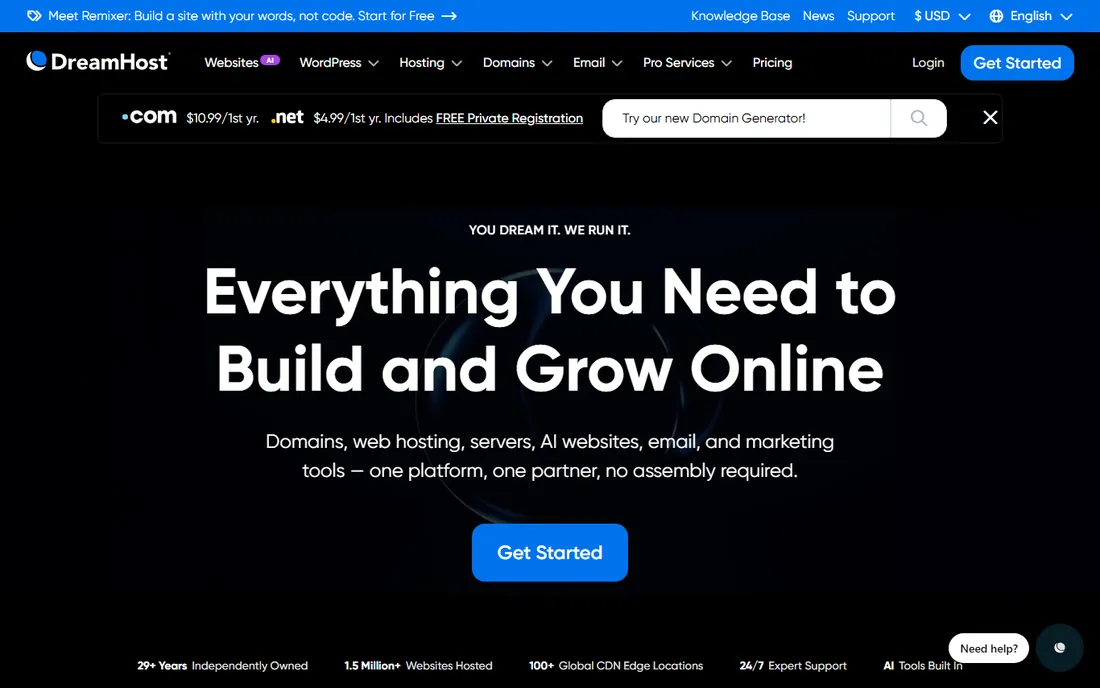
DreamHost has been running since 1996 and stays independent, which some buyers prefer to the big conglomerate hosts. The 97-day money-back guarantee gives you three full months to evaluate, and the company includes the small things others charge for: domain privacy, daily backups, and SSL are all free. The WordPress plans track shared pricing, so WordPress hosting costs no extra, and DreamPress is the managed tier at $16.95 a month with staging, automatic updates, and server-level caching.
The catch is performance. Shared plans deliver mid-pack speed, around 290ms time to first byte, which is fine but not special. Renewals land around $7.99 a month, honestly the cheapest renewal on this list, but support wait times vary and there is no phone option. Pick DreamHost if a long evaluation window and honest renewals matter more than raw speed.
What we like- 97-day money-back guarantee is the longest in the industry
- Independent company with no private equity ownership
- Free domain privacy and daily backups included
Watch out for- Shared performance is mid-pack
- DreamPress managed tier starts at $16.95 a month
- No live chat on the cheapest plans at all hours
Starting price$25 per month (monthly billing)
Free planNo

Pressable is the managed host built by the company behind WordPress.com and WooCommerce, and it shows in the WooCommerce tuning. Every plan includes Jetpack Security Daily, a global CDN, automatic backups, and free migrations handled by their team. Developer tooling is unusually generous: SSH, WP CLI, Git, and staging come standard, and an API lets you manage sites programmatically. Signature 1 at $25 a month covers one install with 30,000 visits; annual billing cuts the entry to about $20.83 a month.
The catch is the visit-based model again, with overages at $1.20 per 1,000 visits plus $1 per GB of extra storage. There is no free domain, a minor annoyance at this price. Pressable makes the most sense for agencies and WooCommerce stores that want Automattic-grade infrastructure with real developer access; solo bloggers will find Kinsta or a cheaper option a better fit.
What we like- Automattic-owned with Jetpack Security included
- SSH, WP CLI and Git on every plan
- Free white-glove migrations
Watch out for- No free domain
- Visit-based pricing with $1.20 per 1,000 visit overages
- Entry plan allows one site
Starting price$14 per month (DigitalOcean)
Free planFree trial (3 days)
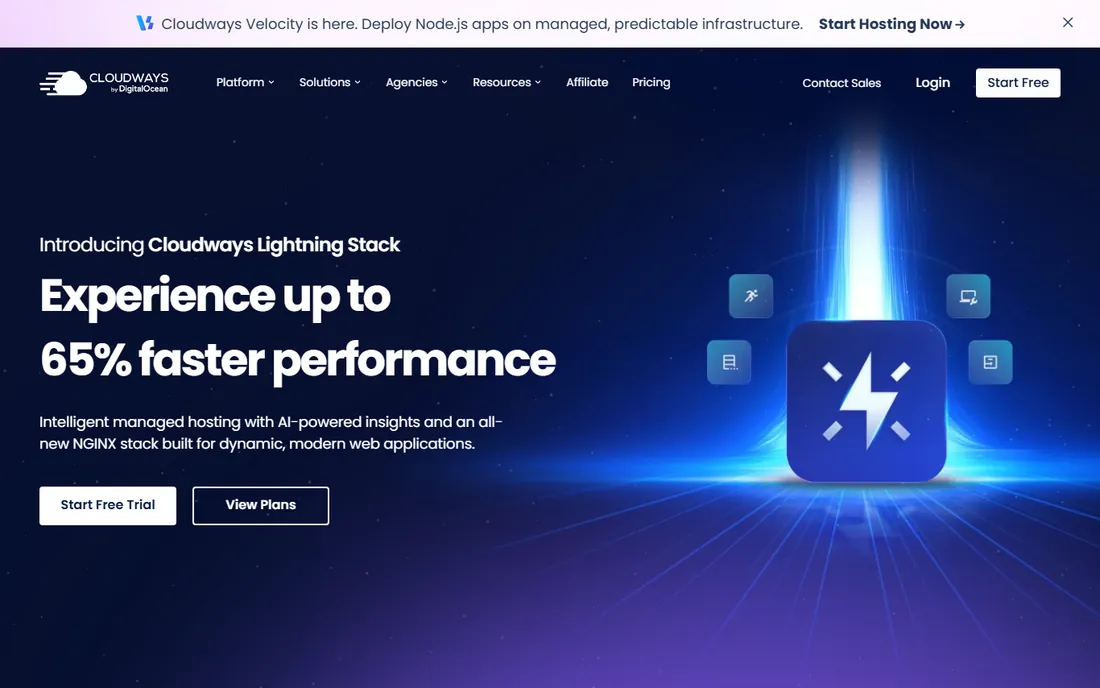
Cloudways occupies a useful middle ground: managed cloud servers on DigitalOcean, AWS, Google Cloud, Vultr, or Linode, with server administration handled for you. You pick the provider and server size, Cloudways deploys a tuned stack, and you manage sites through a clean panel. Every server supports unlimited WordPress installs, so agencies can park dozens of small client sites on one $14 to $28 server. Pricing is pay-as-you-go with no annual contracts and no renewal jumps, and all features are included at every tier.
The honest catches: there is no email hosting, so you need Google Workspace or similar; there is no root access, so server tinkerers should look elsewhere; and the 3-day free trial is barely enough to evaluate. Advanced support costs $100 a month, though standard 24/7 chat handles most issues. Cloudways suits developers, agencies, and growing stores that want dedicated resources without managing a raw VPS.
What we like- Dedicated cloud resources with no noisy neighbors
- Unlimited sites per server
- No renewal-price jumps, ever
Watch out for- No email hosting and no root access
- 3-day trial is short for evaluation
- Support tiers cost extra for complex issues
Starting price$19 per month
Free planFree trial (14 days)
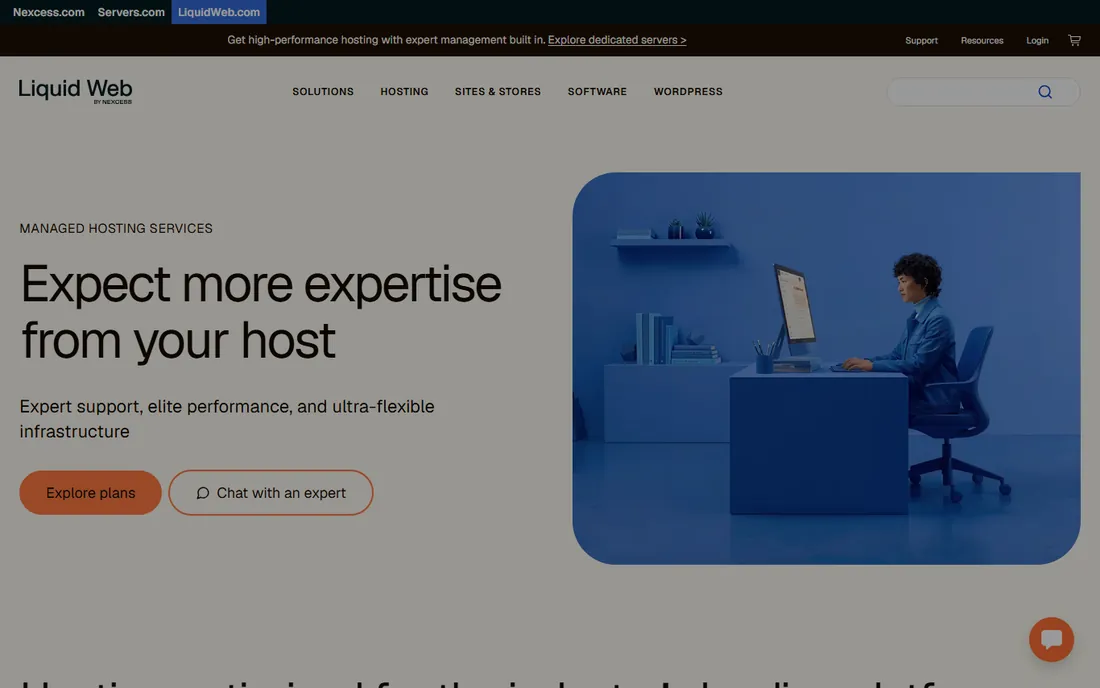
Nexcess, part of Liquid Web, is the specialist pick for WooCommerce. The platform includes sales performance monitoring that alerts you when checkout degrades, automated plugin updates with visual comparison testing, and auto-scaling that absorbs flash-sale traffic without a manual upgrade. Managed WordPress starts at $19 a month for the Spark tier with one site, 15GB storage, and 2TB bandwidth. Bundled premium plugins (Beaver Builder, iThemes Security Pro, Astra Pro) are worth several hundred dollars a year bought separately, and there are no pageview limits or overage fees.
The catch is polish. The dashboard is functional but not as refined as MyKinsta, storage is tiered by visit level, and email costs $1 per inbox per month extra. There is a 14-day free trial for evaluation. Choose Nexcess when WooCommerce revenue depends on the site staying fast under load; for content sites, the premium managed hosts are simpler.
What we like- WooCommerce-tuned with auto-scaling during traffic spikes
- Premium plugins bundled free
- No pageview limits or overage fees
Watch out for- Interface is less polished than Kinsta or WP Engine
- Plans priced by visit tier
- Email costs extra per inbox
Starting price$25 per month (annual billing)
Free planNo
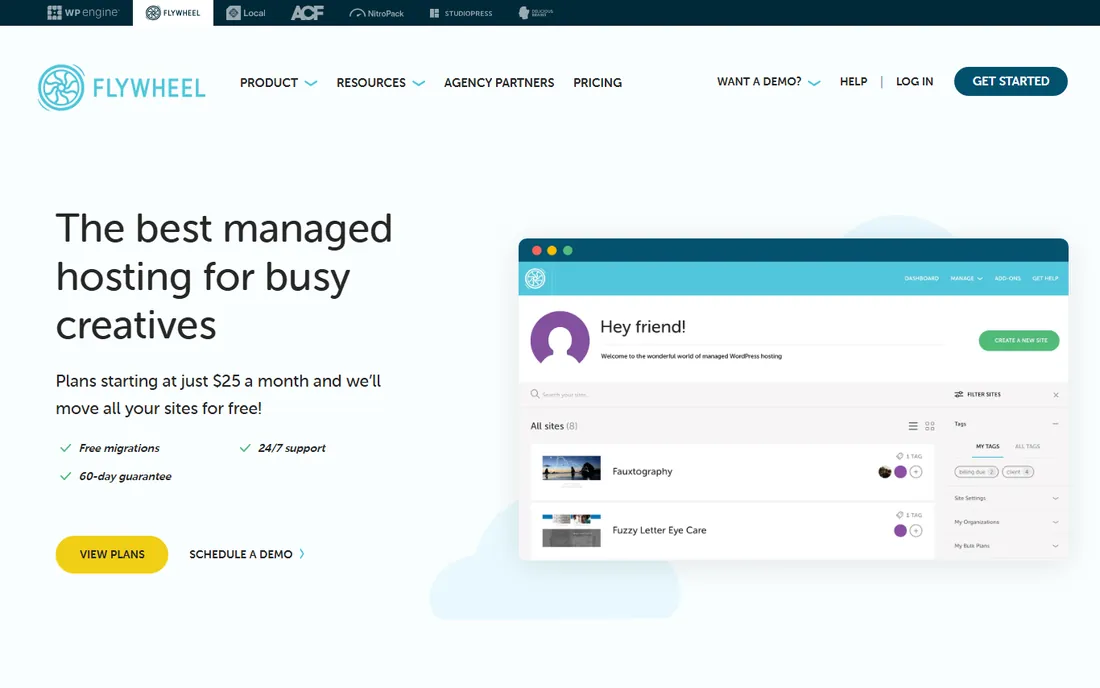
Flywheel built its reputation on designer and agency workflows, and those remain its strength. Billing transfer is the standout: finish a client site, hand the billing to the client, and never chase hosting invoices again. Blueprints save a theme and plugin setup as a reusable starting point, which saves hours across similar projects. Every plan includes staging, nightly backups, free SSL, and a CDN. Pricing runs from the Tiny plan at $15 a month up to Freelance at $115 and Agency at $290, with Starter at $30 monthly or $25 on annual billing.
The honest catch: Flywheel was acquired by WP Engine in 2019, and pricing and features have converged noticeably since. The Tiny plan's 5GB storage and 5,000-visit cap is too tight for anything beyond a brochure site. It remains the best fit for freelancers and small studios whose workflow revolves around client handoffs.
What we like- Billing transfer lets clients pay for their own hosting
- Blueprints save reusable site setups
- 10 StudioPress themes and Genesis Framework included
Watch out for- Now owned by WP Engine, so differentiation is shrinking
- Tiny plan limits are very tight
- Monthly billing costs more than annual
How we built this shortlist
We started with every host that still markets WordPress-specific plans in 2026 and filtered for products a small or mid-size US business can buy today: live pricing pages, US data centers, staging, daily backups, free SSL, and a CDN included or available. We read the current pricing pages for entry and renewal prices, checked limits like visits and storage, and cross-referenced public reviews on G2, Capterra and Reddit for the repeating patterns: support quality, renewal-price shock, and traffic-spike handling. We excluded hosts with no transparent pricing or unresolved billing complaint histories. We did not run our own benchmark tests; speed claims come from published independent tests.
The renewal-price trap nobody warns you about
Introductory pricing is the single biggest source of regret in WordPress hosting. Hostinger's $2.99 becomes $10.99. SiteGround's $2.99 becomes $17.99. Bluehost's $3.99 becomes $9.99. Before you buy, multiply the renewal rate by 36 and add the intro term; that is your real cost. Kinsta and Cloudways never play this game: they charge the same price in month thirty as in month one. If you hate surprises, that flat pricing is worth a premium.
Contract length is the second trap. The lowest prices on Hostinger, Bluehost, and DreamHost require prepaying two to four years. Fine if the site will exist that long, bad if you might pivot, sell, or shut down. A monthly-billed plan that costs more per month can be cheaper in practice if you only need it for eighteen months.
What to check before you pay
Start with the visit and resource limits, because they decide your real monthly cost. A plan that advertises unlimited bandwidth can still throttle you through CPU or PHP worker limits; check the fine print for visit caps, storage caps, and what happens when you exceed them. Kinsta and WP Engine charge per 1,000 extra visits, Nexcess has no overage fees, and Cloudways lets you resize the server. Spiky traffic favors flat or scalable pricing; steady traffic favors visit-based plans.
Backups and staging deserve a closer look than most buyers give them. Weekly backups are not enough for a store; insist on daily backups with at least 14-day retention and a one-click restore. Staging matters the moment more than one person touches the site. GrowBig, DreamPress, and every premium managed plan here include staging; entry shared plans often do not.
Support is the feature you will use most, so evaluate it like one. Chat-only support is fine if responses come from engineers; it is terrible if responses come from a script. Watch reviews for the repeating red flags: slow ticket times, upsell pressure, and blame-shifting to plugin developers. Free white-glove migration from Kinsta, WP Engine, Pressable, or SiteGround can save you a weekend and a broken site.
Finally, confirm the extras. Free domain offers are first-year only almost everywhere. Email hosting is missing on Cloudways and costs extra on Nexcess, so factor in Google Workspace or Microsoft 365 if you need business email. Domain privacy, malware cleanup, and CDN are included free by DreamHost and most managed hosts but sold as add-ons by budget hosts.
Frequently asked questions
What is the best WordPress hosting service in the UK?
This usually means fast load times for British visitors and support in UK hours. SiteGround and Kinsta both offer London data centers, which cuts latency for UK audiences. Any host on this list works technically; pick one with a UK or nearby EU data center and check that support covers your working hours.
Shared vs managed WordPress hosting: which do I need?
Shared hosting leaves updates, caching, and security mostly to you and costs two to ten dollars a month. Managed hosting handles those at the platform level, starting around twenty five dollars a month. Choose shared for a new blog or brochure site with modest traffic, and managed the moment the site earns revenue.
How much should a small business pay for WordPress hosting?
Five to thirty five dollars a month covers nearly every small business site. Five to fifteen gets solid shared or entry cloud hosting with daily backups and a CDN. Twenty five to thirty five gets true managed hosting with staging and expert support. More than forty only makes sense for high-traffic sites, WooCommerce stores, or agencies.
Can I switch WordPress hosts without downtime?
Yes. Migrate a full copy to the new host, test it on a temporary URL, then point your domain's DNS to the new server; done properly, visitors see no interruption. Most hosts on this list offer free migration handled by their team. Keep the old hosting active for a week after the switch so you can roll back.
Do I need a CDN with WordPress hosting?
Most managed hosts include one free, and most sites benefit. A CDN serves images and static files from servers near your visitors, which cuts load times for anyone far from your main data center. If your audience is national or international, a CDN is close to mandatory.
What happens if I exceed my plan's visit limit?
Kinsta charges one dollar per one thousand extra visits, WP Engine charges two dollars, and Pressable charges one dollar twenty. Nexcess has no overage fees, and Cloudways lets you resize the server instead. Check your actual traffic in Google Analytics before buying a visit-based plan, and leave headroom for a spike.
Sources we checked (16)
- https://www.bluehost.com/in/blog/wordpress-hosting-prices/
- https://www.bluehost.com/blog/best-wordpress-hosting-for-small-business/
- https://www.bluehost.com/blog/wordpress-hosting-vs-dedicated-hosting/
- https://ecommerceparadise.com/cloudways-vs-kinsta-2026/
- https://ecommerceparadise.com/cloudways-vs-wp-engine-2026/
- https://ecommerceparadise.com/cloudways-pricing/
- https://speckyboy.com/siteground-managed-wordpress-hosting/
- https://speckyboy.com/pressable-managed-wordpress-hosting/
- https://speckyboy.com/wp-engine-managed-wordpress-hosting/
- https://ecommerceparadise.com/siteground-vs-hostinger/
- https://gizmodo.com/best-web-hosting/wordpress
- https://seahawkmedia.com/web-hosting/dreamhost/
- https://elitecontentmarketer.com/deals/flywheel-black-friday-deals/
- https://ecommerceparadise.com/liquid-web-review-2026-premium-managed-hosting-worth-the-price-for-serious-woocommerce-stores/
- https://dieg.info/en/review/liquid-web-review/
- https://dev.to/tanit365/managed-wordpress-hosting-in-2026-the-renewal-rate-is-the-real-price-ol0
Is your product missing or out of date?
We review this list regularly. Vendors can request a listing, send updated pricing or ask about featured placement.

Shihab Mia · Founder, Rankite
Shihab has spent more than a decade helping SaaS and e-commerce brands grow through search. He writes Rankite's software buying guides from pricing pages, documentation and public user reviews. More about Shihab.