How we make this list: we compare pricing pages, product documentation and public user reviews. Rankite is independent; if a vendor ever pays for a featured spot, that listing is clearly labeled Partner.
Key takeaways
- Microsoft Intune with Autopilot is the modern cloud-native path for Windows provisioning.
- PDQ Deploy remains the beloved tool for fast app deployment without infrastructure.
- ManageEngine Endpoint Central and Ivanti cover full lifecycle management including patching.
- SmartDeploy excels at OS imaging; Acronis Snap Deploy handles mass deployment.
- Quest KACE, FileWave, Chocolatey and Clonezilla fill appliance, multi-platform, packaging and free imaging needs.
Quick comparison
Is your product missing or out of date?
We review this list regularly. Vendors can request a listing, send updated pricing or ask about featured placement.
The best Windows deployment software
Starting priceSee website
Free planFree trial
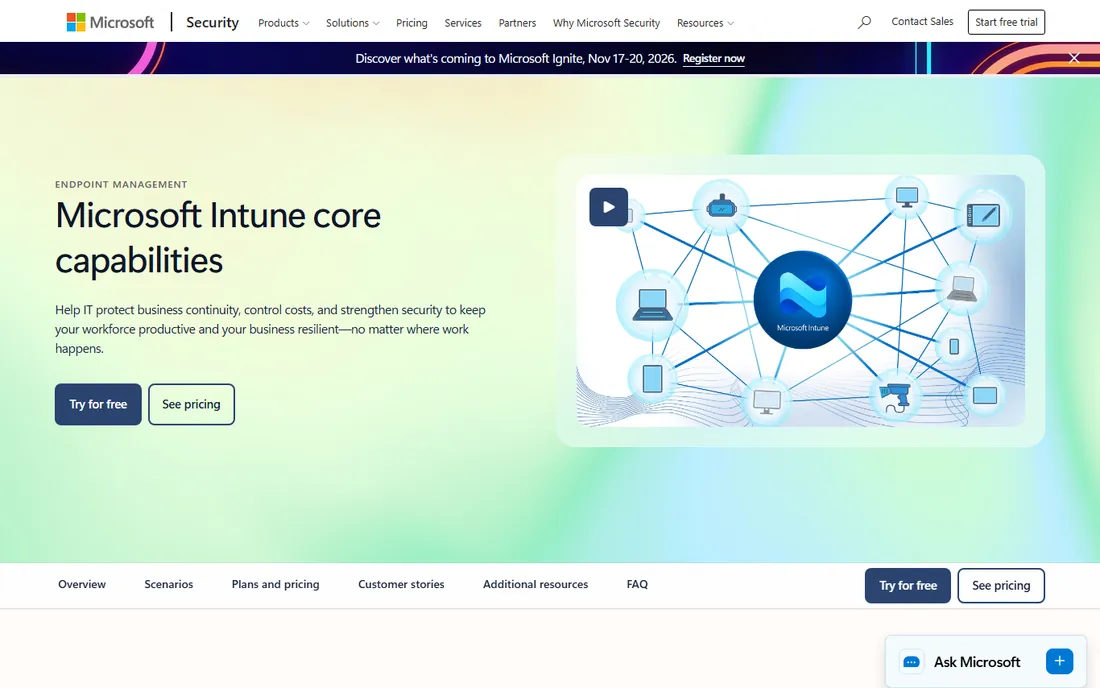
Intune with Windows Autopilot represents Microsoft's modern answer: ship devices directly from manufacturer to user, and they configure themselves from the cloud. No golden images, no PXE servers, no desk-side setup. Combined with Intune's app deployment and compliance policies, it covers the full device lifecycle.
The shift from imaging to provisioning requires rethinking processes, and licensing sits in premium Microsoft 365 tiers. Hybrid environments mixing old and new need care. But for organizations standardizing on Microsoft 365, Autopilot plus Intune is the strategic direction: less infrastructure, faster onboarding, happier users.
Intune's compliance policies go beyond deployment: require BitLocker, enforce Defender baselines and block jailbroken devices before they touch corporate data. Conditional Access ties device compliance to app access, which is the modern security perimeter. The learning curve is real for admins raised on Group Policy, but Microsoft's migration guidance is mature. Organizations should pilot with a single department, prove the app deployment story, then expand: the app packaging, Win32 and MSIX, is where pilots usually stumble.
What we like- Autopilot provisions devices from the cloud
- Native Microsoft 365 integration
- Modern management without imaging
Watch out for- Learning curve from traditional imaging
- Premium licensing
- Complex for hybrid environments
Starting priceSee website
Free planFree trial
PDQ Deploy is the tool sysadmins recommend to each other: point it at computers, push applications, patches and scripts, done. The package library covers common apps with silent install parameters handled, and custom packages deploy anything else. No agents to babysit, no complex infrastructure.
It deploys applications, not operating systems; imaging needs another tool. The focus is Windows, and advanced enterprise features sit on higher tiers. For the everyday work of keeping apps installed and updated across a Windows fleet, PDQ's speed and simplicity are unmatched.
PDQ's package library, with hundreds of prebuilt silent installers, is the quiet killer feature: common apps deploy with tested parameters instead of admin trial and error. Auto-download keeps those packages current, so Chrome and Zoom update without manual repackaging. The inventory tool pairs naturally, targeting deployments by installed software or OS version. For the price, the time saved on routine app pushes alone justifies it within the first month.
What we like- Deploy apps in minutes with no infrastructure
- Huge package library
- Sysadmins love the simplicity
Watch out for- Windows-focused
- No OS imaging
- Enterprise features need higher tiers
Starting priceSee website
Free planFree trial
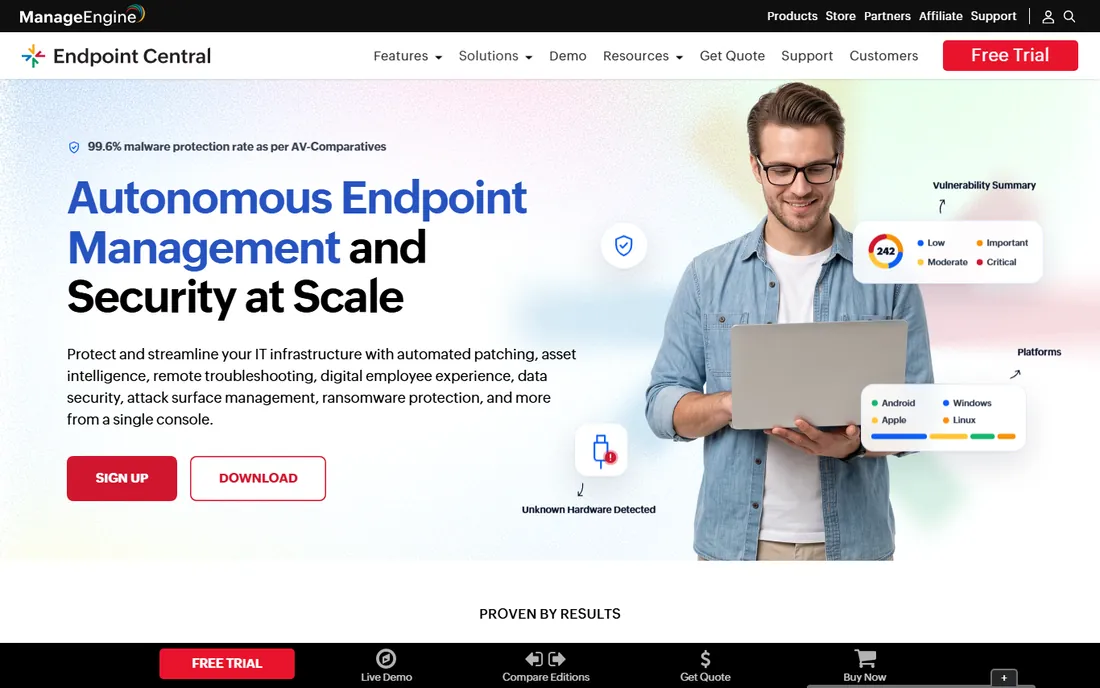
Endpoint Central, formerly Desktop Central, covers the full Windows lifecycle: OS imaging and deployment, software distribution, patch management, configurations and asset tracking. The per-device pricing stays affordable as fleets grow, making it the value pick for comprehensive management.
The interface packs enormous functionality densely, which overwhelms new admins. The rename from Desktop Central still confuses buyers. But for organizations wanting one console for deployment, patching and management at reasonable cost, Endpoint Central delivers remarkable breadth.
Endpoint Central's patch management covers Windows, Mac, Linux and third-party apps from the same console that deploys the OS, which consolidates two tools most IT teams run separately. The free tier for up to 25 devices lets small shops evaluate on production. Remote control and asset tracking round out the daily toolkit. Admins complain about the dense UI, but the functionality-per-dollar ratio is among the best in endpoint management.
What we like- OS deployment, patching and app management in one
- Affordable per-device pricing
- Good for SMB to enterprise
Watch out for- Interface is dense
- Formerly Desktop Central which confuses
- Advanced features need higher editions
Starting priceSee website
Free planNo
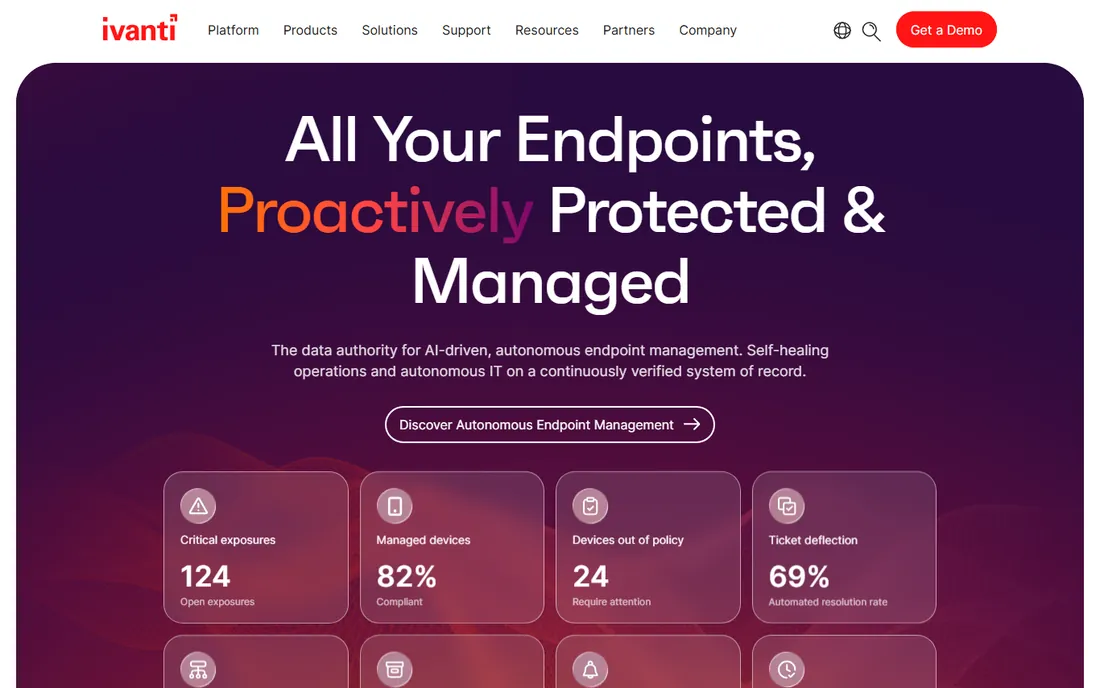
Ivanti's endpoint management suite serves large enterprises with complex needs: OS deployment, software distribution, patch management and security from unified consoles. The LANDESK heritage means decades of enterprise refinement. Organizations with tens of thousands of endpoints and strict compliance requirements are the core customers.
Everything is enterprise: pricing, sales process, implementation complexity. Smaller organizations drown in it. For large enterprises standardizing endpoint management with security integration, Ivanti's depth and scale justify the investment.
Ivanti's security integration, patching tied to vulnerability intelligence, is what justifies the enterprise price: deployment and security share one agent and one console. The Neurons platform adds AI-driven healing for common endpoint issues. For organizations with strict compliance regimes, the reporting and audit trails satisfy auditors. It is heavyweight software for heavyweight requirements, and buyers should be honest about which they have.
What we like- Deep enterprise endpoint management
- Strong patching and security
- Proven at large scale
Watch out for- Enterprise pricing and complexity
- Product portfolio is broad
- Implementations need expertise
Starting priceSee website
Free planFree trial
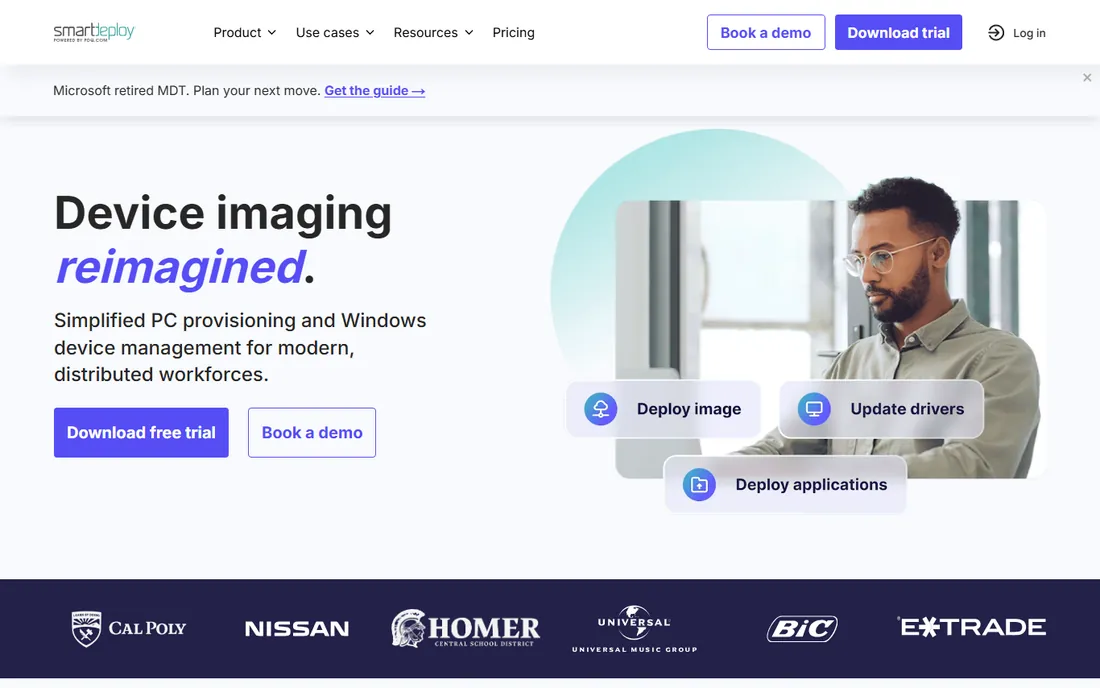
SmartDeploy's breakthrough is simple: one golden Windows image deploys to any hardware, with driver packs handled automatically. No more per-model images, no more driver injection nightmares. IT teams that lived through traditional imaging find it liberating.
It focuses on imaging rather than ongoing management; pair it with PDQ or Intune for the full lifecycle. Per-device licensing and newer cloud features round out the picture. For organizations that still image machines and want the process painless, SmartDeploy is the specialist done right.
SmartDeploy's driver packs, maintained for thousands of business PC models, are the magic: the single golden image genuinely works across Dell, HP and Lenovo fleets. Computer naming, domain join and app installs layer on after imaging through answer files. The per-device licensing is straightforward to budget. IT teams that image labs or refresh fleets annually find the time savings compound with every deployment cycle.
What we like- Single golden image for any hardware
- Driver management handled
- Simple and reliable imaging
Watch out for- Imaging-focused, not full lifecycle
- Per-device licensing
- Cloud features are newer
Starting priceSee website
Free planFree trial
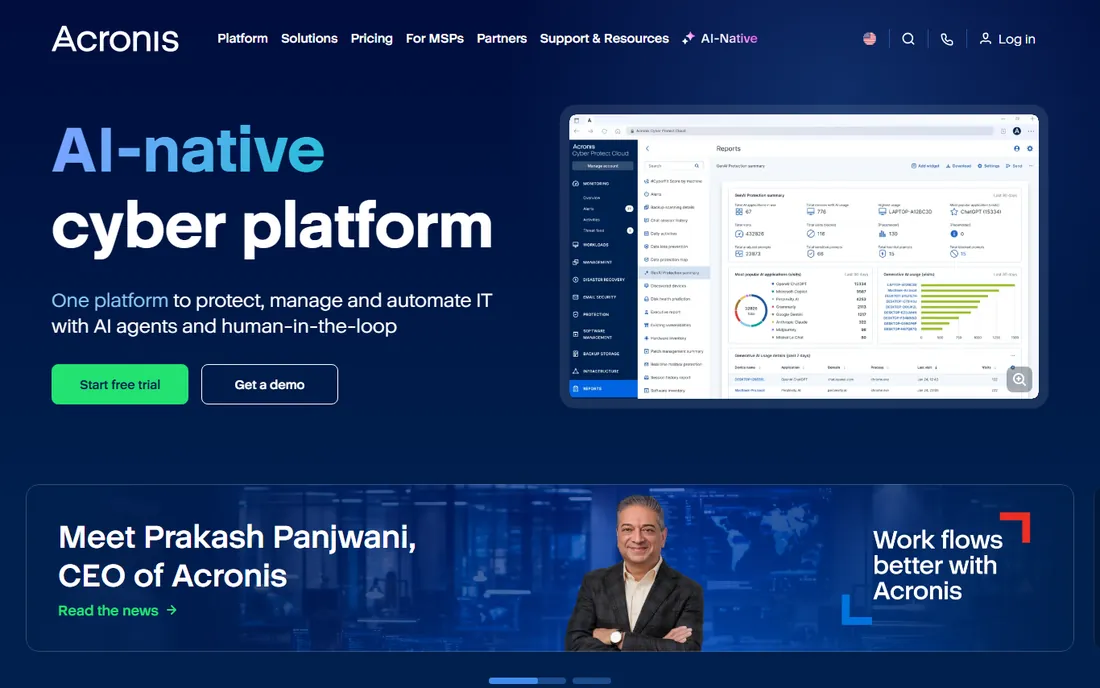
Snap Deploy does one job at scale: push master images to fleets of machines simultaneously via multicast. Labs, classrooms and offices provisioning dozens of identical machines get it done fast. The Acronis imaging engine is proven, and integration with the broader Cyber Protect suite adds backup and security.
The interface prioritizes function over beauty, and the value compounds inside the Acronis ecosystem. Ongoing management needs other tools. For mass provisioning events where speed and reliability matter most, Snap Deploy's multicast efficiency is hard to beat.
Acronis Snap Deploy's multicast efficiency shows at scale: pushing a 40GB image to fifty machines simultaneously takes barely longer than imaging one. The centralized management console schedules deployments for off-hours. Integration with Acronis Cyber Protect adds backup of the same endpoints. For education and training environments that reimage constantly, the speed is the entire value proposition.
What we like- Fast multicast mass deployment
- Reliable imaging engine
- Part of Acronis' broader protection suite
Watch out for- Interface is utilitarian
- Best within Acronis ecosystem
- Enterprise features need higher tiers
Starting priceSee website
Free planNo

KACE Systems Management Appliance gives mid-size IT teams an appliance: plug it in, get imaging, software distribution, patching, asset management and ticketing. The appliance model removes infrastructure decisions, which smaller teams appreciate. It covers the practical needs without enterprise complexity.
Appliances trade flexibility for simplicity; cloud-native shops look elsewhere. Pricing is quote-based and the community is smaller than Microsoft's. For mid-size organizations wanting comprehensive Windows management in a box, KACE's appliance approach still makes sense.
Quest KACE's appliance model, physical or virtual, means the management infrastructure is a configured box rather than a project: imaging, inventory, patching and ticketing come up together. The service desk integration ties endpoint data to support tickets automatically. Mid-size IT teams without dedicated endpoint engineers appreciate the guided approach. It will not match the cloud-native flexibility of Intune, but for on-premises shops it remains practical.
What we like- Appliance model simplifies deployment
- Imaging plus management plus service desk
- Good for mid-size IT
Watch out for- Appliance model limits flexibility
- Pricing is quote-based
- Smaller community than Microsoft tools
Starting priceSee website
Free planFree trial
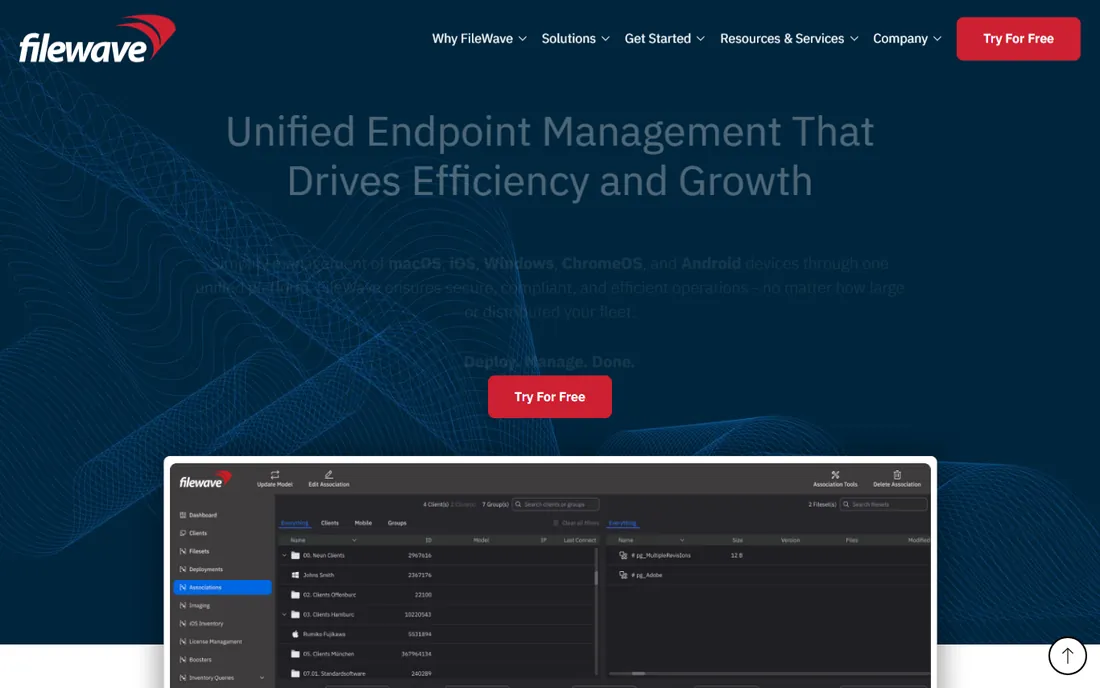
FileWave manages Windows, Mac, iOS and Android from one console, which matters enormously for schools and mixed environments. OS imaging, app deployment and ongoing management cover the lifecycle across platforms. Education customers form a loyal base.
Windows-specific depth trails the Windows specialists, and the smaller vendor means fewer community resources. Pricing is quote-based. For heterogeneous environments where Windows is one of several platforms, FileWave's unified approach beats running separate tools per OS.
FileWave's multi-platform reach, managing Windows, macOS, iOS, Android and ChromeOS from one console, is unmatched for heterogeneous environments like schools. The imaging covers Mac and Windows alike. Fileset-based management keeps configurations declarative. Pricing is quote-based, which frustrates, but the alternative is running separate tools per platform, which costs more in admin time.
What we like- True multi-platform including Mac and mobile
- Imaging plus management
- Good for education
Watch out for- Smaller vendor
- Windows depth trails specialists
- Pricing is quote-based
Starting priceFree
Free planYes
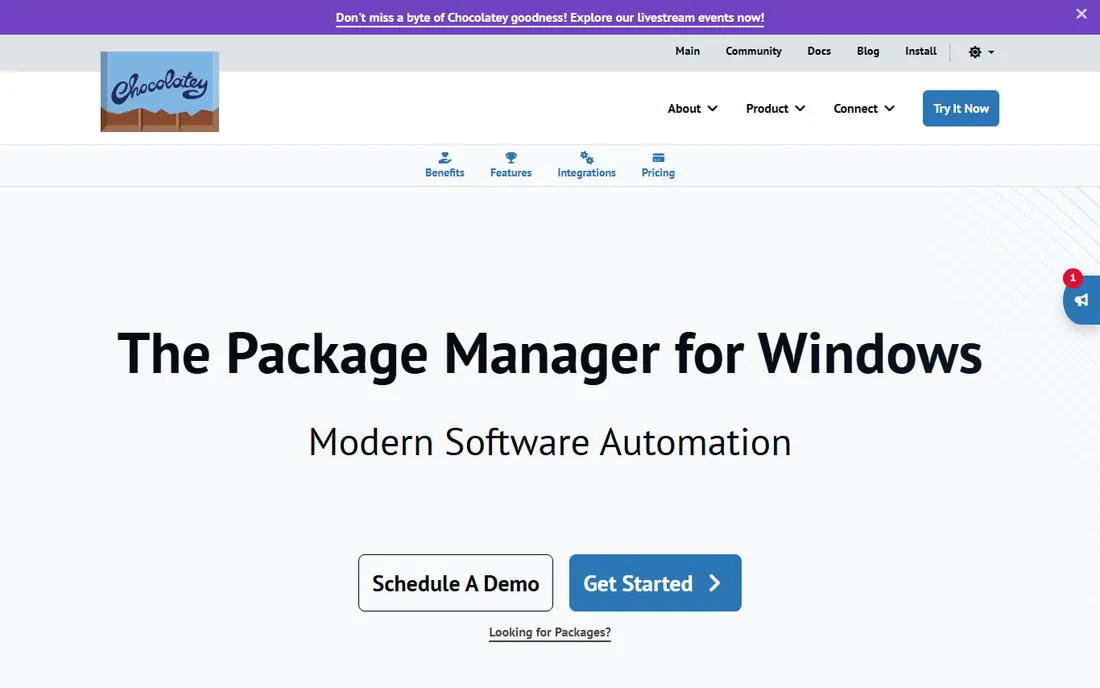
Chocolatey brings Linux-style package management to Windows: install, update and configure software from the command line with one command. The community repository holds thousands of packages, and business editions add central management. DevOps-minded admins automate entire workstation setups in scripts.
Community package quality varies, and GUI-oriented admins face a learning curve. Business features for centralized control cost money. For scripted, repeatable Windows software deployment, especially in DevOps cultures, Chocolatey is the essential free tool.
Chocolatey's business editions add the central management community users miss: package moderation, internal repositories and reporting across the fleet. The community repository's moderation has improved markedly, with virus scanning on packages. DevOps teams version-control their workstation setups as Chocolatey install scripts, making onboarding reproducible. For scripted Windows environments, it is infrastructure as code for the desktop.
What we like- Command-line package management for Windows
- Huge community package repository
- Free for basics
Watch out for- Community packages vary in quality
- Business features cost
- Learning curve for GUI admins
Starting priceFree
Free planYes
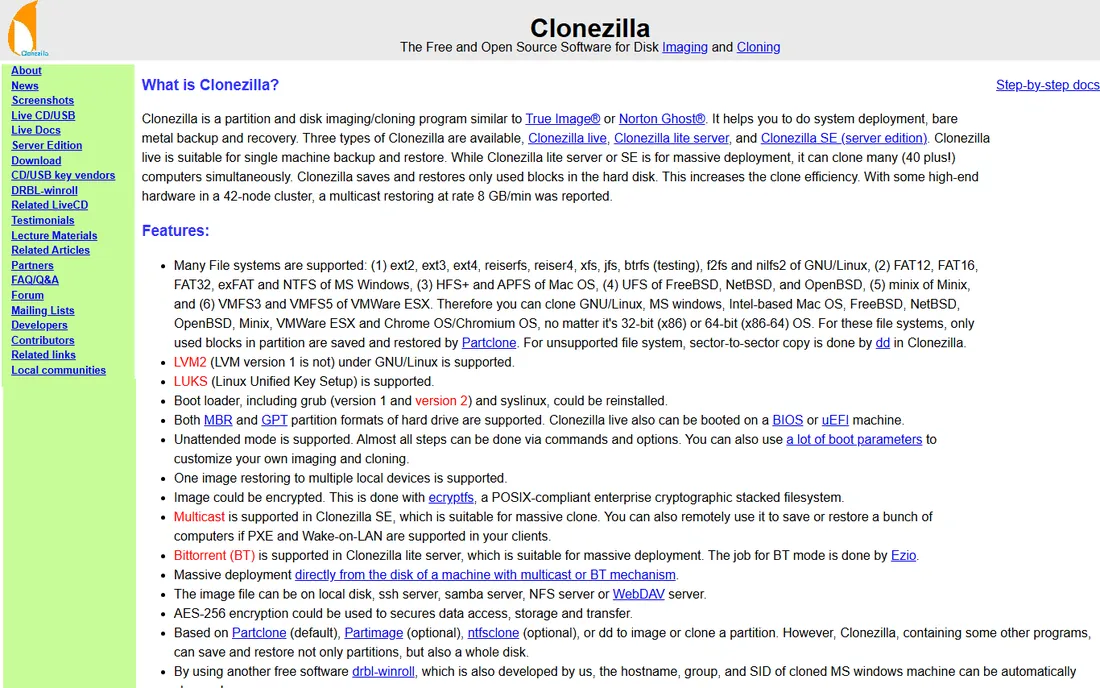
Clonezilla is the free workhorse: boot, clone disks or partitions, restore them, done. No licenses, no servers, no accounts. Technicians keep it on a USB drive for one-off imaging, lab rebuilds and disaster recovery. It simply works.
There is no central management, no scheduling, no reporting; it is a tool, not a platform. The text interface intimidates newcomers. But for free, reliable disk imaging without any infrastructure, nothing beats it. Every IT toolkit should include Clonezilla for the jobs that do not need a platform.
What we like- Completely free and open source
- Reliable disk cloning
- No licensing whatsoever
Watch out for- Bare-bones interface
- Manual process
- No central management
How we chose
We selected tools that deploy Windows at real scale: OS imaging, app deployment, provisioning and lifecycle management. We reviewed vendor documentation and IT practitioner communities, and verified each vendor's current status, noting ManageEngine's rename from Desktop Central to Endpoint Central. We included free tools because IT budgets are real.
Imaging vs modern provisioning
The industry is shifting from golden-image deployment to cloud provisioning: Autopilot and Intune provision devices without images at all. New fleets should default to modern provisioning; it eliminates image maintenance forever. But imaging remains right for labs, specialized hardware, offline environments and rapid mass rebuilds.
Most organizations end up hybrid: Autopilot for user devices, imaging for labs and special cases, PDQ or Chocolatey for ongoing app deployment, and a patching solution across everything. Design the stack around the device types you actually manage rather than committing to one philosophy.
Frequently asked questions
What is the best software to deploy Windows to many computers?
Microsoft Intune with Autopilot for modern cloud provisioning; SmartDeploy or Acronis Snap Deploy for traditional imaging; PDQ Deploy for ongoing app deployment. Most organizations combine approaches.
Is imaging still necessary in 2026?
Less than before. Cloud provisioning handles standard user devices better. Imaging remains valuable for labs, kiosks, specialized hardware and offline scenarios.
How much does deployment software cost?
From free (Clonezilla, Chocolatey community) to per-device or per-user subscriptions for commercial tools, to enterprise contracts for Ivanti and Quest. Most mid-size tools price per managed device.
Can I deploy apps without imaging?
Yes. PDQ Deploy, Intune, Chocolatey and Endpoint Central all deploy applications to existing Windows installations without touching the OS. This covers the most common ongoing need.
What is Windows Autopilot?
Microsoft's cloud provisioning: new devices enroll and configure themselves from Intune without IT touching them. It replaces imaging for standard user devices in Microsoft 365 environments.
How do I choose between PDQ and Intune?
PDQ for fast on-premises app deployment without infrastructure; Intune for cloud-managed devices with Autopilot provisioning. Many organizations use both: Intune for device management, PDQ for rapid app pushes.
Sources we checked (10)
- https://www.microsoft.com/en-us/security/business/endpoint-management/microsoft-intune
- https://www.pdq.com/
- https://www.manageengine.com/products/desktop-central/
- https://www.ivanti.com/
- https://www.smartdeploy.com/
- https://www.acronis.com/en/
- https://www.quest.com/products/kace-systems-management-appliance/
- https://filewave.com/
- https://chocolatey.org/
- https://clonezilla.org/
Is your product missing or out of date?
We review this list regularly. Vendors can request a listing, send updated pricing or ask about featured placement.

Shihab Mia · Founder, Rankite
Shihab has spent more than a decade helping SaaS and e-commerce brands grow through search. He writes Rankite's software buying guides from pricing pages, documentation and public user reviews. More about Shihab.
 Microsoft Intune
 PDQ Deploy
 ManageEngine Endpoint Central
 Ivanti
 SmartDeploy
 Acronis Snap Deploy
 Quest KACE
 FileWave
 Chocolatey
 Clonezilla