How we make this list: we compare pricing pages, product documentation and public user reviews. Rankite is independent; if a vendor ever pays for a featured spot, that listing is clearly labeled Partner.
Key takeaways
- Hourly teams under 10 people should start with the free tiers: Homebase Basic is free for up to 10 employees, Connecteam is free under 10 users, and Sling offers free scheduling essentials.
- Deputy ($5 per user per month) and When I Work ($2.50 per user per month) are the value leaders for scheduling plus time tracking at small-business prices.
- 7shifts is the restaurant specialist; Quinyx and Deputy handle complex compliance needs like Fair Workweek rules.
- UKG and Dayforce are enterprise-grade platforms for large, multi-location operations; expect quote-based pricing and longer implementations.
Quick comparison
| Tool | Best for | Starting price | Free plan |
|---|
 UKG UKG | Large organizations with complex labor compliance across locations | See website | No |
 Deputy Deputy | Growing businesses that need scheduling with real compliance muscle | $5/user/month (Lite plan) | Free trial |
 When I Work When I Work | Shift-based teams that want scheduling live this afternoon | $2.50/user/month | Free trial (14 days) |
 Homebase Homebase | Small businesses that want to start free and grow into payroll | Free (Basic plan); paid plans See website | Yes (Basic, free for up to 10 employees at one location) |
 Connecteam Connecteam | Deskless teams wanting scheduling, communication and HR in one app | See website | Yes (free for teams under 10 users) |
 Sling Sling | Budget-conscious teams wanting free scheduling plus team messaging | See website | Yes (free scheduling essentials) |
 7shifts 7shifts | Restaurants that want scheduling through payroll in one platform | See website | Yes (free plan with basic scheduling and communication) |
 Quinyx Quinyx | Multi-site retail, logistics, hospitality and healthcare operations | See website | No |
 Dayforce Dayforce | Global enterprises unifying HR, payroll, time and talent | See website | No |
Is your product missing or out of date?
We review this list regularly. Vendors can request a listing, send updated pricing or ask about featured placement.
The best WFM software
Picture a restaurant manager on a Sunday night, building next week's schedule on a spreadsheet while three servers text their availability and two more request time off. Workforce management software exists to end that scene. The nine platforms below handle scheduling, time tracking, team communication and labor compliance for hourly teams, from a single cafe to a global enterprise. They differ enormously in price, depth and who they are really built for.
#1
UKG
Best for: Large organizations with complex labor compliance across locations
Visit ukg.com
Starting priceSee website
Free planNo
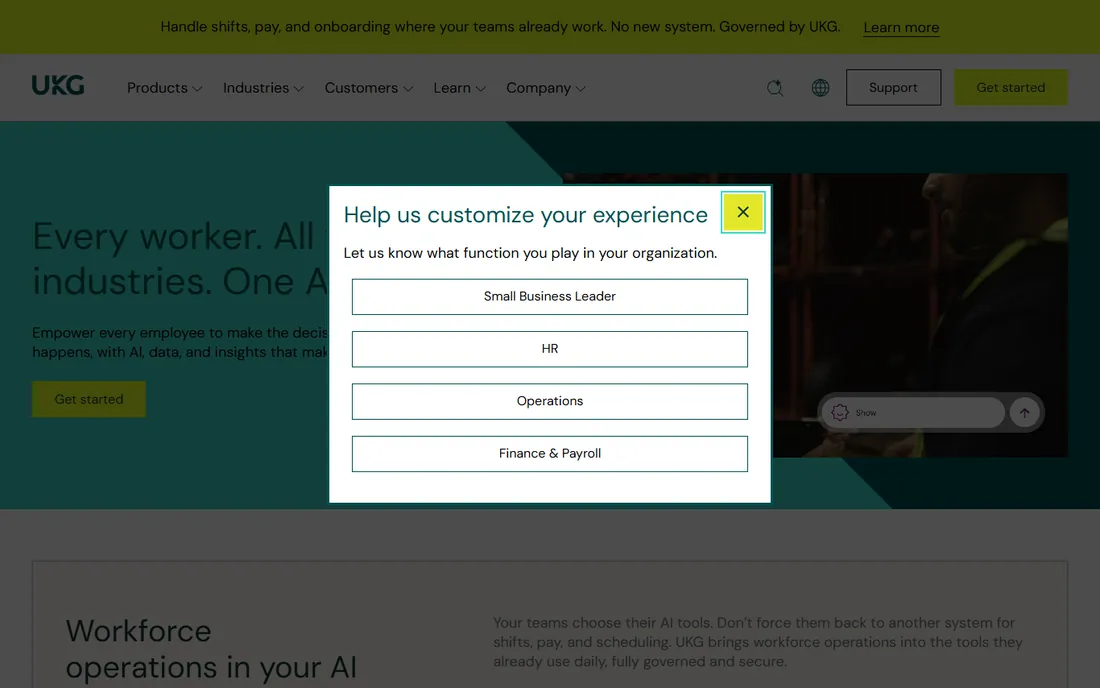
UKG is the heavyweight of workforce management, built for organizations where scheduling mistakes create legal exposure. Its compliance automation covers the thicket of state and local labor laws, and its forecasting tools help large employers staff precisely against demand. With tens of millions of daily users and a presence in 150 countries, it is the safe enterprise choice.
The honest reality is the total cost and timeline. UKG deals are quote-based, implementations run for months, and the platform assumes you have HR and operations staff to run it. Small and mid-size businesses should look at the rest of this list. UKG is for companies where workforce management is a strategic function, not a weekly chore.
What we like- Deep compliance engine for wage, hour and leave regulations
- Strong forecasting and labor optimization
- Proven at enterprise scale across 150 countries
- Dedicated support structure
Watch out for- Quote-based pricing with enterprise-level costs
- Implementation takes months, not days
- Overkill and overpriced for teams under a few hundred employees
#2
Deputy
Best for: Growing businesses that need scheduling with real compliance muscle
Visit deputy.com
Starting price$5/user/month (Lite plan)
Free planFree trial
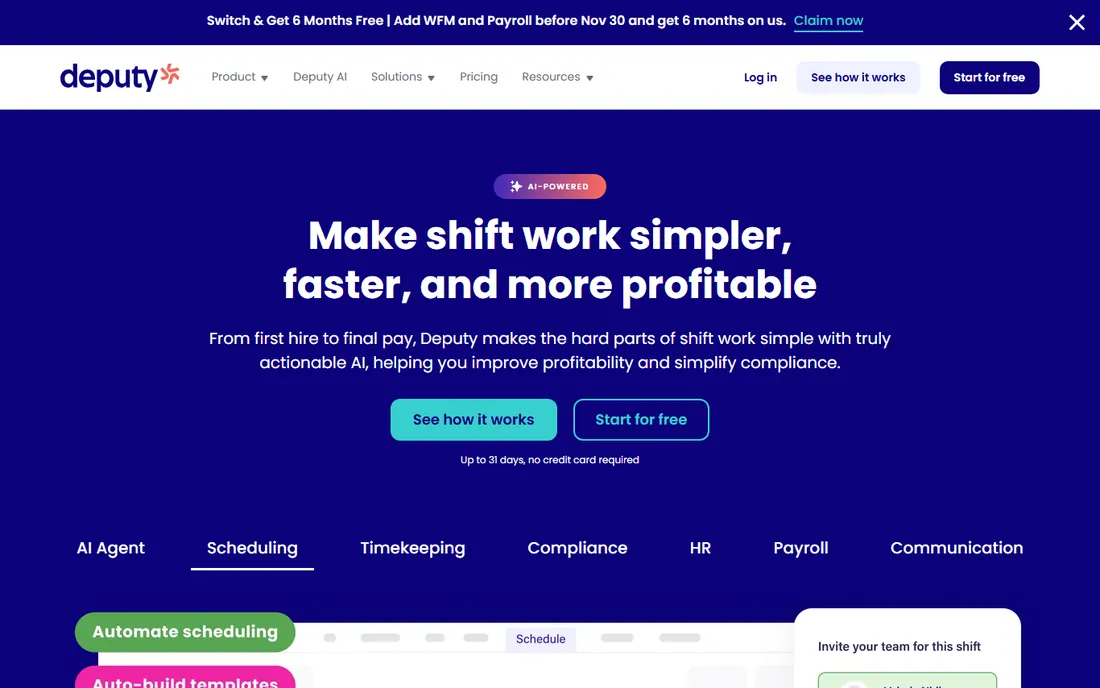
Deputy hits the sweet spot for businesses outgrowing spreadsheets but not ready for enterprise software. The Lite plan at $5 per user per month covers scheduling, timesheets, time clocking and compliance basics, while Core at $6.50 adds auto-scheduling and demand forecasting. Compliance automation is the differentiator: break rules, overtime calculations and Fair Workweek requirements are handled rather than hoped for.
Watch the seat math. Every user counts, including admins and managers, and the $30 monthly minimum means very small teams pay more per head than the headline rate suggests. SMS notifications cost extra per message, so push the team toward the app. For multi-location businesses in regulated industries, Deputy is the best value on this list.
What we like- Published, transparent pricing starting at $5 per user per month
- Labor law compliance automation including breaks, overtime and Fair Workweek
- Auto-scheduling and demand forecasting on Core
- Strong mobile apps for staff
Watch out for- All users including managers count as paid seats
- Minimum monthly spend of $30 applies
- SMS schedule notifications add per-message costs
#3
When I Work
Best for: Shift-based teams that want scheduling live this afternoon
Visit wheniwork.com
Starting price$2.50/user/month
Free planFree trial (14 days)
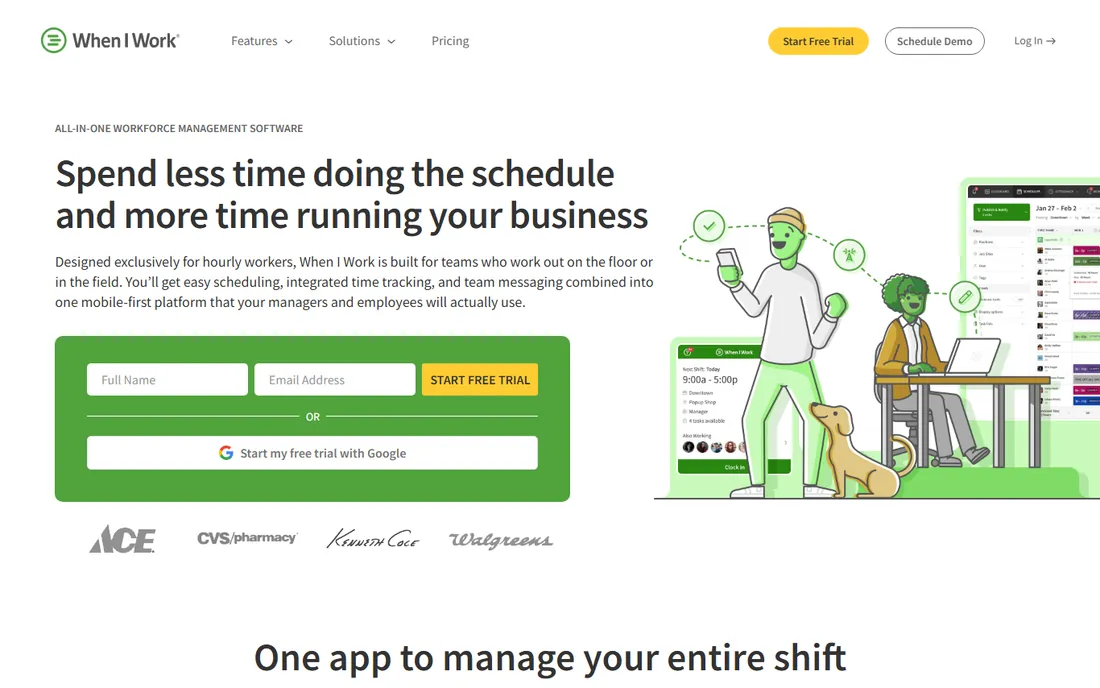
When I Work is the speed pick. Its homepage promises plans from $2.50 per user per month, and setup genuinely takes minutes: add staff, build the schedule, and the team sees it on their phones. Features like OpenShifts let managers post gaps and let staff claim them, which eliminates the phone-tag cycle that eats managers' evenings. GPS-verified clock-ins keep time fraud in check.
The trade-off is depth. Labor law compliance is lighter than Deputy's, and analytics will not satisfy a data-hungry operations director. For restaurants, retailers, clinics and field teams that need scheduling, time tracking and team messaging without an enterprise project, When I Work delivers the essentials at the lowest headline price here.
What we like- Extremely fast setup with no IT needed
- Mobile-first design staff actually adopt
- OpenShifts and shift swaps cut manager workload
- GPS clock-ins with geofencing
- Integrations with major payroll providers
Watch out for- Compliance depth is thinner than Deputy or UKG
- Reporting is adequate rather than rich
- Advanced forecasting sits on higher tiers
Starting priceFree (Basic plan); paid plans See website
Free planYes (Basic, free for up to 10 employees at one location)
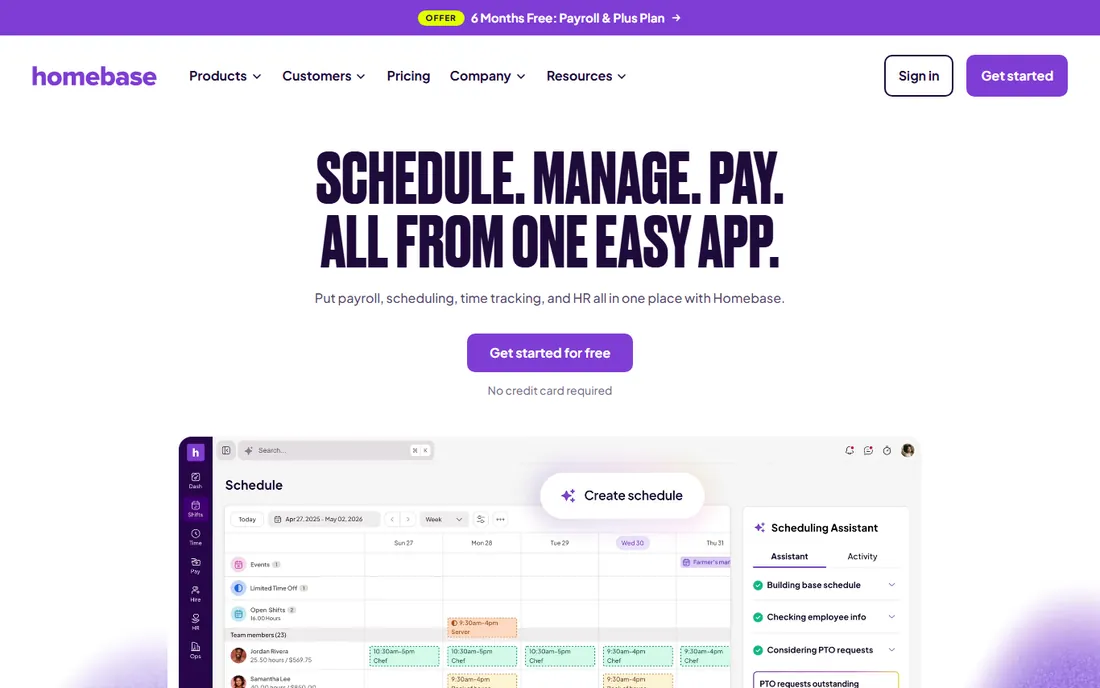
Homebase is the friendliest on-ramp in workforce management. The Basic plan is free for teams of up to 10 employees at one location, covering scheduling, time clocks, messaging and basic HR with no credit card required. For a new cafe or shop, that is a complete system for zero dollars. When the business grows, the payroll add-on at $49 per month plus $6 per employee paid turns tracked hours into filed payroll automatically.
The caution is pricing transparency. The pricing page names the Essentials, Plus and All-in-One plans but shows no prices we could verify, so budget planning requires a sales conversation. The free tier's 10-employee cap also means growing teams graduate to paid plans quickly. Still, as a start-free-and-grow path, nothing here beats it.
What we like- Genuinely free Basic plan for teams up to 10
- Scheduling, time clock, team messaging and HR in one app
- Payroll add-on ($49 base plus $6 per employee) integrates with time tracking
- Highly rated mobile apps
Watch out for- Paid plan prices are not published on the pricing page
- Free plan caps at 10 employees and one location
- The most useful features concentrate in higher tiers
#5
Connecteam
Best for: Deskless teams wanting scheduling, communication and HR in one app
Visit connecteam.com
Starting priceSee website
Free planYes (free for teams under 10 users)
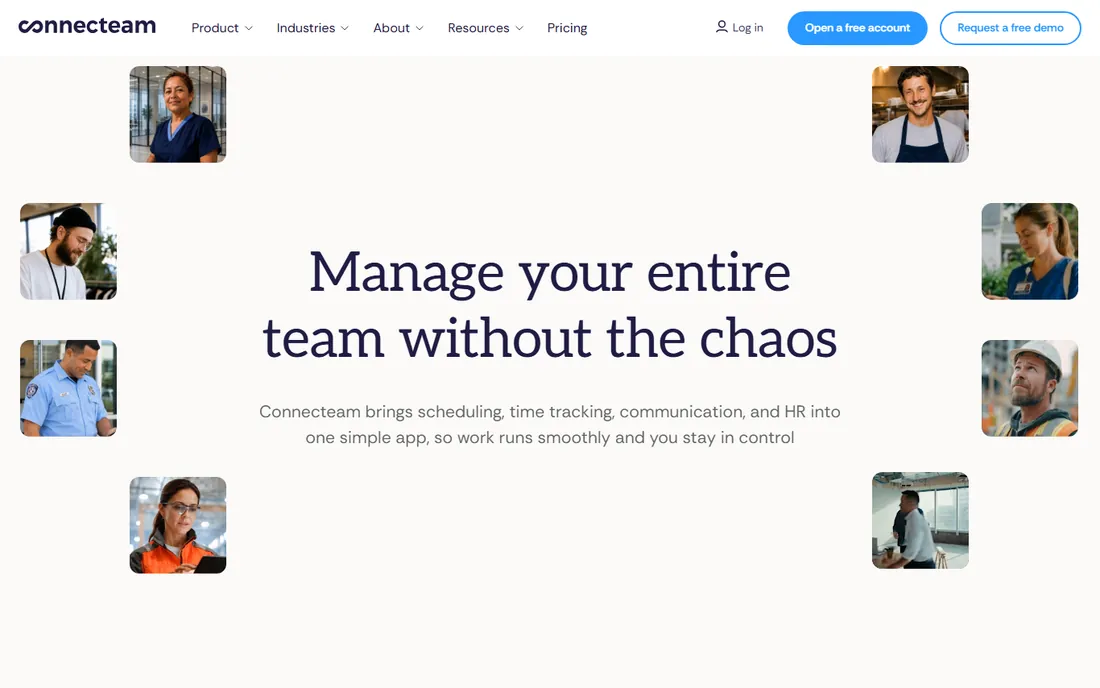
Connecteam pitches itself as the employee management app for the deskless workforce: the cleaners, drivers, caregivers and retail staff who never sit at a computer. One app covers scheduling, GPS time clock, team chat, digital forms, training courses and HR documents, and teams under 10 users get full access free. Setup is measured in hours, and support is genuinely round the clock.
The honest check is fit. Connecteam's breadth is its selling point, but a team that needs deep scheduling optimization or advanced labor analytics may find individual features thinner than specialists like Deputy or Quinyx. For small service businesses that currently run on group texts and paper forms, it is a dramatic upgrade at no cost to start.
What we like- Free full access for teams under 10 employees
- Broad scope: scheduling, time clock, chat, forms, training and HR
- Set up in a day with no IT
- 24/7 live support
Watch out for- Paid pricing is not published on the homepage
- Breadth can mean shallower depth in any one area
- Best fit is deskless teams, less so office environments
#6
Sling
Best for: Budget-conscious teams wanting free scheduling plus team messaging
Visit getsling.com
Starting priceSee website
Free planYes (free scheduling essentials)
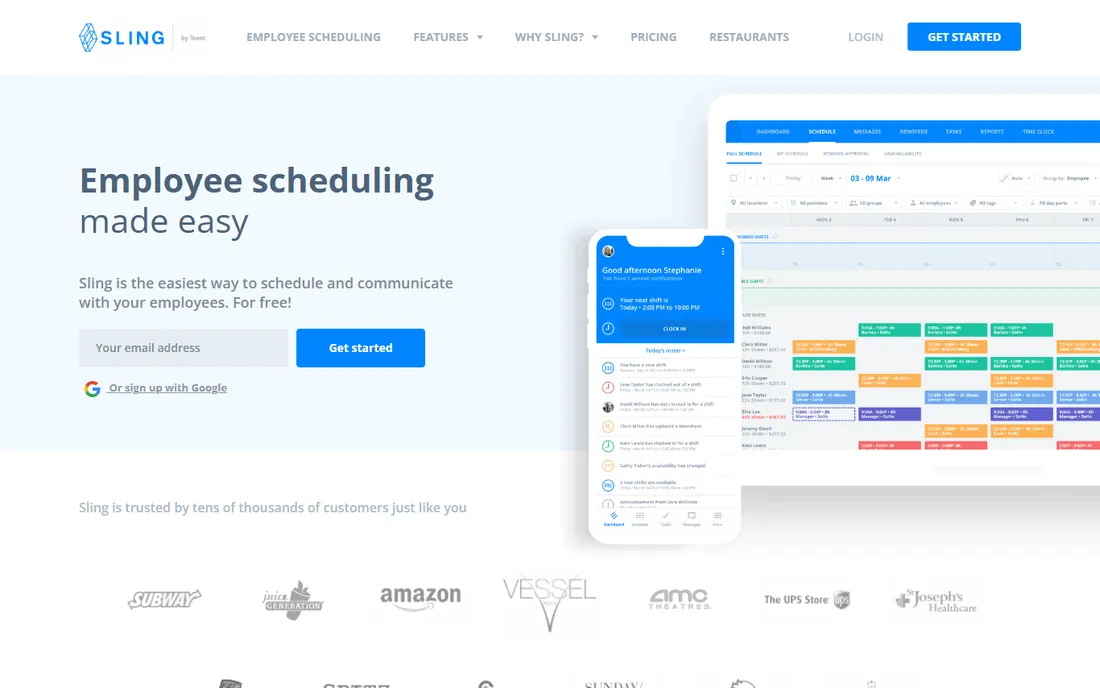
Sling's free tier is unusually generous: scheduling essentials, team messaging, time tracking and task management for unlimited users and locations at no cost. That makes it the rare free tool that a growing multi-location business can actually run on. Labor cost visibility while scheduling helps managers stay under budget, and POS integrations with systems like Toast and Square connect the front of house to the schedule.
The catch, as usual with free-first tools, is that the paid tiers are not transparently priced on the site. Advanced capabilities like geofenced clock-ins and deeper reporting require paid plans whose costs you will need to confirm. For teams that want capable free scheduling today with the option to upgrade later, Sling is a strong pick.
What we like- Free tier covers scheduling, messaging and time tracking for unlimited users and locations
- Labor cost forecasting while you schedule
- Task management and PTO built in
- Integrations with major POS systems
Watch out for- Paid plan pricing is not published on the pages we checked
- Advanced features like geofencing sit on paid tiers
- Interface feels less modern than top rivals
#7
7shifts
Best for: Restaurants that want scheduling through payroll in one platform
Visit 7shifts.com
Starting priceSee website
Free planYes (free plan with basic scheduling and communication)
7shifts is the restaurant industry's workforce platform. It goes beyond scheduling into hiring, onboarding, training, engagement and payroll, positioning itself as the operating hub for the whole employee lifecycle. POS integrations let managers schedule against actual sales data, and the company claims operators save dozens of hours a month on scheduling work.
The specialization is both the strength and the limit. A restaurant group gets workflows designed for tips, split shifts and high turnover; a retail chain gets tools that assume a dining room. Pricing is quote-based rather than published, and the full platform experience needs the Pro plan. Restaurants comparing options should trial 7shifts against Homebase and When I Work with real locations.
What we like- Purpose-built for restaurants, from scheduling to hiring to payroll
- POS integrations connect sales data to labor decisions
- No long-term contracts
- Used by over 55,000 restaurants
Watch out for- Pricing is not published on the pages we checked
- Restaurant focus means less fit for retail or healthcare
- The best features require the Pro plan
#8
Quinyx
Best for: Multi-site retail, logistics, hospitality and healthcare operations
Visit quinyx.com
Starting priceSee website
Free planNo
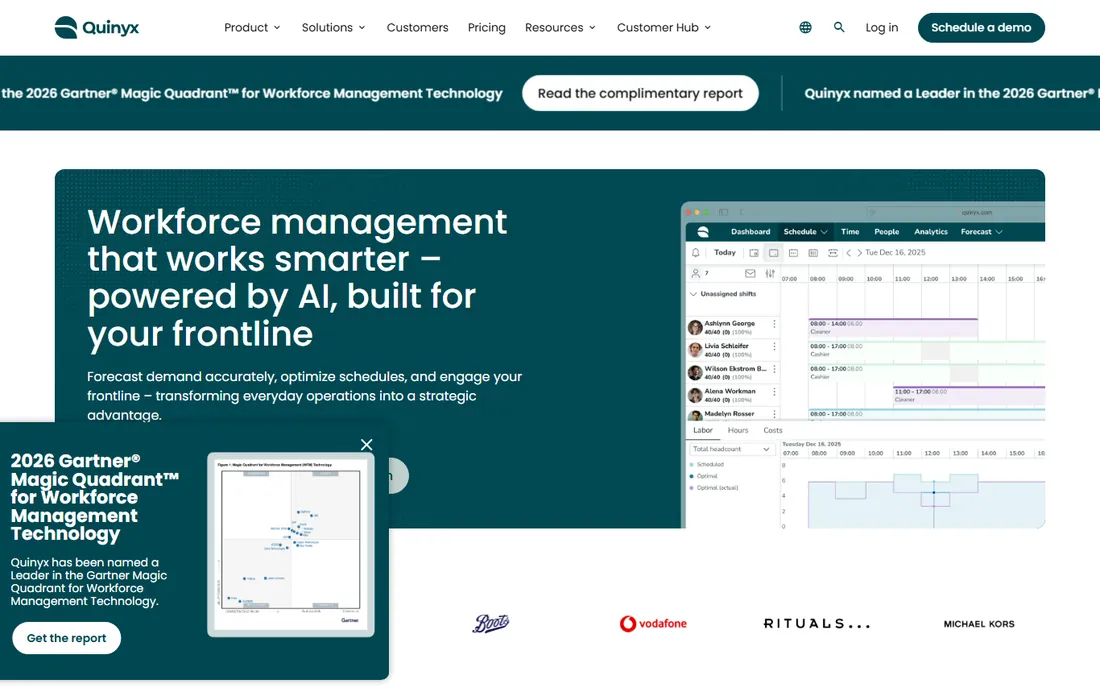
Quinyx is the European-born contender built for shift-heavy industries: retail chains, warehouses, hospitality groups and healthcare providers running many sites under strict labor rules. Its AI forecasting predicts labor needs from real-time trends, and compliance is built into scheduling rather than checked afterward. Analyst recognition from Gartner and IDC puts it in the top tier for workforce management technology.
This is enterprise software with enterprise economics: quote-based pricing, guided implementation and a feature set designed for complexity. A single restaurant or shop should not be here; a 50-store retail chain struggling with overstaffing and compliance risk should. Buyers typically engage through sales with a defined rollout plan.
What we like- AI-powered demand forecasting tuned per industry
- Strong compliance automation across labor regulations
- Recognized as a leader by Gartner and IDC
- Built for complex multi-site operations
Watch out for- Enterprise pricing with no published rates
- Implementation is a project, not a signup
- Overkill for single-location businesses
#9
Dayforce
Best for: Global enterprises unifying HR, payroll, time and talent
Visit dayforce.com
Starting priceSee website
Free planNo
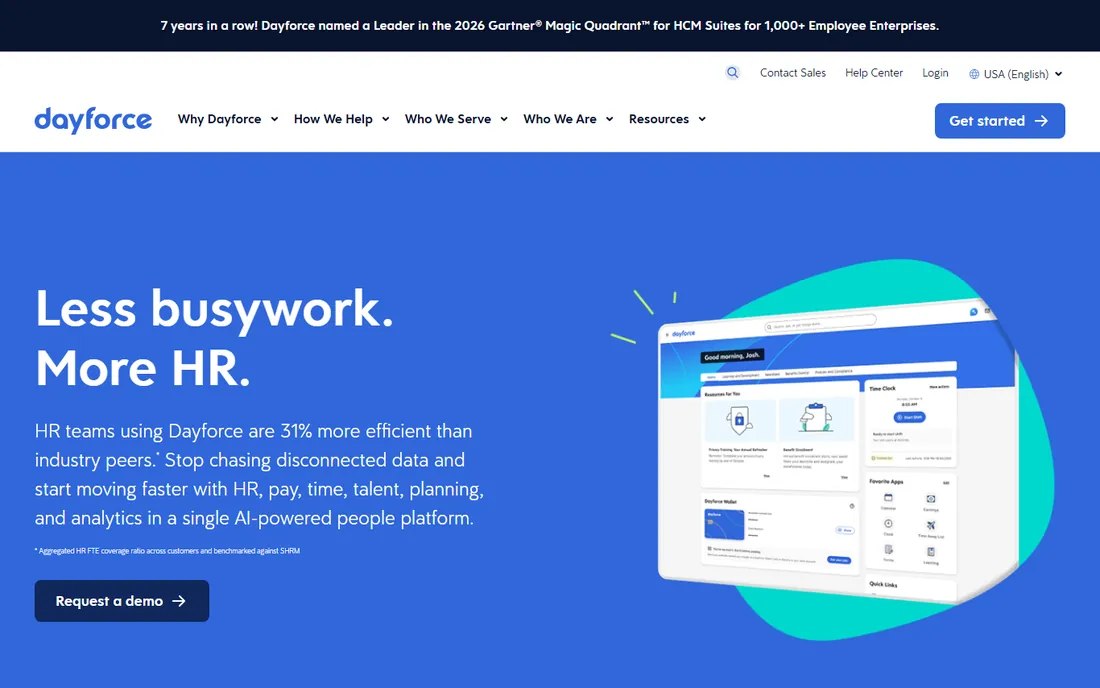
Dayforce approaches workforce management as part of a unified human capital platform. Its signature is continuous calculation: pay is computed in real time as time data arrives, rather than in a frantic batch at period end. For global enterprises, the single system covering HR, payroll, time, talent and analytics across 200-plus countries eliminates the integration sprawl that plagues large HR tech stacks.
For a buyer whose problem is "who works Tuesday," Dayforce is the wrong tool: expensive, slow to implement and vastly oversized. For an enterprise standardizing global people operations with workforce management as one module, it is among the strongest options available. Expect a consultative sales process and a multi-month rollout.
What we like- Single data model across HR, pay, time, benefits and talent
- Continuous payroll calculation instead of batch processing
- Global payroll across 200-plus countries
- Strong compliance leadership
Watch out for- Enterprise pricing and implementation timelines
- Far more system than a scheduling buyer needs
- Best value requires adopting the whole HCM suite
The pricing traps to watch
Per-user pricing hides the real bill in three ways. First, seat definitions: Deputy counts every user including managers, while other platforms charge only for certain roles. Model your actual roster, not just your hourly staff. Second, minimums: Deputy enforces a $30 monthly minimum, and several platforms have location-based or tier-based minimums that raise the effective per-user cost for tiny teams.
Third, the add-on stack. Payroll, advanced scheduling, geofencing, messaging upgrades and analytics modules are frequently separate line items. Homebase's payroll add-on at $49 plus $6 per employee is transparent; other vendors bury equivalent costs. Before signing, price the complete setup you will actually run: scheduling plus time tracking plus payroll plus the compliance features your state requires. The cheapest headline rate rarely survives that math.
Single-location businesses with under 20 staff should optimize for speed and cost. Homebase's free Basic plan, Sling's free tier, Connecteam's free under-10 plan and When I Work's $2.50 entry price all get you running this week. At this size, ease of use beats feature depth: the tool your staff actually open is the right one.
Multi-location operators with 20 to 200 employees need more structure: Deputy and 7shifts earn their keep here with compliance automation, forecasting and POS integrations. Restaurants should bias toward 7shifts or Homebase; retailers and service businesses toward Deputy or When I Work. Run a two-location pilot before rolling out company-wide.
Enterprises with hundreds of employees across states or countries need compliance engines and implementation support: UKG, Dayforce and Quinyx. The evaluation criteria change completely at this level. Integration with existing HR and payroll systems, audit trails, union rule support and dedicated implementation teams matter more than the scheduling interface. Budget for a multi-month selection and rollout process.
How we chose
We started with the searches buyers actually run: WFM software, workforce management software for small business and employee scheduling software. For each candidate we opened the vendor's homepage and pricing page, checked plan details against public reviews on G2 and Capterra and practitioner discussion on Reddit, and compared scheduling depth, time tracking, compliance automation, payroll integration and fit for different team sizes. Where a price could not be verified on the vendor's own page we wrote "See website" rather than guessing.
Frequently asked questions
What does WFM software stand for?
Workforce management. It covers the software that plans and tracks hourly labor: employee scheduling, time and attendance, team communication, labor forecasting and compliance with wage and hour laws. Some platforms extend into hiring, payroll and HR, but scheduling plus time tracking is the core.
How much does workforce management software cost?
For small teams, $2.50 to $9 per user per month covers the main options: When I Work from $2.50, Deputy Lite at $5, with Homebase, Sling and Connecteam offering free tiers. Multi-location businesses typically pay more for forecasting and compliance features. Enterprise platforms like UKG, Dayforce and Quinyx are quote-based and cost far more.
Is there really free workforce management software?
Yes, with limits. Homebase Basic is free for up to 10 employees at one location, Sling's free tier covers scheduling essentials for unlimited users, and Connecteam is free for teams under 10. Free tiers usually exclude advanced forecasting, geofencing and payroll, which is where paid plans begin.
Which WFM software is best for restaurants?
7shifts is the most restaurant-specific, covering hiring through payroll with POS integrations. Homebase and When I Work are strong general alternatives that many restaurants run happily. Choose 7shifts if you want the full employee lifecycle in one system; choose Homebase or When I Work if scheduling plus time tracking is the job.
Do I need compliance features in scheduling software?
If you operate in states or cities with predictive scheduling, Fair Workweek, or complex break and overtime rules, yes. Deputy, UKG and Quinyx automate these requirements; simpler tools leave compliance to you. A single labor-law violation can cost more than a year of the right software.
Can WFM software handle payroll too?
Several platforms do. Homebase offers payroll as an add-on ($49 base plus $6 per employee per month), Deputy integrates with payroll providers, 7shifts includes payroll, and Dayforce runs payroll natively as part of its HCM suite. If payroll matters, confirm tax filing coverage for your states before committing.
Sources we checked (11)
- https://www.ukg.com/
- https://deputy.com/pricing
- https://wheniwork.com/
- https://www.joinhomebase.com/pricing
- https://connecteam.com/
- https://getsling.com
- https://www.7shifts.com/
- https://quinyx.com/
- https://dayforce.com/
- https://www.g2.com/categories/workforce-management
- https://www.capterra.com/workforce-management-software/
Is your product missing or out of date?
We review this list regularly. Vendors can request a listing, send updated pricing or ask about featured placement.

Shihab Mia · Founder, Rankite
Shihab has spent more than a decade helping SaaS and e-commerce brands grow through search. He writes Rankite's software buying guides from pricing pages, documentation and public user reviews. More about Shihab.