How we make this list: we compare pricing pages, product documentation and public user reviews. Rankite is independent; if a vendor ever pays for a featured spot, that listing is clearly labeled Partner.
Key takeaways
- Zoom remains the video meeting standard for reliability and the experience guests expect.
- Microsoft Teams and Google Meet win by suite: choose the one matching your productivity platform.
- Webex and GoTo Meeting serve enterprises and traditionalists with deep meeting controls.
- Whereby, Jitsi and Dialpad cover the simpler, cheaper and open-source ends respectively.
Quick comparison
| Tool | Best for | Starting price | Free plan |
|---|
 Zoom Zoom | Reliable video meetings everyone knows | Free | Yes |
 Microsoft Teams Microsoft Teams | Meetings inside Microsoft 365 | See website | Yes |
 Google Meet Google Meet | Meetings inside Google Workspace | Free | Yes |
 Webex Webex | Enterprise meetings with deep controls | Free | Yes |
 GoTo Meeting GoTo Meeting | Simple, dependable business meetings | See website | Free trial |
 RingCentral Video RingCentral Video | Meetings with a phone system behind them | See website | Free trial |
 Zoho Meeting Zoho Meeting | Affordable meetings for small business | Free | Yes |
 Whereby Whereby | Browser-based meetings without downloads | Free | Yes |
 Jitsi Meet Jitsi Meet | Free, open-source video meetings | Free | Yes |
 Dialpad Meetings Dialpad Meetings | AI-assisted meetings for sales teams | Free | Yes |
Is your product missing or out of date?
We review this list regularly. Vendors can request a listing, send updated pricing or ask about featured placement.
The best web conference software
#1
Zoom
Best for: Reliable video meetings everyone knows
Visit zoom.com
Starting priceFree
Free planYes
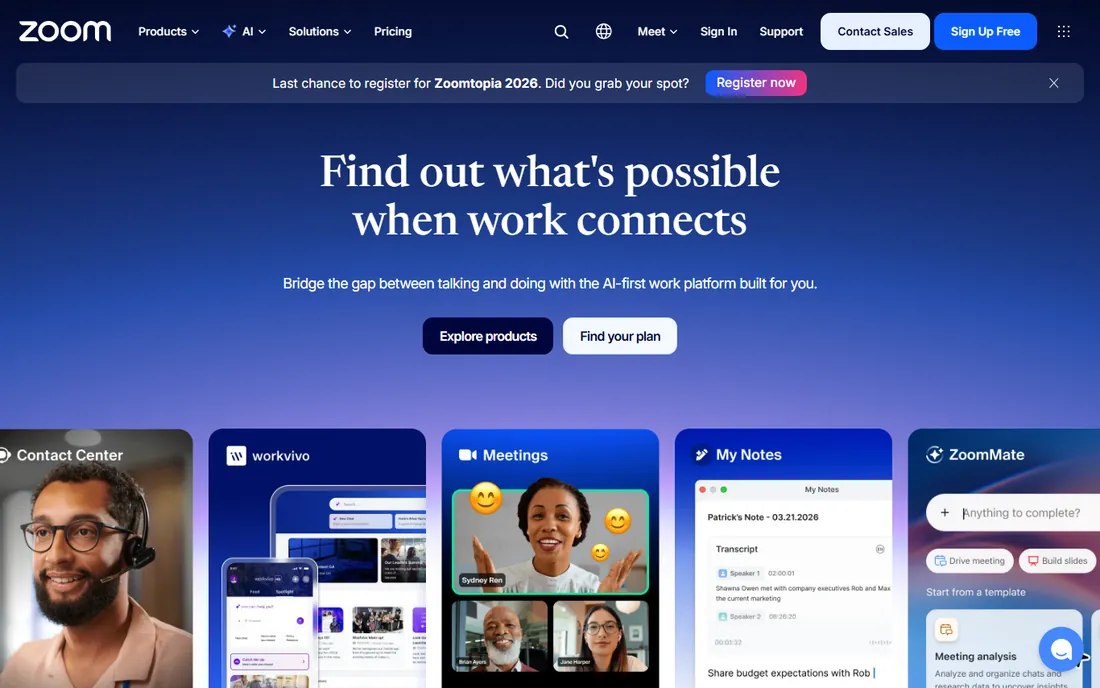
Zoom became a verb because the video just works. Call quality holds up on bad connections, guests join from a link without accounts, and the feature set covers breakout rooms, webinars, whiteboards and phone. When a meeting must work with external participants, Zoom is the safest choice because everyone already knows it.
The free tier caps group meetings at 40 minutes, which pushes regular users to paid plans. Past security controversies left a reputation dent, since addressed. But for the core job of dependable video conferencing at any scale, Zoom remains the benchmark.
What we like- The most reliable video quality
- Guests join without accounts
- Huge feature set
Watch out for- Free tier limits group meetings to 40 minutes
- Security reputation took hits
- Pricing adds up
Starting priceSee website
Free planYes
Teams turned meetings into part of the Microsoft 365 workflow: schedule in Outlook, meet with chat and files attached, follow up in the same thread. For organizations on 365, the integration removes friction and the cost is already paid. Enterprise admin and compliance controls are strong.
The app is heavier than Zoom, and the guest join experience is less smooth. Outside Microsoft 365 the value thins. But meeting-heavy Microsoft shops get a capable platform without another vendor or bill.
What we like- Included with Microsoft 365
- Meetings tied to chat and files
- Enterprise admin controls
Watch out for- Heavier than pure meeting tools
- Guest experience trails Zoom
- Best inside Microsoft
Starting priceFree
Free planYes
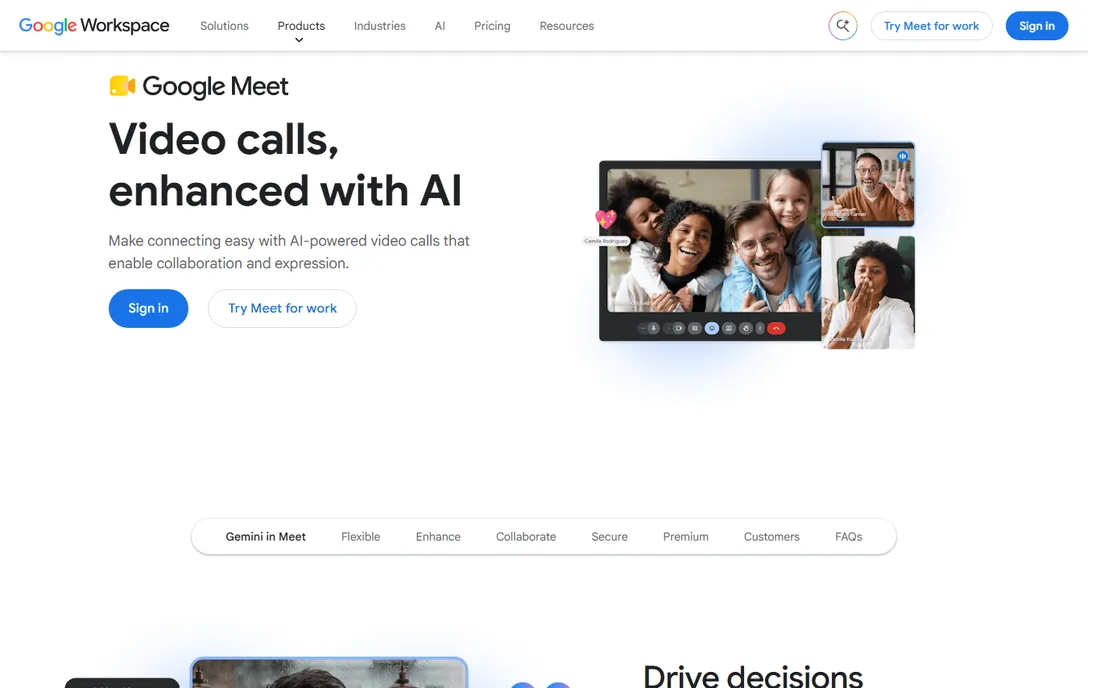
Google Meet is the quiet competent choice for Workspace teams. Meetings launch from Calendar or Gmail, join in the browser, and the reliability is solid. The free tier is generous for personal use, and Workspace plans include the business features.
Advanced meeting features like complex webinars trail Zoom. The value concentrates inside Google Workspace. But for Google-centric organizations, Meet's simplicity and inclusion make it the obvious default.
What we like- Included with Workspace
- Joins from browser or Calendar
- Simple and reliable
Watch out for- Fewer advanced features than Zoom
- Best inside Google
- Webinar features are thinner
Starting priceFree
Free planYes
Webex, from Cisco, serves enterprises that need meeting controls, security and webinar depth. The feature set for large formal meetings is excellent, and Cisco's enterprise relationships run deep. The free tier covers basic meetings.
The interface reflects its enterprise heritage, and mindshare trails Zoom among end users. But for regulated industries and large organizations with Cisco infrastructure, Webex's controls and reliability keep it entrenched.
What we like- Deep meeting controls and security
- Strong webinar platform
- Cisco enterprise backing
Watch out for- Interface feels enterprise
- Innovation pace is steady
- Smaller mindshare than Zoom
#5
GoTo Meeting
Best for: Simple, dependable business meetings
Visit goto.com
Starting priceSee website
Free planFree trial
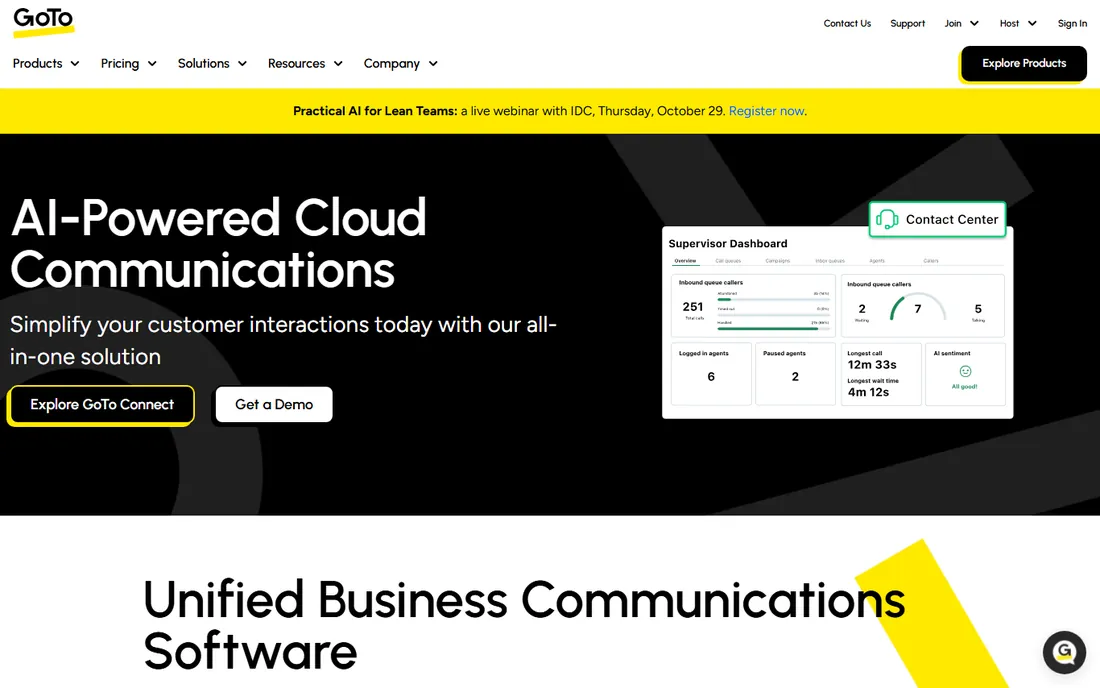
GoTo Meeting keeps doing what it always did: dependable business video meetings without fuss. Audio quality is strong, the interface is simple, and longtime business users trust it. The broader GoTo suite adds phone and webinar options.
It innovates slower than Zoom or Teams, and the brand is quieter than it once was. But for businesses that want meetings to simply work without platform drama, GoTo Meeting's reliability is the pitch.
What we like- Simple and reliable
- Good audio quality
- Straightforward pricing
Watch out for- Less innovation than rivals
- Smaller ecosystem
- Brand is quieter now
Starting priceSee website
Free planFree trial

RingCentral Video makes sense as part of RingCentral's unified communications: phone system, messaging and video from one vendor with one bill. The video quality is good, and the integration with the phone system suits businesses standardizing communications.
As standalone video it trails the specialists, and the value concentrates inside the RingCentral suite. But organizations buying a business phone system get capable video included, which often settles the meeting question too.
What we like- Unified with business phone system
- Good video quality
- Single vendor for comms
Watch out for- Best value inside RingCentral
- Video alone trails specialists
- Pricing by quote
#7
Zoho Meeting
Best for: Affordable meetings for small business
Visit zoho.com
Starting priceFree
Free planYes
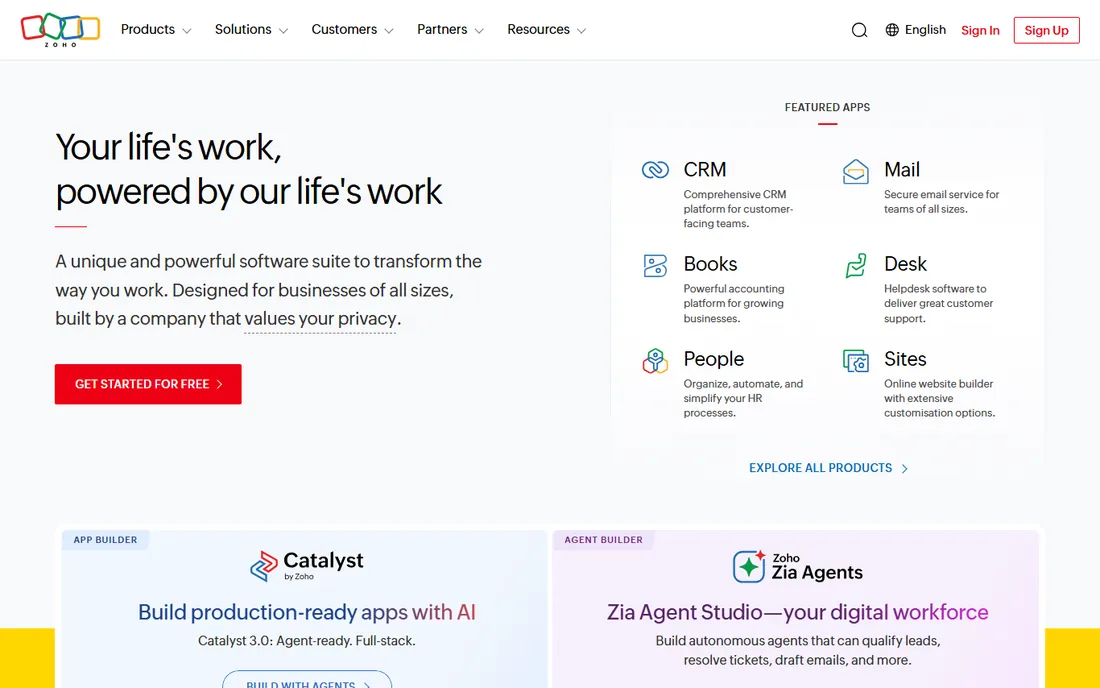
Zoho Meeting offers the essentials at prices small businesses appreciate, with a free tier for basic use. Screen sharing, recording and webinar options cover standard needs, and Zoho suite users get natural integration.
Feature depth and ecosystem trail the leaders. It is not the choice for complex webinar programs. But for affordable, adequate video meetings, particularly inside the Zoho world, the value is strong.
What we like- Very affordable
- Free tier for basic meetings
- Integrates with Zoho suite
Watch out for- Feature depth trails leaders
- Smaller ecosystem
- Best inside Zoho
Starting priceFree
Free planYes

Whereby's insight is that most meetings do not need an app. Branded rooms run entirely in the browser, guests click and join, and the API lets developers embed video in their own products. Telehealth, coaching and customer-facing use cases love the frictionless join.
The feature set is lighter than Zoom's, and very large meetings fit less naturally. But for embedded video and simple guest experiences, Whereby's browser-first approach removes the biggest meeting friction there is: the download.
What we like- No downloads, runs in browser
- Simple branded rooms
- API for embedded video
Watch out for- Feature set is lighter
- Scale limits
- Smaller company
Starting priceFree
Free planYes
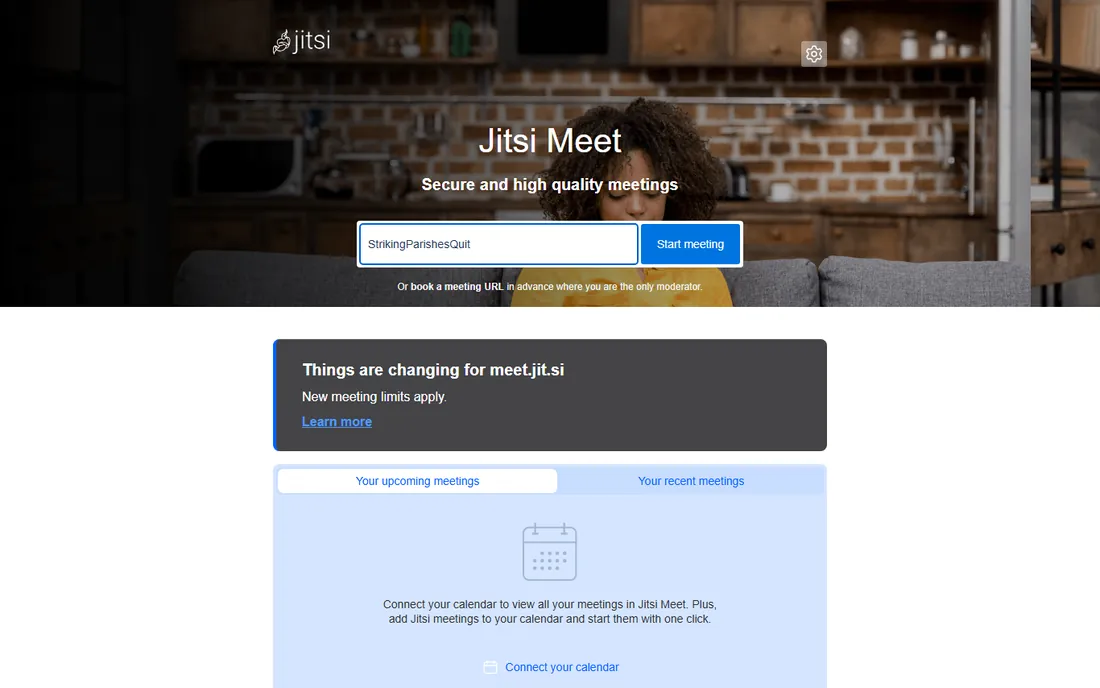
Jitsi Meet is the open-source answer: free video meetings with no account, no time limits on the public instance, and the option to self-host for full control. Privacy-conscious organizations and developers embedding video choose it for the openness.
Quality and reliability vary more than commercial services, there is no support contract on the free tier, and features are basic. But free, private, self-hostable video conferencing is a remarkable offering, and for the right users it is all they need.
What we like- Completely free and open source
- No account needed
- Self-hostable
Watch out for- Quality varies
- No support contract
- Features are basic
Starting priceFree
Free planYes
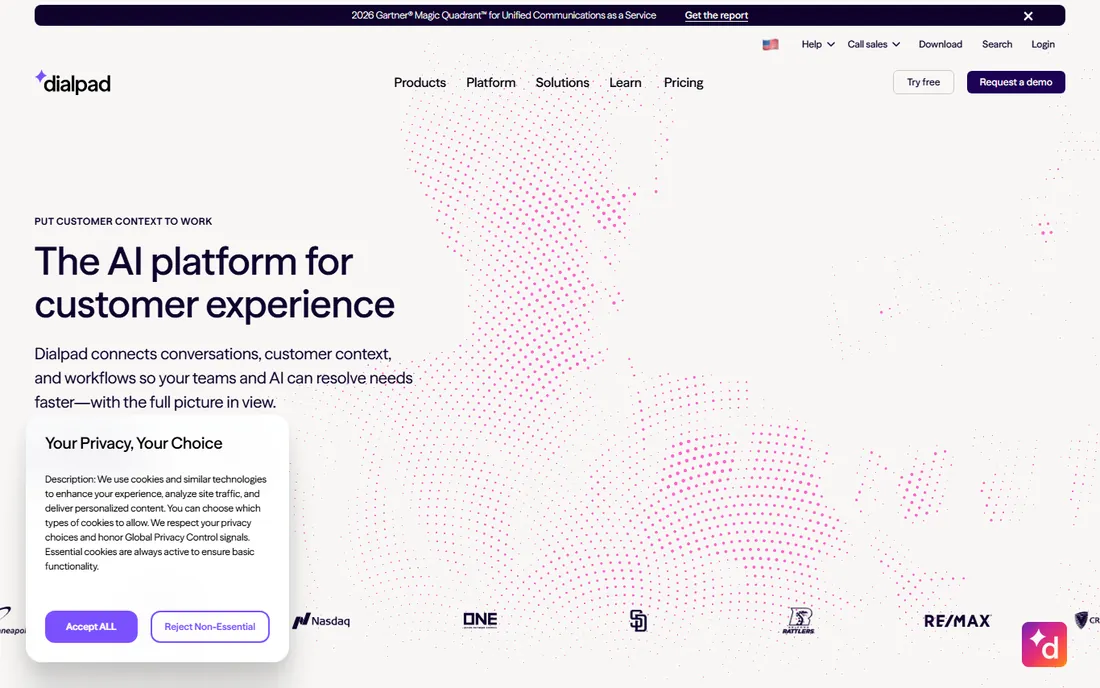
Dialpad Meetings, formerly UberConference, adds AI to the meeting: automated notes, action items and summaries that save the post-meeting writeup. Sales teams and busy managers get the most from the AI assistance. The free tier covers basic use.
The meetings product is newer than the phone business, and the ecosystem is smaller than Zoom's. But AI-generated notes address the meeting follow-up pain directly, and Dialpad customers get it integrated with their communications.
What we like- AI notes and action items
- Good for sales workflows
- Free tier available
Watch out for- Newer in meetings
- Ecosystem is smaller
- Best inside Dialpad
How we chose
We covered the major meeting platforms, suite-bundled options and simpler alternatives. Each product was verified as currently offered. Pricing came from vendor pages where published and was marked honestly where it was not. We weighed call reliability, ease of joining, feature depth, integrations and value. No vendor paid for placement and we claimed no hands-on testing.
The suite question
Most meeting decisions are suite decisions. Microsoft 365 shops get Teams, Google Workspace shops get Meet, and both are good enough that standalone tools must justify a separate bill. Zoom justifies it through reliability and universal familiarity; Webex through enterprise controls; the simpler tools through specific advantages.
Before paying for standalone meetings, run the bundled option seriously for a month. Many organizations discover the suite tool covers their needs, and the savings compound. Pay for Zoom when external meetings demand the standard everyone knows, or for features the suite genuinely lacks.
What to check before you choose
Test the guest experience, not just the host's. Most meeting pain falls on external participants joining from unknown devices. Send test links to people outside the company and ask about friction. The download requirement is the biggest barrier; browser options remove it.
Check the limits that matter: meeting duration caps, participant limits, recording storage and webinar needs. Free tiers differ enormously on these. And verify security and compliance features for your industry: encryption, waiting rooms, admin controls and data residency are knockout criteria in regulated sectors.
Meeting hygiene that software cannot fix
The best conferencing platform cannot save bad meeting culture. Before comparing features, fix the habits that waste the technology's potential. The agenda rule is first: no agenda, no meeting. A shared document with the decision to be made, circulated in advance, does more for meeting quality than any software feature. Teams that adopt this find half their meetings disappear, which is the point.
Camera norms deserve an explicit conversation. Cameras-on builds connection but exhausts people across a full day of calls. The healthy pattern is cameras on for small collaborative meetings and off for large presentations and all-hands. Mandating cameras for everything breeds resentment and fake attention. Let the meeting's purpose set the norm.
The mute and background discipline matters more than people admit. Hot-mic incidents, background noise and people talking over each other are the top complaints in every meeting survey, and they are behavioral, not technical. A thirty-second norms document, mute by default, raise hand to interrupt, chat for side questions, fixes most of it.
Finally, record with intention. Recording everything creates a library nobody watches and a surveillance feeling everyone resents. Record decisions and key discussions, share timestamps, and delete routinely. The software makes recording effortless; the discipline of using it well is human. Fix the culture and any platform on this list performs. Ignore the culture and no platform saves you.
Frequently asked questions
What is the best video conferencing software?
Zoom is the most reliable standalone choice with universal familiarity. Microsoft Teams suits Microsoft 365 organizations, Google Meet suits Google Workspace. The best choice usually follows the existing productivity suite.
Is Zoom or Microsoft Teams better for meetings?
Zoom offers better call reliability and guest experience. Teams offers deeper integration with Microsoft 365 chat, files and calendar. External-facing meetings favor Zoom; internal Microsoft-centric collaboration favors Teams.
Is Google Meet free?
Google Meet offers a generous free tier for personal use with time limits on group meetings. Google Workspace plans include extended limits and business features. It is the most accessible quality option for Google users.
What is the best free video conferencing tool?
Jitsi Meet is completely free and open source with no account required. Google Meet and Zoom offer generous free tiers with some limits. Whereby offers simple browser-based free meetings. The best free choice depends on meeting length and participant needs.
Do I need a separate tool if I have Microsoft 365?
Usually not. Teams covers chat, meetings and collaboration adequately for most organizations. Consider Zoom if external meetings demand universal familiarity or if Teams' reliability disappoints in your environment.
Sources we checked (10)
- https://www.zoom.com
- https://www.microsoft.com
- https://workspace.google.com/products/meet/
- https://www.webex.com
- https://www.goto.com
- https://www.ringcentral.com
- https://www.zoho.com
- https://whereby.com
- https://meet.jit.si
- https://www.dialpad.com
Is your product missing or out of date?
We review this list regularly. Vendors can request a listing, send updated pricing or ask about featured placement.

Shihab Mia · Founder, Rankite
Shihab has spent more than a decade helping SaaS and e-commerce brands grow through search. He writes Rankite's software buying guides from pricing pages, documentation and public user reviews. More about Shihab.