How we make this list: we compare pricing pages, product documentation and public user reviews. Ratings come from G2, Capterra or Trustpilot, with the date we checked them.
Key takeaways
- Nobody should sign a warehouse lease, buy a conveyor system, or hire a second shift based on a spreadsheet. Simulation lets you test layout, labor and automation choices in a virtual model before spending real money.
- FlexSim and AnyLogic are the two strongest general-purpose picks: FlexSim for warehouse-specific 3D modeling with a free trial, AnyLogic for multimethod simulation with a genuinely free Personal Learning Edition.
- Siemens Tecnomatix Plant Simulation is the enterprise standard for large manufacturers and 3PLs, with a free student edition for learning; Arena (Rockwell) is the most widely taught option, used in more business schools than its competitors.
- For smaller teams and quick wins, Simul8 and ExtendSim lower the barrier with approachable interfaces, while Visual Components shines for 3D factory and warehouse layout design with 4,000+ ready-made CAD components.
Quick comparison
| Tool | Best for | Starting price | Free plan |
|---|
 FlexSim FlexSim | Warehouse and distribution center 3D modeling | See website (quote-based; free trial available) | No |
 AnyLogic AnyLogic | Multimethod simulation for complex operations | See website (quote-based; free Personal Learning Edition) | Yes (Personal Learning Edition; non-commercial) |
 Simio Simio | Process digital twins for operations teams | See website (quote-based) | No |
 Siemens Tecnomatix Plant Simulation Siemens Tecnomatix Plant Simulation | Large manufacturers and 3PLs with complex material flow | See website (quote-based) | Yes (student edition; non-commercial) |
 Arena Arena | Teams that want the most-taught, most-documented simulation tool | See website (quote-based) | No |
 WITNESS WITNESS | Predictive simulation for logistics and manufacturing operations | See website (quote-based) | No |
 ExtendSim ExtendSim | Long-running, template-based modeling projects | See website (quote-based) | No |
 Visual Components Visual Components | 3D warehouse layout design and automation proposals | See website (quote-based) | Yes (student/academic licenses) |
 Simul8 Simul8 | Fast, team-friendly process simulation | See website (quote-based) | No |
Is your product missing or out of date?
We review this list regularly. Vendors can request a listing, send updated pricing or ask about featured placement.
The best warehouse simulation software
Nobody should sign a warehouse lease, buy a conveyor system, or commit to an automation vendor based on a spreadsheet. Spreadsheets are fine for arithmetic. They are terrible for a building where 40 people, 12 forklifts and 3,000 SKUs move at once, because everything in a warehouse interacts with everything else. The tools below build a living model of your operation: put your order data in, rearrange the racks, add a shift, and watch what actually happens. Here are the nine that matter in 2026.
Starting priceSee website (quote-based; free trial available)
Free planNo
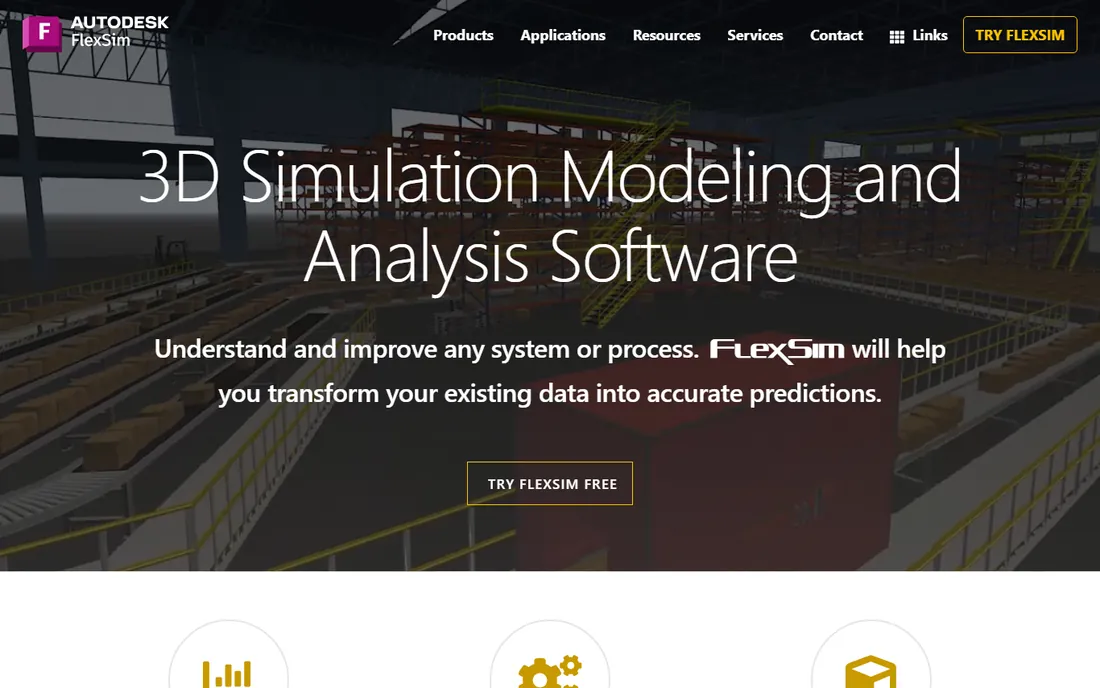
FlexSim is the first tool most warehouse people name, and the name is earned. It was built from the ground up for 3D simulation, and its warehousing capabilities go well beyond drawing boxes: rack systems, pick processes (batch, wave, zone), conveyors, AGVs and robots are all first-class modeling objects, with OptQuest optimization available for tuning the hard trade-offs. The visual output matters more than it sounds; a 3D model that shows a dock door queue forming at 2 PM convinces an operations manager faster than any spreadsheet chart.
The buying motion is consultative rather than transactional: FlexSim sells packages of software, training and model-building support customized to the customer, so expect a sales conversation rather than a checkout page. The homepage offers a free trial download, which is the right way to start. Small and mid-size warehouses often pair FlexSim with a consultant for the first model, then bring it in-house. If your core question is "will this layout and labor plan actually work," this is the default answer.
What we like- Built-for-purpose warehousing module with racks, conveyors and AGVs
- True 3D animation that doubles as a communication tool for non-technical stakeholders
- Used by Fortune 500 companies with deep warehouse case-study coverage
Watch out for- No published pricing
- Windows-centric
- Depth of features means a learning curve for first-time modelers
Starting priceSee website (quote-based; free Personal Learning Edition)
Free planYes (Personal Learning Edition; non-commercial)
AnyLogic comes at the problem from the other direction: instead of being warehouse software, it is simulation software that handles warehouses beautifully. It remains the only mainstream tool that lets you combine discrete-event, agent-based and system-dynamics methods in a single model, which matters when your problem is not just the pick path but the whole system: inventory policy, labor behavior, seasonal demand and transport all interacting. The Material Handling Library, added in version 8.3 and refined since, covers conveyors, transporters, AGVs and multilevel facilities.
The standout detail is the Personal Learning Edition: free, perpetual, and capable enough to learn real modeling, restricted to non-commercial use with limits on model size. Few vendors in this space give away that much. Commercial pricing is quote-based, and it sits at the enterprise end of the market. Choose AnyLogic when your warehouse questions bleed into the supply chain: distribution network design, inventory policy and warehouse operations modeled together are where it leaves single-paradigm tools behind.
What we like- The only major tool combining discrete-event, agent-based and system-dynamics modeling in one environment
- Dedicated Material Handling Library for warehouse processes
- Free perpetual PLE for learning and teaching
Watch out for- Commercial licenses are quote-based with no public pricing
- Java-based power means steeper learning for non-programmers
- Warehouse-specific objects are thinner than FlexSim's
#3
Simio
Best for: Process digital twins for operations teams
Visit simio.com
Starting priceSee website (quote-based)
Free planNo
Simio's pitch is that a simulation model should not be a one-off study but a living digital twin: connect it to your data, keep it current, and use it for daily operational decisions, not just the layout you designed two years ago. The object-oriented architecture supports this well; you build intelligent objects once (a pick station, a dock door, a SKU flow) and reuse them across models and sites, with data-driven generation that can build model components automatically from your databases.
The product family spans Personal, Design, Team and Enterprise editions plus a cloud Portal, which gives a growth path from a single modeler to an enterprise deployment. In practice, the digital-twin vision works best for companies that already have solid WMS data and the discipline to keep models fed. For pure warehouse layout studies, Simio competes directly with FlexSim and Plant Simulation; its edge is the operational, always-current angle. Pricing is quote-based, so budget for an enterprise conversation.
What we like- Strong object-oriented modeling with data-driven model generation
- Positioning around live process digital twins, not just design studies
- Templates for rapid deployment across multiple sites
Watch out for- Quote-based pricing with no public numbers
- The digital-twin pitch assumes data infrastructure many warehouses lack
- Windows-centric deployment
#4
Siemens Tecnomatix Plant Simulation
Best for: Large manufacturers and 3PLs with complex material flow
Visit plm.sw.siemens.com
Starting priceSee website (quote-based)
Free planYes (student edition; non-commercial)
Plant Simulation is the old hand of this list: its lineage runs back to the Fraunhofer Institute's SIMPLE in 1986, through eM-Plant, into Siemens' Tecnomatix portfolio. That history shows in the tool's depth for material-flow analysis: bottleneck analyzers, Sankey diagrams for material flow, the Experiment Manager for scenario studies, and genetic-algorithm optimization for searching large solution spaces. For automotive, aerospace and large-scale manufacturing logistics, it is the entrenched standard, and Wikipedia notes it as one of the products that dominate the market.
Siemens offers a free student edition (non-transferable, non-commercial, limited to 80 objects), which makes it the easiest enterprise tool to learn on your own time. Commercial licensing is quote-based and sits firmly in the enterprise tier; this is not a tool you buy on a credit card. Choose it when your warehouse is part of a manufacturing operation already running Siemens software, or when you need the deepest material-flow analytics in the category. For standalone warehouses, the lighter tools below may get you answers faster.
What we like- Deep material-flow optimization heritage (formerly eM-Plant/SIMPLE++)
- Integrates with the Siemens digital-manufacturing stack (Teamcenter, NX)
- Free student edition for learning
Watch out for- Enterprise pricing with no public numbers
- Windows-only
- The Siemens ecosystem is a strength or a lock-in depending on your stack
Starting priceSee website (quote-based)
Free planNo
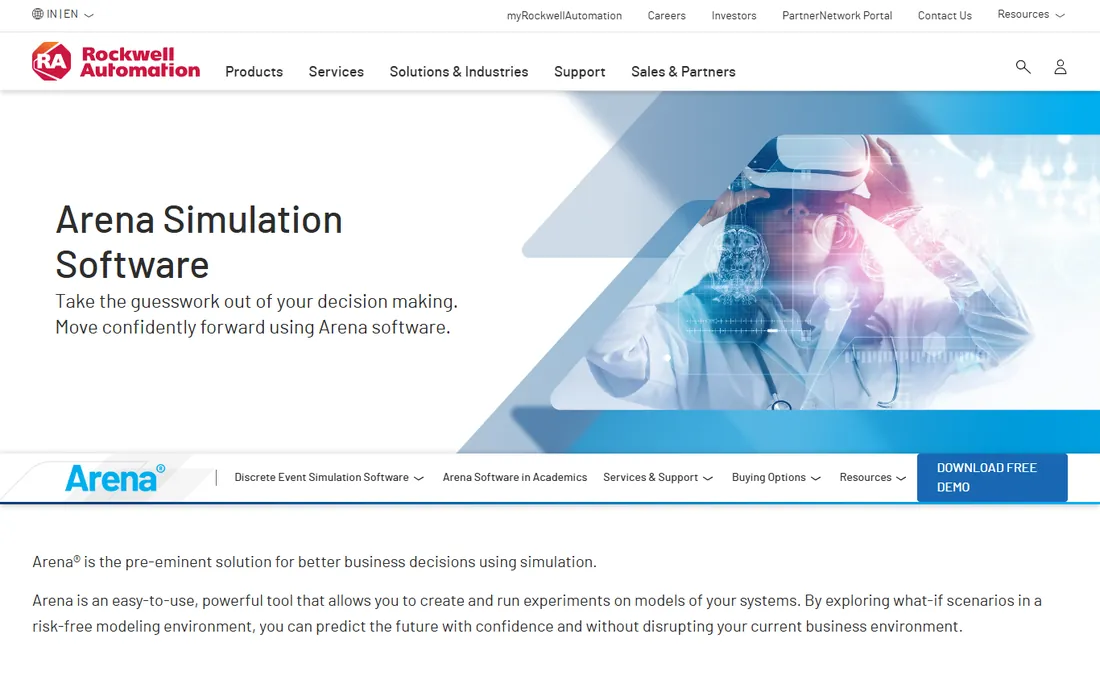
Arena, from Rockwell Automation, is the textbook of simulation software, nearly literally: Rockwell claims it is taught in more business schools than the next four competitors combined, and over 100,000 students train on it each year. That ubiquity is a genuine buying argument. Hiring a graduate who already knows Arena is easy, finding consultants is easy, and the flowchart modeling methodology lets process people build models without writing code.
For warehouse work, Arena handles the classic questions well: staffing levels, dock scheduling, conveyor sizing, throughput analysis. Its weakness is presentation and specialization: the 2D-first animation is functional but dated next to the 3D tools, and you will build warehouse objects from general-purpose blocks rather than pulling them from a warehouse library. Pricing is quote-based. Pick Arena when team capability and hiring matter as much as the model itself; pick FlexSim or Visual Components when the 3D layout is the deliverable.
What we like- Taught in more business schools than the next four competing products combined, per Rockwell
- Flowchart modeling without programming
- Majority of Fortune 100 firms use it, per the vendor
Watch out for- 2D-first visualization feels dated next to FlexSim and Visual Components
- Quote-based pricing
- The general-purpose design means less warehouse-specific content out of the box
#6
WITNESS
Best for: Predictive simulation for logistics and manufacturing operations
Visit lanner.com
Starting priceSee website (quote-based)
Free planNo
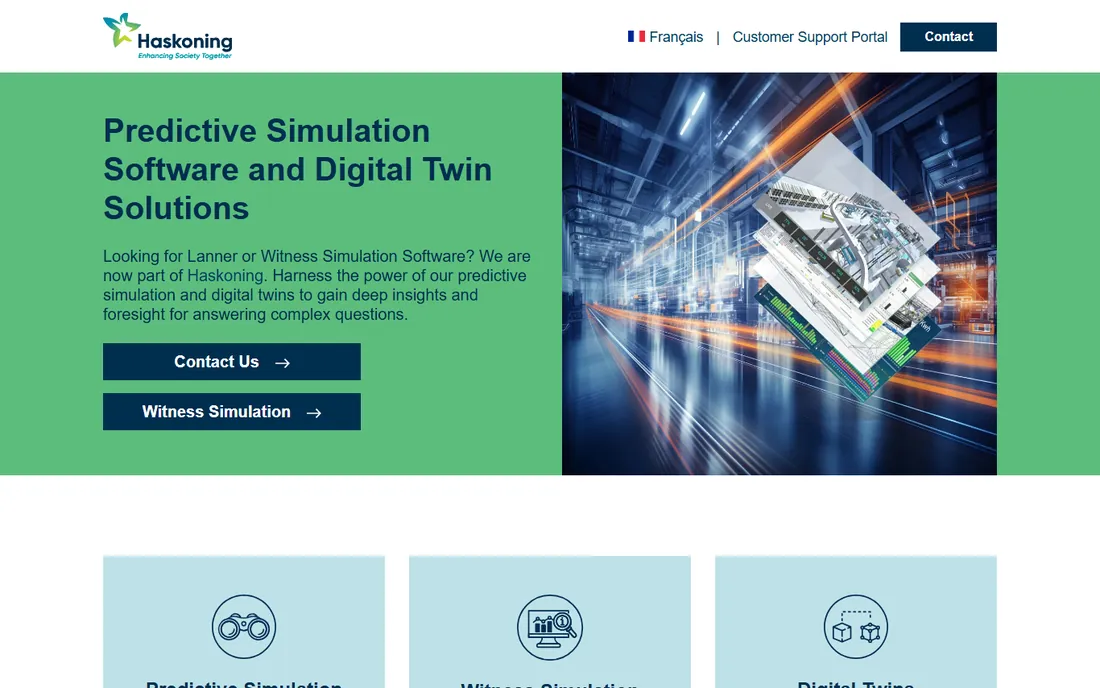
WITNESS comes with an asterisk in 2026: Lanner, its longtime developer, is now part of Haskoning, and the lanner.com site carries the new branding. The product itself, WITNESS Horizon, is a mature predictive simulation suite used for validating decisions about facilities and operations in a risk-free virtual environment, with published case work in automotive (Ford Valencia's AGV strategy) and site logistics (Britvic). The company also sells training, modeling support and consulting, which suits buyers who want the study done with them rather than by them.
For warehouse buyers, WITNESS fits the "we need answers, not software" profile: the consulting-led model gets a defensible capacity or automation study without building internal simulation expertise. The trade-off is dependence on the vendor and quote-based pricing with no public numbers. If you are a European operation, the local presence is a plus. If you want to own the model in-house, the self-serve tools above give you more control.
What we like- Long-established predictive simulation suite with strong UK and European presence
- Digital-twin and consulting services alongside the software
- Proven in automotive and site-logistics case studies
Watch out for- Now part of Haskoning, so the brand and product direction are in transition
- Quote-based pricing
- Smaller North American footprint than US vendors
Starting priceSee website (quote-based)
Free planNo
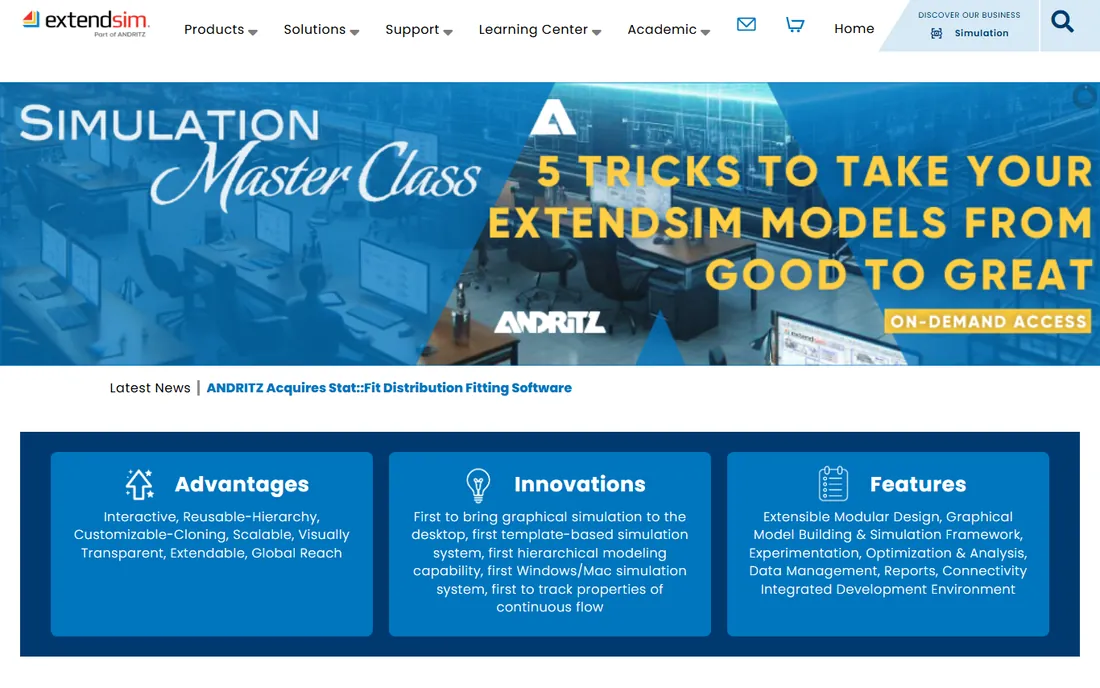
ExtendSim, from Imagine That Inc., has a legitimate claim to history: it brought graphical simulation to the desktop, introduced template-based simulation and hierarchical modeling, and was the first Windows/Mac simulation system. That heritage shows in the product's architecture: reusable hierarchy, customizable cloning and an integrated development environment that reward modelers who build serious, long-lived models rather than one-off studies.
The product line splits into ExtendSim Pro (advanced simulation) and ExtendSim CP (continuous processes), which matters for warehouses with continuous-flow elements like bulk handling or liquid logistics alongside discrete operations. The honest drawbacks are modernity and community: the interface feels dated, and the user base is smaller than FlexSim's or AnyLogic's, which means fewer tutorials and third-party examples. Pricing is quote-based. ExtendSim suits experienced modelers who value architectural depth over polish, and teams already invested in its template libraries.
What we like- One of the longest-running simulation products (first graphical simulation on the desktop)
- Hierarchical, reusable model architecture
- Pro and CP packages cover discrete-event and continuous processes
Watch out for- The interface shows its age
- Smaller user community than the big names
- Quote-based pricing with limited public information
Starting priceSee website (quote-based)
Free planYes (student/academic licenses)
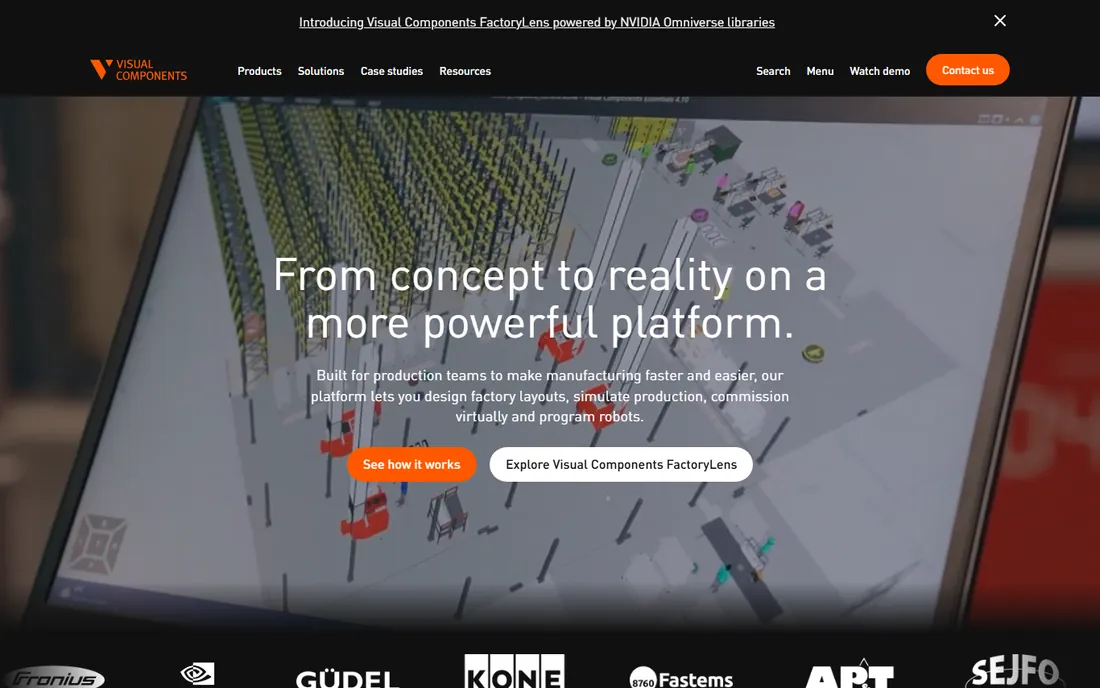
Visual Components answers a different question than most of this list: not "will the process work" but "what will the facility look like, and can we build it." Its library of 4,000+ ready-made CAD components, including more than 2,400 robots from 80+ brands plus conveyors, machines and factory facilities, lets a team lay out a warehouse or production cell in 3D in hours instead of weeks. System integrators use it to turn proposals around dramatically faster, and the vendor cites customers cutting proposal preparation from days to half an hour.
For warehouse buyers, the sweet spot is layout design and automation planning: place the AS/RS, route the conveyors, check clearances, and present the result to stakeholders who will never open a simulation tool. The process-simulation depth is thinner than FlexSim or AnyLogic, so pair it with a process tool when labor modeling matters. Pricing is quote-based, with student trial licenses and a startup program offering discounted licenses. Choose it when the 3D layout is the project.
What we like- 4,000+ ready-made CAD components (2,400+ robots, 80+ brands) for fast 3D layouts
- Purpose-built for factory and warehouse layout design
- Student trial licenses and educational packages available
Watch out for- Manufacturing-layout focus means less depth in labor and process logic than pure simulation tools
- Quote-based pricing
- The component library is the moat, and custom equipment takes work
Starting priceSee website (quote-based)
Free planNo
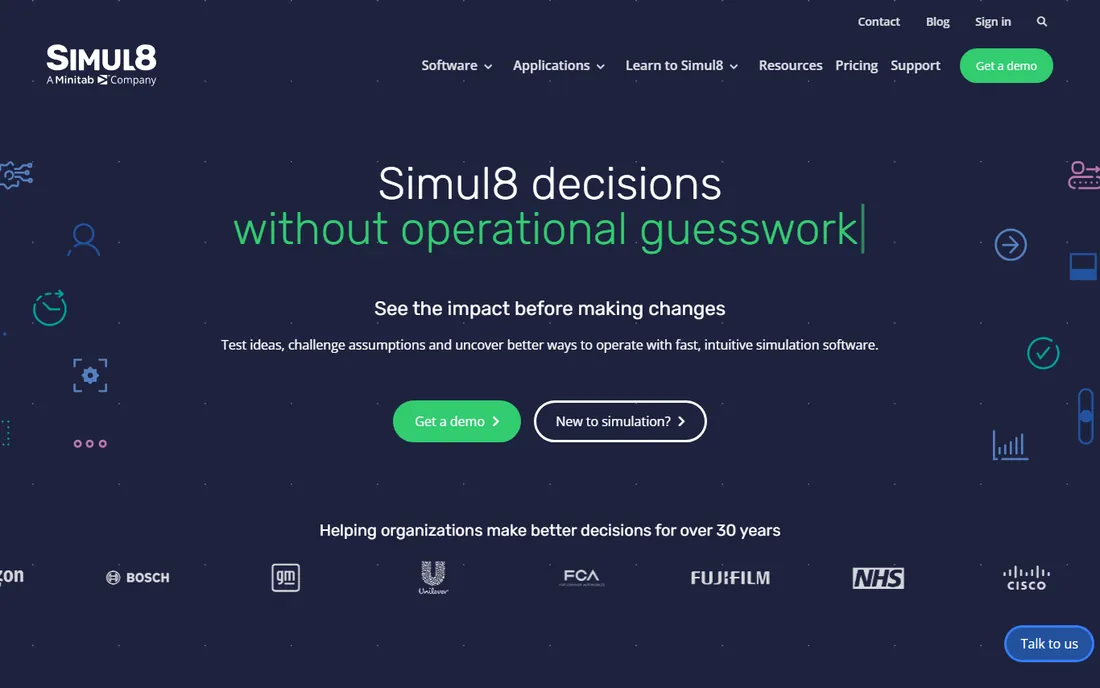
Simul8 is the tool you hand to the team member who has never built a simulation. The drag-and-drop interface, fast model building and emphasis on everyday decision-making lower the barrier that keeps simulation locked in one expert's hands. The company positions it as a day-to-day digital twin for routine questions (staffing, stock policies, waiting times) as well as long-term strategy, and its support team is consistently praised in user reviews.
The 2026-relevant detail is ownership: Simul8 is now part of Minitab, which connects simulation with a broader analytics and process-improvement stack. For warehouse teams already using Minitab for quality or process work, that integration is a real argument. The trade-off is depth: Simul8 will not out-model FlexSim on a complex automated warehouse, and 3D is not its strength. Pricing is quote-based. Pick Simul8 when adoption across the team matters more than modeling the most complex facility.
What we like- The most approachable interface in this list, with drag-and-drop modeling
- Now part of Minitab, connecting simulation with analytics
- Strong support reputation and 30+ years of history
Watch out for- Less warehouse-specific content than FlexSim
- 3D visualization is not the focus
- Quote-based pricing with no public rate card
What to check before you buy
Start with the question, not the software. If the question is "which layout," you need 3D layout strength (FlexSim, Visual Components). If it is "how many people per shift," you need labor and process modeling (Arena, Simul8, Simio). If it is "should we automate," you need equipment-level detail plus cost analysis (FlexSim, Plant Simulation, Visual Components). If it is "how does the warehouse fit the supply chain," you need multimethod scope (AnyLogic). Buyers who skip this step end up with a powerful tool aimed at the wrong question.
Next, verify the data you will feed the model. Every tool here is only as good as its inputs: order profiles by hour, SKU velocity, pick rates, equipment speeds, labor availability. A warehouse with clean WMS data can build a trustworthy model in weeks; one without it will spend months on data collection before the software matters. Ask each vendor what data their templates expect, and be honest about what you have.
Then evaluate the total cost of ownership, not the license. None of these vendors publish prices, which means the license is only the first line of the budget. Add training (plan on a week of formal training plus a month of practice), the first model (many buyers hire the vendor or a consultant for it), and maintenance. A quote-based license that includes onboarding can be cheaper than a cheaper license plus six months of self-teaching. Finally, check the platform: most of these are Windows applications, so Mac-only teams need a plan.
How we chose
We started with the tools warehouse and logistics teams actually evaluate: FlexSim, AnyLogic, Simio, Plant Simulation, Arena, WITNESS, ExtendSim, Visual Components and Simul8. For each, we opened the vendor's official homepage to confirm it is current and fits the category, which is how AutoMod dropped out (Applied Materials has discontinued its sales and support). We noted free and trial options only where the vendor publishes them: AnyLogic's Personal Learning Edition, Siemens' student edition, Visual Components' student licenses, and FlexSim's trial download. Everywhere else, pricing is quote-based and we wrote "See website" rather than repeating unverified third-party figures. The final nine span warehouse-specific 3D tools, general simulation platforms, enterprise suites and team-friendly options.
Frequently asked questions
What is warehouse simulation software?
It is software that builds a virtual model of your warehouse, including the layout, equipment, people and order flow, and runs it forward in time to see how it performs. You can test changes (a new layout, more staff, automation equipment, different pick methods) in the model before committing money in the real building. Most tools use discrete-event simulation, which models the operation as a sequence of events over time.
How much does warehouse simulation software cost?
None of the major vendors publish prices; licensing is quote-based and typically runs from thousands to tens of thousands of dollars per year depending on the edition and modules. The license is only part of the cost: budget for training, the first model build (often done with a consultant), and annual maintenance. Free starting points exist: AnyLogic's Personal Learning Edition and Siemens' student edition are free for learning, and FlexSim offers a trial download.
Do I need simulation software, or will a spreadsheet work?
A spreadsheet works for static arithmetic: storage capacity, average throughput, headcount math. It fails at interactions: queues at the dock doors, congestion in aisles, the way one slow process starves the next. If your question involves variability, timing or shared resources, simulation earns its cost. If the question is genuinely static, keep the spreadsheet.
Which tool is best for warehouse layout design?
FlexSim and Visual Components lead here. FlexSim combines warehouse-specific objects (racks, conveyors, AGVs) with true process simulation, so the layout and the operation are tested together. Visual Components is faster for pure 3D layout work thanks to its 4,000+ component library, and it is the stronger choice when the deliverable is a layout proposal for stakeholders.
Can I learn simulation without buying a license?
Yes. AnyLogic's Personal Learning Edition is free and perpetual for non-commercial learning, Siemens offers a free student edition of Plant Simulation, and Visual Components has student trial licenses. FlexSim offers a trial download. Between those, you can learn real modeling and even build a pilot warehouse model before any purchase conversation.
Sources we checked (12)
- https://flexsim.com
- https://www.anylogic.com
- https://www.simio.com
- https://plm.sw.siemens.com/en-US/tecnomatix/
- https://www.arenasimulation.com
- https://lanner.com
- https://www.extendsim.com
- https://visualcomponents.com
- https://simul8.com
- https://en.wikipedia.org/wiki/AnyLogic
- https://en.wikipedia.org/wiki/Plant_Simulation
- https://resources.sw.siemens.com/en-US/download-tecnomatix-plant-simulation-student-software/
Is your product missing or out of date?
We review this list regularly. Vendors can request a listing, send updated pricing or ask about featured placement.

Shihab Mia · Founder, Rankite
Shihab has 5+ years in B2B and SaaS SEO. He writes Rankite's software buying guides from pricing pages, documentation and public user reviews. More about Shihab.