How we make this list: we compare pricing pages, product documentation and public user reviews. Rankite is independent; if a vendor ever pays for a featured spot, that listing is clearly labeled Partner.
Key takeaways
- Audacity is the best free starting point for recording vocals on a PC, with 100M+ downloads and zero cost forever.
- GarageBand gives Mac owners a surprisingly complete vocal studio free, and projects open directly in Logic Pro when you outgrow it.
- Logic Pro at $199.99 one-time is the best value in professional vocal production for Mac users who want to buy once.
- Pro Tools remains the studio standard for serious vocal recording, with a free Intro version for learning the workflow.
- REAPER, FL Studio, Ableton Live, Cubase, and Studio One all record vocals well; the right pick depends on whether you produce beats, play live, or mix traditionally.
Quick comparison
| Tool | Best for | Starting price | Free plan |
|---|
 Audacity Audacity | recording vocals free on any computer | Free | Yes |
 GarageBand GarageBand | Mac beginners recording their first vocals | Free | Yes |
 Logic Pro Logic Pro | Mac owners who want pro vocal tools for one price | $199.99 one-time | Free trial |
 Adobe Audition Adobe Audition | audio pros already in the Creative Cloud | See website | No |
 Pro Tools Pro Tools | singers targeting professional studios | See website | Free trial |
 REAPER REAPER | PC users who want pro power at a tiny price | See website | Free trial |
 FL Studio FL Studio | beatmakers who record vocals over their own tracks | See website | Free trial |
 Ableton Live Ableton Live | electronic artists and live vocal processing | See website | Free trial |
 Cubase Cubase | traditional songwriters and vocal producers | See website | Free trial |
 Studio One Studio One | fast vocal comping and an intuitive workflow | See website | No |
Is your product missing or out of date?
We review this list regularly. Vendors can request a listing, send updated pricing or ask about featured placement.
The best vocal recording software
Starting priceFree
Free planYes
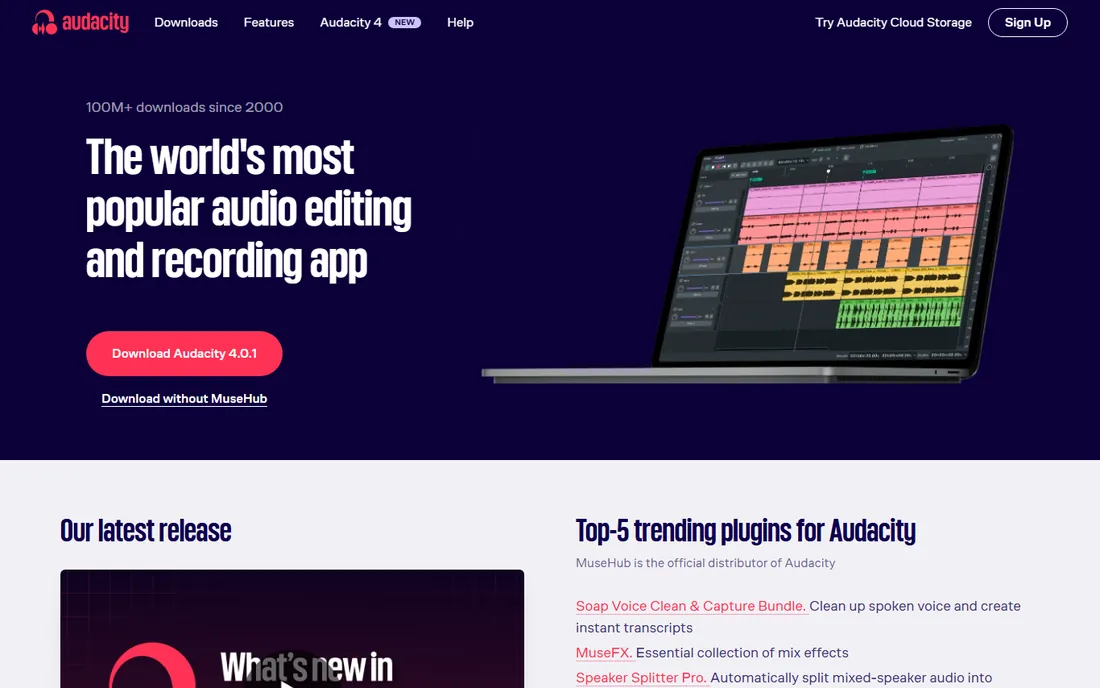
Audacity is the world’s most popular free software for recording and editing audio, with more than 100 million downloads since 2000, and for simple vocal recording it is still the fastest free path from microphone to finished file. Plug in an interface or USB mic, hit record, and you get clean multi-track capture with noise reduction, EQ, compression, and pitch tools built in.
The honest limitation is the workflow: Audacity edits destructively and lacks the MIDI instruments, comping lanes, and polished mixing of a full DAW. For spoken word, podcast vocals, demos, and first takes, that barely matters. When your productions need layered harmonies and tuned stacks, graduate to one of the DAWs below and keep Audacity as your quick recorder.
What we like- Completely free and open source forever
- Runs on Windows, macOS, and Linux
- VST3 plugin support for vocal effects
Watch out for- Destructive editing workflow feels old-fashioned
- No built-in virtual instruments or MIDI depth
#2
GarageBand
Best for: Mac beginners recording their first vocals
Visit apple.com
Starting priceFree
Free planYes
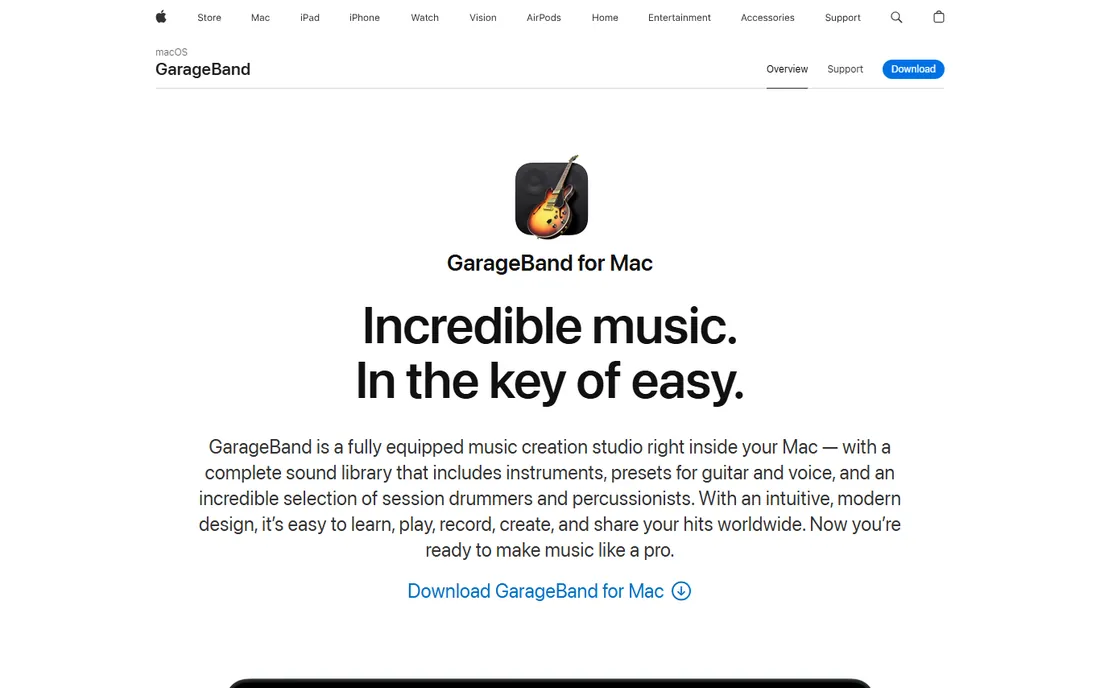
GarageBand is a fully equipped music creation studio inside every Mac, and its vocal tools embarrass most paid beginner software. You get presets for voice, multi-take recording that saves every pass for comping, Flex Time to nudge timing, and up to 255 audio tracks. The Drummer feature and loop library mean a singer without a band can still build full arrangements.
The upgrade path is the real selling point: GarageBand projects open directly in Logic Pro, so nothing you record is wasted when you outgrow it. The ceiling is real, though; advanced vocal tuning, deep automation, and serious mixing belong to Logic. For a first year of vocal recording on a Mac, GarageBand costs nothing and teaches proper habits.
What we like- Free with every Mac
- Vocal presets for guitar and voice
- Multi-take comping and Flex Time pitch correction
Watch out for- Mac and iOS only
- Limited mixing depth next to Logic Pro
#3
Logic Pro
Best for: Mac owners who want pro vocal tools for one price
Visit apple.com
Starting price$199.99 one-time
Free planFree trial
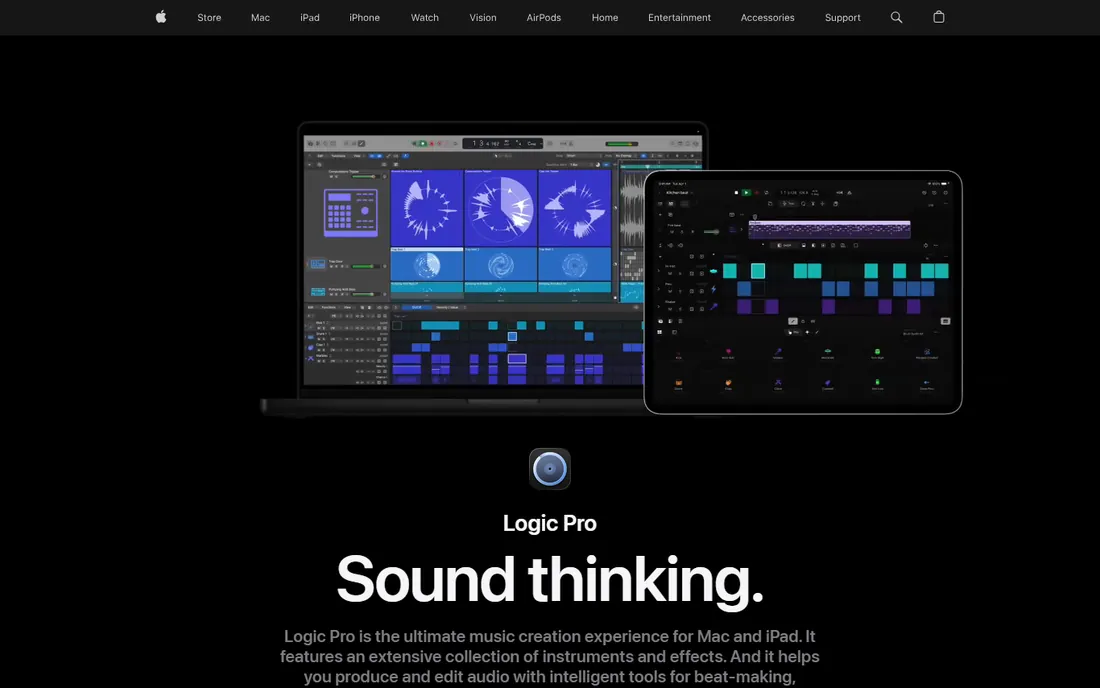
Logic Pro is the best audio recording software value for Mac-based vocalists. The $199.99 standalone purchase includes everything: take comping with swipe gestures, Flex Pitch for transparent vocal tuning, the ChromaGlow vocal saturation tool, a Stem Splitter, and a mastering assistant. Session Players can even build arrangements around your chord progressions while you focus on the vocal.
Apple now also bundles Logic Pro in the Apple Creator Studio subscription at $12.99 per month, with a 30-day free trial, but the standalone purchase remains the smarter buy for most singers. The requirements are strict, macOS 15.6 or later on Apple silicon, and the depth of the app rewards dedicated learning. If you record vocals seriously on a Mac, this is the last DAW many people ever buy.
What we like- One-time $199.99 purchase with no subscription required
- Superb vocal comping and Flex Pitch
- Huge included instrument and effect library
Watch out for- Mac only, and now requires Apple silicon
- Dense interface takes weeks to master
#4
Adobe Audition
Best for: audio pros already in the Creative Cloud
Visit adobe.com
Starting priceSee website
Free planNo
Adobe Audition is a comprehensive audio workstation built for editing, mixing, recording, and restoring sound. Its spectral display lets you visually remove clicks, hum, and background noise from vocal takes, which makes it a favorite for podcast dialogue, voiceover, and broadcast work. Multitrack sessions round-trip cleanly with Premiere Pro, so video creators can fix location audio without leaving the Adobe ecosystem.
For pure music vocal production, Audition is less common than the DAWs on this list; it has no MIDI instrument depth to speak of. Buy it when audio restoration and post-production are the job, or when your team already pays for Creative Cloud and Audition rides along.
What we like- Multitrack, waveform, and spectral editing in one app
- Excellent audio restoration tools
- Tight Premiere Pro integration
Watch out for- Subscription only with no free tier
- Overkill if you only record vocals
#5
Pro Tools
Best for: singers targeting professional studios
Visit avid.com
Starting priceSee website
Free planFree trial
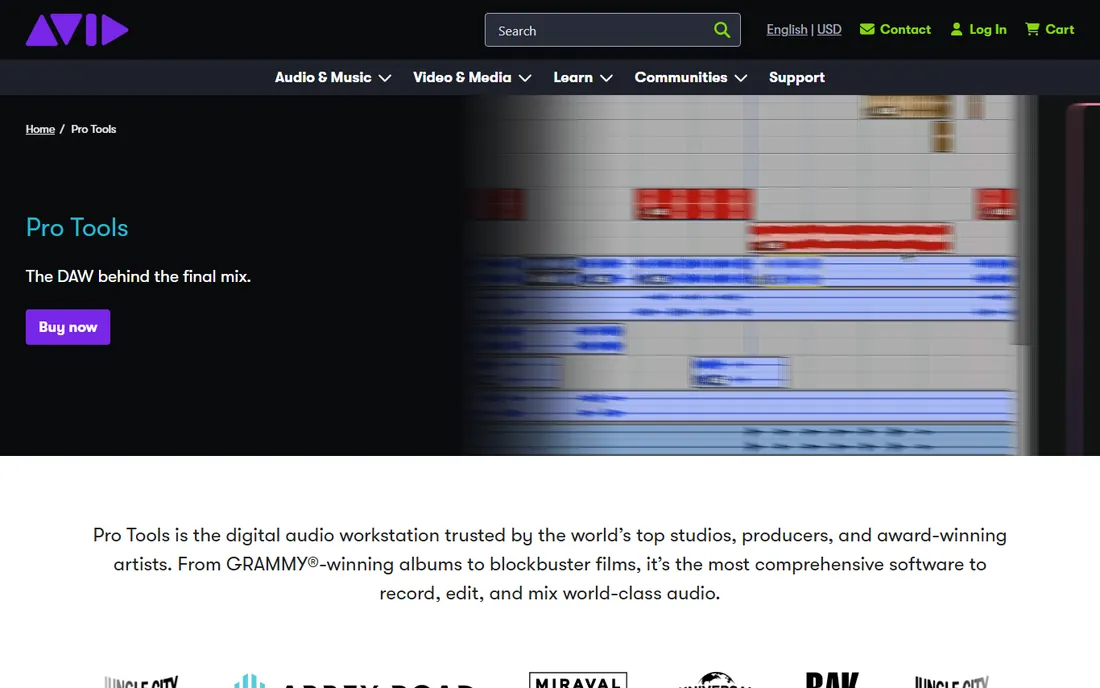
Pro Tools is the digital audio workstation trusted by the world’s top studios, producers, and award-winning artists, and for vocal recording its playlist comping remains the benchmark. Record ten passes of a chorus, then assemble the perfect composite from the best phrases with a workflow refined over decades. Immersive Dolby Atmos mixing and 32-bit float recording cover everything up to blockbuster post-production.
Pro Tools Intro is free forever and gives casual creators a real taste of the workflow. The paid Artist, Studio, and Ultimate tiers carry professional prices, and Avid’s authorization system annoys some users. Learn the free version if you plan to book time in commercial studios, since your sessions will open anywhere.
What we like- The industry standard for professional vocal recording
- Best-in-class comping and playlist workflows
- Pro Tools Intro is free forever
Watch out for- Paid tiers are expensive
- Hardware and iLok authorization add friction
#6
REAPER
Best for: PC users who want pro power at a tiny price
Visit reaper.fm
Starting priceSee website
Free planFree trial
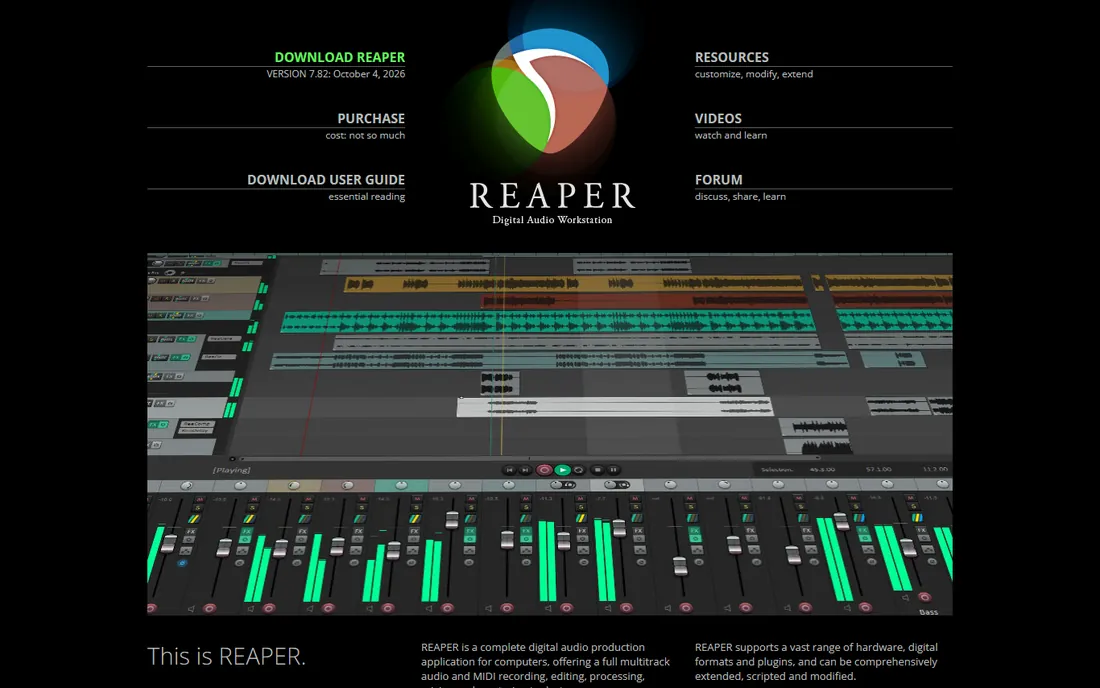
REAPER is the best voice recording software for PC users who want professional capability without a professional invoice. Version 7 adds swipe comping for building ideal vocal takes from multiple passes, track lanes for organizing alternates, and up to 128 channels per track. There are no limits on track counts, effects, or routing, and the whole program downloads in minutes.
The trade is polish: REAPER’s interface and bundled plugins look utilitarian next to Logic or Studio One, and the endless customization options can paralyze a beginner. The generous trial lets you evaluate it fully before paying. For technically minded vocalists on Windows, it is the rational choice.
What we like- Full professional DAW for a fraction of rival prices
- Unlimited tracks and deep customization
- Tiny installer that runs anywhere
Watch out for- Stock plugins look plain
- Configuration depth can overwhelm beginners
Starting priceSee website
Free planFree trial
FL Studio is the world’s most popular music production software for beatmakers, and many vocalists choose it because they produce their own tracks first. The full-featured free trial never expires, purchases are one-time with lifetime free updates, and a rent-to-own plan spreads the cost monthly. Recording vocals directly over your beat in the same session keeps the creative flow unbroken.
As a pure vocal recorder, FL Studio trails the traditional DAWs: comping multiple takes is clumsier than in Pro Tools or Logic, and the mixer assumes an electronic workflow. If your music starts with beats and your voice sits on top, though, FL Studio’s speed from idea to finished song is unmatched.
What we like- Lifetime free updates with every purchase
- Full-featured free trial with no time limit
- Great for producing around vocals
Watch out for- Audio recording workflow is less refined than Logic or Pro Tools
- Playlist comping is basic
#8
Ableton Live
Best for: electronic artists and live vocal processing
Visit ableton.com
Starting priceSee website
Free planFree trial
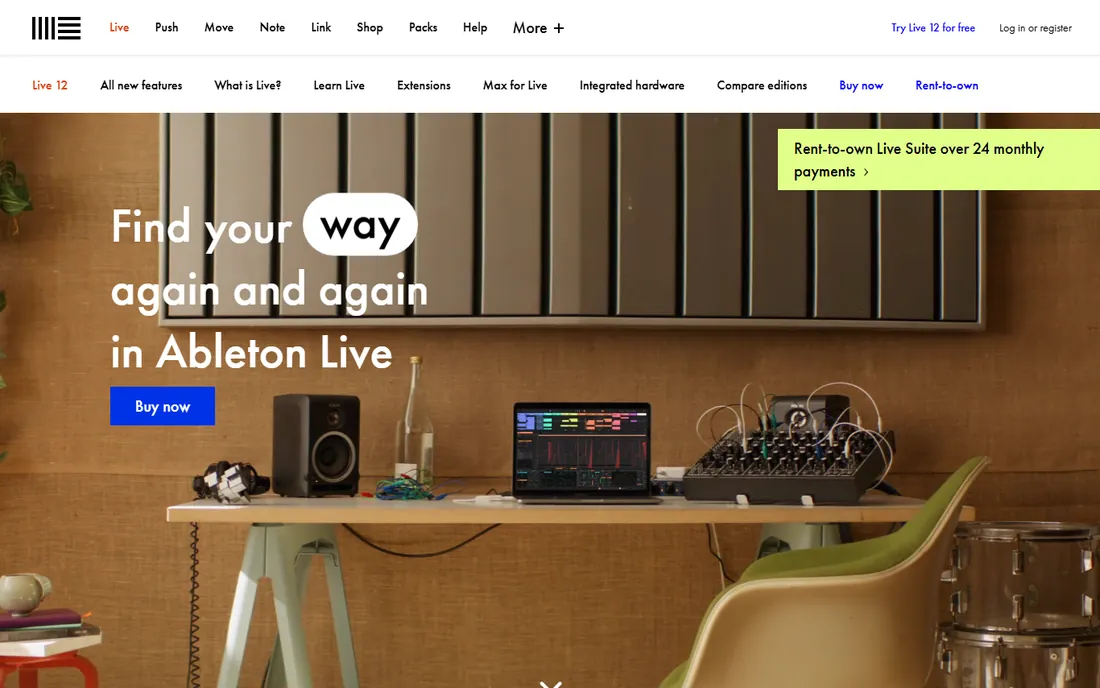
Ableton Live 12 is the creative pick for vocalists who perform or produce electronically. Its warping engine stretches vocal timing without artifacts, the Session View invites live looping and improvisation, and real-time vocal effects, from harmonizers to granular resynthesis, can run during a performance. MIDI Transformations and Generators in Live 12 help build arrangements around a vocal idea fast.
Traditional studio vocal work is possible but less elegant: comping takes in Arrangement View takes more effort than in Pro Tools, Logic, or Studio One. Choose Ableton when your voice is part of a live or electronic performance, and pair it with a traditional DAW if you also cut polished studio records.
What we like- Unmatched for live vocal looping and real-time effects
- Warping keeps vocals in time effortlessly
- Live 12 adds deep MIDI and sound tools
Watch out for- Arrangement-view comping lags behind Pro Tools
- Pricing is premium across three editions
Starting priceSee website
Free planFree trial
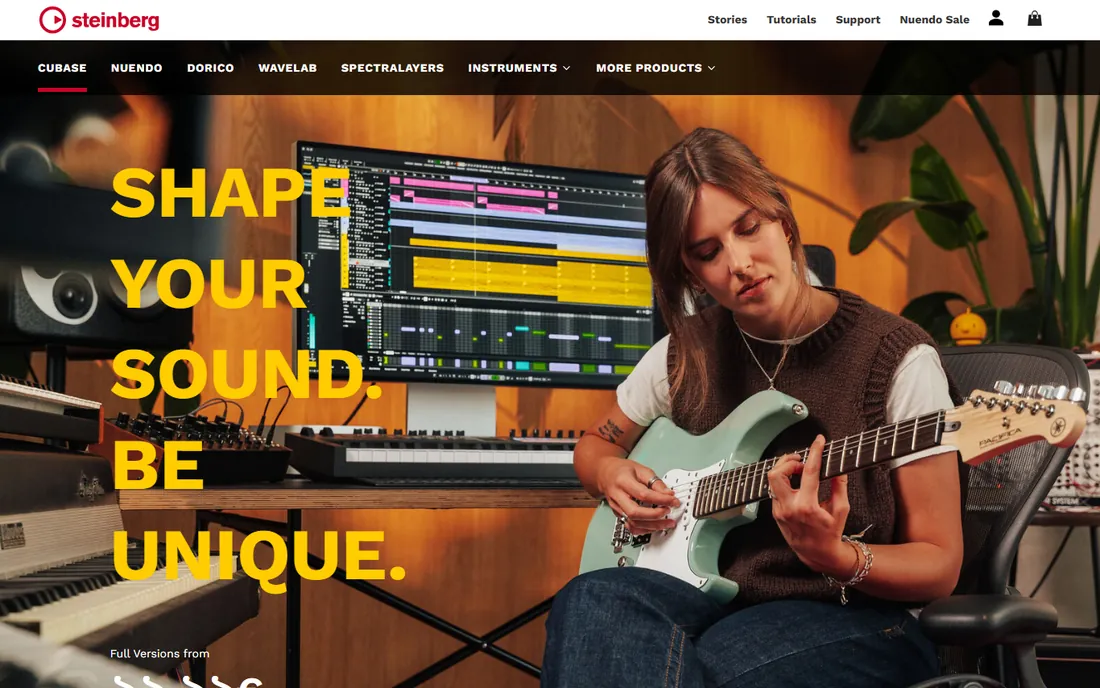
Cubase has been a songwriter’s DAW for decades, and its vocal tools reflect that heritage. VariAudio offers integrated pitch correction in the sample editor, comping lanes handle multiple vocal takes cleanly, and the chord track and scoring features help writers develop a song around a vocal melody. It runs on Windows and macOS with a stability record professionals trust.
Steinberg sells several editions, so matching features to budget takes research, and the interface shows its long history in places. For vocalists who write with piano or guitar and want deep MIDI arranging next to their vocal tracks, Cubase remains one of the most complete environments available.
What we like- Superb MIDI and scoring tools alongside vocal recording
- VariAudio pitch correction built in
- Long professional track record
Watch out for- Tiered editions complicate the buying decision
- Interface carries decades of accumulated features
Starting priceSee website
Free planNo
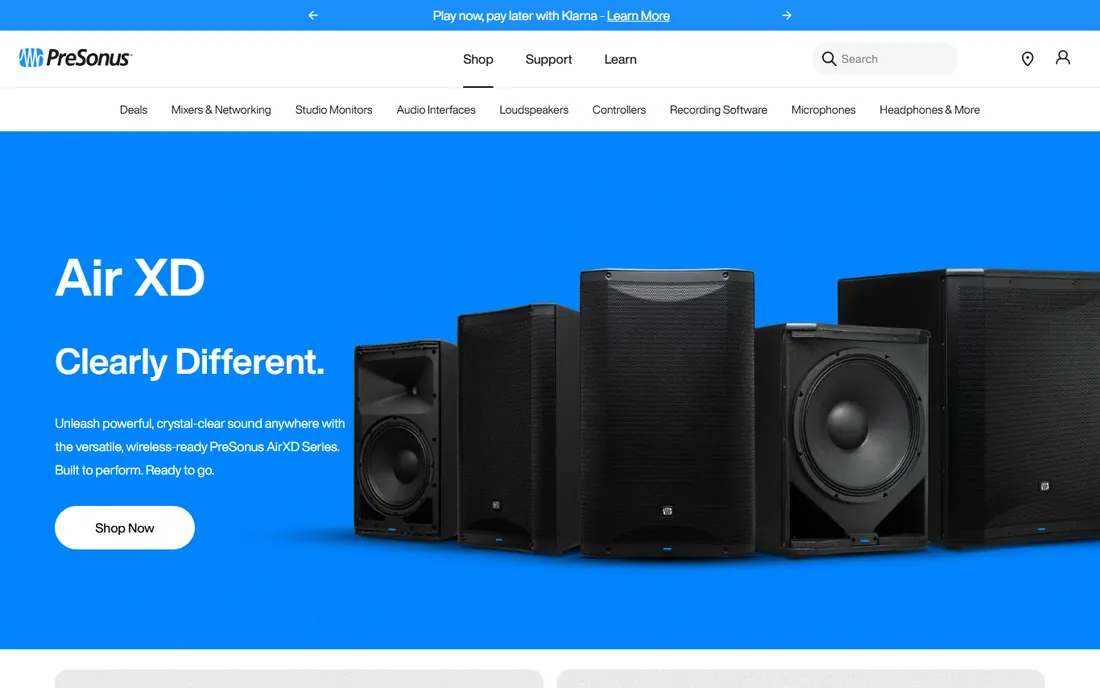
Studio One Pro 7 is PreSonus’s pitch for the modern vocal session: a single-window interface where recording, comping, tuning with integrated Melodyne, and mixing happen without window juggling. Drag-and-drop routing and a clean browser make it one of the fastest DAWs to learn, and vocal producers praise how quickly takes become finished comps.
The ecosystem is smaller than the giants’, so you will find fewer tutorials and templates than for Logic or Pro Tools. With no free tier, you buy in on reputation and the trial experience. For singers who want Pro Tools-style results with a gentler learning curve on either Windows or Mac, Studio One deserves an audition.
What we like- Drag-and-drop workflow that beginners grasp quickly
- Excellent comping and Melodyne integration
- Single-window interface
Watch out for- No free tier
- Smaller third-party tutorial ecosystem than Logic or Pro Tools
What to look for before you buy
Start with your computer, because several top picks are platform-locked. GarageBand and Logic Pro are Mac only, with Logic now requiring Apple silicon. Audacity, REAPER, FL Studio, Ableton Live, Cubase, Studio One, and Pro Tools all run on Windows, and most run on Mac too. Buying a Mac-only DAW when you record on a Windows PC is the most common beginner mistake.
Next, decide how much production you do beyond the vocal. If you only record voice, Audacity or Adobe Audition may be all you need. If you produce beats, FL Studio or Ableton Live keep everything in one session. If you record bands or layered harmonies, prioritize comping workflows in Pro Tools, Logic Pro, Studio One, or Cubase.
Finally, weigh pricing models honestly. Audacity and GarageBand are free forever. Logic Pro and FL Studio are one-time purchases with generous update policies. Pro Tools, Adobe Audition, and Ableton Live lean on subscriptions or premium pricing. A $200 one-time purchase you use for five years beats a subscription you cancel in month four.
How we chose
We opened each vendor’s homepage and recorded published prices, free tiers, trial terms, platform support, and vocal-specific features like comping, pitch correction, and take management. We cross-checked reputation against public reviews on G2, Trustpilot, and music production communities. We did not record test vocals in any of these programs. Two vendor pages (Steinberg and PreSonus) rendered limited text in our checks, so details for Cubase and Studio One rest on the vendors’ published product pages as best available evidence.
Recording vocals that sound professional
The software matters less than the room and the microphone technique. Record in the smallest, softest-furnished room available; hanging blankets or duvets behind you tames the reflections that make home vocals sound amateur. Keep the microphone 6 to 8 inches from your mouth with a pop filter in between, and record at 24-bit so you have headroom for quiet passages.
Always record multiple takes. Every DAW on this list except Audacity offers comping, and the difference between a single good take and a comp of the best phrases is the difference between a demo and a record. Tune sparingly: tools like Flex Pitch, VariAudio, and Melodyne sound best correcting small imperfections, not rebuilding a performance.
Gain staging is the unglamorous skill that separates clean vocals from harsh ones. Aim for peaks around -12 to -6 dB on the way in, leave compression and EQ for the mix, and export a safety copy of the raw takes before you process anything. Future you will be grateful.
Frequently asked questions
What is the best software for audio recording on a PC?
Audacity is the best free option for recording audio on a PC, and REAPER is the best low-cost professional DAW for Windows. For beat-driven music, FL Studio and Ableton Live are stronger picks, while Pro Tools suits singers aiming at commercial studios.
What is the best voice recording software for a beginner?
GarageBand is the best starting point on a Mac, and Audacity is the best starting point on Windows. Both are free, both teach proper recording habits, and both let you upgrade later without losing your work.
Do I need to pay for good vocal recording software?
No. Audacity and GarageBand are completely free and handle clean vocal recording well. Paid software earns its price in workflow speed, better comping, built-in pitch correction, and larger sound libraries, not in raw recording quality.
Which DAW is best for recording vocals specifically?
Pro Tools has the industry-standard comping workflow, Logic Pro offers the best value with Flex Pitch included, and Studio One is the easiest to learn. For most singers, the best choice is the DAW whose workflow feels natural, since all of them capture identical audio quality.
Can I record professional vocals at home?
Yes, with a decent microphone, an audio interface, and a treated recording space. The software is rarely the limiting factor; room reflections and mic technique matter far more. Many commercial releases started as home vocal sessions.
Is Audacity good enough for music vocals?
Audacity records clean audio and handles basic editing, effects, and noise removal well, which covers demos, podcasts, and YouTube vocals. For layered harmonies, pitch correction, and polished mixing, a full DAW like REAPER, Logic Pro, or Studio One will serve you better.
Sources we checked (10)
- https://audacityteam.org/
- https://www.apple.com/mac/garageband/
- https://www.apple.com/logic-pro/
- https://www.adobe.com/products/audition.html
- https://www.avid.com/pro-tools
- https://reaper.fm/
- https://image-line.com/
- https://www.ableton.com/en/live/
- https://www.steinberg.net/cubase/
- https://presonus.com/
Is your product missing or out of date?
We review this list regularly. Vendors can request a listing, send updated pricing or ask about featured placement.

Shihab Mia · Founder, Rankite
Shihab has spent more than a decade helping SaaS and e-commerce brands grow through search. He writes Rankite's software buying guides from pricing pages, documentation and public user reviews. More about Shihab.