How we make this list: we compare pricing pages, product documentation and public user reviews. Ratings come from G2, Capterra or Trustpilot, with the date we checked them.
Key takeaways
- Percy is the best starting point for most teams, with a free plan and paid plans from 199 dollars a month.
- Applitools leads on AI powered comparison, starting at 667 dollars a month.
- Chromatic is the best choice for Storybook teams, with a free plan and Starter at 179 dollars a month.
- Happo recently changed its pricing, so older pages listing a free plan and a 149 dollar Starter plan are out of date.
- mabl and SmartBear VisualTest publish no dollar price, so both require a sales quote before you can budget.
- Sauce Visual has no standalone price, since it is bundled into Sauce Labs plans from 149 dollars a month billed annually.
- LambdaTest is now TestMu AI, and its SmartUI product starts at 199 dollars a month billed annually for 15,000 screenshots.
What is visual testing software?
Visual testing software, also called visual regression testing software, captures screenshots of a web page or app screen and compares each new screenshot against an approved baseline image. When pixels, layout, text or colours change, the tool flags the difference side by side with the baseline, so a reviewer can accept a planned change or reject a real bug. Good tools ignore harmless rendering noise, such as font smoothing, and highlight only changes a user would notice. Most tools plug into Playwright, Cypress and Selenium, or into Storybook, and they run inside continuous integration so every pull request gets a visual check. This is different from A/B testing, which compares two live versions to see which converts better, and from general test automation, which checks whether a feature works rather than how it looks.
How much does visual testing software cost?
Prices in this guide were checked against vendor pricing pages and current third party reads on 20 November 2026. Free plans exist at Percy, Chromatic and LambdaTest SmartUI, with 5,000, 5,000 and 2,000 screenshots respectively, though SmartUI free screenshots are a lifetime allowance. Paid plans start at 149 dollars a month for Sauce Visual bundled into a Sauce Labs plan, 179 dollars a month for Chromatic Starter, 199 dollars a month for Percy Desktop, Happo Team and SmartUI, and 667 dollars a month for Applitools Starter. mabl and SmartBear VisualTest publish no price at all, so their cost is a quote. Vendors count screenshots, snapshots or checkpoints differently, and one page rendered in three browsers at two widths can count as six units, so estimate your monthly volume before choosing, and confirm the price before you buy.
How do you choose visual testing software for your team?
Start with where your user interface lives and how your team already tests it. A team that builds components in Storybook should shortlist Chromatic and Happo first, while a team that runs Playwright or Cypress tests should look at Percy, Applitools and SmartUI, which slot into those frameworks with little extra setup. Next, check the review workflow, because every tool produces false positives at first, and a good approval flow with baselines per branch makes the difference between a tool the team trusts and one it ignores. Then compare the counting unit and the free allowance against your real build volume, since a cheap monthly price can turn expensive once overage charges apply. Finally, weigh whether you want a focused visual testing tool or a wider platform, because mabl, Sauce Visual and SmartBear VisualTest bundle visual checks with broader test automation.
Which visual testing tool is best for Storybook and component libraries?
Chromatic is the best fit for Storybook and component libraries, because it is made by the Storybook maintainers and treats each story as a test case, with visual, interaction and accessibility checks in the same workflow. Happo is the closest alternative, since it also builds a Storybook and renders stories across browsers, and it adds accessibility and animation testing on every plan. Applitools also supports Storybook component testing on Starter, with 100,000 component checkpoints included, which suits design system teams. Percy and SmartUI can test Storybook too, but their main strength is page level visual testing. If your team spends most of its time in Storybook, choose Chromatic first and keep Happo as the backup.
Quick comparison
| Tool | Best for | Starting price | Free plan |
|---|
 Applitools | Large teams that need AI powered visual comparison across many browsers, devices and apps | $667 per month, billed annually, for the Starter plan, checked 20 November 2026 | No free plan; a free trial is available |
 Percy (BrowserStack) | Most teams that want a clear free plan and simple screenshot based visual testing inside existing test suites | $199 per month, billed annually, for the Desktop plan, checked 20 November 2026; free plan available | Yes, 5,000 screenshots a month, with unlimited users and projects |
 Chromatic | Storybook teams and design system teams that test components visually | $179 per month for the Starter plan, checked 20 November 2026; free plan available | Yes, 5,000 billed snapshots a month in Chrome only, with unlimited projects, users and collaborators |
 Happo | Teams that want pay as you go visual testing across all four major browsers with accessibility checks included | $4 per 1,000 snapshots on pay as you go, with no monthly fee; Team plan $199 per month, checked 20 November 2026 | No free plan; every account starts with a 14-day free calibration period with all browsers and features |
 mabl | QA teams that want low code test automation with visual checks, self healing tests and API testing in one platform | Quote only, checked 20 November 2026; the vendor publishes no dollar price | No free plan; a 14-day trial is available |
 SmartBear VisualTest | Teams already using SmartBear tools that want visual testing alongside their existing test automation | Quote only, checked 20 November 2026; the vendor lists plans but publishes no snapshot price | Yes, a free plan is listed, though the vendor does not disclose its snapshot limit |
 Sauce Visual | Teams that already test on Sauce Labs and want visual checks inside the same browser and device cloud | $149 per month, billed annually, for the Virtual Device Cloud plan that includes Sauce Visual, checked 20 November 2026 | No free plan and no free trial listed on the Sauce Labs pricing page |
 LambdaTest SmartUI | Teams that want visual testing across many browsers and real devices, with PDF and Figma comparison included | $199 per month, billed annually, for 15,000 screenshots a month, checked 20 November 2026; free plan available | Yes, 2,000 screenshots for the lifetime of the account, with one month of build history |
Is your product missing or out of date?
We review this list regularly. Vendors can request a listing, send updated pricing or ask about featured placement.
#1Applitools
Best for: Large teams that need AI powered visual comparison across many browsers, devices and apps4.3/5 on
G2 (92 reviews, checked Oct 2026)
Visit applitools.com
Starting price$667 per month, billed annually, for the Starter plan, checked 20 November 2026
Free planNo free plan; a free trial is available
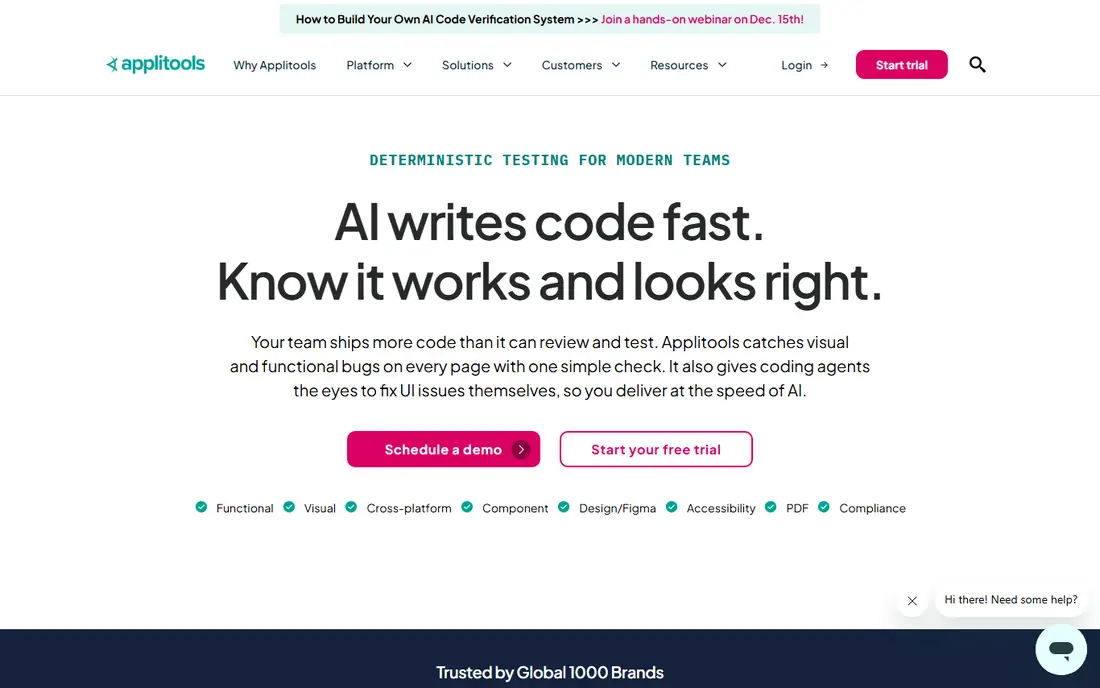
Applitools is the most capable platform in this guide, and its Visual AI engine is the reason teams choose it. Instead of plain pixel comparison, it compares screenshots the way a person would, so font smoothing does not create false failures, while missing elements and broken layouts are flagged clearly. Starter includes 100,000 component checkpoints or 1,000 page checkpoints a month, with unlimited users. Third party pages quoting 99 to 199 dollars a month are out of date.
What we like- Visual AI ignores rendering noise
- Ultrafast Grid renders one snapshot across many browsers
- Unlimited users
- Figma and Storybook integrations on Starter
Watch out for- The 667 dollar entry price is steep for a small team, and there is no free plan
#2
Percy (BrowserStack)
Best for: Most teams that want a clear free plan and simple screenshot based visual testing inside existing test suites
Visit percy.io
Starting price$199 per month, billed annually, for the Desktop plan, checked 20 November 2026; free plan available
Free planYes, 5,000 screenshots a month, with unlimited users and projects
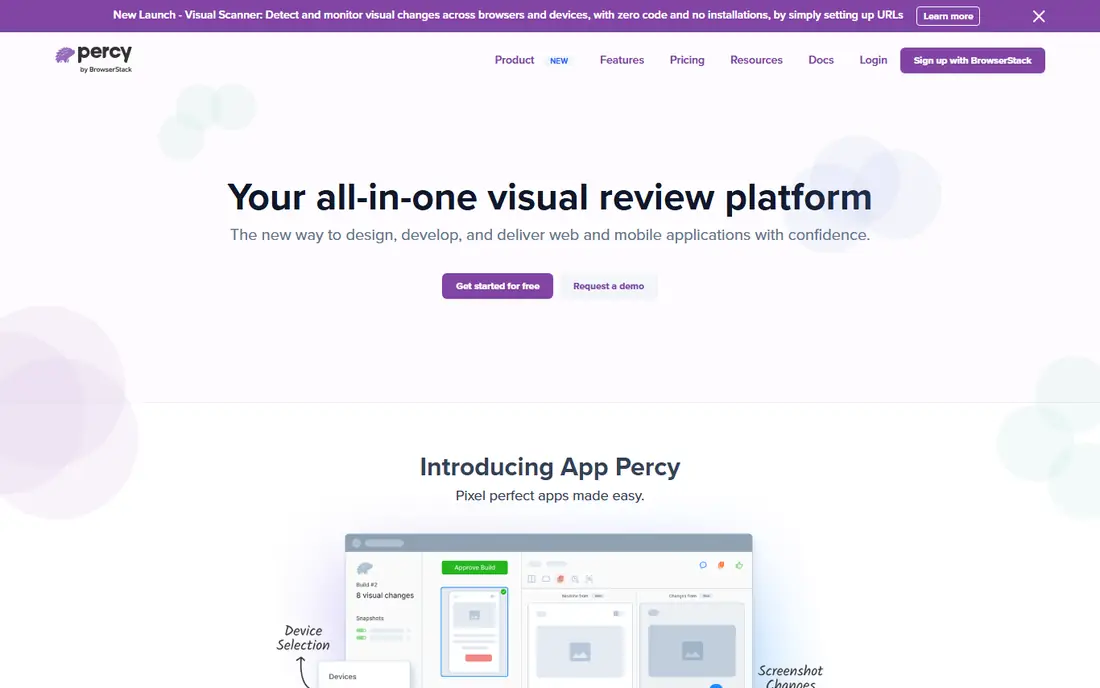
Percy is now part of BrowserStack, and its documentation and pricing live on the BrowserStack site. It is the easiest tool in this guide to start with, because the free plan gives 5,000 screenshots a month with unlimited users. The Desktop plan costs 199 dollars a month billed annually for 10,000 screenshots, with extra screenshots at 0.036 dollars each. Desktop and Mobile costs 599 dollars a month billed annually for 25,000 screenshots.
What we like- Free plan with 5,000 screenshots a month
- Clear per screenshot pricing
- Works with Playwright, Cypress and Selenium
- AI review summaries on paid plans
Watch out for- Each page, browser and width counts as one screenshot, so allowances burn quickly, and the AI review agent is paid only
#3
Chromatic
Best for: Storybook teams and design system teams that test components visually
Visit chromatic.com
Starting price$179 per month for the Starter plan, checked 20 November 2026; free plan available
Free planYes, 5,000 billed snapshots a month in Chrome only, with unlimited projects, users and collaborators
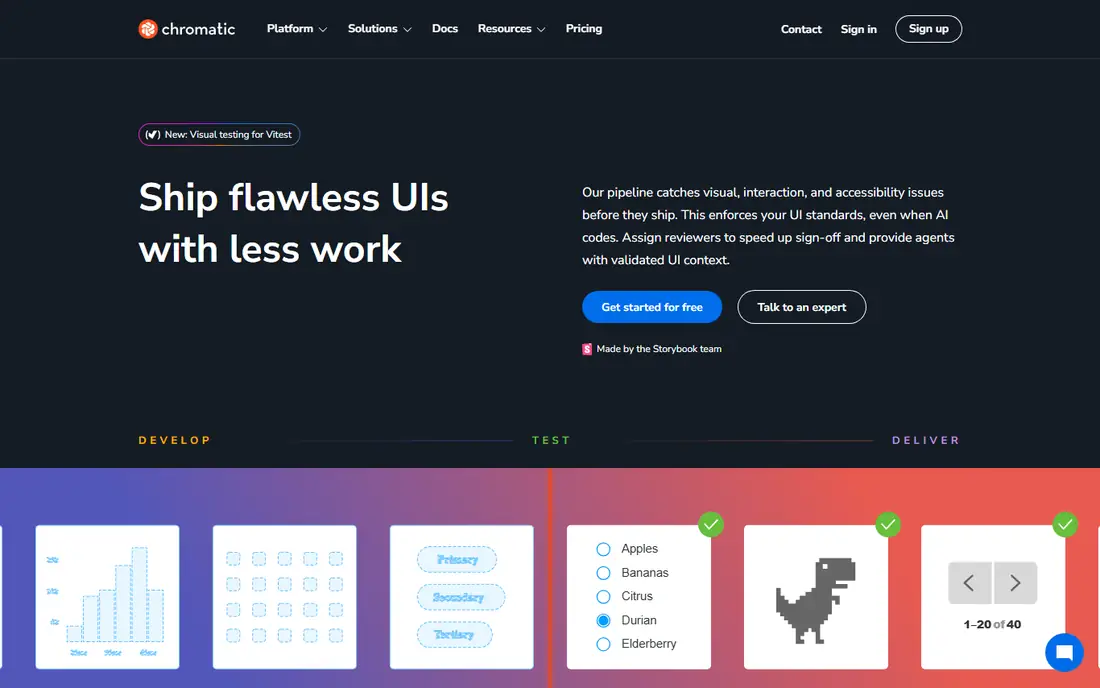
Chromatic is the official Storybook platform for UI testing and review. It builds a Storybook, renders every story in its cloud, and ties each result to a Git branch, so reviewers see which stories changed. The free plan includes 5,000 billed snapshots a month, Chrome testing and Git and CI integrations. Starter costs 179 dollars a month for 35,000 billed snapshots and adds Safari, Firefox and Edge. Its Standard plan was renamed Pro in September 2025.
What we like- Made by the Storybook maintainers, so the workflow is native
- Visual, interaction and accessibility checks in one place
- Unlimited users
- TurboSnap cuts snapshot counts
Watch out for- The free plan is Chrome only, so other browsers need the 179 dollar Starter plan, a large jump from free
#4
Happo
Best for: Teams that want pay as you go visual testing across all four major browsers with accessibility checks included
Visit happo.io
Starting price$4 per 1,000 snapshots on pay as you go, with no monthly fee; Team plan $199 per month, checked 20 November 2026
Free planNo free plan; every account starts with a 14-day free calibration period with all browsers and features
Happo is a hosted cross browser screenshot service that integrates with Storybook, Playwright, Cypress and Vitest. Pay as you go costs 4 dollars per 1,000 snapshots with no monthly fee. Team costs 199 dollars a month for 66,000 snapshots. Pro costs 599 dollars a month for 300,000 snapshots. Price conflict: third party pages from 3 October 2026 still list a free plan and Starter at 149 dollars, but the vendor page now shows no free plan.
What we like- Every plan includes Chrome, Firefox, Safari and Edge, accessibility and animation testing and unlimited users
- Pay as you go suits irregular usage
Watch out for- There is no free plan any more, so occasional testers must pay per snapshot or take a monthly plan after the 14 day calibration period
#5mabl
Best for: QA teams that want low code test automation with visual checks, self healing tests and API testing in one platform4.4/5 on
G2 (40 reviews, checked Oct 2026)
Visit mabl.com
Starting priceQuote only, checked 20 November 2026; the vendor publishes no dollar price
Free planNo free plan; a 14-day trial is available
mabl is a broader test automation platform than the focused visual testing tools above. Teams create tests from recordings, a visual builder or prompts, then mabl runs them in its cloud, heals broken locators, and flags visual changes alongside functional failures. Cloud runs are metered by credits, starting at 500 credits a month. The vendor pricing page shows no dollar price, so the starting price is quote only. Third party estimates put Starter around 499 dollars a month.
What we like- Low code test creation from recordings and prompts, with auto healing for broken locators
- Visual, API, accessibility and performance testing in one platform
Watch out for- Pricing is quote only, so a buyer cannot budget from the website, and it is built for funded teams rather than a solo tester
#6
SmartBear VisualTest
Best for: Teams already using SmartBear tools that want visual testing alongside their existing test automation
Visit smartbear.com
Starting priceQuote only, checked 20 November 2026; the vendor lists plans but publishes no snapshot price
Free planYes, a free plan is listed, though the vendor does not disclose its snapshot limit
SmartBear VisualTest is the visual testing product inside the wider SmartBear quality platform, and it suits teams that already use SmartBear tools. Its support documentation lists three plans: Free, Standard with 500 to 10,000 screenshots a month, and Enterprise with up to 50,000. No dollar price is published, so the starting price is quote only. Third party listings disagree, with one at 128 dollars a month and another from 69 dollars, so neither is the vendor price.
What we like- Free, Standard and Enterprise plans are listed, with Standard offering 500 to 10,000 screenshots a month
- Integrates with SmartBear test tools
- 14-day trial
Watch out for- The vendor publishes no dollar price for any plan, so a buyer cannot compare it on cost without contacting sales
#7
Sauce Visual
Best for: Teams that already test on Sauce Labs and want visual checks inside the same browser and device cloud
Visit saucelabs.com
Starting price$149 per month, billed annually, for the Virtual Device Cloud plan that includes Sauce Visual, checked 20 November 2026
Free planNo free plan and no free trial listed on the Sauce Labs pricing page
Sauce Visual is the visual testing product from Sauce Labs, and it is sold as part of the wider Sauce Labs platform. Visual testing is included in the Virtual Device Cloud plan, which starts at 149 dollars a month billed annually, and in the Real Device Cloud plan, which starts at 199 dollars a month billed annually. Both plans include 500 visual snapshots a month, unlimited users and testing minutes. Live Testing at 39 dollars a month is manual only and excludes visual testing.
What we like- Visual snapshots sit inside a large browser and device cloud, with unlimited users and testing minutes
- Captures a screenshot and a DOM snapshot
- Figma integration included
Watch out for- Sauce Visual has no standalone price, so a team that only wants visual testing must buy a full Sauce Labs cloud plan, and the allowance is only 500 snapshots a month
#8
LambdaTest SmartUI
Best for: Teams that want visual testing across many browsers and real devices, with PDF and Figma comparison included
Visit lambdatest.com
Starting price$199 per month, billed annually, for 15,000 screenshots a month, checked 20 November 2026; free plan available
Free planYes, 2,000 screenshots for the lifetime of the account, with one month of build history
LambdaTest is now branded TestMu AI, after a rename announced on 12 January 2026, and its screenshot comparison product is still called SmartUI. Older guides still use the LambdaTest name. SmartUI captures screenshots, compares them against baselines, and uses Visual AI to filter pixel noise, with Smart Ignore and Smart RCA notes beside each diff. The paid plan is displayed at 199 dollars a month billed annually for 15,000 screenshots a month, and 299 dollars a month billed annually for 25,000 screenshots.
What we like- Visual AI filters anti aliasing and font rendering noise
- Smart Ignore skips timestamps and ads
- Smart RCA explains what changed
- PDF and Figma comparison included
Watch out for- The free allowance is a one time lifetime total of 2,000 screenshots, so it runs out quickly, and the vendor name change can confuse buyers searching for LambdaTest
Visual testing software compared
| Tool |
Starting price |
Free plan |
Best for |
| Applitools |
$667 per month, billed annually |
No, free trial only |
AI powered comparison at scale |
| Percy (BrowserStack) |
$199 per month, billed annually |
Yes, 5,000 screenshots a month |
Most teams starting visual testing |
| Chromatic |
$179 per month |
Yes, 5,000 snapshots a month, Chrome only |
Storybook and component libraries |
| Happo |
$4 per 1,000 snapshots, pay as you go; Team $199 per month |
No, 14-day free calibration |
Pay as you go cross browser testing |
| mabl |
Quote only |
No, 14-day trial only |
Low code automation with visual checks |
| SmartBear VisualTest |
Quote only |
Yes, limit not disclosed |
Teams already using SmartBear |
| Sauce Visual |
$149 per month, billed annually, bundled |
No free plan listed |
Sauce Labs cloud users |
| LambdaTest SmartUI |
$199 per month, billed annually, 15,000 screenshots |
Yes, 2,000 screenshots lifetime |
Visual testing with PDF and Figma checks |
Frequently asked questions
What is the cheapest visual testing software for a small team?
Percy and Chromatic both offer a free plan with 5,000 screenshots or snapshots a month, which covers a small project. Happo pay as you go is the cheapest paid route for irregular use, at 4 dollars per 1,000 snapshots with no monthly fee. Sauce Visual is not a cheap standalone option, since it requires a Sauce Labs cloud plan from 149 dollars a month billed annually.
Is visual testing the same as A/B testing?
No, visual testing and A/B testing solve different problems. Visual testing compares a new screenshot against an approved baseline to catch layout and rendering bugs before a release ships. A/B testing shows two live versions to real users and measures which one converts better.
Do I need visual testing if I already use Playwright or Cypress?
Playwright and Cypress include basic screenshot comparison, which is enough for a small suite with few pages. A dedicated tool adds cross browser rendering, baseline management per branch, a review workflow, noise filtering and a hosted dashboard. Move to a dedicated tool when screenshot checks become hard to maintain or false positives slow down releases.
How many screenshots will my team use each month?
Multiply pages by browsers by widths by builds per month, since most vendors count each rendered combination as one unit. A suite of 50 pages in 3 browsers at 2 widths, run 20 times a month, uses 6,000 screenshots a month. Check the free allowance against that estimate first, since overage charges can exceed the base plan price.
Can visual testing tools test mobile apps as well as websites?
Yes, several tools in this guide cover mobile apps, though the details differ by vendor. Percy Desktop and Mobile adds real mobile devices, Applitools covers mobile apps on its platform plans, and SmartUI supports mobile app screens. mabl and Sauce Visual also include mobile testing as part of wider platforms. Confirm mobile coverage and any add on cost before you buy.
How we picked
The eight tools in this guide were chosen because they are the most widely used visual testing products with published vendor documentation, and because they cover the main buyer needs: standalone visual testing, Storybook component testing, and visual checks inside a wider test automation platform. Prices were checked against vendor pricing pages and third party reads on 20 November 2026. Where a vendor publishes no price, the guide says quote only, and where third party figures conflict with the vendor page, the guide flags the conflict. Prices are search-verified; homepages were not individually opened, so confirm the price before you buy.
Last verified: 20 November 2026
Sources we checked (8)
- https://applitools.com/platform-pricing/
- https://www.browserstack.com/pricing
- https://www.chromatic.com/pricing
- https://happo.io/pricing
- https://www.mabl.com/pricing
- https://smartbear.com/product/visualtest/
- https://saucelabs.com/pricing
- https://www.lambdatest.com/pricing
Is your product missing or out of date?
We review this list regularly. Vendors can request a listing, send updated pricing or ask about featured placement.

Shihab Mia · Founder, Rankite
Shihab has 5+ years in B2B and SaaS SEO. He writes Rankite's software buying guides from pricing pages, documentation and public user reviews. More about Shihab.