How we make this list: we compare pricing pages, product documentation and public user reviews. Rankite is independent; if a vendor ever pays for a featured spot, that listing is clearly labeled Partner.
Key takeaways
- VirtualBox and KVM are completely free and cover most desktop and Linux server virtualization needs.
- Proxmox VE is the leading VMware alternative for small and mid-size companies, free and open source with optional paid support.
- VMware remains the enterprise standard but now sits under Broadcom's subscription licensing, which has pushed many shops to re-evaluate.
- Hyper-V is the pragmatic pick for Windows-centric companies since it is already included in Windows Pro and Server.
- Parallels Desktop is the best option for running Windows on a Mac, with a coherence mode the others cannot match.
Quick comparison
| Tool | Best for | Starting price | Free plan |
|---|
 VMware Workstation Pro VMware Workstation Pro | power users running VMs on desktop | See website | Free trial |
 Oracle VirtualBox Oracle VirtualBox | free virtualization for testing and learning | Free | Yes |
 Microsoft Hyper-V Microsoft Hyper-V | Windows shops virtualizing on existing licenses | Included with Windows | No |
 Parallels Desktop Parallels Desktop | Mac users running Windows applications | See website | Free trial (14 days) |
 Proxmox VE Proxmox VE | companies leaving VMware without leaving virtualization | Free | Yes |
 VMware vSphere VMware vSphere | enterprise data centers standardized on VMware | See website | No |
 Citrix Hypervisor Citrix Hypervisor | virtual desktops and GPU-intensive workloads | See website | Free trial |
 KVM KVM | Linux teams wanting kernel-level virtualization | Free | Yes |
Is your product missing or out of date?
We review this list regularly. Vendors can request a listing, send updated pricing or ask about featured placement.
The best virtualization software
Starting priceSee website
Free planFree trial
VMware Workstation Pro has been the desktop virtualization standard for years, and technically it still is. It runs Windows, Linux, and other guest operating systems with excellent hardware support, offers snapshots and clones for testing workflows, and includes a virtual network editor that simpler tools lack. For developers and IT pros who live in VMs, the feature depth justifies the cost.
The complication is ownership. Broadcom's acquisition of VMware reshaped the licensing: perpetual licenses gave way to subscription models, bundles changed, and pricing became harder to predict for smaller buyers. The product itself remains excellent, but the commercial relationship feels different than it did five years ago.
For corporate users who need the deepest desktop virtualization features and have the budget, Workstation Pro is still the safe choice. For everyone else, the free alternatives have narrowed the gap enough that the licensing uncertainty is a genuine reason to look at VirtualBox or Parallels first.
What we like- Broadest guest OS support and hardware compatibility
- Snapshots, clones, and network editor for complex setups
- Reliable performance for demanding VMs
Watch out for- Now under Broadcom licensing with less predictable pricing
- Overkill for casual VM use
Starting priceFree
Free planYes
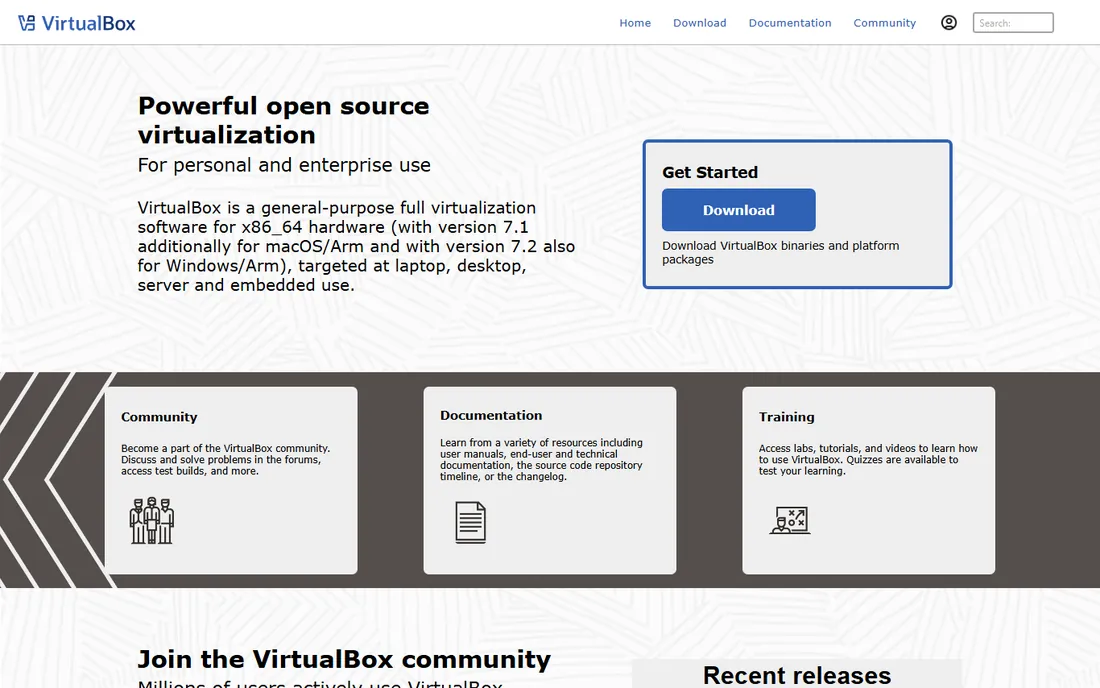
VirtualBox is the free all-rounder that has introduced millions of people to virtualization. It runs on every major host OS, supports a wide range of guests, handles snapshots and shared folders, and costs nothing. For testing software across operating systems, learning server administration, or running the occasional Windows VM on a Linux box, it does the job without a license conversation.
The tradeoff is performance and polish. VirtualBox VMs feel slower than their VMware or Parallels equivalents, graphics acceleration is weaker, and Mac support has been bumpier than on other platforms. It is a tool for getting work done, not for impressing anyone.
For developers, students, and IT teams that need functional VMs without budget approval, VirtualBox remains the rational default. When performance starts to matter, that is the signal to evaluate the paid options rather than a reason to avoid VirtualBox for everything else.
What we like- Completely free and open source
- Runs on Windows, Mac, and Linux
- Good enough for most testing and development VMs
Watch out for- Performance lags behind VMware and Parallels
- Less polished, especially on Mac hosts
#3
Microsoft Hyper-V
Best for: Windows shops virtualizing on existing licenses
Visit microsoft.com
Starting priceIncluded with Windows
Free planNo
Hyper-V is the virtualization most Windows users already own and have never opened. It ships with Windows 10 and 11 Pro and with Windows Server, running as a Type 1 hypervisor with near-native performance. For a Windows-centric company, that means server and desktop virtualization with no additional license cost and management through familiar Microsoft tools.
On servers, Hyper-V is a legitimate VMware alternative for mainstream workloads, especially paired with Windows Admin Center or System Center. Live migration, replication, and clustering cover the availability story, and the licensing is straightforward inside a Microsoft agreement.
The limitation is ecosystem, not technology. Hyper-V only runs on Windows hosts, the desktop VM experience is spartan compared to Workstation, and Linux guest tooling, while improved, still trails. If your company is already standardized on Microsoft, Hyper-V is the path of least resistance. If not, there is no reason to adopt Windows just for the hypervisor.
What we like- Already included in Windows 10/11 Pro and Windows Server
- Type 1 hypervisor performance
- Integrates with the Microsoft management stack
Watch out for- Windows-only hosts
- Desktop experience less friendly than Workstation or Parallels
Starting priceSee website
Free planFree trial (14 days)
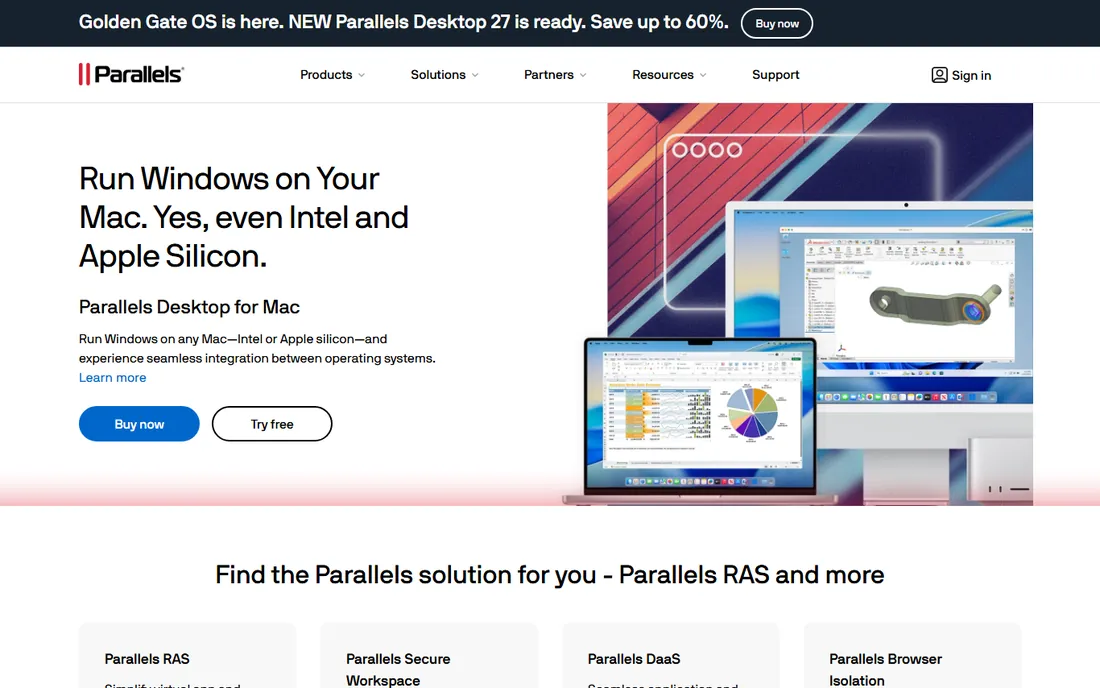
Parallels Desktop owns the Windows-on-Mac category. Coherence mode hides the Windows desktop entirely and runs Windows applications as if they were Mac apps, which is the experience most Mac users actually want: one stubborn Windows-only application without rebooting or a second machine. Performance on Apple Silicon Macs is excellent, far ahead of what VirtualBox manages on the same hardware.
Setup is genuinely simple. Parallels walks non-technical users through installing Windows in a VM with minimal decisions, and the integration features, shared clipboard, drag-and-drop files, Retina display support, make the VM feel native. For businesses with Mac fleets and a few Windows-only line-of-business apps, it is the standard solution.
The cost is a subscription rather than a one-time purchase, which adds up across many Macs. And it is strictly a Mac product. But for its specific job, nothing else comes close, which is why it has survived years of free alternatives.
What we like- Best Windows-on-Mac experience with Coherence mode
- Strong performance on Apple Silicon
- Easy setup for non-technical users
Watch out for- Annual subscription pricing
- Mac-only, useless for anything else
#5
Proxmox VE
Best for: companies leaving VMware without leaving virtualization
Visit proxmox.com
Starting priceFree
Free planYes
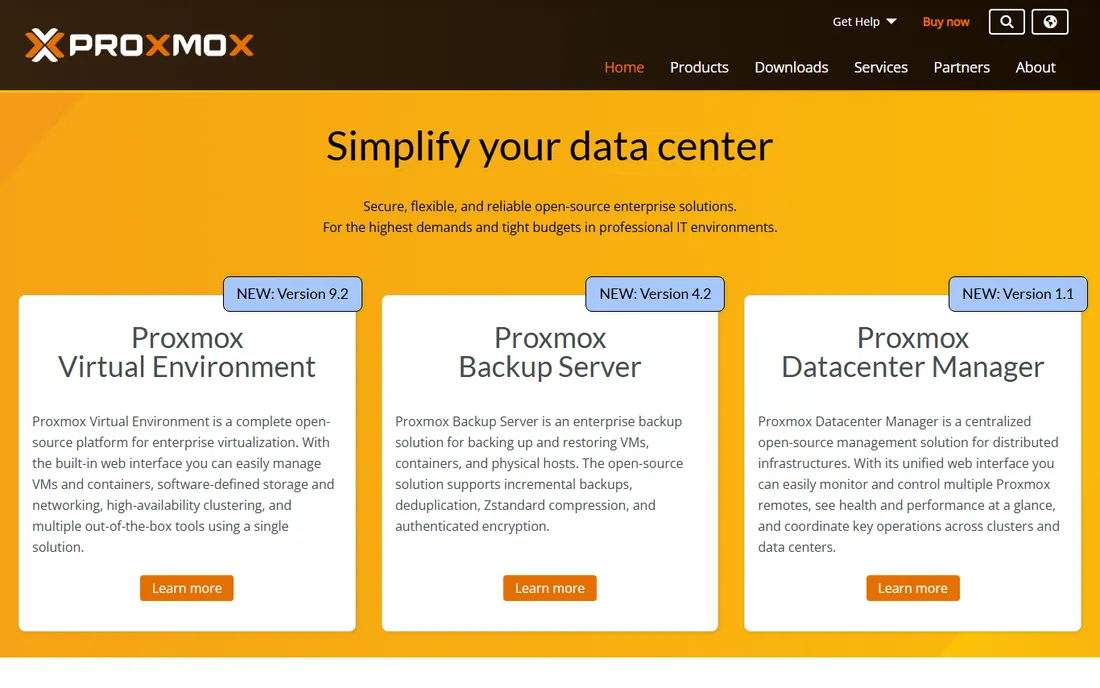
Proxmox VE is the biggest beneficiary of the Broadcom era. This open-source platform combines KVM virtualization and LXC containers with clustering, high availability, software-defined storage, and backup in a single web-managed interface, and the core product is free. Around 1.5 million hosts run it worldwide, with tens of thousands of enterprises on paid support plans.
The migration story is the selling point. Proxmox handles the majority of VMware setups without major rework, and the 2025 release of Proxmox Datacenter Manager added the multi-cluster management view that vCenter users expect. For small and mid-size companies facing VMware renewal quotes, Proxmox offers a credible exit that keeps virtualization in-house.
The honest tradeoffs are support and ecosystem. Production use really wants the enterprise subscription for stable updates, and the third-party backup and monitoring ecosystem is thinner than VMware's. But the price is right, the technology is proven, and the community is large enough that answers exist for nearly every problem.
What we like- Free and open source with KVM and LXC in one platform
- Clustering, HA, and software-defined storage built in
- Easy VMware migration path
Watch out for- Community support unless you buy a subscription
- Smaller third-party ecosystem than VMware
#6
VMware vSphere
Best for: enterprise data centers standardized on VMware
Visit broadcom.com
Starting priceSee website
Free planNo
vSphere remains the reference platform for enterprise virtualization. vMotion live migration, High Availability, Distributed Resource Scheduler, and the vast ecosystem of backup, monitoring, and security integrations represent decades of refinement. For large data centers with VMware-trained staff and VMware-integrated tooling, nothing else is a drop-in replacement.
The Broadcom acquisition changed the economics, not the technology. Perpetual licenses moved to subscriptions, bundles were restructured, and many customers saw substantial price increases at renewal. That pricing shock, more than any technical factor, is what sent shops evaluating Proxmox, Hyper-V, and Nutanix.
The decision framework is straightforward: if your team, tooling, and processes are built on VMware and the renewal math works, vSphere is still excellent. If the renewal quote caused sticker shock, the alternatives have matured enough to be real options. Either way, decide on total cost over three years, not on loyalty.
What we like- The most mature virtualization platform with the deepest ecosystem
- VMotion, HA, and DRS set the standard
- Unmatched third-party integrations
Watch out for- Broadcom subscription licensing significantly raised costs for many customers
- Complexity needs dedicated admins
#7
Citrix Hypervisor
Best for: virtual desktops and GPU-intensive workloads
Visit citrix.com
Starting priceSee website
Free planFree trial
Citrix Hypervisor, built on the Xen Project, specializes where generic hypervisors are weakest: virtual desktops and GPU workloads. Organizations delivering virtual desktops to hundreds or thousands of users, or running graphics-intensive applications virtually, use Citrix Hypervisor for its GPU virtualization and its integration with Citrix Virtual Apps and Desktops.
For general server virtualization, it competes with vSphere and Hyper-V without a decisive advantage. Its value appears in the VDI scenario, where the combination of hypervisor and Citrix's brokering stack is a known quantity at enterprise scale.
Pricing is quote-based and aimed at enterprise buyers, which puts it out of reach for small shops. If VDI is your workload, evaluate it alongside VMware Horizon and Microsoft's Azure Virtual Desktop. If VDI is not your workload, the other tools on this list fit better.
What we like- Strong GPU virtualization for VDI and graphics workloads
- Proven at enterprise scale
- Integrates with the Citrix virtual app ecosystem
Watch out for- Niche compared to general hypervisors
- Pricing is quote-based and enterprise-oriented
Starting priceFree
Free planYes
KVM is the invisible giant of virtualization: the kernel module that turns Linux into a Type 1 hypervisor, powering Proxmox, oVirt, and large portions of public cloud infrastructure. It is completely free, extremely performant, and as stable as the Linux kernel it ships in.
On its own, KVM is a building block rather than a product. You manage it through command-line tools, libvirt, or a management layer like Proxmox VE or oVirt, which provide the web interfaces, clustering, and storage management that make virtualization usable. Most companies that "use KVM" actually use one of those platforms.
Choose KVM directly when you have Linux expertise and want maximum control without a vendor: custom automation, embedded systems, or large-scale private clouds. For everyone else, Proxmox VE is the practical way to get KVM's benefits with a management interface included.
What we like- Built into the Linux kernel, completely free
- Excellent performance as a Type 1 hypervisor
- The foundation under Proxmox, oVirt, and major clouds
Watch out for- No polished management interface on its own
- Needs companion tools and Linux expertise
How we chose
We compared hypervisors across both desktop and server use cases, since small and mid-size companies often need both. We reviewed vendor documentation and current licensing terms, read administrator discussions on Reddit and professional forums, checked G2 and Capterra ratings, and weighed performance, management quality, guest OS support, licensing cost and predictability, and migration effort. We did not run hands-on benchmarks; the Broadcom licensing analysis reflects terms reported through 2026.
Broadcom's VMware acquisition is the defining event in this category's recent history. The shift from perpetual licenses to subscription bundles raised costs sharply for many customers, particularly smaller ones who had bought inexpensive perpetual licenses and now faced enterprise-style subscription quotes. The result was the largest re-evaluation of virtualization platforms in a decade.
Three destinations absorbed most of the departures. Proxmox VE took the open-source-minded shops with its free platform and VMware migration tooling. Microsoft Hyper-V took the Windows-centric shops that could virtualize inside existing agreements. Nutanix and other HCI vendors took the shops ready to refresh hardware anyway. VMware kept the enterprises whose tooling and training made switching more expensive than the new licenses.
The lesson for buyers in 2026: evaluate licensing trajectory, not just current price. Ask every vendor how their pricing model has changed in the last three years and what prevents it from changing again. The cheapest hypervisor today is the one whose vendor does not reprice you tomorrow.
How to choose a hypervisor without painting yourself into a corner
Separate the desktop decision from the server decision. Desktop virtualization is about user experience: Parallels for Mac users, Workstation or VirtualBox for Windows and Linux power users. Server virtualization is about operations: Proxmox, Hyper-V, or vSphere depending on your team's skills and your licensing tolerance.
For servers, run a real pilot before committing. Migrate a non-critical workload, test backup and restore, fail over a host, and measure the administrative effort for a month. The hypervisor that looks cheapest in a spreadsheet often reveals its costs in admin hours. Also verify your backup vendor supports your chosen platform natively; virtualization without tested restores is just expensive hope.
Finally, keep an exit path. Prefer platforms with standard VM formats and documented migration tooling, and avoid management features that lock your automation to one vendor's API. The Broadcom episode taught the industry that today's comfortable vendor can become tomorrow's pricing problem.
Frequently asked questions
What is the best free virtualization software?
Oracle VirtualBox is the best free option for desktop virtualization across Windows, Mac, and Linux. For servers, Proxmox VE is the best free platform with KVM virtualization, containers, clustering, and backups included. KVM itself is free at the kernel level for Linux teams with the expertise to manage it.
Is VMware still worth it after the Broadcom acquisition?
It depends on your renewal quote. The technology remains excellent, and enterprises deeply integrated with VMware often find switching more expensive than the new subscription. But many small and mid-size customers saw large price increases, and Proxmox VE and Hyper-V have matured into credible alternatives. Get the three-year total cost before deciding on loyalty.
What is the difference between Type 1 and Type 2 hypervisors?
A Type 1 hypervisor runs directly on hardware (Hyper-V, ESXi, KVM, Proxmox), which gives better performance for servers. A Type 2 hypervisor runs as an application inside an existing operating system (VirtualBox, VMware Workstation, Parallels), which is more convenient for desktop use. For servers, prefer Type 1; for desktop testing, Type 2 is fine.
Which virtualization software is best for Mac?
Parallels Desktop is the best choice for running Windows on a Mac, with the smoothest integration and best Apple Silicon performance. VMware Fusion is the alternative for Mac users who prefer VMware's approach. VirtualBox works on Macs but with noticeably weaker performance and polish.
Can I run virtual machines on Windows 11?
Yes. Hyper-V is included in Windows 11 Pro and Enterprise; enable it in Windows Features. Alternatively, install VirtualBox or VMware Workstation Pro as applications. Your CPU needs virtualization extensions (Intel VT-x or AMD-V) enabled in the BIOS, which most modern machines have.
Proxmox vs VMware for a small business?
Proxmox VE wins on cost: the platform is free and open source, with optional paid support, while VMware now requires subscription licensing that is priced for larger customers. VMware wins on ecosystem depth and third-party integrations. For a small business with Linux-capable admins, Proxmox delivers the core virtualization features at a fraction of the cost.
Sources we checked (5)
- https://www.scmgalaxy.com/tutorials/top-10-virtualization-software-tools-in-2025-features-pros-cons-comparison/
- https://edywerder.ch/best-hypervisor-for-home-lab/
- https://blog.everpuredata.com/purely-technical/hyperv-vs-vmware-2/?print=pdf
- https://www.pcworld.com/article/1936055/the-best-virtualization-tools-for-windows.html
- https://www.technology.org/2026/09/24/best-hypervisors-for-vps-hosting-in-2026/
Is your product missing or out of date?
We review this list regularly. Vendors can request a listing, send updated pricing or ask about featured placement.

Shihab Mia · Founder, Rankite
Shihab has spent more than a decade helping SaaS and e-commerce brands grow through search. He writes Rankite's software buying guides from pricing pages, documentation and public user reviews. More about Shihab.