How we make this list: we compare pricing pages, product documentation and public user reviews. Rankite is independent; if a vendor ever pays for a featured spot, that listing is clearly labeled Partner.
Key takeaways
- The default shortlist: Zoom for reliability at scale, Google Meet for teams already on Google Workspace, and Microsoft Teams for Microsoft 365 shops.
- Budget picks with real free tiers: Jitsi Meet (free and open source, public instance at meet.jit.si) and Google Meet (free for anyone with a Google account).
- Cisco Webex suits security-conscious and enterprise buyers; GoTo Meeting remains a solid simple alternative.
- For embedded or branded video, Whereby and RingCentral Video cover the middle ground between consumer-simple and enterprise-heavy.
Quick comparison
| Tool | Best for | Starting price | Free plan |
|---|
 Zoom Zoom | Teams that need the most reliable large meetings and webinars | See website | See website |
 Google Meet Google Meet | Teams already living in Google Workspace and Gmail | See website | Yes (free for anyone with a Google account) |
 Microsoft Teams Microsoft Teams | Microsoft 365 organizations that want chat, files and meetings together | See website | See website |
 Cisco Webex Cisco Webex | Security-conscious organizations and regulated industries | See website | See website |
 GoTo Meeting GoTo Meeting | Businesses that want simple, dependable meetings without a learning curve | See website | See website |
 Zoho Meeting Zoho Meeting | Zoho users who want cheap, integrated video meetings and webinars | See website | See website |
 RingCentral Video RingCentral Video | Businesses already using RingCentral for business phone | See website | See website |
 Whereby Whereby | Teams and products that want browser-based rooms with no downloads | See website | See website |
 Jitsi Meet Jitsi Meet | Privacy-minded teams and developers who want free, open-source video | Free (open source; self-host or use the public instance) | Yes (free public instance at meet.jit.si) |
Is your product missing or out of date?
We review this list regularly. Vendors can request a listing, send updated pricing or ask about featured placement.
The free-plan limits that actually matter
Free video plans all have a catch, and it is usually time or headcount. Google Meet's free tier caps group meetings at 60 minutes (per Google's own announcement), while Zoom's free tier is widely known for its 40-minute group limit. If your team runs hour-long standups or client calls, the free tier will interrupt you mid-sentence, so price at least one paid host.
Participant caps matter too. Free tiers typically allow around 100 participants, which covers most team meetings but not all-hands or webinars. Recording, dial-in numbers, admin controls and meeting analytics are the usual paid gates. Map your real usage first: how long are your meetings, how many people join, and do you need recordings? Then check which free tier fits before assuming you need to pay.
Video meetings are infrastructure now: the wrong platform costs you in dropped calls, confused clients and IT tickets. These nine cover the real market, from the free open-source option to the enterprise suites, each with a clear reason to exist.
#1
Zoom
Best for: Teams that need the most reliable large meetings and webinars
Visit zoom.com
Starting priceSee website
Free planSee website
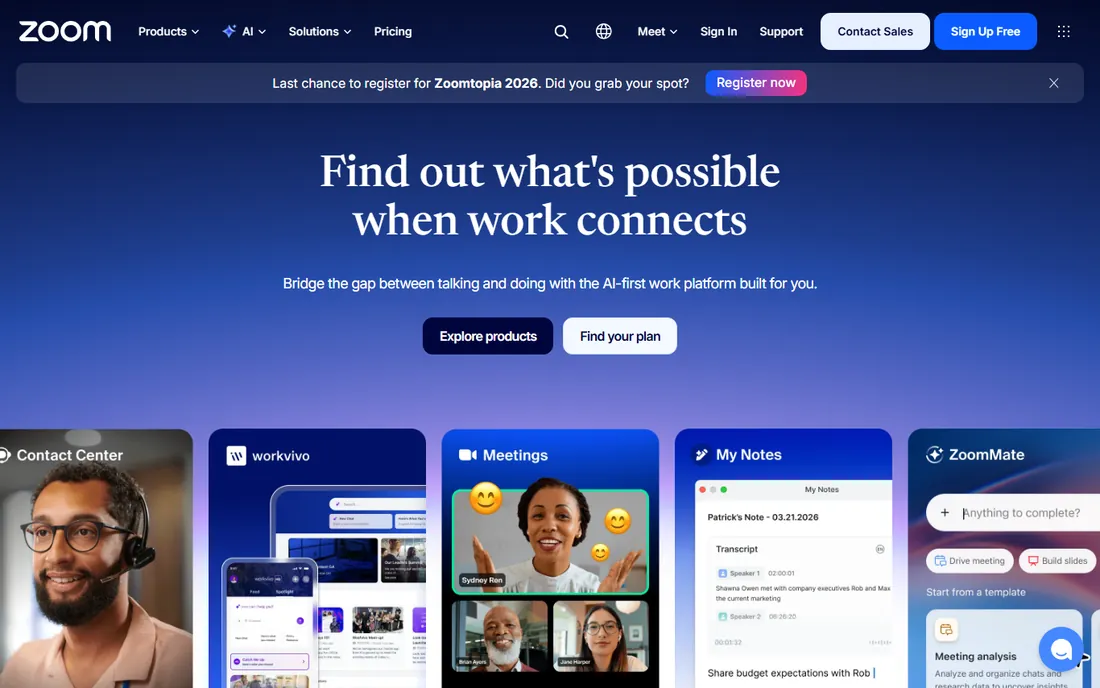
Zoom Workplace is the default video platform for a reason: it works. Join links open fast, audio quality holds up on bad connections, and features like breakout rooms, polls, whiteboards and AI meeting summaries are mature. The ecosystem is unmatched: calendar integrations, room hardware, and thousands of apps.
The cost structure needs attention. Meetings, Webinars and Phone are separate products with separate bills, and the headline per-host price multiplies across your team. Security had a rough patch years ago and is now solid, with waiting rooms, passcodes and encryption standard. If video is mission-critical and you host large or frequent meetings, Zoom is the safest choice.
What we like- The most battle-tested meeting reliability in the industry
- Huge ecosystem of integrations, apps and hardware
- Webinar, phone and chat products under one account
Watch out for- Pricing adds up across products (meetings, webinar, phone billed separately)
- The free tier's group time limit pushes teams to paid plans quickly
Starting priceSee website
Free planYes (free for anyone with a Google account)
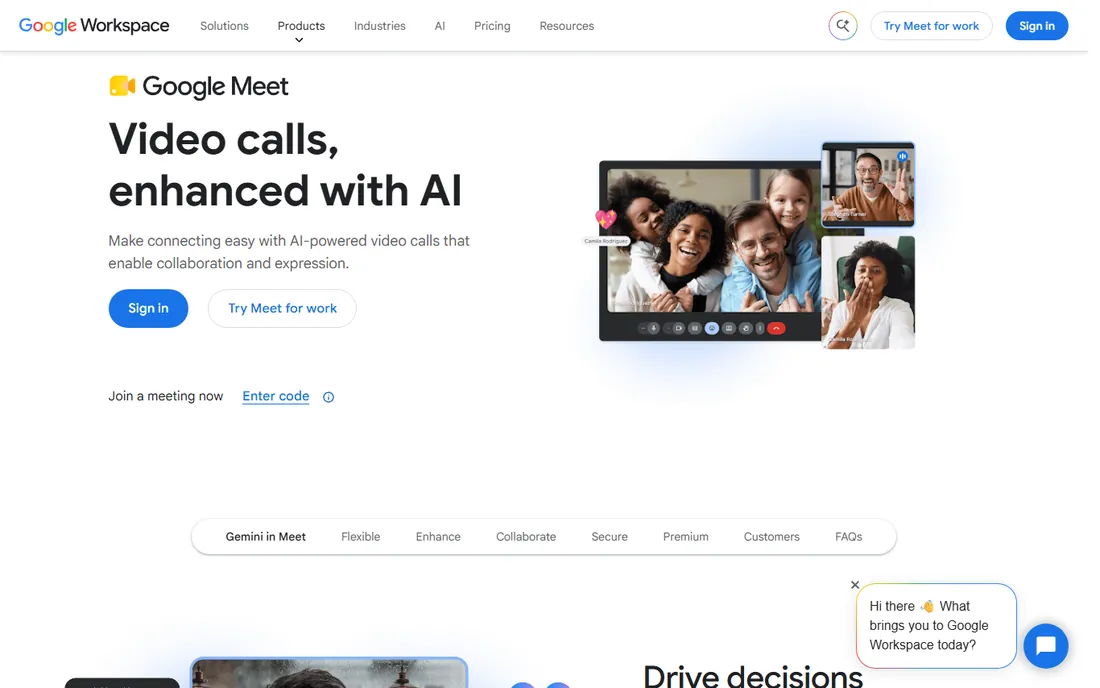
Google Meet wins on convenience. If your company runs on Gmail and Google Calendar, Meet is already there: one click from a calendar invite, no new accounts for guests, no app installs for browser joiners. Google's own announcement made it free for anyone, and states Meet data is not used for advertising.
The gaps are at the edges. Large webinars, advanced registration, and detailed analytics belong to Zoom or Webex territory. Group meetings on the free tier are capped at 60 minutes. But for day-to-day team meetings inside a Google shop, nothing beats the lack of friction, and Workspace plans bundle it with everything else you already pay for.
What we like- Zero-friction joining from Gmail and Calendar with no downloads
- Free tier genuinely usable for personal and small-team calls
- Strong security posture with no data used for ads
Watch out for- Fewer advanced webinar and event features than Zoom or Webex
- Meeting controls and breakout features lag the specialists
#3
Microsoft Teams
Best for: Microsoft 365 organizations that want chat, files and meetings together
Visit microsoft.com
Starting priceSee website
Free planSee website
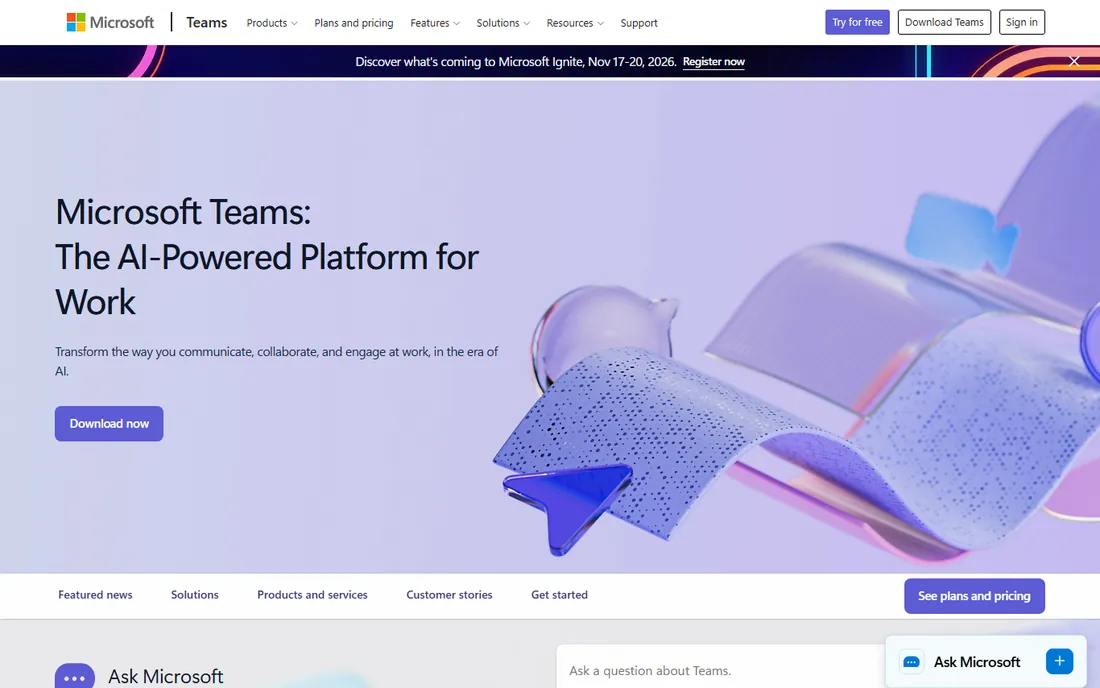
Teams is the meeting platform you get with Microsoft 365, and for many businesses that settles it. Meetings launch from Outlook, files live in SharePoint, chat persists after the call ends, and admins manage it all from the same console as everything else Microsoft. For organizations standardized on 365, the integration value is real.
The experience is the complaint. The desktop client is resource-hungry, the UI has accumulated years of features, and external guests sometimes struggle compared to a Zoom or Meet link. If you already pay for Microsoft 365 Business, using Teams for meetings is essentially free. If you do not, there is little reason to adopt Teams for video alone.
What we like- Deep integration with Outlook, SharePoint and OneDrive
- Meetings plus persistent chat plus calling in one client
- Included in most Microsoft 365 business plans
Watch out for- Heavy client that taxes older machines
- The interface packs in so much that simple meetings feel buried
- Guest experience is clunkier than Meet or Zoom
#4
Cisco Webex
Best for: Security-conscious organizations and regulated industries
Visit webex.com
Starting priceSee website
Free planSee website
Webex is Cisco's collaboration suite and the choice where compliance matters: healthcare, finance, government and large enterprises. Meetings, webinars, large events and room hardware come from one vendor with end-to-end encryption options and admin controls that auditors like. Audio and video quality are consistently strong.
Small businesses will find it heavy. The product line is broad, the admin console assumes IT staff, and pricing often requires a conversation with sales. But if your buyers or regulators ask about security certifications, Webex answers more confidently than anyone here except Microsoft. It is the enterprise-safe pick.
What we like- Enterprise-grade security and compliance story that satisfies regulated buyers
- Full suite (meetings, webinars, events, devices) from one vendor
- Strong noise removal and video quality
Watch out for- Interface and admin console feel enterprise-heavy for small teams
- Pricing is less transparent than Zoom's, with more quote-driven tiers
#5
GoTo Meeting
Best for: Businesses that want simple, dependable meetings without a learning curve
Visit goto.com
Starting priceSee website
Free planSee website
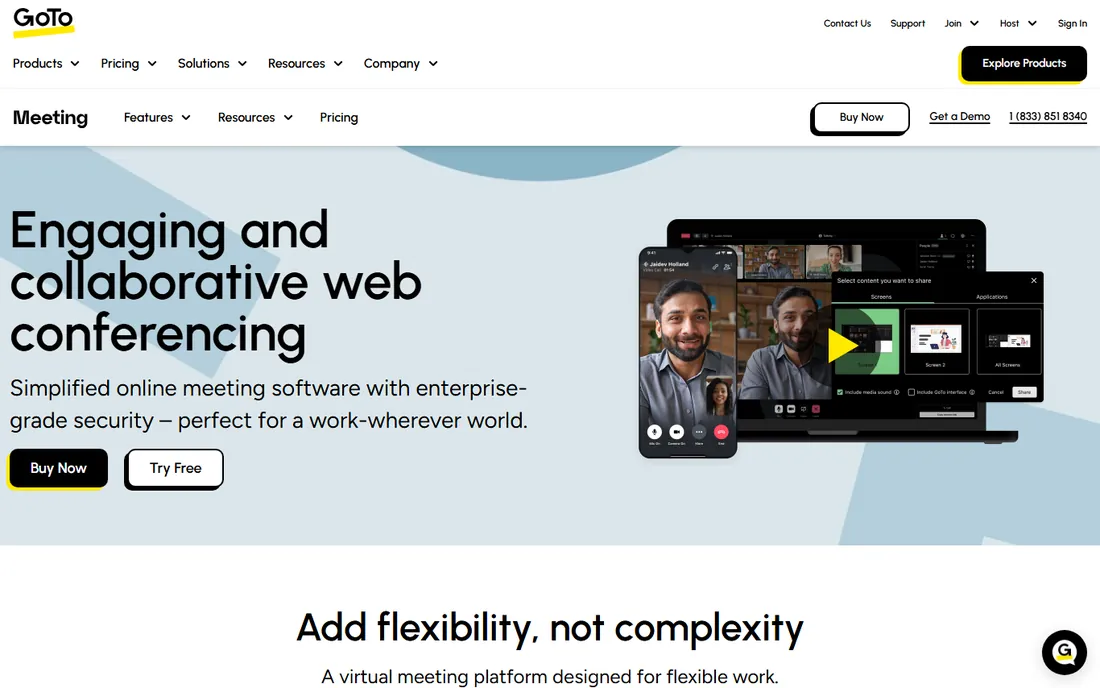
GoTo Meeting has hosted business meetings since 2004, and it shows in the lack of fuss. Schedule from the app or Outlook plugin, share a link, meet. Screen sharing, recording and dial-in numbers all work as expected. It sits inside the GoTo family alongside GoTo Webinar and GoTo Connect phone, so growing businesses can expand without switching vendors.
It is not the innovation leader. AI meeting features, virtual whiteboards and deep integrations trail Zoom and Teams. But plenty of businesses do not need those: they need a link that works every time for client calls and internal meetings. For that job, GoTo Meeting remains a dependable, fairly priced option.
What we like- Straightforward scheduling, joining and screen sharing with minimal training
- Reliable performance for standard business meetings
- Bundles with GoTo's webinar and phone products
Watch out for- Fewer modern collaboration features (whiteboards, AI notes) than Zoom or Teams
- Brand mindshare has faded, so guests may be less familiar
#6
Zoho Meeting
Best for: Zoho users who want cheap, integrated video meetings and webinars
Visit zoho.com
Starting priceSee website
Free planSee website
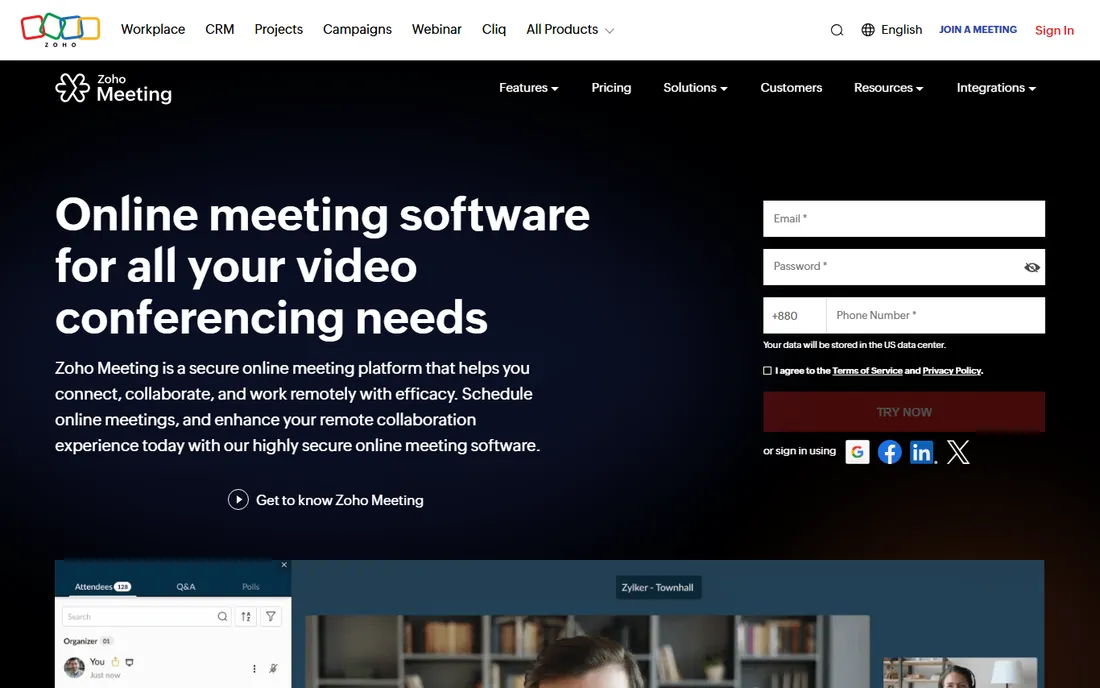
Zoho Meeting is the value play for the Zoho ecosystem. If your CRM, email and calendar already live in Zoho, meetings slot in with shared contacts and scheduling, at prices far below Zoom. Both meetings and webinars are covered, which makes it a genuine all-rounder for small businesses.
Expect fewer frills. The integration marketplace is thin, advanced features arrive later than at Zoom, and very large events are not its strength. But the price-to-function ratio is excellent, and for Zoho shops it removes the need for a separate video subscription entirely. Budget-conscious small businesses should shortlist it.
What we like- Very low pricing next to Zoom and Webex
- Tight integration with Zoho CRM, Calendar and the rest of the suite
- Includes webinars on affordable tiers
Watch out for- Smaller ecosystem and fewer third-party integrations
- Video quality and feature polish trail the market leaders
#7
RingCentral Video
Best for: Businesses already using RingCentral for business phone
Visit ringcentral.com
Starting priceSee website
Free planSee website
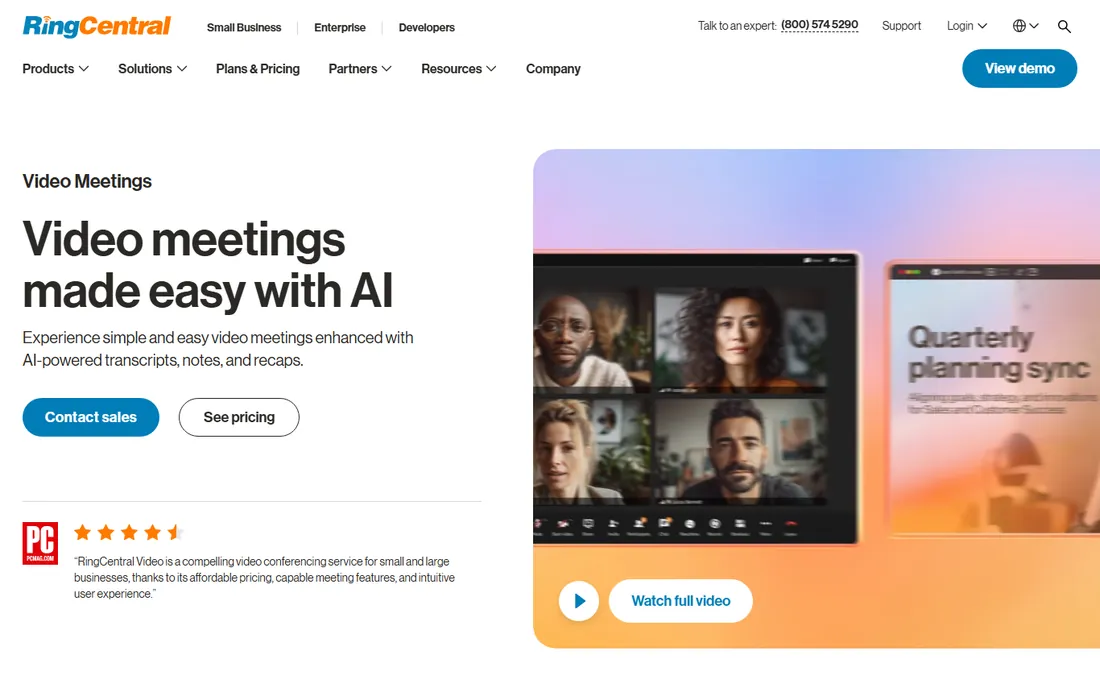
RingCentral Video makes sense in one situation: your business phone already runs on RingCentral. Then video meetings, team messaging and voice calls live in one app with one bill and one admin console, which simplifies IT and user training. The video features themselves are complete: HD quality, screen sharing, recording, breakout rooms.
Bought standalone, it competes less well. Zoom and Meet offer more video-specific depth, and the platform's real strength is the unified communications bundle. Evaluate it as part of a phone-plus-video decision, not as a video-only purchase, and price the whole RingCentral plan against Zoom plus a separate phone system.
What we like- Natively part of the RingCentral phone and messaging platform, so one app covers calls and video
- HD video with virtual backgrounds and breakout rooms
- Solid admin and analytics
Watch out for- Best value only inside the RingCentral ecosystem
- Standalone pricing is less compelling than Zoom or Meet
- Setup complexity reflects the full UCaaS platform
#8
Whereby
Best for: Teams and products that want browser-based rooms with no downloads
Visit whereby.com
Starting priceSee website
Free planSee website
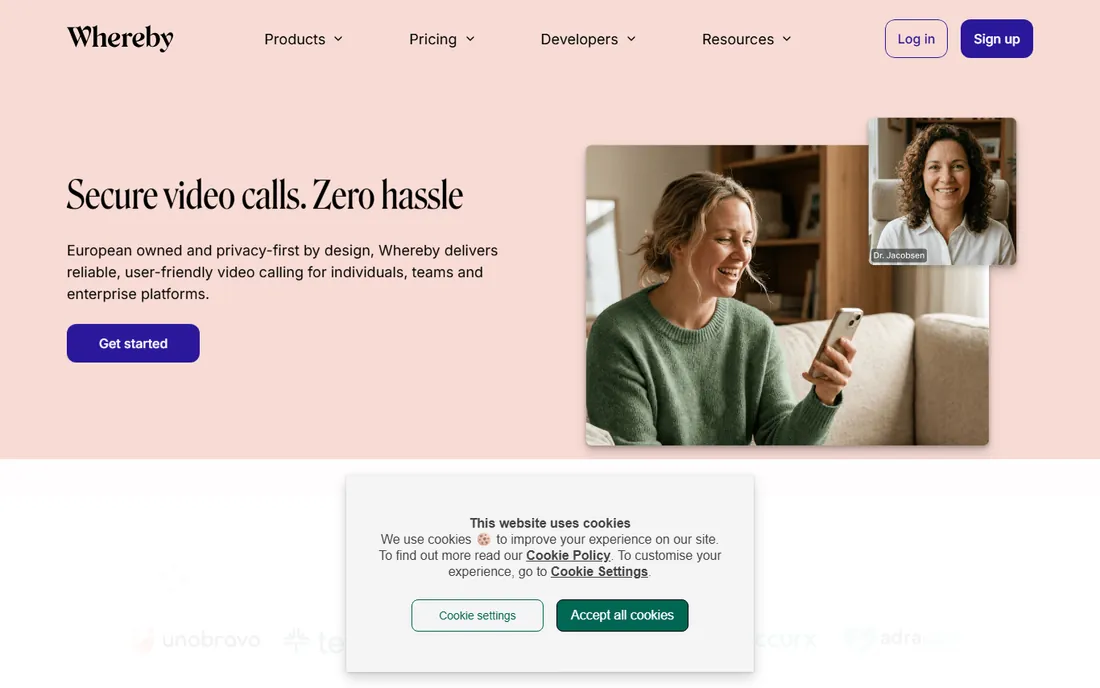
Whereby, from Norway, built its reputation on frictionless browser meetings: share a room link like whereby.com/your-team and anyone joins without downloads or accounts. That simplicity made it popular with freelancers, coaches and small teams, and the embedded API lets developers add video rooms to their own apps and sites.
It does not try to out-feature Zoom. Large webinars, phone systems and deep enterprise admin are out of scope. But for customer-facing calls where you cannot ask the other side to install anything, the browser-first approach removes the biggest source of meeting friction. Pricing is straightforward and the free tier covers light use.
What we like- Guests join from the browser with nothing to install
- Custom room links are easy to remember and share
- API and embedded options for building video into your own product
Watch out for- Smaller company with a narrower feature set than the giants
- Advanced webinar and large-event features are limited
#9
Jitsi Meet
Best for: Privacy-minded teams and developers who want free, open-source video
Visit jitsi.org
Starting priceFree (open source; self-host or use the public instance)
Free planYes (free public instance at meet.jit.si)
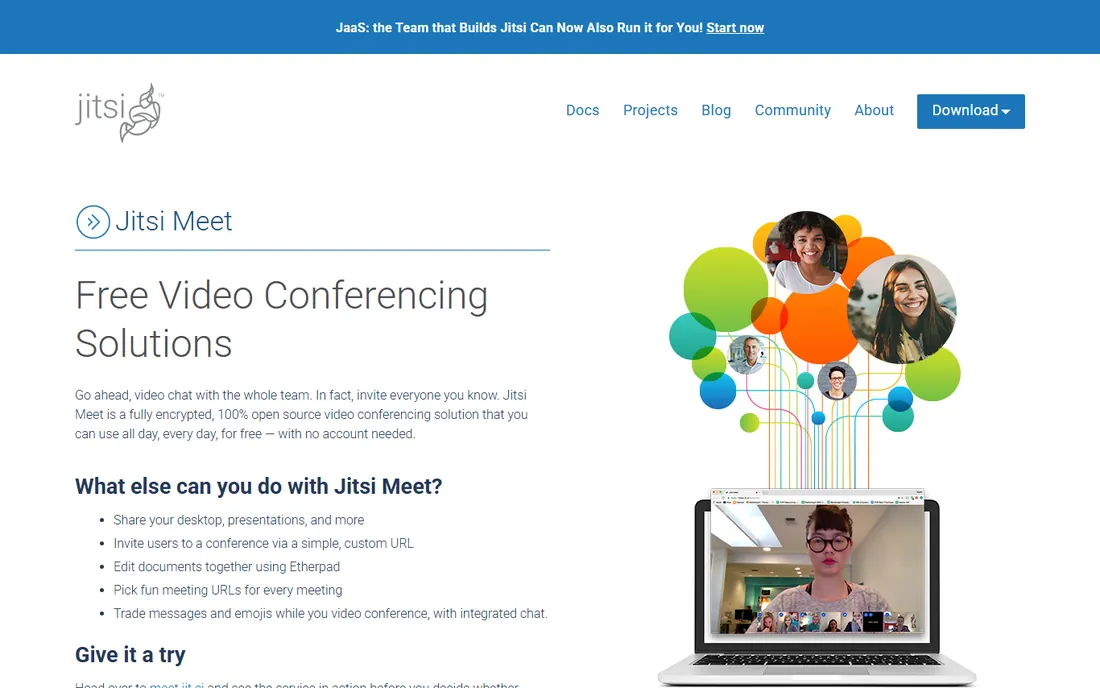
Jitsi Meet is the open-source answer to video conferencing. The code is free, anyone can start a meeting at the public meet.jit.si instance with no account, and organizations can self-host for full data control. Features cover the essentials: screen sharing, chat, polls, virtual backgrounds, breakout rooms and end-to-end encryption options.
The tradeoff is support. There is no vendor to call when something breaks, and scaling past small meetings takes server tuning. But for privacy-sensitive teams, nonprofits, schools and developers embedding video, Jitsi removes both cost and vendor lock-in. Commercial support exists through 8x8's Jitsi-as-a-Service for teams that want the best of both.
What we like- Completely free and open source under Apache 2.0
- No account needed to join
- Self-hosting gives full control over data and privacy
Watch out for- No vendor support or SLA on the free tier
- Large meetings need tuned infrastructure
- Fewer polished integrations than commercial tools
Security and compliance checklist
If your meetings touch healthcare, finance or legal clients, check four things before choosing. First, encryption: end-to-end encryption for sensitive calls, not just transport encryption. Second, data residency and certifications: ask where recordings are stored and which compliance frameworks the vendor meets. Third, admin controls: waiting rooms, meeting locks, participant removal and recording consent should be standard. Fourth, the vendor's track record: Zoom, Webex, Teams and Meet all publish security whitepapers; smaller vendors may not.
For everyone else, the practical checklist is shorter: use waiting rooms or passcodes for external meetings, keep the client updated, and know where your recordings go. Most platforms here meet that bar. The enterprise buyers with real compliance needs should shortlist Webex, Teams or Zoom and involve IT before signing.
How we chose
We started with the categories buyers search: virtual conferencing platforms, video conferencing software and best video meeting tools for business. For each candidate we opened the vendor's own homepage and pricing pages, checked features against public reviews on G2 and Capterra and practitioner discussion on Reddit, and compared meeting quality, participant limits, free tiers and fit for small and mid-size teams. Where a price could not be verified on the vendor's own page we wrote "See website" rather than guessing.
Frequently asked questions
What is the best virtual conferencing platform for small business?
Zoom for reliability, Google Meet if you are on Google Workspace, Microsoft Teams if you are on Microsoft 365. Jitsi Meet is the free open-source option. Pick the one your team and clients will actually open without friction.
Is there a free video conferencing platform with no time limit?
Jitsi Meet has no account requirement and no vendor-imposed meeting caps on its public instance, though very long or large meetings work better self-hosted. Google Meet's free tier caps group meetings at 60 minutes. Truly unlimited free commercial video does not exist; someone always pays.
How many people can join a video meeting?
Free tiers typically support around 100 participants. Paid plans scale from a few hundred to 1,000 on standard meeting plans, with webinar add-ons reaching tens of thousands of view-only attendees. Size your plan to your largest regular meeting, not your average one.
Do attendees need to download software to join?
Not always. Google Meet, Whereby and Jitsi Meet run fully in the browser. Zoom and Webex offer browser joining too, but the desktop apps give the best experience. If your guests are non-technical clients, favor browser-first options to cut support calls.
Which platform is best for webinars?
Zoom Webinars and Webex Events lead for large, registration-driven events with Q&A, polling and analytics. GoTo Webinar and Zoho Webinar cover the mid-range at lower prices. Regular meeting products can host small webinars, but dedicated webinar tools handle registration pages and attendee management far better.
Sources we checked (11)
- https://zoom.com/
- https://meet.google.com/
- https://www.microsoft.com/en-us/microsoft-teams/
- https://www.webex.com/
- https://www.goto.com/meeting
- https://www.zoho.com/meeting/
- https://www.ringcentral.com/video
- https://whereby.com/
- https://jitsi.org/jitsi-meet/
- https://www.g2.com/categories/video-conferencing
- https://www.capterra.com/video-conferencing-software/
Is your product missing or out of date?
We review this list regularly. Vendors can request a listing, send updated pricing or ask about featured placement.

Shihab Mia · Founder, Rankite
Shihab has spent more than a decade helping SaaS and e-commerce brands grow through search. He writes Rankite's software buying guides from pricing pages, documentation and public user reviews. More about Shihab.