How we make this list: we compare pricing pages, product documentation and public user reviews. Rankite is independent; if a vendor ever pays for a featured spot, that listing is clearly labeled Partner.
Key takeaways
- Streak and Copper are the only CRMs built to live inside Gmail; choose them if the inbox is where your team works.
- HubSpot CRM and Zoho CRM offer the most generous free starting points for small teams on a budget.
- Salesforce and Pipedrive win on depth: customization and pipeline rigor for teams that outgrow simple tools.
- Freshsales, Insightly, Nutshell, and Less Annoying CRM compete on simplicity and price for small businesses that want a CRM people will actually open.
Quick comparison
| Tool | Best for | Starting price | Free plan |
|---|
 Streak Streak | Gmail-native pipeline management | See website | See website |
 Copper Copper | Google Workspace teams that want zero data entry | See website | Free trial (14 days) |
 HubSpot CRM HubSpot CRM | Free CRM with room to grow | See website | See website |
 Pipedrive Pipedrive | Visual pipeline-driven selling | See website | See website |
 Salesforce Salesforce | Customizable enterprise CRM | See website | See website |
 Zoho CRM Zoho CRM | Affordable all-in-one for small business | See website | See website |
 Freshsales Freshsales | Simple CRM with built-in phone and email | See website | See website |
 Insightly Insightly | CRM plus project management | See website | See website |
 Nutshell Nutshell | Small sales teams that want simplicity | See website | See website |
 Less Annoying CRM Less Annoying CRM | Solo operators and tiny teams | See website | See website |
Is your product missing or out of date?
We review this list regularly. Vendors can request a listing, send updated pricing or ask about featured placement.
The best CRM with Google Apps integration
Starting priceSee website
Free planSee website
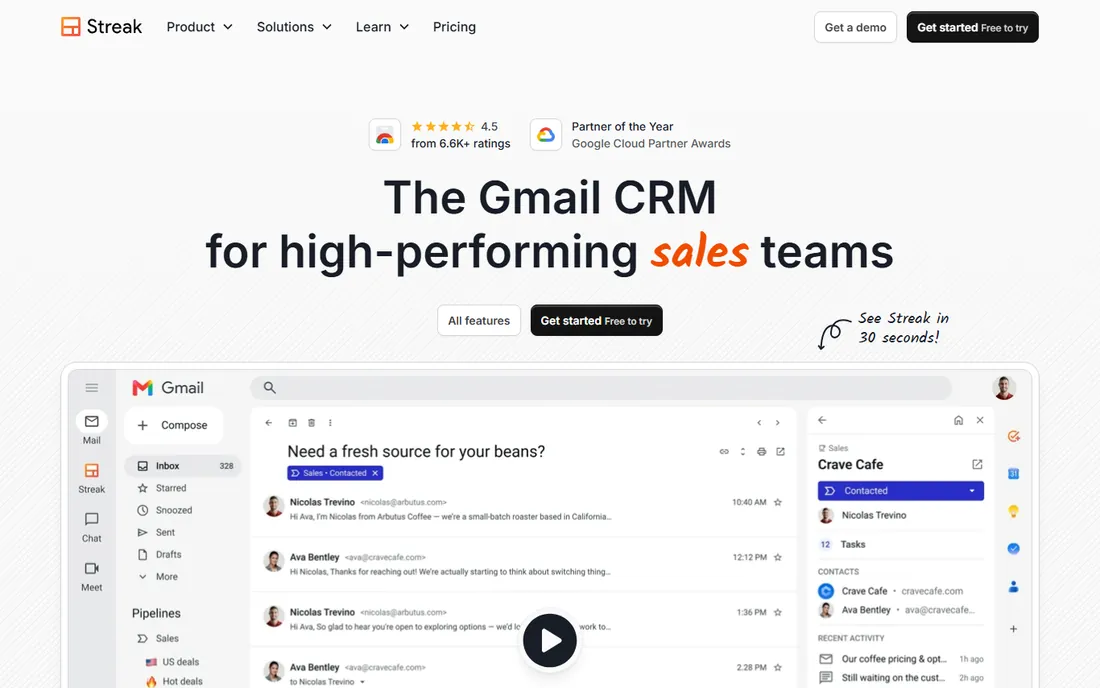
Streak is the only CRM here that is genuinely part of Gmail rather than connected to it. It adds pipelines, contact management, and email tools directly inside the inbox, so a rep can move a deal forward without ever opening another tab. For founders and small teams who live in email, that zero-context-switch design is the whole appeal.
Email tracking, snippets, and mail merge come standard, and the pipeline views adapt to sales, fundraising, hiring, or support workflows. Setup is fast because there is almost nothing to configure: install the extension, define your stages, and start working.
The trade-off is depth. Reporting and automation are lighter than HubSpot or Salesforce, and Streak assumes Gmail is your world. If your team uses Outlook, or if leadership needs serious forecasting, you will outgrow it. For Gmail-centric teams under fifty people, it is the most natural fit on this list.
What we like- Lives entirely inside Gmail, no tab-switching
- Visual pipelines for sales, hiring, and fundraising
- Email tracking and mail merge built in
Watch out for- Reporting is thin compared to full CRMs
- Assumes Gmail is your whole workflow
#2
Copper
Best for: Google Workspace teams that want zero data entry
Visit copper.com
Starting priceSee website
Free planFree trial (14 days)
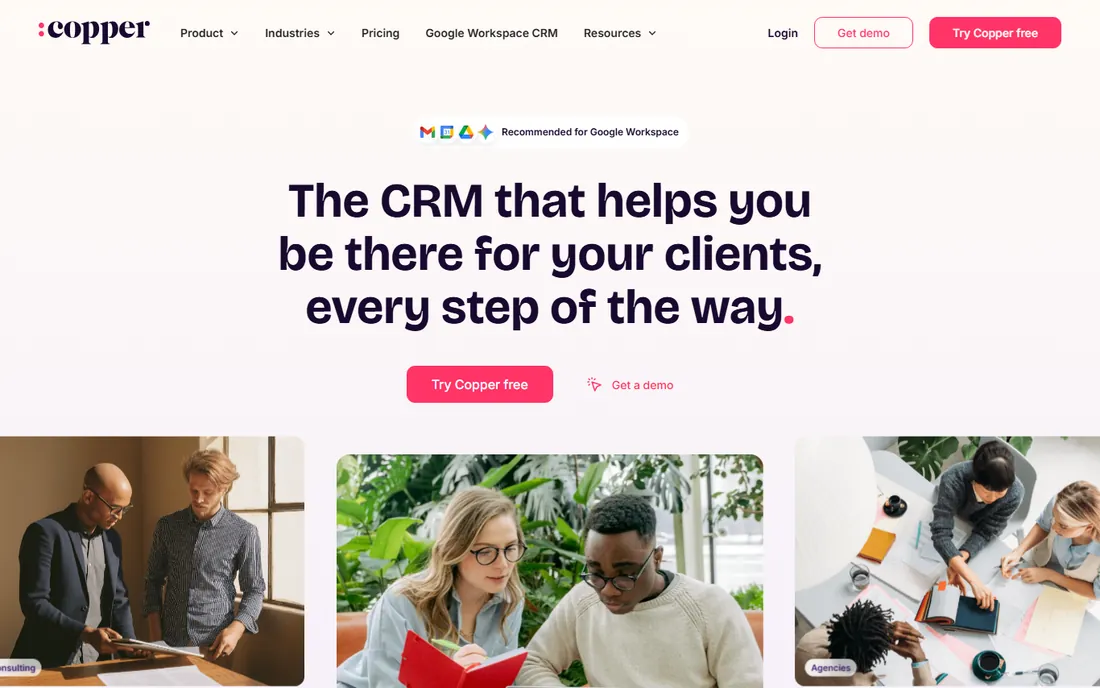
Copper, formerly ProsperWorks, was built from day one for Google Workspace, and Google lists it as a Recommended app. The signature trick is automatic data capture: emails, meetings, and contacts flow into the CRM without reps typing them in, which solves the adoption problem that kills most CRM rollouts before they start.
The interface is deliberately simple, and the 14-day free trial with no credit card required lets teams validate the fit quickly. Pipeline management, task automation, and reporting cover the needs of most small and mid-size sales teams without an admin to maintain it all.
The boundary is the ecosystem lock-in. Copper only works with Gmail and Google Workspace; there is no Outlook version and no on-premise option. Teams that need deep customization or complex multi-team automation will eventually feel the ceiling. For Workspace-native businesses, though, the fit is excellent.
What we like- Recommended for Google Workspace by Google
- Automatic contact and activity capture from Gmail
- Clean interface non-technical teams adopt fast
Watch out for- Only works with Google Workspace accounts
- Advanced customization lags Salesforce and HubSpot
Starting priceSee website
Free planSee website
HubSpot CRM's free tier is the most capable free starting point in this list, covering contacts, deals, tickets, and email integration without a time limit. The Google Workspace integration runs through a Chrome extension and sidebar that logs emails, tracks opens, and surfaces contact records inside Gmail, plus calendar sync for meetings.
For small teams, that combination is hard to beat: real CRM functionality at zero cost, with Google integration that works from day one. The platform grows with you through paid Sales, Marketing, and Service hubs when you are ready.
The catch is the upsell path, which is HubSpot's entire business model. Costs compound as seats, contacts, and feature needs grow, and the free tier's limits on automation and reporting push growing teams toward paid plans. Start free with eyes open, and model what the stack costs at your twelve-month headcount before you build deep.
What we like- Generous free tier covering core CRM
- Gmail and Calendar integration via extension and sidebar
- Huge integration marketplace
Watch out for- Paid hubs get expensive as you scale
- Free tier limits on automation and reporting
Starting priceSee website
Free planSee website
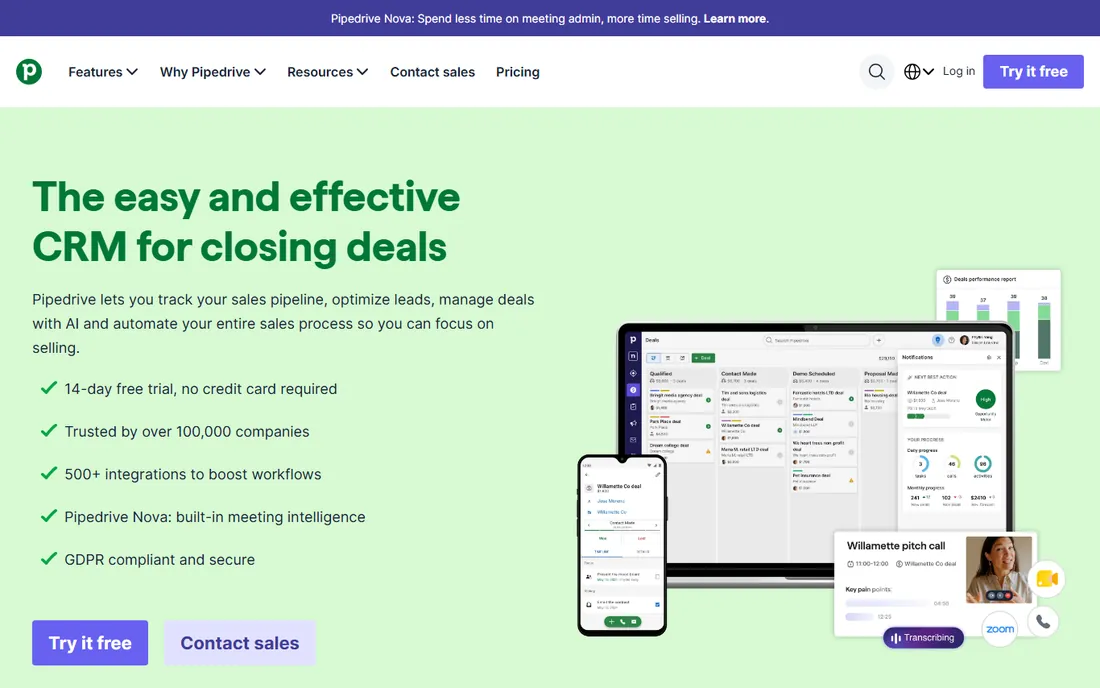
Pipedrive is the sales team's CRM, built around a visual pipeline that makes the next action obvious. Deals move through stages you define, activities attach to deals, and the Gmail integration syncs emails and calendar events so the record stays current without manual logging. Reps adopt it because it mirrors how they already think about selling.
The Google integration is solid rather than transformative: two-way email sync, calendar sync, and contact sync work reliably, but Pipedrive does not live inside Gmail the way Streak or Copper do. You work in Pipedrive with Google data flowing in, rather than working in Gmail with CRM layered on.
If your priority is pipeline discipline over inbox immersion, that trade is usually worth it. Marketing automation is thinner than HubSpot's, so teams that need serious email marketing pair Pipedrive with a dedicated tool.
What we like- Best-in-class visual sales pipeline
- Strong Gmail sync for email and calendar
- Simple enough that reps actually use it
Watch out for- Marketing features are thinner than HubSpot
- Built for sales teams, less for service
Starting priceSee website
Free planSee website
Salesforce is the default enterprise CRM for a reason: nothing else matches its customization depth, automation power, and third-party ecosystem. The Gmail connection runs through Salesforce Inbox, which brings CRM records into Gmail and logs emails back automatically, alongside broader Google Workspace integrations for Calendar, Drive, and Sheets.
For large or complex sales organizations, that combination is unmatched. Custom objects, approval workflows, territory management, and AI-assisted insights handle processes that would break simpler tools. The AppExchange fills nearly any functional gap.
The honest cost is complexity and price. Salesforce needs an administrator, or a consultant, to implement well, and per-user pricing plus add-ons make it the most expensive option here. Small teams with straightforward pipelines should not buy it for the logo. Buy Salesforce when your process genuinely needs the depth; otherwise the overhead will slow you down.
What we like- Deepest customization and automation in the industry
- Gmail integration via Salesforce Inbox
- Massive AppExchange ecosystem
Watch out for- Complex and expensive to implement well
- Overkill for small teams with simple needs
#6
Zoho CRM
Best for: Affordable all-in-one for small business
Visit zoho.com
Starting priceSee website
Free planSee website
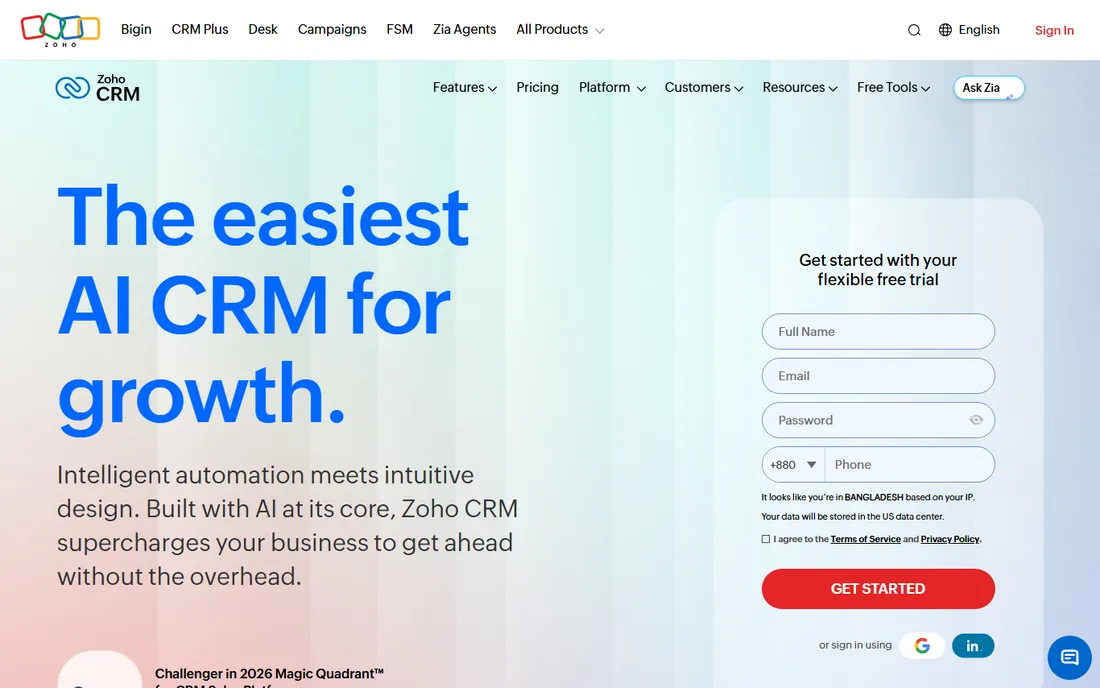
Zoho CRM is the value play: a capable CRM with Gmail, Calendar, and Drive integrations at price points that undercut most competitors, plus a free tier for very small teams. Email integration covers sending, tracking, and templates, and the Google Calendar sync keeps meetings aligned with CRM activities.
For businesses already using Zoho Books, Zoho Inventory, or other Zoho apps, the native connections across the suite are a genuine advantage. Customer, order, and invoice data flow between apps without middleware, which is exactly the integration story small businesses need.
The interface carries the weight of many features, and new users can find it busy next to Pipedrive or Copper. But on capability per dollar with solid Google Workspace integration, Zoho is difficult to beat for cost-conscious teams.
What we like- Strong value with a free tier for small teams
- Good Gmail, Calendar, and Drive integrations
- Part of a broad business suite
Watch out for- Interface can feel crowded with features
- Some advanced features sit behind higher tiers
Starting priceSee website
Free planSee website
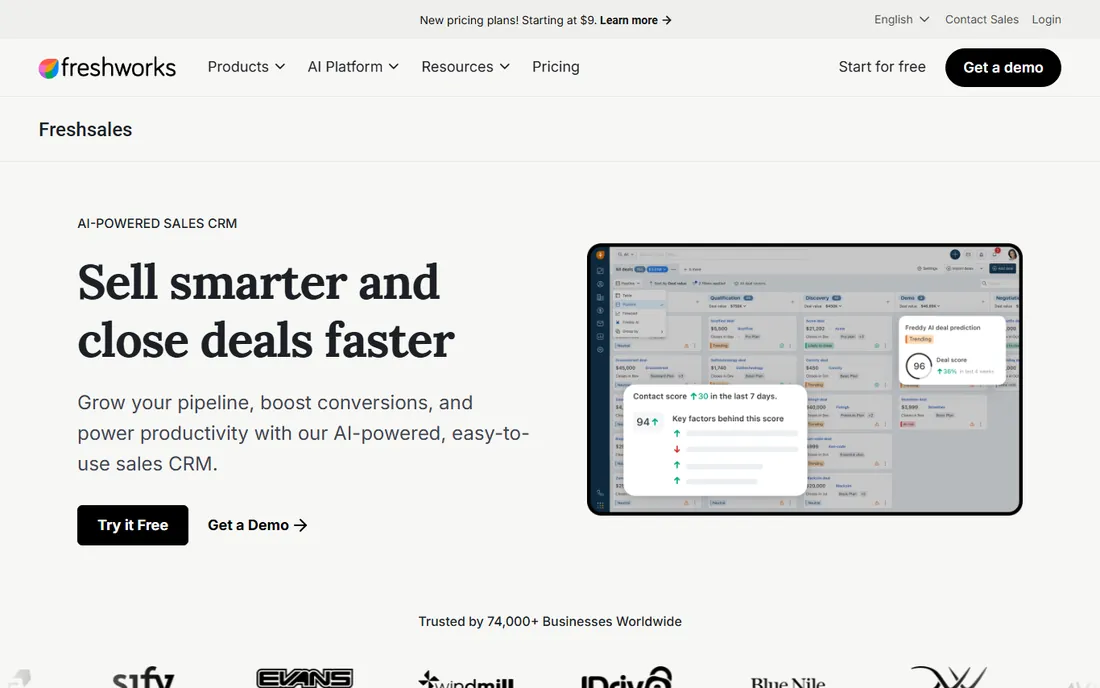
Freshsales, now sold as part of the Freshworks CRM suite, bundles the communication tools small sales teams actually use: phone, email, and chat live inside the CRM, so reps work from one screen instead of juggling apps. The Gmail integration syncs emails and calendar events, and the interface is modern without the clutter of older platforms.
It is a strong pick for teams that want HubSpot-like usability at a friendlier price, particularly those that make a lot of calls. The built-in telephony with call recording and logging removes the need for a separate dialer.
The Freshworks rebrand created some confusion, since the product is still called Freshsales but sold through freshworks.com. The third-party integration ecosystem is also smaller than HubSpot's or Salesforce's, so verify your must-have connections during the trial before committing.
What we like- Built-in phone, email, and chat in one interface
- Clean modern user experience
- Good value for growing teams
Watch out for- Rebrand under Freshworks confuses some buyers
- Smaller integration ecosystem than HubSpot or Salesforce
Starting priceSee website
Free planSee website
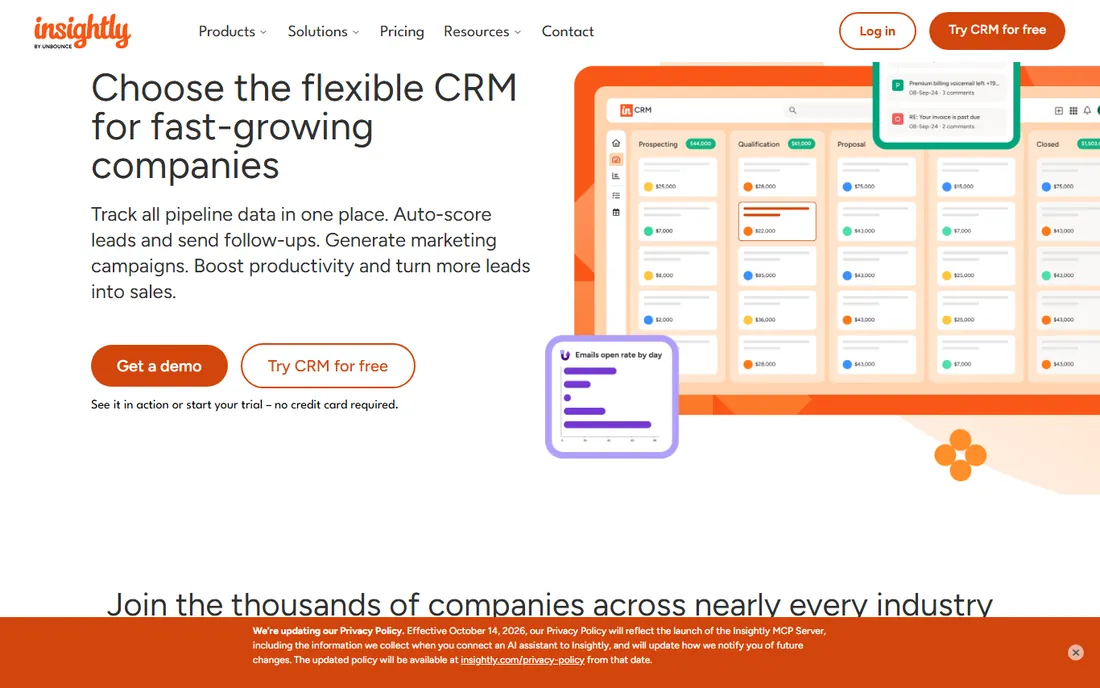
Insightly's differentiator is what happens after the deal closes. The platform pairs CRM with project management, so the handoff from sales to delivery stays in one system with shared contact and organization records. The Gmail integration includes a sidebar gadget, email linking, and calendar sync that keep both systems aligned.
That combination suits agencies, consultants, and B2B service firms where the relationship continues long past the signature. Converting a won opportunity into a project with tasks, milestones, and assigned owners happens in a couple of clicks, which is genuinely useful.
Pure sales teams may find the pipeline features less refined than Pipedrive's, and the interface shows its age next to newer competitors. But if your business sells projects rather than products, the built-in delivery tools save you from bolting a project app onto a sales CRM.
What we like- Combines CRM with project delivery tools
- Gmail sidebar and calendar sync
- Good for relationship-driven businesses
Watch out for- Less sales-pipeline focus than pure sales CRMs
- Interface feels dated next to newer rivals
Starting priceSee website
Free planSee website
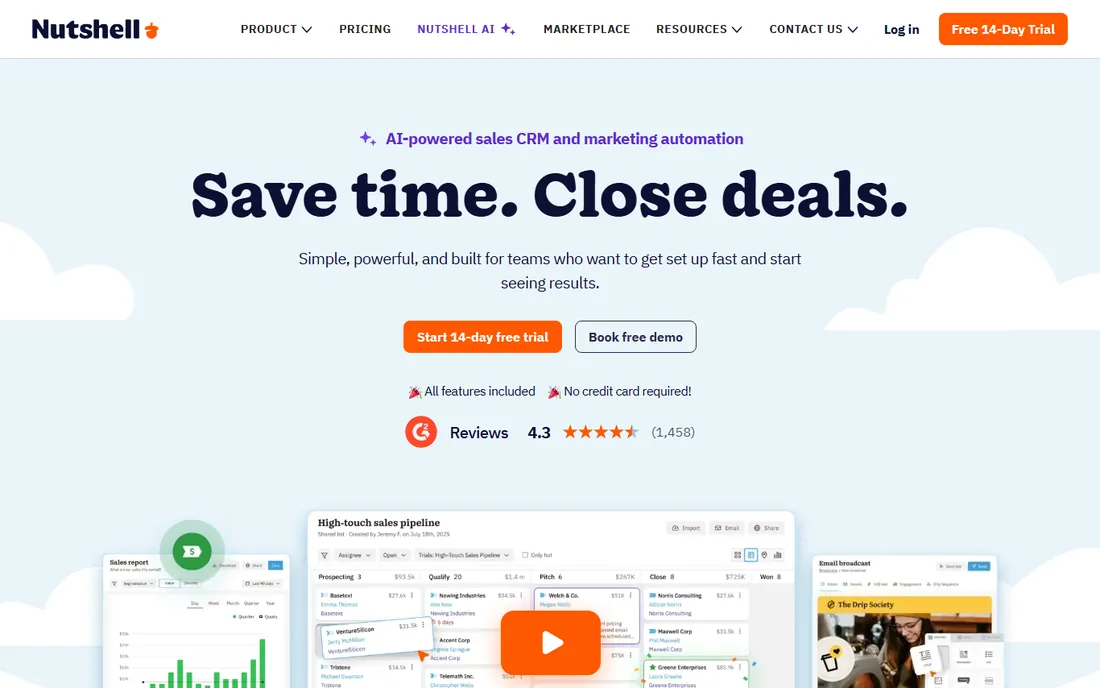
Nutshell is the anti-bloat CRM: a clean, focused sales tool that small teams can learn in an afternoon. Email sync connects Gmail and Outlook, calendar integration keeps activities aligned, and the pipeline views cover the sales fundamentals without burying them three menus deep.
The company emphasizes personal onboarding, with real humans helping your team get set up, which matters for businesses that have failed at CRM adoption before. Nutshell was acquired by WebFX in 2022 and continues to operate as its own product with its own roadmap.
The trade-off for simplicity is ceiling. Advanced automation, custom objects, and deep reporting are thinner than what HubSpot or Salesforce offer, and the integration marketplace is smaller. For teams of five to fifty that need a CRM people will actually open every day, that trade is often exactly right.
What we like- Clean interface designed for fast adoption
- Good email sync and calendar integration
- Personal onboarding support included
Watch out for- Fewer advanced automation features
- Smaller integration marketplace
Starting priceSee website
Free planSee website
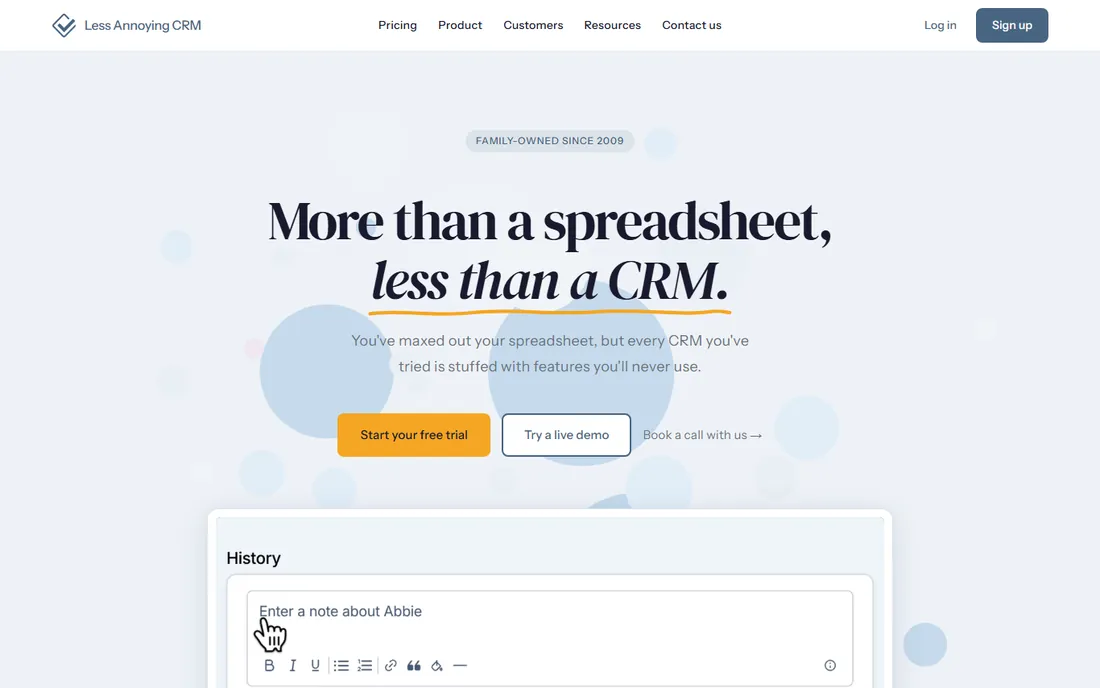
Less Annoying CRM does exactly what the name promises. There are no tiers, no feature gates, no implementation consultants: one flat price, one simple interface, and a support team of actual humans who answer quickly. Contacts, calendar, task reminders, and email integration cover the fundamentals, and the learning curve is effectively zero.
For solo founders, freelancers, and tiny teams drowning in spreadsheets, it is the gentlest possible step up to a real CRM. Everything is where you expect it to be, and nothing demands a training session.
The simplicity is also the limit. Automation is minimal, third-party integrations are few, and anything beyond a dozen users strains the model. Buy it for what it is, the simplest credible CRM for very small teams, not a platform to grow into.
What we like- Radically simple, no training required
- One flat price with no tiers or upsells
- Excellent human customer support
Watch out for- Minimal automation and integrations
- Not built for teams over a dozen people
How we chose
We evaluated each CRM on the depth of its Google Workspace integration first: Gmail sync quality, calendar and Drive connections, and whether the integration works inside Google apps or only in the CRM. Then we weighed standard CRM criteria: pipeline management, automation, reporting, pricing transparency, and fit for small versus large teams.
Our evidence came from vendor documentation, current pricing and integration pages, and public reviews on G2, Capterra, and Reddit, where real users describe what the Google integration actually does day to day. We did not run hands-on trials. CRM platforms are evaluated through demos and free trials in real sales workflows, so our comparisons reflect published capabilities and reviewer consensus, not lab testing. Where pricing was not published on the vendor's site, we marked it "See website" rather than repeating third-party figures.
Gmail-native versus Gmail-integrated: know the difference
The most important distinction in this category is architectural. Gmail-native CRMs like Streak and Copper run inside Gmail itself: the pipeline, the contact record, and the email tools share one interface, and reps never leave the inbox. Gmail-integrated CRMs like Salesforce, HubSpot, and Pipedrive keep the CRM as the home base and sync emails, calendar events, and contacts in the background.
Neither approach is universally better. Gmail-native wins on adoption for teams whose entire sales motion happens in email, because there is nothing new to learn and nothing to remember to update. But it inherits Gmail's limits: reporting, forecasting, and complex automation live more naturally in a full CRM interface.
Gmail-integrated wins when the sales process needs structure the inbox cannot provide: multi-stage pipelines with required fields, team forecasting, custom reporting, or automation across marketing and service. The cost is the oldest problem in CRM: reps must actually open the other tab and keep it updated.
Choose based on an honest read of your team. If they live in Gmail and resist new tools, go native. If your process needs the CRM to be the system of record with real reporting, go integrated and invest in the adoption work to make it stick.
How to evaluate Google Workspace integration before you buy
Test the Gmail workflow, not the feature list
Every vendor claims Gmail integration. During the trial, send real emails, book real meetings, and watch what lands in the CRM without manual effort. The gap between "we integrate with Gmail" and "your reps never copy-paste again" is where these products separate.
Check which direction the sync runs
Some integrations only push CRM data into Gmail, while others pull Gmail activity back into contact records automatically. You want both. One-way sync creates the familiar problem of an inbox full of context and a CRM full of gaps.
Calendar and Drive matter more than vendors admit
Meeting sync prevents double-booking and keeps activity history complete. Drive integration keeps proposals and contracts attached to the right records instead of lost in shared folders. Ask specifically about both, not just Gmail, because shallow Calendar and Drive support is common.
Confirm the admin and security story
Google Workspace admins need to know how the CRM connects: via OAuth, a marketplace app, or a browser extension, and what data permissions each requires. Marketplace-listed apps with Google's verification tend to be the smoothest to approve and deploy across a team.
Model the cost at your real seat count
Free tiers and entry prices look attractive until you add seats, contacts, and the paid features your process actually needs. Price the configuration you will run in twelve months, not the one you start with, and include any required onboarding or implementation help.
Frequently asked questions
What does Google Apps integration mean for a CRM?
It means the CRM connects with Google Workspace apps, mainly Gmail, Calendar, and Drive. Deep integration syncs emails, meetings, and files automatically in both directions. Shallow integration might only let you send an email from the CRM or view a calendar. The depth of the sync is what separates the tools on this list.
Is Google Apps the same as Google Workspace?
Yes. Google renamed Google Apps for Work to G Suite in 2016, then to Google Workspace in 2020. The products are the same ones: Gmail, Calendar, Drive, Docs, Sheets, and Meet. When CRM vendors say Google Workspace integration, they mean the same thing older pages call Google Apps integration.
Which CRM is built inside Gmail?
Streak is the most Gmail-native option: it runs entirely inside the Gmail interface as a browser extension. Copper also works deeply inside Gmail with automatic data capture, though it has its own web app as the home base. Both are designed for teams whose work happens in the inbox.
What is the best free CRM with Gmail integration?
HubSpot CRM has the most capable free tier with Gmail integration through its Chrome extension, covering contacts, deals, and email tracking at no cost. Zoho CRM and Freshsales also offer free tiers with Google integration. Compare the free limits on contacts, emails, and automation before you commit your data.
Do I need a paid Google Workspace plan to use these CRMs?
Most of these CRMs work with free Gmail accounts for basic email integration, but team features like shared inboxes, admin deployment, and domain-wide installation typically require a paid Google Workspace plan. Copper in particular is designed around Google Workspace accounts rather than personal Gmail.
Can I migrate from spreadsheets to one of these CRMs?
Yes, and all ten support CSV import of contacts and companies. The harder part is cleaning the spreadsheet data first: deduplicate contacts, standardize company names, and decide what historical emails matter. Most vendors offer import help or onboarding, and this cleanup step determines whether the migration succeeds.
Sources we checked (10)
- https://www.streak.com/
- https://www.copper.com/
- https://www.hubspot.com/
- https://www.pipedrive.com/
- https://www.salesforce.com/
- https://www.zoho.com/crm/
- https://www.freshworks.com/crm/sales/
- https://www.insightly.com
- https://www.nutshell.com/
- https://www.lessannoyingcrm.com
Is your product missing or out of date?
We review this list regularly. Vendors can request a listing, send updated pricing or ask about featured placement.

Shihab Mia · Founder, Rankite
Shihab has spent more than a decade helping SaaS and e-commerce brands grow through search. He writes Rankite's software buying guides from pricing pages, documentation and public user reviews. More about Shihab.