How we make this list: we compare pricing pages, product documentation and public user reviews. Ratings come from G2, Capterra or Trustpilot, with the date we checked them.
Key takeaways
- This list covers services that digitize old tapes and film, not video editing software, so the comparison covers transfer quality, safety, and delivery.
- Legacybox is the best known all round service, with a simple mail in kit and a long track record.
- iMemories suits families who want an app and cloud streaming alongside digitized files.
- ScanCafe is the best choice for careful, hand checked transfers, with a slower but more thorough process.
- Southtree and Capture offer strong value for large orders of tapes.
- Old tapes degrade over time, so transfer sooner rather than later, and keep a backup of the digital files in two places.
Quick comparison
| Tool | Best for | Starting price | Free plan |
|---|
 Legacybox Legacybox | All round mail in transfers | See website | No |
 iMemories iMemories | App and cloud streaming | See website | No |
 ScanCafe ScanCafe | Careful hand checked transfers | See website | No |
 Southtree Southtree | Value for large orders | See website | No |
 Capture Capture | Simple tape transfers | See website | No |
 Kodak Digitizing Kodak Digitizing | Trusted brand transfers | See website | No |
 EverPresent EverPresent | Local and mail in service | See website | No |
 DigMyPics DigMyPics | Photo and video digitizing | See website | No |
Is your product missing or out of date?
We review this list regularly. Vendors can request a listing, send updated pricing or ask about featured placement.
The best video transfer service
Starting priceSee website
Free planNo

Legacybox is the best known video transfer service, built around a simple mail in kit: order a box sized for your number of items, fill it with tapes or film, and send it back with the prepaid label. The service handles VHS, VHS-C, Hi8, MiniDV, and other camcorder tapes, plus 8mm and 16mm film, and returns digital files on DVD, USB, or cloud download depending on the plan, along with your originals.
Pricing varies by the number of items and delivery format, so check the current price for your order size. Turnaround can run several weeks at busy times. For a straightforward, trusted transfer of family tapes, Legacybox is the default recommendation.
What we like- Simple mail in kit
- Long track record
- Handles many tape and film formats
Watch out for- Pricing varies by quantity
- Turnaround can be weeks
- Digital delivery options cost extra on some plans
Starting priceSee website
Free planNo
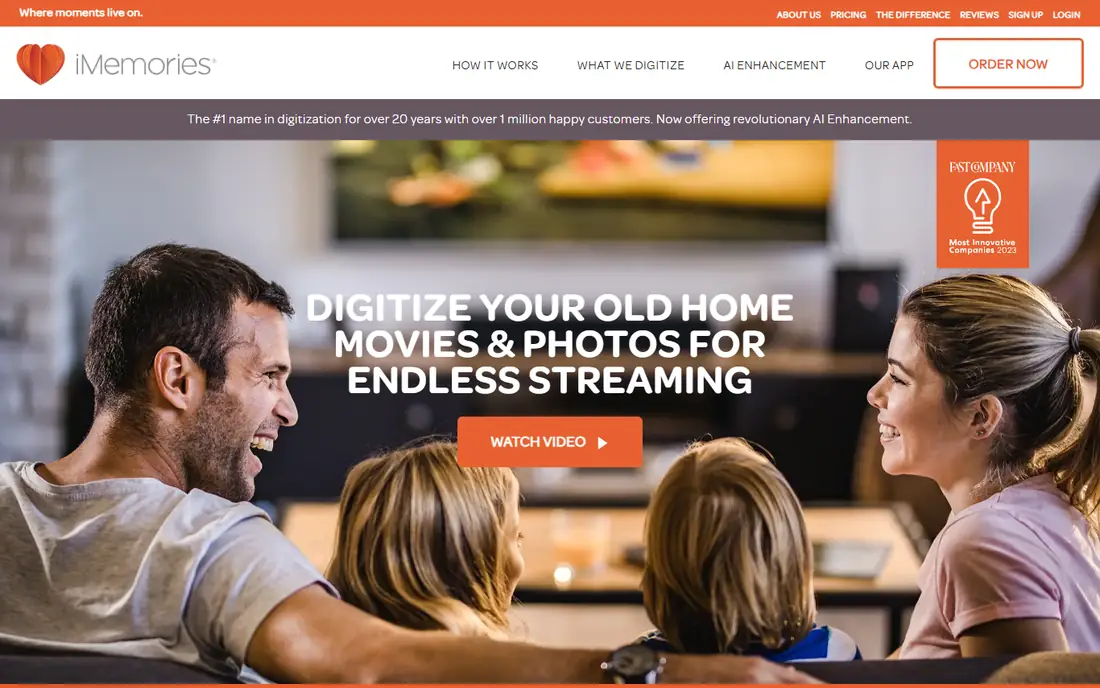
iMemories digitizes tapes, film, photos, and audio, and stands out for its cloud platform and app, which let you stream digitized memories on phones, TVs, and computers and share them with family without mailing USB drives around. That streaming focus suits families spread across the country who want to watch old home videos together.
Full cloud features need a subscription for continued access on some plans, and pricing varies by media type and quantity. For families who value easy streaming and sharing over a simple file delivery, iMemories is the best choice.
What we like- Cloud streaming and app
- Easy sharing with family
- Handles tapes, film, and photos
Watch out for- Cloud features need a subscription for full use
- Pricing varies
- Turnaround varies
Starting priceSee website
Free planNo
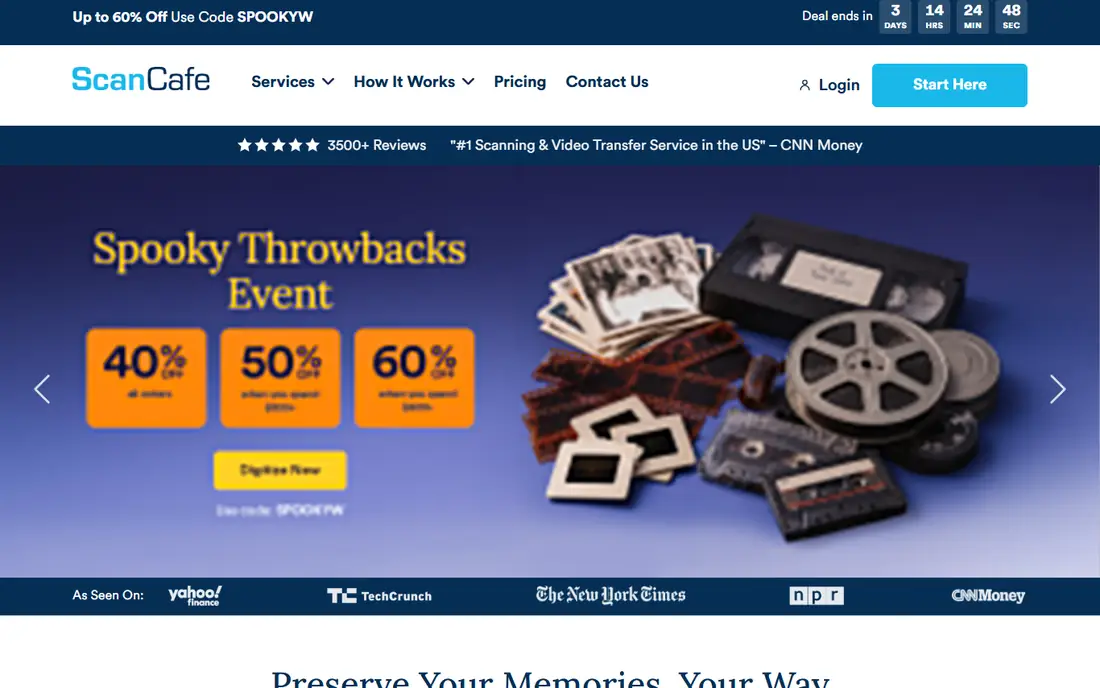
ScanCafe is known for careful, hand checked digitizing, with operators reviewing transfers for quality rather than running everything through an automated line. That care shows in color, exposure, and handling of fragile film and photos, and ScanCafe is a strong choice for valuable or damaged originals where quality matters more than speed.
Turnaround is slower than automated rivals, and pricing varies by media type. For irreplaceable family films or a small set of precious tapes, ScanCafe thoroughness is worth the wait.
What we like- Hand checked transfers
- Careful color and quality work
- Strong for photos and film
Watch out for- Slower turnaround
- Pricing varies
- Less suited to rush orders
Starting priceSee website
Free planNo
Southtree offers competitive pricing for video transfers, especially for large orders of tapes, with a simple mail in process and handling for common tape and film formats. Families with boxes of tapes from decades of camcorder use will find Southtree pricing attractive compared with per item premium services.
Cloud and app features are thinner than iMemories, and turnaround varies with order size. For a large, cost sensitive transfer project, Southtree is a strong value pick.
What we like- Competitive pricing for bulk orders
- Handles tapes and film
- Simple mail in process
Watch out for- Fewer cloud features than iMemories
- Turnaround varies
- Pricing varies by format
Starting priceSee website
Free planNo
Capture, formerly known as YesVideo, offers straightforward digitizing of common tape formats, with digital files delivered on DVD, USB, or download depending on the plan, and originals returned. The ordering process is simple, which suits first time users who just want their tapes converted without choosing among many options.
Film options are fewer than some rivals, and pricing and delivery details vary by plan. For a simple transfer of VHS and camcorder tapes, Capture is a dependable choice.
What we like- Simple ordering
- Handles common tape formats
- Digital files plus originals returned
Watch out for- Fewer film options than some rivals
- Pricing varies
- Delivery options vary by plan
Starting priceSee website
Free planNo
Kodak Digitizing Box Service, run under the Kodak brand, digitizes tapes, film, photos, and audio through a tracked mail in kit. The Kodak name gives many customers confidence when mailing irreplaceable originals, and the service covers a wide range of formats in one box.
Pricing varies by box size and media type, and turnaround can run several weeks. For customers who want a familiar brand handling family memories, Kodak Digitizing is a reassuring choice.
What we like- Trusted Kodak brand
- Handles tapes, film, photos, and audio
- Tracked mail in kit
Watch out for- Pricing varies
- Turnaround can be weeks
- Premium feel at a premium price
Starting priceSee website
Free planNo
EverPresent offers digitizing through local drop off locations in some areas plus a nationwide mail in option, covering video tapes, film, photos, and audio. Local drop off suits customers nervous about mailing originals, since they can hand tapes to a person and ask questions in store.
Local availability varies by region, and the national footprint is smaller than Legacybox or Kodak. For customers near an EverPresent location, or those who prefer a local touch, it is a strong option.
What we like- Local drop off in some areas
- Mail in option nationwide
- Photo and video expertise
Watch out for- Local availability varies
- Pricing varies
- Smaller national footprint
Starting priceSee website
Free planNo
DigMyPics digitizes video tapes and film alongside photo scanning, which suits mixed orders where a family has both tapes and boxes of prints to preserve. Its smaller operation allows careful handling and personal service, with digital delivery on USB or download.
Turnaround varies, and pricing varies by media type and quantity. For a mixed photo and video project handled by one service, DigMyPics is a practical choice.
What we like- Strong photo scanning alongside video
- Careful handling
- Good for mixed orders
Watch out for- Smaller operation
- Turnaround varies
- Pricing varies by media
How we chose
We ranked services by transfer quality, handling safety, format coverage, turnaround, delivery options, and price, favoring services with tracked mail in kits and clear handling procedures. We gave extra weight to services that explain their process openly, including how tapes are cleaned, how tracking problems are handled, and what happens when a tape breaks during transfer. Transparency matters more here than in most categories, because customers cannot watch the work happen and must trust the service with irreplaceable originals. Services with vague handling descriptions or no tracking scored lower, even when their prices were competitive. We gave extra weight to services that return originals safely and offer cloud or USB delivery alongside DVD, since discs degrade and scratch. Pricing varies by media type, quantity, and delivery format across this market, so starting prices are listed as See website and readers should price their exact order.
Buying guide
Start by counting and identifying your media. VHS, VHS-C, Hi8, MiniDV, and 8mm film need different handling, and most services price by item and format. Count tapes, note any damaged or moldy ones, and tell the service about them, since damaged tapes need special handling and may cost more.
Next, choose your delivery format. USB drives are practical for watching on TVs and computers, cloud streaming suits sharing with family, and DVDs are the least durable option. Whatever you choose, keep a backup: copy the digital files to a second drive or cloud account, since a single copy is barely better than a single tape.
Finally, check handling and turnaround before mailing. Use tracked shipping, keep a list of what you sent with photos of labels, and confirm the service returns originals. Turnaround of several weeks is normal, so do not send tapes you need soon, and transfer sooner rather than later, since magnetic tapes degrade every year. Label your tapes before sending them, so the service can match digital files to originals without confusion.
Frequently asked questions
How long does video transfer take?
Most mail in services take several weeks from arrival to return, depending on order size and season. Rush options exist at some services for an extra fee, but plan on weeks, not days.
Will my original tapes be returned?
Yes, reputable services return your originals along with the digital files. Keep a list of what you sent and check the return package carefully on arrival.
What quality will digitized video be?
Digitized video matches the quality of the source tape, which is standard definition for VHS and camcorder tapes. A good service preserves that quality cleanly, but it cannot add detail that was never on the tape.
Can damaged or moldy tapes be transferred?
Sometimes, with special handling and cleaning, but success is not guaranteed and costs more. Tell the service about damage before sending, and do not play a moldy tape in a home player, since it can damage the player.
Should I choose DVD, USB, or cloud delivery?
USB is the most practical for watching and backing up, cloud suits sharing with family, and DVD is the least durable. Whatever you choose, keep a second backup copy in another place.
Sources we checked (0)
Is your product missing or out of date?
We review this list regularly. Vendors can request a listing, send updated pricing or ask about featured placement.

Shihab Mia · Founder, Rankite
Shihab has 5+ years in B2B and SaaS SEO. He writes Rankite's software buying guides from pricing pages, documentation and public user reviews. More about Shihab.