How we make this list: we compare pricing pages, product documentation and public user reviews. Ratings come from G2, Capterra or Trustpilot, with the date we checked them.
Key takeaways
- Local recording matters most for video podcasts, because each guest is captured on their own device instead of over a compressed call.
- Riverside and Zencastr lead for remote recording quality, while StreamYard and Restream lead for live shows and multistreaming.
- Hour caps, watermark rules, and video resolution often decide the real cost more than the monthly plan price.
- Descript suits creators who want recording, editing, and publishing in fewer tools, while Talk Studio and Be.Live cover live shows and multistreaming.
Quick comparison
| Tool | Best for | Starting price | Free plan |
|---|
 Riverside Riverside | Remote studio recording | $24 per month | Yes |
 StreamYard StreamYard | Live video shows | $35.99 per month | Yes |
 Zencastr Zencastr | Free and simple remote recording | $20 per month | Yes |
 Talk Studio Talk Studio | Browser live recording and multistreaming | Free | Yes |
 Be.Live Be.Live | Branded live video shows | See website | Free trial (14 days) |
 Restream Restream | Multistreaming live video | $16 per month | Yes |
 Ecamm Live Ecamm Live | Mac live production | $16 per month | Free trial (14 days) |
 Descript Descript | Text-based video editing | $24 per month | Yes |
Is your product missing or out of date?
We review this list regularly. Vendors can request a listing, send updated pricing or ask about featured placement.
#1Riverside
Best for: Remote studio recording4.8/5 on
G2 (1,754 reviews, checked Oct 2026)
Visit riverside.com
Starting price$24 per month
Free planYes
Riverside is the default choice for remote video podcasts that need clean, separate tracks. Each guest records locally, so a weak connection does not ruin the final file. Paid plans add up to 4K video, lossless audio, transcription, text-based editing, and Magic Clips for short social videos.
Pricing needs care. Pro costs $24 per month billed annually, with 15 separate-track download hours per month in current materials, while Grow adds live streaming and more hours. The free plan gives 2 hours of multi-track recording at 720p with a watermark. For a weekly interview show, count retakes and session length against the hour cap before choosing a tier.
What we like- Local recording up to 4K with separate tracks
- Text-based editing and AI clips
- Podcast hosting on paid plans
Watch out for- Separate-track hour caps apply on paid plans
- Free plan is a one-time 2-hour allowance with watermark
Starting price$35.99 per month
Free planYes
StreamYard suits creators who run live video podcasts and want guests on screen with minimal setup. Guests join from a browser link, hosts add logos, overlays, and layouts, and the show can stream to several platforms at once. It is one of the easiest live studios to run solo, which is why many interview shows start here.
The free plan streams to one destination with StreamYard branding and 2 hours of local recordings per month. Core costs $35.99 per month on annual billing, or $44.99 billed monthly, with 1080p streaming, three destinations, and unlimited local recordings. Advanced adds 4K local recordings, eight destinations, and webinars. Check whether you need live streaming or only recording, because Riverside may be cheaper for recorded-only shows.
What we like- Browser studio with no downloads for guests
- Multistreaming and branding tools
- Live audience features
Watch out for- Paid plans are priced for individuals
- Local recording limits apply on the free plan
#3Zencastr
Best for: Free and simple remote recording3.7/5 on
G2 (30 reviews, checked Oct 2026)
Visit zencastr.com
Starting price$20 per month
Free planYes
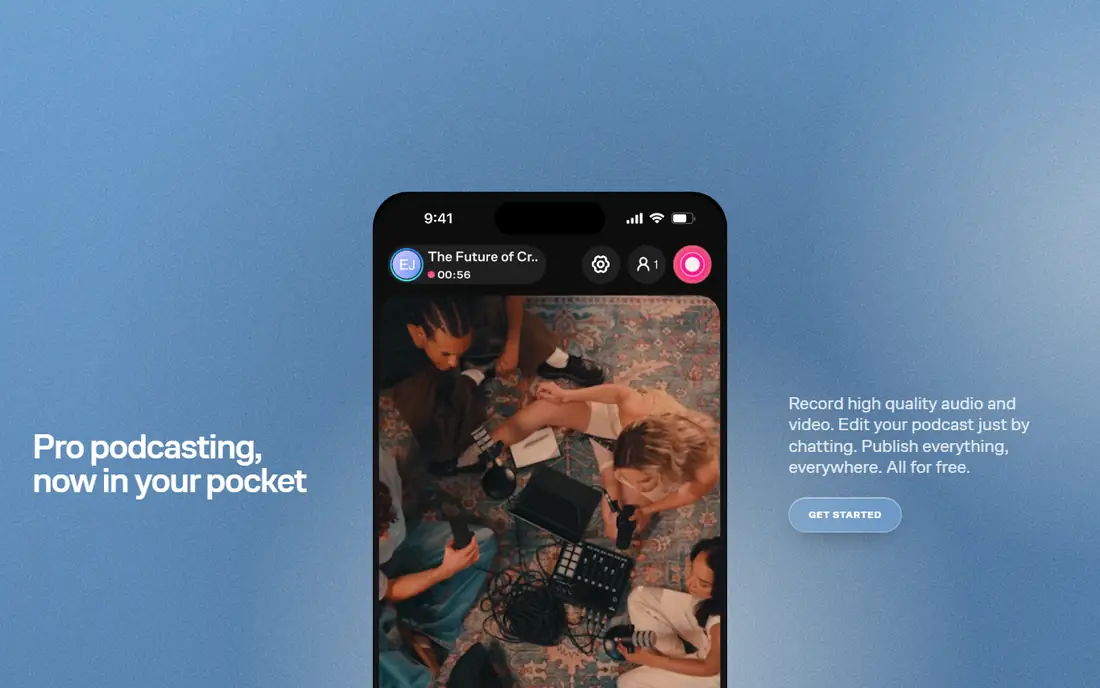
Zencastr is a strong pick for new video podcasters who want to start without paying. Its free plan includes unlimited recording in current materials, with hosting for several shows, while paid plans add ZenAI editing, 4K video, social clips, and team features. Standard costs $20 per month, Grow $30, and higher tiers add more shows and seats.
The trade-off is paid value. If the free plan already covers your recording needs, upgrading mainly buys editing, clips, and hosting extras. That is still useful for growing shows, but solo creators should test the free tier first and upgrade only when editing time or clip creation becomes a bottleneck. Guest access stays simple, with browser or iOS joining and no downloads.
What we like- Generous free plan with unlimited recording
- Browser-based guest access
- Built-in hosting and distribution
Watch out for- Paid tiers cost more than some rivals for small shows
- Advanced features spread across plans
Starting priceFree
Free planYes
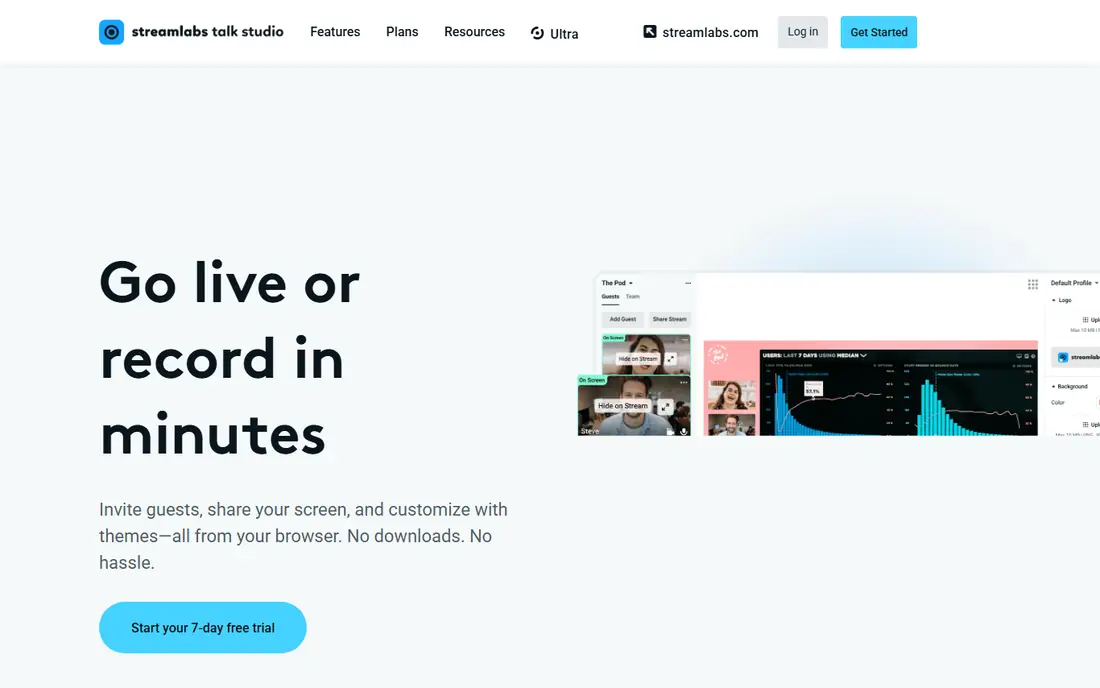
Talk Studio, formerly known as Melon and now part of Streamlabs, runs live shows and recordings entirely in the browser. Guests join with a link, hosts add logos, backgrounds, and layouts, and each participant is captured on a separate track for editing. The free plan costs nothing, while Standard starts at $7.50 per month and Pro at $12 per month in current vendor pricing.
The free tier works for testing a show format, but regular publishing usually needs a paid plan for more destinations and longer recordings. Talk Studio fits interview shows that go live and also want a clean recording for later editing. Compare it with StreamYard if you need deeper audience tools, and with Riverside if local recording quality matters more than live reach.
What we like- No downloads for hosts or guests
- Local recording with separate tracks
- Multistreaming to major platforms
Watch out for- Free plan limits destinations and recording time
- Advanced branding sits on paid tiers
#5Be.Live
Best for: Branded live video shows4.3/5 on
G2 (28 reviews, checked Oct 2026)
Visit be.live
Starting priceSee website
Free planFree trial (14 days)
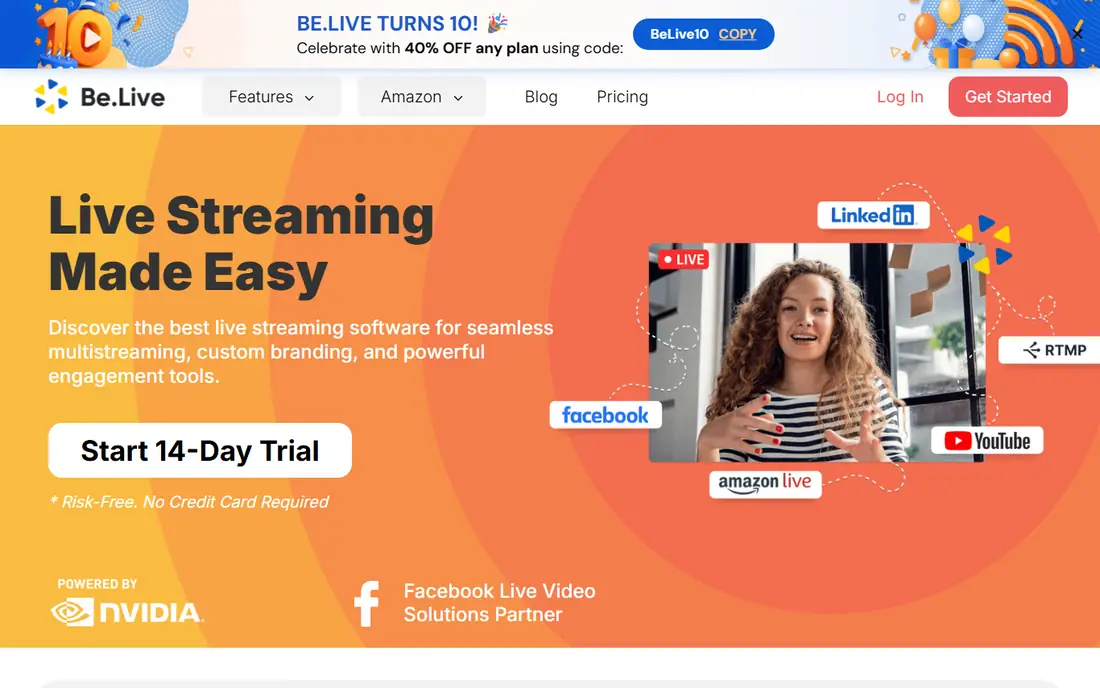
Be.Live is a browser-based live studio built around branded shows. Hosts customize streams with logos, overlays, lower thirds, and widgets, bring guests on screen, and stream to several platforms at once. An AI comment assistant can feature audience comments on screen, and the built-in editor trims and repurposes finished streams into clips.
The catch is the trial window. Be.Live offers a 14-day trial with no credit card required, but no permanent free tier, so budget for a paid plan from the start. Pricing is not published on the homepage, so check the pricing page before committing. For creators whose show is live first and edited second, Be.Live is a strong alternative to StreamYard, especially when on-screen branding and audience interaction matter most.
What we like- Browser studio with branding and overlays
- Comment tools that surface audience messages on screen
- Built-in editor for repurposing clips
Watch out for- No permanent free plan beyond the trial
- Live-focused, so recorded-only shows may prefer Riverside
#6Restream
Best for: Multistreaming live video4.5/5 on
G2 (82 reviews, checked Oct 2026)
Visit restream.io
Starting price$16 per month
Free planYes
Restream is built for reach. Its free plan streams to two channels, while Standard costs $16 per month billed annually with three channels in some materials and no branding, and Professional costs $39 billed annually with 1080p Studio output and more channels. Creators can use the browser Studio or stream from OBS and other encoders, with Restream passing through higher quality from an external encoder.
For video podcasts, Restream fits live shows and repurposed live episodes more than studio recording. It does not offer the same local multitrack recording focus as Riverside. Choose Restream when live distribution to several platforms is the priority, and pair it with a recording tool if you need separate high-quality tracks for editing.
What we like- Streams to many channels at once
- Browser studio plus external encoder support
- Low entry price
Watch out for- Studio resolution is capped on lower plans
- Recordings and add-ons cost extra at higher tiers
#7Ecamm Live
Best for: Mac live production4.3/5 on
G2 (19 reviews, checked Oct 2026)
Visit ecamm.com
Starting price$16 per month
Free planFree trial (14 days)
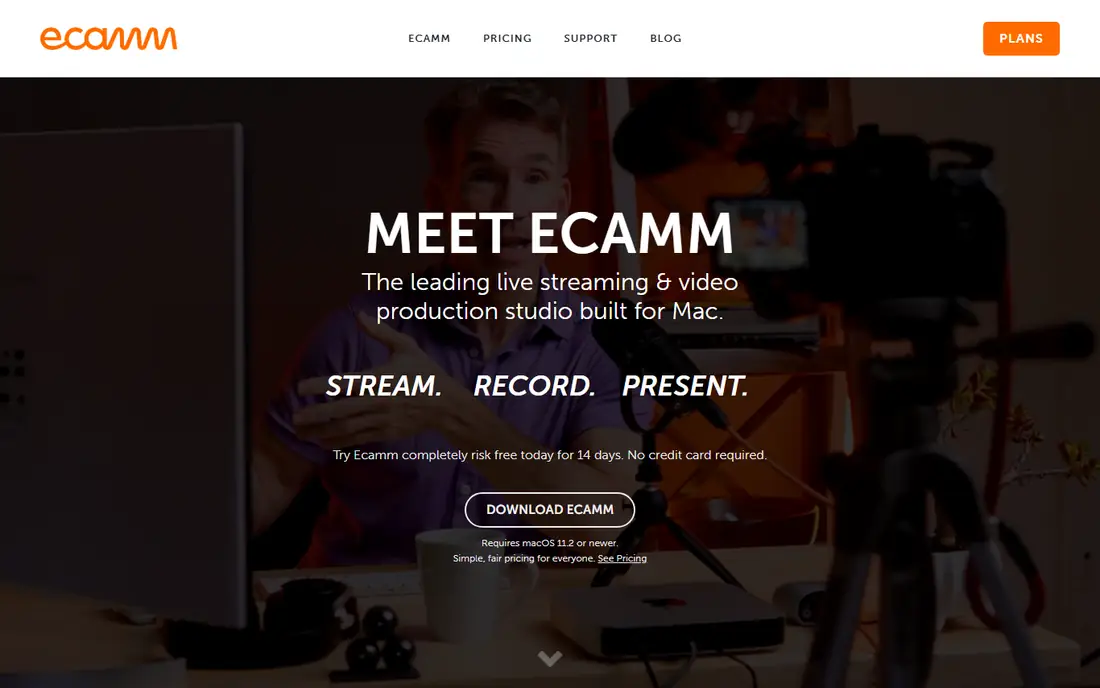
Ecamm Live turns a Mac into a live video production studio. Hosts can switch cameras, share screens, add overlays and lower thirds, bring in remote guests with Interview mode on Pro, and stream to several platforms. Standard costs $16 per month billed annually, or $20 billed monthly, while Pro costs $32 billed annually with 4K streaming, isolated recordings, and advanced audio tools.
The limit is platform. Ecamm Live runs only on Mac, so Windows creators need another tool. It also has no permanent free plan, only a 14-day trial. For Mac-based creators who run live video podcasts with cameras, graphics, and audience interaction, Ecamm offers more production control than a browser studio at a similar price.
What we like- Full live production studio on Mac
- Multistreaming, overlays, and interview mode
- One-time-style simple pricing
Watch out for- Mac only
- No free plan beyond the trial
#8Descript
Best for: Text-based video editing4.6/5 on
G2 (928 reviews, checked Oct 2026)
Visit descript.com
Starting price$24 per month
Free planYes
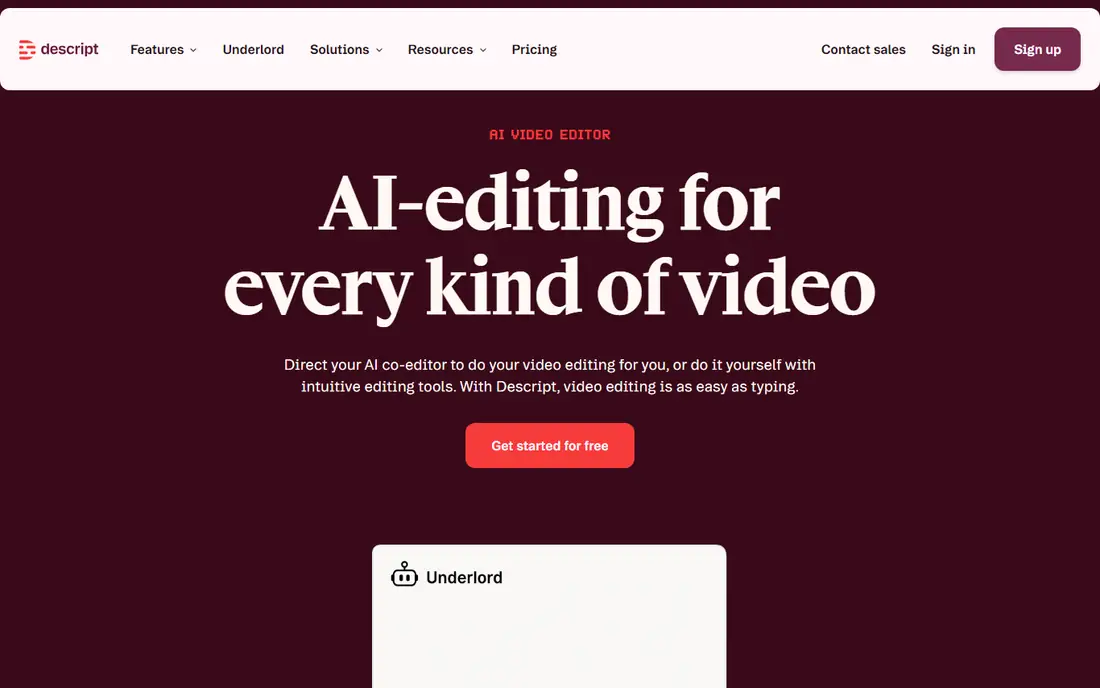
Descript suits creators who spend more time editing than recording. Its text-based editor lets you cut video by deleting words from a transcript, clean audio with Studio Sound, remove filler words, and create clips for social platforms. It also includes screen recording, transcription, and remote recording, so a full episode can move from record to publish in one place.
The entry price is higher than Talk Studio and Zencastr, and Descript is not the best pure live streaming tool. For recorded video podcasts with heavy editing, though, the time saved in post-production can justify the cost. Test the free plan first, and check transcription and AI feature limits on the plan you choose, since those affect weekly publishing.
What we like- Edit video by editing text
- Studio Sound and filler-word removal
- Recording and publishing tools in one app
Watch out for- Hobbyist plan is $24 per month
- Learning curve for advanced video editing
How we chose
We reviewed pricing pages, product documentation, and public reviews on G2, Capterra, and Reddit, alongside features, integrations, and company-size fit. Tools qualified only when they support remote or live video podcast recording, editing, or distribution. Where prices differ by billing period, we used the annual rate and noted the monthly rate where it mattered.
How to pick a video podcast studio
Start with how you publish, not with a feature list. A recorded interview show, a live show, and a heavily edited show need different tools.
For recorded remote interviews
Choose a local recording tool such as Riverside or Zencastr. Check separate-track quality, hour caps, and export options. Record a test episode with a guest on a weak connection, then inspect the separate tracks before you commit.
For live shows
Choose StreamYard, Restream, or Ecamm Live, depending on platform and production needs. Check destination limits, branding, chat tools, and recording quality. A live tool that cannot save clean separate tracks may still need a recording tool for edited replays.
For editing-heavy shows
Choose Descript, and compare transcription accuracy, AI cleanup, clip tools, and publishing options. Editing time is often the real cost of a video podcast, so a tool that cuts editing time can be worth a higher monthly price.
Frequently asked questions
What makes a video podcast platform different from Zoom?
A video podcast platform records each guest locally in high quality with separate tracks, instead of capturing a compressed call. That gives editors clean audio and video for each person, better exports, and fewer problems when a connection drops.
Do I need 4K video for a video podcast?
Not always. Most viewers watch on phones or laptops, where 1080p looks clean. 4K helps for cropping, future-proofing, and professional production, but it also increases file size and editing load. Start with 1080p unless your show needs heavy cropping.
Can I record a video podcast for free?
Yes, with limits. Riverside, Zencastr, Talk Studio, and Restream offer free plans, and Ecamm offers a trial. Free plans usually cap hours, resolution, or exports, and may add a watermark. They work well for testing, but regular publishing usually needs a paid plan.
How many guests can these platforms handle?
Most tools in this list support up to 10 on-screen participants on paid plans, with some offering more backstage guests. Check the plan you choose, because free plans often cap guests at fewer participants.
Should I stream live or record first?
Record first if you want clean editing and fewer mistakes on air. Stream live if audience interaction, timing, or event coverage matters. Many creators record the main episode, then stream a live version or clips later for reach.
What equipment do I need to start?
A decent USB microphone, a webcam or camera, good lighting, and a quiet room cover most shows. Software quality matters, but audio clarity matters more than camera price for early episodes. Upgrade one item at a time as the show grows.
Sources we checked (8)
- https://www.riverside.com
- https://www.streamyard.com
- https://www.zencastr.com
- https://melonapp.com
- https://be.live
- https://www.restream.io
- https://www.ecamm.com
- https://www.descript.com
Is your product missing or out of date?
We review this list regularly. Vendors can request a listing, send updated pricing or ask about featured placement.

Shihab Mia · Founder, Rankite
Shihab has 5+ years in B2B and SaaS SEO. He writes Rankite's software buying guides from pricing pages, documentation and public user reviews. More about Shihab.