How we make this list: we compare pricing pages, product documentation and public user reviews. Ratings come from G2, Capterra or Trustpilot, with the date we checked them.
Key takeaways
- Riverside leads on remote recording quality, with separate local tracks for each guest in up to 4K video.
- StreamYard leads on live streaming simplicity, with multistreaming to YouTube, Facebook, and LinkedIn from one browser tab.
- Descript leads on text-based editing, letting you cut video by deleting words from a transcript.
- Zencastr and Squadcast suit audio-first podcasters who want video as a second output, not the main product.
- Restream suits creators who stream live to many platforms at once and want chat in one place.
- Local recording matters more than internet speed: a guest with a weak connection still sounds good if their track is recorded locally.
Quick comparison
| Tool | Best for | Starting price | Free plan |
|---|
 Riverside Riverside | Remote recording quality | See website | Free trial |
 StreamYard StreamYard | Live streaming ease | See website | Free plan |
 Descript Descript | Text-based video editing | See website | Free plan |
 Zencastr Zencastr | Audio-first podcasting | See website | Free plan |
 Squadcast Squadcast | Descript-integrated recording | See website | No |
 Restream Restream | Multistreaming live shows | See website | Free plan |
 Podbean Podbean | Podcast hosting plus video | See website | Free plan |
 Spotify for Podcasters Spotify for Podcasters | Free distribution | Free | Free |
Is your product missing or out of date?
We review this list regularly. Vendors can request a listing, send updated pricing or ask about featured placement.
Video podcasts changed what a podcast platform must do. A tool that only records audio is no longer enough: creators need separate video tracks, live streaming, clips for social media, and editing that does not take a full day per episode. The eight platforms below cover the range from studio-grade remote recording to free distribution, and the right pick depends on whether you record live, record remote guests, or edit heavily after the fact.
How we chose
We started from the platforms podcasters actually use for video in 2026, drawing on creator guides and vendor feature pages. We favored tools with local recording, separate tracks, and direct publishing to YouTube and podcast feeds, and we excluded pure editing apps with no recording or hosting, since this list is about platforms. Prices in this category change often and vary by seat count, so where a figure is not confirmed on a vendor page, we use "See website" and flag the gap.
Buying guide
Start with your recording setup. If you record remote guests, pick a tool with local recording, so each guest's audio and video are captured on their own device and uploaded after the call. That single feature does more for quality than any microphone upgrade.
Next, decide how much editing you will do. Text-based editors such as Descript cut editing time sharply for talk-heavy shows, while timeline editors suit shows with heavy visuals and b-roll. If you publish clips daily, look for automatic clip and caption features.
Then check distribution. A platform that publishes to YouTube, Spotify, and Apple Podcasts from one upload saves hours per episode. Finally, test the free tier with a real recording before you pay: guest join links, browser compatibility, and upload reliability matter more than feature lists. One more check matters for remote shows: ask each guest to record a short test clip before the real session. That test reveals microphone problems, echo, lighting issues, and browser blocks while there is still time to fix them. A five-minute test before a one-hour recording saves an episode that cannot be re-recorded, and it tells you whether a guest needs a different browser, a wired connection, or a quieter room.
Frequently asked questions
Do I need 4K video for a video podcast?
No. Most viewers watch on phones or laptops, where 1080p looks fine. 4K matters mainly if you crop heavily or publish cinematic clips, and it doubles file sizes and upload times.
What is local recording, and why does it matter?
Local recording captures each guest's audio and video on their own device, then uploads the files after the call. A weak internet connection then causes glitches in the live preview only, not in the recorded files, which is why remote shows sound far better with it.
Can I stream live and record at the same time?
Yes. StreamYard and Restream are built for that, streaming to several platforms live while recording a clean copy for later editing. Riverside also supports live streaming, though its strength is recorded quality rather than live interaction.
Is Descript a recording tool or an editing tool?
Both, but editing is its strength. Descript records remote guests through its Squadcast integration and then lets you edit video by editing a transcript, which is much faster than timeline cutting for talk shows.
Which platform is best for a free start?
Spotify for Podcasters is free and distributes everywhere, while StreamYard, Zencastr, and Descript offer free tiers with limits on hours or quality. Start free, then pay once your publishing schedule is steady.
Sources
- Vendor feature and pricing pages for Riverside, StreamYard, Descript, Zencastr, Squadcast, Restream, Podbean, and Spotify for Podcasters
- Third-party 2026 comparisons of video podcast platforms
- Creator guides on local recording, multistreaming, and video podcast distribution
#1Riverside
Best for: Remote recording quality4.8/5 on
G2 (1,754 reviews, checked Oct 2026)
Visit riverside.fm
Starting priceSee website
Free planFree trial
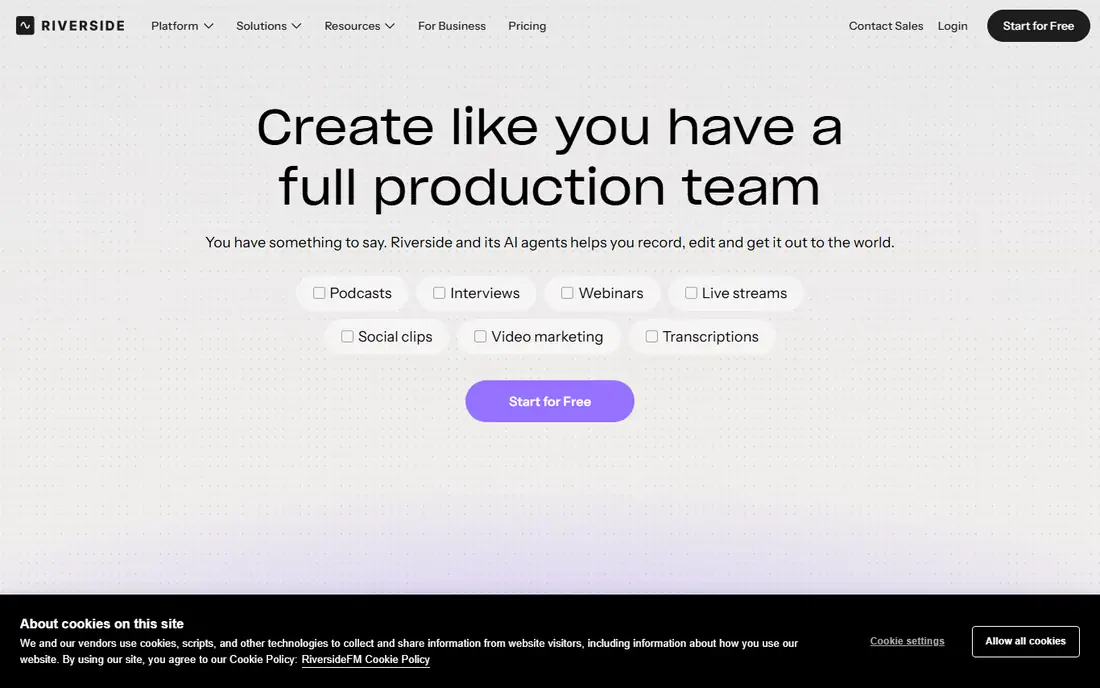
Riverside is the quality-first pick for remote video podcasts. Each guest's audio and video are recorded locally on their device, so a shaky connection does not ruin the episode, and tracks arrive separately for clean editing. Video goes up to 4K on higher plans, and the platform adds a teleprompter, script tools, and AI clips for social media.
The trade-off is cost and complexity. Plans vary by recording hours and seats, and live streaming exists but is not the main focus. Riverside suits interview shows and professional podcasts where recording quality matters more than going live, and where guests join from varied internet connections.
What we like- Local recording in up to 4K
- Separate tracks per guest
- Teleprompter and script tools
Watch out for- Pricing varies by plan and seats
- Live streaming is secondary
- Large files need fast uploads
Starting priceSee website
Free planFree plan
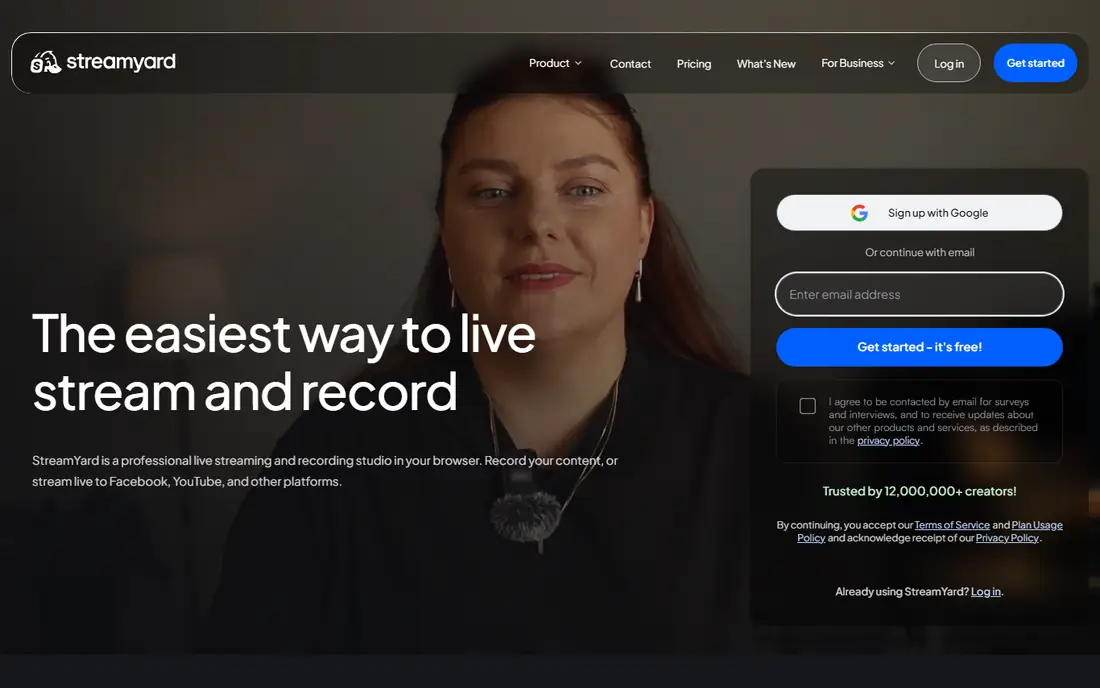
StreamYard is the easiest way to go live. Guests join from a browser link with no downloads, the host controls layouts and banners from one tab, and the show streams to YouTube, Facebook, LinkedIn, and other platforms at once. Chat from all platforms appears in one place, which makes live interaction manageable for a small team.
Recording quality is good but not studio-grade, since StreamYard prioritizes live delivery over local capture. The free plan adds StreamYard branding to streams. StreamYard suits live shows, panels, and creators who value simplicity and audience interaction over maximum recording quality.
What we like- Browser-based, no downloads
- Multistreaming to major platforms
- Easy guest invites
Watch out for- Free plan adds branding
- Recording quality is below Riverside
- Limited editing
#3Descript
Best for: Text-based video editing4.6/5 on
G2 (928 reviews, checked Oct 2026)
Visit descript.com
Starting priceSee website
Free planFree plan
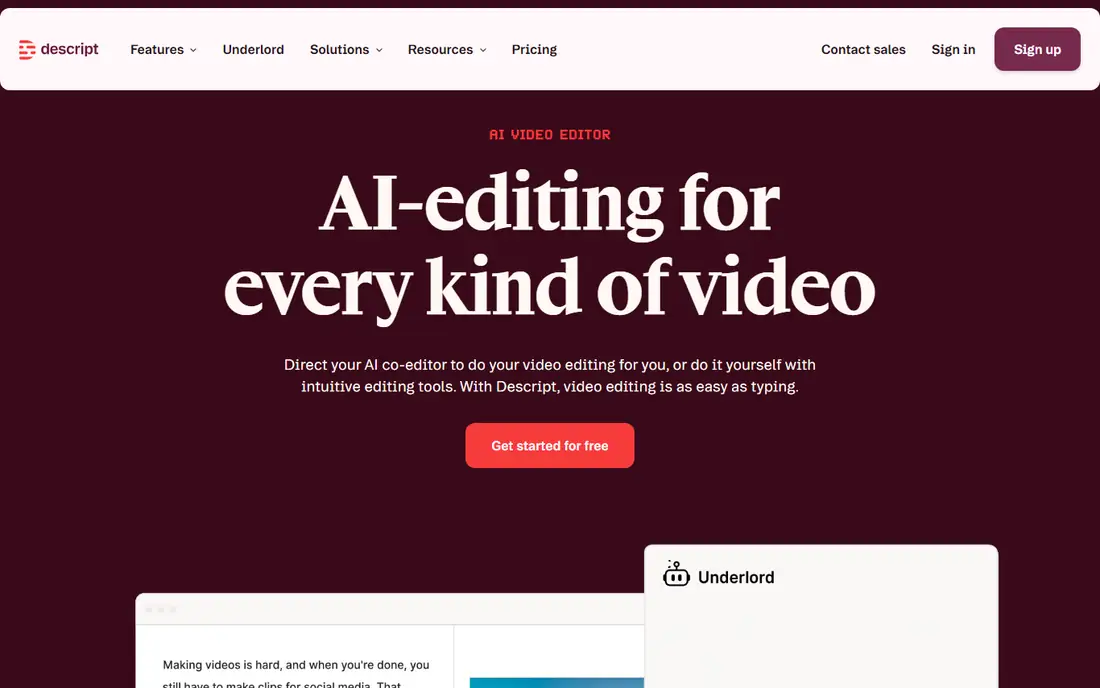
Descript changed podcast editing by turning it into word processing. Delete a sentence from the transcript and the matching video disappears, filler words can be removed in one pass, and Studio Sound cleans up noisy room audio. Remote recording comes through Squadcast, which Descript acquired, so recording and editing live in one product.
The limit is visual work. Shows with heavy b-roll, animations, or complex visuals still need a timeline editor. Transcription is strong but not perfect, especially with accents and crosstalk. Descript suits talk-heavy video podcasts where editing speed matters most.
What we like- Edit video by editing text
- Filler word removal
- Studio Sound cleanup
- Squadcast recording
Watch out for- Heavy visual editing still needs a timeline tool
- Transcription accuracy varies
- Pricing by hours
#4Zencastr
Best for: Audio-first podcasting3.7/5 on
G2 (30 reviews, checked Oct 2026)
Visit zencastr.com
Starting priceSee website
Free planFree plan
Zencastr started as an audio-first remote recorder and added video without losing its simplicity. Guests join from a browser, audio is recorded locally per guest, and the platform includes hosting and distribution, so a small show can record and publish in one place. That all-in-one path appeals to new podcasters who do not want three separate tools.
Video quality and editing depth trail Riverside and Descript, and the free tier limits recording hours. Zencastr suits audio-first shows that add video for YouTube, and creators who want recording, hosting, and distribution in one subscription.
What we like- Local audio recording
- Simple guest experience
- Built-in hosting and distribution
Watch out for- Video features trail Riverside
- Editing is basic
- Higher plans cost more per seat
#5Squadcast
Best for: Descript-integrated recording4.4/5 on
G2 (310 reviews, checked Oct 2026)
Visit squadcast.fm
Starting priceSee website
Free planNo
Squadcast built its name on reliable remote recording with local capture and separate tracks, and Descript acquired it to power Descript's recording side. For Descript users, Squadcast sessions flow straight into text-based editing, which removes the export and import step that slows many workflows.
The catch is independence. Squadcast now sells mainly through Descript, so standalone pricing and plans are unclear, and it offers no hosting or distribution of its own. Squadcast suits Descript users who want the most reliable remote recording inside that workflow, rather than a standalone platform.
What we like- Local recording with Descript workflow
- Separate tracks
- Reliable remote sessions
Watch out for- Now sold through Descript
- Standalone pricing is unclear
- No hosting of its own
#6Restream
Best for: Multistreaming live shows4.5/5 on
G2 (82 reviews, checked Oct 2026)
Visit restream.io
Starting priceSee website
Free planFree plan
Restream is built for creators who go live everywhere at once. One stream can reach YouTube, Twitch, Facebook, LinkedIn, and dozens of other platforms, with chat from all of them merged into one window. The browser studio handles guests, layouts, and screen sharing without downloads.
Recording quality is live-grade rather than studio-grade, since Restream optimizes for delivery, not local capture. Advanced features such as full HD streaming and extra guests sit on paid plans. Restream suits live-first creators, streamers, and shows that treat the live audience as the main event.
What we like- Streams to 30 plus platforms
- Unified chat
- Browser-based studio
- Recording included
Watch out for- Recording quality is live-grade, not studio-grade
- Advanced features cost more
- Chat can lag
#7Podbean
Best for: Podcast hosting plus video4.2/5 on
G2 (27 reviews, checked Oct 2026)
Visit podbean.com
Starting priceSee website
Free planFree plan
Podbean is a full podcast host that added video support, live streaming, and monetization, which makes it a one-stop shop for shows that want hosting plus video. Episodes distribute to Apple Podcasts, Spotify, and other directories, and monetization options include ads, premium subscriptions, and listener donations.
Recording is the weak point. Podbean's recording tools are basic compared with Riverside or Squadcast, so many creators record elsewhere and upload to Podbean. Video support also trails dedicated video platforms. Podbean suits podcasters who want hosting, distribution, and monetization in one place and who record video with another tool.
What we like- Hosting, distribution, and monetization in one place
- Video podcast support
- Live streaming
Watch out for- Recording tools are basic
- Video features trail Riverside
- Monetization takes a cut
Starting priceFree
Free planFree
Spotify for Podcasters, formerly Anchor, remains the best free starting point. Recording, editing, hosting, and distribution cost nothing, and episodes reach Spotify plus other directories. For a new video podcaster testing whether a show finds an audience, that zero cost removes the main barrier.
The limits show quickly for serious shows. Recording quality is basic, editing is simple, and analytics center on Spotify rather than the full audience. Spotify for Podcasters suits new creators, hobby shows, and anyone validating a format before paying for Riverside or Descript.
What we like- Free to use
- Distribution to Spotify and other directories
- Simple recording and editing
Watch out for- Recording quality is basic
- Limited advanced editing
- Spotify-centric analytics
Is your product missing or out of date?
We review this list regularly. Vendors can request a listing, send updated pricing or ask about featured placement.

Shihab Mia · Founder, Rankite
Shihab has 5+ years in B2B and SaaS SEO. He writes Rankite's software buying guides from pricing pages, documentation and public user reviews. More about Shihab.