How we make this list: we compare pricing pages, product documentation and public user reviews. Rankite is independent; if a vendor ever pays for a featured spot, that listing is clearly labeled Partner.
Key takeaways
- Panopto is the safest pick for universities and large employers that record hundreds of lectures or training sessions a year and need every minute searchable.
- Kaltura suits organizations that want an open, extensible video platform and have developers available to shape it around their own portals and workflows.
- Wistia and Vimeo cover the marketing and small-team end of the market, with free plans, clean embedding, and analytics that non-technical teams can read.
- Dacast is the practical choice when live streaming and an on-demand library need to live in one subscription, especially for events and training businesses.
Quick comparison
| Tool | Best for | Starting price | Free plan |
|---|
 Panopto Panopto | universities and enterprises with large lecture libraries | See website | Free trial |
 Kaltura Kaltura | media and education organizations needing an open platform | See website | Free trial |
 VIDIZMO VIDIZMO | regulated industries needing AI search and compliance controls | See website | Free trial |
 Cincopa Cincopa | marketing teams building galleries and playlists | See website | Yes |
 Wistia Wistia | B2B marketers who want viewer analytics | See website | Yes |
 Vimeo Vimeo | creators and small teams needing simple hosting | See website | Yes |
 Dacast Dacast | live streaming plus an on-demand library | See website | Free trial |
 Covideo Covideo | sales teams sending personal video messages | See website | Free trial |
 SimpleVideo SimpleVideo | small businesses wanting a simple hosted library | See website | Free trial |
Is your product missing or out of date?
We review this list regularly. Vendors can request a listing, send updated pricing or ask about featured placement.
#1
Panopto
Best for: universities and enterprises with large lecture libraries
Visit panopto.com
Starting priceSee website
Free planFree trial
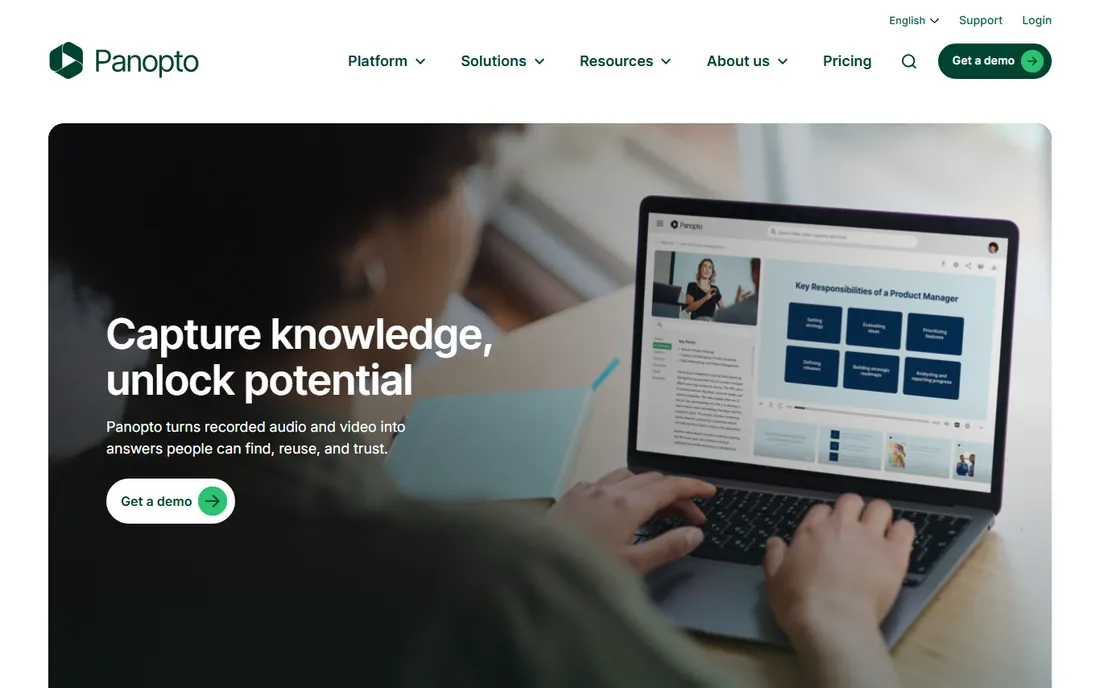
If your organization records hundreds of lectures or training sessions a year, Panopto is built for exactly that volume. Its signature strength is search: every recording is indexed by spoken word, on-screen text, and slide content, so a student or employee can find the exact minute a concept was explained instead of scrubbing through a two-hour file. Integrations with learning management systems are mature, and scheduled lecture capture can run with minimal human involvement once set up.
The honest catch is that Panopto is enterprise software in price and posture. Expect a sales-led buying process with custom quotes, and an admin interface that assumes a dedicated video team. Small organizations with a few dozen videos will find it heavy. For campuses and large employers with serious recording volume, though, it remains the reference point the rest of the category is measured against.
What we like- Search inside videos across spoken words and slides
- Deep LMS integrations
- Granular permissions and SSO
Watch out for- Quote-based enterprise pricing
- Admin console has a learning curve for small teams
#2
Kaltura
Best for: media and education organizations needing an open platform
Visit kaltura.com
Starting priceSee website
Free planFree trial
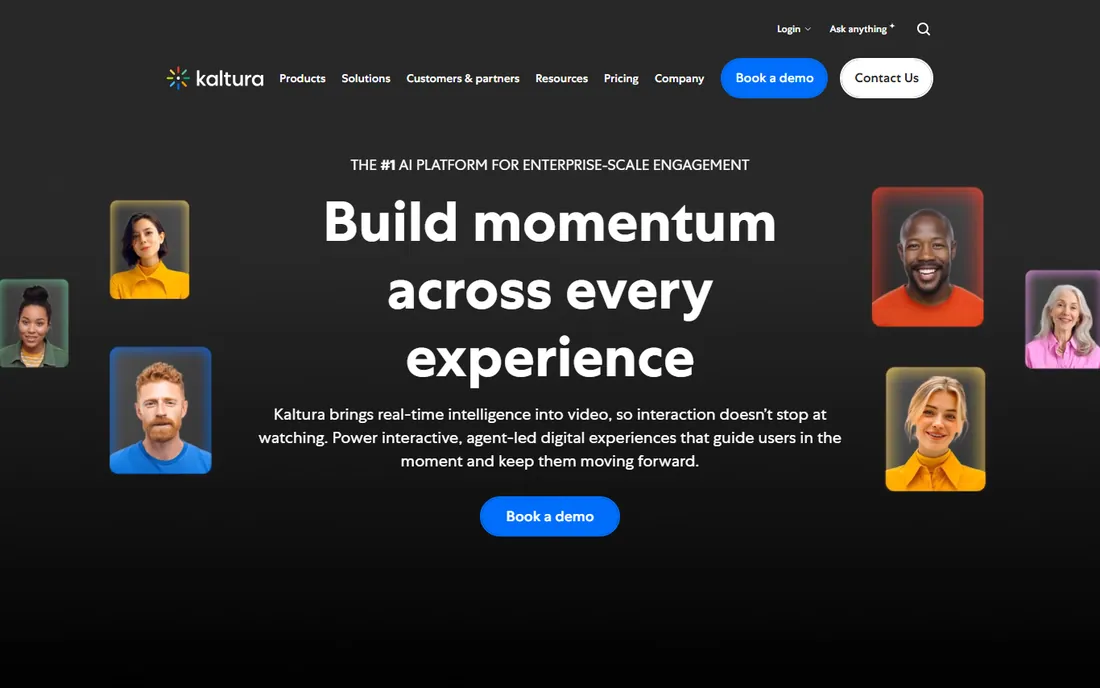
Kaltura takes the opposite approach from most hosted platforms. The core is open source, which means a team with developers can bend the platform around its own portals, players, and workflows rather than adapting to a fixed product. That flexibility is why it shows up in universities, broadcasters, and telecoms that treat video as infrastructure. The virtual classroom and large-event features are genuinely capable, not bolted on.
That openness is also the catch. Without technical staff, much of Kaltura's advantage sits unused, and you are paying enterprise prices for potential. Pricing is quote-based and implementations can stretch over months for complex deployments. Buy it when you have a roadmap that needs a platform, not just a place to put videos.
What we like- Open-source core that developers can extend
- Strong virtual classroom and events tools
- Broad API for custom portals
Watch out for- Needs real technical resources to get the most from it
- Implementations can run long
#3
VIDIZMO
Best for: regulated industries needing AI search and compliance controls
Visit vidizmo.ai
Starting priceSee website
Free planFree trial
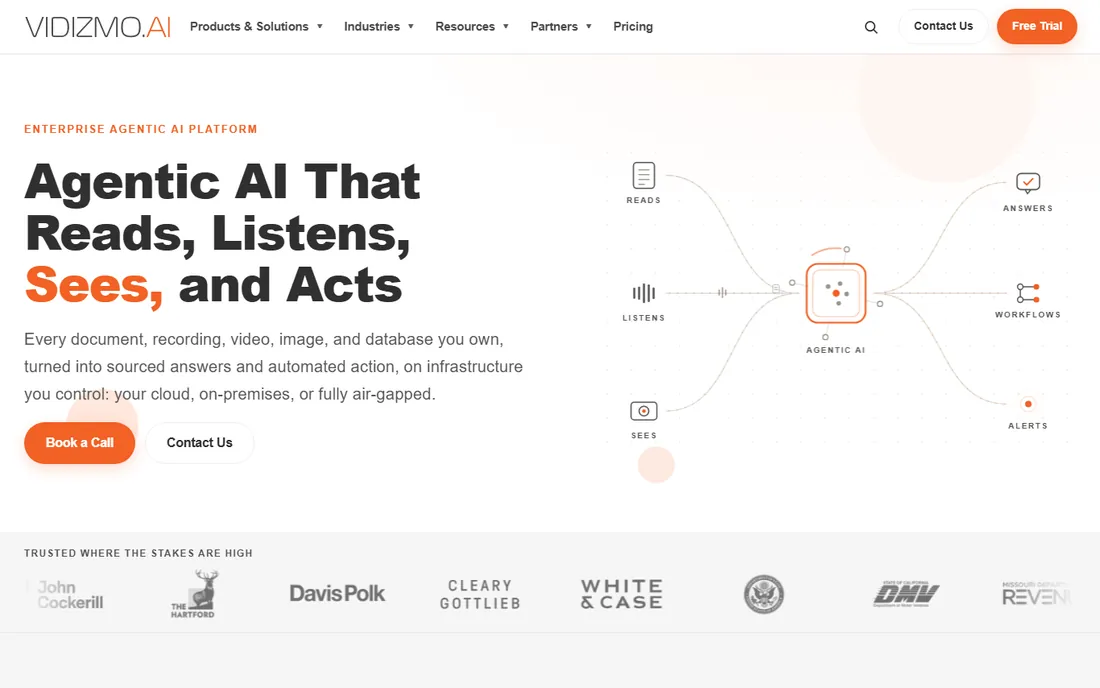
Regulated industries buy video software for a different reason than everyone else: compliance. VIDIZMO is built for that buyer, with AI-powered transcription and translation across languages, automatic redaction of faces and sensitive content, and deployment options that include on-premise and private cloud for organizations that cannot put footage on public infrastructure. Audit trails and granular access controls are first-class features, not afterthoughts.
The trade is that you are buying into an enterprise sales process with quote-based pricing and a platform sized for large deployments. A fifty-person company with no compliance burden will find simpler tools faster and cheaper. For government, healthcare, and finance teams with strict data rules, the compliance-first design is the point.
What we like- AI transcription, translation, and redaction
- On-premise and private cloud deployment options
- Detailed audit and access controls
Watch out for- Enterprise sales motion with custom quotes
- More platform than a small team needs
#4
Cincopa
Best for: marketing teams building galleries and playlists
Visit cincopa.com
Starting priceSee website
Free planYes
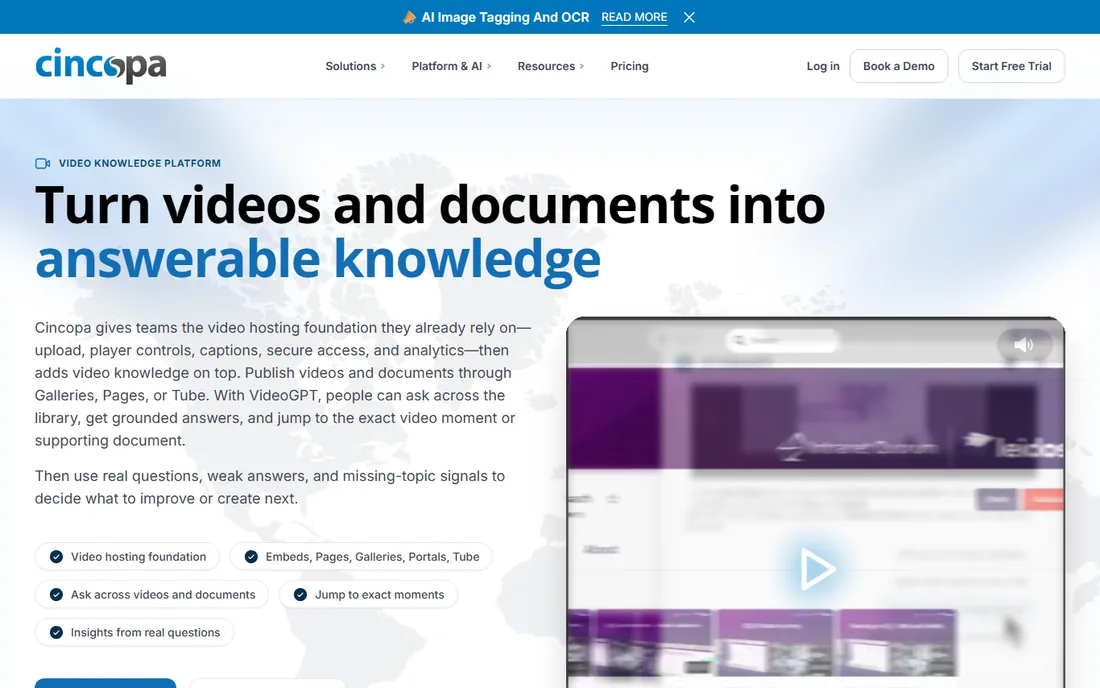
Cincopa is the marketer's video library. Where Panopto thinks in lectures, Cincopa thinks in galleries, playlists, and chapters designed to keep a visitor watching and then clicking. Calls to action and lead capture forms live inside the player, embedding is painless, and the whole product is tuned for teams that measure video by pipeline contribution rather than by completion rates in an LMS.
The catch is the tier math. Storage and bandwidth allowances on lower plans fill up faster than marketing teams expect once they start uploading 4K product demos, and the analytics, while readable, lack the depth of Wistia's. Check the overage terms before you commit. For its price band, though, it is one of the fastest ways to get a professional-looking video hub live.
What we like- Polished galleries, playlists, and chapters
- Calls to action inside the player
- Straightforward embedding
Watch out for- Storage and bandwidth caps on lower tiers
- Power users may outgrow the analytics
Starting priceSee website
Free planYes
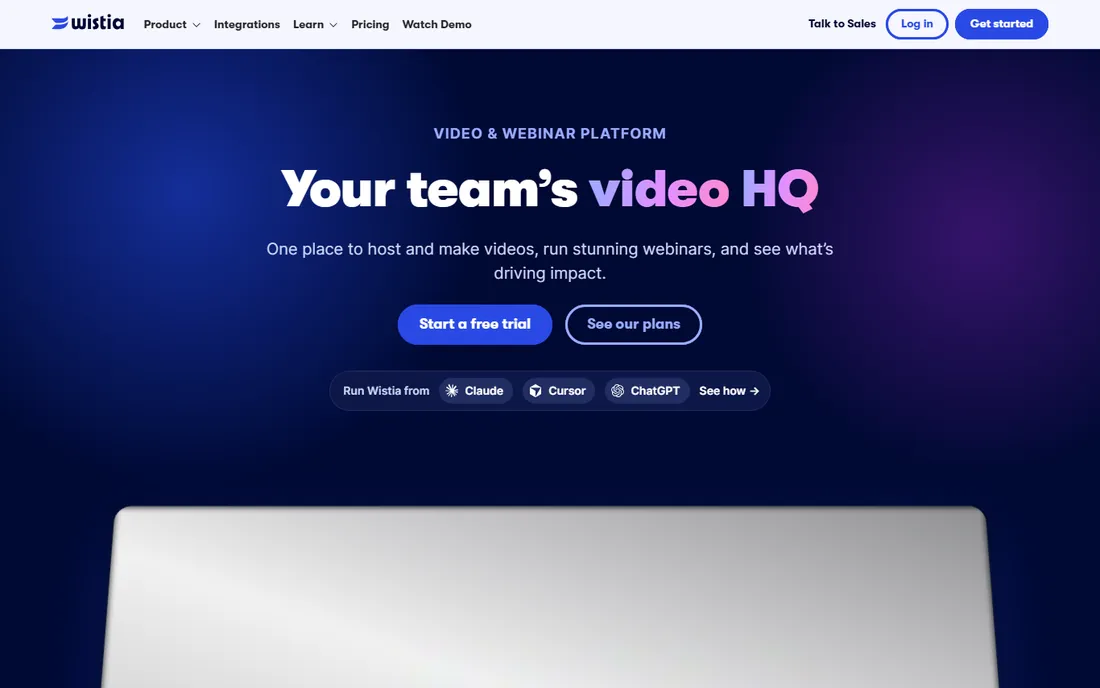
Wistia turned video hosting into a marketing channel before that was fashionable. The player carries your branding with no ads, and the analytics go down to the individual viewer: who watched, how much, and what they did next, with integrations that push that data into marketing automation. Channels let teams publish episodic series that look like a streaming service rather than a folder of files.
What it is not is a corporate training platform. There is no lecture-capture story and no deep LMS integration, and pricing scales with the number of videos on paid plans, which punishes teams that upload everything. Buy Wistia when video is a demand-generation asset. Buy something else when video is an internal knowledge asset.
What we like- Viewer-level analytics tied to marketing tools
- Ad-free branded player
- Channels for episodic content
Watch out for- Costs scale with video count on paid plans
- Not built for lecture capture or internal training at scale
#6
Vimeo
Best for: creators and small teams needing simple hosting
Visit vimeo.com
Starting priceSee website
Free planYes
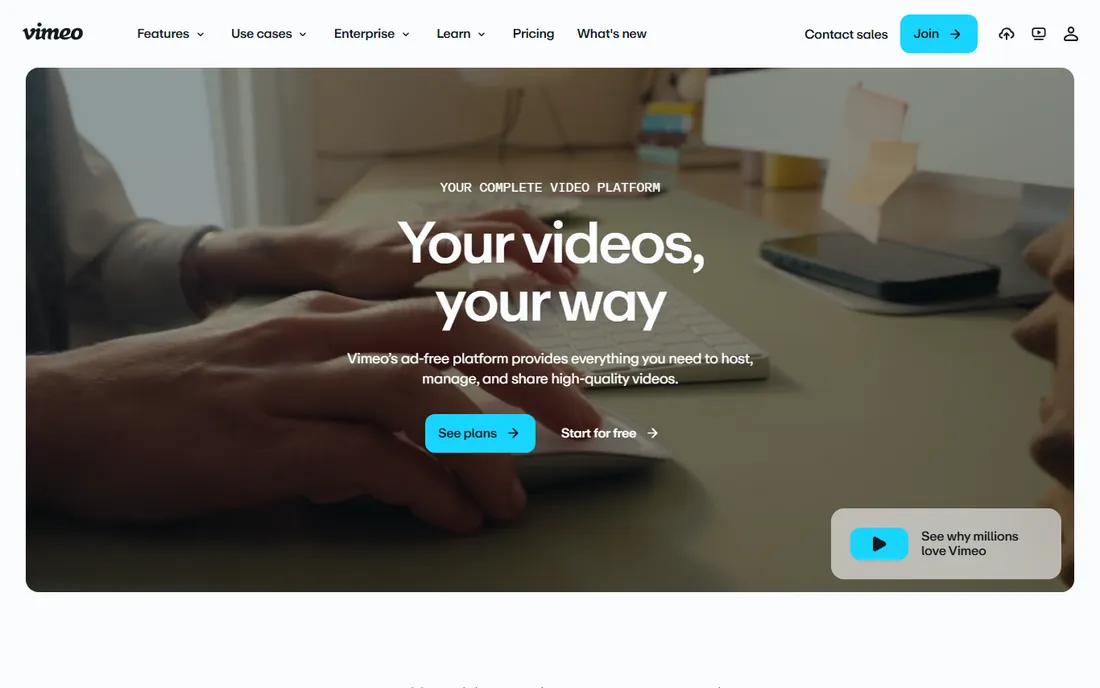
Vimeo is the default answer for teams that just want video hosting that works. Upload, set privacy, embed, done. The review tools are genuinely useful for collecting time-stamped feedback from clients or colleagues, and the privacy controls, from password protection to domain restriction, cover the common cases without an admin manual. Live streaming is included rather than being a separate product.
The honest limitation is depth. As a library grows past a few hundred videos, Vimeo's organization tools feel thin next to Panopto or Kaltura, and features like advanced analytics and marketing integrations sit on the higher tiers. It is the right tool for hosting and sharing, and the wrong tool for running a university's video infrastructure.
What we like- Simple upload-to-embed workflow
- Solid privacy and review controls
- Reliable live streaming
Watch out for- Library organization is shallower than dedicated platforms
- Advanced features sit on higher tiers
Starting priceSee website
Free planFree trial
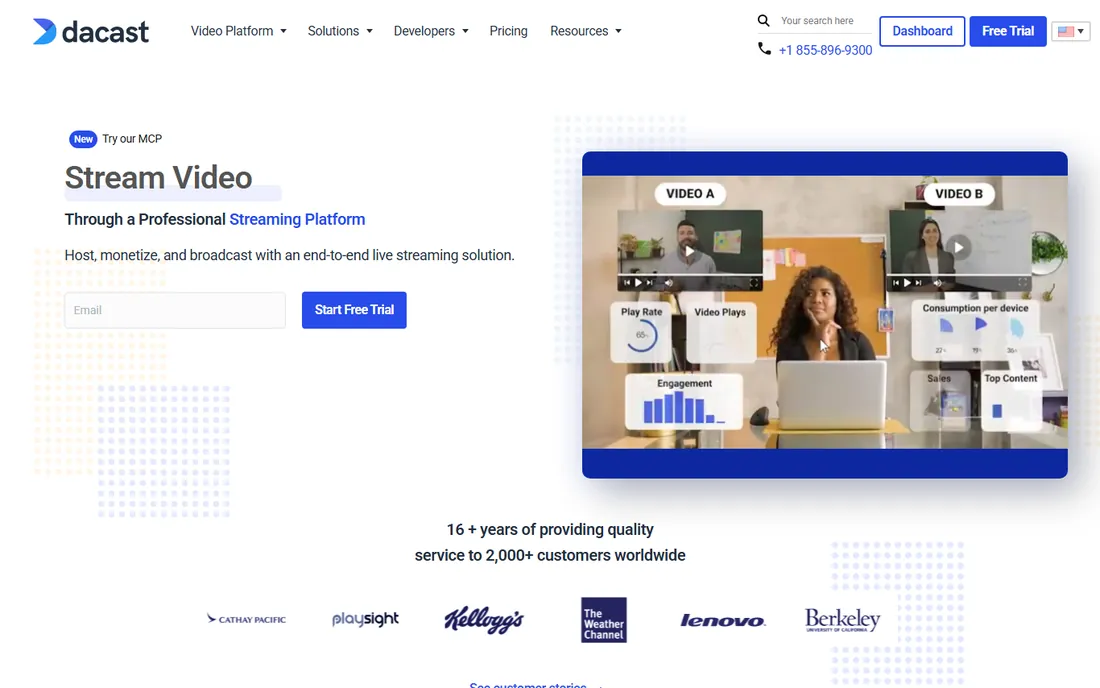
Dacast earns its place when your library starts with a live stream. Training businesses, churches, and event organizers can broadcast live and have the recording land in an on-demand library automatically, then charge for access through pay-per-view or subscriptions. The white-label player keeps your brand front and center, and the platform handles the unglamorous parts of streaming at scale.
The interface is functional rather than delightful, and pricing tied to bandwidth means a viral event can produce a surprising bill, so read the overage terms. But for organizations where live is the source of the library rather than an afterthought, the combined workflow saves real operational headaches.
What we like- Live and on-demand in one platform
- Pay-per-view and subscription monetization
- White-label player
Watch out for- Interface feels less polished than competitors
- Bandwidth-based pricing needs watching
Starting priceSee website
Free planFree trial

Covideo is the odd one out here, and deliberately so. It is not a video CMS in the Panopto sense; it is a tool for salespeople to record quick personal videos, send them from email or text, and see who watched. The value is in the workflow: record on a phone, drop it into a sequence, get notified on views, all tied into the CRM. Teams that sell with video swear by the reply rates.
Do not buy it expecting a searchable organizational library. The library features exist to serve the messaging workflow, not to archive a thousand training videos. Per-seat pricing also means costs climb with team size. It belongs on this list because "video library" for a sales org means a library of personal clips, and Covideo owns that niche.
What we like- Fast personal video recording and sending
- CRM integrations for sales workflows
- View notifications and tracking
Watch out for- Not a full video CMS
- Per-seat pricing adds up for large teams
Starting priceSee website
Free planFree trial
SimpleVideo does what the name promises. There is no enterprise sales gauntlet and no hundred-page admin guide: upload videos, organize them, embed them on your site. For a small business that needs a professional video presence without hiring someone to manage it, that simplicity is the entire pitch, and the pricing is sized accordingly.
The trade-offs are the ones you would expect from a smaller vendor. Integrations are limited, advanced features like AI-powered search and deep analytics are absent, and you are betting on a young company. But not every buyer needs Panopto. If your library is a few dozen product and testimonial videos, SimpleVideo gets the job done at a fraction of the cost and complexity.
What we like- Minimal setup with fast time to value
- Clean embeds for websites
- Approachable pricing for small teams
Watch out for- Small vendor with fewer integrations
- Limited advanced features like AI search
How we chose
We started from vendor pricing pages and documentation, then cross-checked feature claims against public reviews on G2 and Capterra and against practitioner discussions on Reddit. We weighted in-video search quality, permission models, integration breadth with learning and marketing systems, and fit for different company sizes, from solo creators to universities. We favored tools with a clear, current product and a real customer base in 2026, and we did not claim hands-on testing of any platform.
What to check before you sign
A video library purchase goes wrong in predictable ways. Use this checklist to avoid the common ones.
Search that actually works
Ask for a live demo of search on a real, messy library, not a curated one. The difference between "searches titles" and "searches spoken words, slides, and captions" is the difference between a library people use and one they abandon. Check which languages transcription supports if your audience is multilingual.
Permissions and single sign-on
Map your access rules before the demo: who can upload, who can view which collections, whether external sharing is allowed, and whether SSO and SCIM provisioning are included or gated behind the top tier. Permission models are painful to retrofit after launch.
The storage and bandwidth math
Add up your current video hours, multiply by your recording growth rate, and price three years out, including overages. Bandwidth-based pricing can look cheap until a popular training series or a viral event multiplies the bill. Ask what happens to your videos if you cancel.
Integrations with your LMS, CRM, or intranet
A library that does not connect to the systems people already use becomes another tab nobody opens. Confirm native integrations with your learning management system, CRM, or intranet, and ask whether the API is available on the plan you are actually buying.
When a video library is overkill
Not every video collection needs a platform. If you have fewer than fifty videos, a well-organized shared drive with strict naming conventions and a single index document will serve you better than any software on this list. If the audience is public and discovery matters more than control, unlisted or public YouTube with playlists is free and unbeatable for reach. The tools above earn their price when you have hundreds of videos, multiple audiences with different permissions, or compliance requirements. Below that threshold, process beats product.
Frequently asked questions
How much does video library software cost?
Most enterprise platforms in this category use custom quotes, and real prices vary widely by storage, bandwidth, and user count. Marketing-focused tools with public pricing typically start in the tens of dollars per month and scale with videos or plays. Always get a written quote that includes overages, because bandwidth and storage are where the surprises live.
What is the difference between video hosting and a video library platform?
Hosting puts a video on the internet with a player. A library platform adds organization, search inside the video content, permissions, and analytics across the whole collection. Vimeo and Wistia lean toward hosting with marketing features, while Panopto and Kaltura are true library platforms built for large, permissioned collections.
Can I migrate an existing video collection from YouTube or another host?
Most platforms on this list offer migration tools or assisted onboarding that pull videos, titles, and descriptions from YouTube, Vimeo, or file storage. Metadata usually transfers cleanly, but in-video search indexes and analytics history generally do not. Ask the vendor what survives the move before you commit.
Do these tools handle live streaming as well?
Some do. Dacast and Vimeo include live streaming as a core feature, and Kaltura and Panopto support scheduled capture and live events. Wistia, Cincopa, and Covideo are primarily on-demand tools. If live is central to your workflow, shortlist the platforms where streaming is native rather than added on.
How long does implementation take?
A marketing video hub on Wistia, Cincopa, or Vimeo can be live in days. Enterprise deployments of Panopto, Kaltura, or VIDIZMO, with SSO, LMS integration, and permission mapping, typically take weeks to months. The technical work is rarely the bottleneck; agreeing on who can see what usually is.
Sources we checked (9)
- https://www.panopto.com
- https://www.kaltura.com
- https://vidizmo.ai
- https://www.cincopa.com
- https://wistia.com
- https://vimeo.com
- https://www.dacast.com
- https://www.covideo.com
- https://www.simplevideo.io
Is your product missing or out of date?
We review this list regularly. Vendors can request a listing, send updated pricing or ask about featured placement.

Shihab Mia · Founder, Rankite
Shihab has spent more than a decade helping SaaS and e-commerce brands grow through search. He writes Rankite's software buying guides from pricing pages, documentation and public user reviews. More about Shihab.