How we make this list: we compare pricing pages, product documentation and public user reviews. Ratings come from G2, Capterra or Trustpilot, with the date we checked them.
Which video dubbing software is best in 2026?
Rask AI is the best video dubbing software for most buyers who need to localize finished videos into many languages at volume, because it combines voice cloning, lip sync and batch workflows in one place. HeyGen is the best alternative for creators who also want avatars and a simpler credit system, while ElevenLabs suits buyers who put voice quality first.
- Rask AI leads for volume localization, with voice cloning and multi-speaker lip sync on its higher plans.
- HeyGen is the simplest all round choice, with dubbing, avatars and translation in one credit plan.
- ElevenLabs gives the most control over voice quality and timing, but dubbing minutes are limited on lower plans.
- Dubverse is the cheapest monthly entry point, and it is strongest for South Asian languages.
How much does it cost to dub 60 minutes of video a month?
Dubbing 60 minutes a month into one language costs far more than the headline plan price on most tools, because minutes, credits and lip sync are billed separately. Start with the plan price, then add the cost of the minutes or credits that 60 finished minutes use.
Take Rask AI as the worked example. Its Creator plan was reported at 39 dollars per month for 25 minutes in late October 2026, while other reports listed 60 dollars per month for the same allowance, so treat the entry figure as third-party reported. Sixty minutes needs 35 extra minutes. Extra minutes were reported at 3 dollars each, which would add about 105 dollars, taking the total to roughly 144 dollars before lip sync. With lip sync, reported to use three minutes of quota per finished minute, the same 60 minutes could consume 180 minutes of quota, so Creator Pro becomes the realistic starting point.
HeyGen works on credits. Creator costs 29 dollars per month for 600 credits, or 24 dollars per month billed annually. Dubbing burn rates vary by model, so 60 minutes can use a large share of that allowance, and a buyer may need Pro, which starts at 49 dollars per month for 1,000 credits.
ElevenLabs shows the same pattern. Starter costs 6 dollars per month, Creator costs 22 dollars per month, and Pro costs 99 dollars per month. Included Automatic Dubbing v2 minutes were about 2 on Starter, 9 on Creator, and 44 on Pro, with extra minutes at about 2 dollars and 23 cents to 2 dollars and 70 cents. Sixty minutes on Pro would need about 16 extra minutes, adding about 36 dollars, for a total near 135 dollars.
Dubverse looks cheapest on the headline price, but its credit math limits the volume. Pro costs 18 dollars per month for 50 credits, and dubbing was reported at 4 credits per finished minute. Fifty credits cover about 12 minutes and 30 seconds, so 60 minutes would need about 240 credits, or close to five times the monthly allowance.
VEED, Kapwing, Maestra and Speechify Studio are harder to compare at this volume because dubbing sits inside a wider editor or a separate module. VEED Creator was reported at 25 dollars per month billed monthly, with 500 AI credits a month. Kapwing Pro costs 24 dollars per member per month billed monthly and includes about 50 dubbing minutes a month, so 60 minutes would need Business. Maestra sells transcription, subtitles and voiceover as separate modules, so check which module covers dubbing. Speechify Studio Starter was reported at 19 dollars per month.
The lesson is simple. Compare tools at your real monthly volume, not at the entry price. Ask how many finished dubbed minutes each plan includes, whether lip sync multiplies usage, and what extra minutes or credits cost.
Check language coverage, voice quality, lip sync, editing control and export rules before you pay, because those five factors decide whether a dubbed video is usable. Language count alone is a weak test, since some tools clone the original voice in only a subset of their listed languages and use generic voices for the rest. Ask which languages support voice cloning, and test one clip in each language you plan to publish.
Check the editing workflow next. Some tools let you edit the translated transcript line by line and regenerate single lines. If your videos include product names or technical words, a transcript editor matters more than a long language list.
How do lip sync and voice cloning change the result?
Lip sync and voice cloning change how natural a dubbed video feels, and they also change what it costs. Voice cloning copies the tone and style of the original speaker, so the dubbed version sounds like the same person speaking another language. Without cloning, the dubbed voice is generic, which can sound flat.
Lip sync adjusts the mouth movement in the video to match the new audio. Without it, the audio and the picture drift apart, and viewers notice the mismatch within seconds on close-up footage. With it, the video looks more natural, but it often costs extra minutes or credits. On Rask AI, enhanced lip sync was reported to use three minutes of quota for each finished minute, which triples the cost compared with audio only dubbing.
Not every video needs both features. A narrated explainer with slides can work well with a cloned voice and no lip sync. A founder interview or a presenter-led course benefits more from lip sync, because the face is the focus. Test both versions and decide whether the extra cost is worth the gain.
We picked these tools by comparing vendor pricing pages, product pages and published comparisons read in October and November 2026. Each tool offers AI dubbing or voiceover translation for video, supports more than one language, and publishes a paid plan a buyer can start without a sales call.
We compared language coverage, voice cloning, lip sync, transcript editing, export limits and the cost of a realistic monthly volume. We did not claim hands-on testing, and language counts are vendor-claimed, not independently audited. Prices were checked through search results on 11 November 2026, and where reports conflicted we flagged the price as third-party reported.
Last verified 11 November 2026.
Video dubbing software compared
| Tool | Best for | Starting price | Free plan |
| Rask AI | Volume localization | 39 dollars per month | Free trial, 3 minutes |
| HeyGen | Dubbing and avatars | 29 dollars per month | Yes, 3 videos a month |
| Dubverse | Low cost dubbing | 18 dollars per month | Free tier, limited |
| ElevenLabs | Voice quality | 6 dollars per month | Yes, limited credits |
| VEED | Dubbing in a video editor | 25 dollars per month | Yes, watermarked exports |
| Kapwing | Short clips and dubbing | 24 dollars per month | Yes, 10 credits |
| Maestra | Subtitles and dubbing | 29 dollars per month | Pay as you go from 12 dollars |
| Speechify | Voiceover dubbing | 19 dollars per month | Yes, Studio free tier |
Quick comparison
| Tool | Best for | Starting price | Free plan |
|---|
 Rask AI | Volume video localization into many languages | 39 dollars per month, third-party reported, vendor page showed conflicting figures in late October 2026 | Free trial with 3 minutes, no full free plan |
 HeyGen | Creators who want dubbing, avatars and translation in one tool | 29 dollars per month | Yes, up to 3 videos a month, up to 1 minute each, watermarked |
 Dubverse | Low cost dubbing, especially into South Asian languages | 18 dollars per month | Free tier with limited access, plus a 2-day free trial with no card required |
 ElevenLabs | Voice quality, emotion and timing control in dubbed audio | 6 dollars per month | Yes, about 10,000 credits a month, non-commercial use, attribution required |
 VEED | Dubbing inside a full browser-based video editor | 25 dollars per month, third-party reported, vendor page served different plan versions in late October 2026 | Yes, 720p exports with a watermark, up to 10 minutes per video |
 Kapwing | Short social clips that need subtitles, translation and dubbing together | 24 dollars per month | Yes, 10 credits, watermarked exports at 720p, up to 4 minutes per video |
 Maestra | Subtitles, transcription and dubbing in one editor for courses and training | 29 dollars per month, third-party reported, module pricing varies by service | Pay as you go from 12 dollars for 60 credits, no full free subscription plan |
 Speechify | Voiceover dubbing and narration from text and video, with a large voice library | 19 dollars per month, third-party reported, Studio Starter price | Yes, Studio free tier with 600 credits and no downloads, and a free reader plan with 10 basic voices |
Is your product missing or out of date?
We review this list regularly. Vendors can request a listing, send updated pricing or ask about featured placement.
#1
Rask AI
Best for: Volume video localization into many languages
Visit rask.ai
Starting price39 dollars per month, third-party reported, vendor page showed conflicting figures in late October 2026
Free planFree trial with 3 minutes, no full free plan
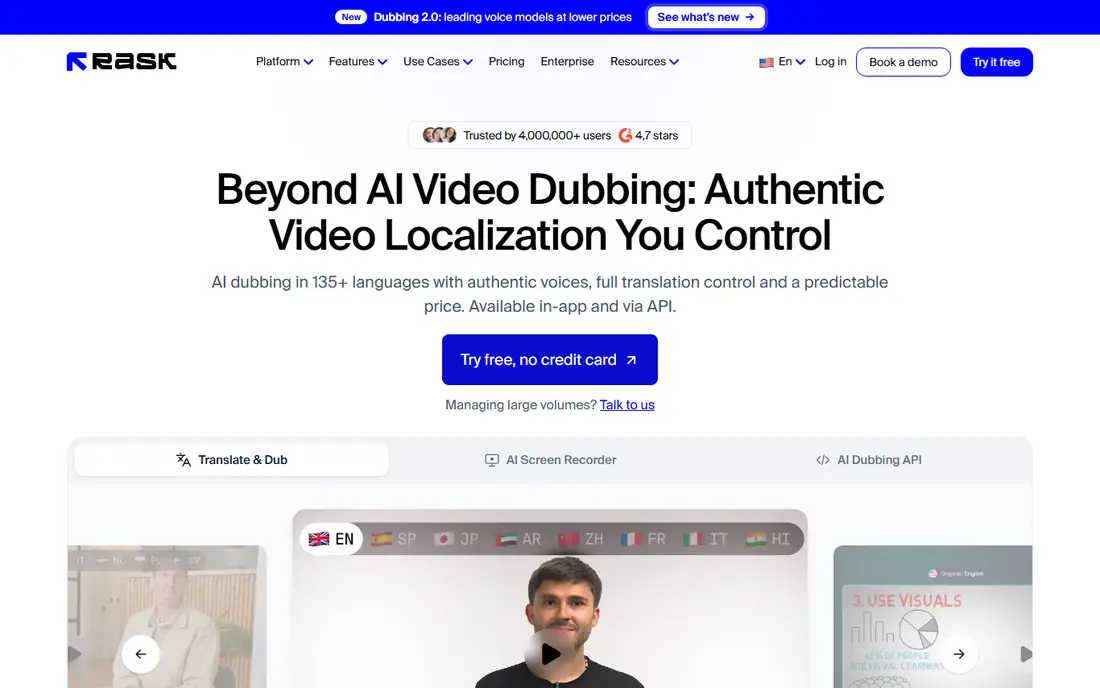
Rask AI is a dedicated video localization platform built for teams that dub a steady stream of videos. It supports more than 130 languages and offers standard and enhanced lip sync tiers. The editor lets you correct the translated script line by line. Team workspaces add reviewer roles and a shared glossary. The entry plan covers only about 25 minutes a month, and lip sync multiplies usage.
What we like- Voice cloning, multi-speaker lip sync, batch processing, translation dictionary
Watch out for- Lip sync is locked behind the higher Creator Pro plan, and enhanced lip sync uses three minutes of quota for each finished minute, so costs rise fast at volume
#2HeyGen
Best for: Creators who want dubbing, avatars and translation in one tool4.8/5 on
G2 (1,973 reviews, checked Oct 2026)
Visit heygen.com
Starting price29 dollars per month
Free planYes, up to 3 videos a month, up to 1 minute each, watermarked
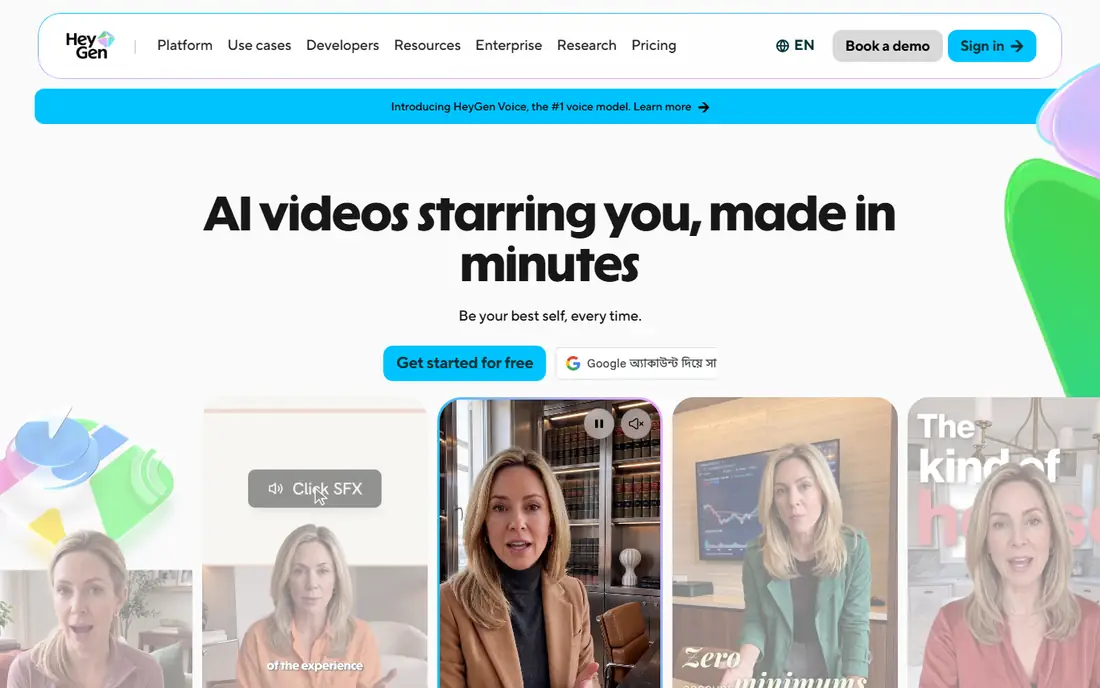
HeyGen is the simplest choice for a creator who wants dubbing without learning a separate localization platform. Creator costs 29 dollars per month billed monthly, or 24 dollars per month billed annually, and includes 600 credits a month, videos up to 30 minutes, 1080p export and no watermark. Pro starts at 49 dollars per month for 1,000 credits and adds 4K export. Check the burn rate for the exact model you use, because a higher quality model can use far more credits per minute.
What we like- Lip sync on all plans including free, more than 175 languages and dialects, avatar video
Watch out for- Credit burn varies by avatar model and feature, so the same plan can produce very different amounts of finished video, and Creator cannot buy extra credit packs
#3
Dubverse
Best for: Low cost dubbing, especially into South Asian languages
Visit dubverse.ai
Starting price18 dollars per month
Free planFree tier with limited access, plus a 2-day free trial with no card required
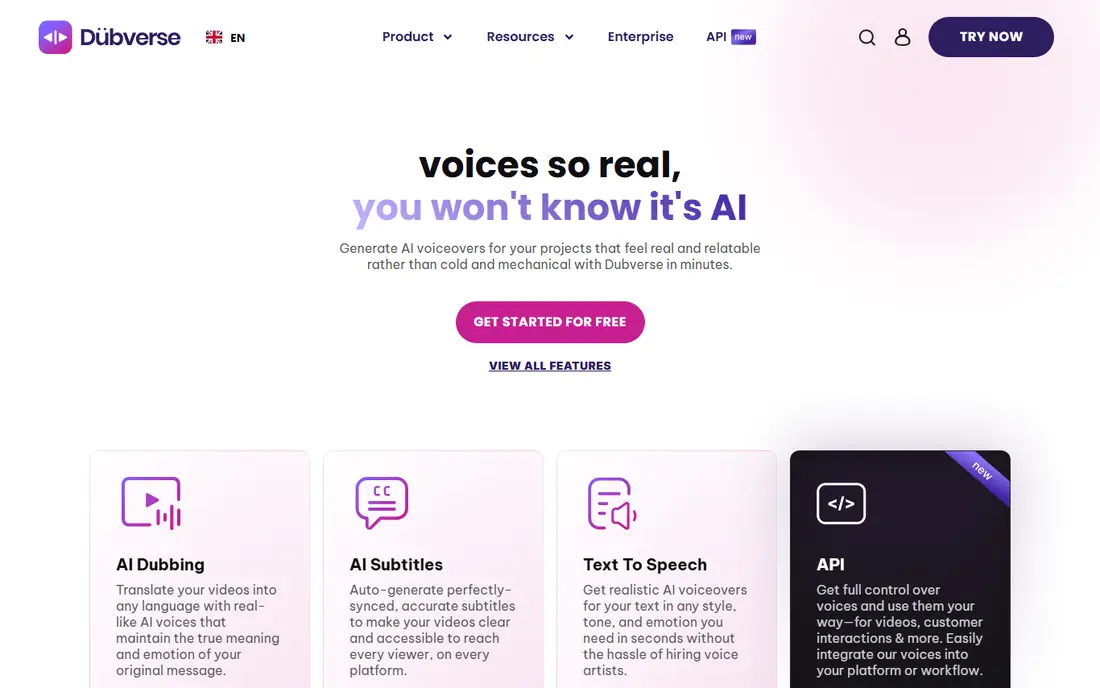
Dubverse is an AI dubbing, subtitling and text to speech platform that covers more than 60 languages, with its strongest results in South Asian languages. Pro costs 18 dollars per month for 50 credits, and Supreme adds voice cloning and priority processing for 30 dollars per month. Dubbing uses 4 credits per minute, subtitling uses 1 credit per minute, and voice generation uses 2 credits per minute. A buyer who dubs more than a few short videos a month will need extra credits, and the language count is smaller than larger rivals offer.
What we like- Lowest monthly entry price in this list, strong South Asian language coverage, simple credit system, subtitle and text to speech tools in the same workspace
Watch out for- Both paid plans include only 50 credits a month, and dubbing uses 4 credits per minute, so the allowance covers only about 12 minutes and 30 seconds of dubbing
#4ElevenLabs
Best for: Voice quality, emotion and timing control in dubbed audio4.5/5 on
G2 (1,239 reviews, checked Oct 2026)
Visit elevenlabs.io
Starting price6 dollars per month
Free planYes, about 10,000 credits a month, non-commercial use, attribution required
ElevenLabs is the voice quality benchmark in this list, and it suits buyers who care more about how the dubbed voice sounds than about a simple workflow. Automatic Dubbing v2 keeps the speaker intonation and emotion across languages, while Dubbing Studio lets you edit the transcript, reassign speakers and regenerate single lines. Included v2 minutes were about 0.4 on Free, 2 on Starter, 9 on Creator and 44 on Pro, with extra minutes at about 2 dollars and 23 cents to 2 dollars and 70 cents each.
What we like- Strong voice cloning and natural delivery, Dubbing Studio for line by line editing, more than 90 languages and accents
Watch out for- Included Automatic Dubbing v2 minutes are very small on lower plans, about 2 minutes on Starter and about 9 on Creator, so extra minutes at more than 2 dollars each add up fast
#5VEED
Best for: Dubbing inside a full browser-based video editor4.6/5 on
G2 (2,175 reviews, checked Oct 2026)
Visit veed.io
Starting price25 dollars per month, third-party reported, vendor page served different plan versions in late October 2026
Free planYes, 720p exports with a watermark, up to 10 minutes per video
VEED is an online video editor first and a dubbing tool second, which is why so many social media managers use it daily. Everything runs in the browser: trim clips, add auto subtitles in dozens of languages, clean up audio, and dub content into more than 50 languages on higher tiers. Creator was reported at 25 dollars per seat per month, with 500 AI credits a month and 1080p export.
What we like- Full editing, auto subtitles, translation and dubbing in one browser workspace, no software to install
Watch out for- Paid plans are billed per editor seat, so the price multiplies with each teammate, and AI credit allowances can run out before the month ends on the lower tiers
#6Kapwing
Best for: Short social clips that need subtitles, translation and dubbing together3.9/5 on
G2 (40 reviews, checked Oct 2026)
Visit kapwing.com
Starting price24 dollars per month
Free planYes, 10 credits, watermarked exports at 720p, up to 4 minutes per video
Kapwing is a browser-based video editor for teams who publish short clips every week and want subtitles, translation and dubbing without switching tools. Pro costs 24 dollars per member per month billed monthly, or 16 dollars per member per month billed annually, and includes 1,000 AI credits a month, 1,000 subtitle minutes and about 50 dubbing minutes. The free plan gives 10 credits and watermarked exports at 720p.
What we like- Fast browser editor, 4K export on Pro, brand kit, collaborative workspace, dubbing and lip sync tools in the same project
Watch out for- Pro includes only about 50 dubbing minutes a month, and Pro users cannot buy extra credits, so dub-heavy buyers must move to Business to top up
#7Maestra
Best for: Subtitles, transcription and dubbing in one editor for courses and training4.8/5 on
G2 (19 reviews, checked Oct 2026)
Visit maestra.ai
Starting price29 dollars per month, third-party reported, module pricing varies by service
Free planPay as you go from 12 dollars for 60 credits, no full free subscription plan
Maestra is an AI media platform for transcription, subtitles, translation and voiceover dubbing across more than 125 languages, and it suits education teams and course creators who need more than one deliverable from the same video. Lite was reported at 29 dollars per month billed monthly, or 23 dollars per month billed annually, for transcription. Basic was reported at 39 dollars per month, Premium at 79 dollars per month, and Business voiceover at 159 dollars per month. Lip sync was reported as an add-on at 2 dollars per minute on Business.
What we like- Transcription, subtitles, voiceover and dubbing across more than 125 languages, in-browser editor, API access
Watch out for- Transcription, subtitles, voiceover and real-time plans are billed as separate modules with separate allowances, so a buyer who needs several services juggles more than one plan
#8
Speechify
Best for: Voiceover dubbing and narration from text and video, with a large voice library
Visit speechify.com
Starting price19 dollars per month, third-party reported, Studio Starter price
Free planYes, Studio free tier with 600 credits and no downloads, and a free reader plan with 10 basic voices
Speechify is best known as a text to speech reader, but its Studio product covers voiceover, dubbing and voice cloning for video, and that distinction matters when you buy. Studio is a separate subscription from the reader app. Studio Starter was reported at 19 dollars per month, or 100 dollars per year, with about 24 hours of voiceover a year, while Studio Creator was reported at 49 dollars per month, or 300 dollars per year. Buy Studio, not Reader Premium, for dubbed video.
What we like- More than 1,000 voices, voice cloning on paid Studio plans, commercial rights on Studio Starter and above
Watch out for- Reader Premium and Studio are separate subscriptions, so the 29 dollar per month reader plan does not include dubbing, and buyers can pay twice if they buy the wrong product
Frequently asked questions
What is the best video dubbing software for YouTube creators?
HeyGen is a strong pick for YouTube creators because it combines dubbing, lip sync and avatars in one credit plan, with a free tier for testing. Rask AI suits creators who publish long videos in many languages, while ElevenLabs suits creators who want the most natural cloned voice. Test one of your own videos in each tool and compare the real cost per finished minute before you choose.
How much does AI video dubbing cost per minute?
The cost per finished minute varies widely, from under 1 dollar on a cheap credit plan to more than 2 dollars on a premium voice plan, and lip sync can triple usage. Rask AI extra minutes were reported at 3 dollars each, ElevenLabs v2 extra minutes at about 2 dollars and 23 cents to 2 dollars and 70 cents, and Dubverse dubbing at 4 credits per minute.
Does AI dubbing include lip sync?
Lip sync is not included on every plan, and it is often an extra cost or a higher tier feature. HeyGen includes lip sync on all plans, including free, while Rask AI locks it behind Creator Pro and charges extra quota for enhanced lip sync. Kapwing includes lip sync on Business, and Maestra lists it as a paid add-on. Test a close-up clip to see whether the result looks natural.
Can AI dubbing clone my own voice?
Yes, several tools offer voice cloning, including Rask AI, HeyGen, Dubverse on Supreme, ElevenLabs, Kapwing on Business and Speechify Studio on paid plans. Cloning needs a clear sample of the original voice, and quality varies by language. Test cloning in each language you plan to publish before you rely on it.
Is there free video dubbing software?
Yes, several tools offer a free tier or trial, but the limits are tight. HeyGen gives up to 3 short videos a month, ElevenLabs gives limited free credits, and VEED and Kapwing give watermarked exports. Free plans suit a test, but published work usually needs a paid plan to remove watermarks and unlock commercial use.
Sources we checked (10)
- https://www.rask.ai/pricing
- https://www.heygen.com/pricing
- https://www.dubverse.ai/pricing
- https://www.elevenlabs.io/pricing
- https://www.elevenlabs.io/dubbing
- https://www.veed.io/pricing
- https://www.kapwing.com/pricing
- https://www.maestra.ai/pricing
- https://www.speechify.com/pricing
- https://www.speechify.com/studio-pricing
Is your product missing or out of date?
We review this list regularly. Vendors can request a listing, send updated pricing or ask about featured placement.

Shihab Mia · Founder, Rankite
Shihab has 5+ years in B2B and SaaS SEO. He writes Rankite's software buying guides from pricing pages, documentation and public user reviews. More about Shihab.