How we make this list: we compare pricing pages, product documentation and public user reviews. Ratings come from G2, Capterra or Trustpilot, with the date we checked them.
Key takeaways
- UptimeRobot is the cheapest way to watch many sites, with a free tier covering 50 monitors at 5 minute checks.
- Better Stack is the best all rounder for small teams, combining uptime checks, incident management, status pages, and logs.
- Pingdom is the simplest enterprise grade uptime tool, with synthetic checks, real user monitoring, and diagnostics.
- StatusCake covers uptime, page speed, domain expiry, and SSL checks in one account, which suits agencies watching many client sites.
- New Relic Synthetics and Uptime Kuma are the best no cost options, with a real free tier and a free self hosted tool respectively.
Quick comparison
| Tool | Best for | Starting price | Free plan |
|---|
 UptimeRobot UptimeRobot | Cheap monitoring for many sites | Free | Yes |
 Better Stack Better Stack | All round small teams | $24 per month | Yes |
 Pingdom Pingdom | Simple enterprise uptime | $10 per month | No |
 StatusCake StatusCake | Budget alerts with broad coverage | $15 per month | Yes |
 Site24x7 Site24x7 | One platform for uptime and servers | $9 per month | No |
 Checkly Checkly | Developer friendly API and browser checks | $24 per month | Yes |
 New Relic Synthetics New Relic Synthetics | Free tier synthetic monitoring | Free | Yes |
 Uptime Kuma Uptime Kuma | Free self hosted monitoring | Free | Yes |
Is your product missing or out of date?
We review this list regularly. Vendors can request a listing, send updated pricing or ask about featured placement.
#1UptimeRobot
Best for: Cheap monitoring for many sites4.7/5 on
G2 (324 reviews, checked Oct 2026)
Visit uptimerobot.com
Starting priceFree
Free planYes
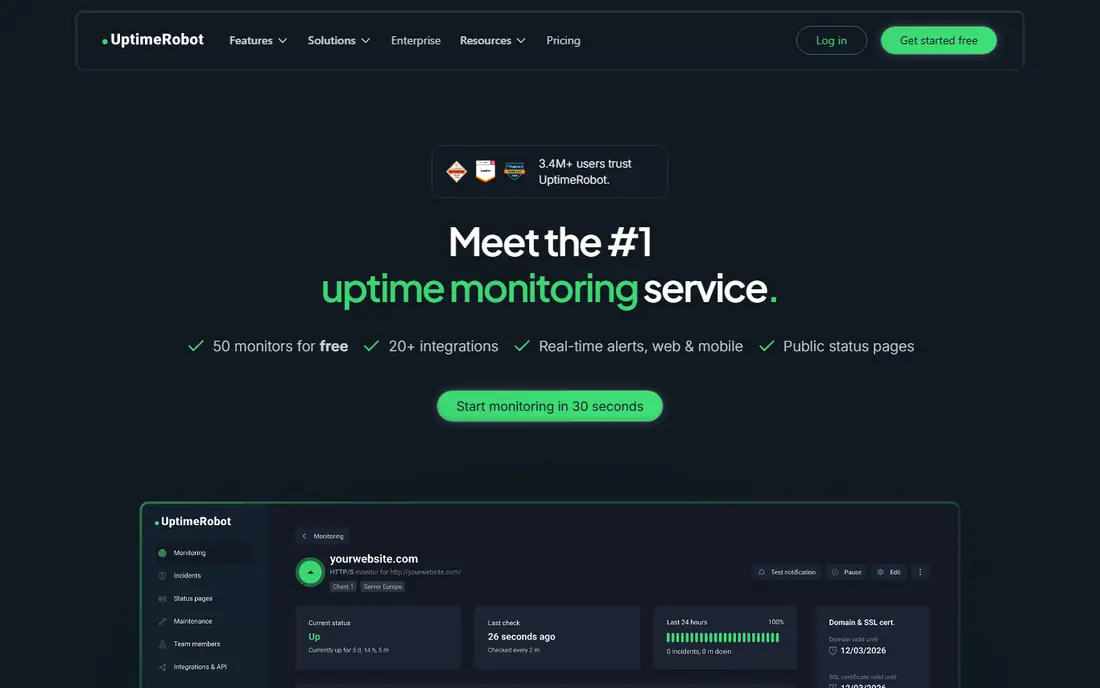
UptimeRobot is the cheapest way to watch many sites. The free tier covers 50 monitors at 5 minute intervals, which suits startups, small businesses, and personal projects that need basic uptime alerts without a bill. Paid plans start near $7 to $9 per month and cut check intervals to 1 minute or 30 seconds, add more monitors, and include status pages.
The free tier's 5 minute interval means an outage can run for minutes before an alert arrives, and SMS alerts use credits rather than unlimited sends. For teams that need fast detection on a few critical sites, a paid plan or a faster tool fits better. For broad coverage on a budget, UptimeRobot is unmatched.
What we like- Free tier covers 50 monitors at 5 minute checks
- Paid plans from $7 to $9 per month
- Status pages included
Watch out for- Free checks run only every 5 minutes
- Solo paid plan covers fewer monitors than free at faster intervals
- SMS credits cost extra
Starting price$24 per month
Free planYes
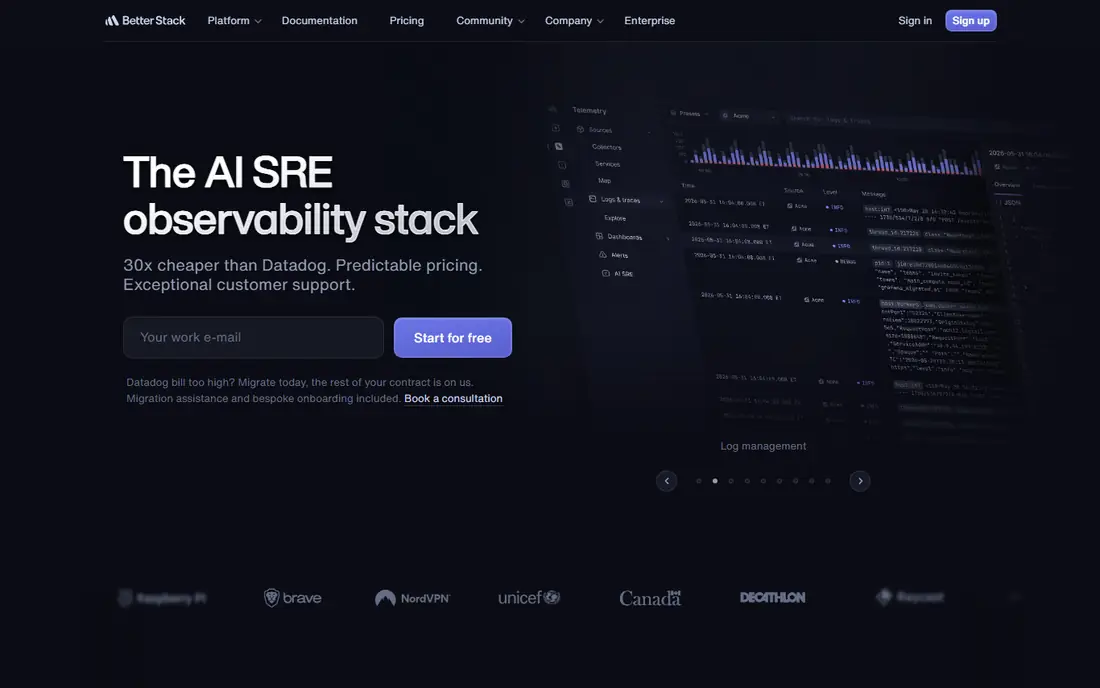
Better Stack combines uptime monitoring with incident management, status pages, and logs, so a small team can run the whole incident workflow in one place. The free tier covers 10 monitors at 3 minute checks, and paid plans from $24 per month cut intervals to 30 seconds and add on call scheduling, unlimited phone and SMS alerts, and Playwright browser checks. That breadth suits teams that want one vendor for monitoring and response.
Extra monitors and browser minutes cost more, so large estates should model total cost before committing. For a small team that wants monitoring plus incident response without stitching tools together, Better Stack is the best all rounder here.
What we like- Uptime, incident management, status pages, and logs in one account
- 30 second checks on paid plans
- On call scheduling included
Watch out for- Paid plans start near $24 to $29 per month
- Extra monitors and browser minutes cost more
- Free tier checks only every 3 minutes
Starting price$10 per month
Free planNo
Pingdom is the simplest enterprise grade uptime tool, with synthetic checks, real user monitoring, transaction monitoring, and diagnostics for slow pages. Entry plans start near $10 per month in some listings and $16.50 per month billed yearly for 10 uptime checks, with checks every minute or faster. Its 100 or more check locations give a global view that single location tools miss.
Real user monitoring costs extra, and scaling to 50 checks pushes the bill near $71.50 per month, so large estates should compare Checkly or UptimeRobot first. For a growing SaaS team that wants end to end visibility with minimal setup, Pingdom remains a proven choice.
What we like- Synthetic checks, real user monitoring, and transaction monitoring
- Diagnostics for slow pages
- 100 or more check locations
Watch out for- No free plan
- Entry plans start near $10 to $16.50 per month
- Real user monitoring costs extra
- 50 checks run near $71.50 per month
#4StatusCake
Best for: Budget alerts with broad coverage4.8/5 on
G2 (15 reviews, checked Oct 2026)
Visit statuscake.com
Starting price$15 per month
Free planYes
StatusCake covers more than uptime in one account: page speed checks, domain expiry alerts, SSL certificate checks, and blacklist monitoring sit alongside uptime monitors. The free tier covers 10 monitors at 5 minute checks, and paid plans start near $15 to $20 per month with 1 minute checks and 100 checks on the Superior tier. Agencies watching many client sites value the domain and SSL alerts, which catch expiries before they cause outages.
Thirty second checks require the higher Business tier, and status pages are a separate product on some plans. For a small team or agency that wants broad coverage at a budget price, StatusCake is a strong pick.
What we like- Free tier covers 10 monitors at 5 minute checks
- Page speed, domain expiry, and SSL checks included
- Status pages available
Watch out for- Paid plans start near $15 to $20 per month
- 30 second checks need the higher Business tier
- Status pages are a separate product on some plans
#5Site24x7
Best for: One platform for uptime and servers4.6/5 on
G2 (477 reviews, checked Oct 2026)
Visit site24x7.com
Starting price$9 per month
Free planNo
Site24x7 is an all in one platform covering uptime, real user monitoring, servers, APIs, and network devices, with 130 or more global check locations. Website uptime plans start near $9 per month billed yearly for 25 websites at 1 minute checks from one location, while Web Performance plans near $36 per month add transactions and real user monitoring. That breadth suits teams that want one vendor for the whole stack rather than separate tools per layer.
There is no free plan, only a 30 day trial, and advanced features sit on higher tiers. For a team that already needs server and API monitoring alongside uptime, Site24x7's combined pricing beats buying separate tools.
What we like- Uptime, real user monitoring, server, and API monitoring in one platform
- 130 or more global locations
- Website plans from $9 per month
Watch out for- No free plan, only a 30 day trial
- Transactions and real user monitoring start on higher tiers
- Full setup takes time
#6Checkly
Best for: Developer friendly API and browser checks4.6/5 on
G2 (33 reviews, checked Oct 2026)
Visit checkly.com
Starting price$24 per month
Free planYes
Checkly suits developers who want monitoring defined in code. API checks and Playwright browser checks run from the same platform, with a Hobby free tier covering 10 monitors and a Starter plan at $24 per month covering 50 uptime monitors and 3,000 browser runs. Checks as code fit teams that already manage infrastructure in version control.
Browser runs consume quotas quickly at short intervals, and lower tiers run browser checks from one location at a time. For a developer team that monitors APIs and user flows, not just URLs, Checkly is the most developer friendly option here.
What we like- API checks and Playwright browser checks in code
- Hobby free tier with 10 monitors
- Checks as code fit developer workflows
Watch out for- Starter plan at $24 per month
- Browser runs burn through quotas fast at short intervals
- Checks run from one location at a time on lower tiers
Starting priceFree
Free planYes
New Relic Synthetics offers a free tier with 100 checks per month, and synthetic checks link directly to application performance data, so a failed check can be traced to a slow database query or a failing service. That correlation is the main advantage for teams already running New Relic APM: uptime data and performance data share one dashboard.
Pricing beyond the free tier is usage based, and the tool fits best inside the New Relic ecosystem. For a team already on New Relic, Synthetics is the obvious uptime add-on. For a team without New Relic, a standalone tool costs less to adopt.
What we like- Free tier includes 100 checks per month
- Synthetic checks link to application performance data
- Full stack correlation for New Relic users
Watch out for- Usage based pricing beyond the free tier
- Best value inside the New Relic ecosystem
- Setup assumes APM familiarity
Starting priceFree
Free planYes
Uptime Kuma is a free, open source, self hosted monitoring tool with checks as fast as 20 seconds, unlimited monitors, and unlimited status pages. It suits SaaS developers who enjoy self hosting, have a separate server for monitoring, and want complete control over their monitoring stack without a monthly bill. Alerts go through Slack, email, and other channels, with SMS via Twilio.
Self hosting means you maintain updates, backups, and availability yourself, and the monitor should run on a different provider from your product so a provider outage does not blind you. Multi user support is still early. For a technical team that wants free monitoring with full control, Uptime Kuma is the best no cost option.
What we like- Completely free and open source
- Checks as fast as 20 seconds
- Unlimited monitors and status pages
- Self hosted data stays private
Watch out for- You host and maintain it yourself
- Needs a separate server from your product
- Multi user support is early
How we chose
We compared uptime monitoring tools using published pricing, free tier limits, check frequency, alert channels, status pages, and extra coverage such as APIs, transactions, and real user monitoring, drawing on vendor pages and independent comparisons from 2026. Each tool had to offer HTTP uptime checks and alerts. We weighted check speed, false positive handling, and total cost at 100 monitors, and we left out tools that only monitor servers or networks without website checks. Prices change, so confirm the current rate before signing.
Start with check frequency and locations. A 5 minute check from one location misses short outages and regional failures, while 30 second checks from many locations catch both. For a revenue critical site, 1 minute or faster checks from at least three locations are worth paying for. For a personal blog, a free 5 minute plan is enough.
Next, plan for false positives. A monitor that alerts on every blip trains the team to ignore alerts, which defeats the purpose. Look for multi location confirmation, retry logic, and maintenance windows, and set alert rules that page a human only after two locations agree the site is down. Test the alert path during setup, since an alert that goes to spam is no alert at all.
Finally, match the tool to the stack. A team that only needs URL checks should pick UptimeRobot or StatusCake and save money. A team that needs API and browser checks should pick Checkly. A team that needs incidents, status pages, and logs in one place should pick Better Stack. A team already on Datadog or New Relic should use that vendor's synthetic monitoring rather than adding a separate tool. And always keep a public status page: customers trust a team that reports an outage plainly more than one that stays silent.
Frequently asked questions
How often should uptime checks run?
For revenue critical sites, every 1 minute or faster from multiple locations. For blogs and small sites, every 5 minutes is enough. Faster checks catch shorter outages but cost more and can raise false positives without multi location confirmation.
What is the difference between uptime and synthetic monitoring?
Uptime monitoring checks whether a URL responds. Synthetic monitoring goes further, running scripted browser or API flows such as login and checkout to confirm the site works, not just that it answers. Teams that sell online should monitor checkout flows, not only the homepage.
Do I need a status page?
Yes, for any service with customers. A status page tells users about an outage before they flood support, and it builds trust when incidents are reported plainly. UptimeRobot, Better Stack, and Uptime Kuma include status pages, while some tools sell them separately.
Why do uptime tools report different results?
Check location, frequency, and confirmation rules differ. A tool checking from one location may see an outage that multi location tools confirm as regional, and a tool that retries before alerting may skip a 30 second blip. Compare tools on the same site and time window before judging accuracy.
Is self hosted uptime monitoring safe?
Yes, if the monitor runs on a separate server and provider from your product. A monitor on the same provider goes blind during a provider outage, which is exactly when you need it most. Uptime Kuma is free, but budget time for maintenance and backups.
How much does uptime monitoring cost?
Free tiers cover 10 to 50 monitors at 3 to 5 minute checks. Paid plans start near $7 to $24 per month for faster checks and more monitors, and enterprise setups with transactions and real user monitoring run $50 to $100 or more per month. Model cost at your real monitor count, not the entry tier.
Sources we checked (0)
Is your product missing or out of date?
We review this list regularly. Vendors can request a listing, send updated pricing or ask about featured placement.

Shihab Mia · Founder, Rankite
Shihab has 5+ years in B2B and SaaS SEO. He writes Rankite's software buying guides from pricing pages, documentation and public user reviews. More about Shihab.