How we make this list: we compare pricing pages, product documentation and public user reviews. Ratings come from G2, Capterra or Trustpilot, with the date we checked them.
Key takeaways
- UserGuiding and Appcues are the closest no-code replacements, with easy tour building and good analytics.
- Pendo suits larger products that need onboarding plus deep product analytics in one platform.
- WalkMe and Whatfix lead for enterprise digital adoption, including employee training on complex software.
- Intercom Product Tours suits teams already using Intercom for support and messaging.
- Chameleon and Usetiful offer focused, affordable onboarding for smaller products.
Quick comparison
| Tool | Best for | Starting price | Free plan |
|---|
 UserGuiding UserGuiding | no-code onboarding guides for web products | See website | Free trial |
 Appcues Appcues | onboarding across web and mobile apps | See website | Free trial |
 Pendo Pendo | onboarding combined with product analytics | See website | Free plan |
 WalkMe WalkMe | enterprise digital adoption at scale | See website | No |
 Whatfix Whatfix | employee training and software adoption | See website | No |
 Intercom Product Tours Intercom Product Tours | onboarding inside Intercom messaging | See website | Free trial |
 Chameleon Chameleon | targeted tours with clean design | See website | Free trial |
 Usetiful Usetiful | affordable, simple product tours | See website | Free trial |
Is your product missing or out of date?
We review this list regularly. Vendors can request a listing, send updated pricing or ask about featured placement.
The best userflow alternatives
Starting priceSee website
Free planFree trial
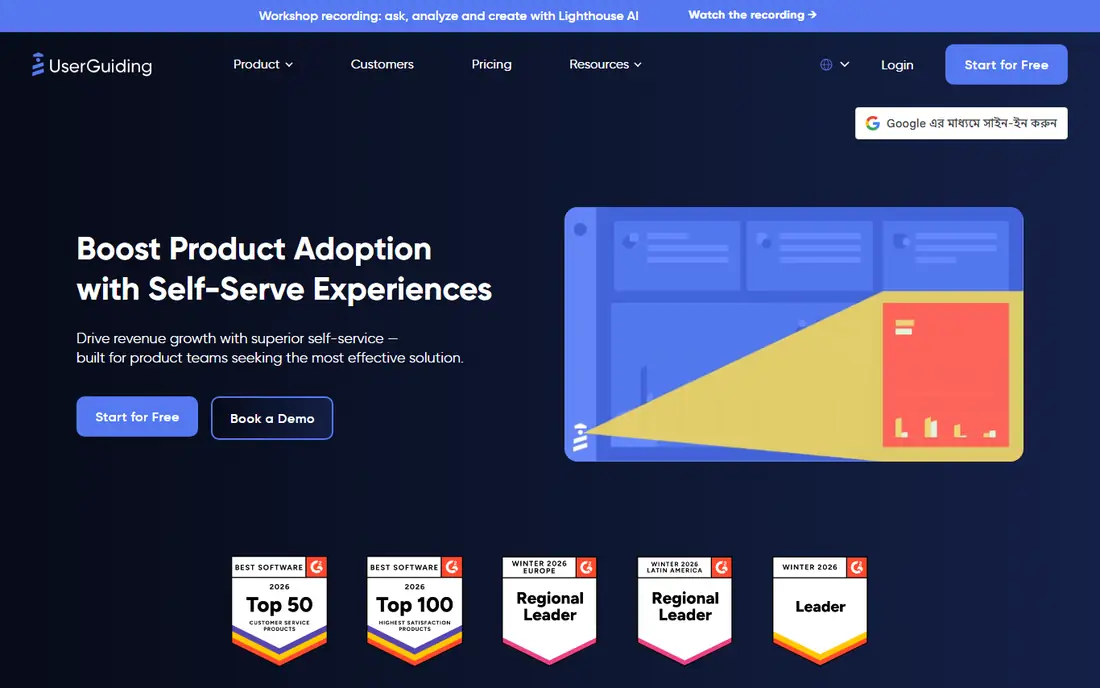
UserGuiding lets product teams build onboarding tours, tooltips, and checklists without code, using a visual editor that works on top of a web app. Segmentation targets guides by user type, plan, or behavior, so new users see relevant steps rather than a generic tour. Analytics show completion rates and drop-off points, which helps teams improve onboarding over time.
Mobile app support is lighter than Appcues, which focuses on both web and mobile. Pricing rises with monthly active users, so fast-growing products should model costs at scale. For a web product team that wants onboarding live quickly without developers, UserGuiding is the closest Userflow replacement here.
What we like- Easy no-code builder
- Good segmentation
- Useful analytics
Watch out for- Mobile support is lighter than Appcues
- Pricing rises with users
#2Appcues
Best for: onboarding across web and mobile apps4.6/5 on
G2 (359 reviews, checked Oct 2026)
Visit appcues.com
Starting priceSee website
Free planFree trial
Appcues covers onboarding for web and mobile apps, with tours, tooltips, surveys, and checklists built in a no-code editor. Targeting uses user properties and events, so guides reach the right users at the right moment, and analytics show how onboarding affects activation and retention. Mobile support is a real strength, since many onboarding tools are web-only.
Pricing sits above simpler tools like Usetiful, and setup takes planning for complex products. For a product with both web and mobile apps that needs consistent onboarding across both, Appcues is the strongest pick here. Its survey features also help teams collect feedback during onboarding.
What we like- Web and mobile support
- Good targeting
- Strong analytics
Watch out for- Pricing is higher than Usetiful
- Setup takes planning
#3Pendo
Best for: onboarding combined with product analytics4.4/5 on
G2 (1,808 reviews, checked Oct 2026)
Visit pendo.io
Starting priceSee website
Free planFree plan
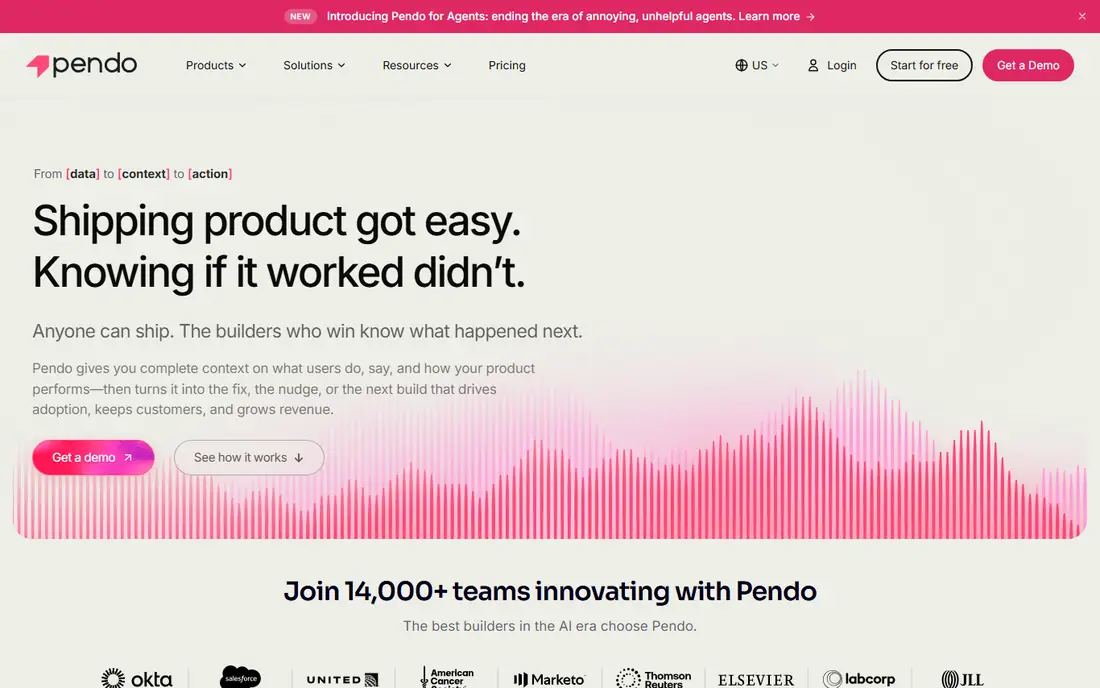
Pendo combines product analytics with in-app guides, so teams can see how users behave and then guide them based on that behavior. Guides, tooltips, and resource centers sit alongside funnels, retention reports, and feedback collection, which makes Pendo a full product platform rather than just an onboarding tool. A free plan covers basic use.
Full features are enterprise-priced, and the platform takes time to learn. For a larger product team that wants onboarding and analytics in one system, Pendo is the most complete option here. Smaller teams may find UserGuiding or Usetiful simpler and cheaper for guides alone.
What we like- Deep analytics
- Guides plus feedback
- Free plan available
Watch out for- Enterprise pricing for full features
- Learning curve
#4WalkMe
Best for: enterprise digital adoption at scale4.5/5 on
G2 (581 reviews, checked Oct 2026)
Visit walkme.com
Starting priceSee website
Free planNo
WalkMe is an enterprise digital adoption platform that guides users through complex software with walkthroughs, tooltips, and automation. It suits large companies rolling out enterprise software to employees, where training and adoption are major costs. Analytics show where users struggle, and automation can complete repetitive steps for them.
Pricing is enterprise-level, and implementation usually needs vendor support. For a company adopting complex internal software at scale, WalkMe is the leader here. For customer-facing onboarding on a smaller product, UserGuiding or Appcues will be simpler and cheaper.
What we like- Deep enterprise features
- Strong analytics
- Broad app support
Watch out for- Enterprise pricing
- Implementation needs support
#5Whatfix
Best for: employee training and software adoption4.5/5 on
G2 (552 reviews, checked Oct 2026)
Visit whatfix.com
Starting priceSee website
Free planNo
Whatfix helps employees learn and adopt enterprise software, with in-app guidance, self-help widgets, and analytics that show training effectiveness. It suits companies rolling out CRM, ERP, or HR systems to large workforces, where support tickets and training time are major costs. Guidance appears inside the app, so employees learn while working.
Pricing is enterprise-level, and the tool is less suited to small consumer products that need simple tours. For an enterprise training and adoption project, Whatfix is a strong rival to WalkMe, with a similar focus on reducing support load. Compare both on your specific apps before choosing.
What we like- Strong enterprise training
- Good analytics
- Broad app support
Watch out for- Enterprise pricing
- Less suited to small consumer products
#6
Intercom Product Tours
Best for: onboarding inside Intercom messaging
Visit intercom.com
Starting priceSee website
Free planFree trial
Intercom Product Tours lets teams build onboarding tours inside Intercom, alongside live chat, help center, and messaging. That combination suits teams already using Intercom for support, since onboarding and support share user data and targeting. Tours can trigger from user behavior, and support agents can see what a user has completed.
Product Tours needs an Intercom subscription, and tour features are fewer than dedicated tools like UserGuiding or Appcues. For a team already committed to Intercom, Product Tours is the easiest onboarding addition. For a team without Intercom, a dedicated tool will offer more for less.
What we like- Fits Intercom users
- Combines tours with chat
- Good targeting
Watch out for- Needs Intercom
- Tour features are fewer than dedicated tools
#7Chameleon
Best for: targeted tours with clean design4.4/5 on
G2 (361 reviews, checked Oct 2026)
Visit trychameleon.com
Starting priceSee website
Free planFree trial
Chameleon builds product tours, tooltips, and microsurveys with a clean design and precise targeting, so guides feel like part of the product rather than an overlay. The builder is no-code, and analytics show tour performance and user progress. It suits product teams that care about tour quality and want guides that match their product's look.
The feature set is smaller than Pendo, which also covers analytics and feedback in depth, and pricing rises with monthly users. For a product team that wants polished, targeted tours without a full platform, Chameleon is an excellent focused choice.
What we like- Clean tour design
- Good targeting
- Useful analytics
Watch out for- Smaller feature set than Pendo
- Pricing rises with users
#8Usetiful
Best for: affordable, simple product tours4.7/5 on
G2 (178 reviews, checked Oct 2026)
Visit usetiful.com
Starting priceSee website
Free planFree trial
Usetiful offers simple product tours, tooltips, and checklists at a low price, with a builder that gets a first tour live in hours rather than days. It suits small products and startups that need onboarding basics without enterprise cost or complexity. The free trial covers testing on a real product.
Advanced features such as deep segmentation and analytics are fewer than Appcues or Pendo. For a small team that needs good tours at a low price, Usetiful is the best value pick here. Upgrade later if onboarding needs grow more complex.
What we like- Low price
- Simple builder
- Fast setup
Watch out for- Fewer advanced features
- Smaller analytics depth
How we chose
We compared these tools on tour building, targeting, analytics, mobile support, pricing, and fit for different product sizes. We checked vendor pages and public comparison guides, and where pricing was not published we wrote See website instead of guessing. We kept the list to tools a real product team can sign up for today, and we left out tools that only offer one narrow feature. We also weighed how easily tours can be updated, since products change often, and a tool that makes updates painful will leave stale tours live for months.
Start with your users' first goal. A good tour leads a new user to one meaningful success, such as creating a first project or inviting a teammate, rather than showing every feature. Pick a tool that supports checklists and progressive onboarding, so users learn in steps instead of facing a long tour on day one.
Next, test tours with real new users, not just your team. Watch where users drop off, skip, or get confused, and shorten tours that lose people. Analytics from the tool will show drop-off points, but watching a few sessions reveals why. Keep tours short: a tour that takes more than a few minutes usually needs cutting.
Finally, compare costs at your real user volume, since pricing rises with monthly active users on most tools here. Also check how tours behave on mobile if your product has an app, since web-only tools will leave mobile users unguided. A tool that covers both platforms saves a second purchase later.
Also check accessibility before you commit. Onboarding tours should work with keyboard navigation and screen readers, and they should not trap focus or hide content from assistive tools. Ask each vendor about accessibility support, and test a tour with a keyboard alone and with a screen reader during the trial. A tour that excludes users with disabilities is not just a poor experience, it can also create legal risk for products sold to government or enterprise buyers.
Frequently asked questions
What is Userflow used for?
Userflow is a no-code platform for product onboarding, letting teams build tours, tooltips, and checklists that guide new users through a web app. Teams replacing it need the same no-code building, targeting, and analytics from another vendor.
Which alternative is closest to Userflow?
UserGuiding is the closest no-code replacement for web products, while Appcues matches it across web and mobile. Chameleon is close on tour quality, and Usetiful is close on simplicity at a lower price.
How long should an onboarding tour be?
Keep tours short, ideally under a few minutes, and focused on one meaningful success. Longer tours lose users, so split learning into checklists and progressive steps rather than one long walkthrough.
Do these tools need developers to install?
Most tools here install with a small code snippet, then product teams build tours without code. Developer time is usually needed once for installation and for passing user data, but not for each tour after that. Plan a short written handoff so product teams know which user properties are available for targeting. Write it down once and share it with everyone involved.
Can I measure whether onboarding works?
Yes. Track tour completion, time to first success, activation rates, and retention for users who completed onboarding versus those who did not. Most tools here report completion and drop-off, while Pendo adds deeper product analytics. Run a simple comparison: give half of new users the tour and half no tour, then compare activation after two weeks. That test shows whether onboarding helps or just adds steps.
Should onboarding differ for different user types?
Yes. Segment tours by role, plan, or use case, so each user sees steps relevant to their job. Generic tours waste time and lose users, while targeted tours feel helpful and finish faster. Start with two or three segments, such as admin versus regular user, and add more only when the data shows a group needs different steps. Too many segments create maintenance work that cancels the benefit.
Sources we checked (8)
- https://userguiding.com
- https://www.appcues.com
- https://www.pendo.io
- https://www.walkme.com
- https://whatfix.com
- https://www.intercom.com
- https://www.trychameleon.com
- https://www.usetiful.com
Is your product missing or out of date?
We review this list regularly. Vendors can request a listing, send updated pricing or ask about featured placement.

Shihab Mia · Founder, Rankite
Shihab has 5+ years in B2B and SaaS SEO. He writes Rankite's software buying guides from pricing pages, documentation and public user reviews. More about Shihab.