How we make this list: we compare pricing pages, product documentation and public user reviews. Ratings come from G2, Capterra or Trustpilot, with the date we checked them.
Key takeaways
- Userback is the closest general replacement for Usersnap, with visual feedback, video, and integrations for product and support teams.
- Marker.io and BugHerd suit agencies and web teams that need client-friendly website QA with clear bug reports for developers.
- Instabug is the best pick for mobile apps, with in-app bug reporting, crash reports, and user feedback built for iOS and Android.
- Pastel and Ruttl fit design and website review, where commenting directly on a live page matters more than a full bug tracker.
- Check screenshot, video, and integration limits before buying, since feedback volume and team size change the real cost quickly.
Quick comparison
| Tool | Best for | Starting price | Free plan |
|---|
 Userback Userback | General visual feedback for product teams | See website | Free trial |
 Marker.io Marker.io | Website QA for agencies and web teams | See website | Free trial |
 BugHerd BugHerd | Client website feedback and bug tracking | See website | Free trial |
 Instabug Instabug | In-app feedback for mobile apps | See website | Free trial |
 ZipBoard ZipBoard | Website and document review for teams | See website | Yes |
 Pastel Pastel | Visual commenting on live websites | See website | Free trial |
 Ruttl Ruttl | Website and design review with versions | See website | Yes |
 Shake Shake | Mobile bug reporting with detailed logs | See website | Free trial |
 Bird Eats Bug Bird Eats Bug | Video bug reports for web apps | See website | Free trial |
Is your product missing or out of date?
We review this list regularly. Vendors can request a listing, send updated pricing or ask about featured placement.
The best Usersnap alternatives
Starting priceSee website
Free planFree trial
Userback is the most direct Usersnap replacement for a general product team. Visitors and users can leave annotated screenshots, video feedback, and feature requests without leaving the page, and the feedback flows into the tools developers already use. That combination covers both bug reports and general product feedback in one widget.
Userback is broader than a simple QA tool, so teams that only need occasional website bug reports may find it more than necessary. Userback fits best for product, support, and development teams that collect feedback regularly and need it organized, assigned, and tracked.
What we like- Visual feedback with screenshots, video, and annotations
- Feedback widget for websites and apps
- Integrations with Jira, Slack, Trello, and other tools
Watch out for- Pricing varies by feedback volume and team size
- Setup takes more care for large, multi-product teams
#2
Marker.io
Best for: Website QA for agencies and web teams
Visit marker.io
Starting priceSee website
Free planFree trial
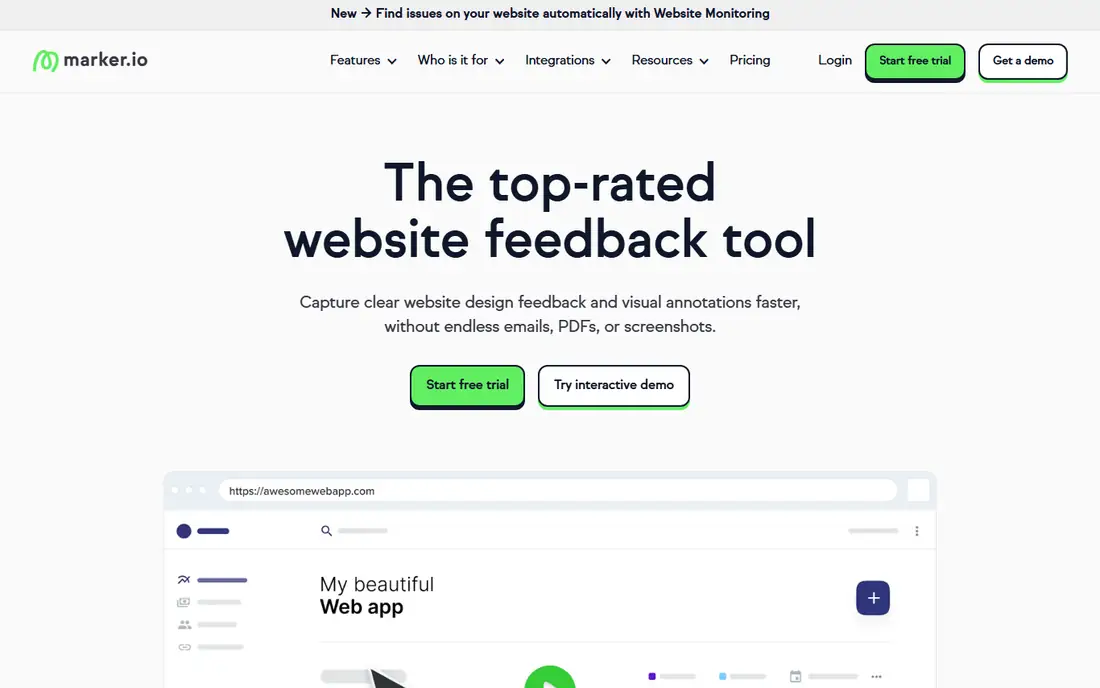
Marker.io is built for the agency workflow: a client clicks a widget on a staging site, annotates a problem, and the developer gets a bug report with technical context attached. Clients do not need an account to report, which removes a common barrier to getting feedback on time.
Marker.io is less suited to general product feedback from end users at scale. Marker.io fits best for agencies, freelancers, and web teams that run website QA for clients and need clean, developer-ready bug reports.
What we like- Client-friendly feedback widget with no account needed for reporters
- Automatic technical details such as browser, screen size, and console logs
- Strong integrations with Jira, GitHub, Trello, and Asana
Watch out for- Focused on website QA, so mobile app feedback is limited
- Pricing is per project or team, so check limits for many client sites
#3BugHerd
Best for: Client website feedback and bug tracking4.7/5 on
G2 (216 reviews, checked Oct 2026)
Visit bugherd.com
Starting priceSee website
Free planFree trial
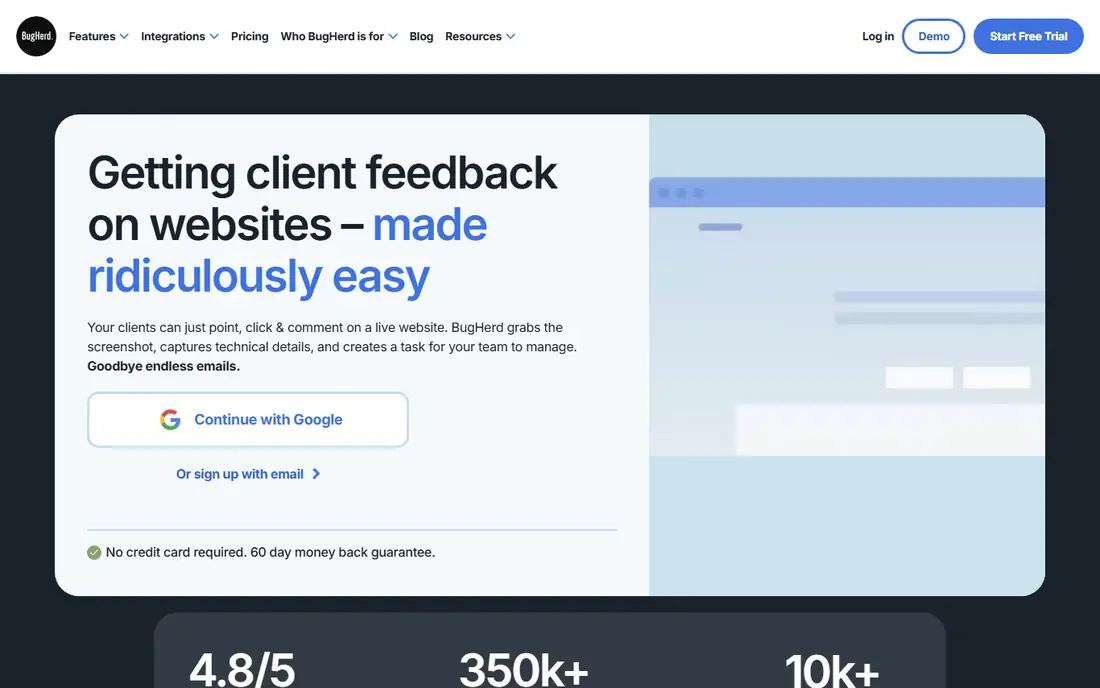
BugHerd takes a visual, pin-based approach to website feedback. A client or tester pins a comment to the exact spot on a page, adds a screenshot, and the team sees it on a board with status and assignee. That direct mapping from comment to page location reduces confusion about which element is broken.
BugHerd is not a full product feedback or analytics platform, and mobile app teams will need a different tool. BugHerd fits best for web projects with client review cycles, where clear, location-specific feedback matters more than advanced analytics.
What we like- Pin feedback directly on a website page
- Simple board for tracking bugs and tasks
- Guest reporting for clients without a full account
Watch out for- Less depth for mobile apps and product analytics
- Interface is simpler than full product feedback platforms
Starting priceSee website
Free planFree trial
Instabug is the mobile answer to Usersnap. Users shake their phone or tap a button inside the app to report a bug, attach a screenshot, and send logs that help developers reproduce the problem. Product teams can also run in-app surveys and collect feature requests without leaving the app.
For a website-only team, Instabug offers little advantage over a web widget. Instabug fits best for mobile app teams that need bug reports, crash context, and user feedback inside the app, with developer tools to act on them quickly.
What we like- In-app bug reporting, surveys, and feature requests for mobile
- Crash reports and session details for developers
- Works on iOS, Android, and other mobile platforms
Watch out for- Website feedback is not its main strength
- Pricing scales with app users and team size
Starting priceSee website
Free planYes
ZipBoard covers more than websites. Teams can review a live site, a video, or a document, leave visual comments, and track fixes as tasks. That breadth helps agencies and internal teams that review several types of content in one project.
The integration list is smaller than larger rivals, so check your bug tracker and chat tools before committing. ZipBoard fits best for small teams and agencies that need visual review across websites and documents, with a free tier to start.
What we like- Visual feedback on websites, videos, and documents
- Task tracking and collaboration in one place
- Free tier for small teams and projects
Watch out for- Smaller integration ecosystem than Userback or Marker.io
- Less specialized for mobile bug reporting
#6Pastel
Best for: Visual commenting on live websites4.5/5 on
G2 (14 reviews, checked Oct 2026)
Visit usepastel.com
Starting priceSee website
Free planFree trial
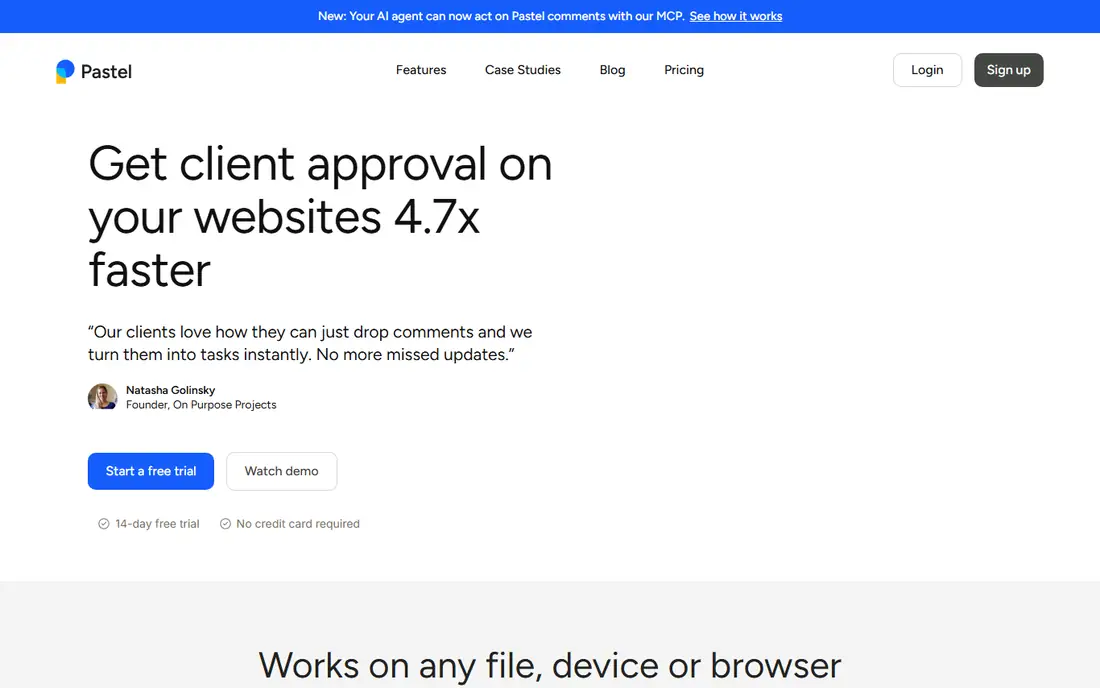
Pastel is the simplest tool here for a quick review. Share a website link, let reviewers click and comment on the live page, and collect feedback in one place. There is no heavy setup, which helps when stakeholders are not technical and will not learn a new system for one review.
For ongoing bug tracking with developers, Pastel will feel thin. Pastel fits best for quick website reviews, stakeholder feedback, and small projects where simplicity matters more than a full bug workflow.
What we like- Very simple commenting on any live website link
- No install needed for reviewers in many cases
- Good for quick client and stakeholder reviews
Watch out for- Less bug tracking depth than Marker.io or BugHerd
- Not built for large-scale product feedback
Starting priceSee website
Free planYes
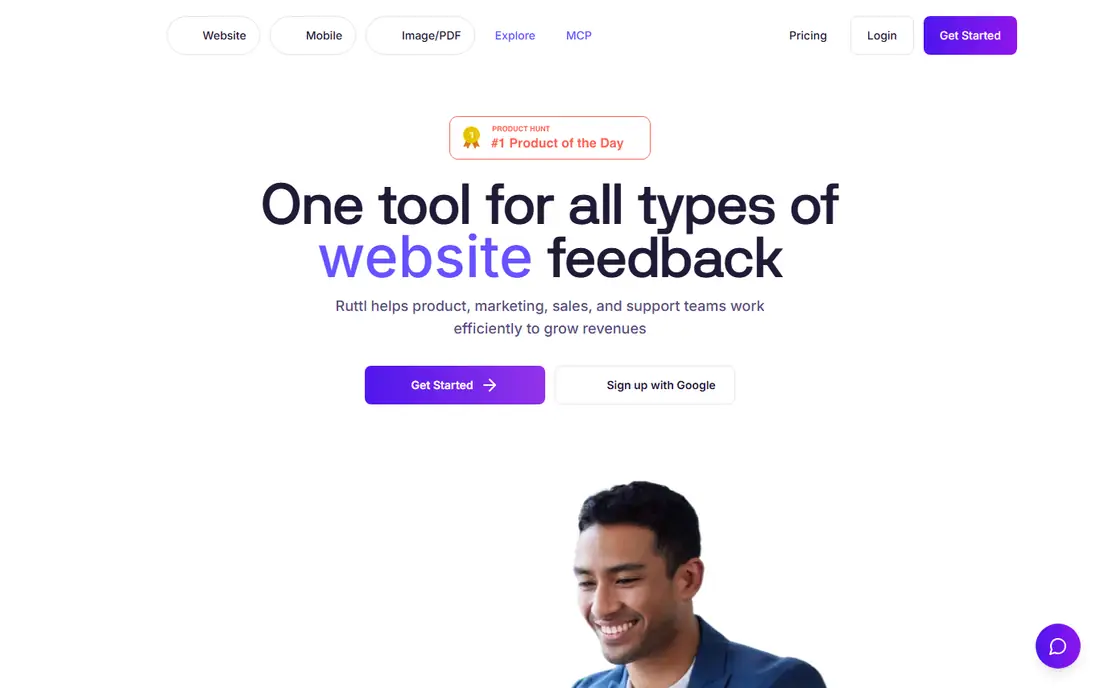
Ruttl combines website review with design file review, which suits teams that move between a Figma file and a live site. Comments stay attached to the page or design, and version history helps track what changed after feedback was given. That makes it useful for iterative design and development work.
Ruttl is not a mobile bug reporting tool, and its bug tracker is lighter than a dedicated QA platform. Ruttl fits best for design and web teams that review both designs and live sites, and that want version tracking alongside comments.
What we like- Comment on live websites and design files
- Version history for tracking changes
- Free tier for small projects
Watch out for- Less focus on mobile app bug reporting
- Advanced integrations require paid plans
Starting priceSee website
Free planFree trial
Shake is built around one idea: make mobile bug reporting as easy as shaking the phone. When a tester reports a bug, developers get device details, logs, and reproduction steps, which cuts down on the back-and-forth that usually slows mobile QA. The SDK is designed to be quick to add to an app.
Website teams should look elsewhere, since Shake is mobile-first. Shake fits best for mobile app teams and QA testers who want detailed, developer-ready bug reports with minimal effort from the reporter.
What we like- Shake-to-report bug reporting for mobile apps
- Detailed logs, network data, and device info for developers
- Simple SDK setup for app teams
Watch out for- Mobile-only focus, so no website widget
- Smaller brand presence than Instabug
Starting priceSee website
Free planFree trial
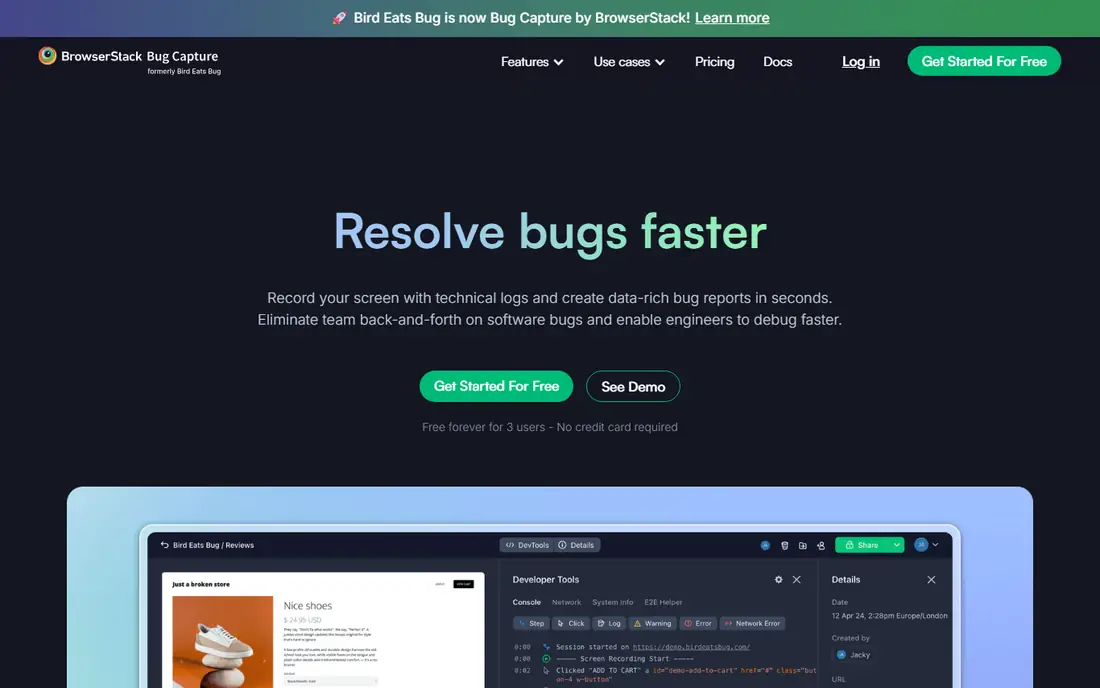
Bird Eats Bug focuses on video bug reports for web applications. A reporter records the screen, and the tool attaches console logs, network requests, and browser details, so developers can see exactly what happened. That is valuable for bugs that are hard to describe in text, such as intermittent UI or network issues.
For simple feedback such as a typo or a color change, video recording is overkill. Bird Eats Bug fits best for web app teams dealing with complex, hard-to-reproduce bugs, where a video plus logs saves hours of investigation.
What we like- Video and screen recordings with technical logs
- Browser extension for quick reporting
- Good for reproducing complex web bugs
Watch out for- Video-first approach may be more than needed for simple text feedback
- Team features require paid plans
How we chose
We checked vendor pricing pages, product documentation, and public reviews on G2, Capterra, and Reddit, and compared each tool on feedback capture, screenshot and video support, technical context, integrations, and price model. Tools were kept only if they are available today, capture feedback in context on a website or app, and have a clear audience. Where pricing varied by project, user, or feedback volume, we marked it as See website instead of publishing a single figure.
We gave extra weight to reporter experience, since a feedback tool only works if non-technical clients and users actually use it. A tool with powerful developer features but a confusing reporter widget scored lower than a simpler tool that gets consistent feedback.
How to pick a Usersnap alternative for your team
The reporter and the fixer have different needs, and both matter. Use the checks below to choose a tool that both sides will actually use.
Start with who reports feedback
If clients report, choose a tool with guest reporting and no account requirement, such as Marker.io or BugHerd. If app users report, choose a mobile tool such as Instabug or Shake. If internal testers report, a broader platform such as Userback may fit better.
Check what technical context is captured
A screenshot alone often is not enough. Check whether the tool captures browser, device, screen size, console logs, and network data automatically. That context is what turns a vague report into a bug a developer can fix without asking follow-up questions.
Confirm integrations with your bug tracker
Feedback should flow into Jira, GitHub, Trello, Asana, or Slack, not sit in a separate inbox. Test the integration during a trial, including assignee, status, and comment sync, since a one-way export creates extra manual work.
Test with a real client or tester
Run a trial review with a real client, tester, or user, not just your own team. Watch whether they understand the widget, whether they add useful screenshots, and whether developers get enough detail. A tool that passes an internal test but confuses clients will fail in practice.
Frequently asked questions
What is Usersnap used for?
Usersnap is used to collect visual feedback and bug reports on websites and apps, with screenshots, annotations, and surveys. Visitors, clients, and testers can report problems directly on the page, and teams can track and manage that feedback. Alternatives in this guide cover the same job, with different strengths for web QA, mobile apps, and design review.
What is the best free Usersnap alternative?
ZipBoard and Ruttl offer free tiers that work for small teams and projects. Pastel, Marker.io, and Userback offer free trials, but not permanent free plans for full use. For a free start, test ZipBoard or Ruttl on a real project, and check limits on projects, users, and feedback volume.
Which alternative is best for agencies?
Marker.io and BugHerd are strong agency picks, because they offer client-friendly reporting without requiring clients to create accounts, plus developer-ready bug reports. ZipBoard is also useful for agencies that review websites, videos, and documents in one place.
Can these tools replace Jira or GitHub for bug tracking?
No, in most cases. These tools capture and organize feedback, then send bug reports to Jira, GitHub, Trello, or Asana for development work. Think of them as the front door for feedback, not a replacement for a full development tracker.
Do feedback widgets slow down a website?
A well-built widget should have minimal impact, but any third-party script adds some load. Test page speed with the widget enabled during a trial, especially on staging sites that clients will review. Remove or disable the widget on production pages if it is only needed for QA.
How do I get clients to actually use a feedback tool?
Keep reporting simple, with no account required, clear instructions, and a short deadline for feedback. Share a staging link with the widget already enabled, and explain that comments pinned to the page are faster than email screenshots. A tool that is easy for clients will get more, and better, feedback.
Sources we checked (9)
- https://userback.io/pricing
- https://marker.io/pricing
- https://bugherd.com/pricing
- https://instabug.com/pricing
- https://zipboard.co/pricing
- https://usepastel.com/pricing
- https://ruttl.com/pricing
- https://www.shakebugs.com/pricing
- https://birdeatsbug.com/pricing
Is your product missing or out of date?
We review this list regularly. Vendors can request a listing, send updated pricing or ask about featured placement.

Shihab Mia · Founder, Rankite
Shihab has 5+ years in B2B and SaaS SEO. He writes Rankite's software buying guides from pricing pages, documentation and public user reviews. More about Shihab.