How we make this list: we compare pricing pages, product documentation and public user reviews. Ratings come from G2, Capterra or Trustpilot, with the date we checked them.
Key takeaways
- Brave is the easiest privacy upgrade for most Firefox users, with tracker and ad blocking built in by default.
- Google Chrome offers the broadest extension support and Google account integration, but it collects more data by design.
- Microsoft Edge suits Windows and Microsoft 365 users, with vertical tabs, collections, and strong productivity features.
- Vivaldi suits power users who want deep tab and interface customization without adding many extensions.
- Tor Browser, LibreWolf, and Mullvad Browser suit privacy-focused sessions, but they are less convenient as a daily browser for logged-in accounts.
Quick comparison
| Tool | Best for | Starting price | Free plan |
|---|
 Brave Brave | Built-in privacy and ad blocking | Free | Yes |
 Google Chrome Google Chrome | Google integration and extensions | Free | Yes |
 Microsoft Edge Microsoft Edge | Windows and Microsoft 365 | Free | Yes |
 Vivaldi Vivaldi | Tab and interface customization | Free | Yes |
 Safari Safari | Apple devices and battery life | Free | Yes |
 Opera Opera | Built-in convenience tools | Free | Yes |
 Tor Browser Tor Browser | Anonymous browsing sessions | Free | Yes |
 LibreWolf LibreWolf | Hardened Firefox experience | Free | Yes |
 Mullvad Browser Mullvad Browser | Privacy without a VPN account | Free | Yes |
Is your product missing or out of date?
We review this list regularly. Vendors can request a listing, send updated pricing or ask about featured placement.
The best Firefox alternatives
Starting priceFree
Free planYes
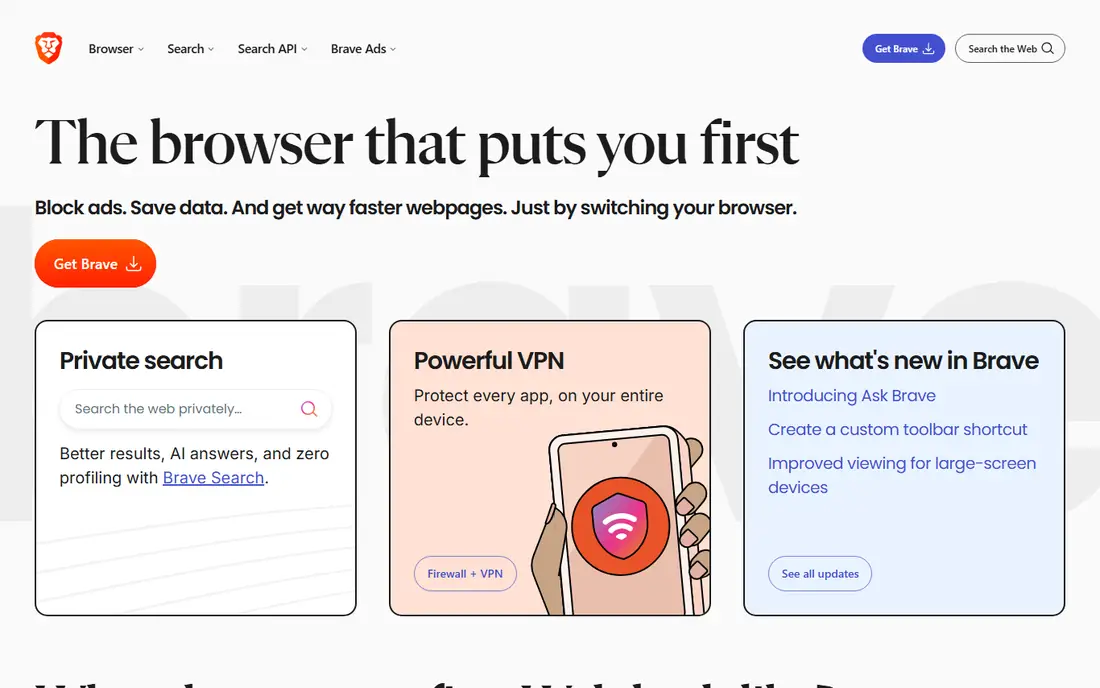
Brave is the simplest switch for a Firefox user who wants privacy without configuring extensions. Shields block third-party ads, trackers, fingerprinting attempts, and cookie pop-ups by default, so pages load faster and with less tracking. Because Brave is built on Chromium, most Chrome extensions work, which eases the move for users with a large extension setup.
The browser also includes Brave Search as the default search engine for many new users, plus optional features such as a VPN, a wallet, and a rewards program. Those extras can be ignored or removed in settings, and Brave Origin, a paid one-time version, strips many of them for users who want a cleaner browser. The core browser remains free on desktop and mobile.
Brave fits users who want strong privacy defaults with mainstream site compatibility. It is less suited to users who want deep Google or Apple account sync, or who dislike the extra features that come bundled with the standard build.
What we like- Blocks ads and trackers by default
- Fast page loads
- Chromium extension support
Watch out for- Crypto and rewards features annoy some users
- Sync is less deep than Google or Apple
Starting priceFree
Free planYes
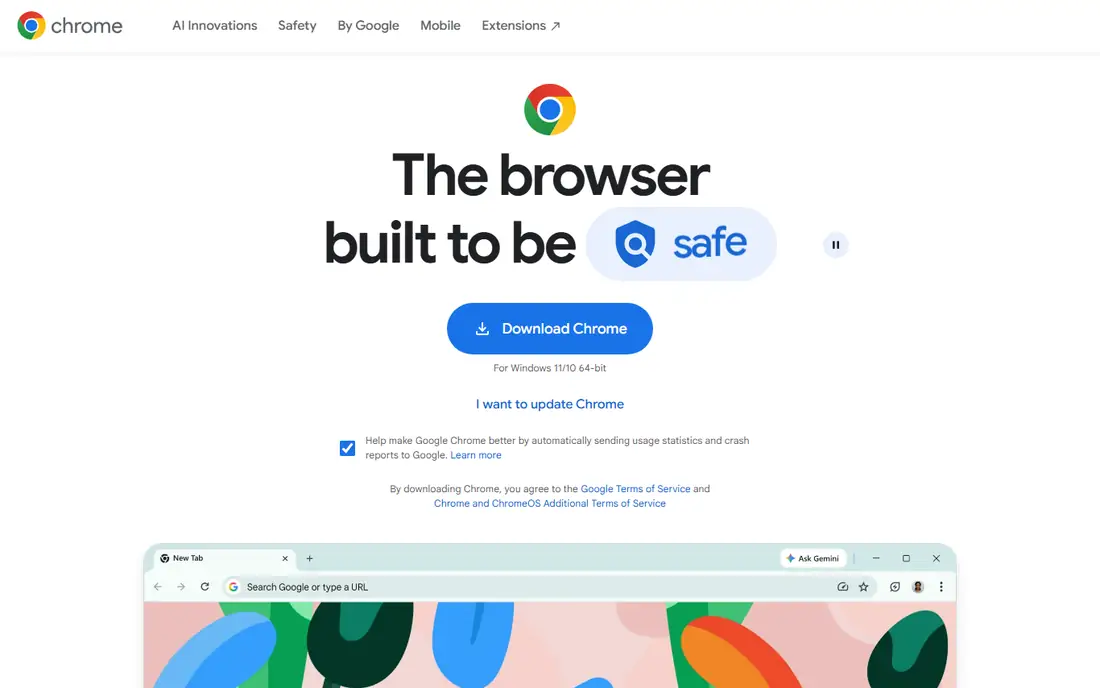
Chrome is the safe choice for compatibility. Almost every site and web app is tested against Chrome first, and the Chrome Web Store offers the largest extension library. Signing in with a Google account syncs bookmarks, passwords, history, and open tabs across desktop and mobile, which is convenient for users already deep in Google services.
Recent versions add Gemini features in the browser, plus tab groups, vertical tabs, split view, and a built-in password manager. Those tools help with research and multitasking, though the AI features are tied to Google accounts and, in some cases, paid Google plans. Safety Check and Enhanced Safe Browsing add protection against phishing and malware.
Chrome fits Google-first users who value compatibility and sync above privacy defaults. It is a weaker pick for users who want tracker blocking by default, since Chrome requires extensions and settings changes to reach a similar privacy level.
What we like- Largest extension store
- Deep Google account sync
- Excellent site compatibility
Watch out for- Weaker privacy defaults than Brave or Firefox
- Higher memory use with many tabs
Starting priceFree
Free planYes
Edge is the natural Firefox alternative on Windows. It runs on Chromium, so Chrome extensions work, and it integrates with Microsoft accounts, Office apps, and Windows features such as collections and vertical tabs. Tab groups, split screen, and sidebar tools help users who juggle research, documents, and email in one window.
Edge also includes AI features through Copilot, plus shopping, reading, and productivity tools that some users love and others disable. The browser is free on Windows, Mac, Android, and iOS, and sync works best with a Microsoft account. Privacy controls exist, but Edge does not block trackers as aggressively as Brave by default.
Edge fits Windows users, Microsoft 365 subscribers, and office workers who live in Outlook, Teams, and Office documents. It is less suited to users who want a minimal browser, since the built-in features take time to trim back.
What we like- Strong Windows and Microsoft 365 integration
- Vertical tabs and collections
- Chromium extensions
Watch out for- Microsoft account prompts can feel pushy
- Privacy defaults are weaker than Brave
Starting priceFree
Free planYes
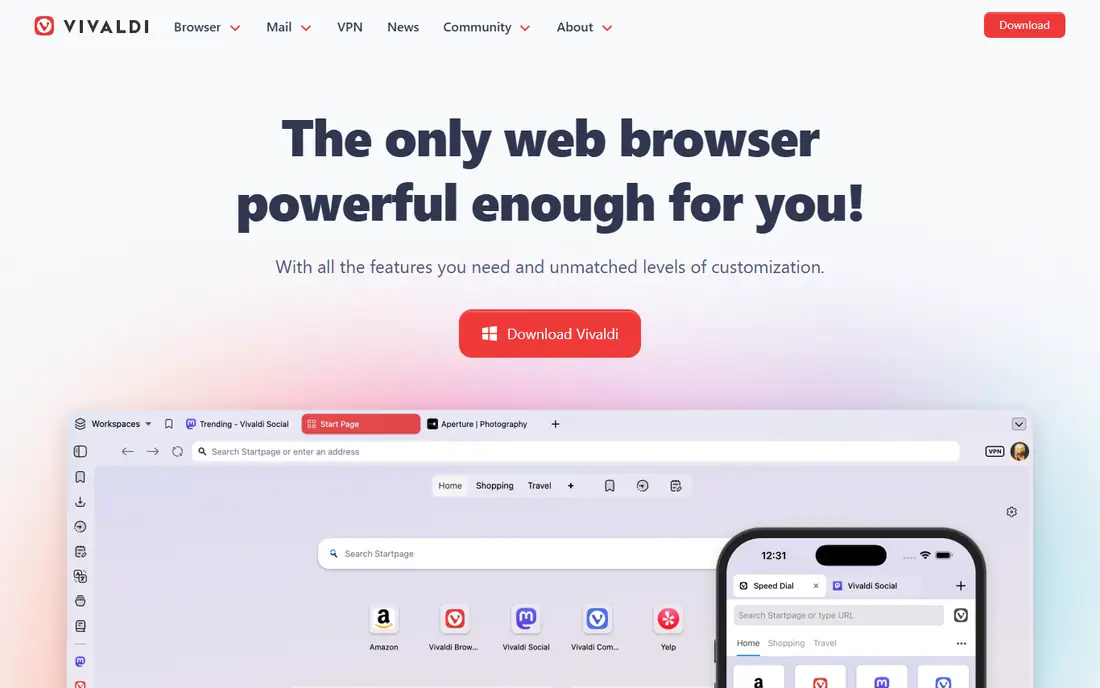
Vivaldi is built for people who keep many tabs open and want control over how they are organized. Tab stacks group related tabs, workspaces separate projects, panels hold notes and bookmarks, and the interface can be rearranged in detail. Built-in mail, calendar, and notes reduce the need for extra extensions for some users.
Because Vivaldi is Chromium-based, Chrome extensions install normally, so switching from Firefox does not mean losing a favourite extension. The browser is free on desktop and mobile, with sync across devices through a Vivaldi account. The learning curve is the main cost, since the number of settings and options can overwhelm a user who wants a simple browser.
Vivaldi fits researchers, developers, and power users who manage dozens of tabs and want the browser shaped to their workflow. It is less suited to users who want a clean, minimal browser that needs no setup.
What we like- Deep tab stacking, workspaces, and panels
- Built-in notes and mail
- Chromium extensions
Watch out for- Rich interface can feel busy at first
- Smaller user base than Chrome or Edge
Starting priceFree
Free planYes
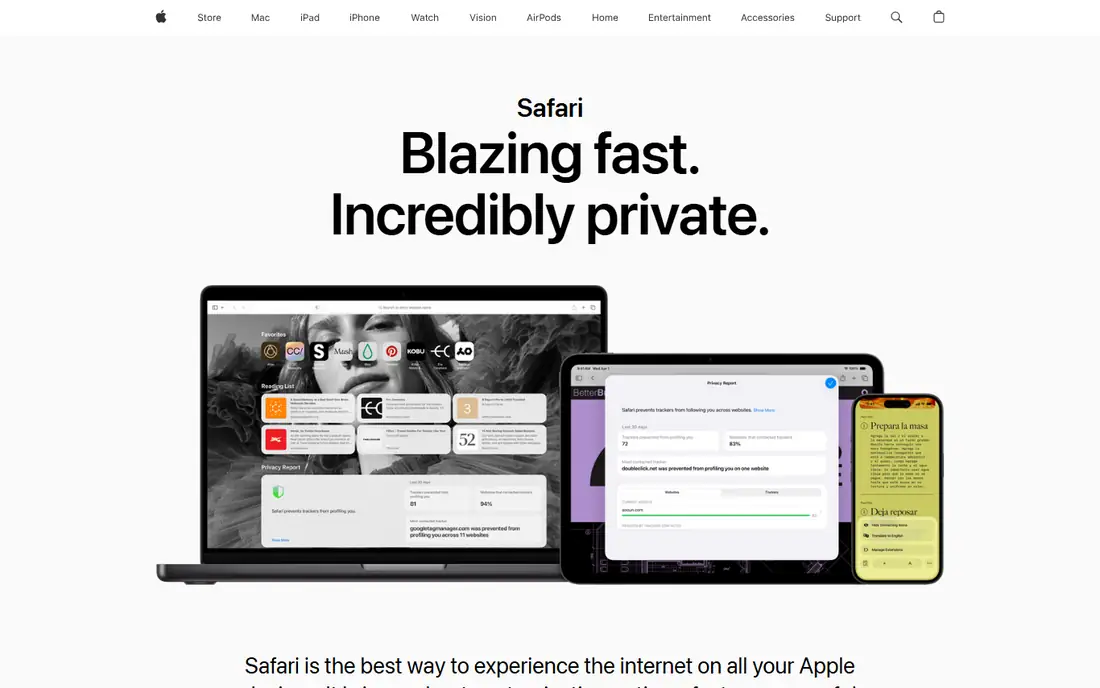
Safari is the obvious Firefox alternative for Apple users. It is built into macOS and iOS, syncs through iCloud, and is tuned for battery life on MacBooks, often lasting longer than Chromium browsers in everyday use. Tracking protections block cross-site trackers by default, and privacy features such as Private Relay, on paid iCloud plans, add another layer.
The limits are platform and extensions. Safari runs only on Apple devices, so Windows and Android users cannot use it as a main browser, and the extension library is smaller than the Chrome Web Store. Some web apps also arrive later or behave differently in Safari, though compatibility has improved in recent years.
Safari fits people who use only Apple devices and value battery life, sync, and privacy defaults. It is not an option for cross-platform users who need the same browser on Windows, Android, and Mac.
What we like- Excellent battery life on Mac
- Deep iCloud sync
- Strong tracking protections
Watch out for- Available only on Apple devices
- Extension library is smaller than Chromium stores
Starting priceFree
Free planYes
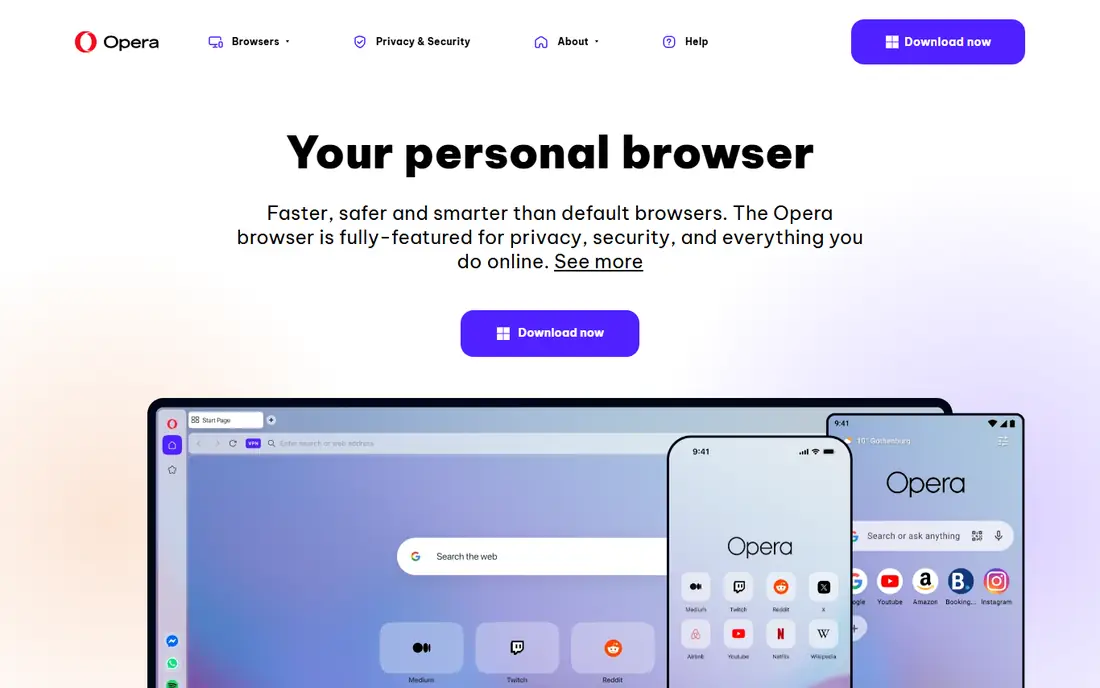
Opera bundles convenience features that other browsers need extensions to match. A sidebar holds messengers and music players, workspaces separate browsing contexts, a built-in ad blocker cuts clutter, and a free browser VPN feature routes browser traffic through Opera servers. A battery saver mode helps on laptops, and tab islands group related tabs automatically.
Opera is Chromium-based, so most Chrome extensions work, though some users install a small extension to enable full Chrome Web Store access. Sync works through an Opera account across desktop and mobile, and the browser is free on all major platforms. Privacy-minded users should read the VPN terms, since a browser VPN is not a full device VPN.
Opera fits users who want many built-in tools and a tidy sidebar workflow without hunting for extensions. It is less suited to users who want the strongest privacy reputation, where Brave, LibreWolf, or Tor Browser may be more convincing.
What we like- Built-in ad blocker, VPN feature, and workspaces
- Sidebar messengers
- Battery saver on laptops
Watch out for- Owned by a larger group with a mixed privacy record
- Extension support is good but not as broad as Chrome
Starting priceFree
Free planYes
Tor Browser is not a like-for-like Firefox replacement, but it is the right tool for anonymity-focused sessions. It routes traffic through the Tor network, which hides the user's IP address from sites, and it is designed to make many users look alike, reducing fingerprinting. It is based on Firefox ESR, so the interface feels familiar to Firefox users.
Speed and compatibility are the costs. Tor is slower than Brave, Chrome, or Edge, and many sites block Tor exit nodes or demand extra verification. Logged-in accounts can also link activity to an identity, which defeats much of the anonymity benefit, so Tor is best used for specific sessions rather than daily logged-in browsing.
Tor Browser fits journalists, researchers, and anyone who needs anonymous browsing for a specific task. It is not suited as a daily browser for work accounts, streaming, and shopping, where a mainstream browser will be faster and more reliable.
What we like- Routes traffic through the Tor network
- Reduces fingerprinting
- Based on Firefox ESR
Watch out for- Much slower than mainstream browsers
- Many sites block or challenge Tor traffic
Starting priceFree
Free planYes
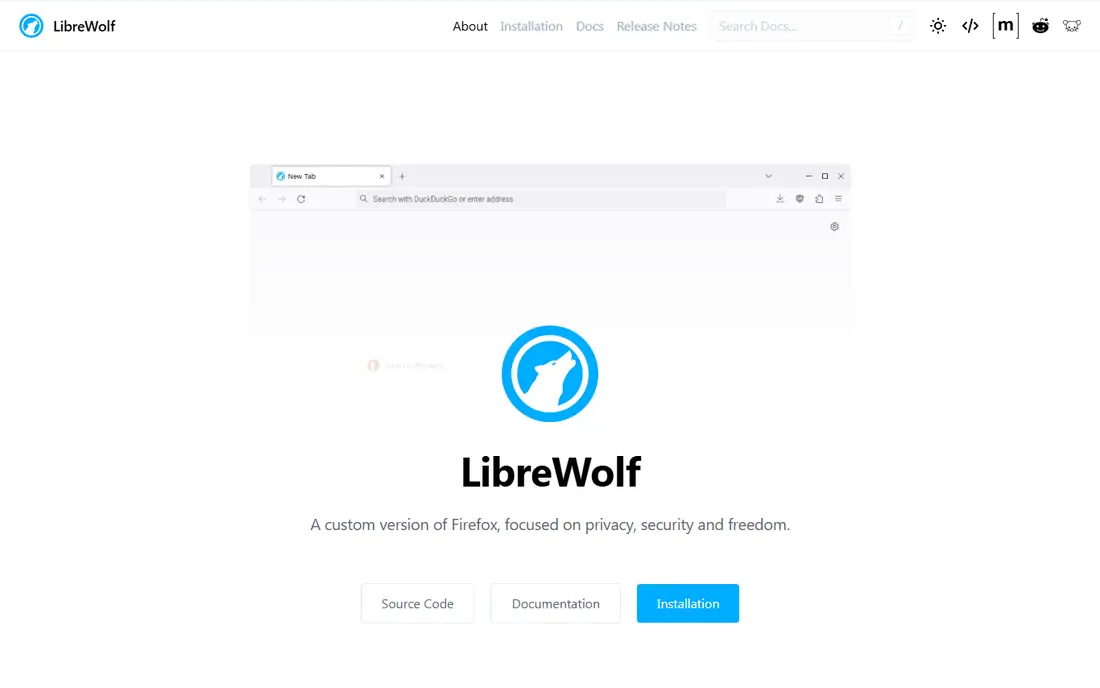
LibreWolf is a hardened fork of Firefox, built for users who like Firefox but want stricter privacy settings out of the box. It removes telemetry, tightens tracking protections, and sets defaults that Firefox leaves optional. For a Firefox user who already tunes privacy settings by hand, LibreWolf saves that work and keeps it consistent.
The trade-off is compatibility and maintenance. Some sites that rely on certain features may need a settings change, and LibreWolf updates can arrive after Firefox releases, since the project must adapt each new version. Extension support follows Firefox, so Firefox add-ons work, but the community is smaller than Mozilla's.
LibreWolf fits privacy-focused Firefox fans who want a familiar browser with stronger defaults and no account sync pressure. It is less suited to users who want official Mozilla support, rapid updates, and the full Firefox sync ecosystem.
What we like- Firefox base with stronger privacy defaults
- Telemetry removed
- Open source
Watch out for- Some sites need settings tweaks
- Updates can lag behind Firefox
- Smaller support community
Starting priceFree
Free planYes
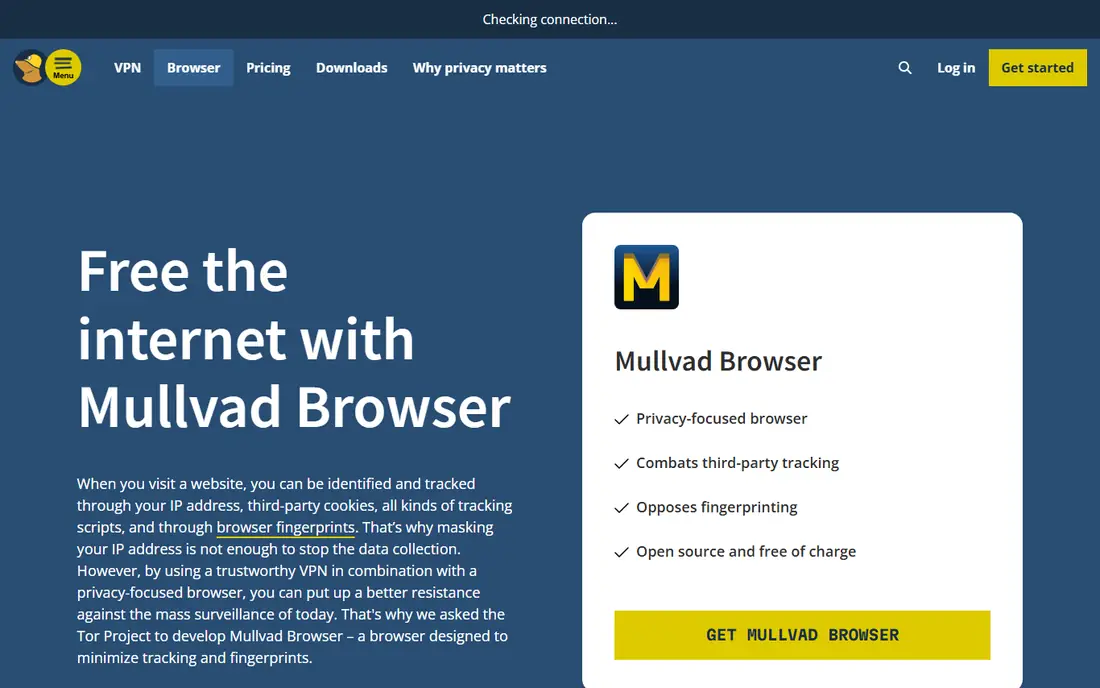
Mullvad Browser, developed with the Tor Project, aims to give Tor-level fingerprinting protection without routing traffic through Tor. It is free to download, and no Mullvad VPN subscription is required to use the browser itself, though users can pair it with a VPN of their choice for IP privacy. The browser blocks trackers and resists fingerprinting by making users look similar.
Daily use brings friction, as with Tor Browser. Some sites may behave differently, and logged-in browsing reduces the privacy benefit, since an account identifies the user regardless of browser settings. Mullvad Browser is therefore best seen as a privacy session browser, alongside a mainstream browser for work and accounts.
Mullvad Browser fits users who want strong anti-fingerprinting without joining the Tor network for every session. It is less suited as a sole daily browser for users who rely on sync, extensions, and logged-in services.
What we like- Developed with the Tor Project for privacy
- No Mullvad subscription required
- Strong anti-fingerprinting
Watch out for- Less convenient for daily logged-in use
- No built-in VPN unless the user adds one
How we chose
We compared browsers on privacy defaults, engine and extension support, sync across devices, speed and battery impact in principle, and platform availability. We checked vendor product pages and documentation, and we read public reviews on G2, Capterra, and Reddit for patterns in compatibility problems, update issues, and privacy complaints. Browsers were kept only if they are real, maintained products today, with a working download for at least one major desktop platform.
We also weighed the reason for leaving Firefox. A user leaving for Google integration needs a different answer from a user leaving for stronger privacy or better tab management, so the list includes Chromium, WebKit, and Firefox-based options, plus privacy session browsers that should not be used as a daily default.
How to pick a browser that fits your devices and habits
Start with devices, then privacy, then extensions. A browser that does not run on every device in use will fragment bookmarks and passwords, and a browser with the wrong privacy defaults will need constant tuning. Matching those three factors first narrows the list quickly.
Check engine and extension compatibility
Chromium browsers share the Chrome Web Store and similar site compatibility, which makes switching easy. Safari uses WebKit, while LibreWolf and Tor Browser use Firefox code, so extension choices differ. List the extensions that matter for work, such as a password manager and ad blocker, and confirm each one works in the new browser before switching fully.
Decide how much privacy you need by default
Brave, LibreWolf, and Mullvad Browser block more by default, while Chrome and Edge rely on settings and extensions for a similar level. Tor Browser goes further for anonymity, at the cost of speed. Choose the default level that matches real browsing, not an ideal level that will be disabled after a week because sites break.
Test sync, battery, and daily friction
Run the new browser as the default for a full work week, with sync turned on, and note battery life, memory use, and site problems. Import bookmarks and passwords first, so the test reflects real use rather than a clean install. A browser that feels fast on day one but drains a laptop or breaks a work app is not a good switch.
Keep a second browser for special cases
Many users keep a mainstream browser for work accounts and a privacy browser for sensitive sessions. That split avoids forcing one browser to do two jobs badly. Tor Browser and Mullvad Browser work well in that second role, while Brave, Edge, or Chrome handle daily logged-in work.
Frequently asked questions
Is Brave a good replacement for Firefox?
For most users, yes, especially when privacy and speed matter. Brave blocks ads and trackers by default, loads pages quickly, and supports Chromium extensions. Users who rely on Firefox sync, Firefox add-ons, or Mozilla account features may miss those, and should test sync before switching fully.
Which Firefox alternative is best for Windows users?
Microsoft Edge fits Windows best, thanks to system integration and Microsoft 365 features. Brave and Chrome are also strong on Windows, with Brave leading on privacy defaults and Chrome leading on Google integration. Vivaldi is the pick for Windows users who want deep tab customization.
Can I use Chrome extensions in these alternatives?
In Chromium browsers, yes, including Brave, Edge, Vivaldi, and Opera, with minor differences in store access. Safari uses its own extension gallery, while LibreWolf and Tor Browser use Firefox add-ons. Check each essential extension in the new browser, since a few extensions are tied to one store.
Is Tor Browser safe to use as a daily browser?
Tor Browser is designed for anonymity, not daily convenience. It is slower, many sites block Tor traffic, and logged-in accounts reduce anonymity. Use Tor Browser for specific privacy-sensitive sessions, and keep a mainstream browser for work, shopping, and streaming.
Does Safari work on Windows or Android?
No. Safari is available only on Apple devices, including Mac, iPhone, and iPad. Windows and Android users who want a similar privacy-focused experience should consider Brave, which offers strong tracker blocking on all major platforms.
How do I switch browsers without losing bookmarks and passwords?
Use the import tool in the new browser, which can pull bookmarks, history, and passwords from Firefox or another browser. Check that passwords imported correctly, turn on sync with a secure account, and keep Firefox installed for a week as a backup until the new setup feels stable.
Sources we checked (9)
- https://www.brave.com
- https://www.google.com/chrome
- https://www.microsoft.com/en-us/edge
- https://vivaldi.com
- https://www.apple.com/safari
- https://www.opera.com
- https://www.torproject.org
- https://librewolf.net
- https://mullvad.net/en/browser
Is your product missing or out of date?
We review this list regularly. Vendors can request a listing, send updated pricing or ask about featured placement.

Shihab Mia · Founder, Rankite
Shihab has 5+ years in B2B and SaaS SEO. He writes Rankite's software buying guides from pricing pages, documentation and public user reviews. More about Shihab.